
Self-host phenixcode
v2.4.2Private RAG assistant for searching code with local AI
- Stars
- 21
- Port
- 8590 (Main HTTP server and UI)
What is phenixcode?
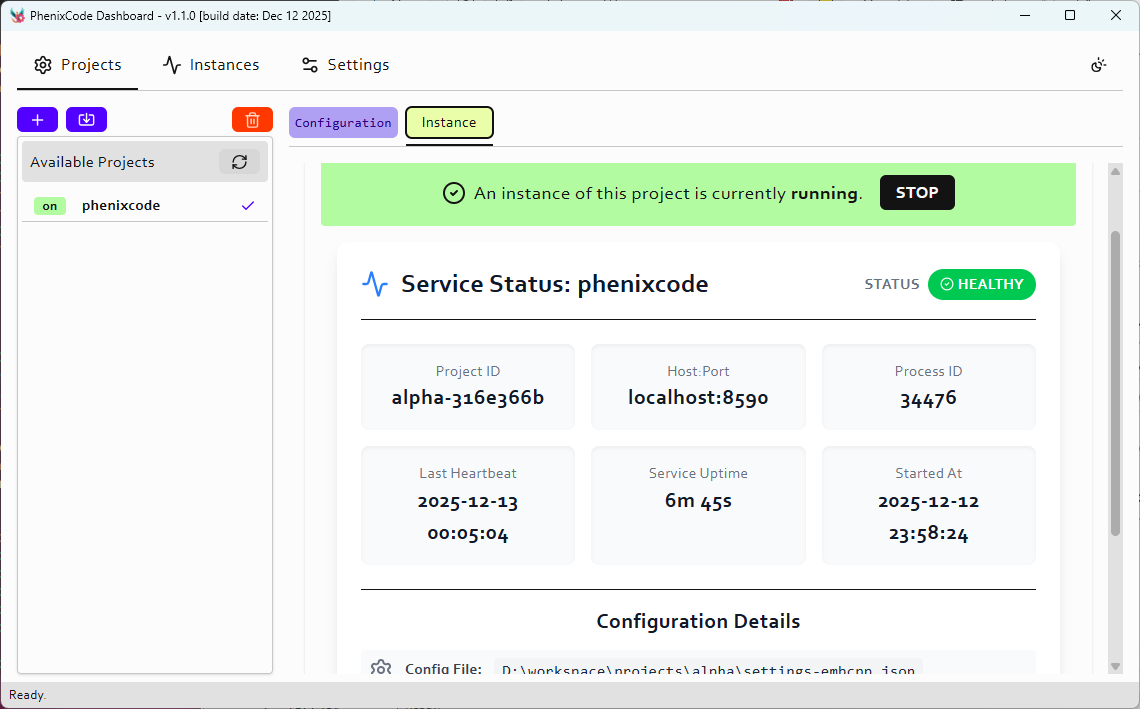
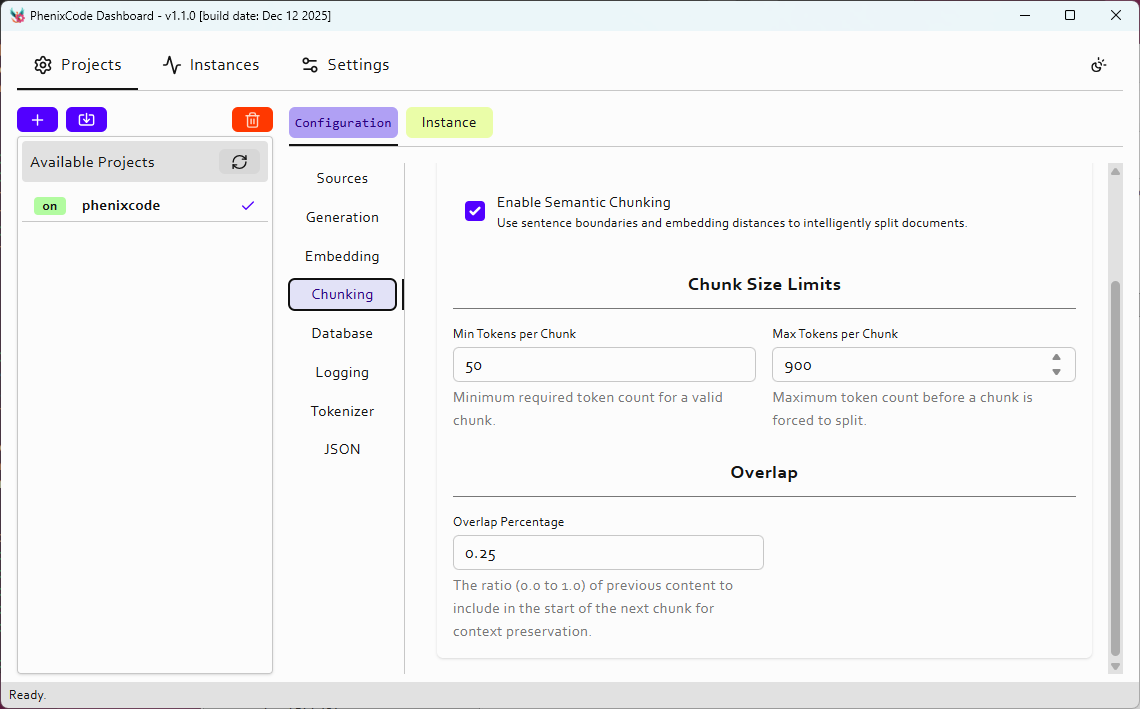
PhenixCode is a self-hosted RAG (Retrieval-Augmented Generation) assistant designed for developers who want to query their codebases with AI while keeping code private. It indexes code locally using embeddings from local or cloud LLMs, provides fast vector search via HNSWLib, stores metadata in SQLite, and exposes a REST API with JWT authentication. The project offers prebuilt binaries for Linux, macOS, and Windows with service installation scripts for systemd, NSSM, and LaunchAgent. It supports both local models (via llama-server) and cloud APIs (OpenAI, Mistral, Gemini, XAI, OpenRouter, CometAPI). The UI includes a web dashboard for administration and a chat interface. Configuration is managed through a single JSON file with environment variable overrides.
phenixcode alternatives
 Onyx Community EditionOpen-source, self-hosted AI enterprise search and chat: connectors index 50+ apps with permissions, then RAG search, custom agents and LLM chat run on any provider.CompareOnyx Community Edition with phenixcode
 WebCodexSelf-hosted MCP server/runner giving ChatGPT/Claude AI agents access to local code repos and dev tools on your machine.CompareWebCodex with phenixcode
 helixHelix gives each AI coding agent its own GPU desktop, orchestrating fleets on a spec-driven Kanban board with human PR review. Self-hosted on Docker, Kubernetes, Mac.Comparehelix with phenixcode
 CodinIT.devSelf-hosted open-source AI full-stack dev platform for building Node.js apps with code generation and 19+ AI providers.CompareCodinIT.dev with phenixcode
 KhojSelf-hosted, open-source AI second brain: RAG chat over your notes and the web, custom agents, semantic search and scheduled research emailed to you.CompareKhoj with phenixcode
 Coddy AgentSelf-hosted, open-source AI agent harness with terminal TUI, web UI, ACP for editors, Telegram gateway, cron scheduler, and swarm relay in a single Go binary.CompareCoddy Agent with phenixcode
 ChatGPT Next WebSelf-hosted, open-source AI chat UI for OpenAI, Claude, Gemini, DeepSeek and many other providers, with Docker, Vercel and native desktop/mobile clients.CompareChatGPT Next Web with phenixcode
 AizenAizen is a self-hosted AI coding agent as a single 34 MB Rust binary. Connects to any OpenAI-compatible endpoint, reads/edits code, runs tests, verifies work.CompareAizen with phenixcode
Should you self-host phenixcode?
phenixcode scores 36/100 on selfhost.directory (how scoring works) and ranks #100 of 120 in AI Assistant. It has 21 GitHub stars.
It shipped 10 stable releases in the past year. The latest, v2.4.2, came out on 19 October 2026. New versions land roughly every 5 days.
Setup is advanced: plan for several services and some ongoing maintenance. It is MIT-licensed and written mostly in C++.
Its closest alternative on selfhost.directory is openhands (87/100, 92 230 stars). It scores higher overall, so compare the two before you pick. See phenixcode vs openhands side by side.
Features
- CLI Interface
- Fast vector search
- Incremental updates
- Local Embeddings
- REST API
- Service Installation
- SQLite Metadata Storage
- Web admin dashboard
phenixcode README
More in AI Assistant
 PHOBOSSelf-hosted AI OS running LLMs, image/video generation, web browsing, audio, and tasks locally with no cloud.
 PhreshOSA self-hosted platform that runs web apps on your hardware and serves a browser desktop for people and AI agents to use them together.
 piclawOpen-source, self-hosted AI coding workspace: agent chat, editor, terminal, VNC, scheduled tasks and MCP, with any LLM provider including local OpenAI-compatible servers.
 picoclawSelf-hosted, open-source AI assistant in Go: a single binary under 10MB RAM with cron jobs, MCP tools, web search and 19+ chat channels like Telegram and Discord.
 Pi PocketA mobile-friendly web interface for the Pi coding agent that lets you collaborate in real time and persists every step locally.
 pocketpawSelf-hosted, open-source AI agent with a web dashboard and native desktop app, reachable over Telegram, Discord, Slack or WhatsApp, with swappable LLM backends.
 PocketRisuPocketRisu is a self-hosted, open-source AI roleplay chat platform that runs on your hardware and connects to multiple LLM providers via a web browser.
 poolPool is a self-hosted AI coding agent for terminal and ACP-compatible editors, supporting Poolside Platform, OpenRouter, Ollama, and OpenAI-compatible APIs.
 powerlabPowerLab is a self-hosted, open-source home server panel managing Docker apps, files, and monitoring with a curated 137-app store and built-in MCP server for AI agents.
 ProductFlowProductFlow is an open-source, self-hosted product creative workbench for solo merchants to manage assets, AI copy, and image workflows.
 profclawRun AI agents on your hardware with this open-source engine. 35 model providers, 72 tools, 22 chat services. Three sizes from tiny to full-featured.
 QCueQCue is a self-hosted, open-source capture-first second brain that turns thoughts into a living Markdown wiki using your own LLM keys.
0 comments