
Self-host ProductFlow
v0.1.0Self-hosted AI product creative workbench
- Stars
- 307
- Ports
- 29280 (Backend API (FastAPI)), 29281 (Web frontend (nginx static server))
- Requires
- Dramatiq worker, PostgreSQL, Redis
What is ProductFlow?
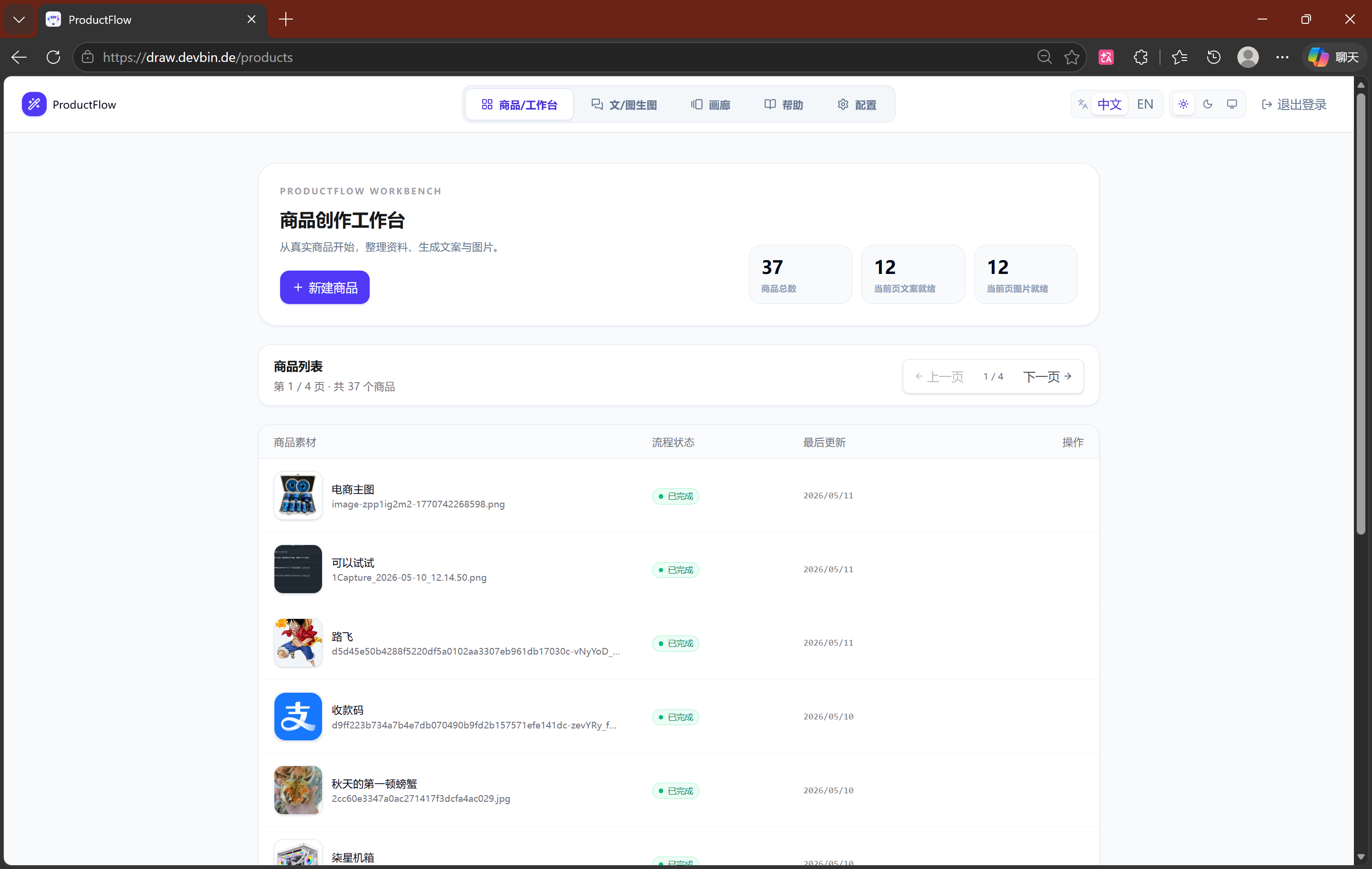
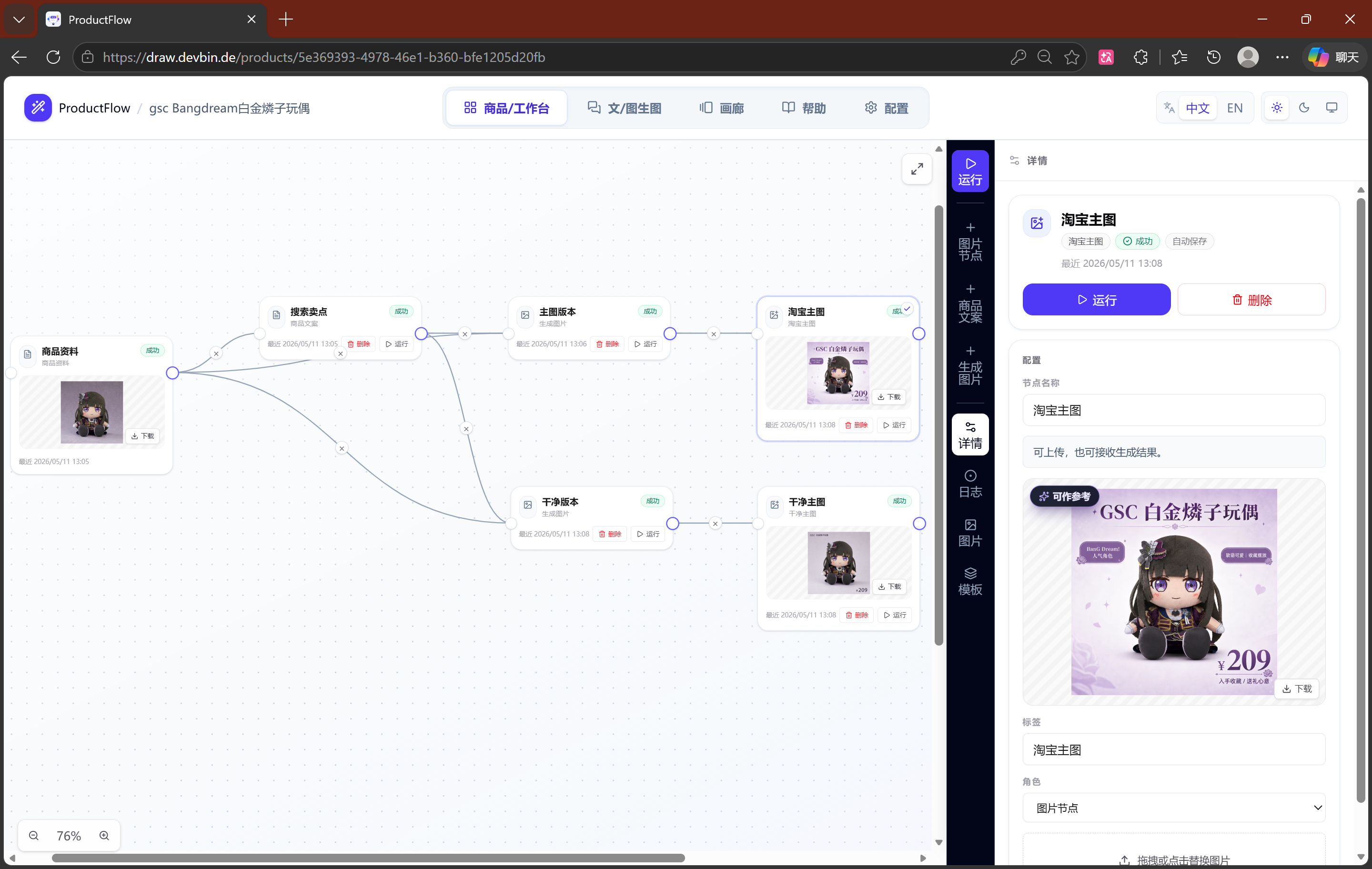
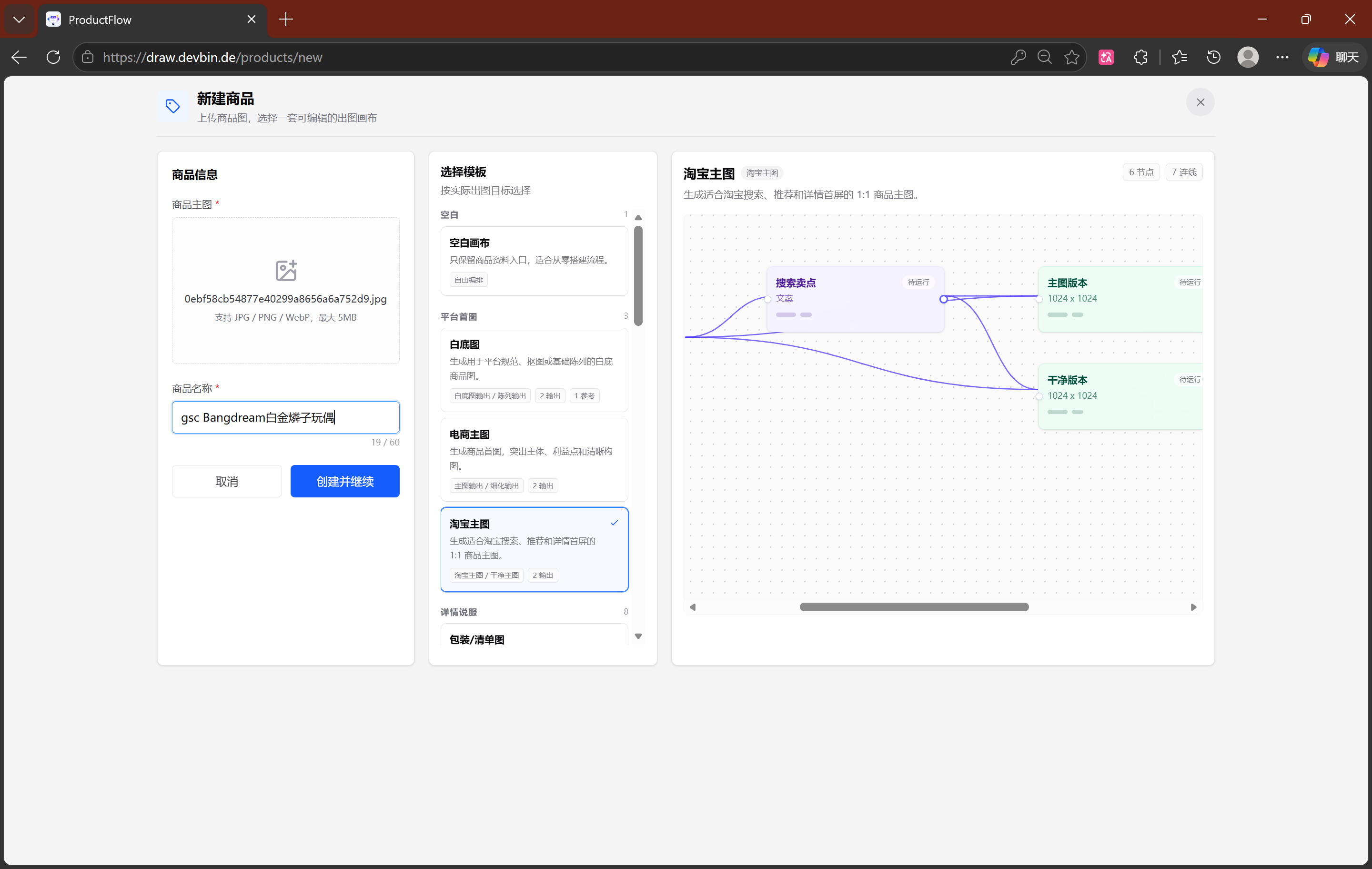
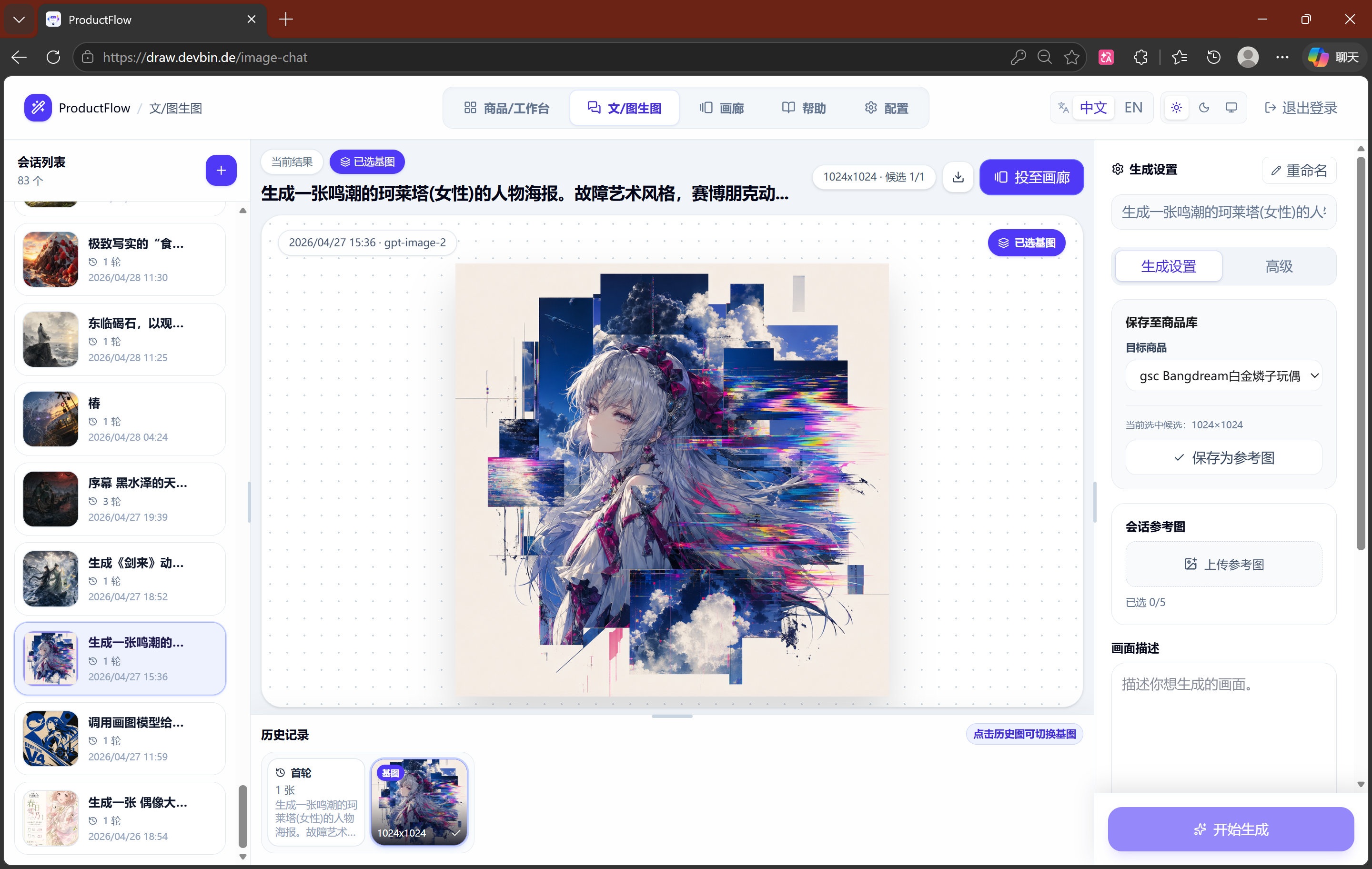
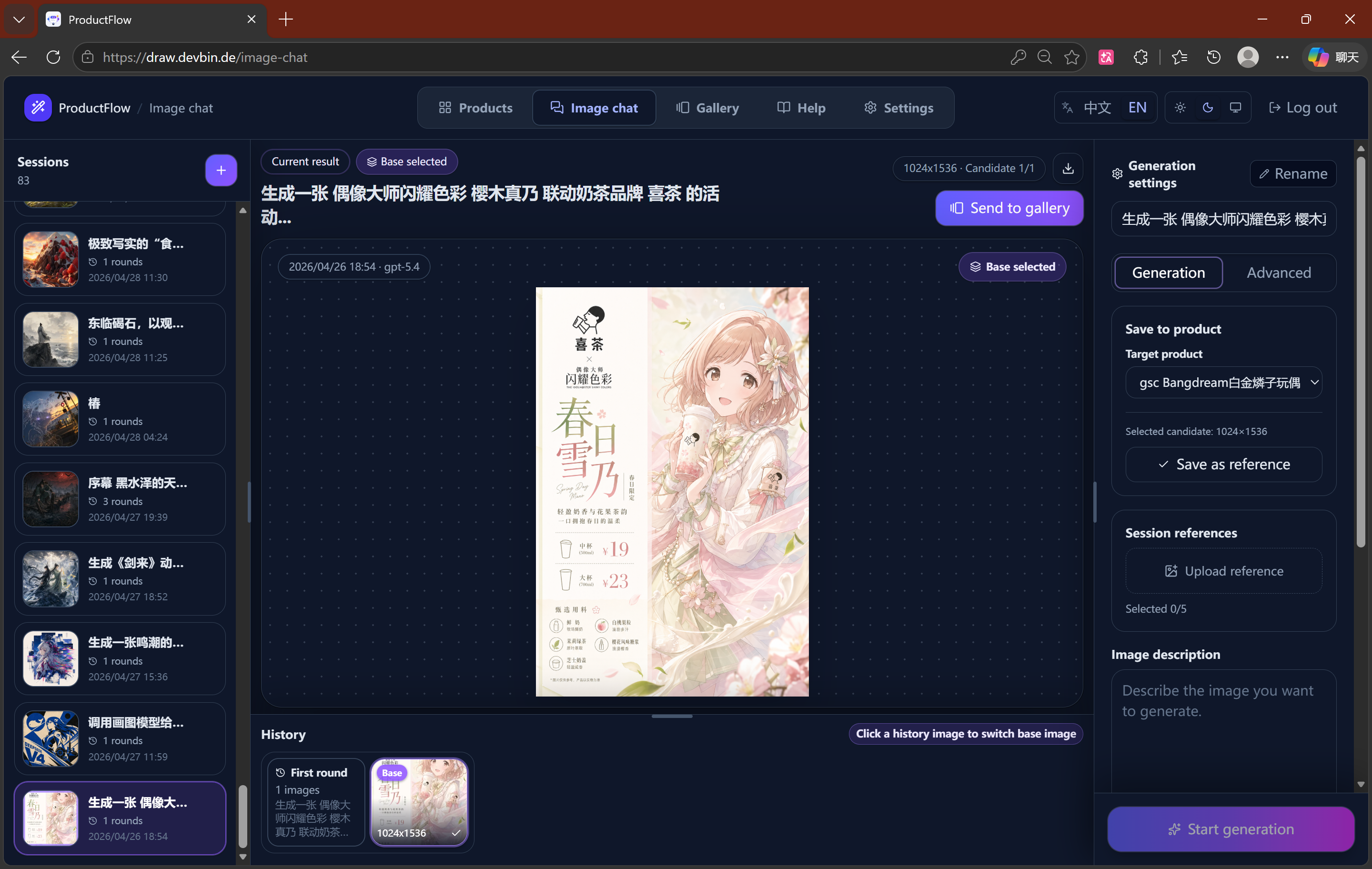
ProductFlow is a self-hosted product creative workbench designed for solo merchants and small teams. It combines product asset management, AI copywriting, reference image handling, and node-based image generation workflows in a single private deployment. The workbench uses a visual canvas where users create products, upload reference images, generate structured copy, and trigger image generation through connected nodes. Generated images flow into downstream reference image slots and can be saved to a gallery. The system runs on PostgreSQL and Redis with a FastAPI backend, Dramatiq workers for async tasks, and a React/Vite frontend served by nginx. It supports OpenAI and Gemini image providers, with a mock provider for testing without API keys. The UI includes a responsive mobile layout with touch-optimized canvas controls and bottom toolbars. Configuration is managed through a web settings page with a separate access token. The project is MIT licensed and deployed via Docker Compose.
Should you self-host ProductFlow?
ProductFlow scores 44/100 on selfhost.directory (how scoring works) and ranks #71 of 120 in AI Assistant. It has 307 GitHub stars.
It shipped 1 stable release in the past year. The latest, v0.1.0, came out on 1 May 2026.
Setup is moderate: expect some configuration beyond a single command. It is MIT-licensed and written mostly in Python.
Its closest alternative on selfhost.directory is hermes-agent (89/100, 257 885 stars). It scores higher overall, so compare the two before you pick. See ProductFlow vs hermes-agent side by side.
Features
- AI copywriting generation
- AI Image Generation
- Generated image gallery
- In-app help system
- Iterative image sessions
- Lightweight status polling
- Mock provider for offline testing
- Poster generation (template and AI)
- Product asset management
- Runtime settings page
- Task queue with retry and recovery
- Template and user template system
- Visual node-based workflow canvas
ProductFlow README
More in Image Generation
 sdnextSelf-hosted, open-source Stable Diffusion web UI to generate, caption, upscale and edit images and video, with many GPU backends and model quantization for low VRAM.
 stable-diffusion-webuiA self-hosted, open-source web UI for Stable Diffusion with txt2img, img2img, inpainting, outpainting, upscaling, and extensive customization options.
 Stable Diffusion WebUI DockerSelf-hosted Docker container bundling 14 Stable Diffusion WebUIs like Automatic1111, ComfyUI, Fooocus, and InvokeAI, each on its own port via docker-compose profiles.
 Stable Diffusion WebUI ForgeSelf-hosted, open-source Stable Diffusion web UI that improves GPU memory management and speeds up inference, with ControlNet, IP-Adapter and Flux quant support.
 Sygil-webuiSelf-hosted open-source web UI for Stable Diffusion with dual Streamlit/Gradio interfaces, dynamic previews, VRAM optimization, upscalers, and text-to-video.
 Text Generation WebUIAn open-source, self-hosted LLM chat app you run on your own machine: vision input, tool-calling, LoRA fine-tuning, and an OpenAI/Anthropic-compatible API.
 airunnerSelf-hosted, open-source desktop AI engine: local LLM chat companions, Stable Diffusion art generation, TTS/STT voice, and a headless Ollama/OpenAI-compatible API.
 app.enfugue.aiSelf-hosted open-source web app for studio-quality AI image/video generation with Stable Diffusion, unified pipeline, CivitAI browser, optional auth, and JSON API.
 avatarSelf-hosted open-source Node.js service generating random geometric or initials-based avatars via REST API with configurable shapes, colors, and symmetry.
 BelullamaSelf-hosted AI app bundling Ollama, Open WebUI, and Automatic1111 for local LLMs and image generation with one-command Docker install.
 ChatGPT Web Midjourney ProxySelf-hosted open-source web UI that combines ChatGPT, Midjourney, Suno, Luma, Runway, Pika, and other AI models into a single interface with PWA support.
 ComfyUISelf-hosted, open-source AI engine for visual creators with a node-based workflow system covering images, video, 3D, audio, and text.
0 comments