
Self-host picoclaw
v0.3.1Tiny Go AI assistant that runs on a $10 Linux board
- Stars
- 30 133
- RAM
- 64MB RAM
- Ports
- 18790 (Gateway HTTP server shared by webhook-based chat channels (default bind 127.0.0.1)), 18800 (WebUI Launcher browser console)
docker.io/sipeed/picoclaw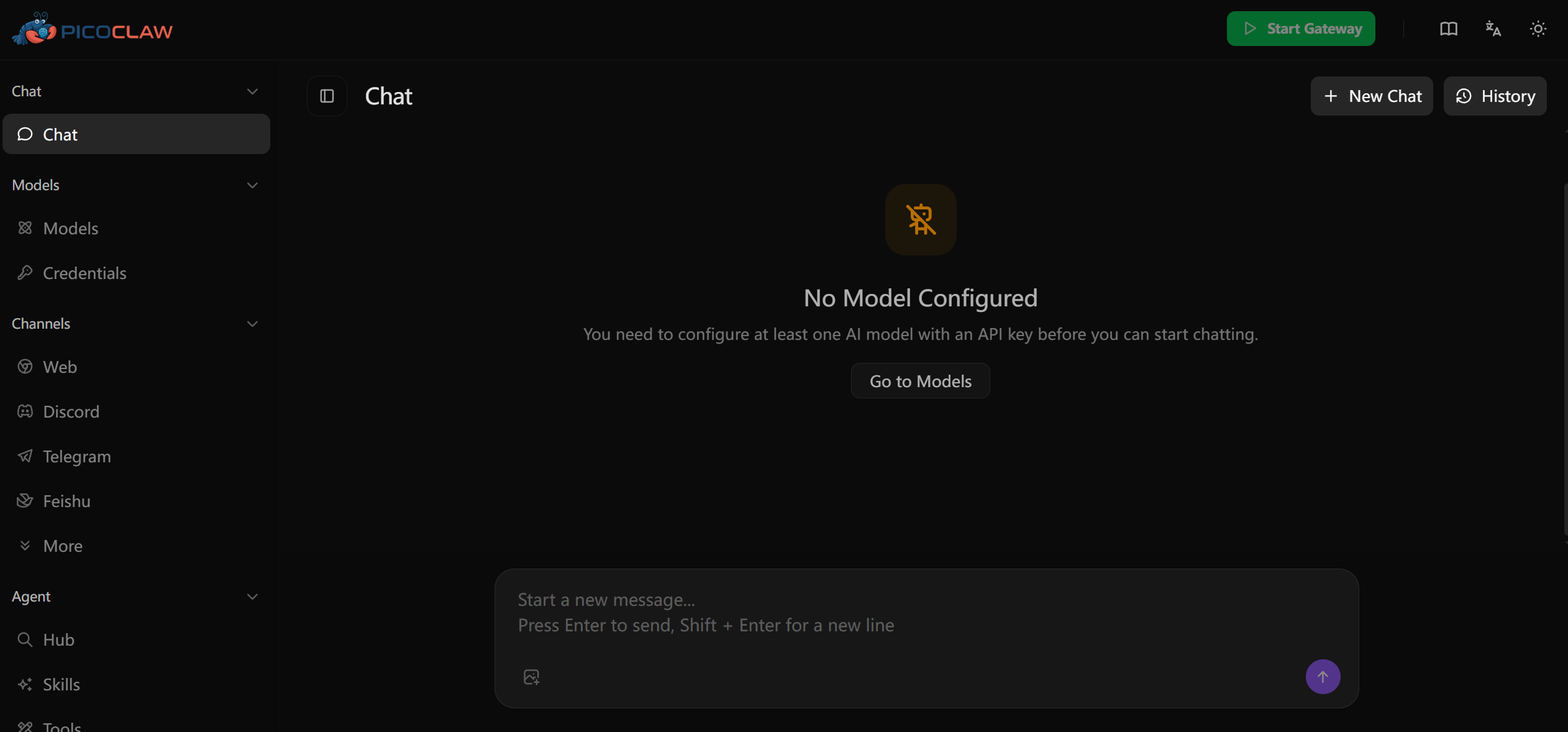
What is picoclaw?
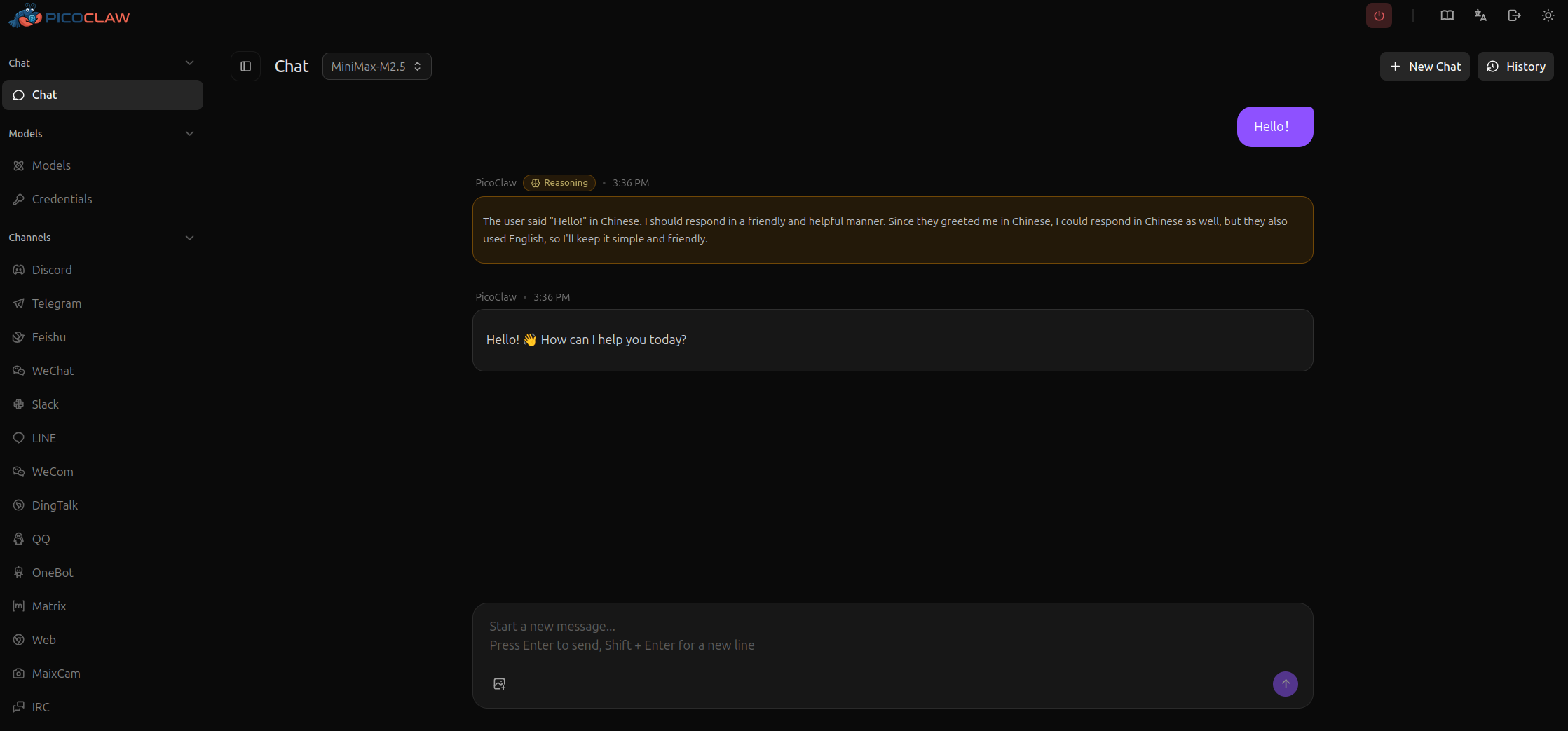
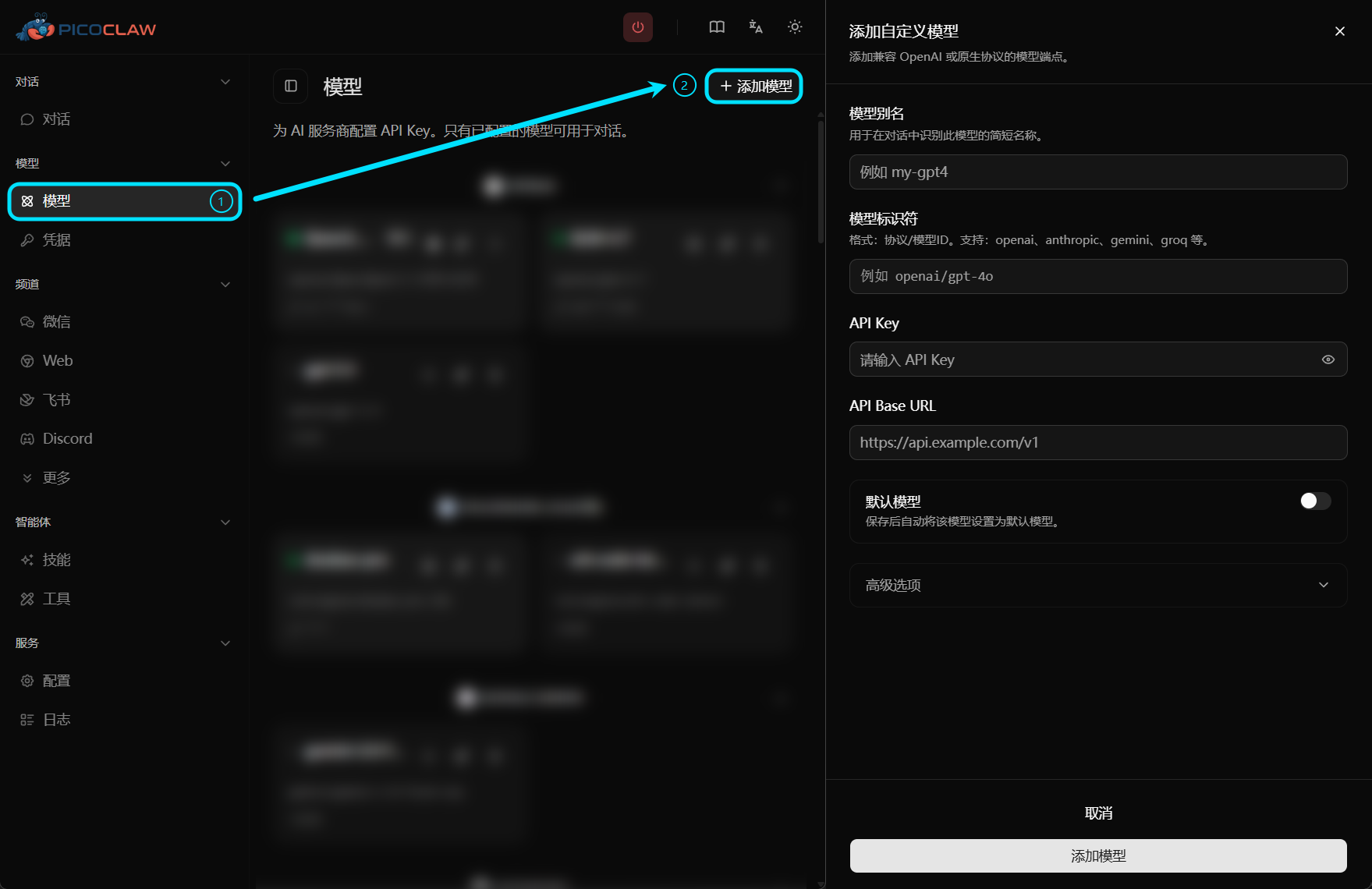
PicoClaw is a personal AI assistant written from scratch in Go that runs as one self-contained binary on your own hardware, from a $10 RISC-V board or a Raspberry Pi up to a desktop, phone or cloud server. Rather than pushing you into its own front end, it lives inside the messengers you already use: Telegram, Discord, Slack, Matrix, WhatsApp, WeCom, LINE, QQ, IRC and MQTT are among the 19-plus channel types, with a shared gateway HTTP server handling webhook-based ones. Answers come from 30+ LLM backends configured in a model list (OpenAI, Anthropic, Gemini, DeepSeek, OpenRouter, or local Ollama and vLLM endpoints), and rule-based routing can send simple queries to cheaper models. The agent bundles utilities such as reading and writing files, running commands, looking things up on the web, timed reminders and recurring jobs, can load MCP servers for extra tools, installs SKILL.md skill packs, and by default confines file access and command execution to its workspace, with secrets kept in a separate security file. Install a prebuilt release archive and run picoclaw onboard, edit ~/.picoclaw/config.json, or start the Docker Compose gateway/launcher profiles and use the browser console on port 18800. It is MIT-licensed but still pre-1.0: the maintainers warn of unresolved security issues and advise against production deployment before v1.0.
picoclaw alternatives
 iClawSelf-hosted AI workspace with ChatGPT-style UI for OpenClaw, isolated projects, Docker sandboxing, and encrypted chat sharing.CompareiClaw with picoclaw
 eclaireA self-hosted, open-source AI assistant that keeps data private by running locally — it handles your personal information using a local language model.Compareeclaire with picoclaw
 swarmclawRun autonomous AI agent swarms on your own hardware with durable memory, MCP tools, and 24+ LLM providers — a self-hosted alternative to cloud agent platforms.Compareswarmclaw with picoclaw
 GoGogotA self-hosted AI agent that runs on your server via Telegram, with 34 built-in tools for shell, web, memory, scheduling, and more. Open-source alternative to OpenClaw.CompareGoGogot with picoclaw
 MachinaOSSelf-hosted open-source AI organisation with six specialised employees owning business functions end-to-end. Token budget, bring your own model keys.CompareMachinaOS with picoclaw
 HiClawA self-hosted, open-source multi-agent platform where a Manager agent runs Worker agents in Matrix rooms, with gateway-held credentials and Docker or Helm installs.CompareHiClaw with picoclaw
All self-hosted alternatives to NanoBot → All self-hosted alternatives to OpenClaw →
Should you self-host picoclaw?
picoclaw scores 70/100 on selfhost.directory (how scoring works) and ranks #14 of 120 in AI Assistant. It has 30 133 GitHub stars, +117 in the last 30 days.
It shipped 8 stable releases in the past year. The latest, v0.3.1, came out on 30 June 2026. New versions land roughly every 9 days.
Setup is easy: most people get it running in one sitting. An official Docker image is available. It is MIT-licensed and written mostly in Go.
Its closest alternative on selfhost.directory is AstrBot (88/100, 46 852 stars). It scores higher overall, so compare the two before you pick. See picoclaw vs AstrBot side by side.
Features
- Built-in agent tools
- CLI and interactive agent mode
- Image and file input
- MCP server support
- Multi-Provider LLM Support
- Proactive LLM rate limiting
- Rule-based model routing
- Scheduled tasks and reminders
- Skills System
- Sub-agent orchestration
- Web search tool
- Web UI configuration console
- Workspace sandbox
picoclaw README


PicoClaw is an independent open-source project initiated by Sipeed, written entirely in Go from scratch — not a fork of OpenClaw, NanoBot, or any other project.
PicoClaw is an ultra-lightweight personal AI assistant inspired by NanoBot. It was rebuilt from the ground up in Go through a "self-bootstrapping" process — the AI Agent itself drove the architecture migration and code optimization.
FAQ
Is PicoClaw free and open source?
Yes, the software is free and open source under an MIT-compatible licence; your only cost is LLM API usage.
Can I run PicoClaw on my phone?
On Android you can simply install the APK without root, or run it inside Termux for a command-line setup.
Which LLM providers does PicoClaw support?
OpenAI, Anthropic, DeepSeek, Google Gemini, Mistral, Volcengine Doubao, Qwen, Minimax, Moonshot, Cerebras, Perplexity and Ollama, plus anything exposing an OpenAI-compatible API.
What hardware do I need to run PicoClaw?
At least 64MB of RAM plus internet access for LLM calls, with 512MB recommended; builds exist for x86_64, ARM64, ARMv7, ARMv6, RISC-V and MIPS.
How is PicoClaw different from ChatGPT or other AI assistants?
It runs on your own hardware, so history and settings stay local; it only reaches out to LLM providers such as OpenAI, Claude or DeepSeek through their APIs, and it targets low-resource devices that cloud services cannot serve.
What is PicoClaw?
It is an ultra-lightweight personal AI assistant written in Go that deploys as one binary, uses under 10MB of memory, talks to 16-plus chat platforms and runs on very cheap hardware.
More in AI Assistant
 Pi PocketA mobile-friendly web interface for the Pi coding agent that lets you collaborate in real time and persists every step locally.
 pocketpawSelf-hosted, open-source AI agent with a web dashboard and native desktop app, reachable over Telegram, Discord, Slack or WhatsApp, with swappable LLM backends.
 PocketRisuPocketRisu is a self-hosted, open-source AI roleplay chat platform that runs on your hardware and connects to multiple LLM providers via a web browser.
 poolPool is a self-hosted AI coding agent for terminal and ACP-compatible editors, supporting Poolside Platform, OpenRouter, Ollama, and OpenAI-compatible APIs.
 powerlabPowerLab is a self-hosted, open-source home server panel managing Docker apps, files, and monitoring with a curated 137-app store and built-in MCP server for AI agents.
 ProductFlowProductFlow is an open-source, self-hosted product creative workbench for solo merchants to manage assets, AI copy, and image workflows.
 profclawRun AI agents on your hardware with this open-source engine. 35 model providers, 72 tools, 22 chat services. Three sizes from tiny to full-featured.
 QCueQCue is a self-hosted, open-source capture-first second brain that turns thoughts into a living Markdown wiki using your own LLM keys.
 QHub-WikiSelf-hosted knowledge base for SMBs combining Wiki.js, Qdrant vector search, and a Chrome extension for AI answers, deployed via Ansible or Docker Compose.
 QMReaderQMReader is a self-hosted, open-source RSS reader that aggregates feeds, translates titles, rewrites articles in a Chinese style, and creates reusable public assets.
 RakazoRakazo is a self-hosted, open-source AI agent for persistent teammates you run on your own hardware with your own model keys — an alternative to Grok Bot.
 RelateRelate runs on your computer, connects to Telegram and other chats, builds a searchable memory, extracts promises as tasks, and reminds you of dates — data stays local
0 comments