
Self-host Pi Pocket
v0.26.0Mobile-first web app for Pi coding agent with durable runs
- Stars
- 707
- Port
- 8787 (HTTP server for web UI and API)
- Requires
- Chromium, Pi coding agent
What is Pi Pocket?
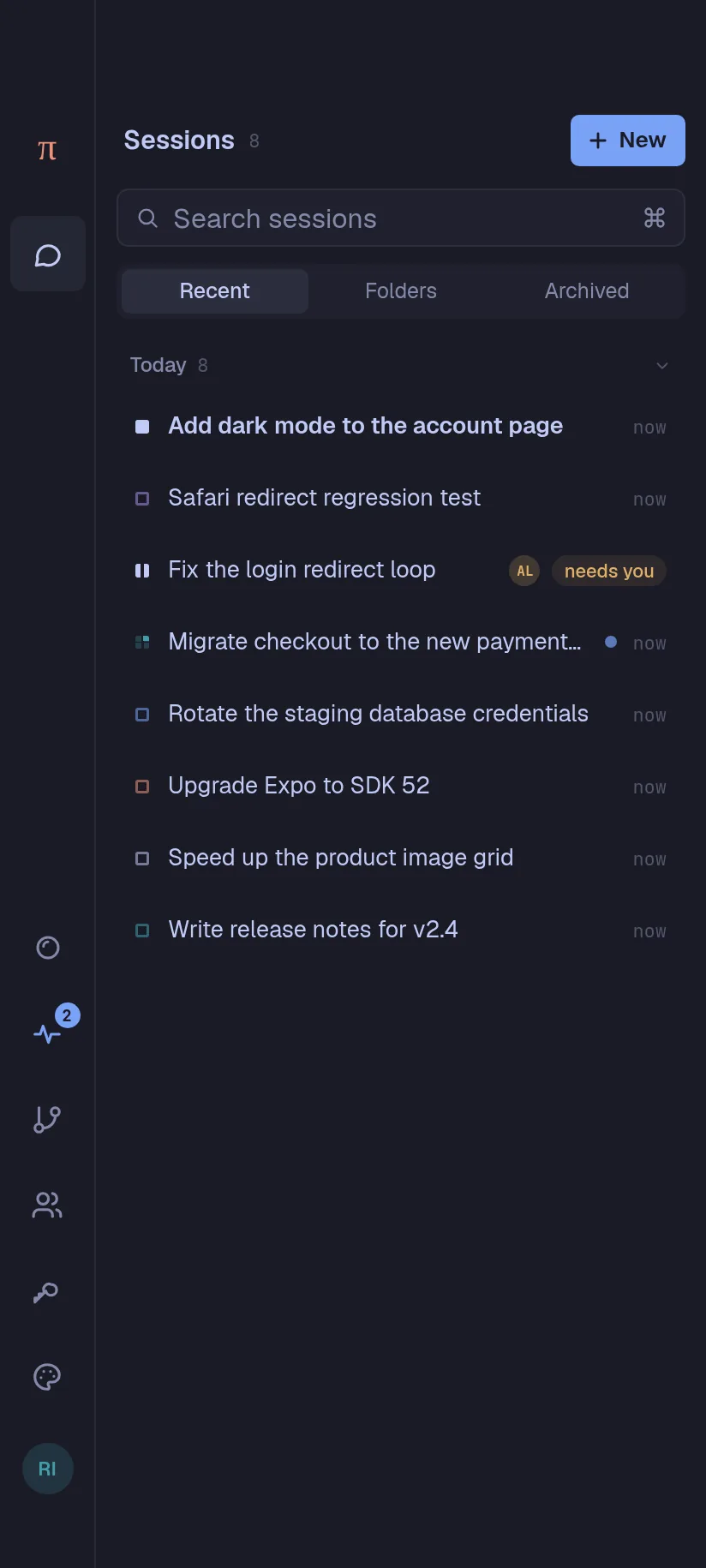
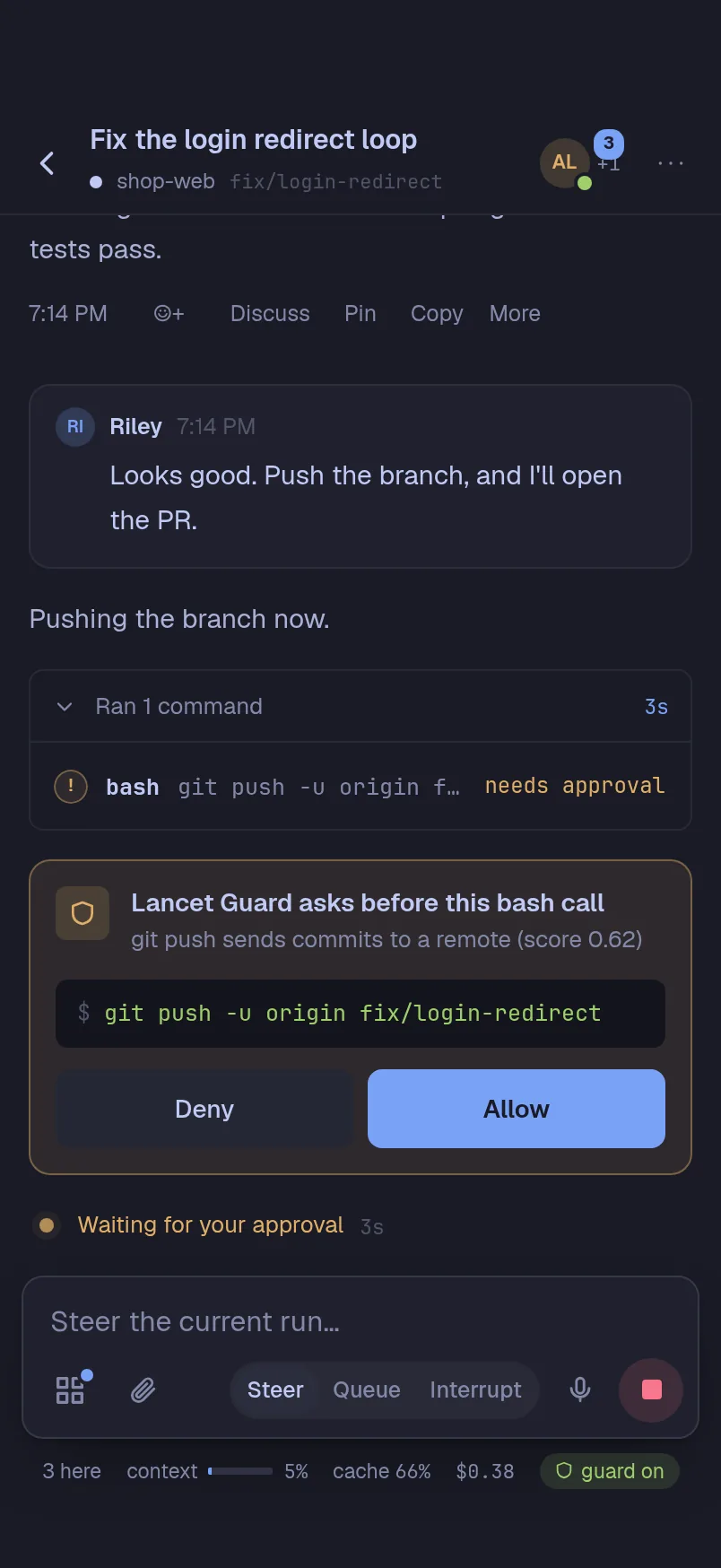
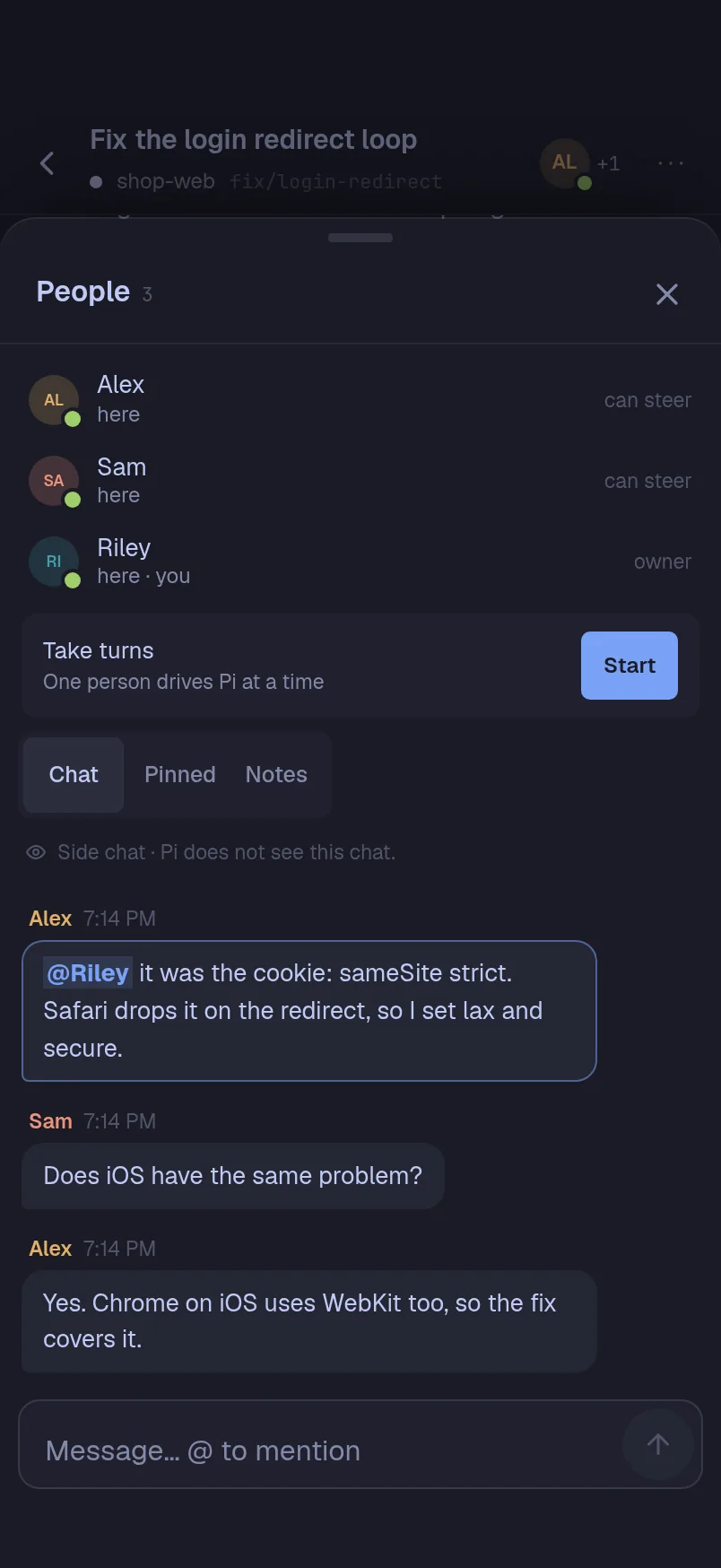
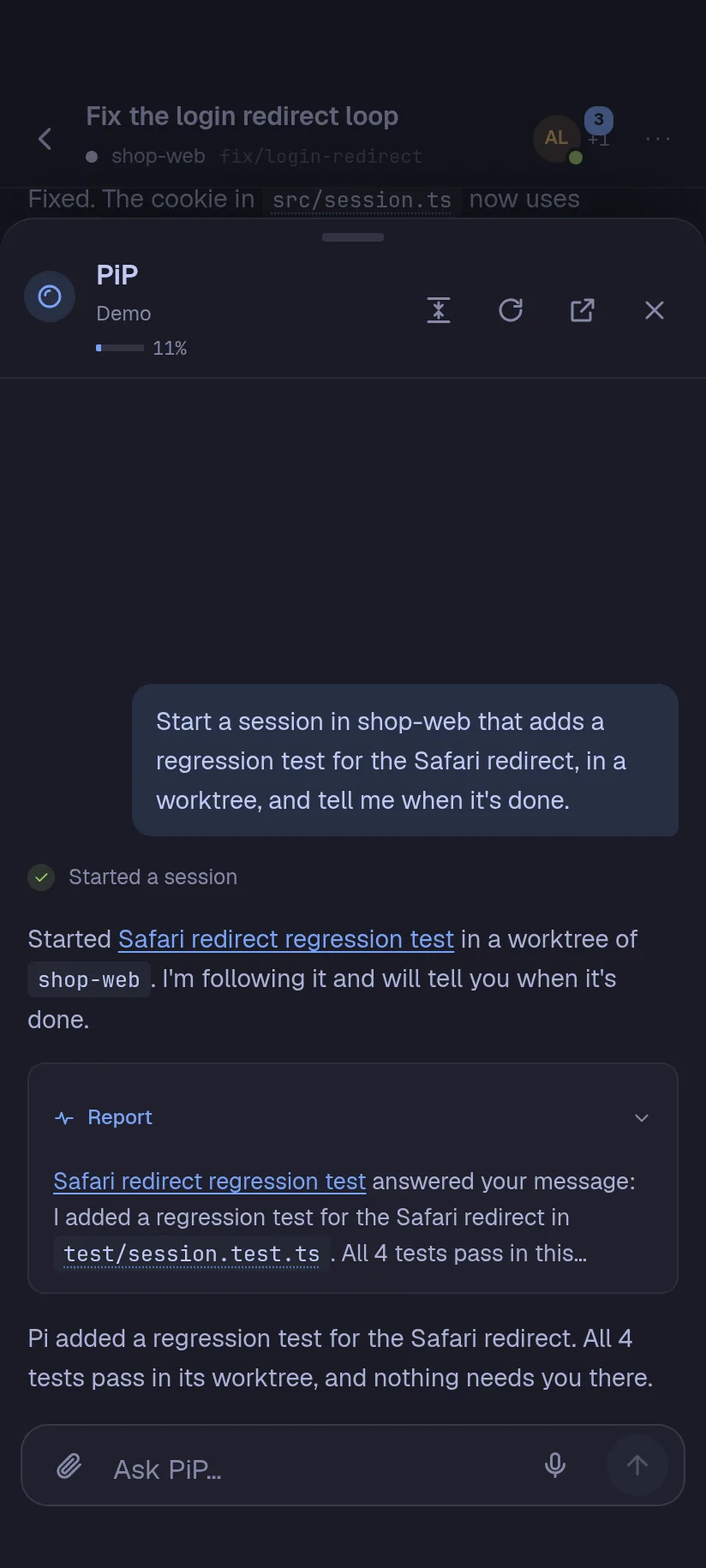
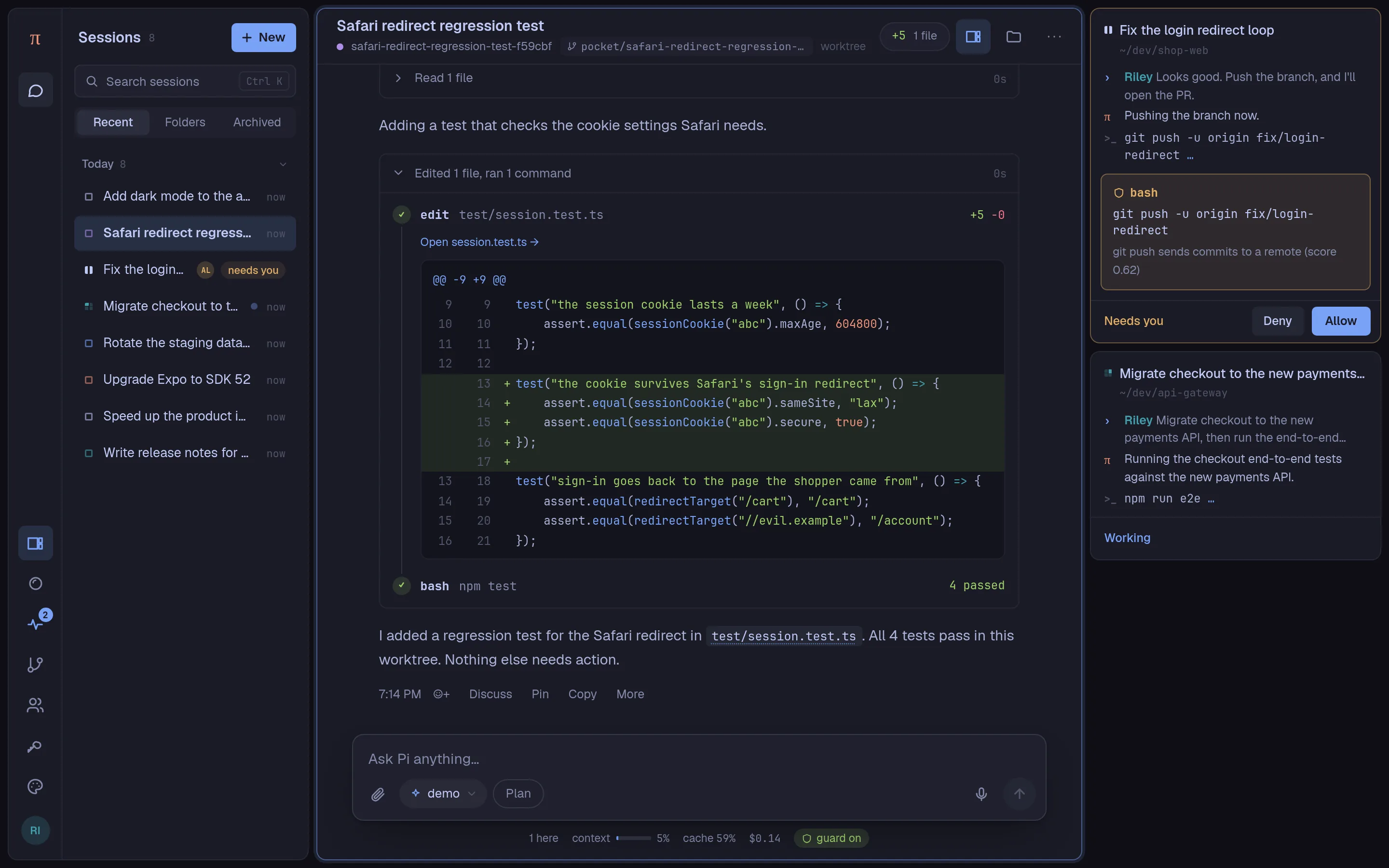
This project provides a web interface for the Pi coding agent that you host yourself. It works on phones and desktop browsers, lets multiple people join the same session with live updates, and stores every step in a local SQLite database so work continues after a restart. You can run it with Docker Compose, Nix, plain npm, or on Android via Termux. It includes a built-in Chromium browser for Pi to use, a system of drop-in extensions, themes from the Omarchy collection, and an assistant called PiP that can start and monitor other sessions. Access can be limited to your machine, your LAN, a Cloudflare tunnel, or a Tailscale network. Requires Node.js 22.19 or newer. Licensed under MIT.
Should you self-host Pi Pocket?
Pi Pocket scores 50/100 on selfhost.directory (how scoring works) and ranks #40 of 120 in AI Assistant. It has 707 GitHub stars.
It shipped 9 stable releases in the past year. The latest, v0.26.0, came out on 27 October 2026. New versions land roughly every 1 days.
Setup is moderate: expect some configuration beyond a single command. It is MIT-licensed and written mostly in Typescript.
Its closest alternative on selfhost.directory is hermes-agent (89/100, 257 885 stars). It scores higher overall, so compare the two before you pick. See Pi Pocket vs hermes-agent side by side.
Features
- Artifacts
- Built-in browser
- Durable runs
- Extensions
- Forks and worktrees
- Lancet Guard
- Memory
- Model selection per session
- Multiplayer sessions
- PiP assistant
- Plan mode
- Scheduled messages
- Subagents
Pi Pocket README
More in Collaboration
 PlainspaceA self-hosted, open-source tool for shared plans: tasks, notes, polls, and reminders on one page. Join by link, no account needed.
 plan42Collavre is a self-hosted, open-source workspace where every block is a document, task, discussion, and AI agent context in one. Built on Rails with MCP.
 PlikShareOpen-source self-hosted file sharing with unlimited users, multiple storage backends, three encryption modes, OIDC SSO, TOTP 2FA, sharing boxes, and MCP for AI agents.
 plugNmeetSelf-hosted WebRTC video conferencing with whiteboard, breakout rooms, recording, streaming, and optional AI transcription.
- PmWikiPmWiki is a wiki-based content-management system (CMS) for collaborative creation and maintenance of websites. It allows users to create and edit pages using simple markup rules without requiring knowledge of HTML or CSS.
 pretalxpretalx is a self-hosted, open-source conference management platform handling the full lifecycle from Call for Papers through scheduling and speaker communication.
 ProjeQtOrProjeQtOr is a fully open-source, self-hostable project management tool designed to replace multiple proprietary tools. It supports Agile, Waterfall, and Hybrid methodologies, offering features like Gantt charts, Kanban boards, time tracking, risk management, financial tracking, and REST API integration.
 puzzlespringSelf-hosted Django puzzle hunt platform for competitive events with real-time collaboration, auto answer checking, and OAuth auth.
 PytitionPytition is a self-hosted, open-source Django app for online petitions with privacy-focused features: no tracking, self-hosted resources, multi-lingual UI, CSV export.
 QFieldCloudSelf-hosted open-source platform for synchronizing geospatial field data between QGIS desktop and QField mobile app with offline support.
 RalllySelf-hosted, open-source scheduling poll tool for finding meeting times: send a link, let people vote, finalize a date, with email notifications and OIDC/Google SSO.
 refmdSelf-hosted, open-source real-time collaborative Markdown workspace with Git sync, anonymous sharing, and Extism-powered plugin platform.
0 comments