
Self-host ferdium-server
v2.0.14Self-hosted backend for Ferdium messaging aggregator
- Stars
- 302
- Port
- 3333 (HTTP API server)
ferdium/ferdium-server
What is ferdium-server?
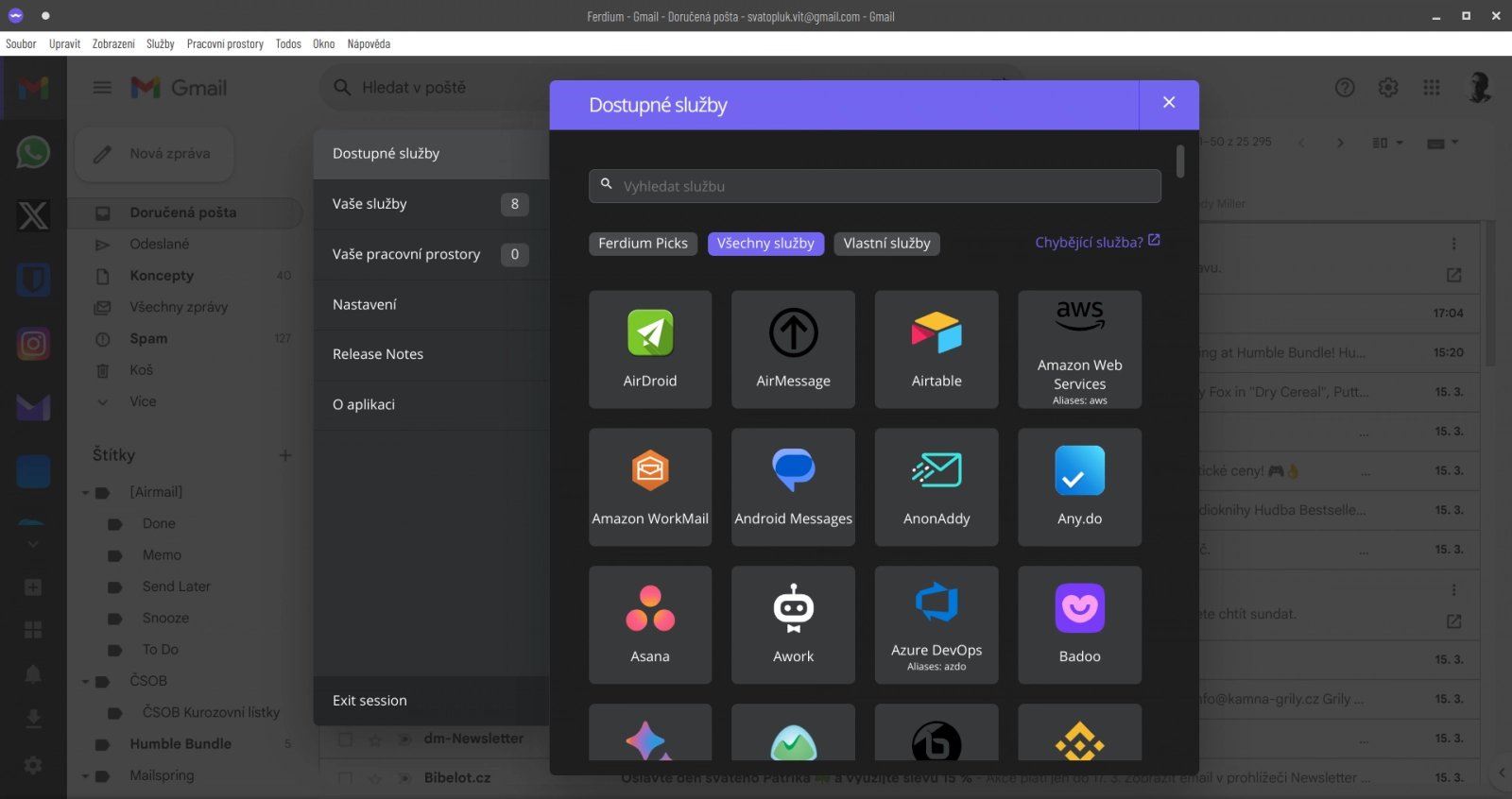
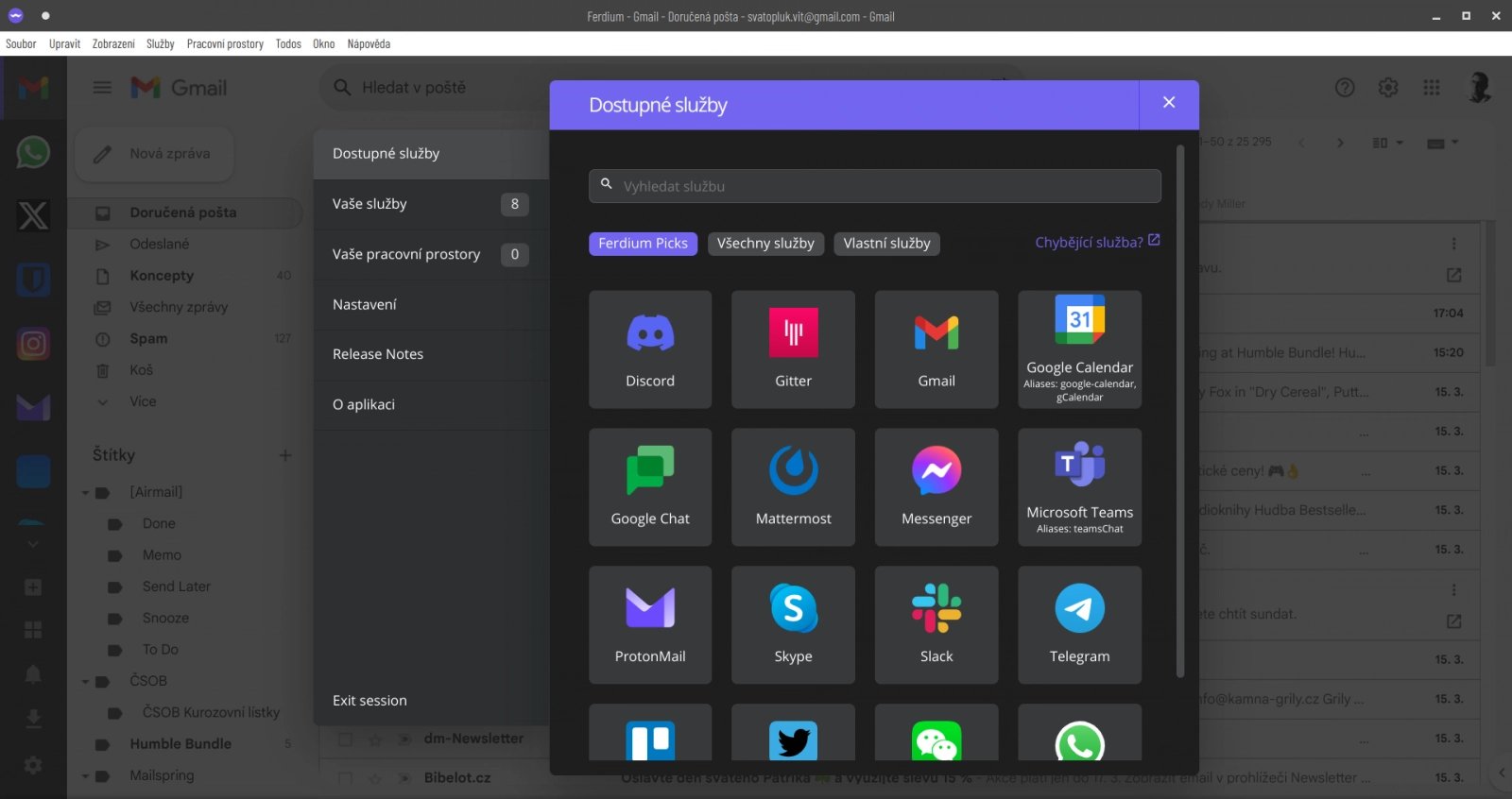
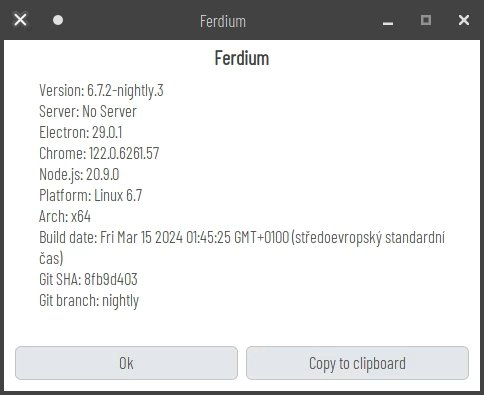
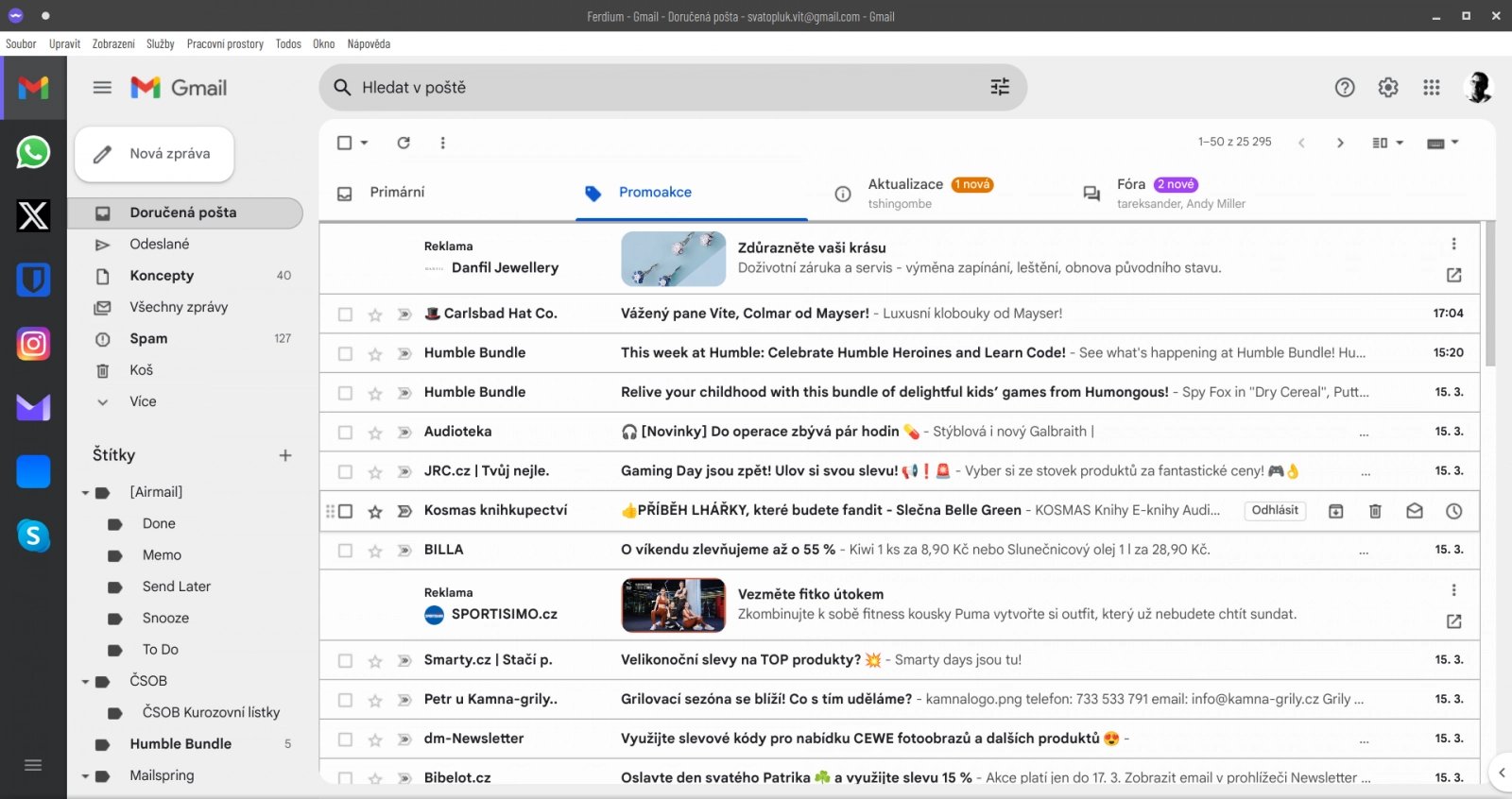
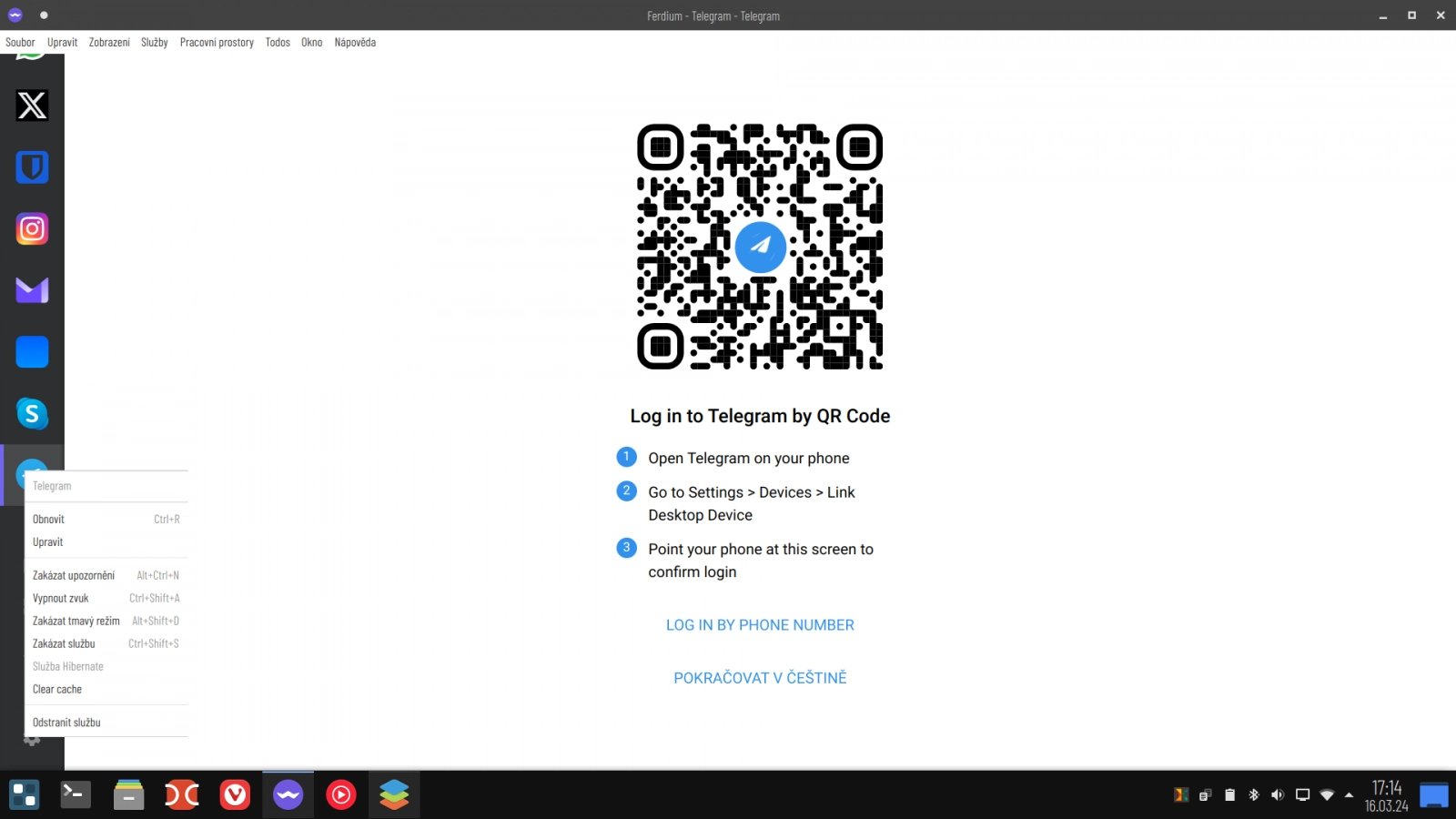
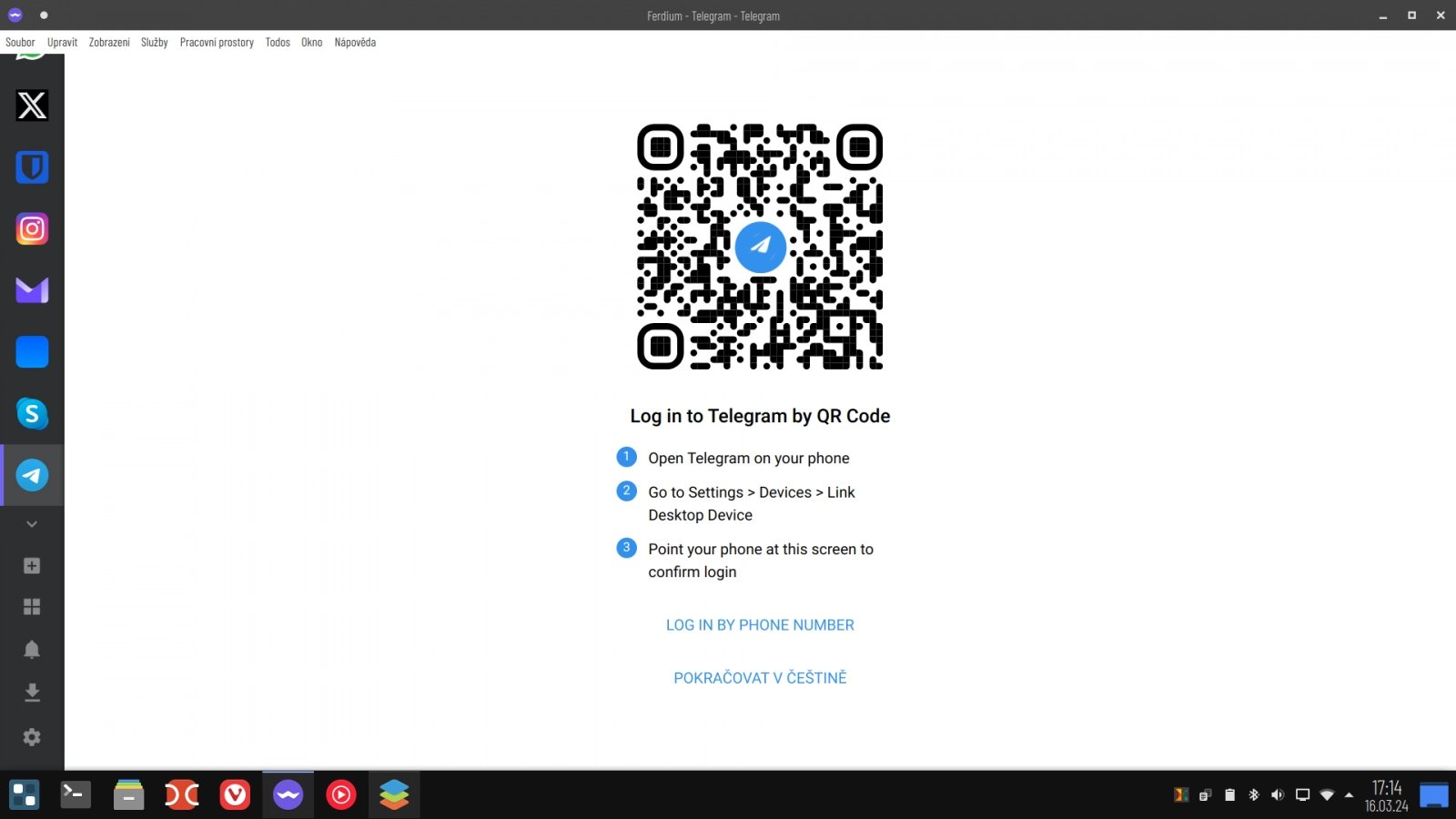
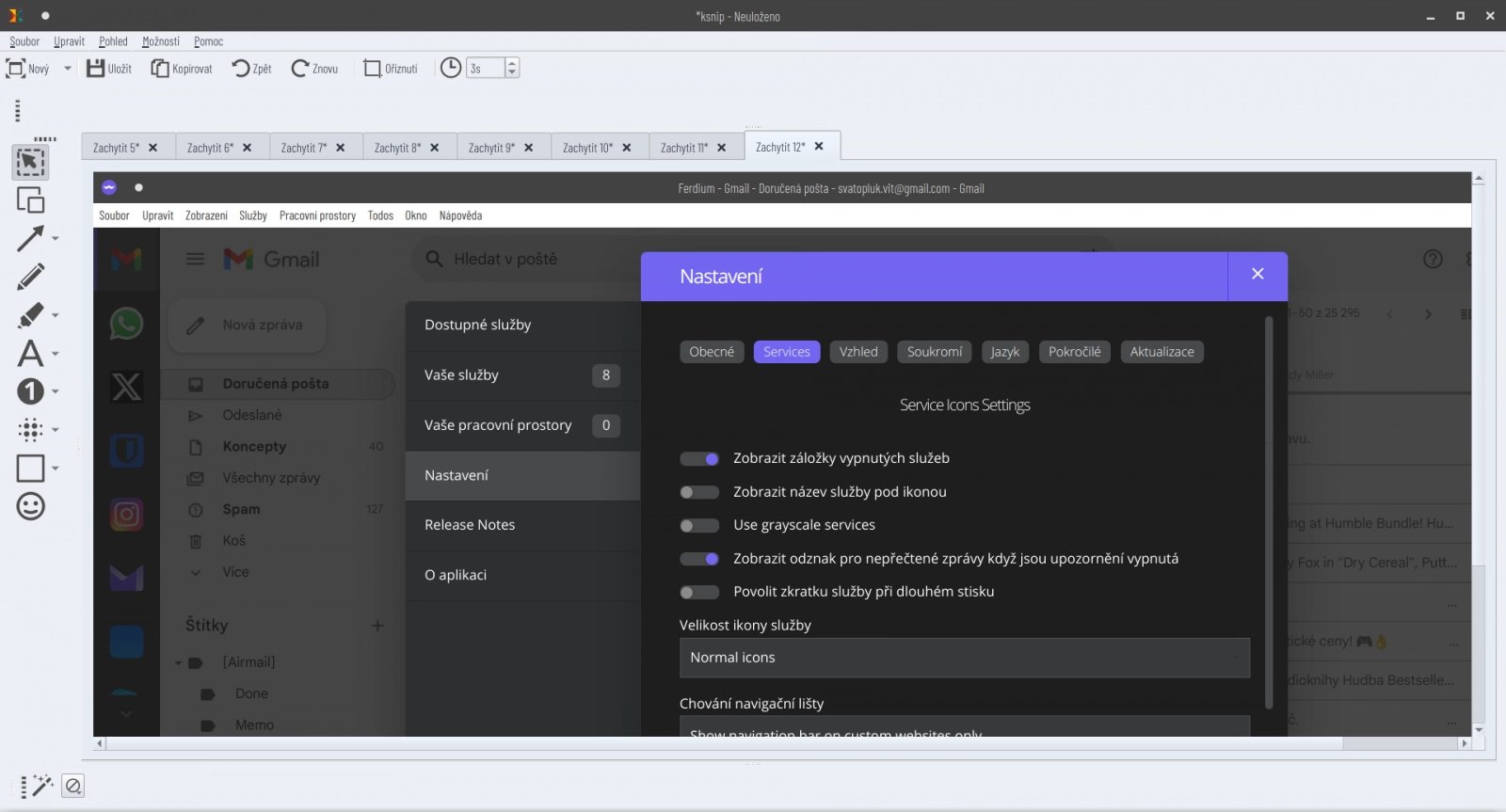
Ferdium-server is the backend component for Ferdium, a community-driven messaging aggregator that combines multiple web services into one application. The server handles user registration and authentication, workspace management, service/recipe storage, and data import/export. It can run with a built-in SQLite database or connect to external MySQL, MariaDB, or PostgreSQL databases. The server is deployed via Docker (image: ferdium/ferdium-server) or manually with Node.js. It exposes a REST API on port 3333 that the Ferdium desktop/mobile clients connect to. Key features include user dashboards, custom recipe creation, Franz/Ferdi account import, and workspace support. The project is licensed under MIT and actively maintained by the Ferdium organization.
Should you self-host ferdium-server?
ferdium-server scores 49/100 on selfhost.directory (how scoring works) and ranks #29 of 33 in Communication. It has 302 GitHub stars.
There was no stable release in the past 12 months, so check the repository's recent activity before you rely on it.
Setup is moderate: expect some configuration beyond a single command. An official Docker image is available. It is MIT-licensed and written mostly in Typescript.
Its closest alternative on selfhost.directory is Jitsi Meet (79/100, 30 159 stars). It scores higher overall, so compare the two before you pick. See ferdium-server vs Jitsi Meet side by side.
Features
- Custom recipe creation
- Data Export/Import
- Franz/Ferdi account import
- Multiple database support
- Password Recovery
- Recipe updates
- Service/recipe management
- Service store
- SMTP email notifications
- User dashboard
- User registration and login
- Workspace support
ferdium-server README
FAQ
How do I create custom recipes?
Visit http://[YOUR FERDIUM-SERVER]/new in your browser to define the recipe author, name, service ID, logo image URL, and upload recipe files. The server packages and stores them automatically.
How do I import my Franz/Ferdi account?
Open http://[YOUR FERDIUM-SERVER]/import in your browser and log in with your Franz/Ferdi credentials. The server will create a new user and copy your settings, services, and workspaces.
Why use a custom Ferdium server?
A custom server lets you manage all user data yourself and add your own recipes to the repository, instead of relying on the official instance at api.ferdium.org.
More in Application Management
 FlowFuseSelf-hosted platform for building industrial applications at scale using Node-RED with AI-assisted development, team collaboration, and DevOps pipelines.
 gungnrA self-hosted panel that uses Docker, Cloudflare Tunnels, and GitHub login to serve template projects and local apps from your own Linux box.
 helixHelix gives each AI coding agent its own GPU desktop, orchestrating fleets on a spec-driven Kanban board with human PR review. Self-hosted on Docker, Kubernetes, Mac.
 HomeDockOSA self-hosted cloud operating system that gives you a full desktop in the browser, hundreds of one-click apps, and automatic HTTPS certificates.
 HomelabARR CEA free, open-source dashboard for one-click deployment of 100+ self-hosted apps like Plex, Jellyfin, and Sonarr on your own Linux server via Docker Compose.
 hot-updaterSelf-hosted OTA update server for React Native apps. Deploy on major cloud platforms or your own Docker setup. Includes bundle diffing, web console, and rollback support.
 HTML共有くんHTML共有くん is a self-hosted, open-source dashboard that collects AI-generated HTML pages and makes them mobile-readable, deployed to your own AWS account.
 InstaCloud OSSInstaCloud OSS is a self-hosted PaaS giving you a serverless cloud on one machine with Postgres, S3, Redis, MySQL, MongoDB, git push-to-deploy, and instant branching.
 JobNavigatorJobNavigator is a self-hosted job automation platform that scrapes career pages, scores jobs with AI, tailors résumés and cover letters, auto-fills applications.
 llamactlSelf-hosted control plane that manages llama.cpp, MLX, and vLLM inference servers through a web dashboard with a unified OpenAI-compatible API.
 LowcoderOpen-source low-code platform for internal tools and customer apps with visual builder, 120+ components, 60+ data sources, and Docker self-hosting.
 Middleware ManagerA self-hosted web UI for managing Traefik middlewares, custom services, plugins, and mTLS — compatible with Pangolin or Traefik directly.
0 comments