
Self-host FlowFuse
v3.2.0Industrial platform extending Node-RED with AI and teams
- Stars
- 400
- CPU
- 2 cores
- RAM
- 4 GB
- Storage
- 20 GB
- Ports
- 80 (HTTP (nginx proxy)), 443 (HTTPS (nginx proxy)), 3000 (Forge application internal)
- Requires
- EMQX (MQTT Broker), PostgreSQL
flowfuse/forge-docker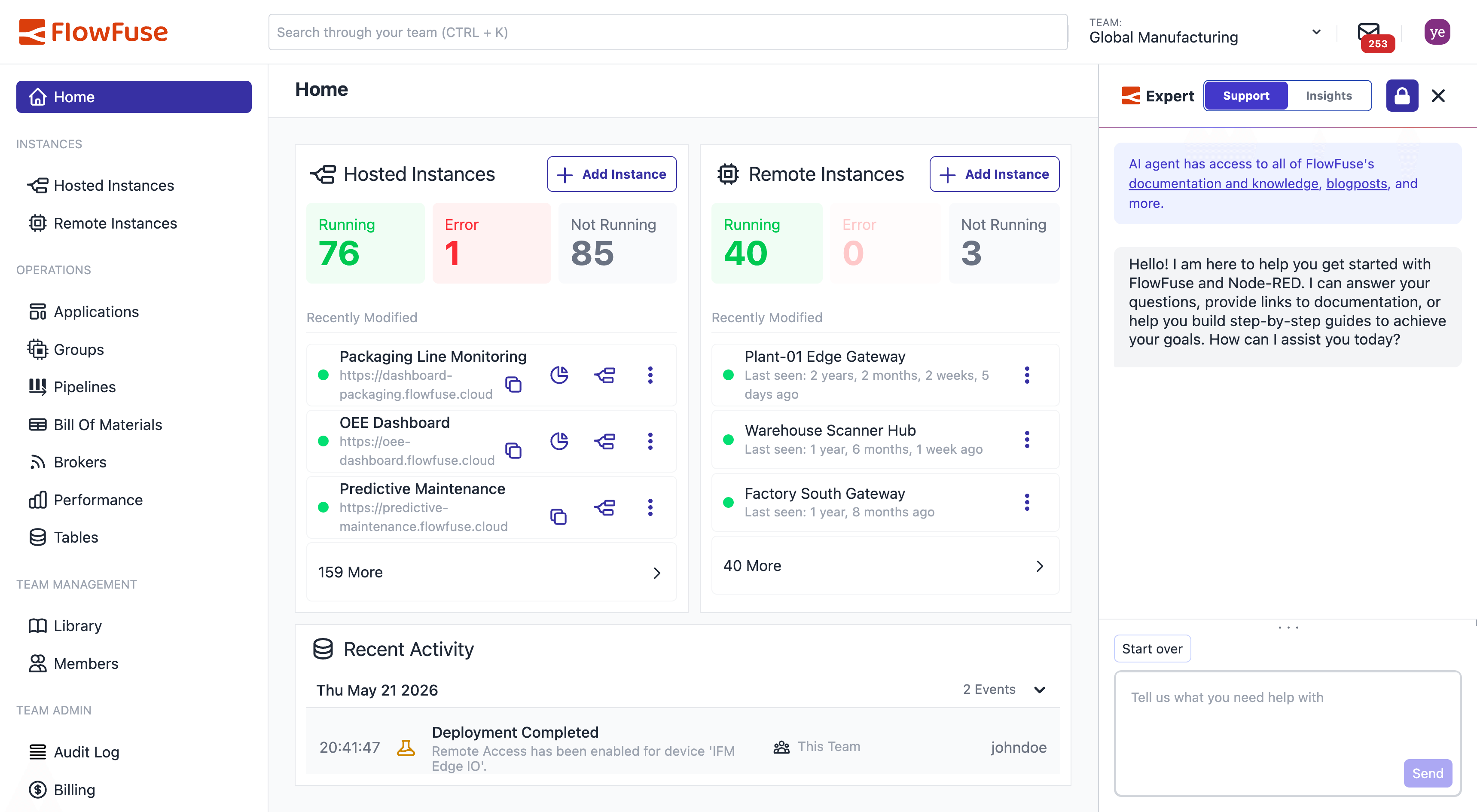
What is FlowFuse?
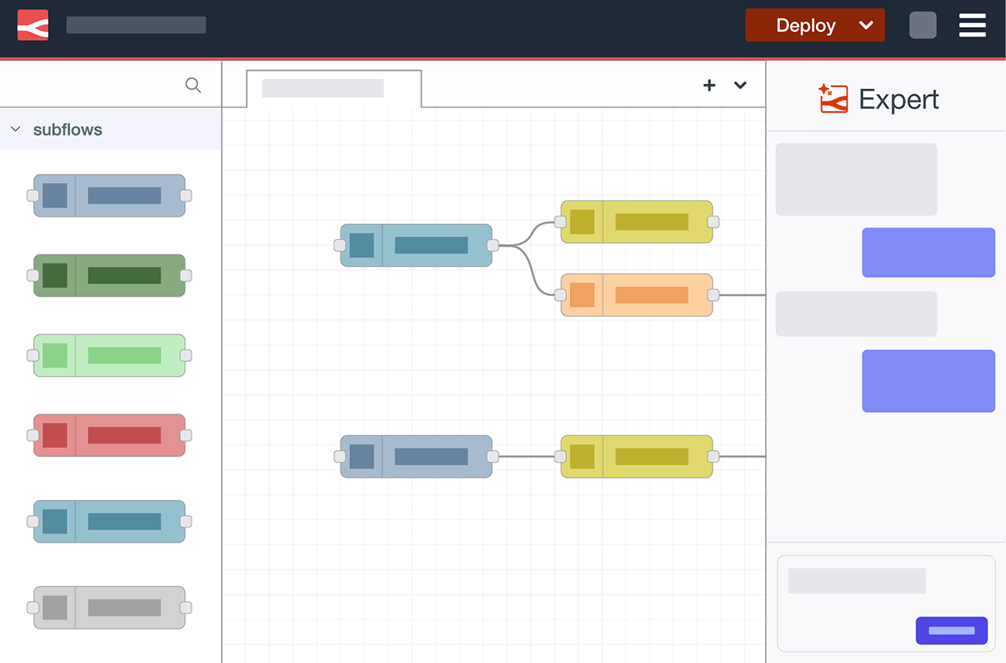
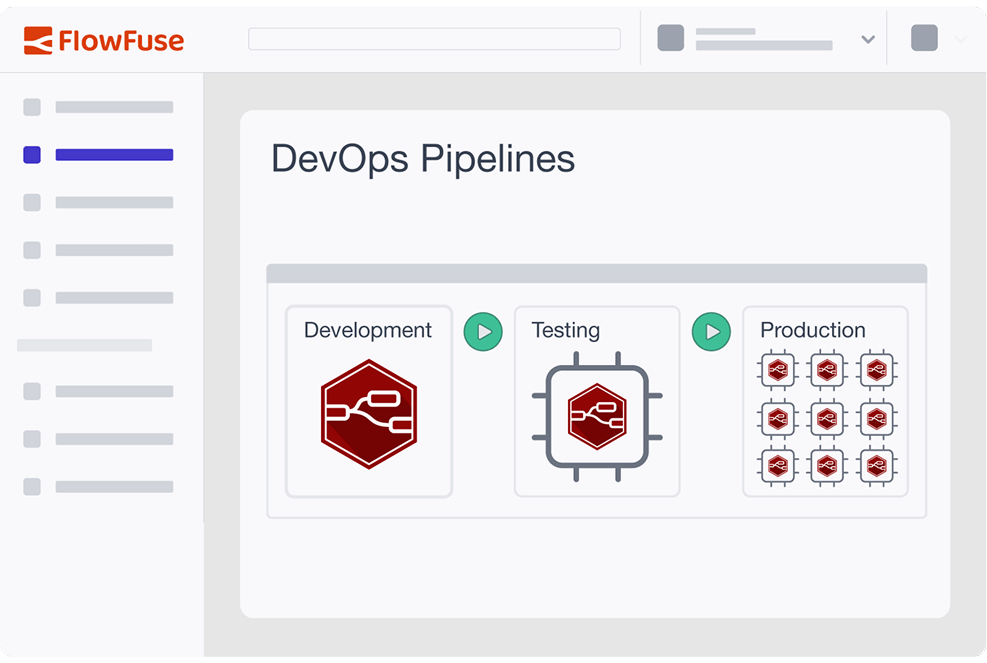
FlowFuse builds on Node-RED to provide an industrial application platform with AI-assisted development, team collaboration, remote deployment, and DevOps pipelines. It helps industrial teams unify IT and OT with enterprise security including RBAC, audit trails, and air-gapped deployment support. Available as a managed cloud service or self-hosted via Docker Compose or Kubernetes on-premise, in private clouds, or air-gapped networks.
Should you self-host FlowFuse?
FlowFuse scores 54/100 on selfhost.directory (how scoring works) and ranks #13 of 17 in Low Code. It has 400 GitHub stars.
It shipped 21 stable releases in the past year. The latest, v3.2.0, came out on 22 October 2026. New versions land roughly every 2 weeks.
Setup is advanced: plan for several services and some ongoing maintenance. An official Docker image is available. It is Other-licensed and written mostly in JavaScript.
Its closest alternative on selfhost.directory is ToolJet (77/100, 41 138 stars). It scores higher overall, so compare the two before you pick. See FlowFuse vs ToolJet side by side.
Features
- AI-assisted collaborative development
- AI-powered data transformation
- Air-gapped self-hosted deployment
- Audit Logging
- DevOps pipelines for industrial scale
- Enterprise security framework
- File storage service
- Interactive dashboards with AI support
- MQTT broker (EMQX)
- Multi-factor authentication (2FA)
- Private npm registry
- Role-Based Access Control (RBAC)
- Scalable remote deployment
- Single Sign-On (SAML/LDAP)
- SOC 2 Type 1 & 2 certified
FlowFuse README
FAQ
Can I self-host FlowFuse, or is it cloud only?
Both are available. Edge, Hub, and Fleet can run on FlowFuse Cloud (fully managed) or self-hosted on your own infrastructure - on-premise, in your private cloud, or in a fully air-gapped network.
How long does a typical deployment take?
Most teams are operational within days. FlowFuse is designed to start with a single use case and expand, not require a multi-month implementation before delivering value.
How does FlowFuse handle security and compliance?
FlowFuse is SOC 2 Type 1 and Type 2 certified. It supports RBAC, SSO, audit logs, and air-gapped self-hosted deployments for environments with strict network isolation requirements.
Can FlowFuse work with our existing systems?
Yes, FlowFuse is designed for brownfield environments and connects to existing MES, ERP, SCADA, PLCs, and other systems without replacing them or requiring modifications to core platforms.
Do I need Node-RED experience to use FlowFuse?
No. FlowFuse Expert, the AI-assisted development tool, lets teams describe what they need in plain language and generates the logic without a steep learning curve.
What's the difference between Node-RED and FlowFuse?
Node-RED is the open-source runtime FlowFuse is built on for building logic. FlowFuse adds deployment across sites, version control, team access management, and enterprise security.
More in Low Code
 GristA self-hosted, open-source relational spreadsheet with database-style columns, Python formulas, row-level access rules, forms and drag-and-drop dashboards.
 illa-builderSelf-hosted open-source low-code platform for internal tools: dashboards, CRUD apps, admin panels, with database/API connectors and scheduled or webhook automation.
 langflowLangflow is a self-hosted, open-source low-code platform for building AI agents and RAG workflows with a visual drag-and-drop interface.
 LowcoderOpen-source low-code platform for internal tools and customer apps with visual builder, 120+ components, 60+ data sources, and Docker self-hosting.
 LowdefyOpen-source, config-first stack for building internal tools, admin panels and dashboards in YAML, with databases, auth and RBAC built in.
 MagicAn open-source, self-hosted app builder where you describe an app in ordinary English and get its database, API and frontend, plus every endpoint exposed as an MCP tool.
 nocobaseOpen-source, self-hosted no-code environment for assembling internal business systems: AI employees, WYSIWYG data modeling, fine-grained permissions, workflows, plugins.
 nocodbSelf-hosted open-source Airtable alternative that turns any database into a no-code platform with spreadsheet-like interface, supporting PostgreSQL, MySQL, and SQLite.
 Node REDSelf-hosted, open-source low-code flow tool to collect, transform and visualise real-time data, with a browser editor, MQTT/HTTP/TCP nodes and 5,000+ community nodes.
 pocketblocksSelf-hosted open-source low-code platform combining Openblocks UI builder with PocketBase backend for internal tools and dashboards.
 REI3REI3 is a self-hosted, open-source low-code platform for building multi-user business apps with full data ownership, replacing spreadsheets and SaaS tools.
 RowySelf-hosted open-source low-code backend: manage Firestore data in an Airtable-like spreadsheet UI and build cloud functions, webhooks and automations from the browser.
0 comments