
Self-host InstaCloud OSS
gate-v0.1.1Open-source PaaS for agent-native serverless cloud
- Stars
- 209
- CPU
- 2 vCPU
- RAM
- 2 GiB
- Storage
- 15 GiB free disk
- Ports
- 80 (HTTP/TLS edge (Caddy)), 443 (HTTPS/TLS edge (Caddy)), 8080 (Daemon HTTP API), 8081 (Daemon secondary lane), 5432 (Postgres database lane), 6379 (Redis database lane), 27017 (MongoDB database lane)
ghcr.io/insforge/instacloud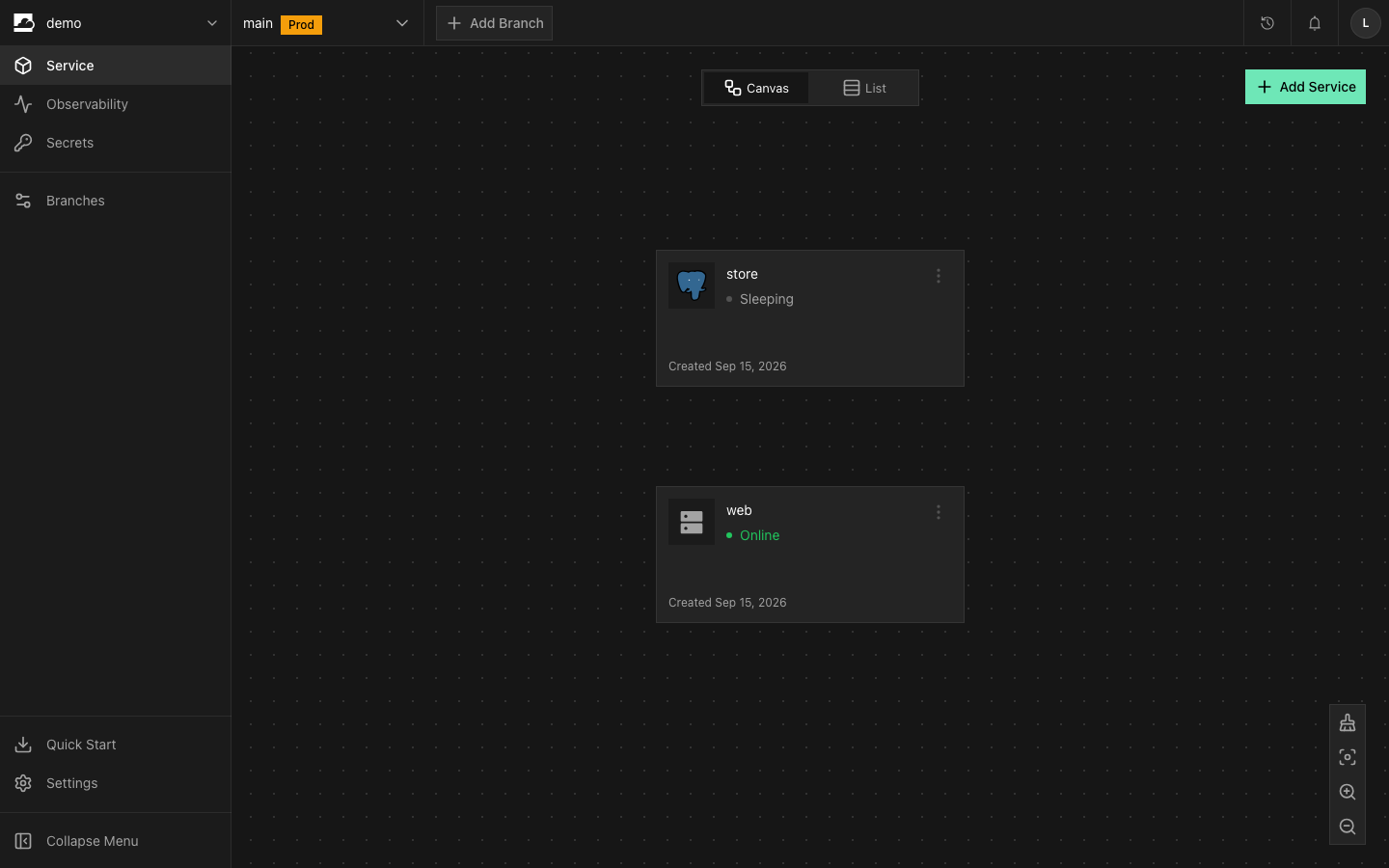
What is InstaCloud OSS?
InstaCloud OSS is an open-source, self-hostable Platform-as-a-Service that runs a single daemon over Docker to provide a complete serverless cloud on one machine. Each project gets a managed Postgres database, an S3-compatible object storage bucket, and your application containers. The platform supports git push-to-deploy via GitHub webhooks using BuildKit, instant branching that reflink-copies Postgres data directories and volumes in about a second for sleeping databases, and scale-to-zero where idle services stop and wake on first request in roughly two seconds. It includes a web dashboard served by the daemon, an MCP server for AI coding agents, and a bundled template catalog for one-command app deployments. The self-hosted version matches the hosted platform's API surface; cloud-only operations return 501 with guidance. Two run modes are supported: server mode on a VPS with TLS and an admin account installed via a one-line script, and local mode on a laptop with no authentication. Minimum requirements for server mode are Ubuntu 22.04+ or Debian 12+, two virtual CPUs, two gigabytes of RAM, 15 gigabytes of free disk space, and inbound ports 80 and 443. The daemon manages Postgres, Garage (S3), Redis, MySQL, and MongoDB as per-branch containers. Authentication uses a single admin account with scrypt-hashed passwords and full-power API tokens.
Should you self-host InstaCloud OSS?
InstaCloud OSS scores 45/100 on selfhost.directory (how scoring works) and ranks #10 of 10 in PaaS. It has 209 GitHub stars.
It shipped 7 stable releases in the past year. The latest, gate-v0.1.1, came out on 9 October 2026. New versions land roughly every 3 days.
Setup is moderate: expect some configuration beyond a single command. An official Docker image is available. It is Apache-2.0-licensed and written mostly in Typescript.
Its closest alternative on selfhost.directory is coolify (89/100, 65 169 stars). It scores higher overall, so compare the two before you pick. See InstaCloud OSS vs coolify side by side.
Features
- Agent skills and governance
- Git push to deploy
- Instant disk-fork branching
- Managed Postgres per branch
- Managed Redis, MySQL, MongoDB
- MCP server for AI agents
- One-command templates
- Reflink-optimized storage
- S3-compatible object storage
- Scale to Zero
- TLS with automatic certificates
- Web Dashboard
InstaCloud OSS README
More in PaaS
 KuberoOpen-source, self-hosted PaaS for Kubernetes: deploy containers or source with 160+ app templates, CI/CD pipelines and GitOps review apps, run by a UI plus operator.
 octeliumOpen-source self-hosted zero trust access platform replacing VPNs, tunnels and gateways, with WireGuard/QUIC clients, clientless access and policy-as-code.
 OpenshipSelf-hosted open-source PaaS: hand it a repo, a folder or an artifact and it detects your stack, builds it, then serves it on your domain with free certificates.
 QuickStackA free, open-source platform you host yourself that replaces Vercel or Heroku — deploy apps and databases on your own hardware with automatic HTTPS and backups.
 rackOpen-source, self-hosted PaaS that runs your apps on a Kubernetes cluster inside your cloud account, adding autoscaling, instant rollbacks, and a Heroku-like CLI.
 RainbondRainbond is a self-hosted, open-source container platform for deploying apps on Kubernetes without K8s expertise, with an app marketplace and offline delivery.
 sandboxdSelf-hosted AI app builder with isolated sandboxes and live previews. Build apps from prompts or run 80+ curated apps. MIT licensed, one-command Docker install.
 SandstormAn open-source, self-hosted platform for running web apps: each document or chat room gets its own sandboxed container, with one-click installs and unified sharing.
 Websoft9Self-hosted PaaS panel in a single Docker container that one-click deploys hundreds of open-source web apps, with domains, SSL, backups and monitoring. Open-source.
 zane-opsOpen-source, self-hosted PaaS to deploy web apps, databases, services and static sites on Docker Swarm with Caddy, as a free alternative to Heroku, Railway or Render.
 CanineOpen-source, self-hosted PaaS that runs on your own Kubernetes cluster: git-push deploys, Let's Encrypt SSL, rollbacks, workers and cron jobs, team access control.
 Cloud in a BottleOpen-source personal cloud OS: install web apps from Git repos on your own Ubuntu server or VM, with subdomain routing, HTTPS, sandboxed containers, backups and a CLI.
0 comments