
Self-host HomeDockOS
2.6.2.104Cloud operating system with a full desktop in your browser
- Stars
- 925
- Ports
- 80 (HTTP web interface), 443 (HTTPS (Let's Encrypt SSL))
bansheetech/homedock-os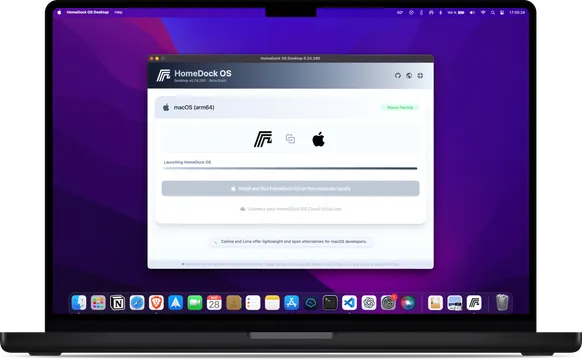
What is HomeDockOS?
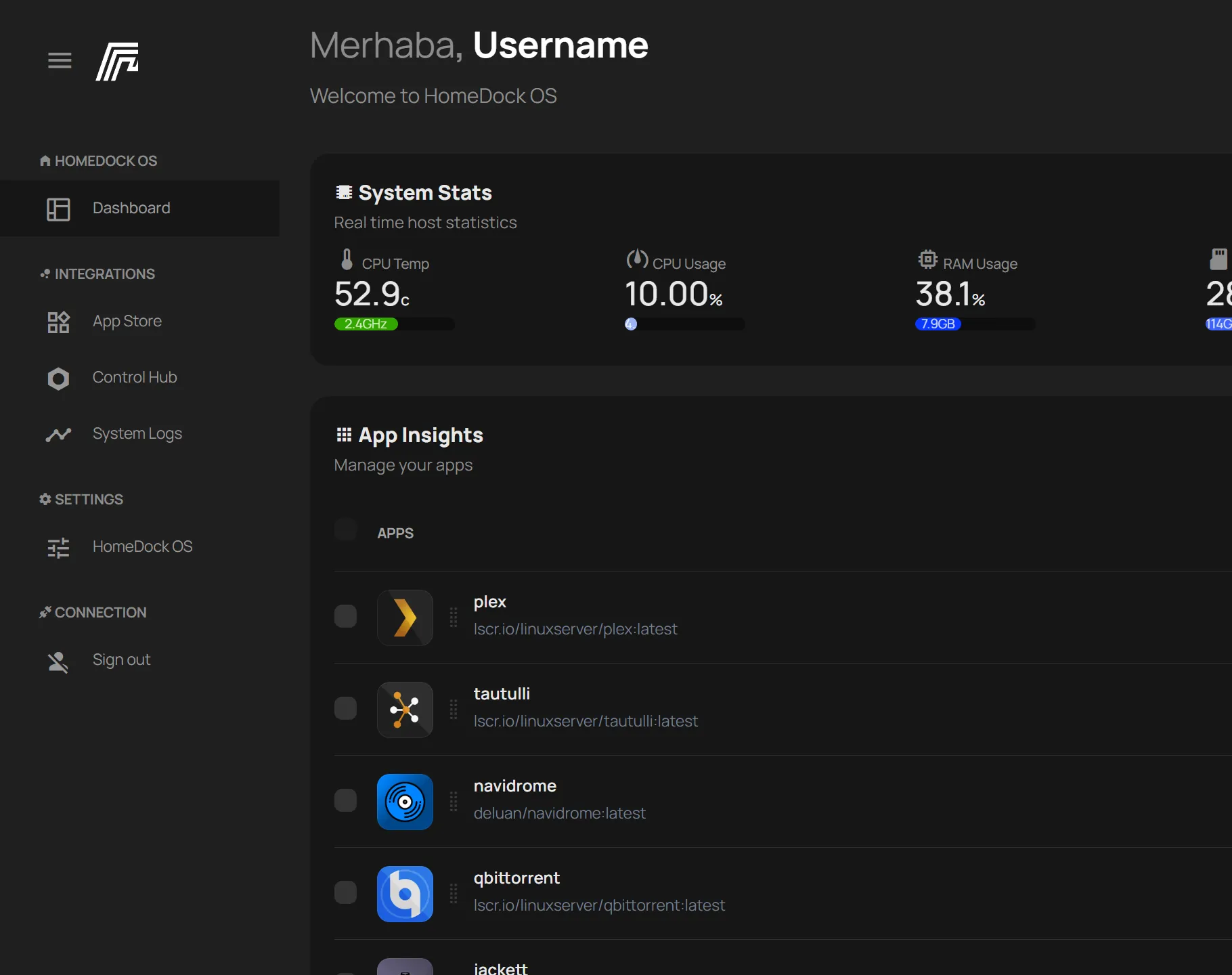
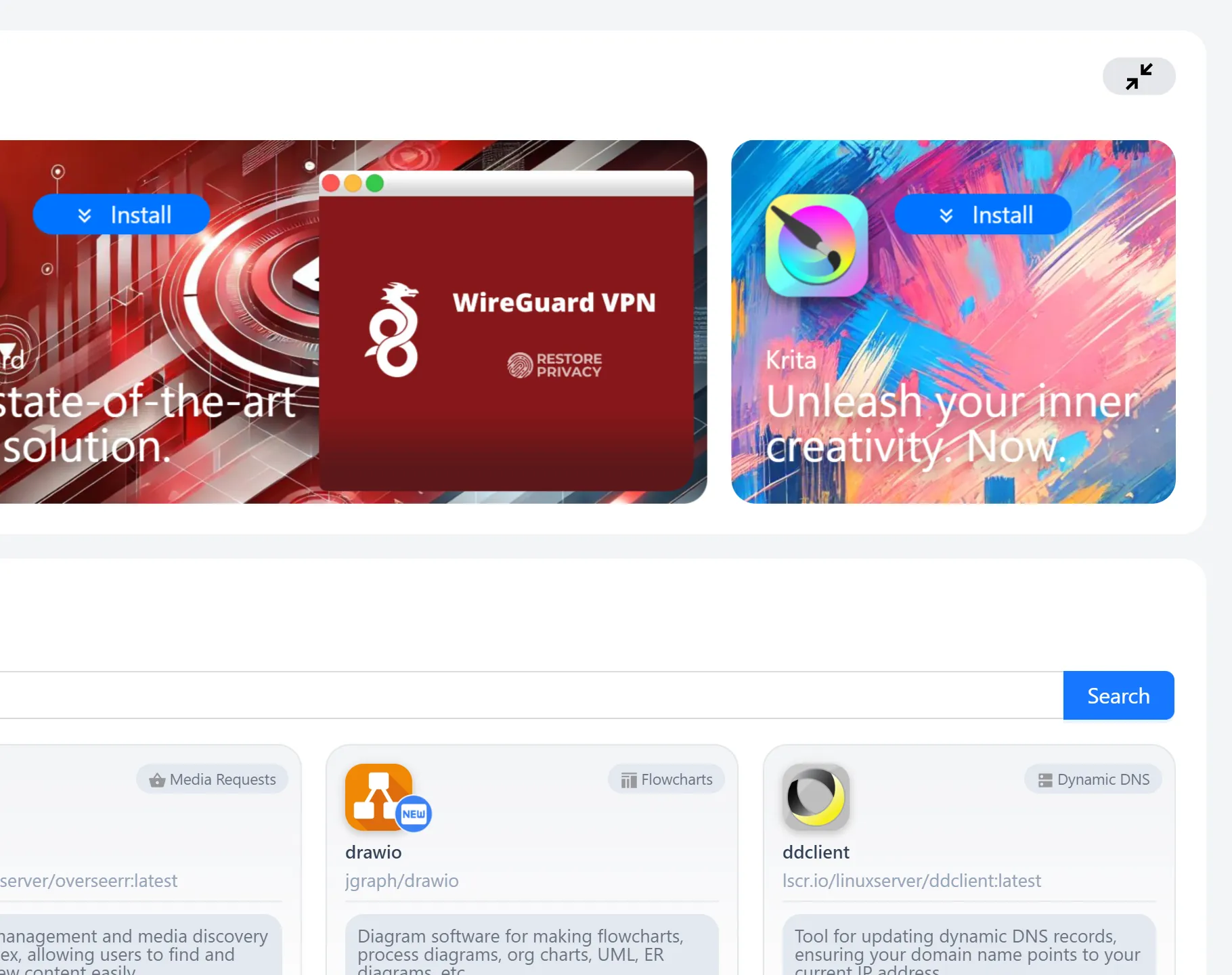
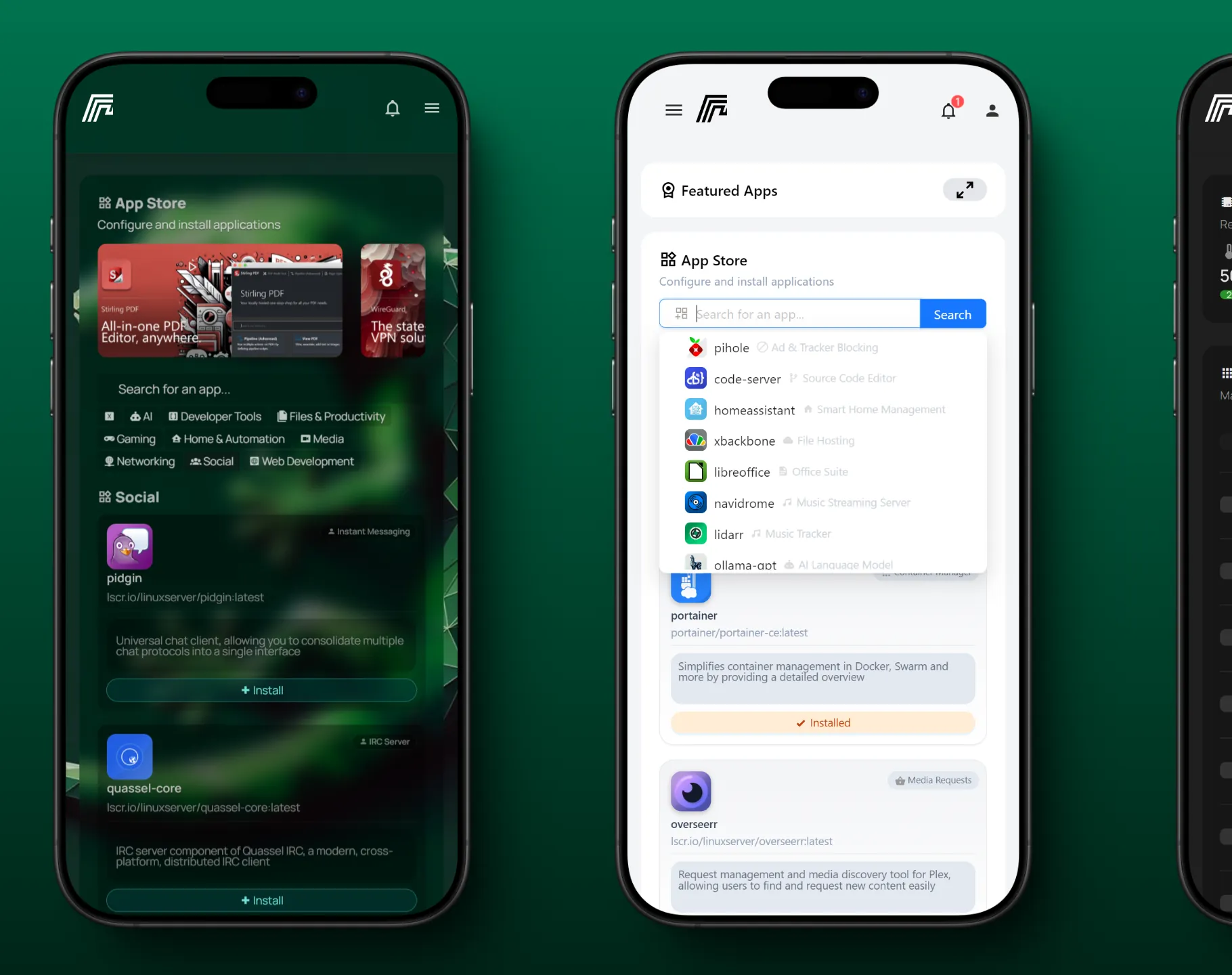
HomeDock OS is a self-hosted cloud operating system that gives you a complete desktop inside your web browser. It works on Linux, macOS, and Windows through WSL2, supporting Intel, AMD, and ARM processors on devices from Raspberry Pi to servers. The Prism Window Manager provides real window management with draggable, resizable, snappable windows. An integrated App Store offers 180+ curated apps plus six community stores, totaling over 800 installable apps like Jellyfin, Immich, Nextcloud, Home Assistant, Plex, and Vaultwarden. Built-in tools include Sheets for spreadsheets, Writer for documents, a PDF viewer, image viewer, media player, code editor, calendar, calculator, and games. The Control Hub provides live system monitoring with CPU, memory, disk, and network graphs. A unified File Explorer handles local storage, an encrypted Drop Zone using AES-256-GCM, application volumes, and physical disks. Automatic HTTPS via Let's Encrypt wildcard certificates, a built-in reverse proxy giving each app its own subdomain, single sign-on for all apps, TOTP-based two-factor authentication, and hybrid RSA+AES encryption are included. The platform is free for personal use with optional Enterprise modules for business deployments.
Should you self-host HomeDockOS?
HomeDockOS scores 56/100 on selfhost.directory (how scoring works) and ranks #4 of 8 in Operating System. It has 925 GitHub stars.
There was no stable release in the past 12 months, so check the repository's recent activity before you rely on it.
Setup is moderate: expect some configuration beyond a single command. An official Docker image is available. It is Other-licensed and written mostly in Vue.
Its closest alternative on selfhost.directory is OpenWrt (83/100, 28 967 stars). It scores higher overall, so compare the two before you pick. See HomeDockOS vs OpenWrt side by side.
Features
- Automatic HTTPS
- Automatic Updates
- Built-in reverse proxy
- Packager
- Proactive CVE Patching
- Real Desktop in Browser
- Single Sign-On
- Two-factor authentication
HomeDockOS README
FAQ
Which languages does it speak?
Eleven languages: English, Spanish, German, French, Italian, Portuguese, Chinese, Russian, Ukrainian, Japanese, and Korean. Switch anytime from Settings.
I already use CasaOS or a similar system. Can I switch?
Yes. HomeDock OS detects apps installed by similar systems and imports their app stores and setups, so moving over takes minutes.
Which apps can I install?
Over 800 apps: 180+ hand-picked in the official App Store (Jellyfin, Immich, Nextcloud, Home Assistant, Plex, Vaultwarden) plus six community stores addable with one click.
Is my data safe?
Your files stay on your own machine. You get two-step sign-in, an encrypted Drop Zone for private files, and every app sits behind your login. Security fixes usually ship within hours.
Can I use it when I'm away from home?
Yes, from any phone, tablet, or computer with a browser. HomeDock OS gets a free security certificate for your own web address, renews it automatically, and keeps the address pointing home even if your ISP changes your IP.
Do I need to know Linux or Docker?
No. You install it, open it in your browser, and install apps from the App Store with one click. Advanced options are available but never required.
What do I need to run it?
Any computer you already have. It runs on Windows, macOS, and Linux, on Intel, AMD, and Arm processors, from a Raspberry Pi or old laptop to a mini PC or server. Also runs with Docker or on Oracle Cloud's free tier.
Is HomeDock OS really free?
Yes, for personal use. Running HomeDock OS on your own computer is free forever with every feature included, no trial and no account. Business use requires an Enterprise license.
More in Operating System
 mos-releasesMOS is an open-source, self-hosted server operating system based on Devuan with a web UI for storage pools, SMB/NFS shares, Docker, LXC, VMs and a REST API.
 nestOSNestOS is a self-hosted, open-source home server OS on Debian with a web UI for Docker, KVM VMs, storage, and network. In active development, not production-ready.
 OlaresOpen-source, self-hosted personal cloud OS: run local LLMs and AI agents on your own Linux box, add apps from Olares Market, and manage files, GPUs and backups.
 OpenWrtOpenWrt is a self-hosted, open-source Linux OS you flash onto your own router: read-write root filesystem, opkg package feeds and a full firmware build system.
 os-modaA self-hosted NixOS operating system where an AI agent manages your server through structured tools, with tamper-proof audit logs and instant rollback.
 router7Open-source, self-hosted home internet router written in pure Go: DHCPv4/DHCPv6, DNS, port forwarding and auto-rolling-back updates as a gokrazy appliance.
 StartOSOpen-source, self-hosted Linux server OS: run services in isolated containers from a web UI with a marketplace, local HTTPS, Tor and encrypted backups.
 UrbitUrbit is a self-hosted, open-source personal server stack with decentralized identity (Azimuth), VM (Vere), and OS (Arvo) for P2P computing and self-sovereign identity.
 Windows ARMSelf-hosted Windows ARM64 VM in Docker with KVM acceleration, automatic install, and web console for ARM devices like Raspberry Pi 5.
 anuraOSAnuraOS is a self-hosted, open-source web OS with Linux emulation via v86, virtual filesystem, code editor, and modular app system with PWA offline support.
 DietPiLightweight justice for your single-board computer!
0 comments