
Self-host ThinkDashboard
0.7.6Lightweight bookmark dashboard with keyboard shortcuts
- Stars
- 339
- Port
- 8080 (HTTP web interface)
ghcr.io/matiasdesuu/thinkdashboard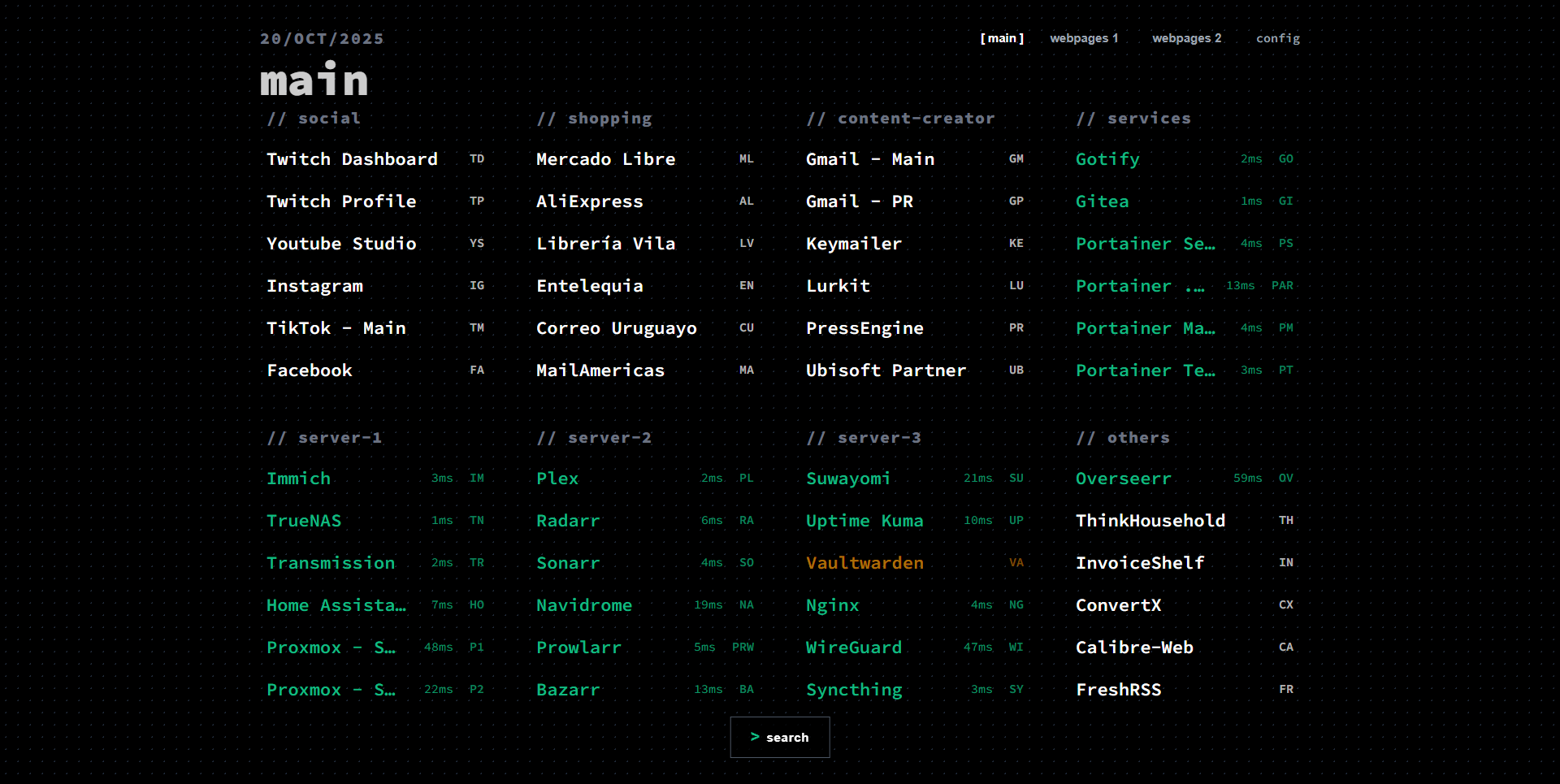
What is ThinkDashboard?
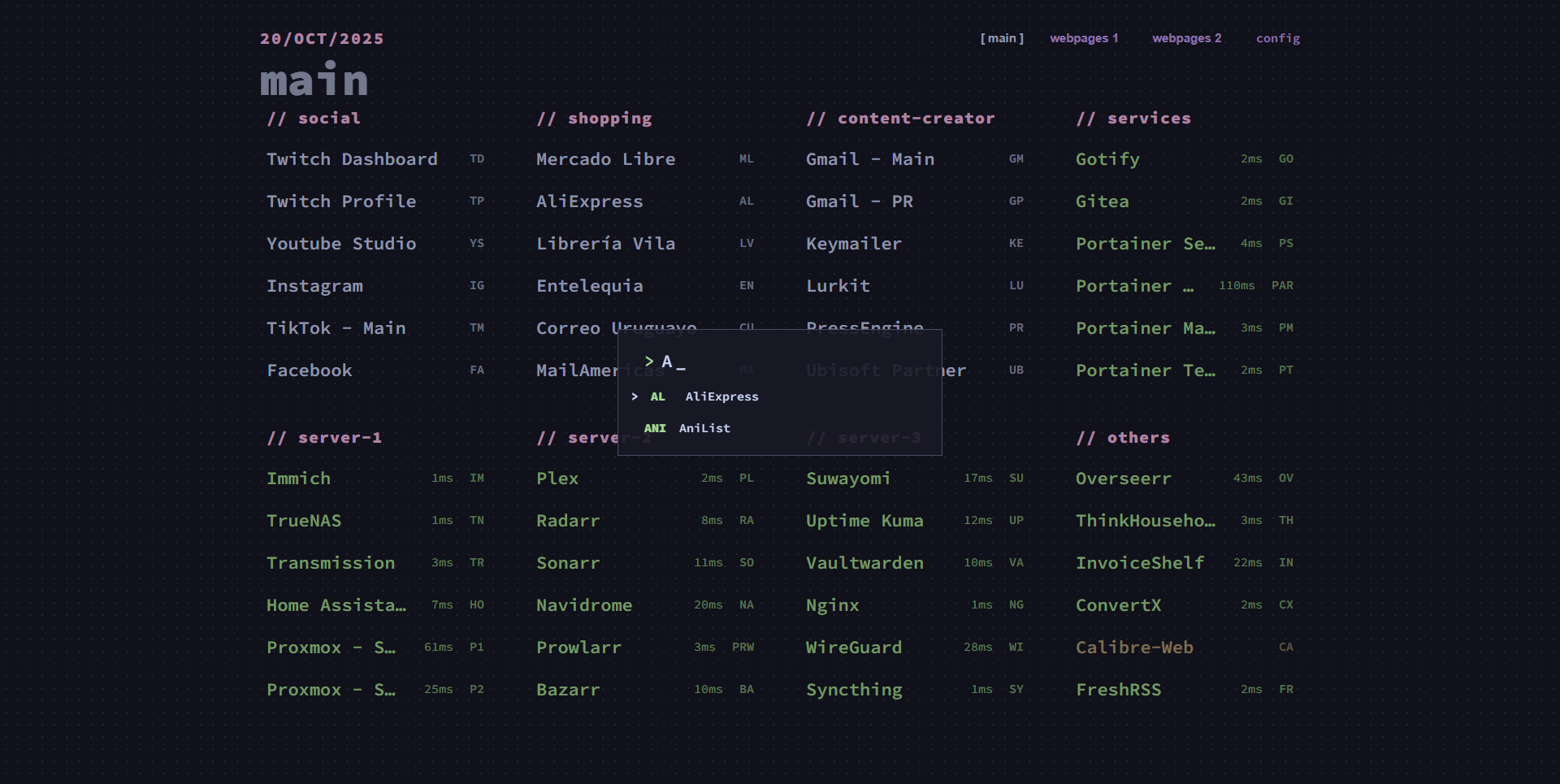
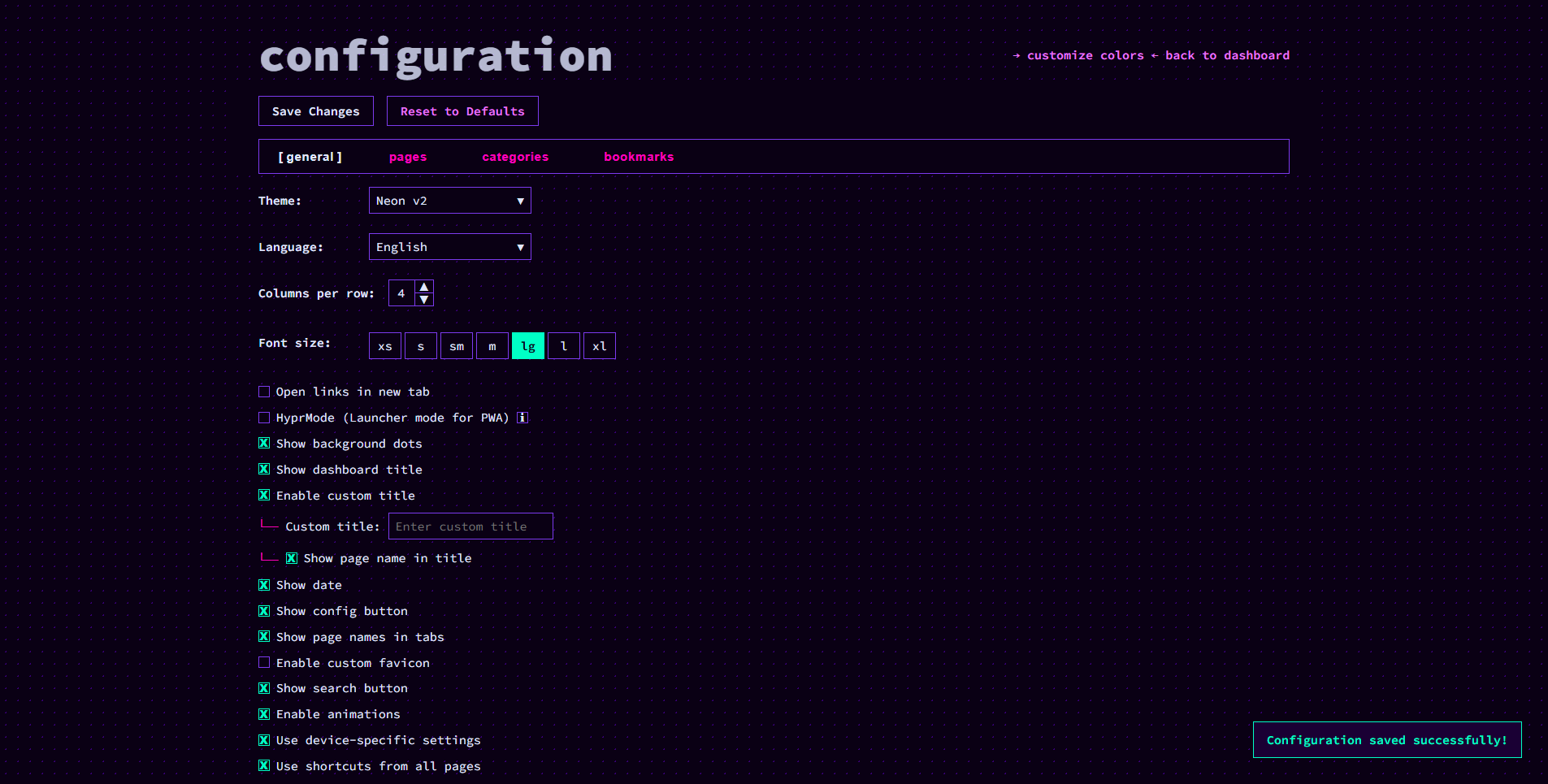
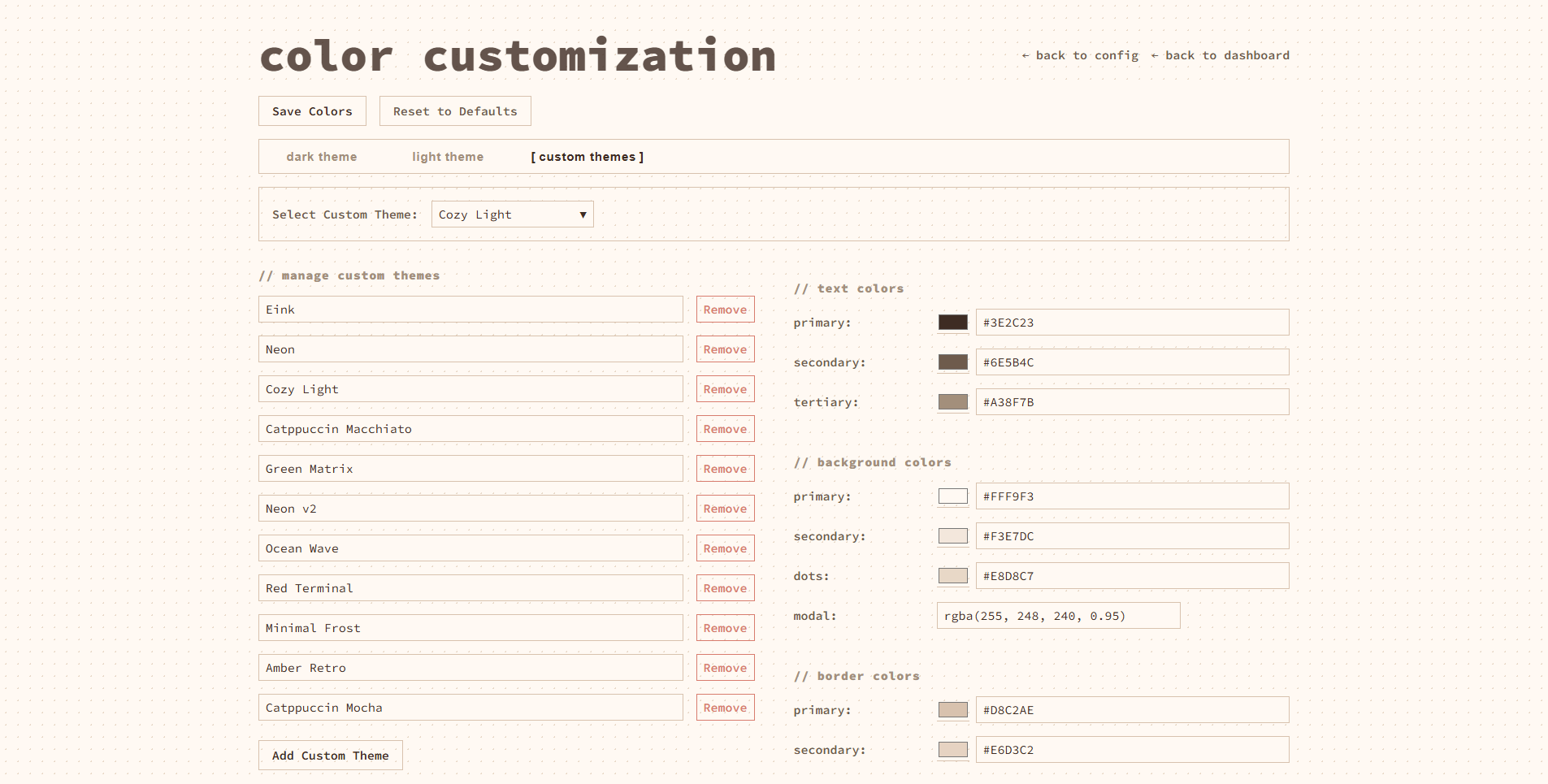
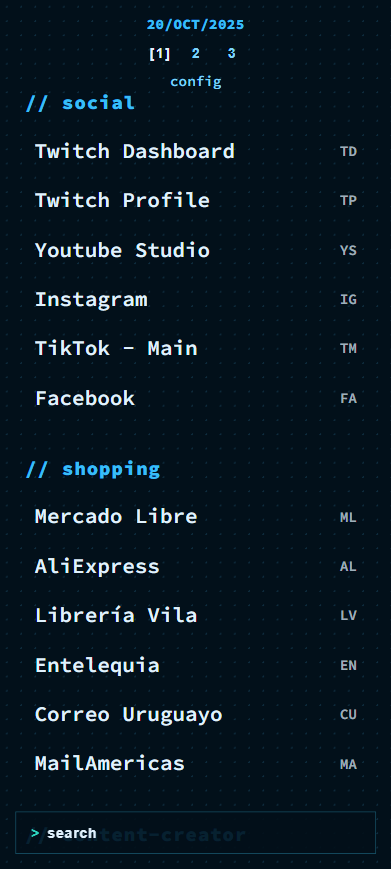
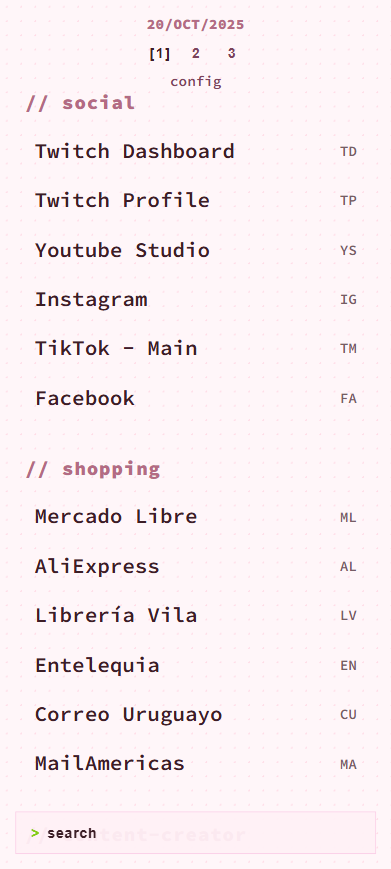
ThinkDashboard is a minimalist, self-hosted bookmark manager designed for quick keyboard-driven access to your links. You organize bookmarks into pages and categories, assign single-key shortcuts to open them instantly, and customize the look with built-in dark and light themes plus a full color editor. The UI is responsive and works on mobile browsers. Data is stored as simple JSON files in a mounted data directory, so there is no external database to manage. You can run it via Docker Compose, a single Docker command, or by building from source with Go. The project is MIT-licensed and actively maintained.
Should you self-host ThinkDashboard?
ThinkDashboard scores 45/100 on selfhost.directory (how scoring works) and ranks #32 of 46 in Bookmarks & Link Sharing. It has 339 GitHub stars.
It shipped 7 stable releases in the past year. The latest, 0.7.6, came out on 24 November 2025. New versions land roughly every 2 days.
Setup is easy: most people get it running in one sitting. An official Docker image is available. It is MIT-licensed and written mostly in JavaScript.
Its closest alternative on selfhost.directory is Karakeep (82/100, 30 126 stars). It scores higher overall, so compare the two before you pick. See ThinkDashboard vs Karakeep side by side.
Features
- Customizable Categories
- Full theme customization
- JSON file storage
- Keyboard Shortcuts
- Web-based configuration
ThinkDashboard README
More in Bookmarks & Link Sharing
 tiesties is a self-hosted, open-source federated bookmark manager for organizing, sharing, and discovering web pages via ActivityPub federation.
 wallabagSelf-hosted, open-source read-later app to save web pages offline. Supports SQLite, MySQL, PostgreSQL, Redis, 2FA, and imports from Pocket, Instapaper.
 WallabagSelf-hosted open-source read-it-later app: save web pages, keep clean extracted text, tag and share articles, import from Pocket, and read from browser, phone or RSS.
 xBrowserSyncxBrowserSync API is a self-hosted, open-source REST service for syncing browser bookmarks privately across devices, replacing proprietary sync.
 AnchrAnchr is a self-hosted, open-source toolbox for bookmarks, link shortening, and encrypted image uploads with OAuth, Telegram bot, and ShareX integration.
 ArchiveBoxArchiveBox is an open-source, self-hosted web archiving app that ingests bookmarks, RSS feeds and URLs, then saves durable HTML, PDF, PNG, WARC and MP4 copies.
 benderBender is a self-hosted, open-source link dashboard managed entirely via browser UI — no YAML needed. Supports light/dark themes, FontAwesome icons, and Homer import.
- BetulaBetula is a self-hosted, federated bookmark manager for the Fediverse, allowing users to publish, tag, and archive bookmarks with optional federation support.
 BriefkastenBriefkasten is a self-hosted, open-source bookmark manager with RSS feeds, full-text search, and browser-based AI summarization and text-to-speech via local LLMs.
 BukuAn open-source, self-hosted command-line bookmark manager with encrypted portable databases, browser import, and an optional Bukuserver web UI with REST API.
 cherryCherry is an open-source, self-hosted bookmark service with tags, groups, full-text search, and browser extensions. Runs on SQLite via Docker.
 Chhoto URLChhoto URL is a self-hosted, open-source URL shortener in Rust using SQLite, with a tiny 6 MB container, OIDC auth, custom slugs, link expiry, hit counting, and QR codes.
0 comments