
Self-host ties
v0.3.0Federated bookmark manager for organizing web pages
- Stars
- 198
- Port
- 3000 (HTTP server)
- Requires
- PostgreSQL
ghcr.io/raffomania/ties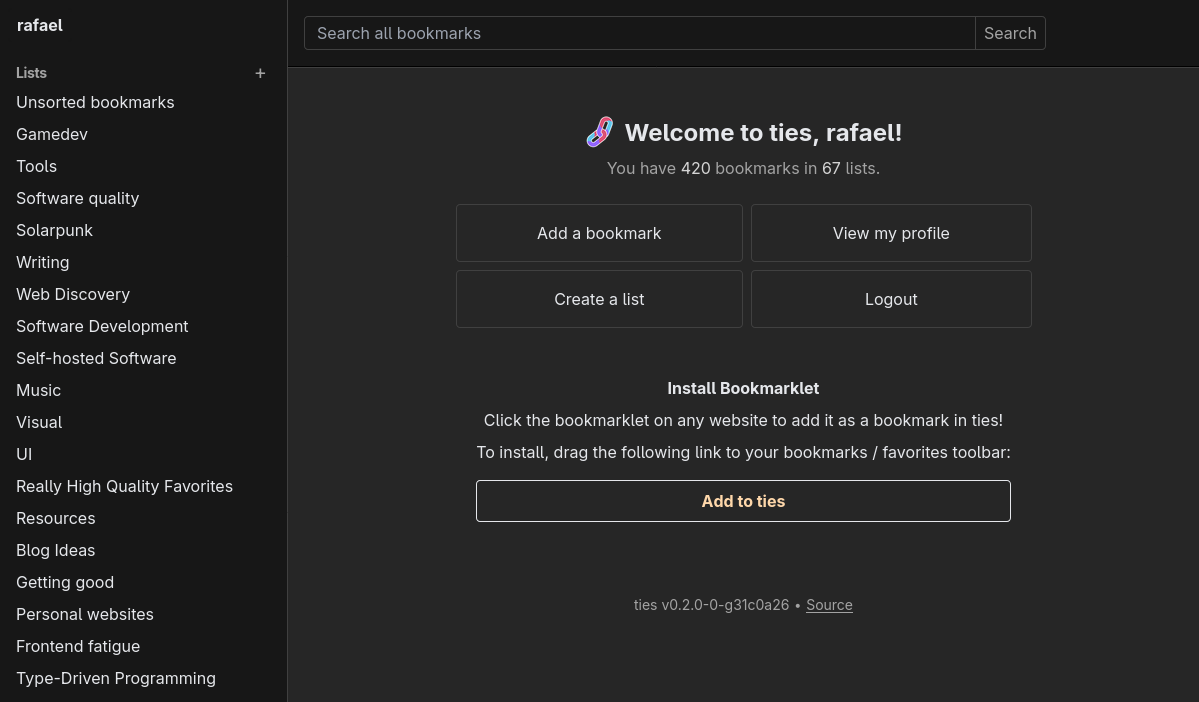
What is ties?
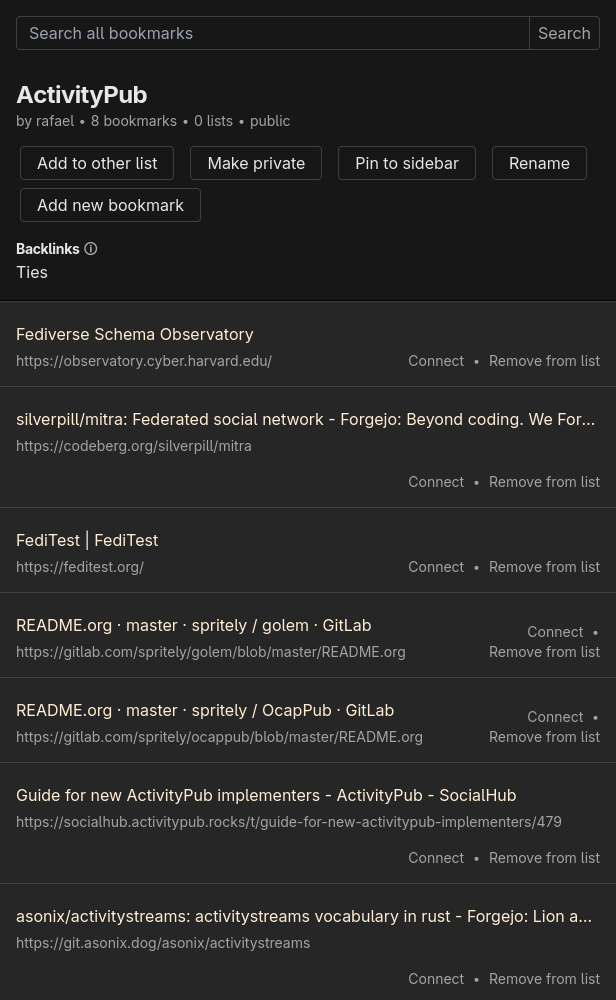
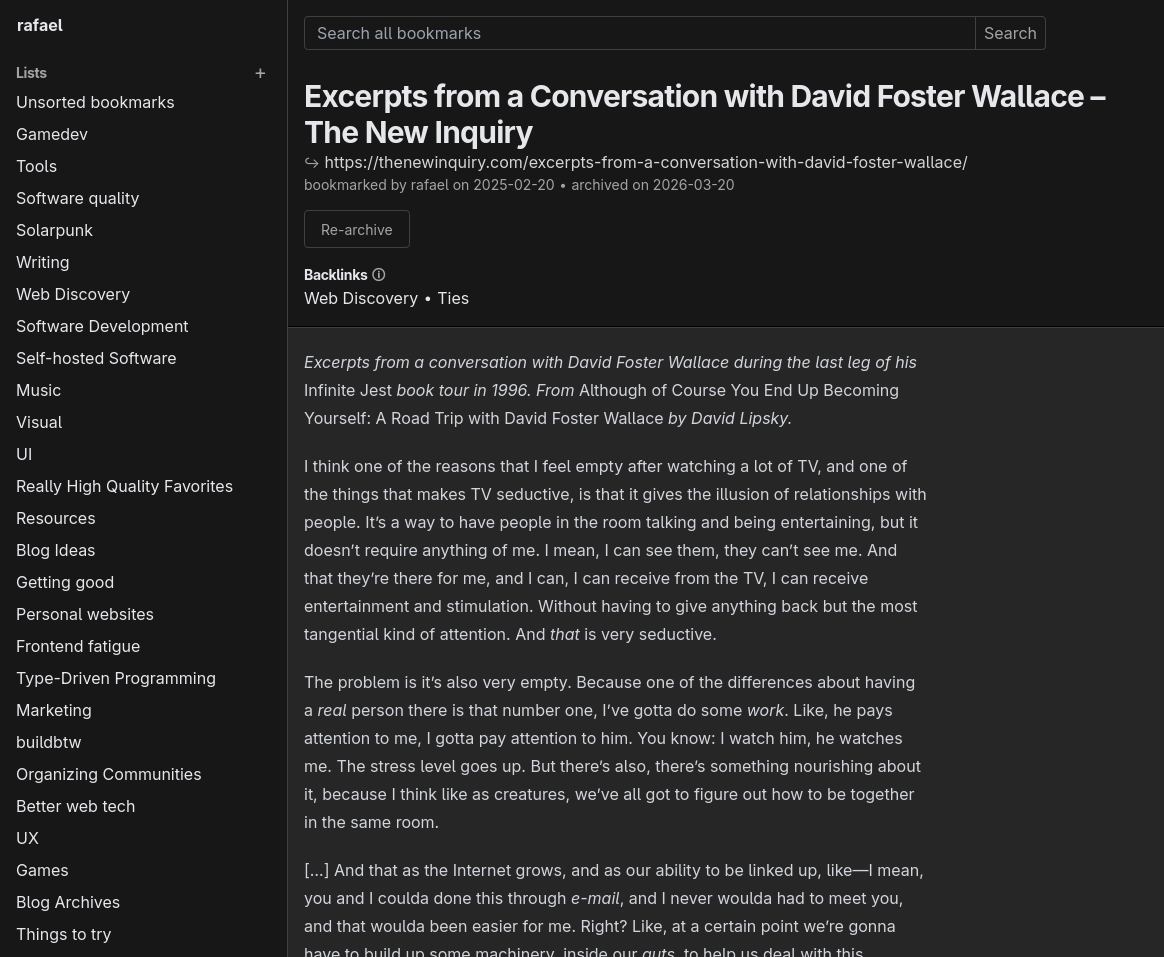
ties (formerly linkblocks) is a federated bookmark manager written in Rust that lets you organize, share, and discover web pages. You can bookmark pages, organize them into nested lists, search through archived content, and follow other users' collections via ActivityPub federation. It supports posting bookmarks to Mastodon, webfinger lookups, and invite-only registration. The software runs as a single executable with PostgreSQL as its only dependency, and can be deployed via Docker, Docker Compose, or by building from source. It includes OIDC single sign-on support, integrated TLS, and a command-line interface for maintenance. The project is in alpha stage with only single-user instances currently supported.
Should you self-host ties?
ties scores 43/100 on selfhost.directory (how scoring works) and ranks #35 of 46 in Bookmarks & Link Sharing. It has 198 GitHub stars.
It shipped 4 stable releases in the past year. The latest, v0.3.0, came out on 24 July 2026. New versions land roughly every 3 months.
Setup is moderate: expect some configuration beyond a single command. An official Docker image is available. It is AGPL-3.0-only-licensed and written mostly in Rust.
Its closest alternative on selfhost.directory is Karakeep (82/100, 30 114 stars). It scores higher overall, so compare the two before you pick. See ties vs Karakeep side by side.
Features
- ActivityPub Federation
- Backlinks
- Bookmark archiving
- Bookmarklet
- CLI for maintenance
- Federated bookmarking
- Full-Text Search
- Integrated TLS
- Invite system
- Light/Dark Mode
- Mastodon posting
- Nested lists
- OIDC Single Sign-On
- Webfinger lookup
ties README
More in Fediverse
 voyagerVoyager is an open-source, self-hosted mobile-first web client for Lemmy and Piefed, with swipe gestures, multi-account support and native iOS/Android apps.
 WriteFreelySelf-hosted, open-source blogging platform with a distraction-free Markdown editor, multi-user communities, ActivityPub federation and OAuth sign-in.
 AkkomaAkkoma is a federated social networking platform compatible with Mastodon and other ActivityPub implementations, focusing on custom expression and performance.
 AppViewLiteA self-hosted, open-source Bluesky appview that indexes the firehose using minimal resources (~2.2 GB/day) with a web interface and experimental API.
- BetulaBetula is a self-hosted, federated bookmark manager for the Fediverse, allowing users to publish, tag, and archive bookmarks with optional federation support.
 bluesky-selfhost-envbluesky-selfhost-env is an open-source, self-hosted toolkit that runs the complete Bluesky social network (AT Protocol) on your hardware using Docker Compose.
 bonfire-appBonfire is a self-hosted framework for creating federated community spaces with modular extensions and granular privacy controls.
 FriendicaFriendica is a self-hosted, open-source decentralized social network connecting to the Fediverse via ActivityPub, Diaspora, and other protocols.
 gathioA self-hosted, open-source event hosting platform where anyone can RSVP or comment without signing up, and events auto-delete after they end.
 Glitch-SocMastodon Glitch Edition is a self-hosted, open-source ActivityPub microblogging server adding experimental features like Markdown posts and advanced theming to Mastodon.
 hatsuHatsu is a self-hosted, open-source ActivityPub bridge connecting static sites to the Fediverse, automating follows and content push without microformats2.
 HolloHollo is a self-hosted, open-source ActivityPub microblogging server for single users that implements the Mastodon API so you can use any compatible client.
0 comments