
Self-host ArchiveBox
v0.9.77Open-source web archiving for pages, media, and feeds
docker run -d --name archivebox -v $PWD:/data -p 5797:5797 archivebox/archivebox:dev- Stars
- 28 994
- Port
- 5797 (Web UI + admin UI + REST API (docker mapping is 5797:5797))
archivebox/archivebox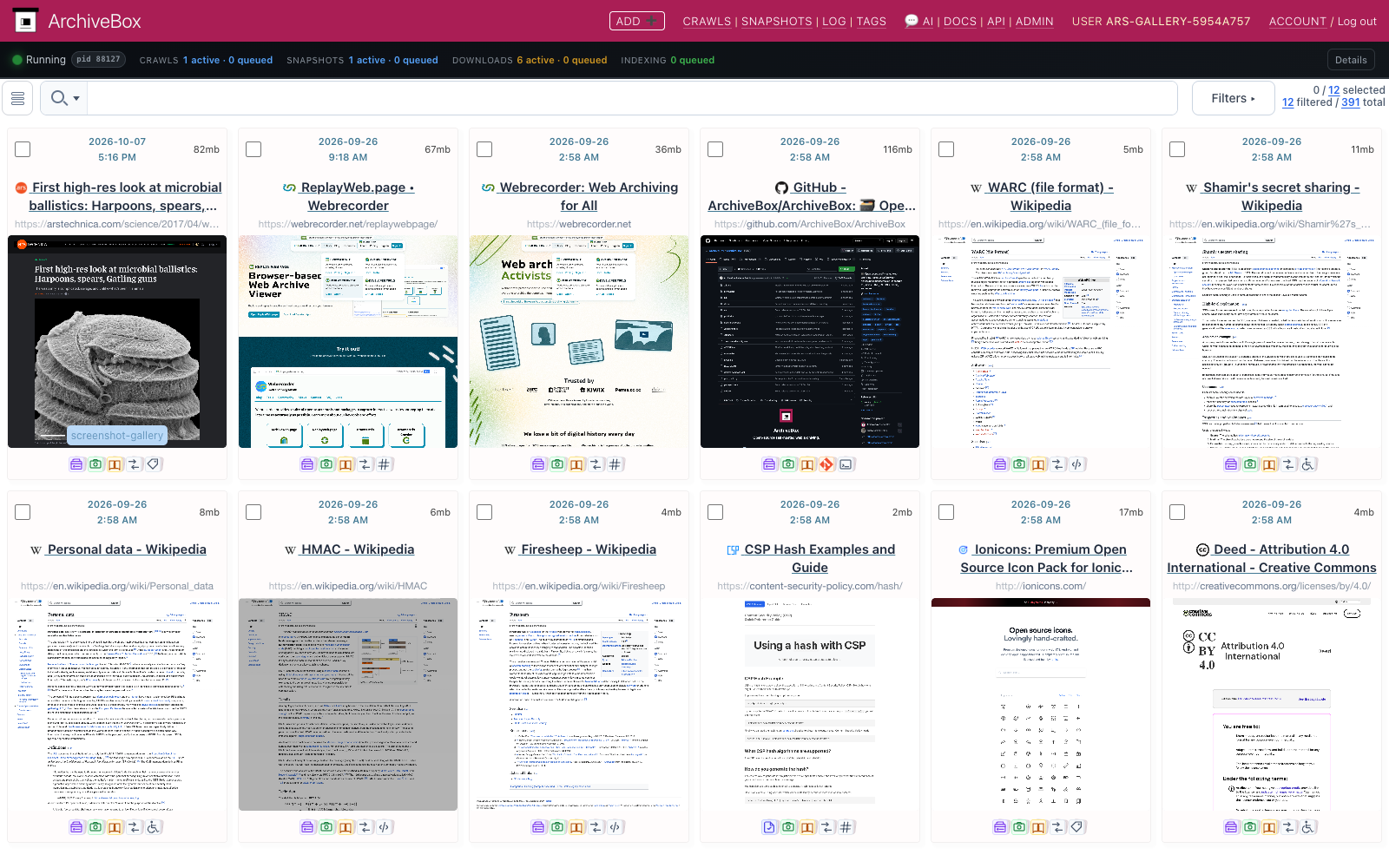
What is ArchiveBox?
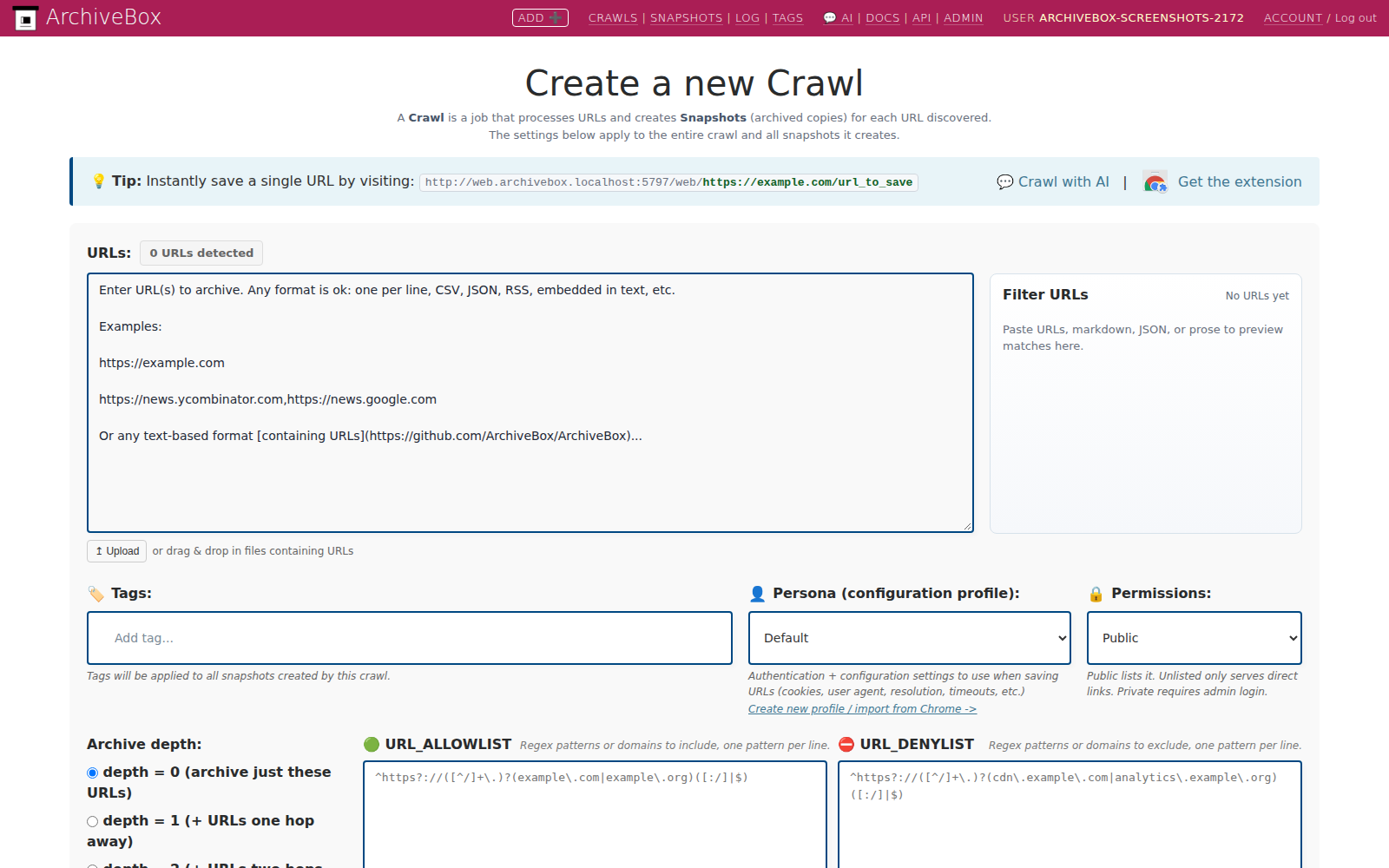
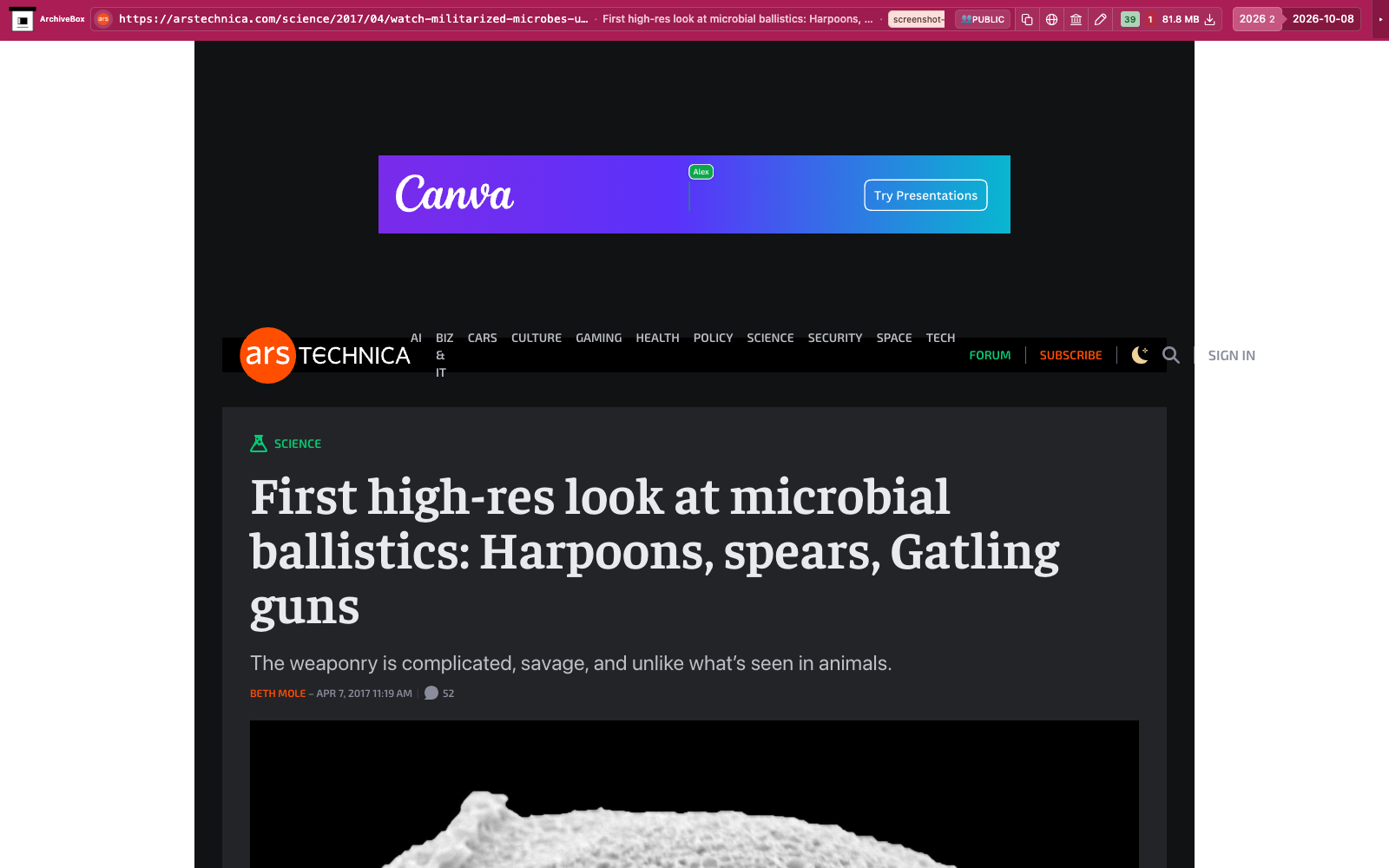
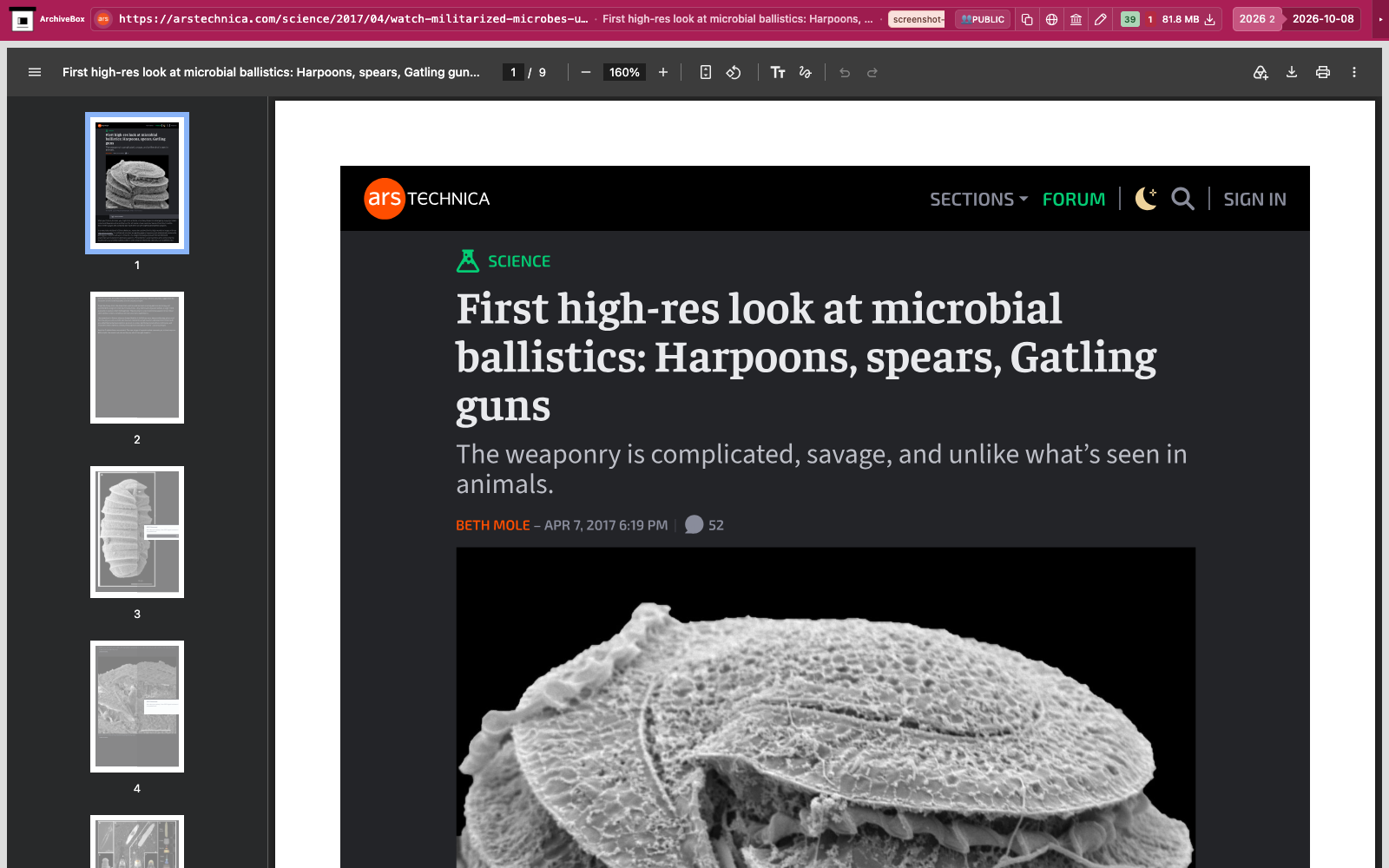
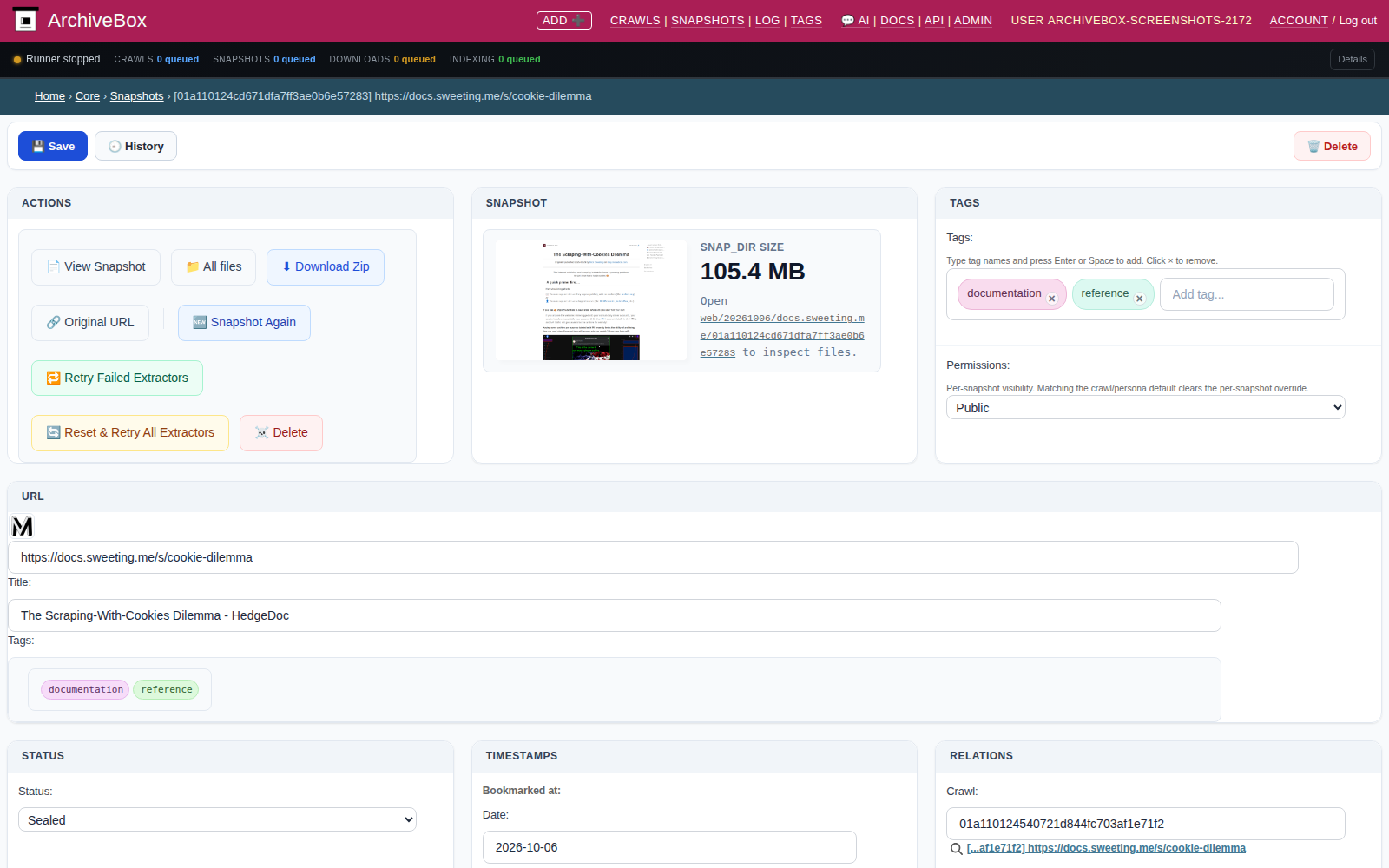
ArchiveBox keeps personal or institutional copies of web pages before link rot removes them. You point it at URLs — entered one by one, imported from exported bookmarks, feeds, or link-saving services, or pushed through its API — and for every address it runs a set of extractors that write redundant captures: original HTML with assets, a single-file render, a headless-Chrome screenshot and PDF, a WARC bundle, extracted article text, downloaded audio and video, and a git clone when the link is a repository. Everything lands as plain files and folders next to a SQLite index, so a collection stays readable even without running the software.
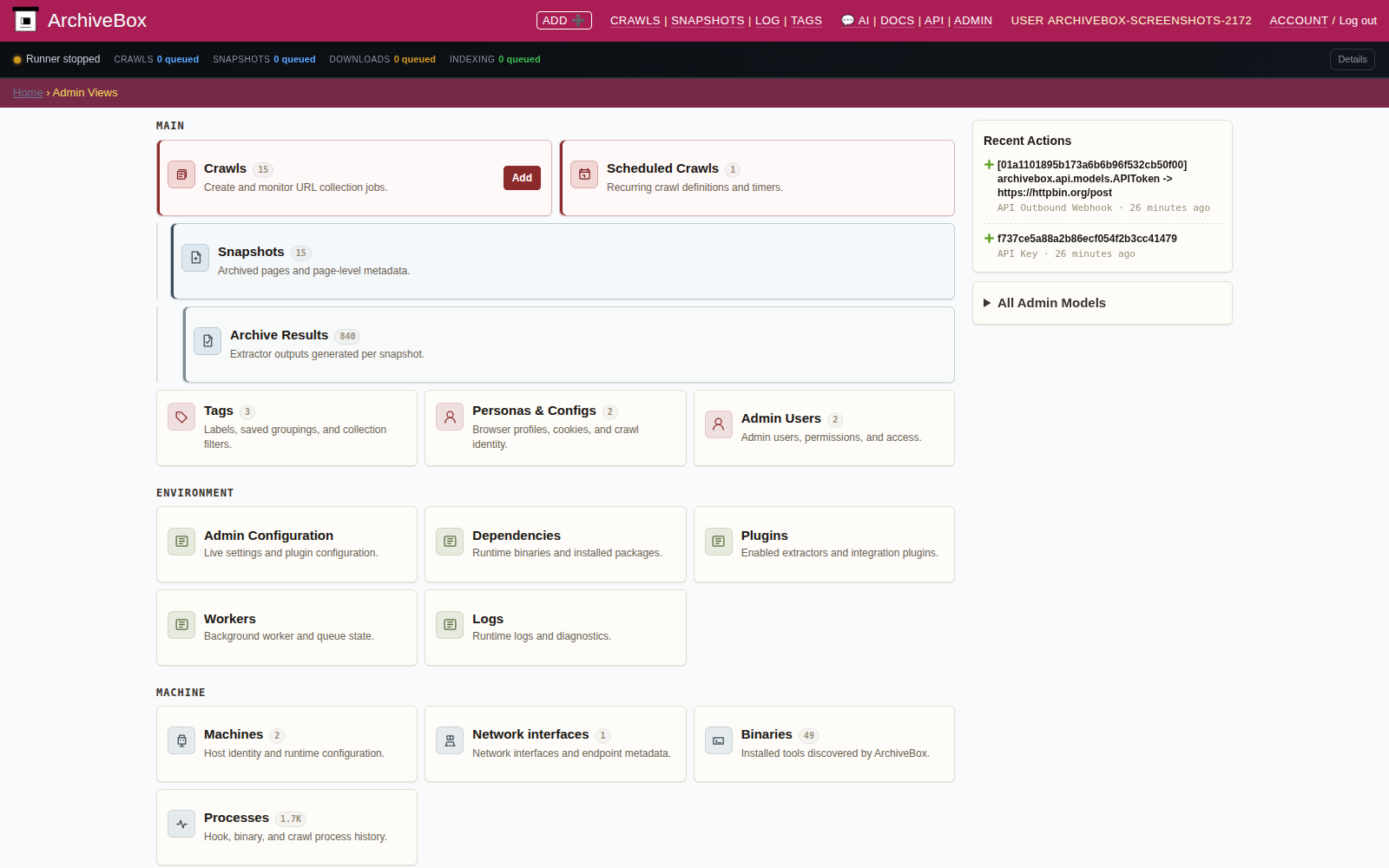
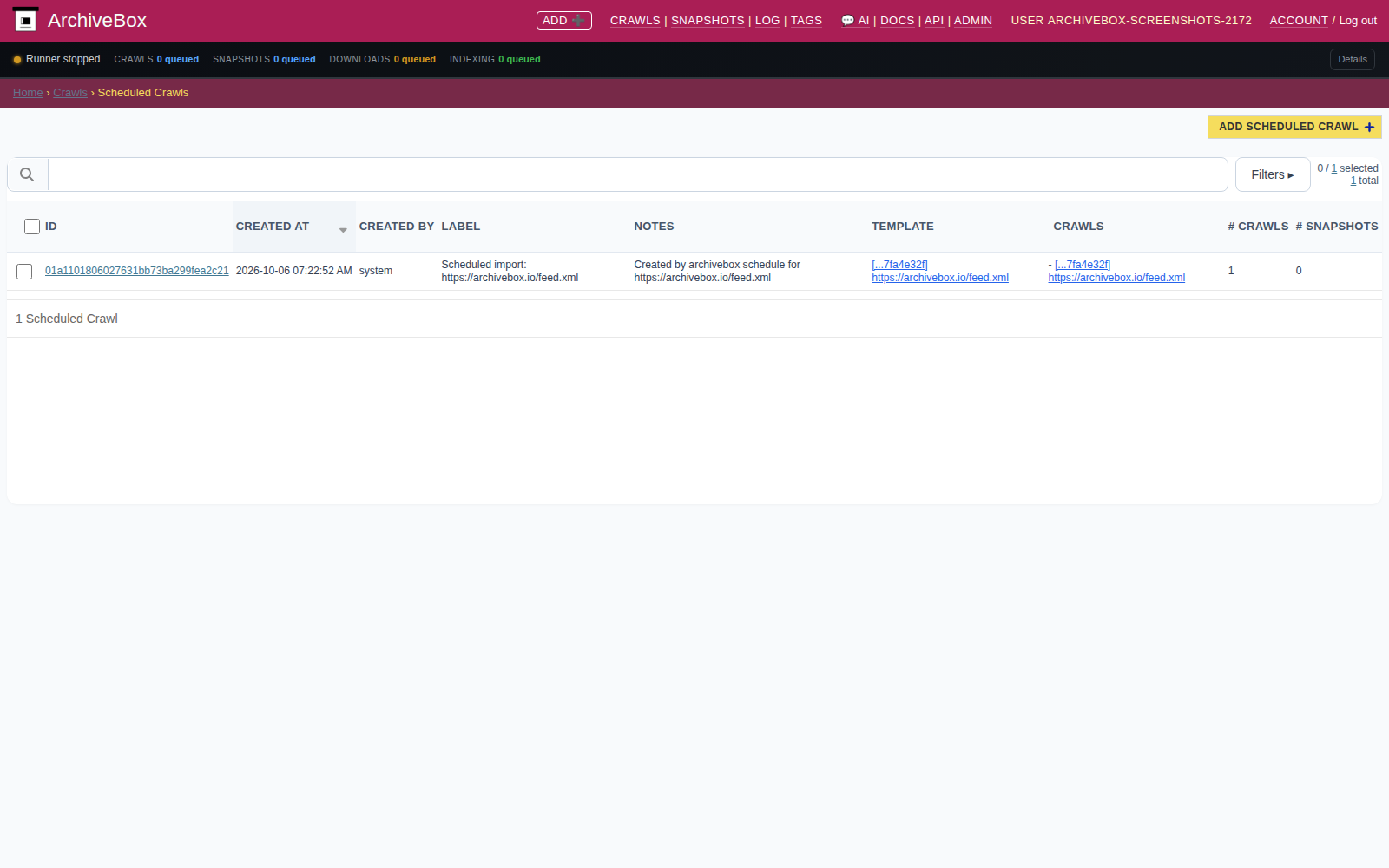
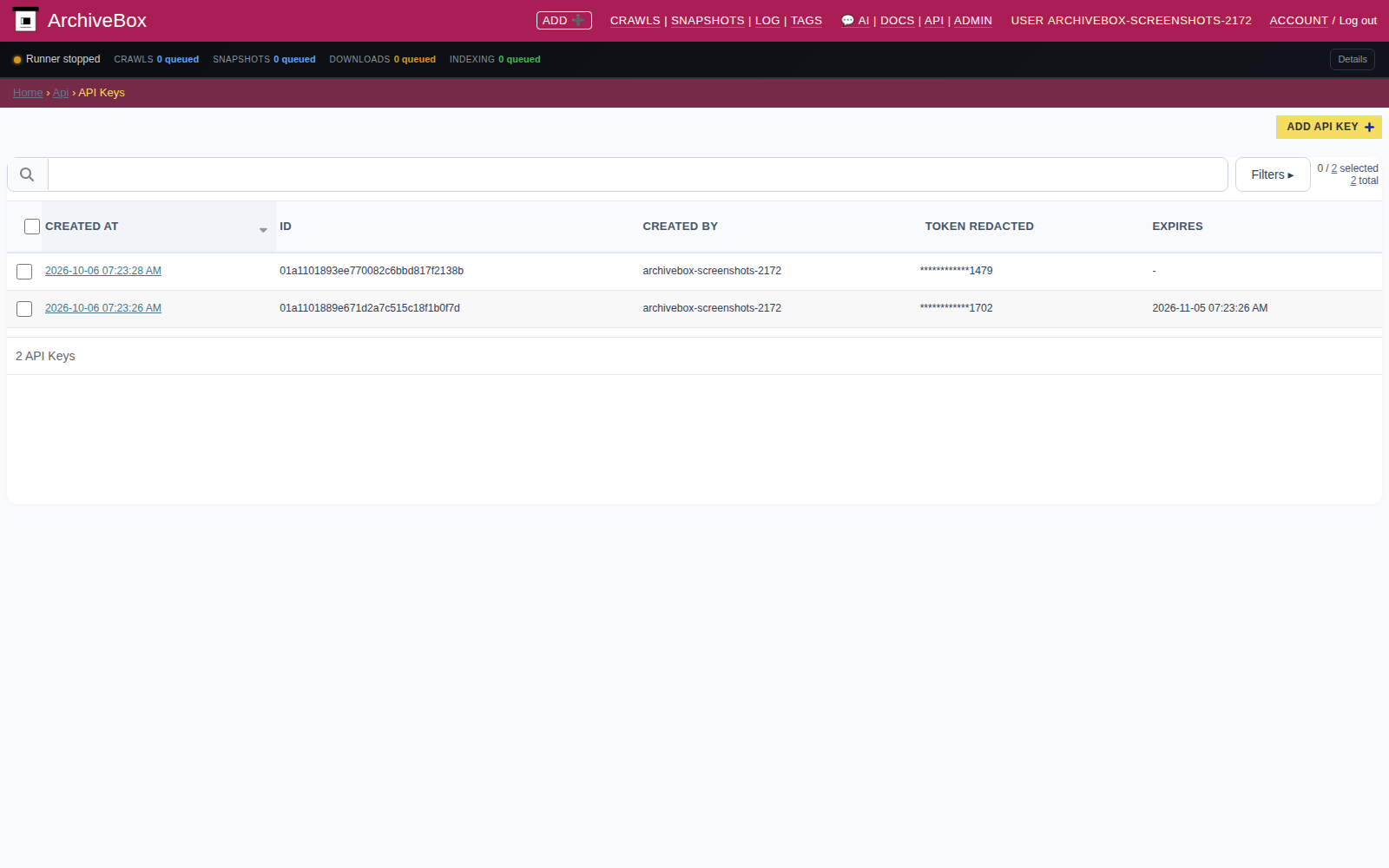
Administration happens through a web UI, a CLI, or the REST API. The same scheduler behind archivebox server drives recurring imports, tags plus full-text search (ripgrep, Sonic, or SQLite FTS5) organise large collections, and personas bundle a cookie jar and a Chrome profile so pages behind a login can still be captured. Publishing is opt-in through PUBLIC_INDEX, PERMISSIONS, and PUBLIC_ADD_VIEW, and LDAP or reverse-proxy headers can front the admin UI.
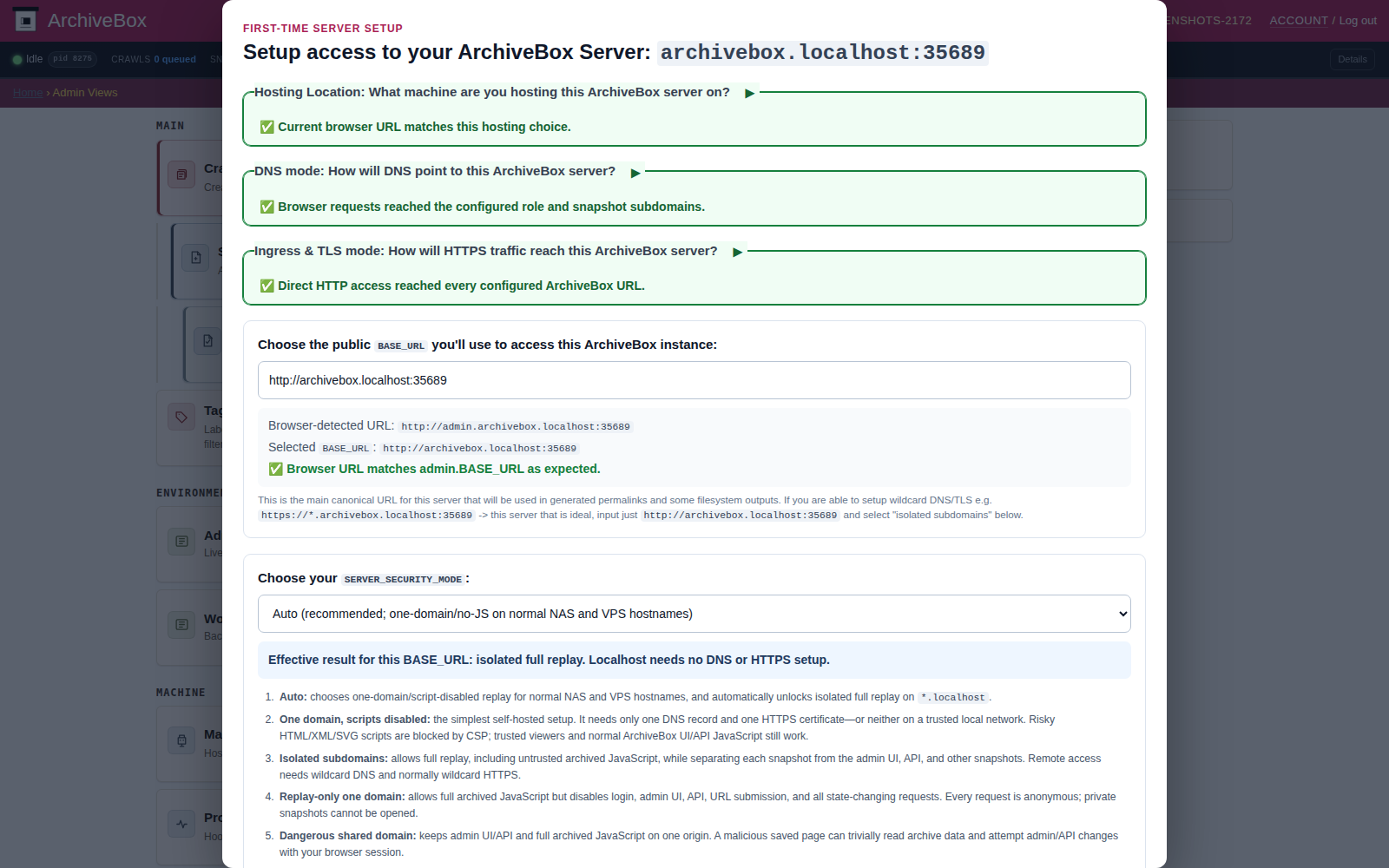
The recommended deployment is the official container with the project's compose file; bare-metal installs come from uv/pip, apt, Homebrew, or community Arch/FreeBSD/Nix/Guix packages, and archivebox install fetches helper binaries such as Chrome, wget, yt-dlp, and SingleFile. The server listens on port 5797. Caveats: the REST API is described as alpha and the Python API as beta, disk usage can span about 1–50 GB for each thousand captures depending on enabled extractors, and installing natively on Windows without Docker or WSL is not officially supported.
Should you self-host ArchiveBox?
ArchiveBox scores 79/100 on selfhost.directory (how scoring works) and ranks #1 of 12 in Archiving & Preservation. It has 28 994 GitHub stars, +296 in the last 30 days.
It shipped 9 stable releases in the past year. The latest, v0.9.77, came out on 27 October 2026. New versions land roughly every 1 days.
Setup is easy: most people get it running in one sitting. An official Docker image is available. It is MIT-licensed and written mostly in Python.
Its closest alternative on selfhost.directory is Auto-Archiver (60/100, 1 148 stars). ArchiveBox scores higher overall. See ArchiveBox vs Auto-Archiver side by side.
Features
- Archive.org redundancy
- Command Line Interface
- Full-Text Search
- Headless-browser JavaScript rendering
- Login-walled and paywalled archiving
- MCP tools for AI agents
- Media download (audio/video)
- Multi-format page capture
- Public/private sharing controls
- REST APIProject labels the REST API ALPHA.
- Scheduled Imports
- Static archive export
- Tagging
- Web UI
ArchiveBox README
ArchiveBox is a self-hosted app that lets you preserve content from websites in a variety of formats.
We aim to make your data immediately useful, and kept in formats that other programs can read directly. As output, we save standard HTML, PNG, PDF, TXT, JSON, WARC, SQLite, all guaranteed to be readable for decades to come. ArchiveBox also has a CLI, REST API, and webhooks so you can set up integrations with other services.


More in Archiving & Preservation
 ArchivematicaSelf-hosted, open-source digital preservation for archives and libraries to maintain long-term access to authentic digital objects using ISO-OAIS, METS, PREMIS, BagIt.
 ArchivesSpaceSelf-hosted, open-source archives management system for accessioning, arrangement and description, with a staff interface, public catalog, OAI-PMH and a REST API.
 ArchiveTeam WarriorSelf-hosted Docker image of the Archive Team Warrior: run the archiving worker on your own server, Compose or Kubernetes, and manage it via its port-8001 web UI.
 AtoMAtoM is a self-hosted, open-source web app for multilingual, multi-repository archival description. Implements ICA standards with EAD, EAC-CPF, CSV, SKOS import/export.
 Auto-ArchiverSelf-hosted, open-source Python tool to automatically archive videos, images, and social media from URLs, Google Sheets, and CSV files with S3 and Google Drive storage.
 bareosOpen-source, cross-platform network backup and recovery suite (a Bacula fork) with Director/File/Storage daemons, PostgreSQL catalog, tape, S3 and a web UI.
 BichonSelf-hosted, open-source email archiver written in Rust that pulls mail over IMAP or OAuth2, indexes it for full-text search, and serves a WebUI and REST API.
- E∘nvelopeSelf-hosted, open-source email archive that auto-fetches via IMAP, POP, Exchange and JMAP, with search, import/export, REST API, MFA and a PWA webapp.
 EonvelopeOpen-source self-hosted email archive supporting IMAP, POP, Exchange, and JMAP with integrations for Paperless-ngx, Immich, Nextcloud, and Searxng.
 EspialOpen-source, self-hosted bookmark server with multiple accounts, tagging, a browser bookmarklet, REST API and snapshot archiving via ArchiveBox or the Wayback Machine.
 Fedora RepositoryFedora Repository is a self-hosted, open-source digital repository for managing and preserving digital content, used by libraries and archives worldwide.
 GanymedeSelf-hosted platform for saving Twitch VODs and live streams with synchronized chat, OIDC login, and Docker Compose deployment.
0 comments