
Self-host xBrowserSync
v1.1.13Self-hosted browser sync API for bookmarks and history
- Stars
- 855
- Port
- 8080 (HTTP API server)
- Requires
- MongoDB
xbrowsersync/api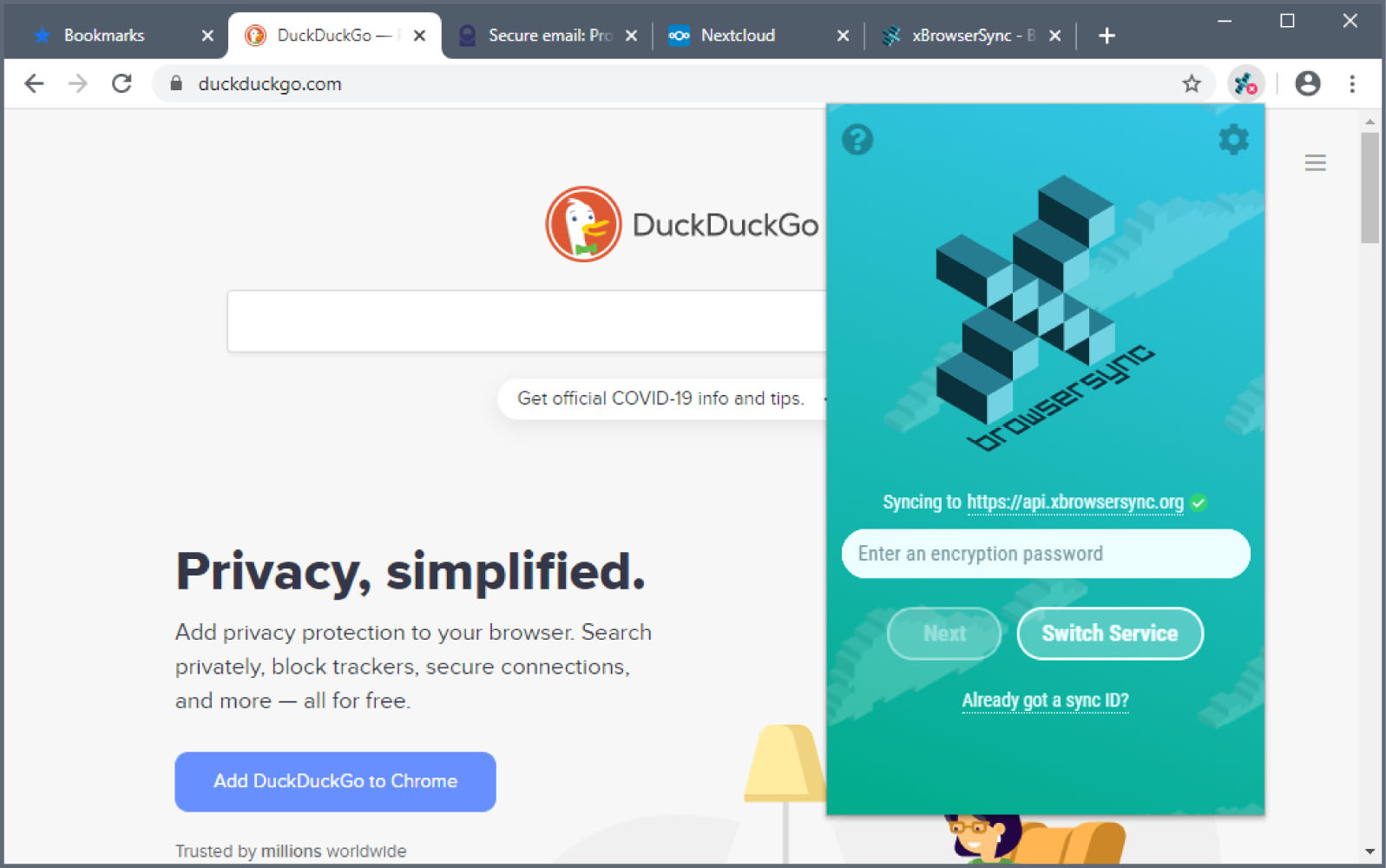
What is xBrowserSync?
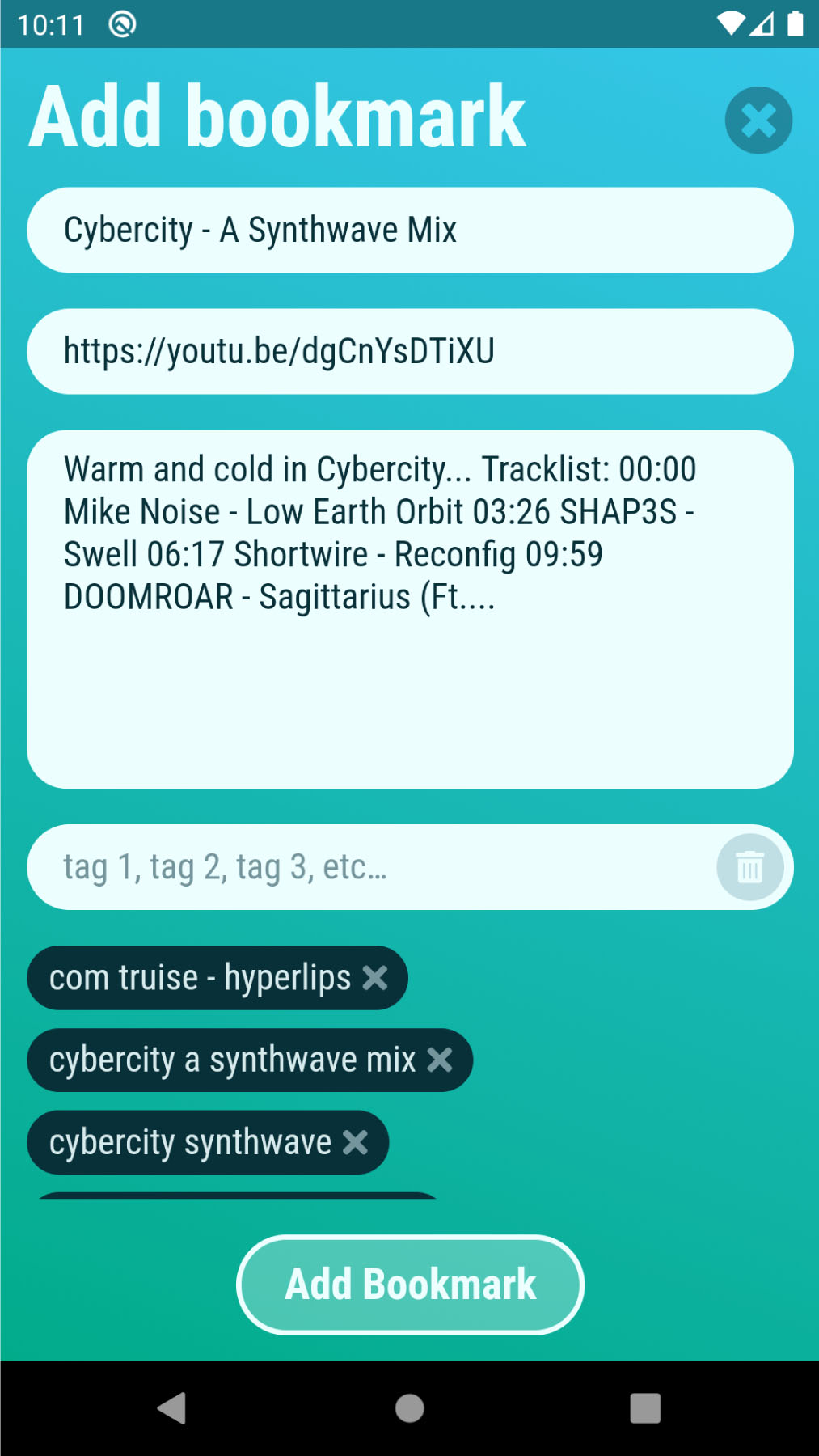
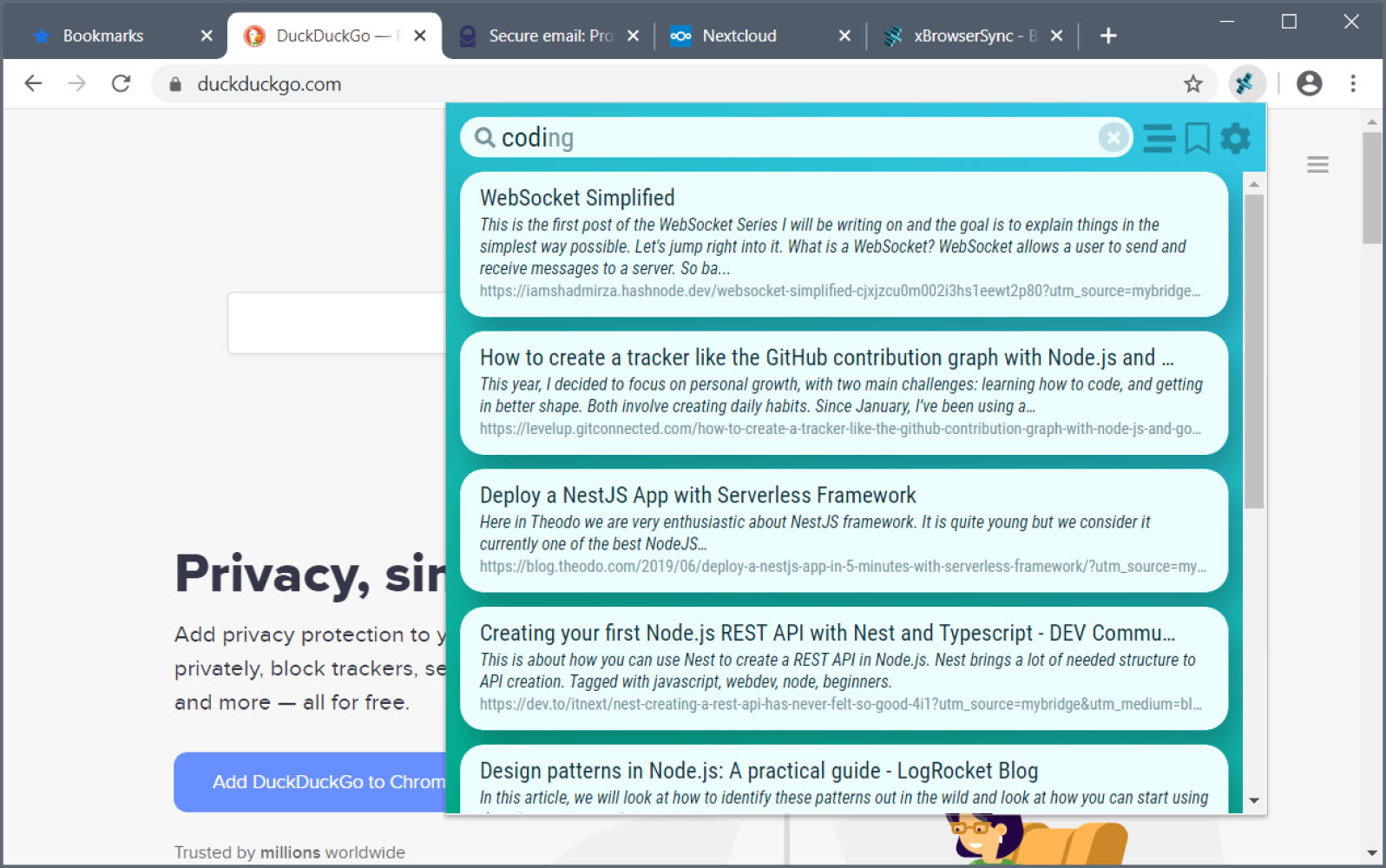
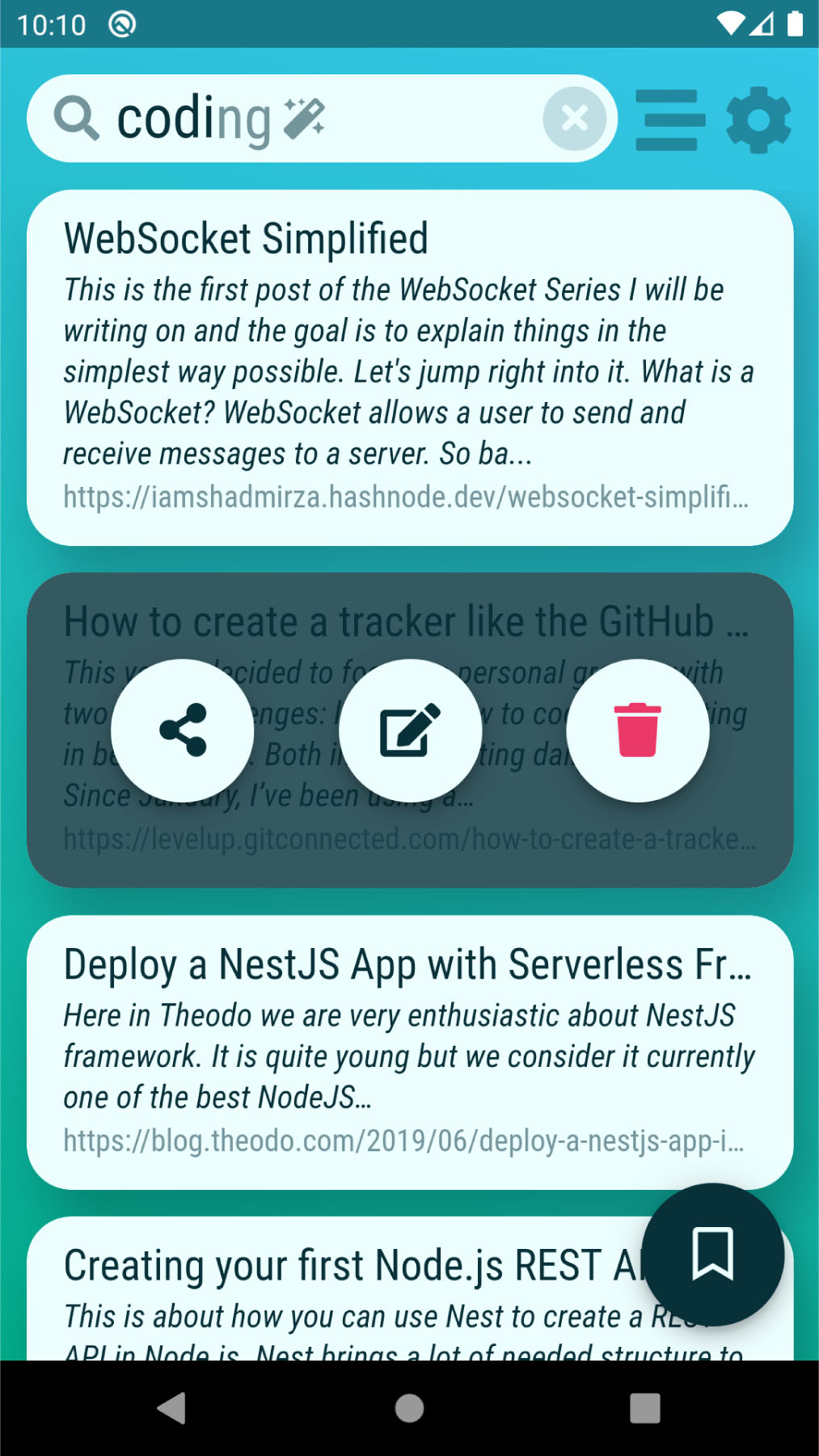
xBrowserSync API is the server-side REST service that powers xBrowserSync, a privacy-focused browser synchronization tool. It enables users to sync bookmarks and other browser data across different browsers and devices without creating accounts or sharing personal data. All data is encrypted on the client before transmission. The API can be self-hosted via Docker, Docker Compose (with MongoDB and Caddy reverse proxy), or manual Node.js installation. It requires MongoDB as a database and Node.js as the runtime. The service exposes a REST API on port 8080 by default, with configuration via JSON file and environment variables. The project is licensed under GPL-3.0 and accepts donations via Liberapay.
Should you self-host xBrowserSync?
xBrowserSync scores 54/100 on selfhost.directory (how scoring works) and ranks #17 of 46 in Bookmarks & Link Sharing. It has 855 GitHub stars.
There was no stable release in the past 12 months, so check the repository's recent activity before you rely on it.
Setup is moderate: expect some configuration beyond a single command. An official Docker image is available. It is GPL-3.0-licensed and written mostly in Typescript.
Its closest alternative on selfhost.directory is Karakeep (82/100, 30 114 stars). It scores higher overall, so compare the two before you pick. See xBrowserSync vs Karakeep side by side.
Features
- Anonymous usage
- Configurable sync limits
- CORS Configuration
- Cross-browser bookmark sync
- End-to-end encryption
- Geographic location tagging
- HTTPS Support
- Logging
- Proxy Support
- Rate Limiting
- REST API
- Service status messaging
xBrowserSync README
More in Bookmarks & Link Sharing
 AnchrAnchr is a self-hosted, open-source toolbox for bookmarks, link shortening, and encrypted image uploads with OAuth, Telegram bot, and ShareX integration.
 ArchiveBoxArchiveBox is an open-source, self-hosted web archiving app that ingests bookmarks, RSS feeds and URLs, then saves durable HTML, PDF, PNG, WARC and MP4 copies.
 benderBender is a self-hosted, open-source link dashboard managed entirely via browser UI — no YAML needed. Supports light/dark themes, FontAwesome icons, and Homer import.
- BetulaBetula is a self-hosted, federated bookmark manager for the Fediverse, allowing users to publish, tag, and archive bookmarks with optional federation support.
 BriefkastenBriefkasten is a self-hosted, open-source bookmark manager with RSS feeds, full-text search, and browser-based AI summarization and text-to-speech via local LLMs.
 BukuAn open-source, self-hosted command-line bookmark manager with encrypted portable databases, browser import, and an optional Bukuserver web UI with REST API.
 cherryCherry is an open-source, self-hosted bookmark service with tags, groups, full-text search, and browser extensions. Runs on SQLite via Docker.
 Chhoto URLChhoto URL is a self-hosted, open-source URL shortener in Rust using SQLite, with a tiny 6 MB container, OIDC auth, custom slugs, link expiry, hit counting, and QR codes.
 CodeverSelf-hosted bookmarks & snippets manager for developers with Markdown, browser extensions, IDE plugins, and Keycloak auth via GitHub, Google, GitLab, StackOverflow.
 dashlitSelf-hosted start page with multi-user link dashboards, layouts, OIDC login and per-link availability checks. Open-source, one Go binary or Docker container.
 DashMachineA self-hosted, open-source dashboard of web-app bookmarks, link collections and data-source cards, with users, access groups, dark mode and a Docker install.
 dashwiseAn open-source, self-hosted homelab dashboard with built-in auth and OIDC SSO, widgets, link groups with uptime monitoring, RSS news and Spotlight-style search.
0 comments