
Self-host Buku
v5.1Terminal bookmark manager with an optional local web UI
- Stars
- 7 253
- Port
- 5001 (Bukuserver web UI HTTP port)
bukuserver/bukuserver

What is Buku?
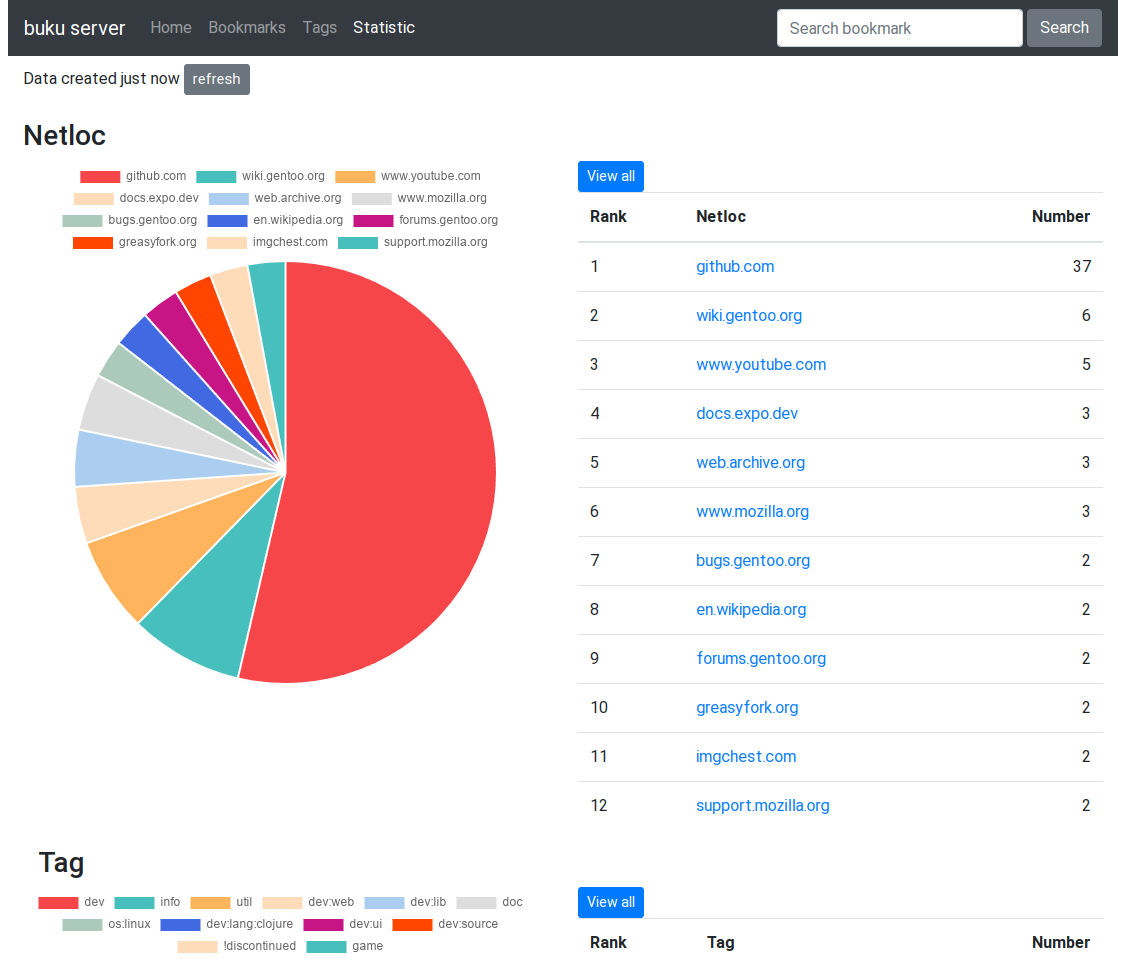
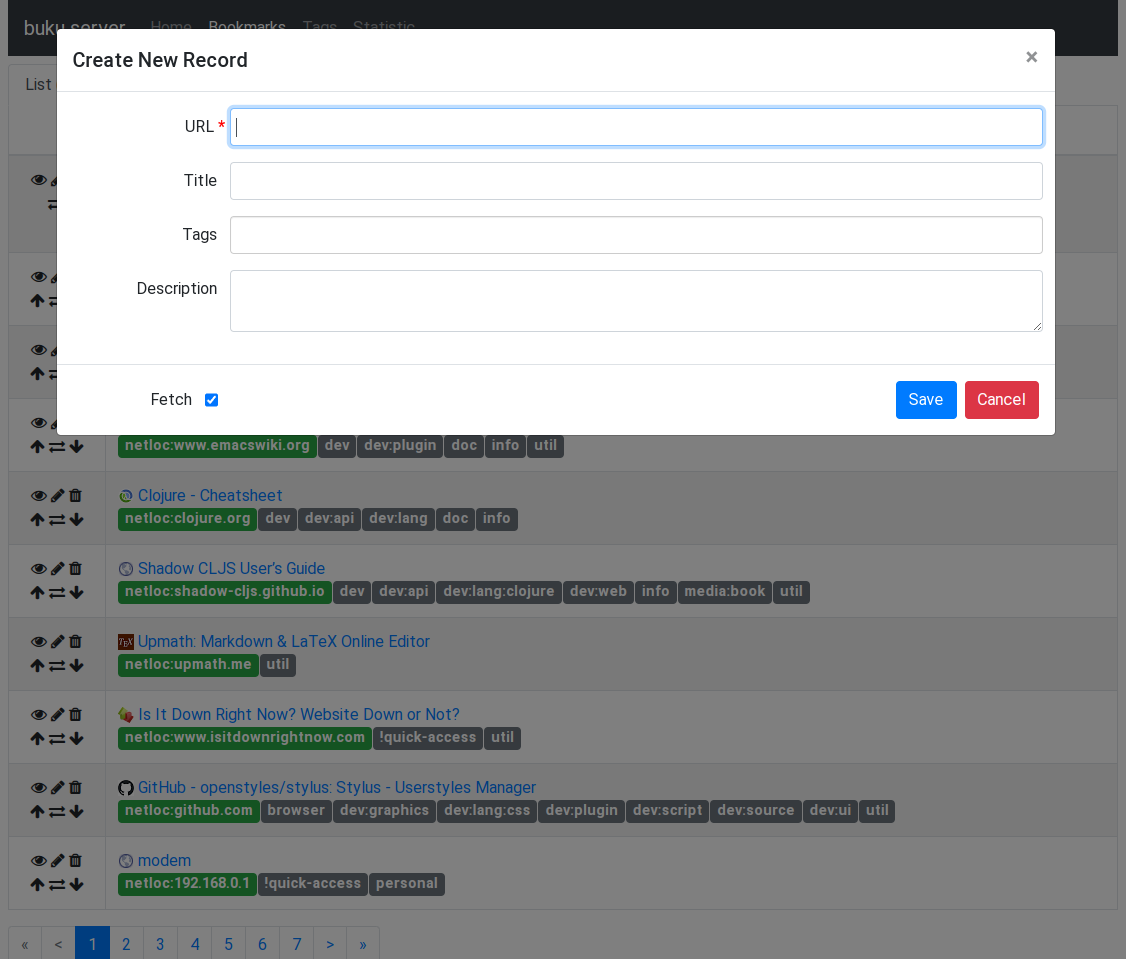
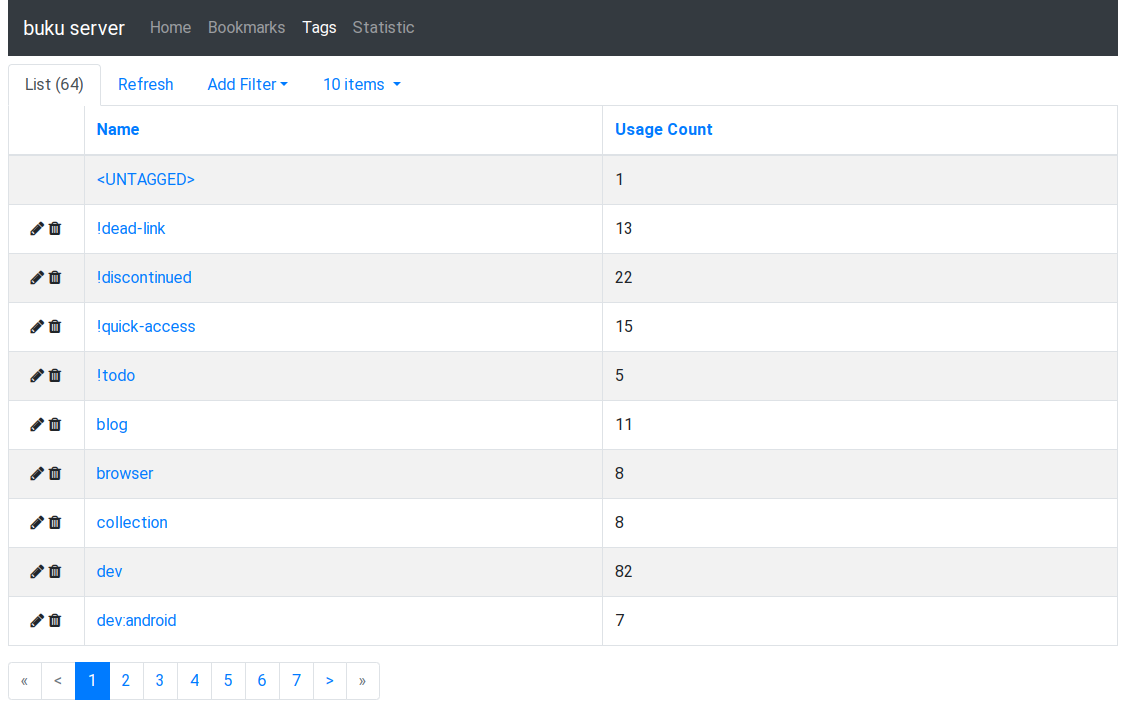
buku is a command-line bookmark manager that keeps your links in a personal, portable and merge-able database, styled as a text-based mini-web. It can grab page titles, tags and descriptions automatically, import bookmarks straight from major browsers, and export or re-import in HTML, XBEL, Markdown, RSS/Atom, Orgfile or its own DB format. Searching covers regex, deep substring matching, tag filters and per-field markers; results can open in your browser, be emitted as JSON, or be edited through your favourite editor. The database supports manual encryption with configurable key iterations, multi-threaded title refresh, and archived-page lookups on the Wayback Machine. Install it with pip, distribution packages, or from source; the companion Bukuserver adds a themed web front-end (including the dark slate theme) and an HTTP REST API, runnable through Docker or Docker Compose on port 5001, with optional nginx-based basic auth in the shipped compose setup. The project is GPL-3.0 licensed, privacy-focused (no tracking or homing), and maintained by Arun Prakash Jana.
Should you self-host Buku?
Buku scores 68/100 on selfhost.directory (how scoring works) and ranks #7 of 46 in Bookmarks & Link Sharing. It has 7 253 GitHub stars, +41 in the last 30 days.
It shipped 1 stable release in the past year. The latest, v5.1, came out on 7 December 2025.
Setup is easy: most people get it running in one sitting. An official Docker image is available. It is GPL-3.0-licensed and written mostly in Python.
Its closest alternative on selfhost.directory is Karakeep (82/100, 30 401 stars). It scores higher overall, so compare the two before you pick. See Buku vs Karakeep side by side.
Features
- Advanced search
- Auto-fetch of title, tags and description
- Browser bookmark auto-import
- Command-line bookmark management
- Database Encryption
- JSON Output
- Multi-format import/export
- Multi-threaded full DB refresh
- Portable, merge-able database
- REST APIProvided by the Bukuserver component; described as for personal use only.
- Shell completion scripts
- Tag Management
- Text editor integration
- Wayback Machine lookups
- Web UI (Bukuserver)
More in Bookmarks & Link Sharing
 cherryCherry is an open-source, self-hosted bookmark service with tags, groups, full-text search, and browser extensions. Runs on SQLite via Docker.
 Chhoto URLChhoto URL is a self-hosted, open-source URL shortener in Rust using SQLite, with a tiny 6 MB container, OIDC auth, custom slugs, link expiry, hit counting, and QR codes.
 CodeverSelf-hosted bookmarks & snippets manager for developers with Markdown, browser extensions, IDE plugins, and Keycloak auth via GitHub, Google, GitLab, StackOverflow.
 dashlitSelf-hosted start page with multi-user link dashboards, layouts, OIDC login and per-link availability checks. Open-source, one Go binary or Docker container.
 DashMachineA self-hosted, open-source dashboard of web-app bookmarks, link collections and data-source cards, with users, access groups, dark mode and a Docker install.
 dashwiseAn open-source, self-hosted homelab dashboard with built-in auth and OIDC SSO, widgets, link groups with uptime monitoring, RSS news and Spotlight-style search.
 DigibunchSelf-hosted, open-source link-hub written in PHP for curating collections of web links with categories, grid/list views, embed codes, QR sharing and backups.
 Django-link-archiveSelf-hosted, open-source link database and RSS reader aggregating bookmarks, YouTube, Reddit, and email into a searchable archive with dark mode.
 docker-flareFlare is a lightweight, open-source bookmark navigation start page that stores everything in plain YAML files with no database, runs in under 30 MB RAM.
 docker-shioriSelf-hosted Docker image for Shiori bookmark manager with SQLite, MySQL, and PostgreSQL database support.
 eselsohrSelf-hosted bookmark manager using capability-based security instead of user accounts. Written in Haskell, runs as a single binary or Docker container.
 EspialOpen-source, self-hosted bookmark server with multiple accounts, tagging, a browser bookmarklet, REST API and snapshot archiving via ArchiveBox or the Wayback Machine.
0 comments