
Self-host PrintGuard
v2.6.4On-device 3D print failure detection with auto-pause
- Stars
- 363
- Ports
- 8000 (dashboard, engine WebSocket, live video, device publishing), 8554 (RTSP input from cameras), 1935 (RTMP input from cameras), 9997 (MediaMTX API (internal)), 8888 (HLS muxer (internal))
ghcr.io/oliverbravery/printguard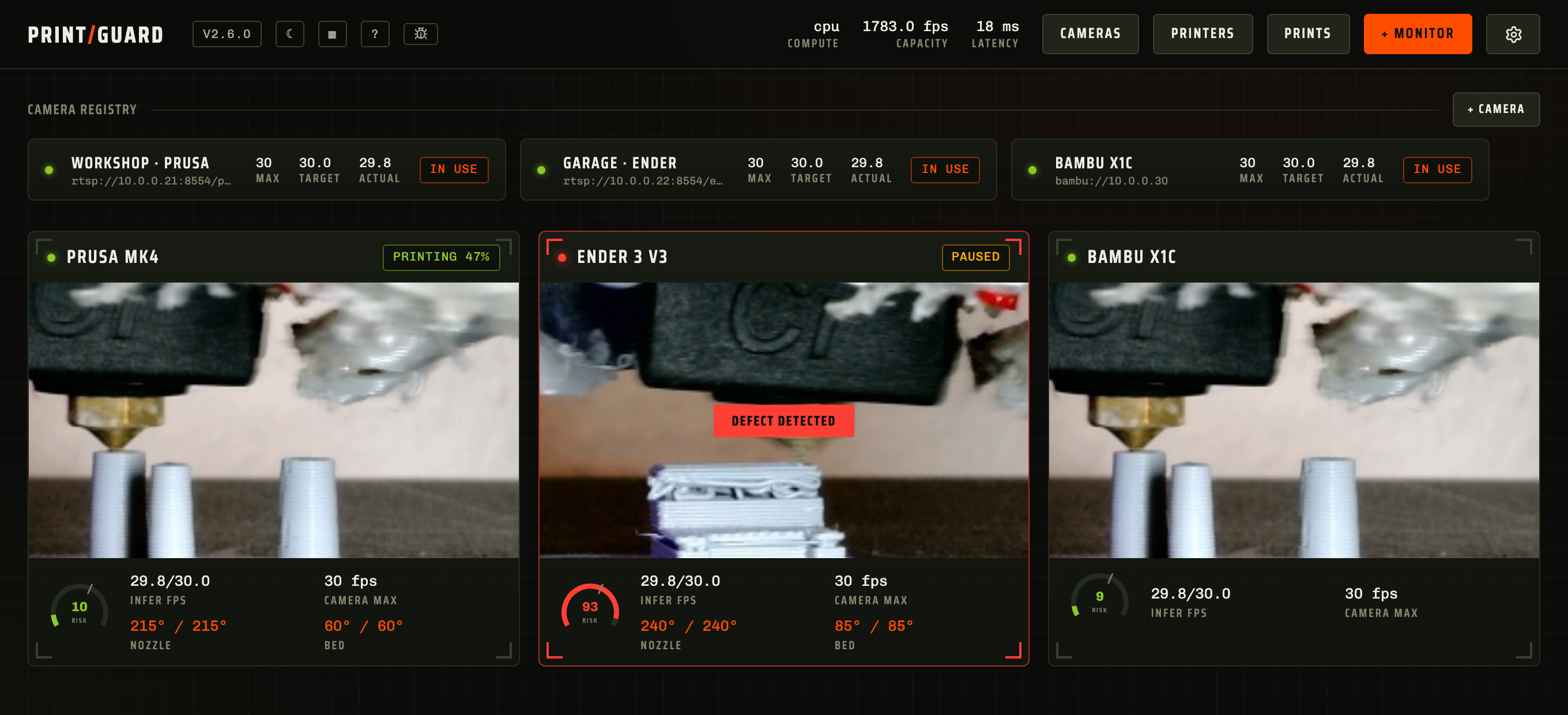
What is PrintGuard?
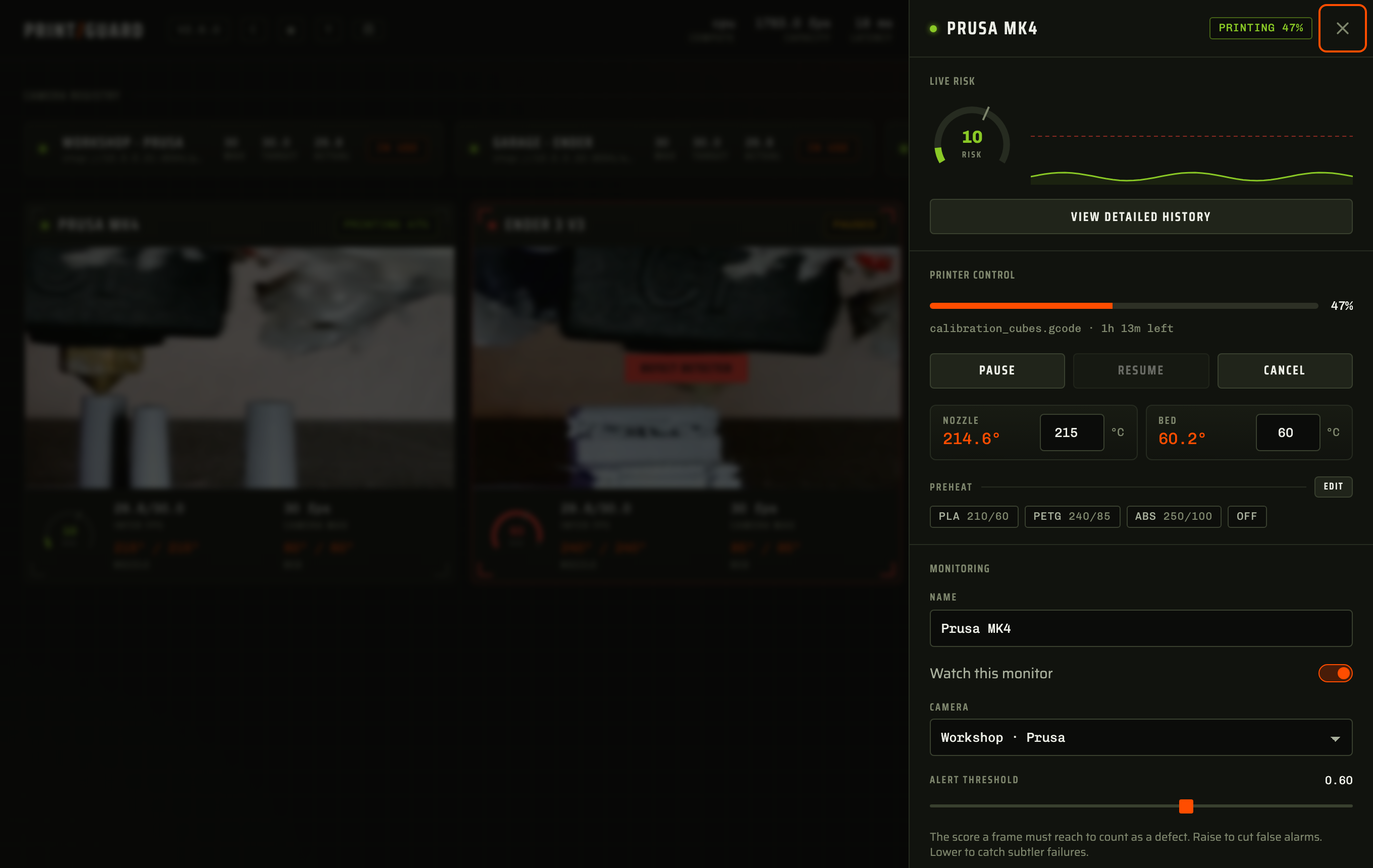
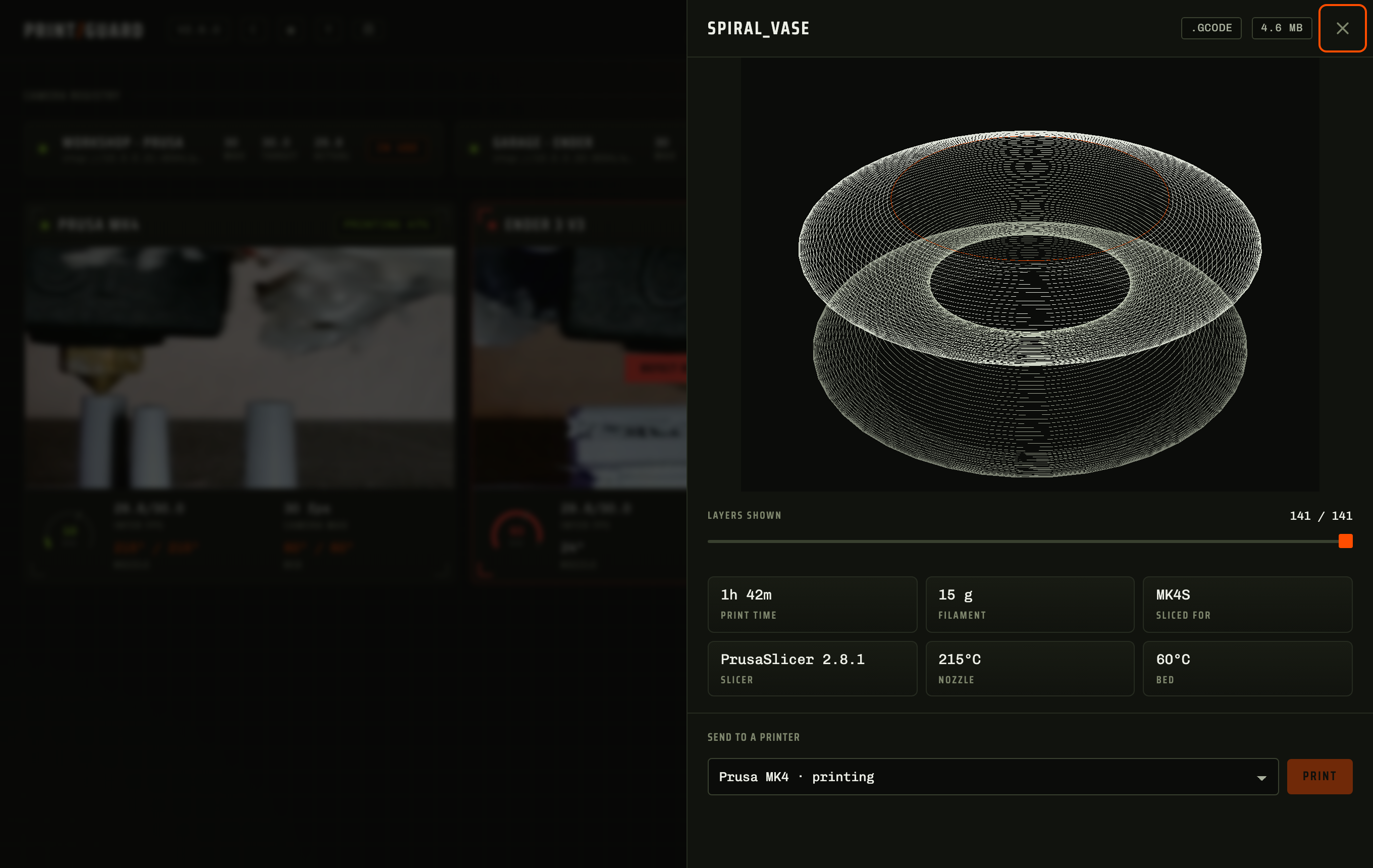
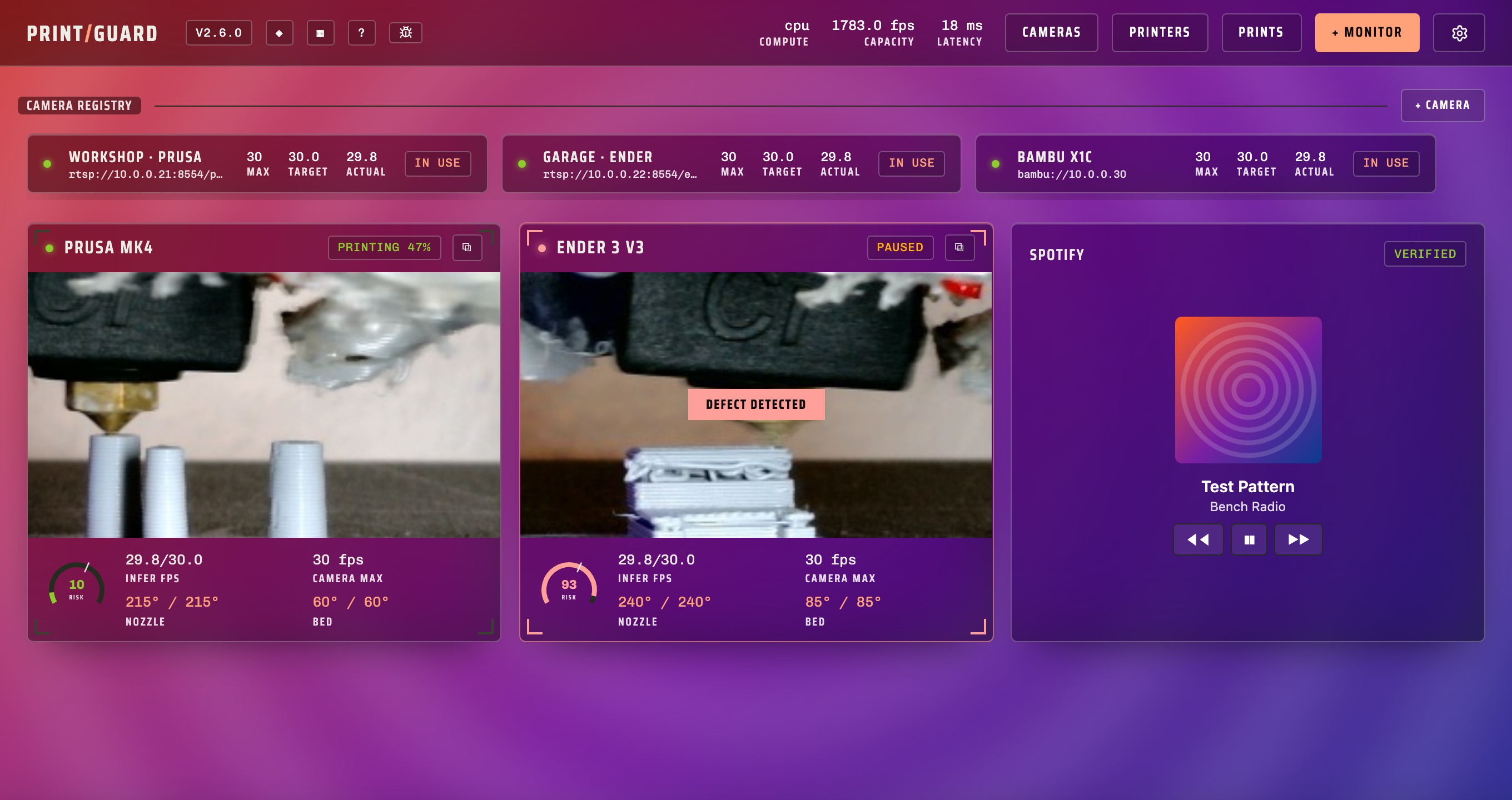
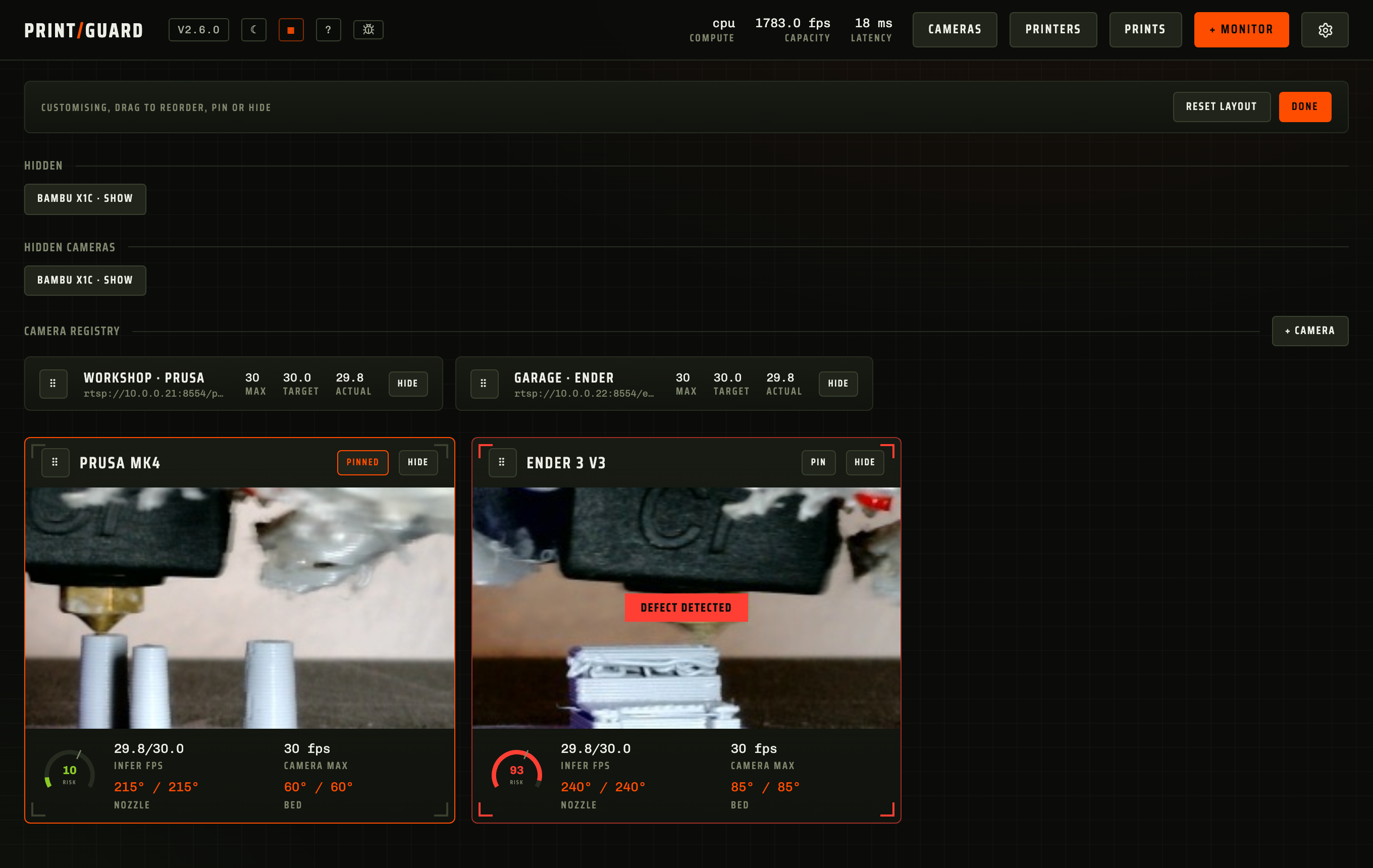
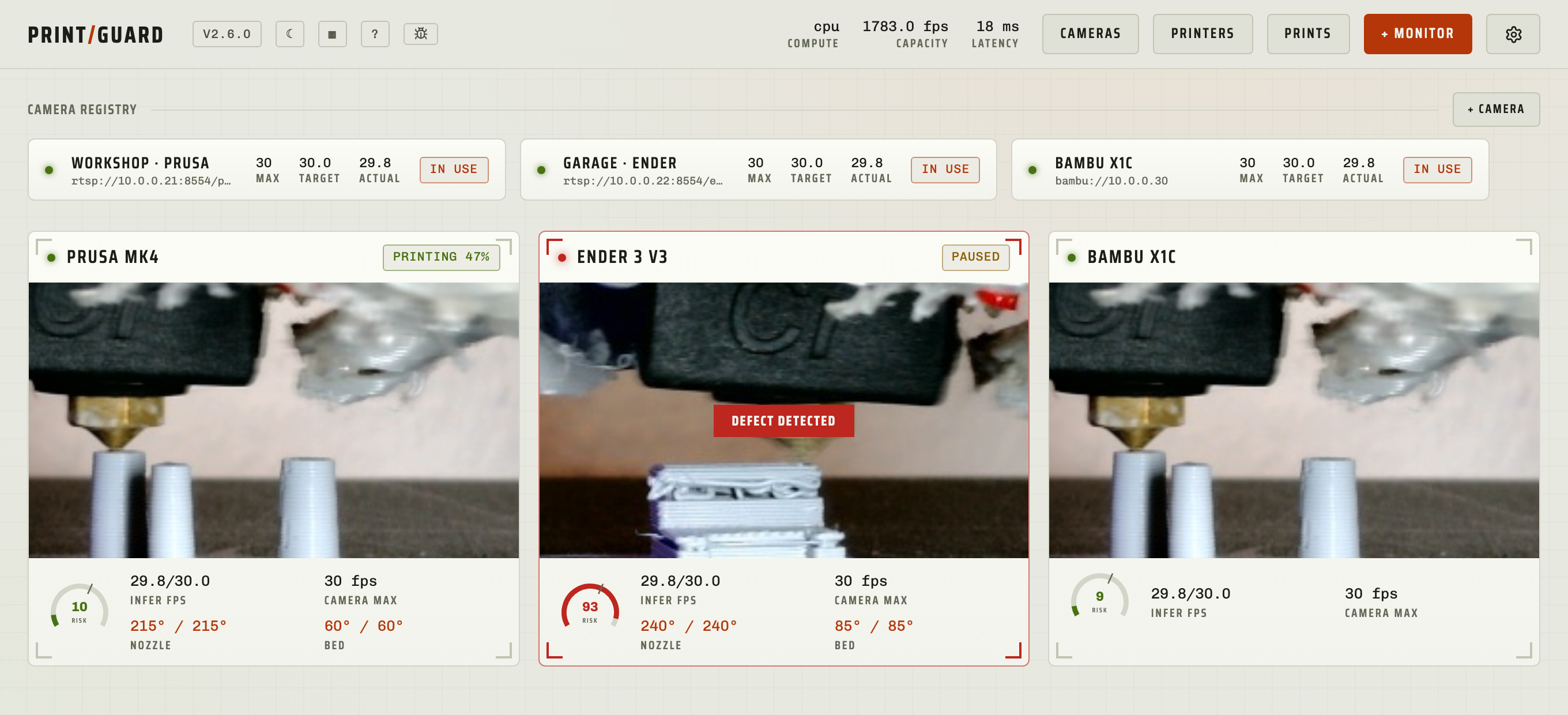
PrintGuard executes on your own gear as a Docker container, macOS program, or Windows program. A miniature local vision model inspects every camera frame for printing faults. When a fault persists, it halts the print job through your print server and dispatches a snapshot to your phone. The dashboard presents live risk scores, temperatures, progress, and a 3D print library with toolpath previews. It connects to Home Assistant via MQTT, supplies HTTP and MCP interfaces for automation, and backs sandboxed JavaScript plugins. Themes cover light, dark, glass, and a custom editor. All computation remains on your network; frames never depart unless you elect to submit them for training. Licensed GPL-2.0-only with no paid tiers.
Should you self-host PrintGuard?
PrintGuard scores 52/100 on selfhost.directory (how scoring works) and ranks #11 of 22 in 3D Printing. It has 363 GitHub stars.
It shipped 18 stable releases in the past year. The latest, v2.6.4, came out on 27 October 2026. New versions land roughly every 4 days.
Setup is moderate: expect some configuration beyond a single command. An official Docker image is available. It is GPL-2.0-licensed and written mostly in Python.
Its closest alternative on selfhost.directory is Octoprint (73/100, 9 166 stars). It scores higher overall, so compare the two before you pick. See PrintGuard vs Octoprint side by side.
Features
- 3D print library with toolpath preview
- Automatic print pause/cancel
- Camera adjustment
- Custom themes and layout
- Fail-safe watchdog
- Hardware Acceleration
- Home Assistant Integration
- Multi-camera scheduling
- On-device failure detection
- Per-monitor tuning
- Printer control dashboard
- REST API and MCP server
- Sandboxed JavaScript plugins
- Snapshot alerts
PrintGuard README
More in 3D Printing
 PrintStashSelf-hosted 3D printing workspace linking models to sliced revisions, print outcomes, and compatible printers. All storage stays on your hardware.
 SketchForgeBrowser-based 3D CAD tool you host yourself. Model with primitives, boolean ops, chamfer/fillet, import STL, export STL/OBJ/STEP. No accounts, no cloud.
 SpoolmanOpen-source, self-hosted filament spool tracker for 3D printers, with live weight updates from OctoPrint and Moonraker, a REST API, and QR code labels.
 StepifiStepifi is a self-hosted web app that converts STL/3MF meshes to STEP solids for CAD software. Runs via Docker with no file size limits or cloud dependencies.
 stl-shelfSelf-hosted 3D model library organizing printing files with tags, versions, and browser previews. For makers and print farms.
 ThingportSelf-hosted 3D model library importing from 10+ sites with 3D preview, synced collections, AI categorization, OIDC SSO, dark/light themes, and slicer integration.
 TracefinityTracefinity is a self-hosted, open-source web app that turns tool photos into 3D-printable gridfinity bins using local AI or cloud APIs.
 BambuddySelf-hosted Bambu Lab printer control plane with local monitoring, print queuing, archiving, browser slicing, and filament tracking — no vendor cloud needed.
 bamdudeSelf-hosted, open-source command center for Bambu Lab 3D printers with real-time monitoring, per-printer queues, print archiving, Telegram bot, and filament tracking.
 BlenderSelf-hosted, open-source Docker container running Blender 3D graphics software with hardware-accelerated web access via HTTPS on port 3001, maintained by LinuxServer.io.
 BlenderOfficial mirror of Blender
 fdm-monsterOpen-source self-hosted tool to manage 3D printer farms from one dashboard, supporting OctoPrint, Klipper, PrusaLink, and Bambu Lab.
0 comments