
Self-host lyftr
v0.1.0-beta.1Self-hosted workout & nutrition tracker
- Stars
- 361
- CPU
- arm64 or x86_64
- RAM
- 2 GB (tested on Raspberry Pi 4)
- Storage
- minimal (single SQLite file)
- Ports
- 80 (frontend web UI (nginx)), 3000 (backend API (internal Docker network))
cwlumm/lyftr-frontend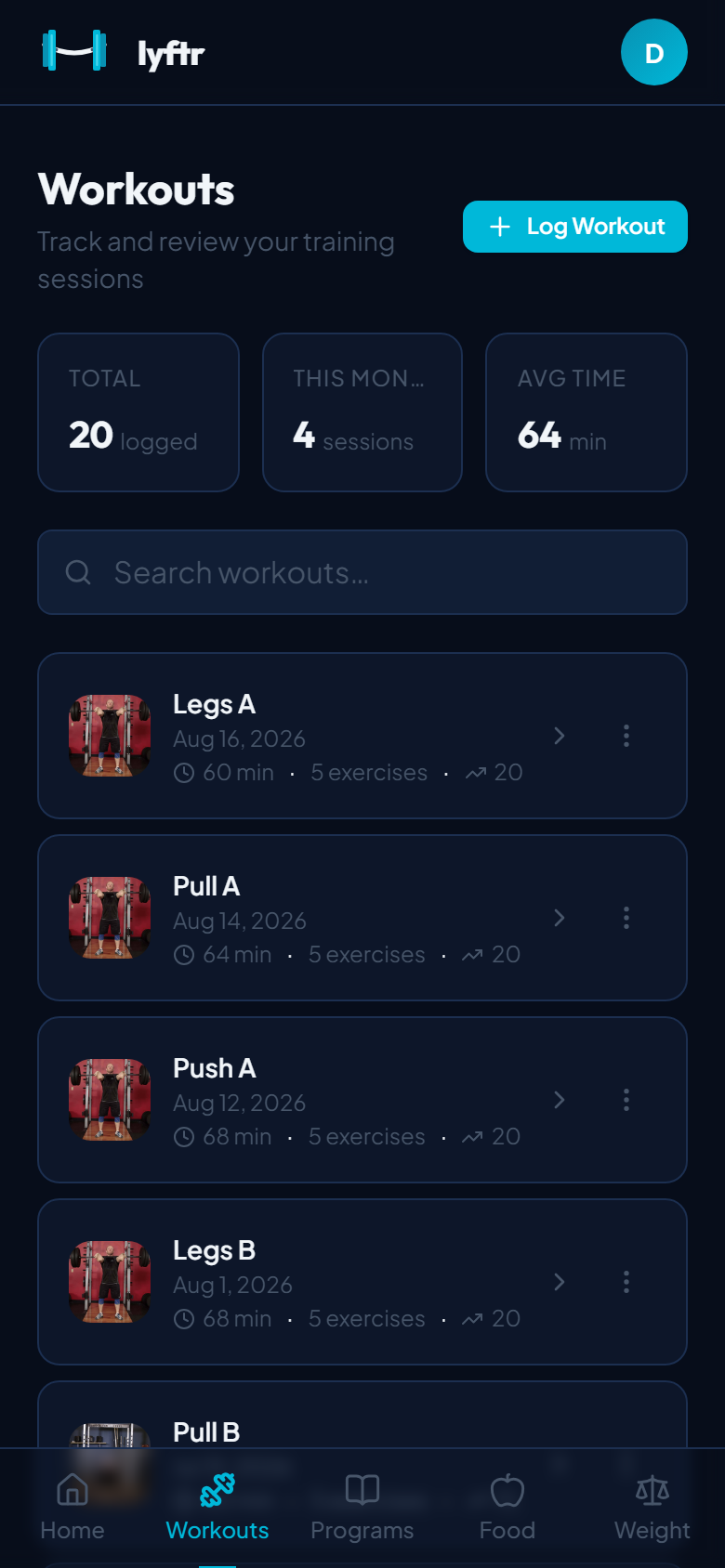
What is lyftr?
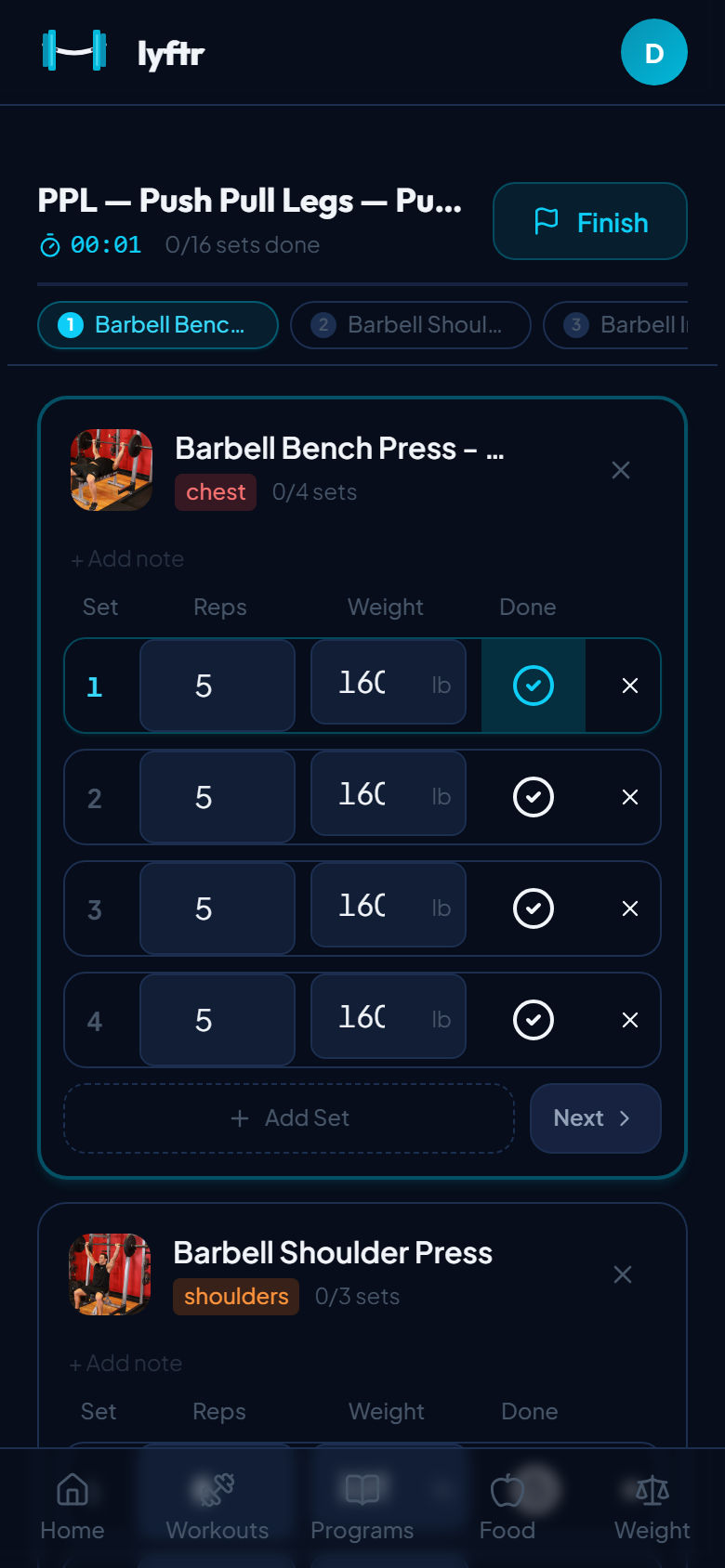
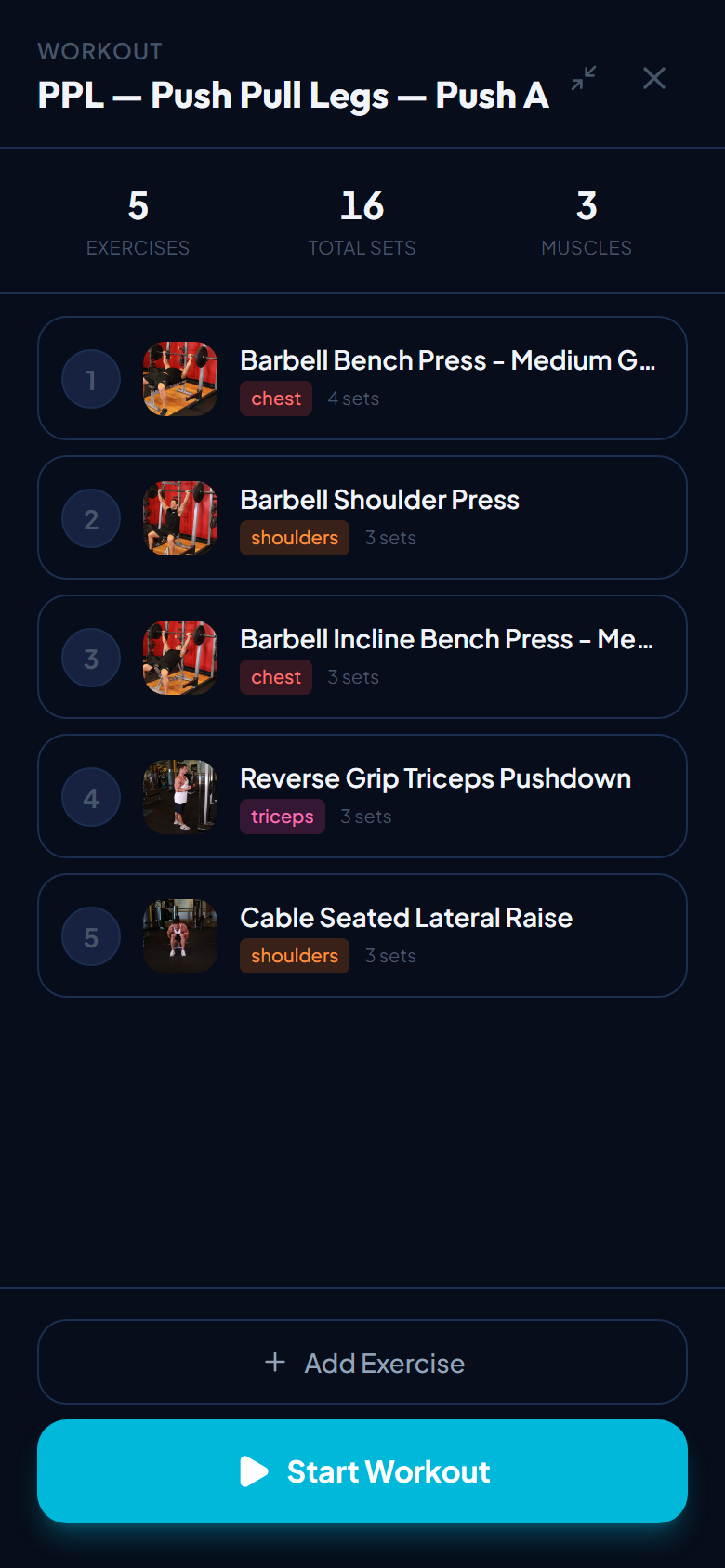
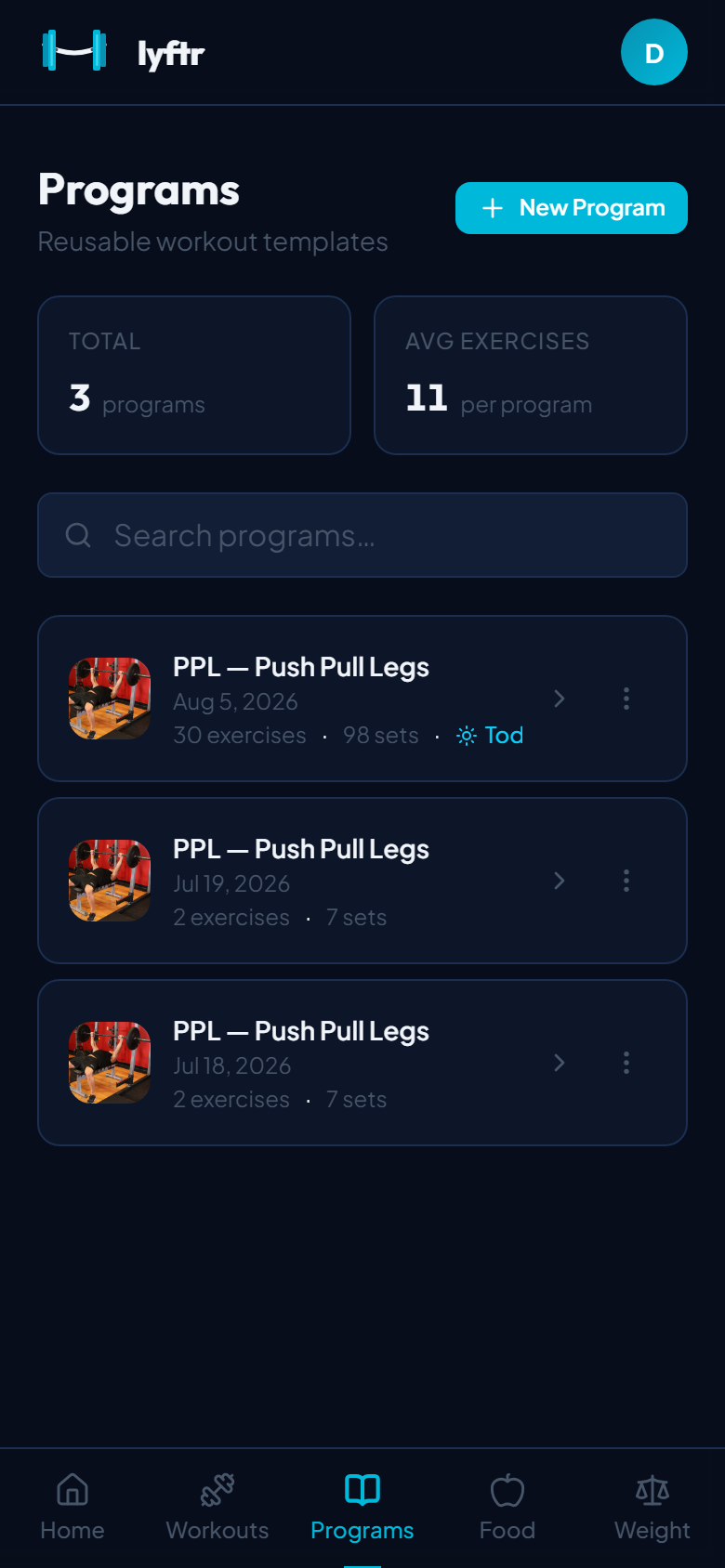
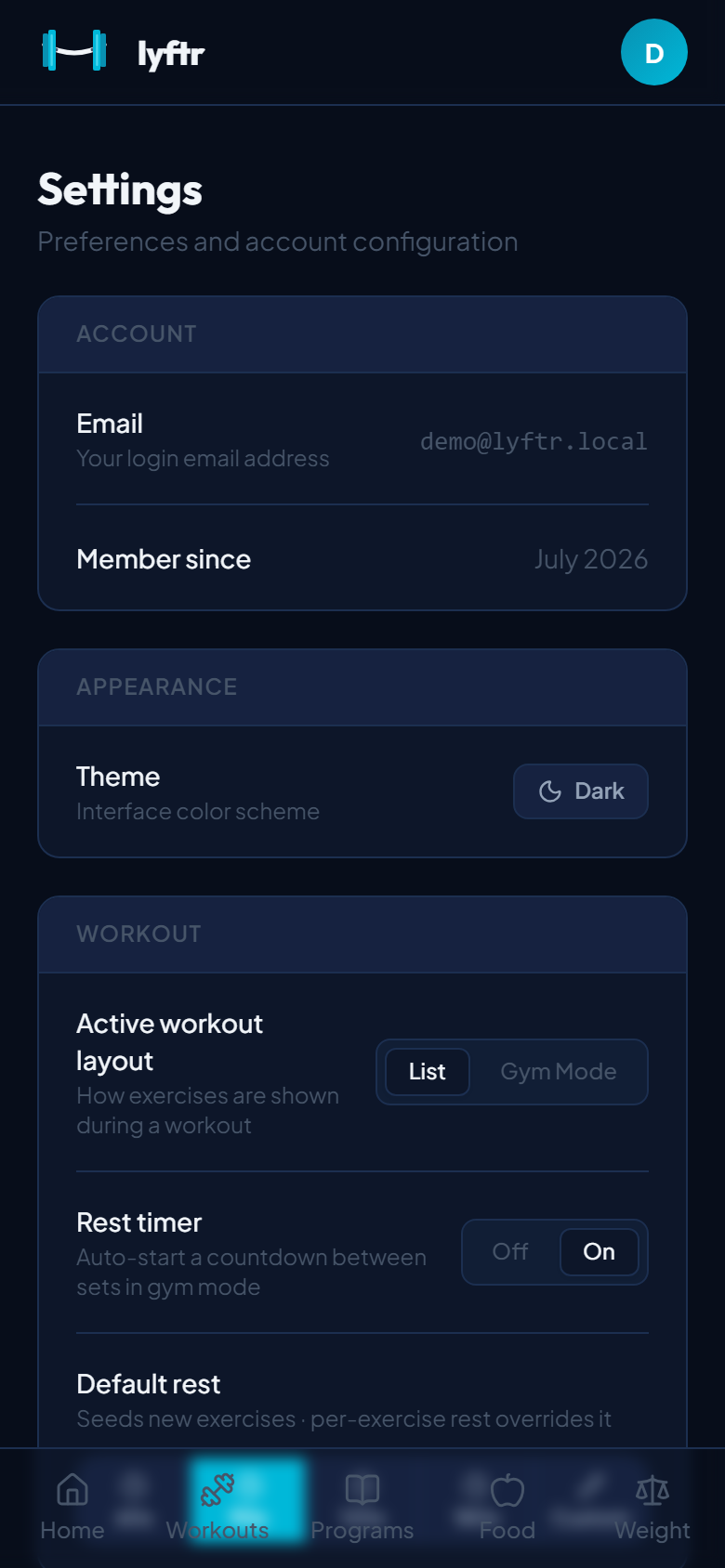
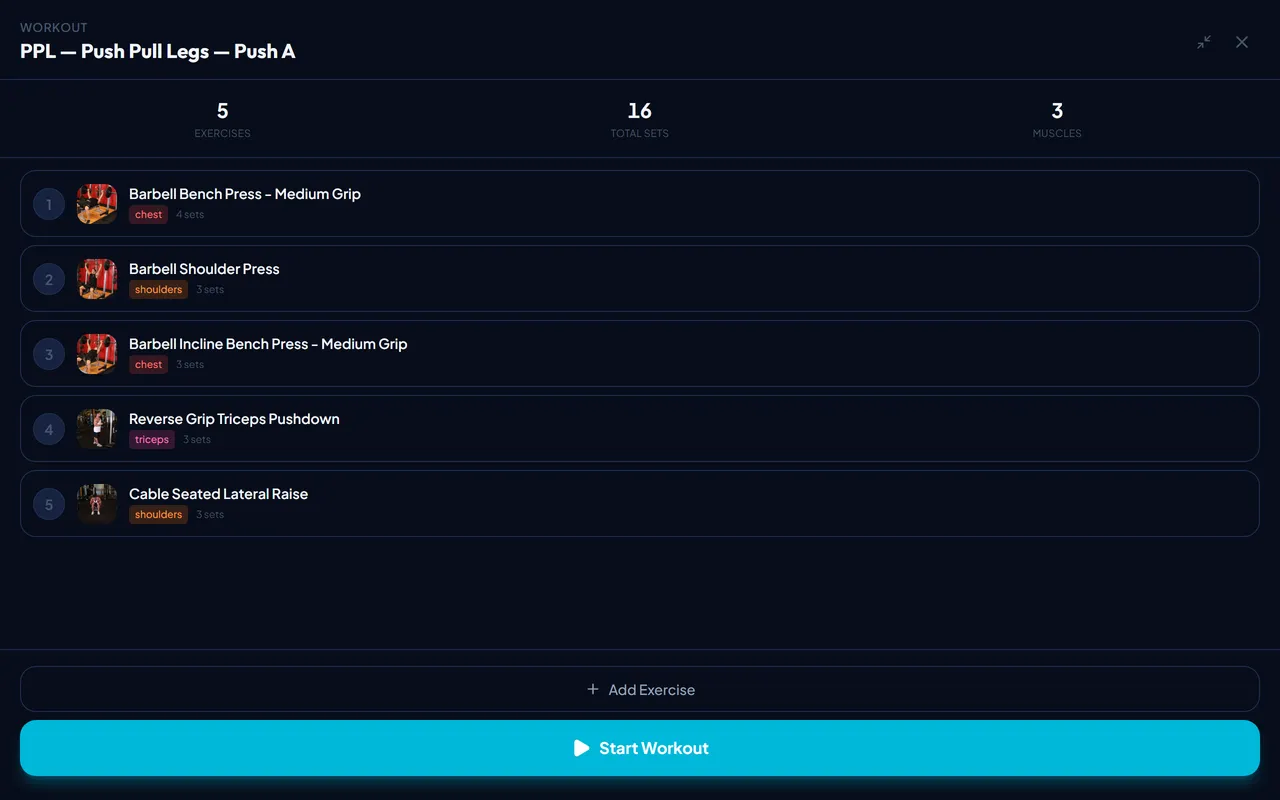
Lyftr is a self-hosted fitness tracker for logging workouts, tracking nutrition, and monitoring progress. It features an 800+ exercise library from open-exercise-db, program builder for reusable workout templates, guided active workout mode with set-by-set flow, Gym Mode with full-screen rest timer, personal records and progression charts with muscle diagrams, dashboard with volume trends and consistency heatmap, nutrition tracking with barcode scanning and food search, and bodyweight tracking. It runs via Docker with a single SQLite database, has a native Android app (APK from GitHub releases), and a responsive web UI. iOS is planned. All data stays on your server with no subscription or paywalled features.
Should you self-host lyftr?
lyftr scores 47/100 on selfhost.directory (how scoring works) and ranks #16 of 31 in Health & Fitness. It has 361 GitHub stars.
It shipped 2 stable releases in the past year. The latest, mobile-v0.2.0, came out on 23 July 2026. New versions land roughly every 2 weeks.
Setup is easy: most people get it running in one sitting. An official Docker image is available. It is MIT-licensed and written mostly in Typescript.
Its closest alternative on selfhost.directory is SparkyFitness (66/100, 6 497 stars). It scores higher overall, so compare the two before you pick. See lyftr vs SparkyFitness side by side.
Features
- Dashboard
- Exercise library
- Guided active workout
- Gym Mode with rest timer
- Native Android appSide-loaded builds don't auto-update; reinstall over old one when new release drops
- No external dependencies
- Nutrition tracking
- Program Builder
- Progress Tracking
- Registration control
- Single SQLite database
- Weight Tracking
- Workout Logging
lyftr README
FAQ
How do I get help?
Open an issue on GitHub or join the Discord community.
Can I import my data from Strong or Hevy?
CSV import is on the roadmap (planned), alongside a PWA build.
Which platforms are supported?
Android (side-load APK) and web today; iOS is planned via TestFlight / the App Store. The server runs on Raspberry Pi, x86 VPS, Synology NAS, Proxmox, and local Mac/Linux/Windows.
Which languages does Lyftr support?
English and Spanish, in the app and in the exercise library. More languages are welcome via pull requests.
Do I need an API key or account for the exercise library?
No. Your server downloads the whole open-exercise-db catalog (800+ exercises, with Spanish translations) on first startup and refreshes it every day. No key, no setup.
Where is my data stored?
In a single SQLite file on your server. Nothing is sent to any third party. Backing up is copying that one file.
How is it different from Hevy, Strong, Wger, or FitNotes?
Hevy/Strong are cloud-only and increasingly paywalled; Wger is a solid self-hosted option but Lyftr focuses on modern mobile-first UI and simpler one-command deploy; FitNotes is local-only with no sync or server deployment.
Is Lyftr really free?
Yes, Lyftr is open source under the MIT license with no subscription, no paywalled features, and no "your export is a Pro feature" restrictions.
More in Health & Fitness
 medassistMedAssist is a self-hosted, open-source medication manager that tracks inventory, sends low-stock email alerts, and creates travel medication lists.
 medassist-ngMedAssist-ng is a self-hosted, open-source medication tracking app with stock monitoring, flexible schedules, and push/email reminders.
 MediKeepSelf-hosted open-source medical records app for individuals and families to manage health data privately.
 mere-medicalSelf-hosted, open-source personal health record aggregating patient portal data offline-first with zero-knowledge encryption.
 moodmoA private, self-hosted mood tracker and journal built with Django, offering full-text search, data portability, and simple Docker deployment.
 NightscoutOpen-source web app that turns CGM sensor readings into a live shared chart with alarms and 30-minute forecasts. Runs on Node.js plus MongoDB; Compose file included.
 nightscout-librelink-upSelf-hosted TypeScript sidecar that fetches glucose readings from Abbott's LibreLink Up cloud and pushes them to a Nightscout instance for diabetes data visualization.
 nutritraceSelf-hosted nutrition tracker with diary, food database, barcode scanning, wearable sync, adaptive TDEE goals, and AI assistant. Docker, AGPL-3.0, no cloud.
 OpenAthleteOpenAthlete is a self-hosted, open-source endurance training platform tracking workouts, CTL/ATL/TSB metrics, syncing with Strava, Garmin, Polar, Suunto.
 openGymOpen-source, self-hosted gym and body-weight tracker: plan weekly routines, log guided workouts over 5,600 exercises, sync devices via passkeys, one docker compose up.
 OpenHabitTrackerA free, open-source habit tracker that runs everywhere and lets you sync data to your own Docker server.
 open-wearablesOpen-source, self-hosted wearable data platform that unifies Garmin, Oura, Whoop and Apple Health behind one REST API, with webhooks, a portal and an MCP server.
0 comments