
Self-host OpenHabitTracker
1.2.5Cross-platform habit tracker with self-hosted sync
docker-compose up -d- Stars
- 304
- Port
- 5050 (HTTP web UI and API for self-hosted sync server)
jinjinov/openhabittracker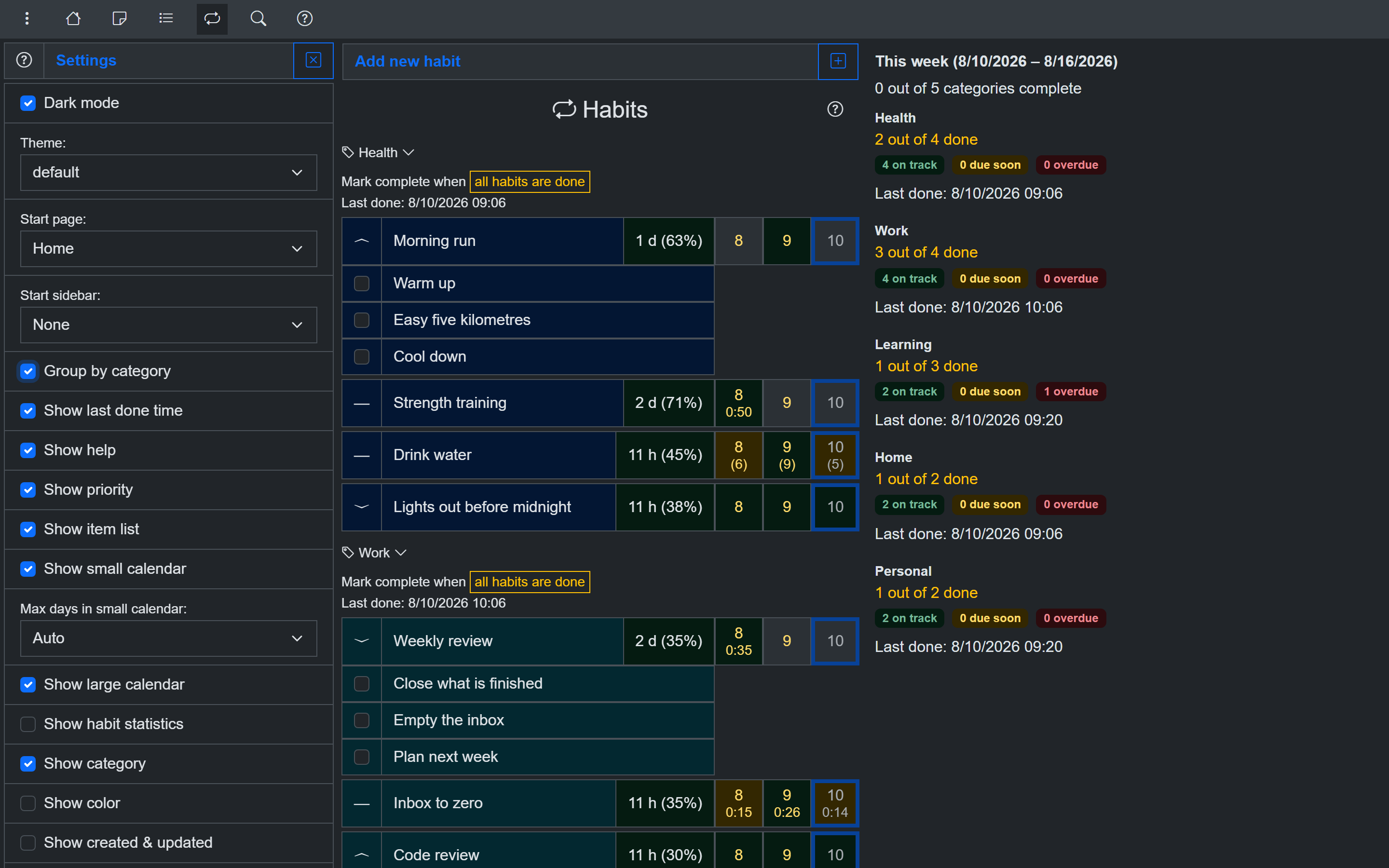
What is OpenHabitTracker?
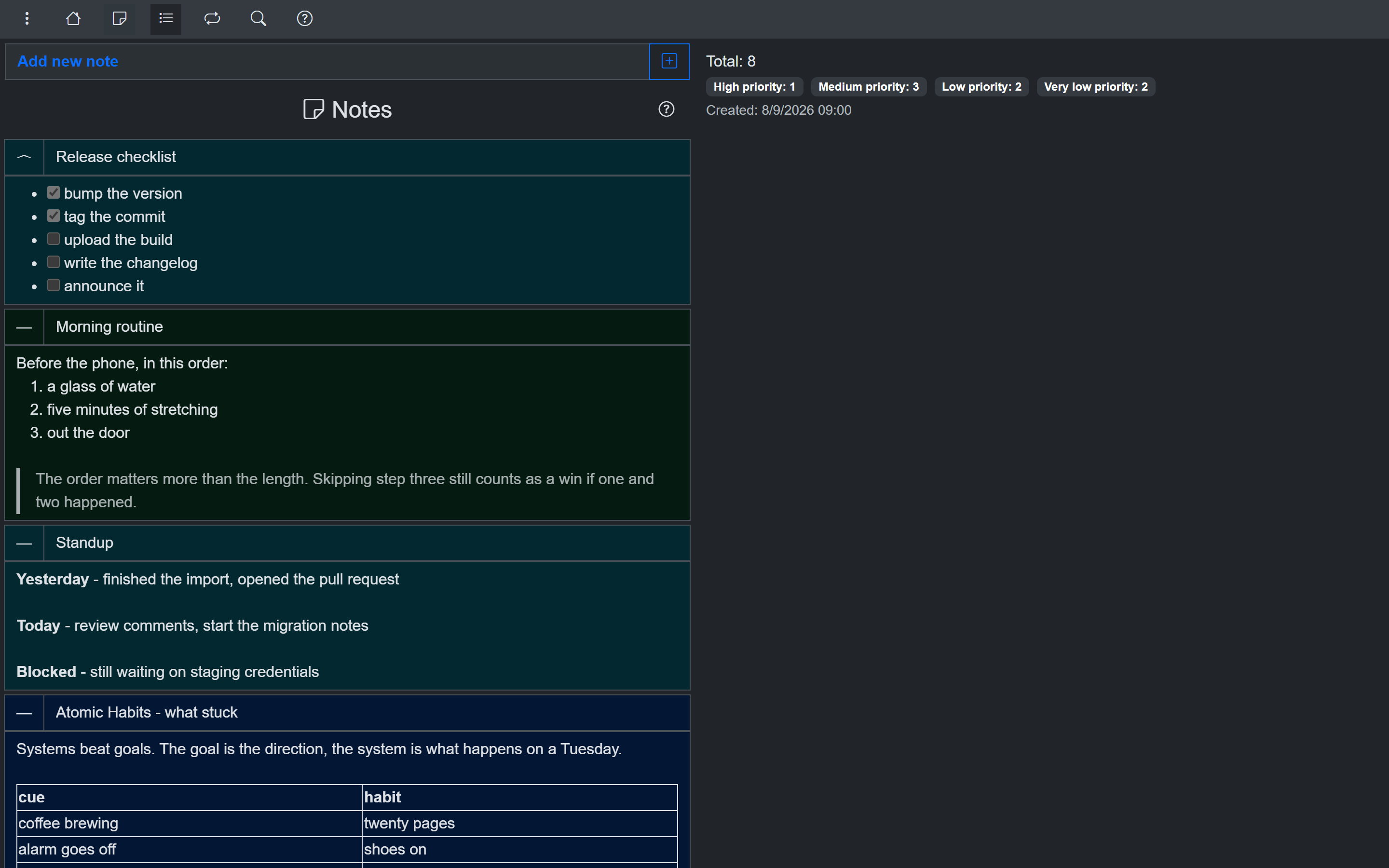
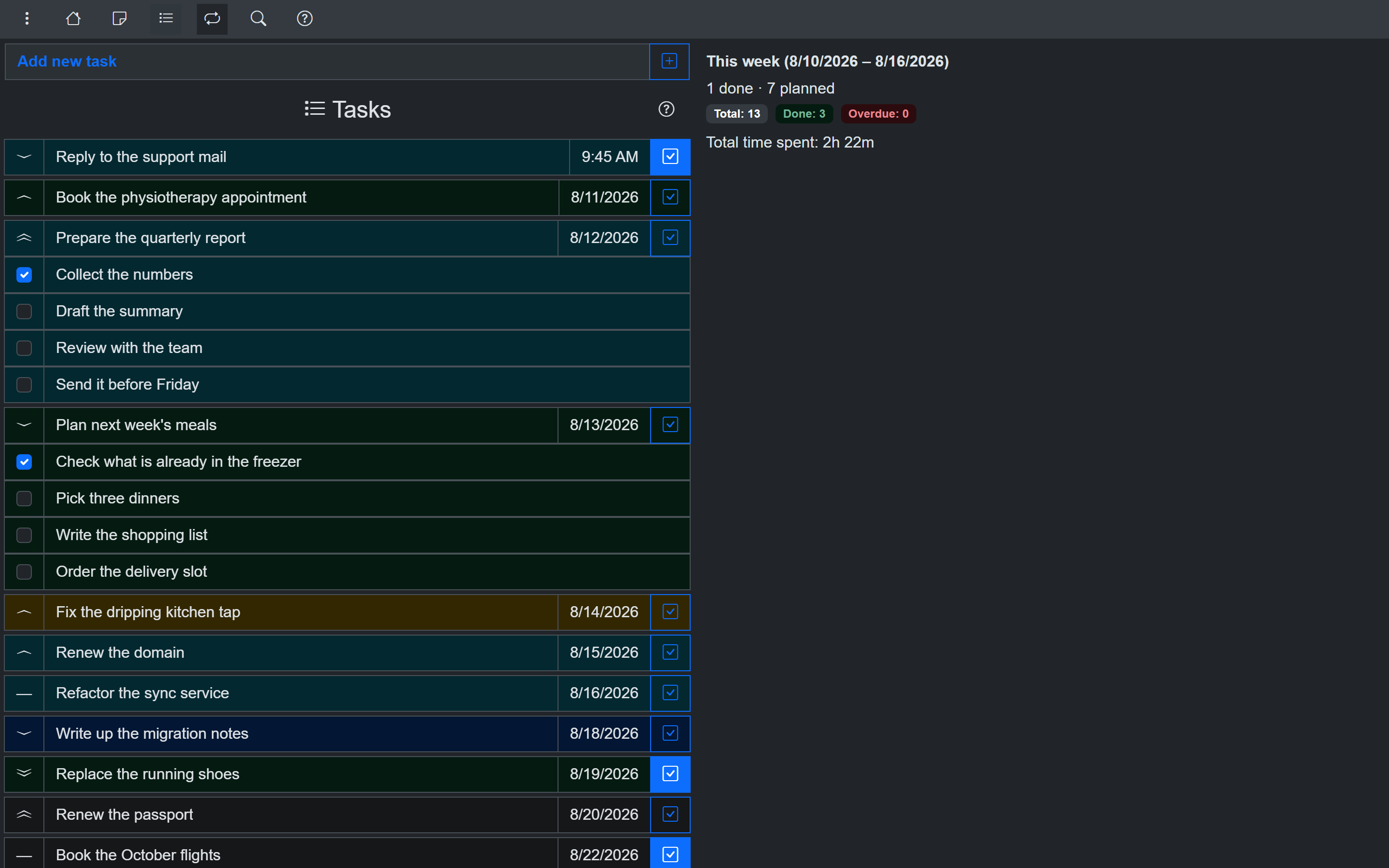
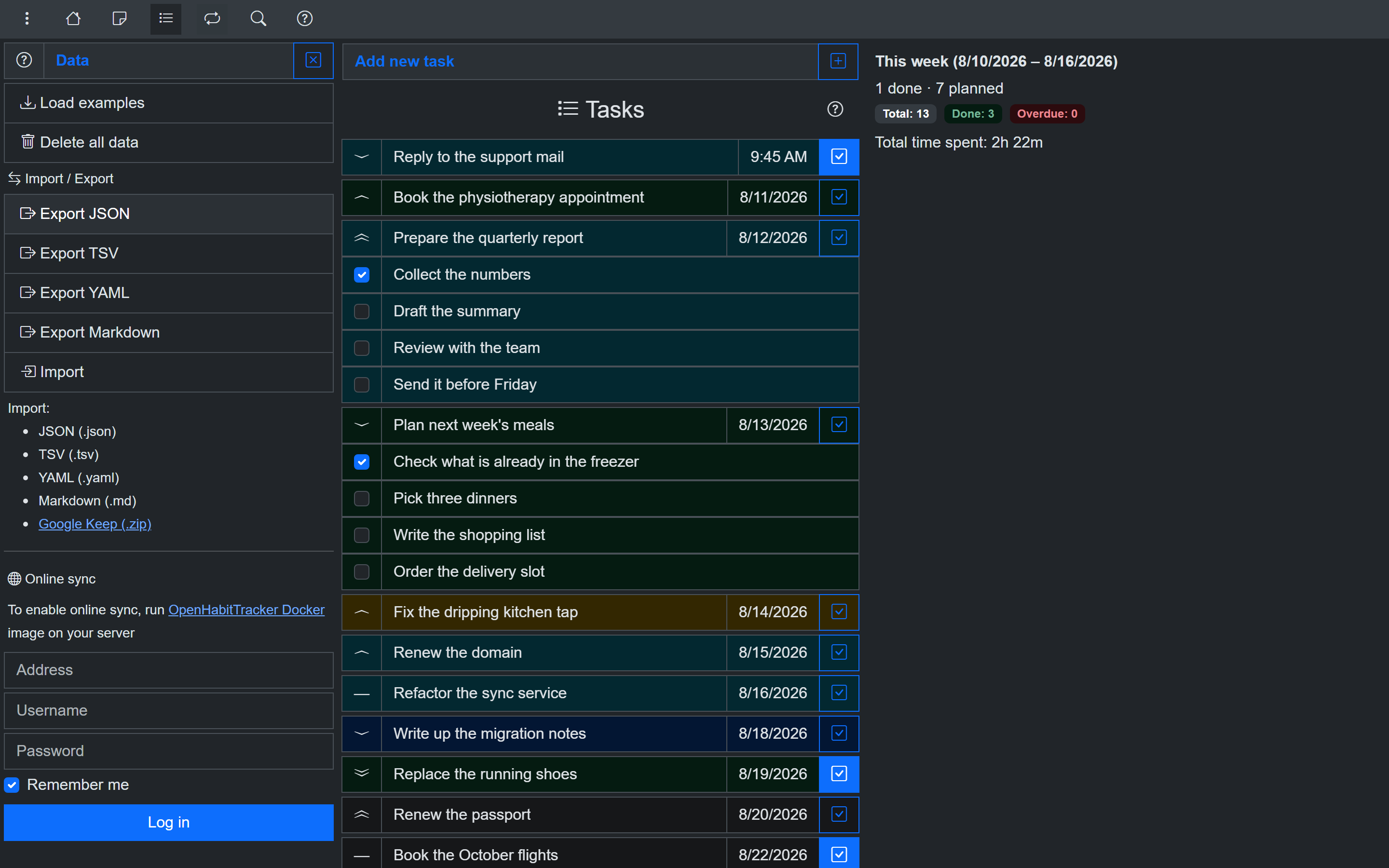
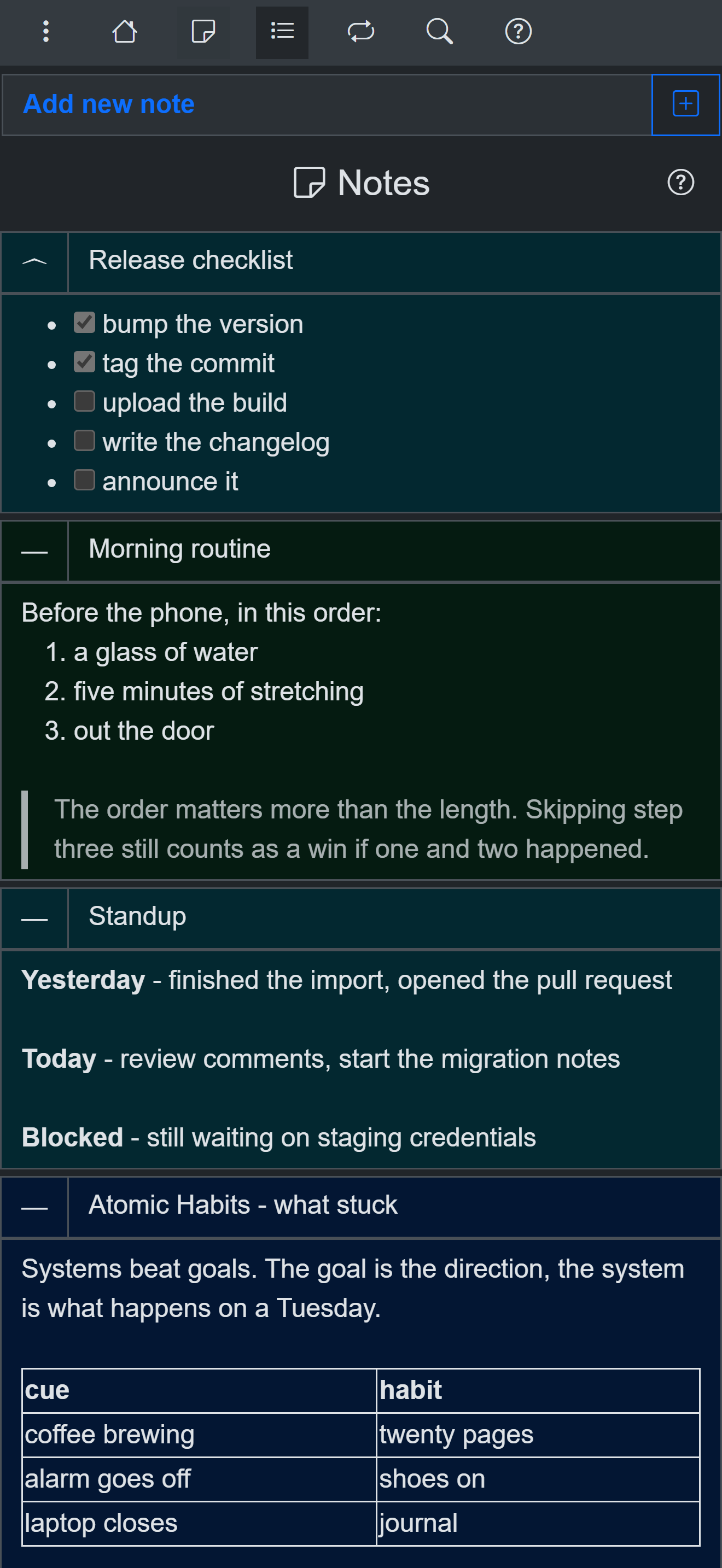
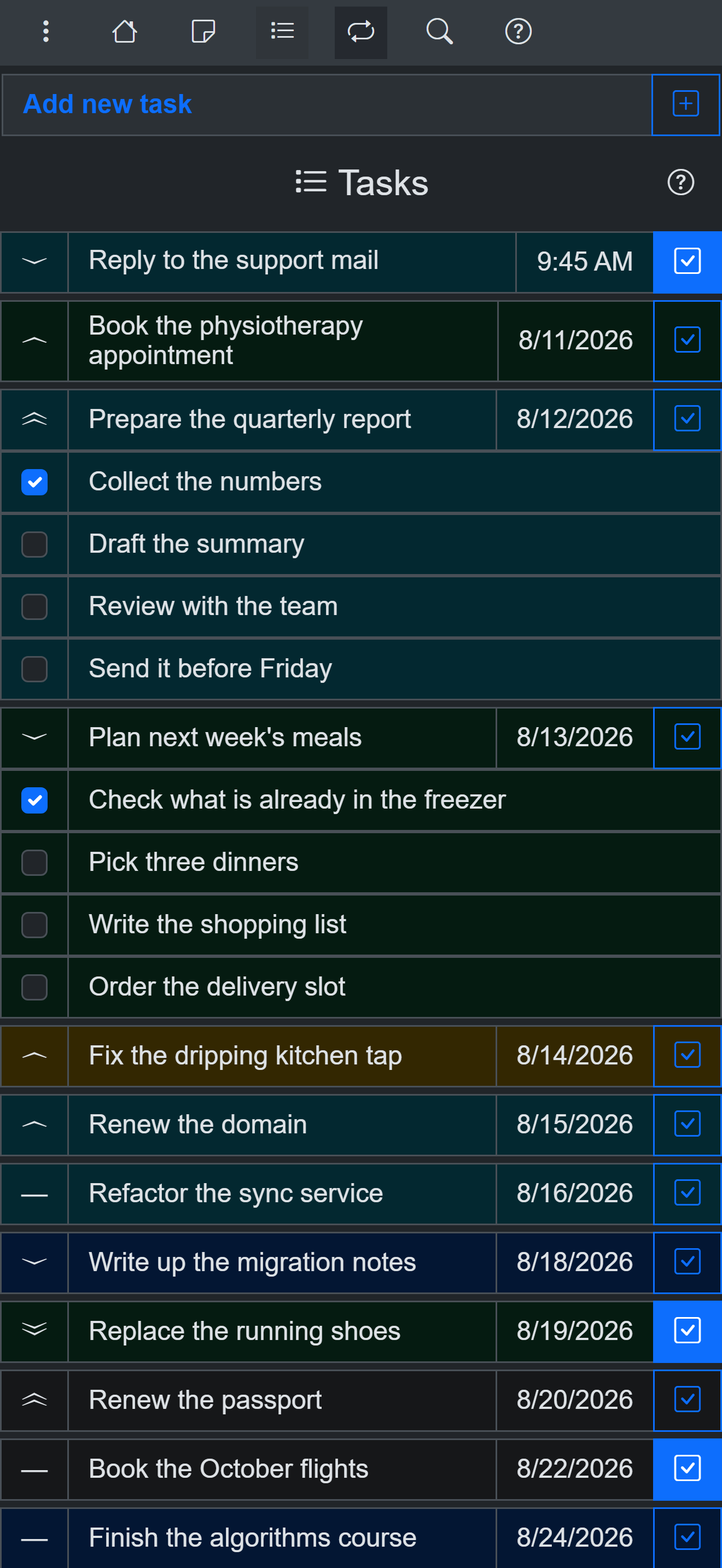
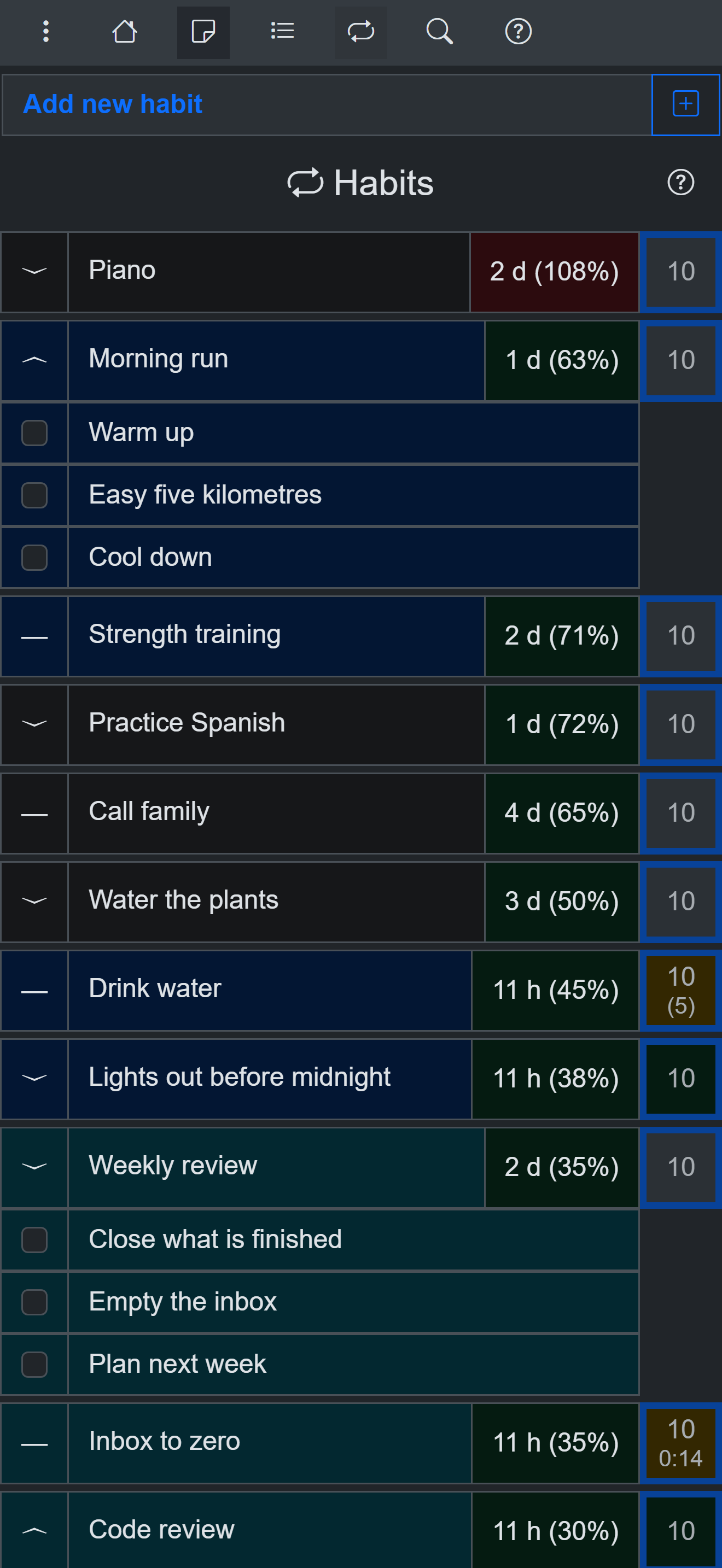
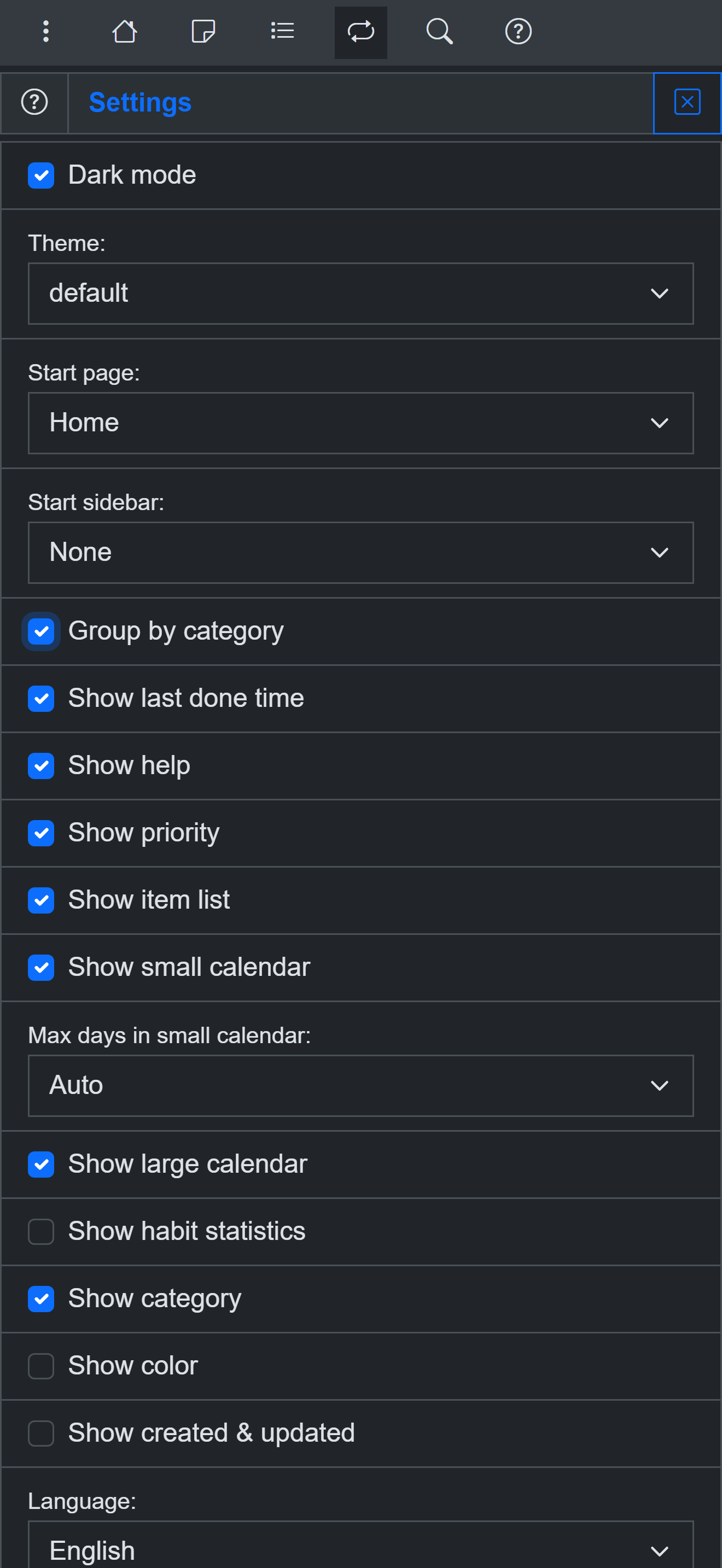
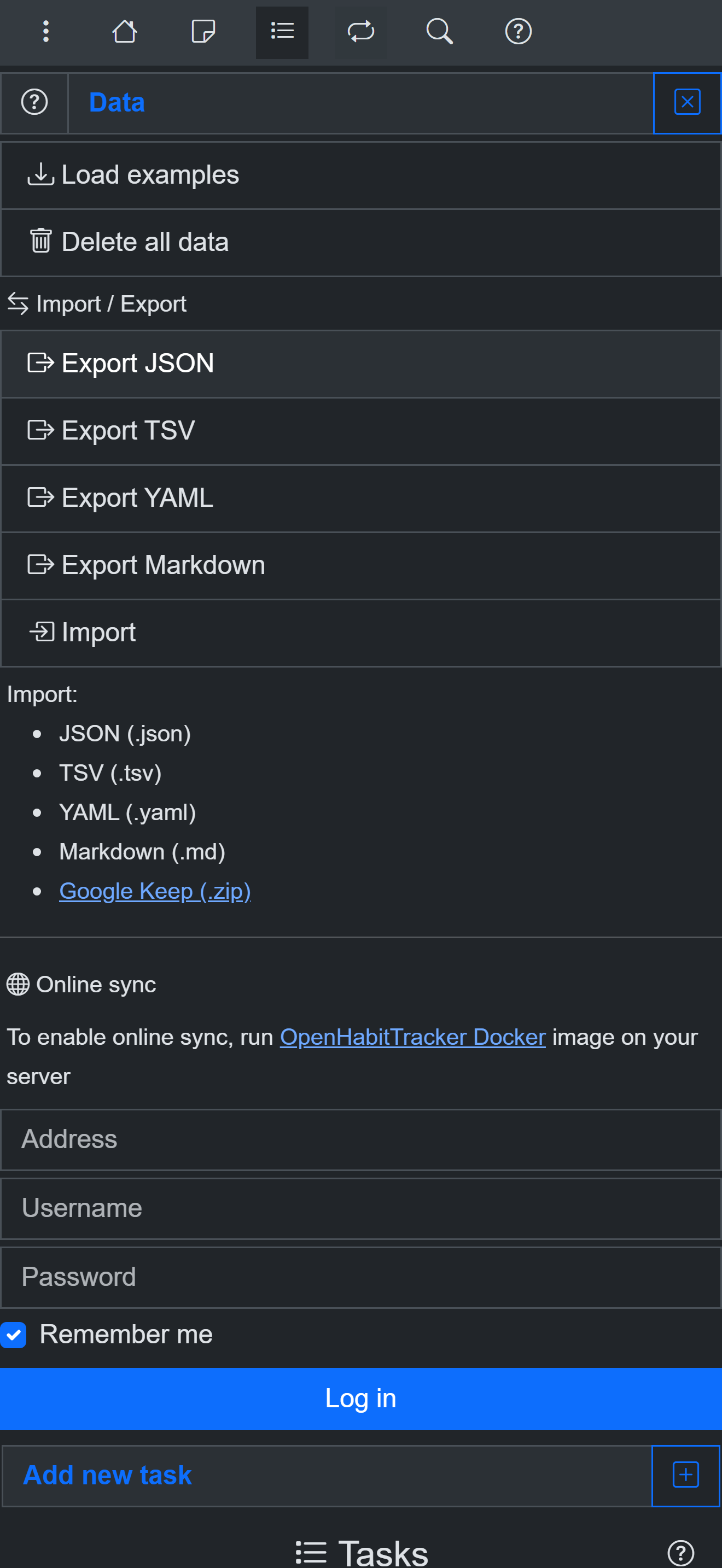
OpenHabitTracker is a free, open-source application that unifies notes, tasks, and habit tracking. It operates across multiple platforms with zero advertisements, tracking, accounts, or subscription fees. Your information remains on your own hardware and only synchronizes with a server you control through Docker. Capabilities include Markdown notes displayed directly in lists, tasks that support scheduled dates, durations, checklists, and timers, habits tracked by how overdue they are relative to their intervals rather than by streaks, two dozen themes with both dark and light variants, complete keyboard navigation and screen-reader compatibility, twenty language translations, import and export across several formats including Google Keep, and comprehensive statistics with visual charts. The synchronization server runs as a Blazor Server application inside Docker, listening on port 5050 by default, and is configured through environment variables for the administrator username, email, password, and JWT signing secret.
Should you self-host OpenHabitTracker?
OpenHabitTracker scores 52/100 on selfhost.directory (how scoring works) and ranks #9 of 31 in Health & Fitness. It has 304 GitHub stars.
It shipped 6 stable releases in the past year. The latest, 1.2.5, came out on 27 September 2026. New versions land roughly every 5 weeks.
Setup is moderate: expect some configuration beyond a single command. An official Docker image is available. It is GPL-3.0-licensed and written mostly in C.
Its closest alternative on selfhost.directory is shabitica (43/100, 190 stars). OpenHabitTracker scores higher overall. See OpenHabitTracker vs shabitica side by side.
Features
- Accessibility
- Advanced search/filter/sort
- Categories and priorities
- Customizable UI
- Habit Tracking
- Import/Export
- Markdown Notes
- Multi-language
- Notifications
- REST API
- Self-hosted sync
- Statistics and charts
- Task Management
OpenHabitTracker README
More in Health & Fitness
 open-wearablesOpen-source, self-hosted wearable data platform that unifies Garmin, Oura, Whoop and Apple Health behind one REST API, with webhooks, a portal and an MCP server.
 OvumcySelf-hosted menstrual cycle tracker with period logging, predictions, webhook/calendar reminders, OIDC/TOTP auth, CSV/JSON export — runs on your server.
 ownhealthrecordSelf-hosted PHP/MySQL personal health record app for storing medical records, doctor contacts, and medications with AES encryption.
 PerficePerfice is a self-hosted, open-source self-tracking platform for tracking anything, finding correlations, and setting goals with local-first privacy.
 polar-flow-serverSelf-hosted server syncing all Polar health data to PostgreSQL with personal baselines, anomaly detection, and a built-in MCP server for AI assistants.
 robipetRobiPet is a self-hosted pet health app tracking vaccinations, medical history, weight, and documents for multiple pets.
 SparkyFitnessSelf-hosted, privacy-first fitness tracking platform with nutrition, exercise, sleep, and cycle tracking plus AI coaching. Alternative to MyFitnessPal.
 sprout-trackSelf-hosted baby tracker for logging feeds, naps, diapers, and milestones with multi-caretaker PINs, dark mode, PWA, and webhook integrations.
 tempoSelf-hosted running tracker importing GPX, FIT, CSV from Garmin, Apple Watch, Strava. Workout analytics, maps, heart rate zones, shoe tracking, local data.
 WeightTrackerSelf-hosted, open-source mobile-first app for tracking weight, hydration, activity, blood pressure, and medications with charts and Home Assistant integration.
 wgerSelf-hosted, open-source web app for workout routines, diet plans and weight tracking, with an exercise wiki, REST API and Android/iOS apps syncing via PowerSync.
 WingfitSelf-hosted fitness app to plan workouts, track personal records, and integrate Whoop/Apple Watch data with OIDC auth and privacy-first approach.
0 comments