
Self-host DebNAS
Automated Debian-to-NAS setup with Cockpit and Portainer
- Stars
- 1 185
- CPU
- x86_64 (amd64) with virtualization support (vmx/svm)
- RAM
- >= 1 GB (recommended)
- Storage
- >= 10 GB free disk space (recommended)
- Requires
- Cockpit, Debian 12/13 (amd64)
What is DebNAS?
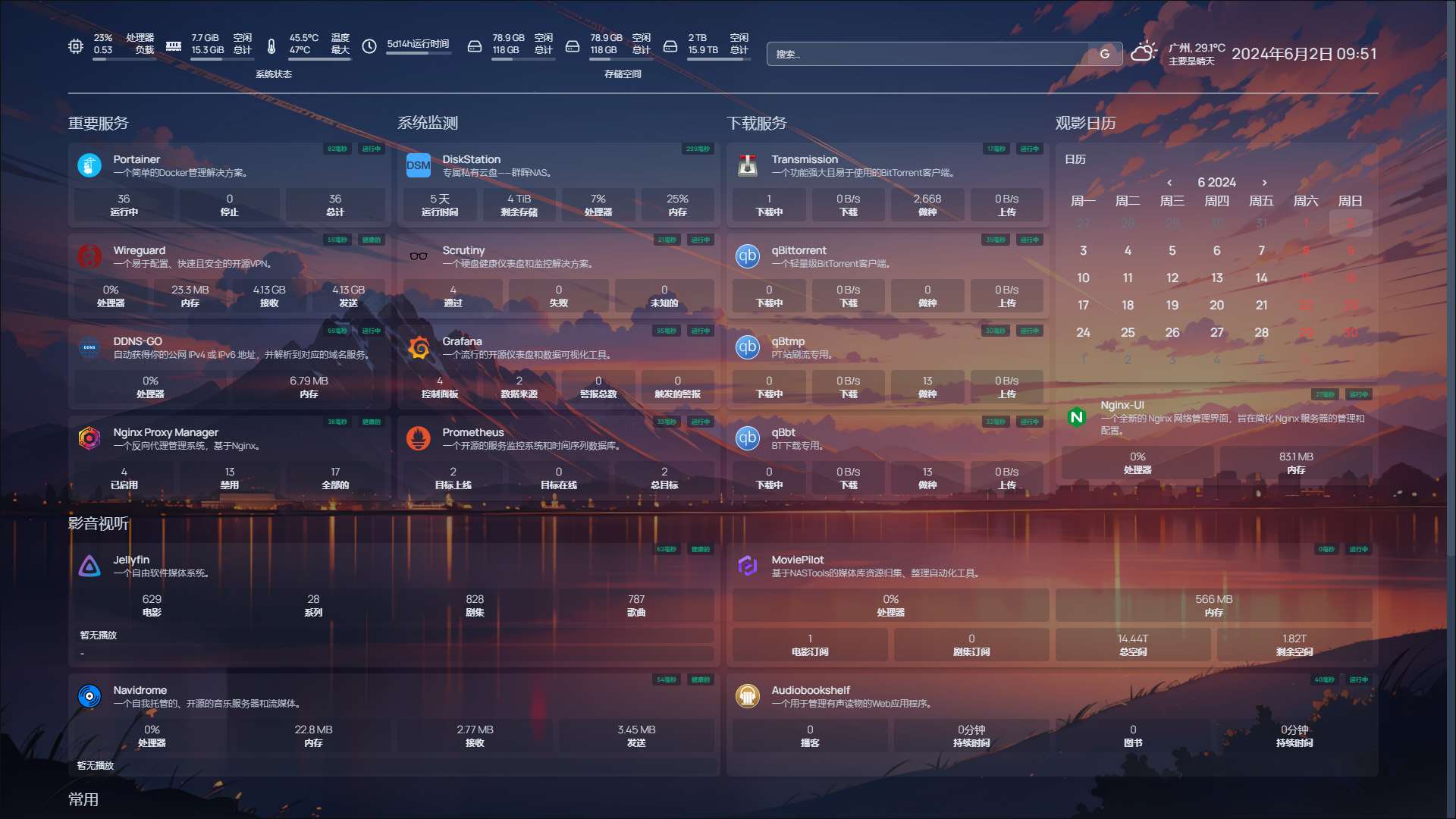
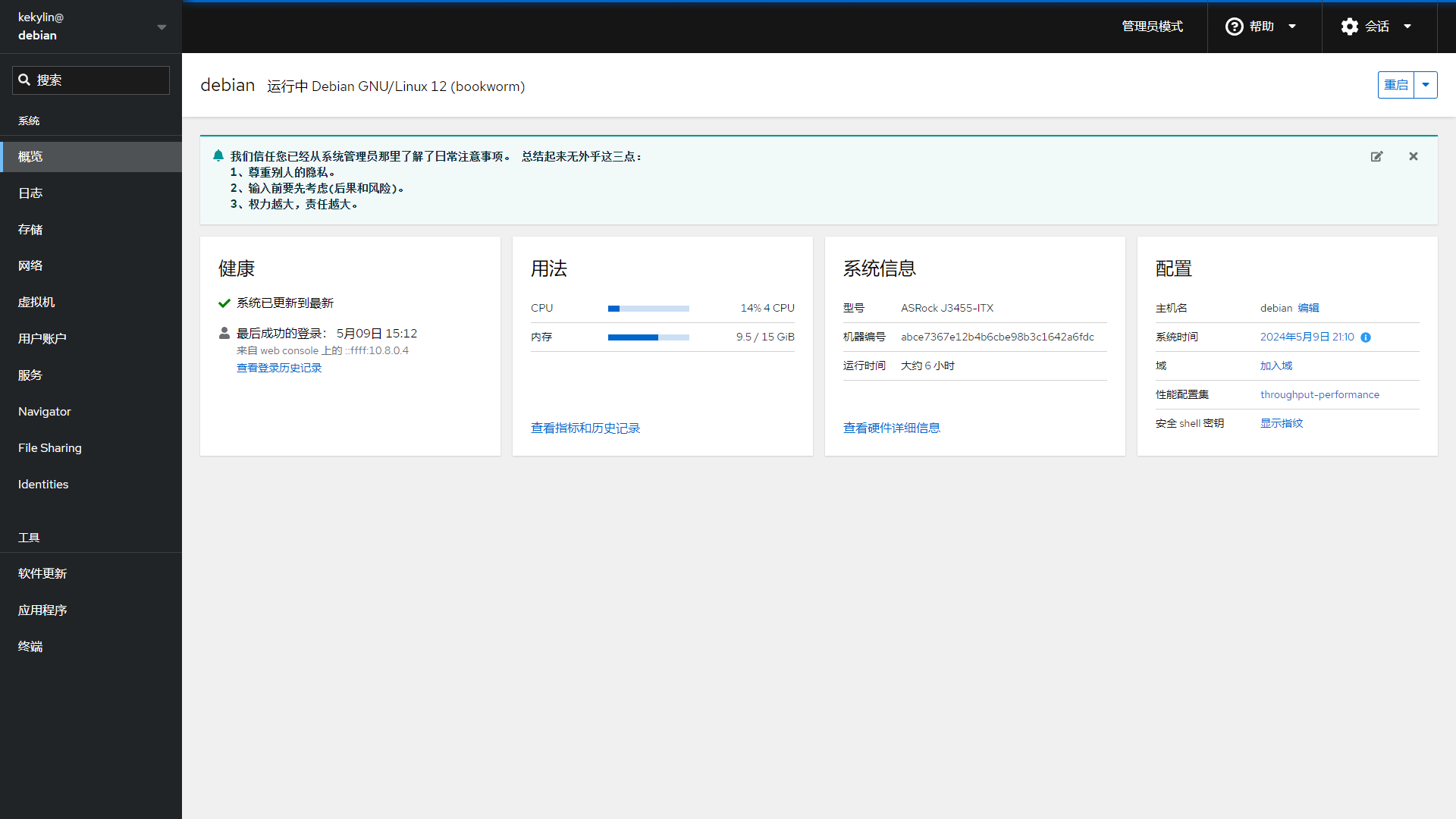
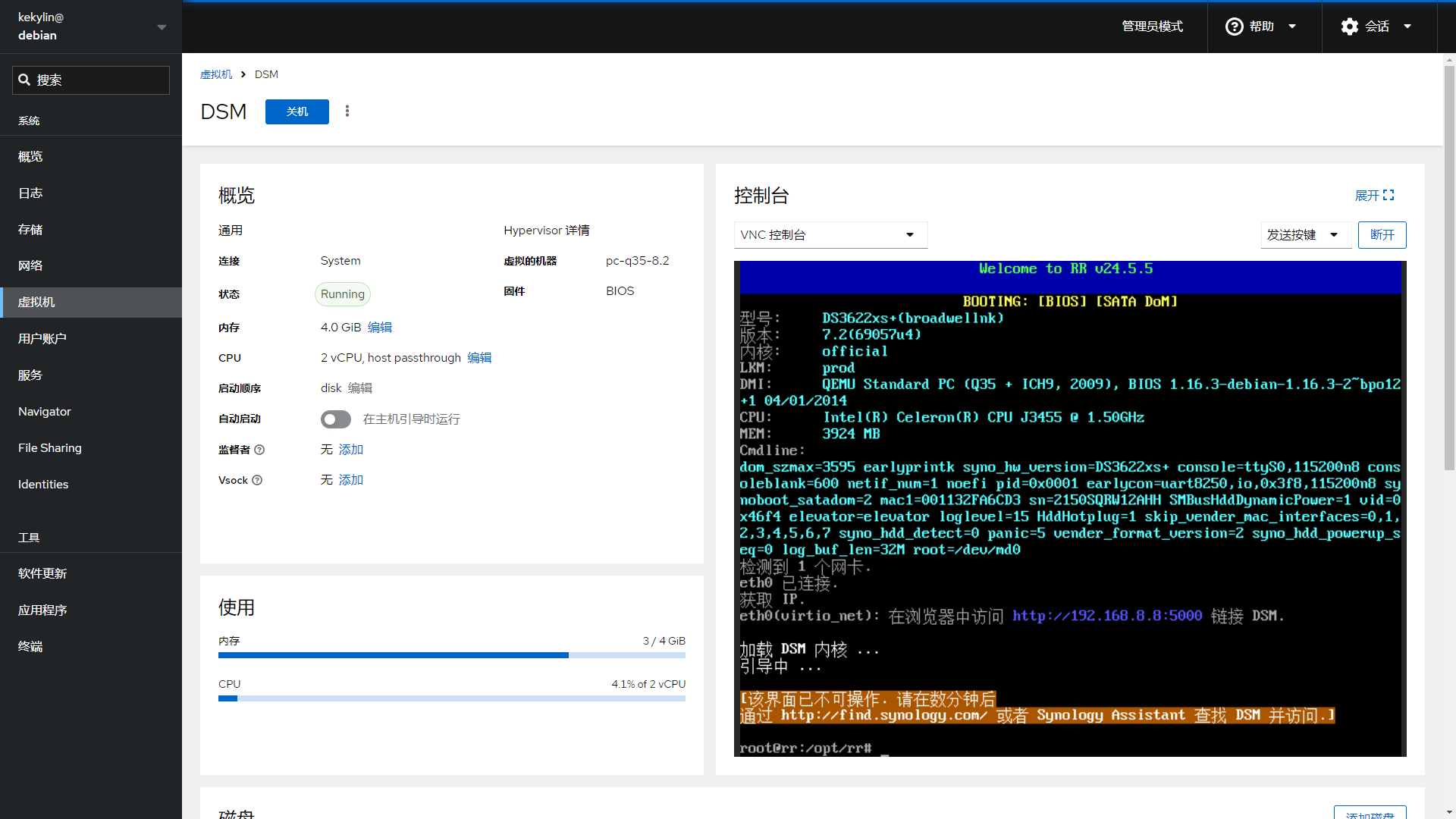
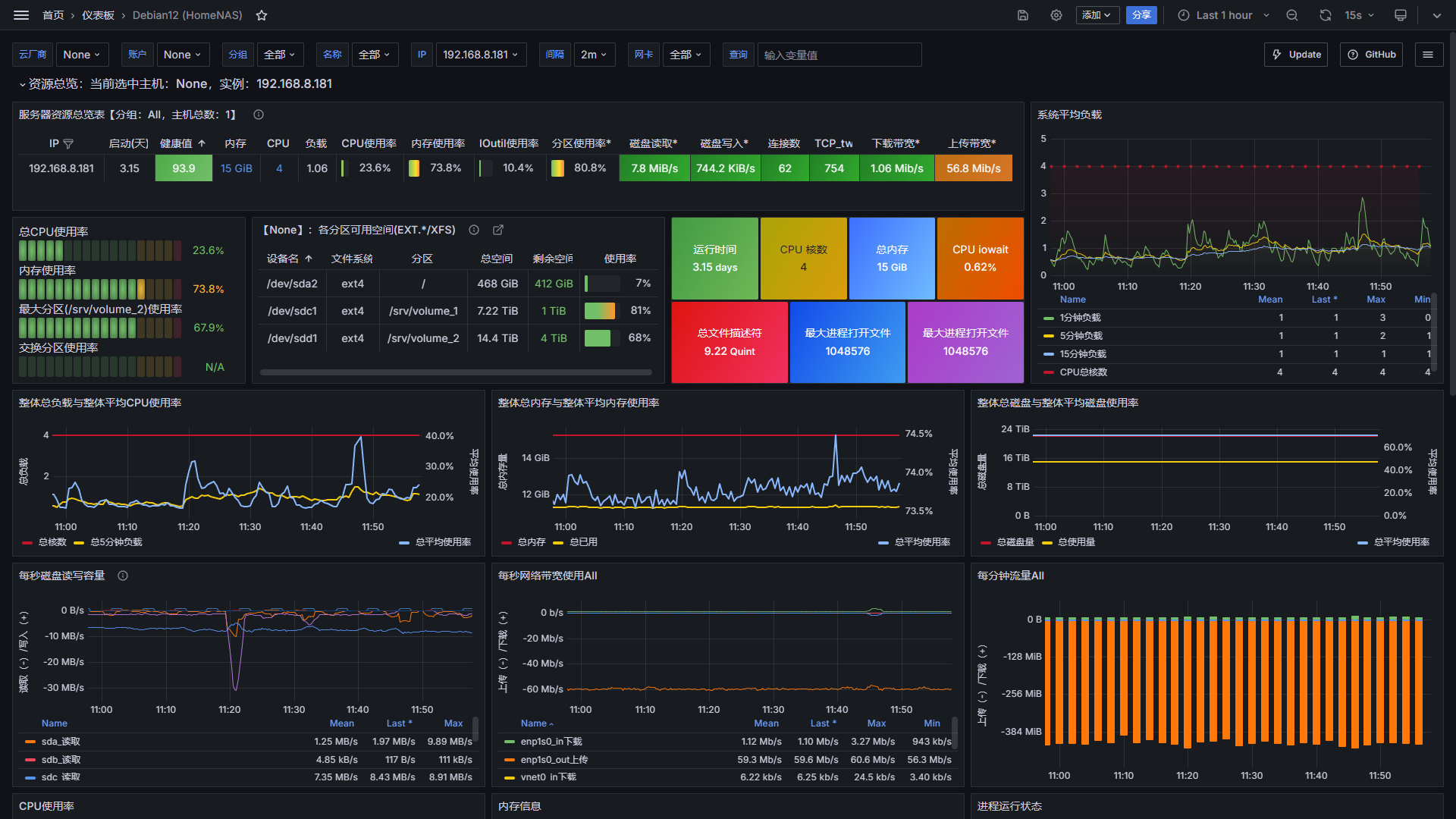
DebNAS is a collection of Bash scripts that automate turning a fresh Debian 12 or 13 (amd64) installation into a capable home NAS. It installs and configures the Cockpit web-based system management interface (port 9090) and the Portainer Docker management UI (port 9443), sets up Docker CE with mirror acceleration, adds virtualization support via cockpit-machines, configures SMB file sharing, software RAID (mdadm), SnapRAID, and a suite of security hardening measures including firewalld, Fail2ban, and automated threat-IP blocking. The project also provides optional Tailscale for VPN access, Nginx reverse proxy templates, and a menu-driven installer that can run individual modules or one-click "basic" and "secure" deployment profiles. The scripts are licensed under GPL-3.0 and target amd64 hardware only; Ubuntu, ARM, and other architectures are explicitly not supported. There is no separate daemon or service — DebNAS configures the underlying Debian OS and then hands off management to the installed components.
Should you self-host DebNAS?
DebNAS scores 56/100 on selfhost.directory (how scoring works) and ranks #8 of 22 in Home Server. It has 1 185 GitHub stars.
There was no stable release in the past 12 months, so check the repository's recent activity before you rely on it.
Setup is moderate: expect some configuration beyond a single command. It is GPL-3.0-licensed and written mostly in Shell.
Its closest alternative on selfhost.directory is CasaOS (76/100, 37 390 stars). It scores higher overall, so compare the two before you pick. See DebNAS vs CasaOS side by side.
Features
- Automated Debian-to-NAS setup
- Automated hosts file optimization
- BBR congestion controlRequires Linux kernel 4.9+
- Docker backup/restoreStops Docker service during operation
- Docker CE with mirror acceleration
- Login email notificationsRequires QQ Mail account
- Nginx reverse proxy templates
- Portainer Docker management
- Security hardening (firewalld, Fail2ban, IPThreat)
- SMB/CIFS file sharing
- Software RAID (mdadm)
- Virtual Machine Management
DebNAS README
FAQ
How do I access the web interfaces after installation?
After the script completes, SSH output will show the Cockpit URL (https://your-ip:9090) and Portainer URL (https://your-ip:9443). Log in with your regular system user (not root).
What systems are supported?
Only Debian 12.x and 13.x on amd64 architecture are officially supported. Ubuntu, ARM, and other architectures are not supported by the automated scripts.
More in File Sharing & Collaboration
 DigipadSelf-hosted, open-source collaborative multimedia wall: pads of cards with files, audio and links for classes or remote teams. Node and Redis, Docker Compose deploy.
 driveSelf-hosted file sharing and document management with granular access control, WOPI editing, and OIDC auth. Built with Django and React for teams needing data control.
 dumpstoreSelf-hosted, open-source NAS management UI for ZFS on Linux/FreeBSD — manages pools, datasets, snapshots, SMB/NFS/iSCSI sharing without containers or databases.
 ephemeraSelf-hosted file sharing for NAS and routers that synchronizes text, pictures, and documents between devices with live updates.
 FileRiseFileRise is a self-hosted, open-source file manager with per-folder ACLs, WebDAV, sharing, and optional encryption. Runs on Docker or PHP without a database.
 filestashSelf-hosted, open-source web file manager that puts S3, SFTP, WebDAV, SMB, FTP and around 20 more storage protocols behind one Dropbox-style interface.
 FirefilesFirefiles is a self-hosted, open-source file manager that connects multiple cloud storage providers through a modern web UI with dark mode, file previews, and tagging.
 folderhostA self-hosted, open-source cloud platform offering file sharing, real-time collaboration, and user management in a ~19MB binary as a lightweight Nextcloud alternative
 friendupFriend OS is a self-hosted, open-source web OS providing a full desktop in the browser with file management, chat, video calls, and collaborative workspaces.
 GameVaultGameVault Backend is a self-hosted, source-available server for DRM-free game libraries with Steam-like UI, multi-user support, playtime tracking, and IGDB metadata.
 ghostboardGhostboard is a self-hosted, open-source tool for real-time text sharing between devices via web UI or CLI, with multi-board support, dark mode, and Markdown rendering.
 guptSelf-hosted, end-to-end encrypted messenger and privacy suite with no phone number or central server — runs in the browser on a decentralized Nostr relay network.
0 comments