
Self-host filestash
v0.4Universal web file manager for every storage protocol
- Stars
- 14 897
- Port
- 8334 (HTTP web UI / API served by Filestash itself)
machines/filestash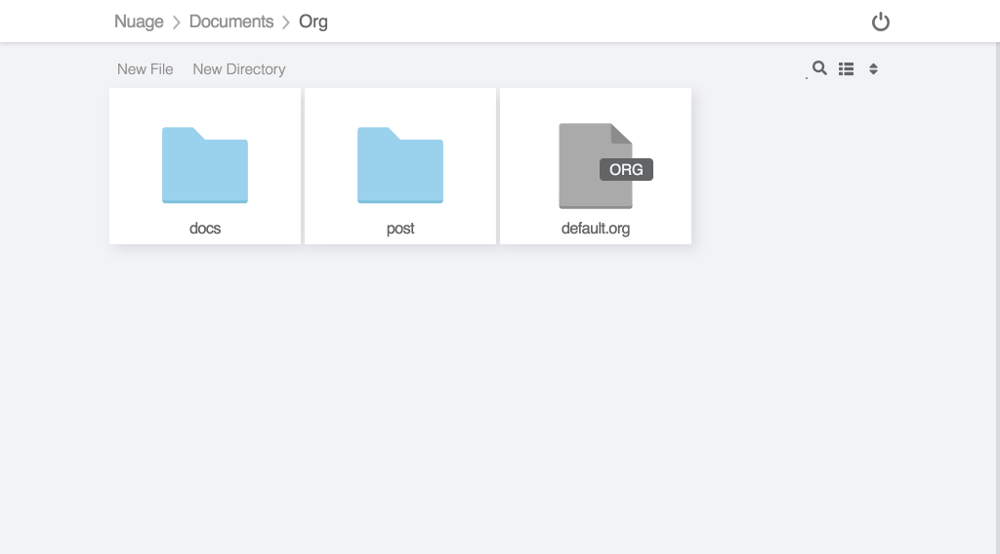

What is filestash?
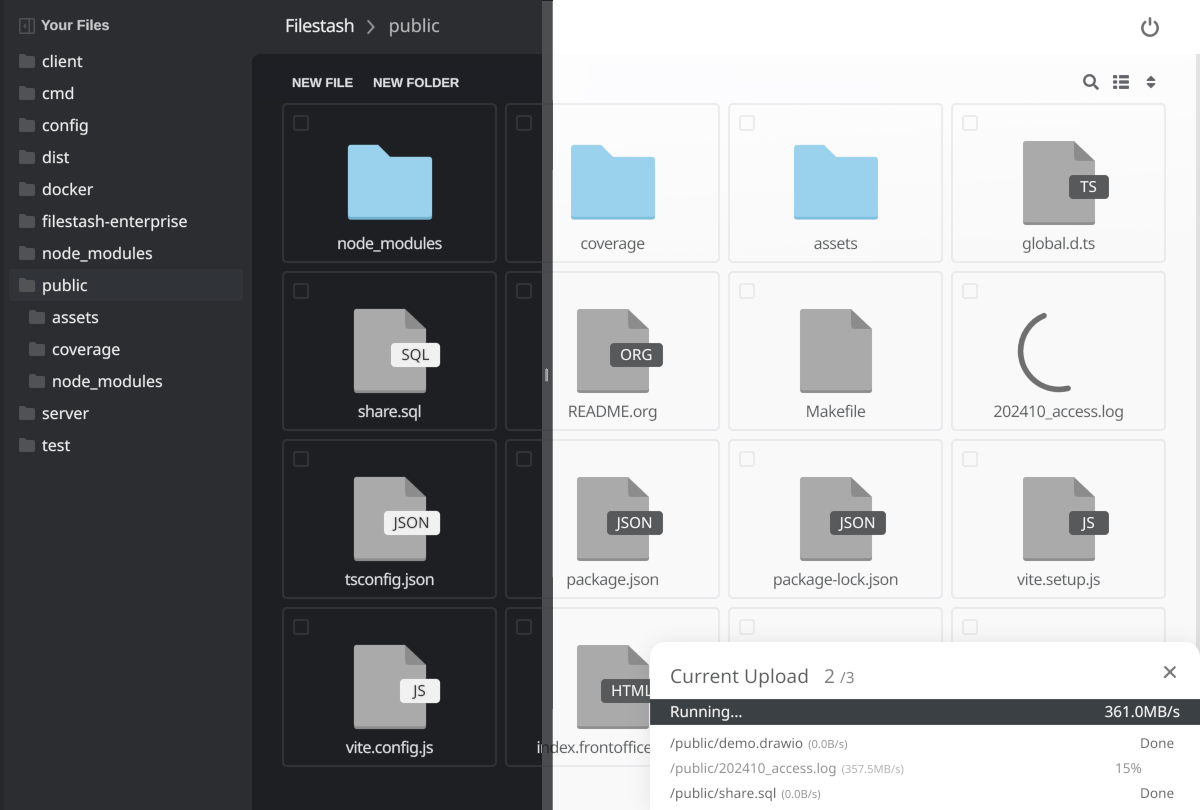
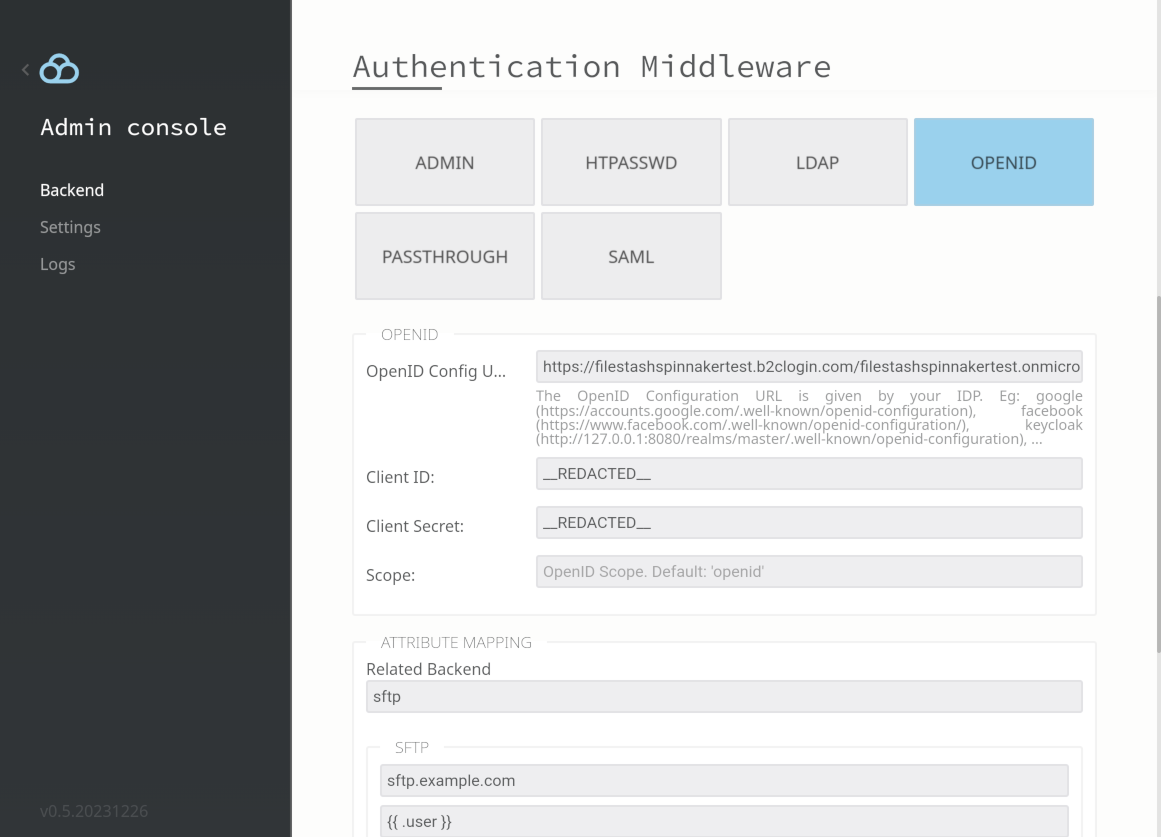
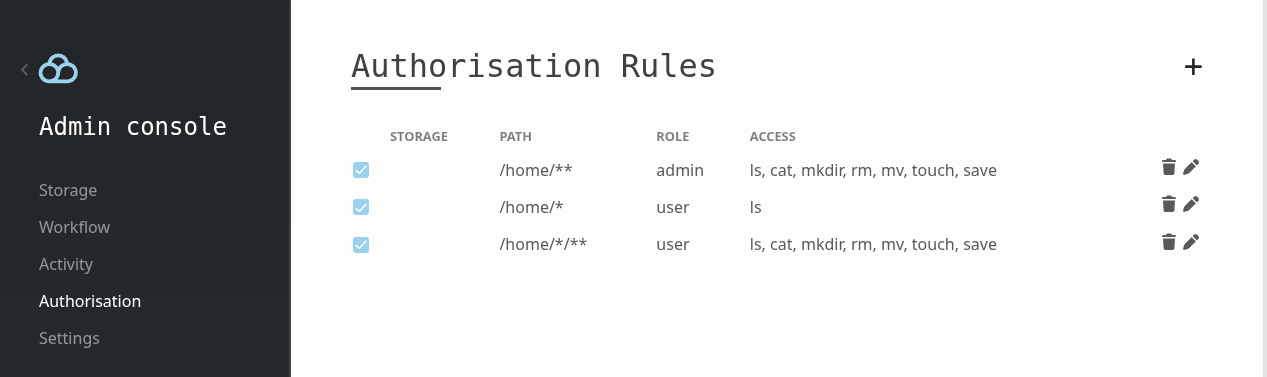
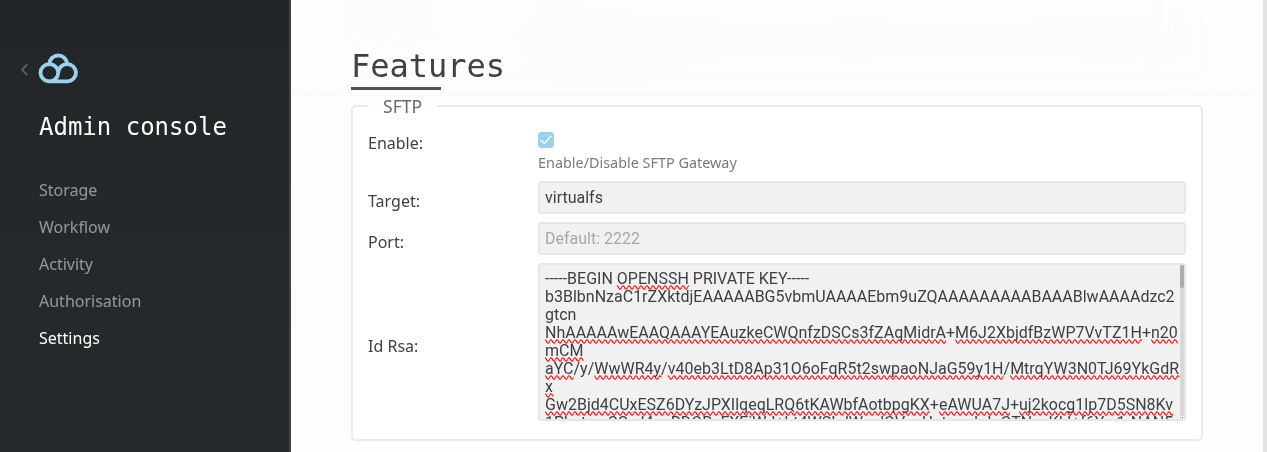
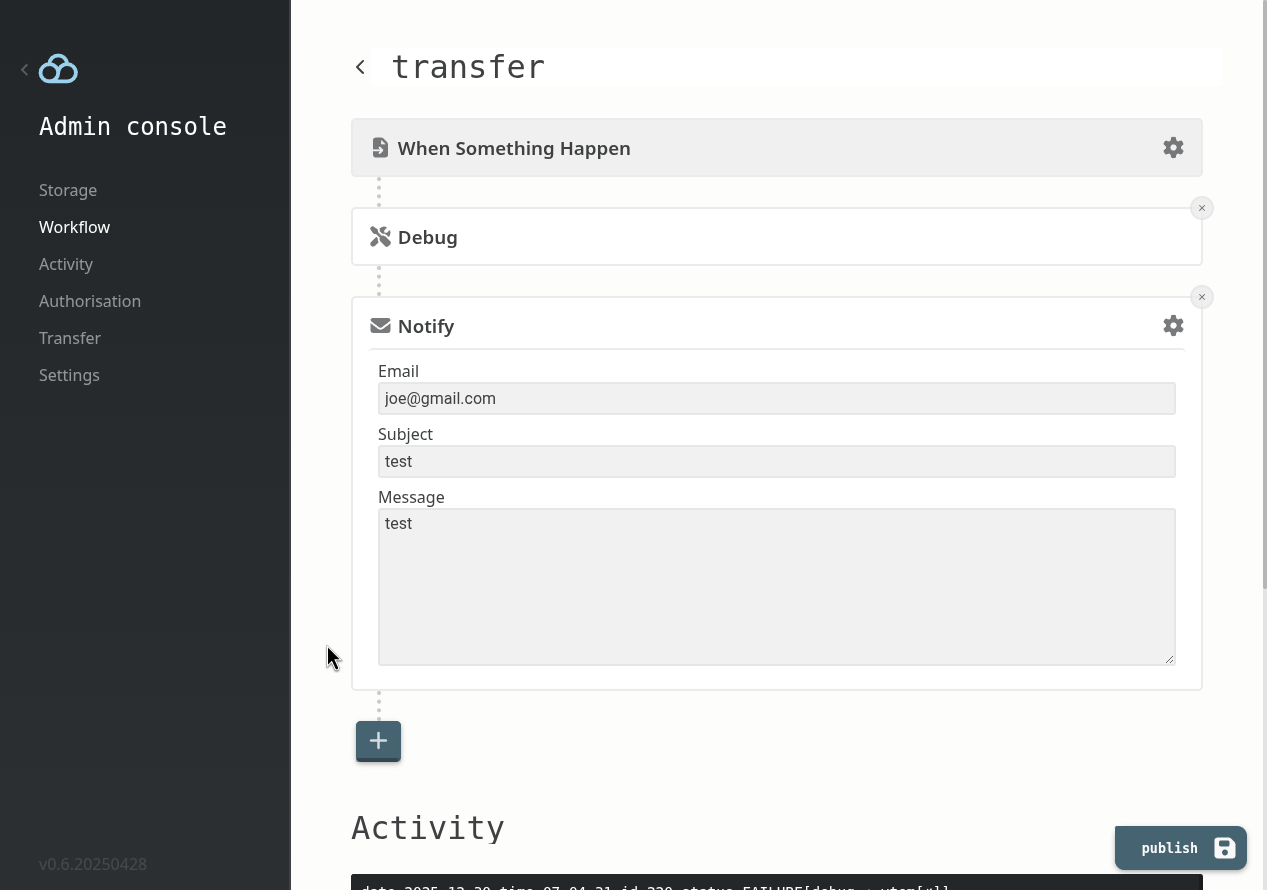
Filestash is a web file manager that fronts almost any storage backend — SFTP, S3, SMB, WebDAV, FTP, NFS and roughly twenty others — through a single browser UI, for individuals running their own instance up to regulated enterprises. Its architecture puts nearly everything behind a plugin interface: storage drivers, authentication (local users, htpasswd, LDAP, OpenID Connect, SAML, proxy headers, SQL, WordPress), authorisation rules such as RBAC, search, thumbnailing and file apps; plugins are either compiled into the Go binary or dropped into the plugins folder as runtime zips whose wasm runs in a permission-restricted VM. It can also serve data outward over SFTP, S3, FTP, WebDAV, MCP or AS2 gateways plus an HTTP API, and it ships an event-driven workflow engine for notification and managed-file-transfer pipelines. Operators get compliance-grade audit logs, versioning, quotas, antivirus scanning, AI-assisted semantic search, OCR and smart folders (including local models via Ollama), viewers for around 140 niche file formats, swappable UI themes and white-label branding. Install it by downloading a fat binary with no runtime dependencies, by running the machines/filestash Docker image with the vendor's compose file (which can also start a Collabora WOPI server for office editing), or with a Helm chart on Kubernetes; the community build expects a reverse proxy for TLS. The core is AGPL-3.0, while SSO with RBAC, audit and compliance, white-labeling, unlimited users and a commercial license sit in paid self-hosted or SaaS tiers, and the free hobby tier is capped at three users.
Should you self-host filestash?
filestash scores 71/100 on selfhost.directory (how scoring works) and ranks #3 of 28 in File Sharing & Collaboration. It has 14 897 GitHub stars, +119 in the last 30 days.
There was no stable release in the past 12 months, so check the repository's recent activity before you rely on it.
Setup is easy: most people get it running in one sitting. An official Docker image is available. It is AGPL-3.0-licensed and written mostly in Go.
Its closest alternative on selfhost.directory is Ente (82/100, 30 090 stars). It scores higher overall, so compare the two before you pick. See filestash vs Ente side by side.
Features
- Agent-friendly filesystem
- AI search and OCR
- Audit LoggingListed under Enterprise Solutions on the pricing page
- File format previewers and editors
- File Versioning
- Multi-protocol storage connectors
- Office document editing
- Plugin Architecture
- REST API
- Role-based Access Control
- Storage gateways
- TLS SupportNative HTTPS service with runtime ACME/Let's Encrypt provisioning is for customers
- UI themesWhite-labeling is an enterprise plan item
- Web file manager
- Workflow automation engine
filestash README
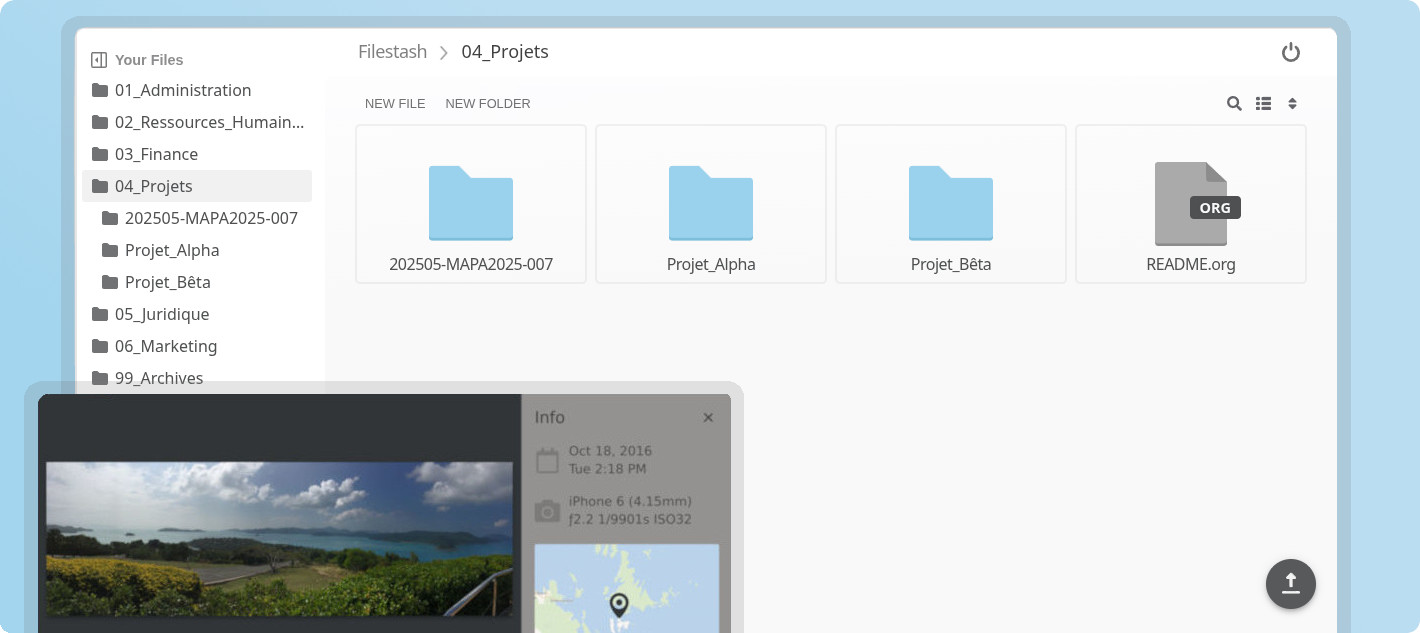
Actively developed since 2017, Filestash started its life as a Dropbox-like file manager that speaks every storage protocol: SFTP, S3, SMB, WebDAV, IPFS, FTP, NFS, and everything else (probably the oddest Babel fish in the Universe)
FAQ
What if I have more questions?
Email support@filestash.app for further help.
What plugins are available?
Everything in the plugin catalog and the plan comparison table is available to customers, and custom plugins can be developed for enterprise customers.
How is my payment being processed?
Payments go through Stripe; Filestash does not handle credit card details directly.
Can I cancel at any time?
Yes, subscriptions can be cancelled at any time.
Does Filestash have a Software-as-a-Service offering?
Yes — it can be self-hosted or run as a single-tenant cloud instance hosted by Filestash, at no extra charge either way.
How are Filestash licenses sold?
Standard and Enterprise licences are sold as monthly subscriptions and each one includes a fully deployed, ready-to-use solution; plans from $750/month can be paid flexibly.
More in File Sharing & Collaboration
 FirefilesFirefiles is a self-hosted, open-source file manager that connects multiple cloud storage providers through a modern web UI with dark mode, file previews, and tagging.
 folderhostA self-hosted, open-source cloud platform offering file sharing, real-time collaboration, and user management in a ~19MB binary as a lightweight Nextcloud alternative
 friendupFriend OS is a self-hosted, open-source web OS providing a full desktop in the browser with file management, chat, video calls, and collaborative workspaces.
 GameVaultGameVault Backend is a self-hosted, source-available server for DRM-free game libraries with Steam-like UI, multi-user support, playtime tracking, and IGDB metadata.
 ghostboardGhostboard is a self-hosted, open-source tool for real-time text sharing between devices via web UI or CLI, with multi-board support, dark mode, and Markdown rendering.
 guptSelf-hosted, end-to-end encrypted messenger and privacy suite with no phone number or central server — runs in the browser on a decentralized Nostr relay network.
 HubzillaHubzilla is a powerful, privacy-respecting, all-in-one platform for decentralized social networking, collaboration, and content publishing. It supports federated identity, groups, forums, cloud storage, blogging, wikis, and more, all within a unified privacy framework.
 ImmichImmich is an open-source, self-hosted photo and video backup solution with mobile apps, facial recognition, and Google Photos-like features for individuals and families.
 IPFS Web UISelf-hosted, open-source browser UI for a local Kubo IPFS node. View status, manage files, explore IPLD data, visualize peers, and configure settings without the CLI.
 JmalCloudJmalCloud is a self-hosted, open-source private cloud storage platform with WebDAV, object storage backends, OnlyOffice integration, and full-text search.
 linshareLinShare is a self-hosted, open-source secure file sharing platform for organizations. Features audit trails, LDAP/SSO, mobile apps, and AI assistant support via MCP.
 magnetissimoSelf-hosted torrent indexer searching eight sites simultaneously, indexes to SQLite. Torznab indexer for Sonarr/Radarr/Prowlarr with optional DHT crawler.
0 comments