
Self-host ghostboard
v3.4.3Real-time synchronized text sharing via web and CLI
- Stars
- 342
- Ports
- 80 (HTTP and WebSocket (bundled nginx)), 8080 (HTTP server (legacy)), 8765 (WebSocket server (legacy))
thehelpfulidiot/ghostboard-server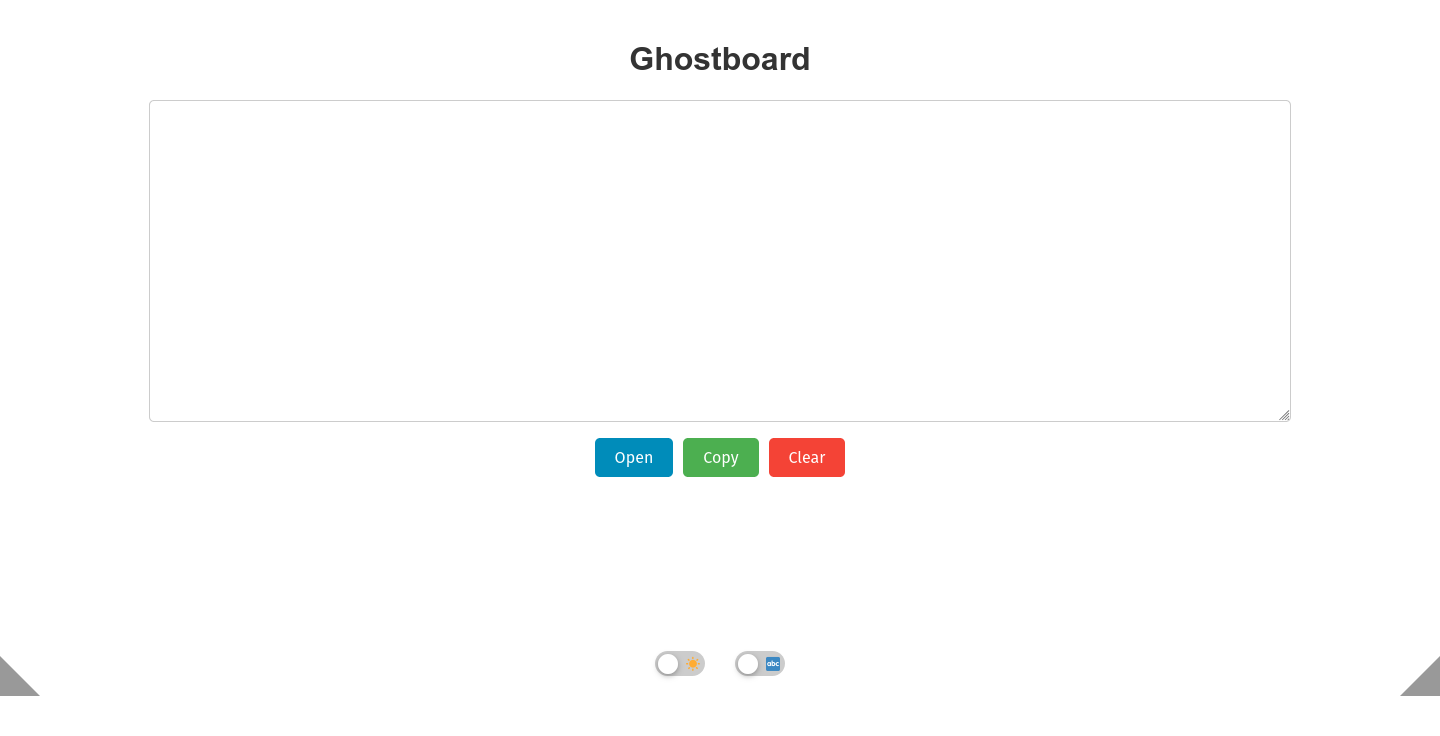
What is ghostboard?
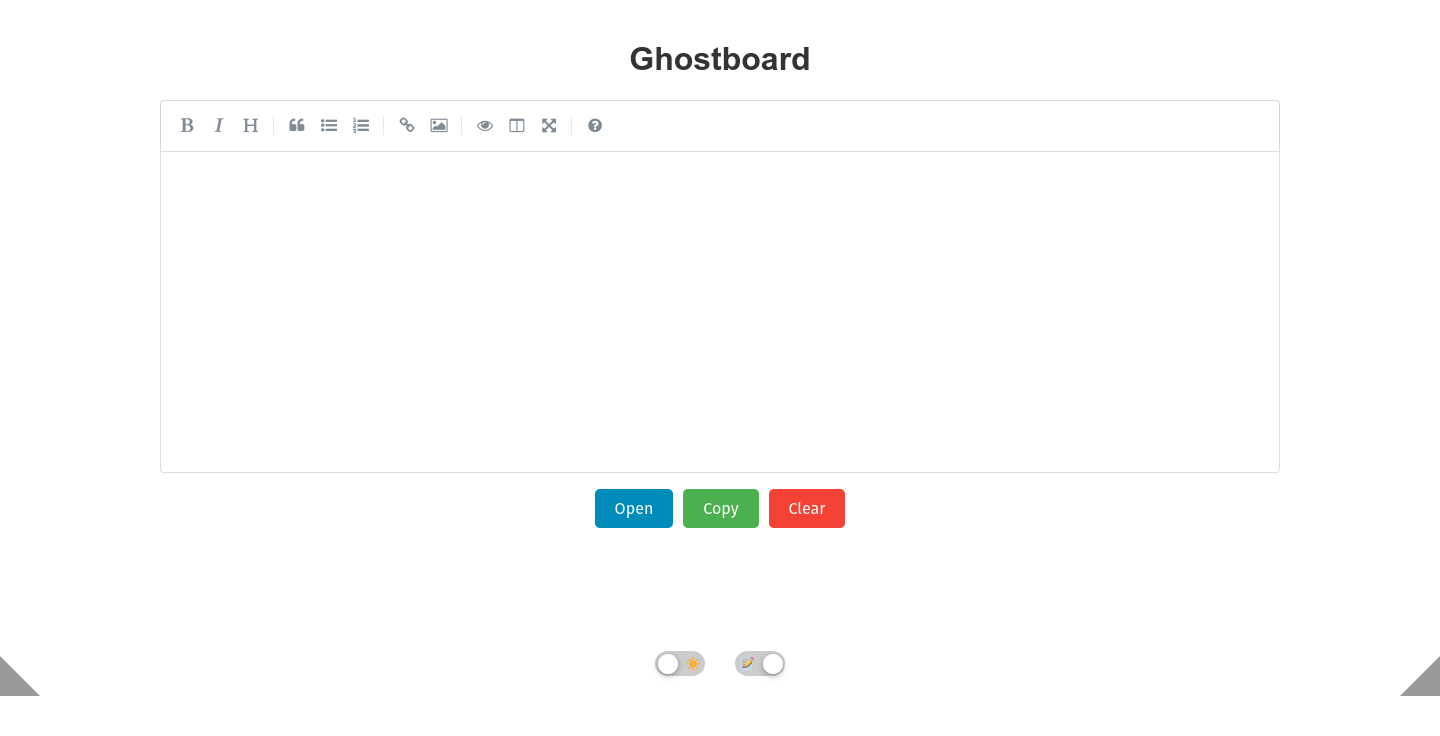
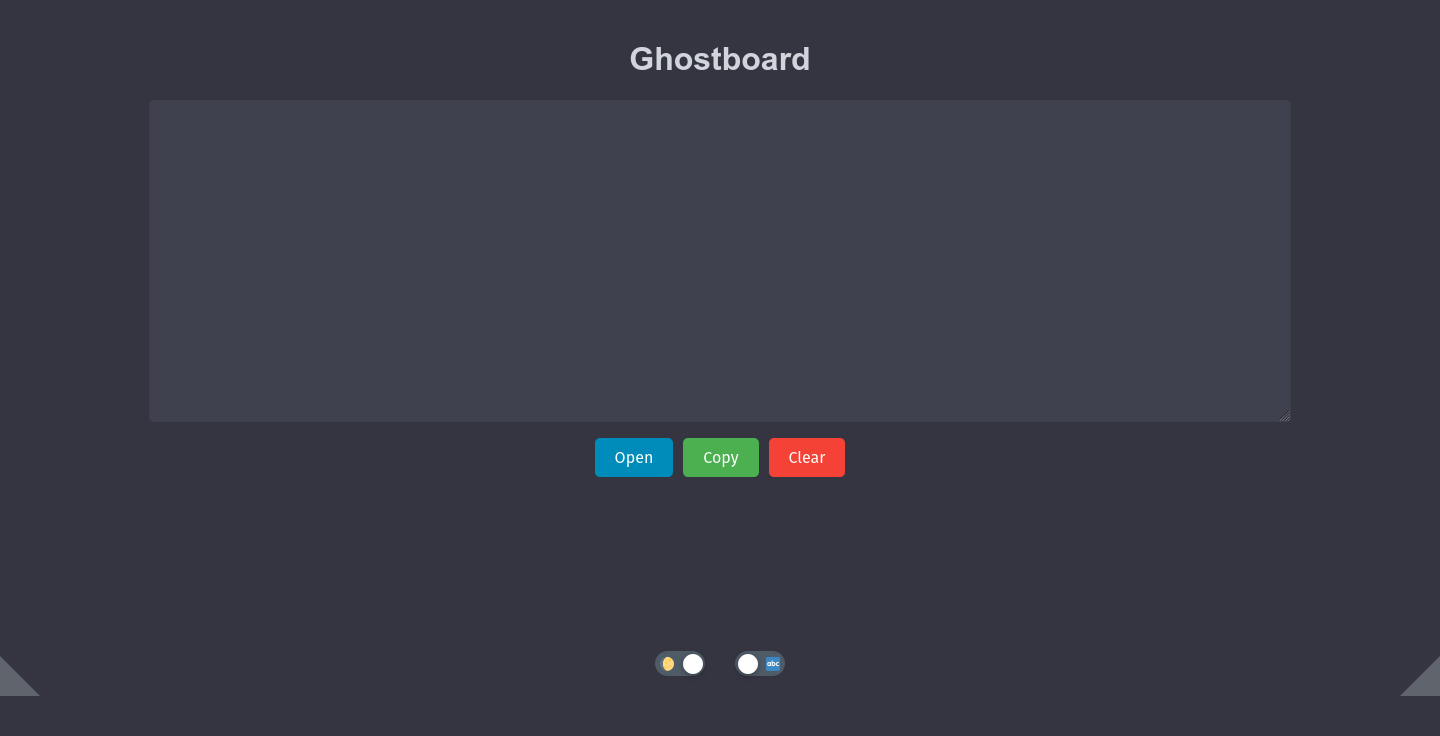
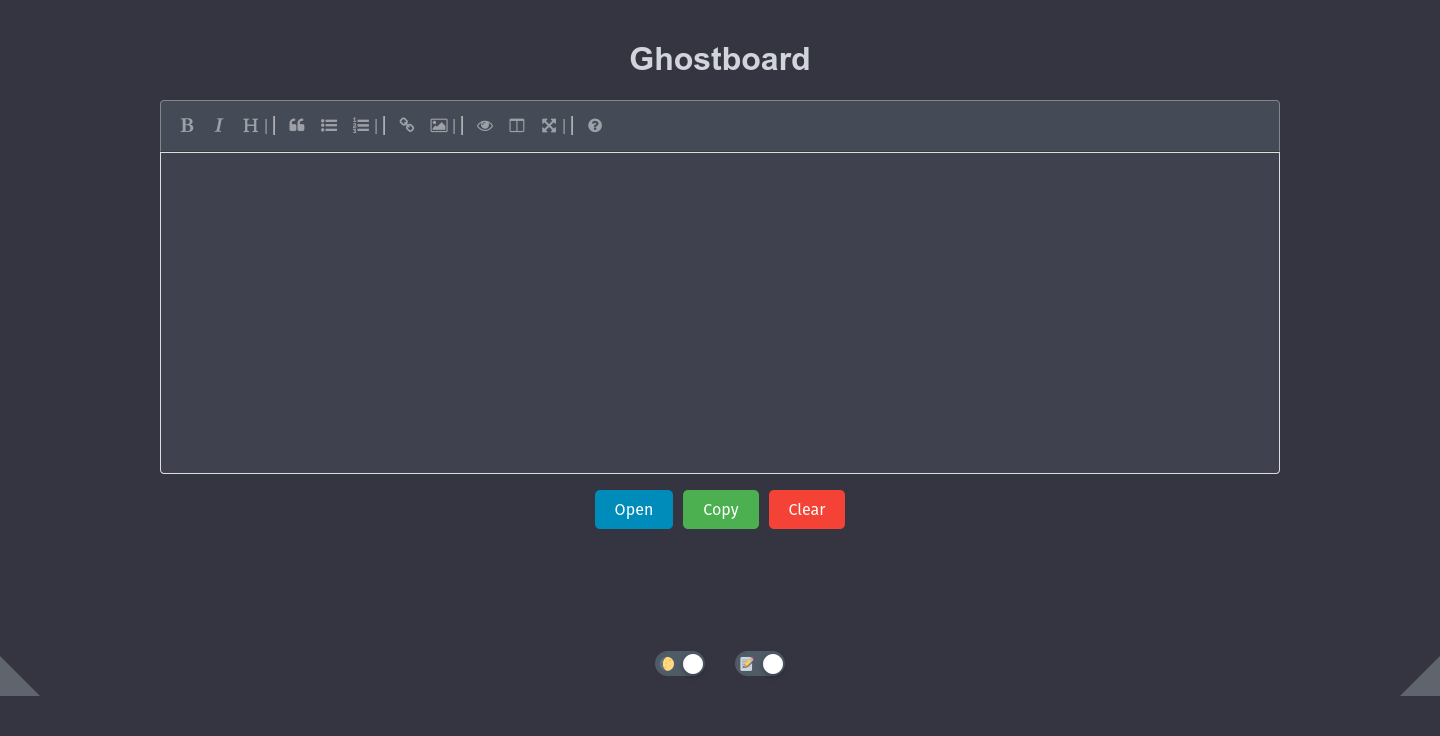
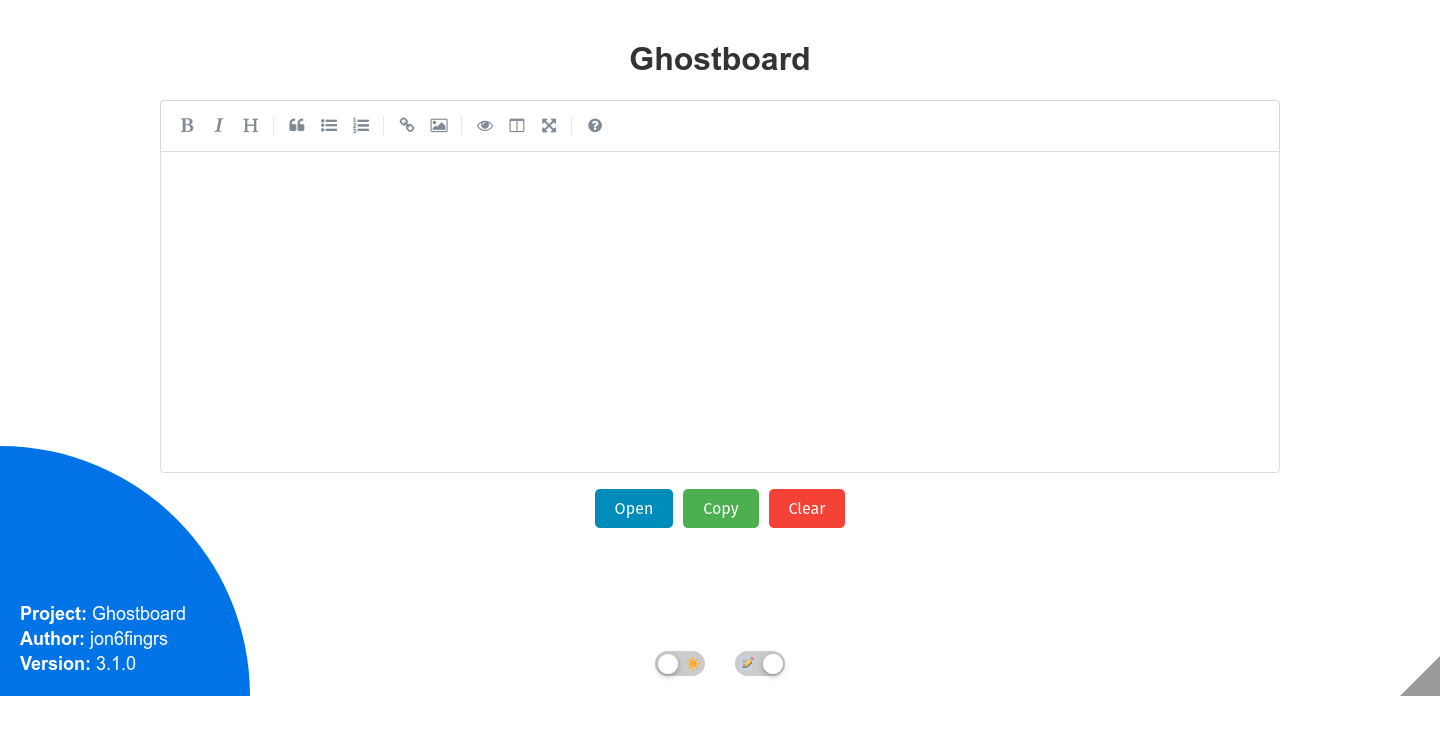
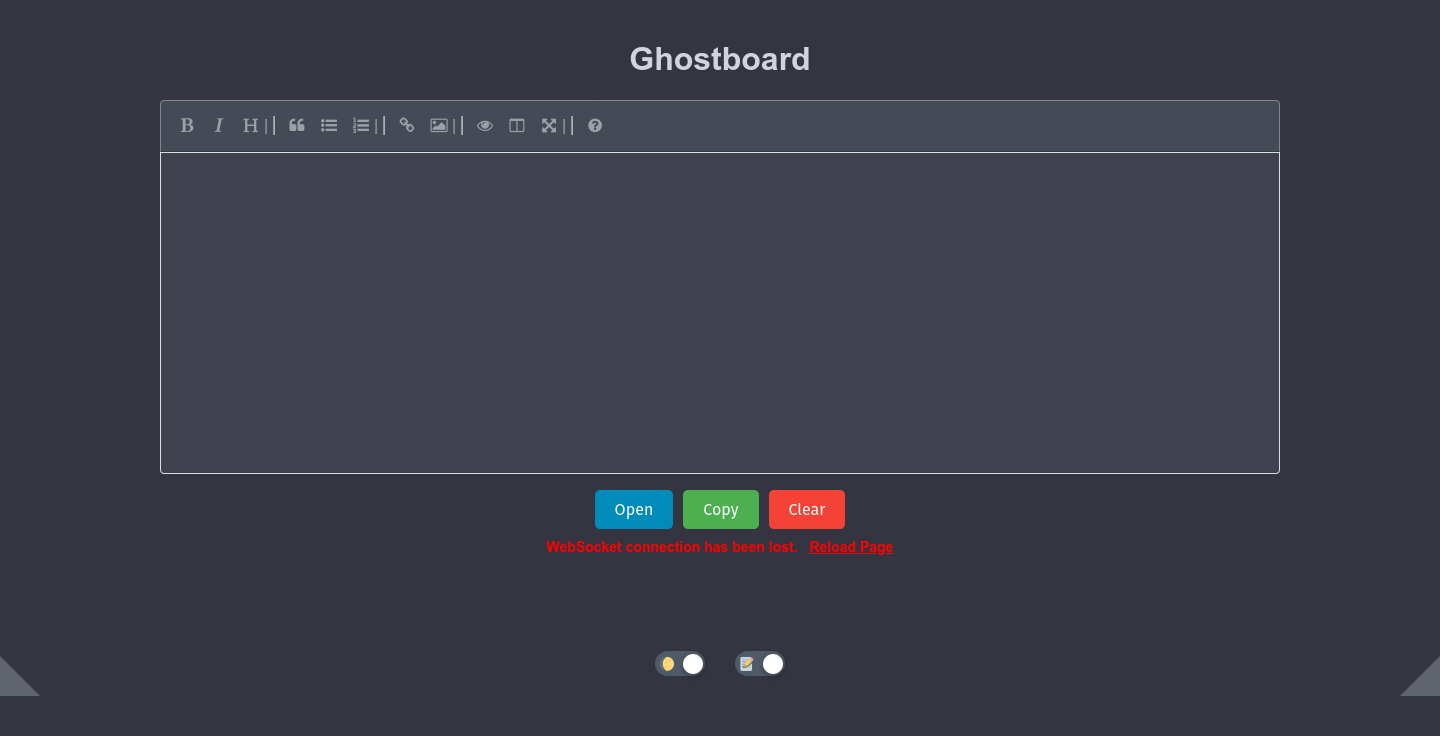
Ghostboard provides a simple web page where text typed in one browser instantly appears in all other connected browsers, plus a CLI client for scriptable access. It runs as a Docker container (bundling nginx and the WebSocket server on port 80) or as plain Python scripts. Each URL path creates an independent board, and the UI includes dark mode, Markdown rendering, and a REST API for programmatic updates. The project explicitly states there is no encryption, so it is intended for trusted networks only.
Should you self-host ghostboard?
ghostboard scores 48/100 on selfhost.directory (how scoring works) and ranks #21 of 27 in File Sharing & Collaboration. It has 342 GitHub stars.
There was no stable release in the past 12 months, so check the repository's recent activity before you rely on it.
Setup is easy: most people get it running in one sitting. An official Docker image is available. It is MIT-licensed and written mostly in HTML.
Its closest alternative on selfhost.directory is Nextcloud (86/100, 37 325 stars). It scores higher overall, so compare the two before you pick. See ghostboard vs Nextcloud side by side.
Features
- Board persistence across restarts
- Bundled nginx reverse proxy
- Command line clientSuperseded by REST API but still supported.
- Large text support
- Markdown Rendering
- Multiple independent boards
- Real-time text synchronization
- REST API
ghostboard README
More in File Sharing & Collaboration
 guptSelf-hosted, end-to-end encrypted messenger and privacy suite with no phone number or central server — runs in the browser on a decentralized Nostr relay network.
 HubzillaHubzilla is a powerful, privacy-respecting, all-in-one platform for decentralized social networking, collaboration, and content publishing. It supports federated identity, groups, forums, cloud storage, blogging, wikis, and more, all within a unified privacy framework.
 ImmichImmich is an open-source, self-hosted photo and video backup solution with mobile apps, facial recognition, and Google Photos-like features for individuals and families.
 IPFS Web UISelf-hosted, open-source browser UI for a local Kubo IPFS node. View status, manage files, explore IPLD data, visualize peers, and configure settings without the CLI.
 JmalCloudJmalCloud is a self-hosted, open-source private cloud storage platform with WebDAV, object storage backends, OnlyOffice integration, and full-text search.
 linshareLinShare is a self-hosted, open-source secure file sharing platform for organizations. Features audit trails, LDAP/SSO, mobile apps, and AI assistant support via MCP.
 magnetissimoSelf-hosted torrent indexer searching eight sites simultaneously, indexes to SQLite. Torznab indexer for Sonarr/Radarr/Prowlarr with optional DHT crawler.
 moosefsSelf-hosted, open-source MooseFS is a petabyte-scale distributed POSIX filesystem and block device with replication, erasure coding, snapshots and quotas.
 NextcloudNextcloud Server is a self-hosted, open-source platform replacing Google Workspace or Microsoft 365 with file sync, calendar, mail, video calls, and office editing.
 nextcloud-aio-mastercontainerSelf-hosted, open-source Nextcloud stack run from one Docker mastercontainer: a web UI handles updates, BorgBackup restores, TLS and domain setup.
 NextExplorerSelf-hosted file explorer in one Docker container. Web UI for browsing, previewing, editing, sharing files with auth, OIDC SSO, ripgrep search, OnlyOffice/Collabora.
 OpenAFSOpenAFS is a self-hosted, open-source distributed filesystem providing location-independent file sharing across Linux, UNIX, macOS, and Windows with Kerberos auth.
0 comments