
Self-host drive
v0.25.3Team file sharing and document collaboration platform
- Stars
- 480
- Ports
- 3000 (Frontend development server), 8000 (Backend development server), 8071 (Django admin), 80 (HTTP ingress), 443 (HTTPS ingress)
- Requires
- OIDC provider, PostgreSQL, Redis, S3-compatible Object Storage
What is drive?
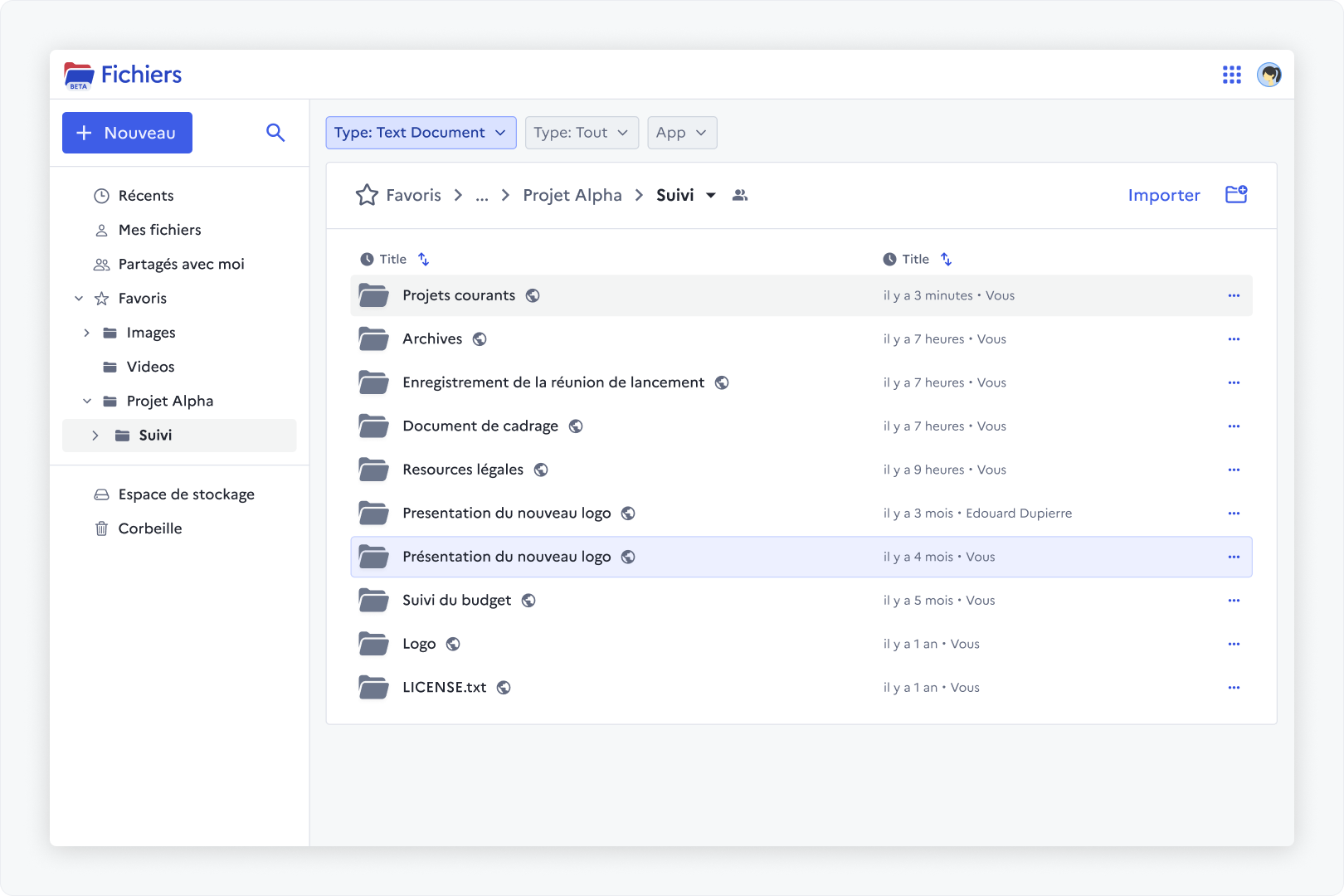
LaSuite Drive is a self-hosted platform for team file sharing and document collaboration. It runs on Django and React, letting users store files centrally, preview many formats in the browser, and edit documents online through WOPI with Collabora or OnlyOffice. Access control is granular — permissions can be set per file or folder, and outsiders can be invited without accounts. Other features include a trash bin with restore, malware scanning on uploads, a file-picker SDK for embedding, customizable UI themes, storage quotas, and workspaces for organizing team resources. Authentication relies on any OIDC provider. The stack requires PostgreSQL, Redis, and S3-compatible object storage. Production deployments use Kubernetes (Helm charts provided), while local development runs via Docker Compose and Make. The code is MIT-licensed and maintained by the French public-sector team DINUM.
Should you self-host drive?
drive scores 49/100 on selfhost.directory (how scoring works) and ranks #19 of 27 in File Sharing & Collaboration. It has 480 GitHub stars.
It shipped 15 stable releases in the past year. The latest, v0.25.3, came out on 23 October 2026. New versions land roughly every 5 days.
Setup is advanced: plan for several services and some ongoing maintenance. It is MIT-licensed and written mostly in Python.
Its closest alternative on selfhost.directory is Nextcloud (86/100, 37 325 stars). It scores higher overall, so compare the two before you pick. See drive vs Nextcloud side by side.
Features
- Customizable frontend style
- Django Admin interface
- External user invitations
- File Picker SDK
- File Preview
- File storage and sharing
- Granular Access Control
- Malware detection
- OIDC Authentication
- Online document editing (WOPI)
- Powerful Search
- Storage Quotas
- Trash bin with restore
- Workspaces
drive README
More in File Sharing & Collaboration
 dumpstoreSelf-hosted, open-source NAS management UI for ZFS on Linux/FreeBSD — manages pools, datasets, snapshots, SMB/NFS/iSCSI sharing without containers or databases.
 ephemeraSelf-hosted file sharing for NAS and routers that synchronizes text, pictures, and documents between devices with live updates.
 FileRiseFileRise is a self-hosted, open-source file manager with per-folder ACLs, WebDAV, sharing, and optional encryption. Runs on Docker or PHP without a database.
 filestashSelf-hosted, open-source web file manager that puts S3, SFTP, WebDAV, SMB, FTP and around 20 more storage protocols behind one Dropbox-style interface.
 FirefilesFirefiles is a self-hosted, open-source file manager that connects multiple cloud storage providers through a modern web UI with dark mode, file previews, and tagging.
 folderhostA self-hosted, open-source cloud platform offering file sharing, real-time collaboration, and user management in a ~19MB binary as a lightweight Nextcloud alternative
 friendupFriend OS is a self-hosted, open-source web OS providing a full desktop in the browser with file management, chat, video calls, and collaborative workspaces.
 GameVaultGameVault Backend is a self-hosted, source-available server for DRM-free game libraries with Steam-like UI, multi-user support, playtime tracking, and IGDB metadata.
 ghostboardGhostboard is a self-hosted, open-source tool for real-time text sharing between devices via web UI or CLI, with multi-board support, dark mode, and Markdown rendering.
 guptSelf-hosted, end-to-end encrypted messenger and privacy suite with no phone number or central server — runs in the browser on a decentralized Nostr relay network.
 HubzillaHubzilla is a powerful, privacy-respecting, all-in-one platform for decentralized social networking, collaboration, and content publishing. It supports federated identity, groups, forums, cloud storage, blogging, wikis, and more, all within a unified privacy framework.
 ImmichImmich is an open-source, self-hosted photo and video backup solution with mobile apps, facial recognition, and Google Photos-like features for individuals and families.
0 comments