
Self-host werbot
v0.0.3Self-hosted bastion for secure server access with SSO
docker-compose up -d- Stars
- 169
- Ports
- 80 (HTTP (haproxy)), 443 (HTTPS (haproxy)), 22 (SSH proxy (haproxy)), 8404 (HAProxy stats), 3022 (SSH server), 8088 (Web API)
- Requires
- PostgreSQL, Redis
ghcr.io/werbot/taco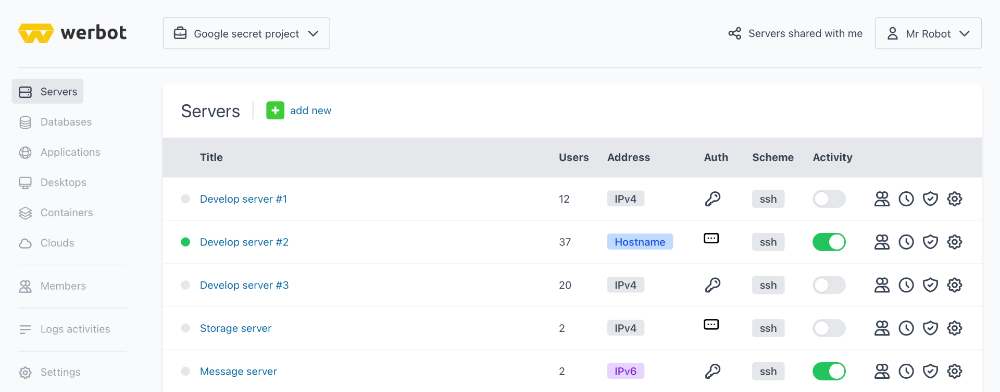
What is werbot?
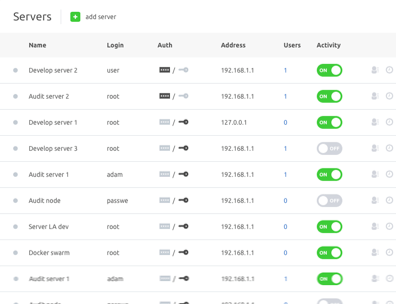
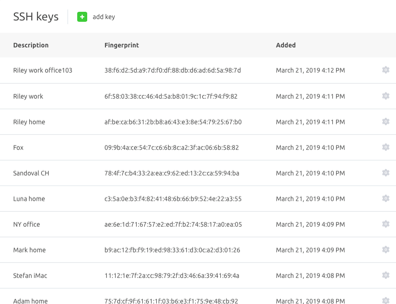
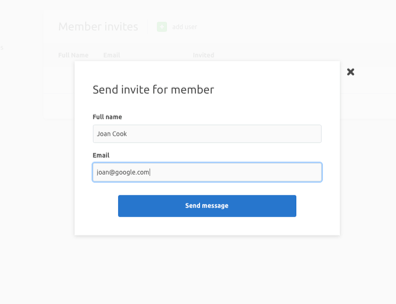
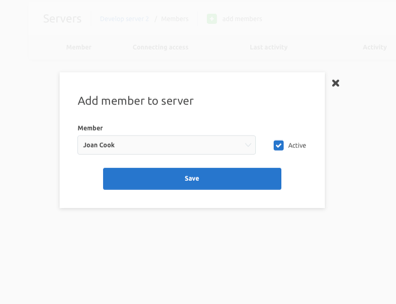
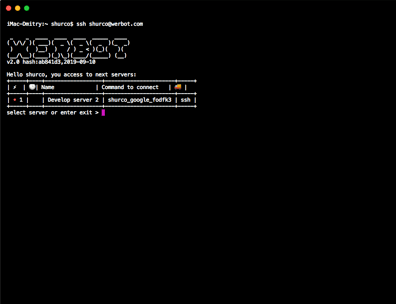
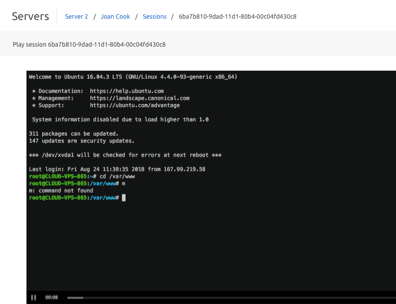
Werbot is a self-hosted access management platform that lets teams securely share connections to servers, databases, and applications without handing out credentials. Users connect through a web dashboard using single sign-on, and all sessions are recorded as screencasts with full command logs for audit compliance. It supports SSH, Telnet, RDP, and VNC protocols across any cloud or on-premise infrastructure. The platform runs as Docker microservices (API, auth, gRPC, worker, frontend) with PostgreSQL and Redis backends, and integrates with Cloudflare for DNS and Let's Encrypt certificates. The core is licensed under Business Source License 1.1 (converting to Apache 2.0 in 2028), with a free self-hosted tier limited to 3 hosts and 3 members, while paid SaaS tiers add LDAP, more hosts, and enterprise features. Current version is v0.0.3 (pre-1.0 alpha).
Should you self-host werbot?
werbot scores 36/100 on selfhost.directory (how scoring works) and ranks #36 of 40 in Authentication. It has 169 GitHub stars.
There was no stable release in the past 12 months, so check the repository's recent activity before you rely on it.
Setup is advanced: plan for several services and some ongoing maintenance. An official Docker image is available. It is Other-licensed and written mostly in Go.
Its closest alternative on selfhost.directory is keycloak (86/100, 37 571 stars). It scores higher overall, so compare the two before you pick. See werbot vs keycloak side by side.
Features
- Agentless server connection
- Audit Logging
- Automated SSL certificates
- Certificate-based authentication
- Database access management
- Firewall and access control
- GeoIP-based access control
- Kubernetes and Docker support
- LDAP IntegrationAvailable in Pro and Enterprise SaaS tiers; self-hosted tier may not include
- Multi-cloud provider management
- Multi-protocol support
- Session Recording
- Single Sign-On (SSO)
- Time-based access scheduling
werbot README
FAQ
Why BSL license?
The BSL license was chosen to allow users to share access to their servers, databases, and applications while preventing cloud providers from reselling Werbot as a managed service.
What is the license?
Werbot uses the Business Source License 1.1, which is identical to Apache 2.0 except you cannot use the code to create a cloud service or resell the product. After three years, the code becomes available under Apache 2.0.
More in Infrastructure Monitoring
 WolfStackA self-hosted platform for managing servers, containers, virtual machines, networking, storage, and backups with a 530+ app store, all from one Rust binary.
 Zabbix DockerSelf-hosted Zabbix monitoring with official open-source Docker images for server, agents, proxies, web UI and SNMP traps, plus ready-to-use Compose files and a Makefile.
 BeszelOpen-source, self-hosted server monitoring: a hub plus per-host agents tracking CPU, memory, disks, containers, GPU and temperatures, with alerts and historical data.
 captureCapture is a self-hosted, open-source hardware monitoring agent that collects CPU, memory, disk, network, and Docker metrics via REST API for Checkmate.
 checkmateSelf-hosted, open-source uptime and infrastructure monitor: HTTP, ping, DNS, Docker and gRPC checks with incidents, status pages and Slack or email alerts.
 checkmkSelf-hosted, open-source IT monitoring for hybrid estates: agent or agentless checks, auto-discovery, dashboards, REST API. Community edition fits around 100 hosts.
 DiamondSelf-hosted Python daemon gathering CPU, memory, disk I/O metrics and shipping to Graphite, StatsD, InfluxDB, and 15+ backends via 100+ collectors.
 dockhandDockhand is a self-hosted Docker management platform with real-time container monitoring, Compose orchestration, Git deployments, and SSO. Free for homelabs under BSL 1.1
 dockpromdockprom is a self-hosted, open-source Docker monitoring stack with Prometheus, Grafana, cAdvisor, NodeExporter, AlertManager, Pushgateway, and Caddy in one Compose file.
 DStatusSelf-hosted server monitoring & AI ops panel: real-time metrics, 3-network TCPing, MTR, IP/streaming checks, alerts, WebSSH, renewals, AI assistant. Free: 3 nodes.
 globalping-probeSelf-hosted network probe that joins the Globalping community network to run ping, traceroute, DNS, and HTTP tests from your location.
 GPU-HotGPU Hot is a self-hosted, open-source web dashboard for real-time NVIDIA GPU monitoring with sub-second metrics, multi-GPU support, and cluster aggregation via hub mode.
0 comments