
Self-host WolfStack
v25.40.1Server, VM & container management platform
- Stars
- 215
- CPU
- 1 core (any architecture supported by Rust)
- RAM
- 256 MB free
- Storage
- 50 MB for the binary
- Port
- 8553 (Web UI (HTTPS))
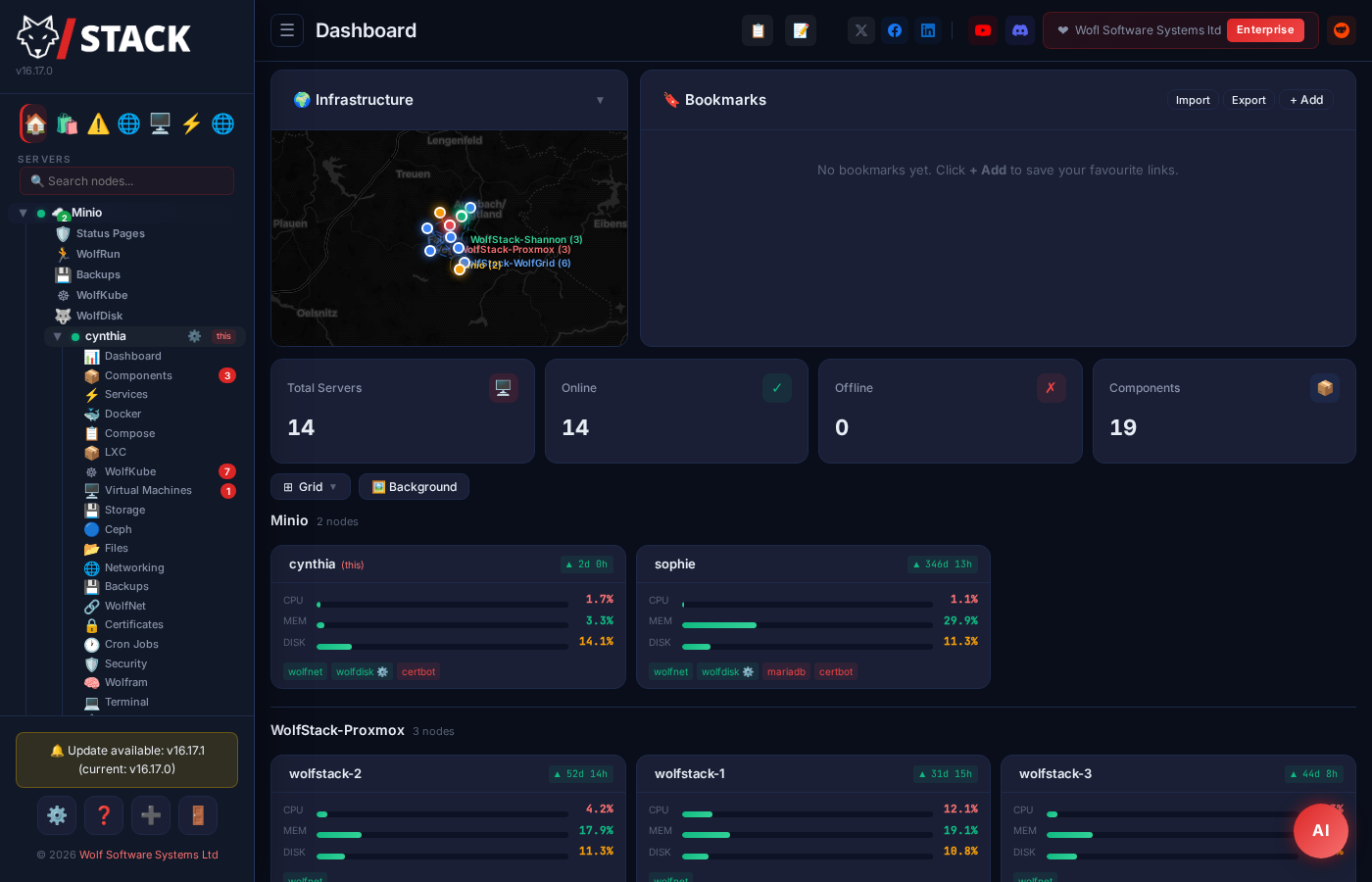

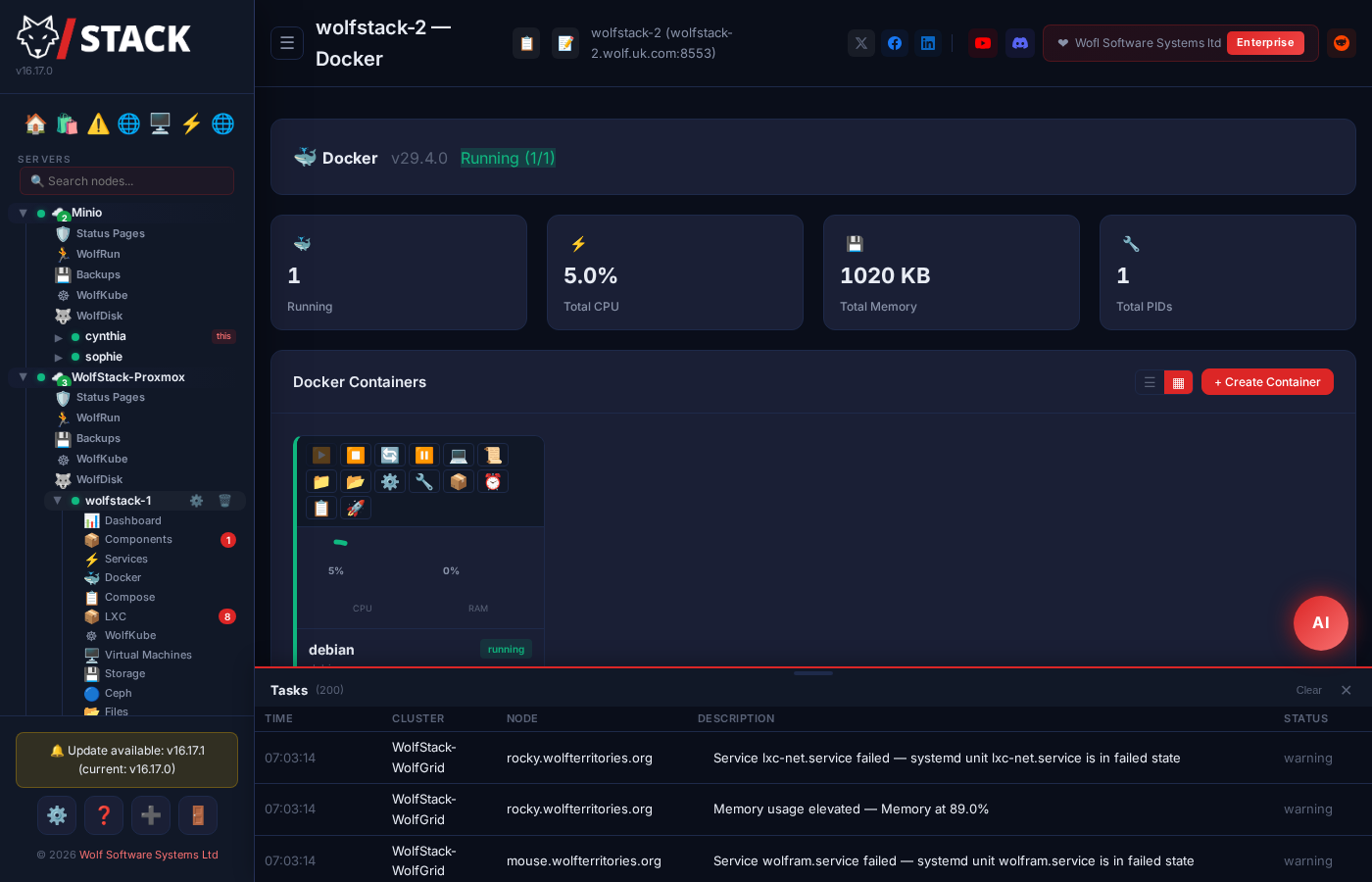

What is WolfStack?
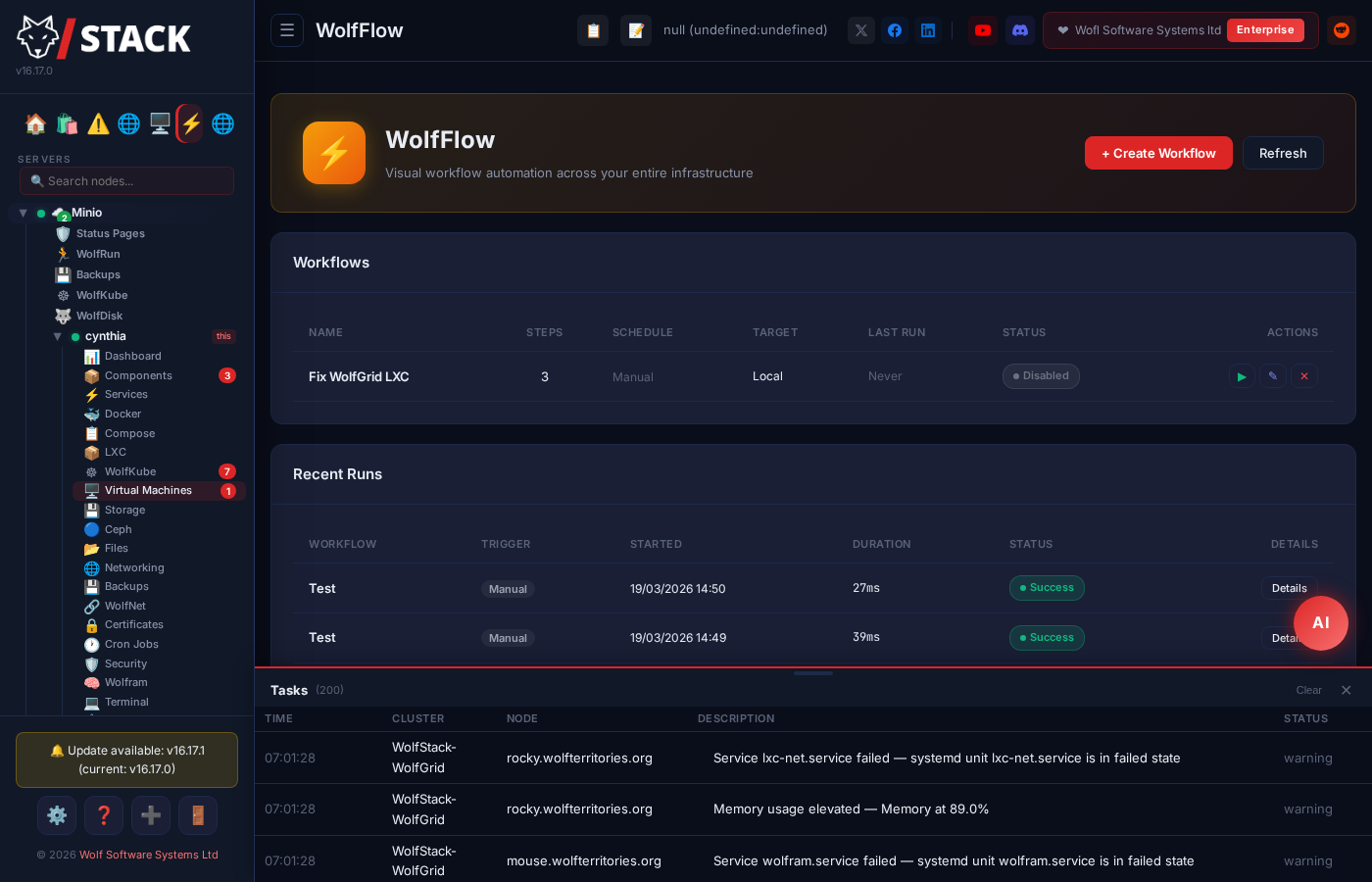
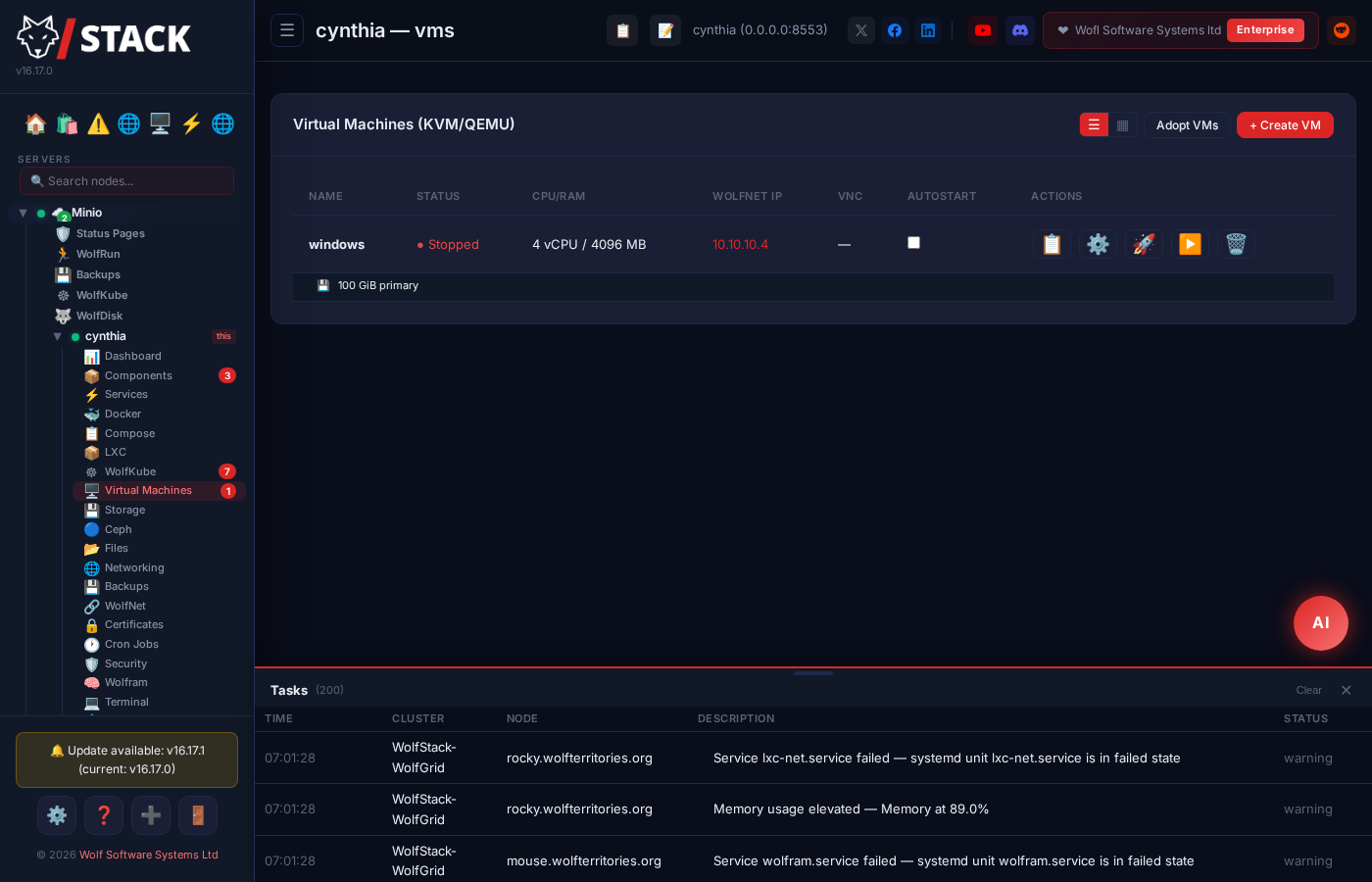
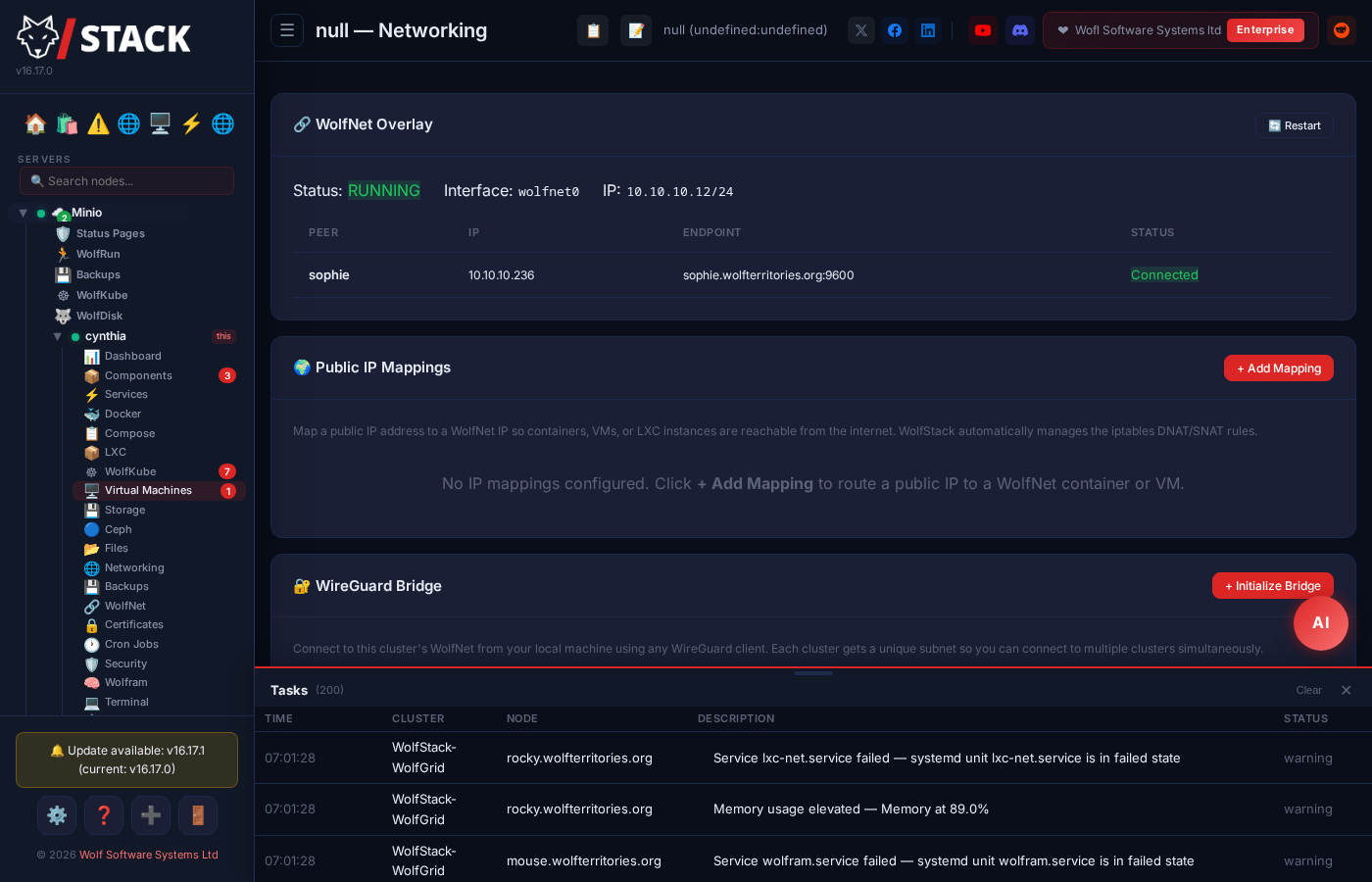
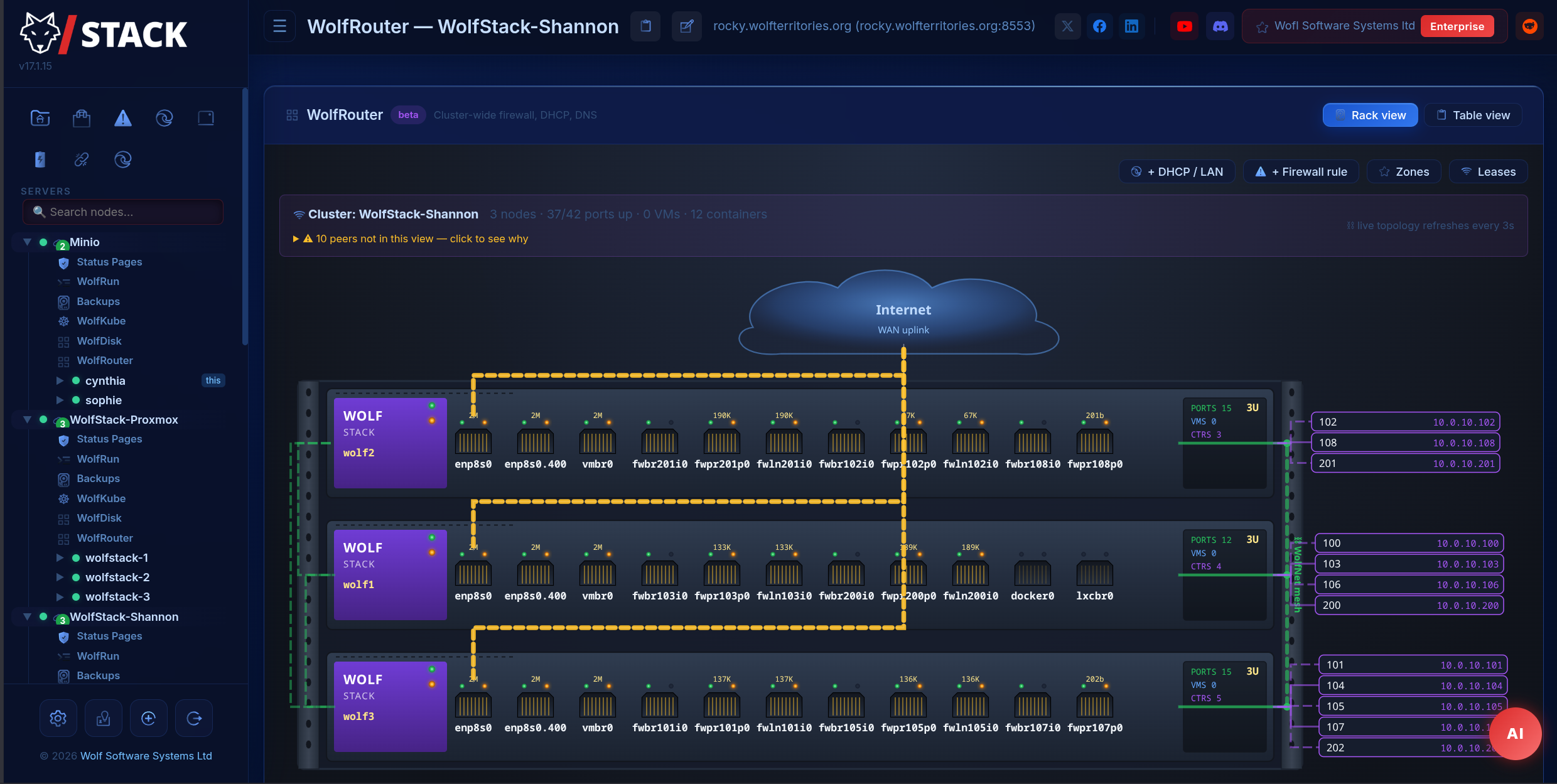
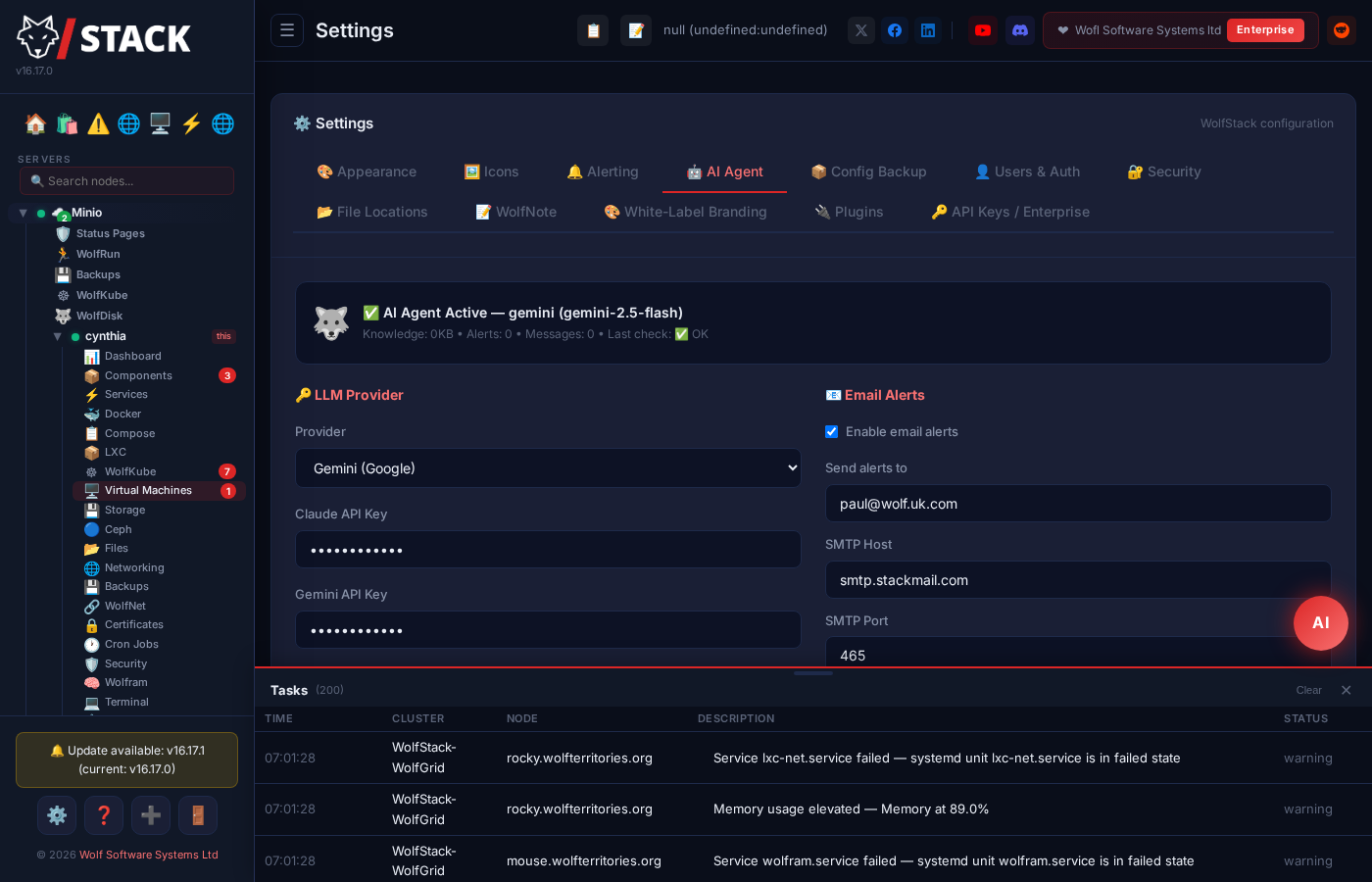
WolfStack is a server management platform providing a web dashboard for servers, virtual machines (KVM/QEMU), Docker and LXC containers, networking, storage, backups, and more. It runs as a single statically-linked Rust binary with no external database required. Key features include a 530+ app store for one-click deployment, multi-server clustering with encrypted mesh networking (WolfNet), WireGuard VPN bridge, AI operations agent (Claude, Gemini, Ollama, LM Studio), visual workflow automation (WolfFlow with 22 action types), Proxmox VE integration, USB/PCI passthrough for VMs, automated container image updates, status pages, backup/restore to S3/NFS/SMB/Proxmox Backup Server, and a database editor for MariaDB/MySQL/PostgreSQL. The Community edition is free for personal, homelab, education, and non-profit use under the PolyForm Noncommercial 1.0.0 license; commercial use requires a paid subscription (Homelab, Team, or Enterprise tiers) which unlocks SSO/OIDC, API keys, plugins, white-label branding, multi-tenancy, and direct support.
Should you self-host WolfStack?
WolfStack scores 48/100 on selfhost.directory (how scoring works) and ranks #16 of 27 in Server Management. It has 215 GitHub stars.
It shipped 110 stable releases in the past year. The latest, v25.40.1, came out on 26 October 2026.
Setup is easy: most people get it running in one sitting. It is Other-licensed and written mostly in Rust.
Its closest alternative on selfhost.directory is dockge (76/100, 24 698 stars). It scores higher overall, so compare the two before you pick. See WolfStack vs dockge side by side.
Features
- AI Operations AgentRequires Homelab tier or higher for AI agent
- App Store
- Backup & RestoreRequires Homelab tier or higher for scheduled backups
- Container Management
- Database Editor
- Monitoring & AlertingPredictive Inbox and CVE scanner require Homelab tier or higher
- Passkeys (WebAuthn)
- REST APIAPI keys require Homelab tier or higher; session cookie auth works in all editions
- Two-factor authenticationAvailable for WolfStack user accounts
- Virtual Machine Management
- VPN & NetworkingWireGuard bridge requires Homelab tier or higher
- Web Terminal
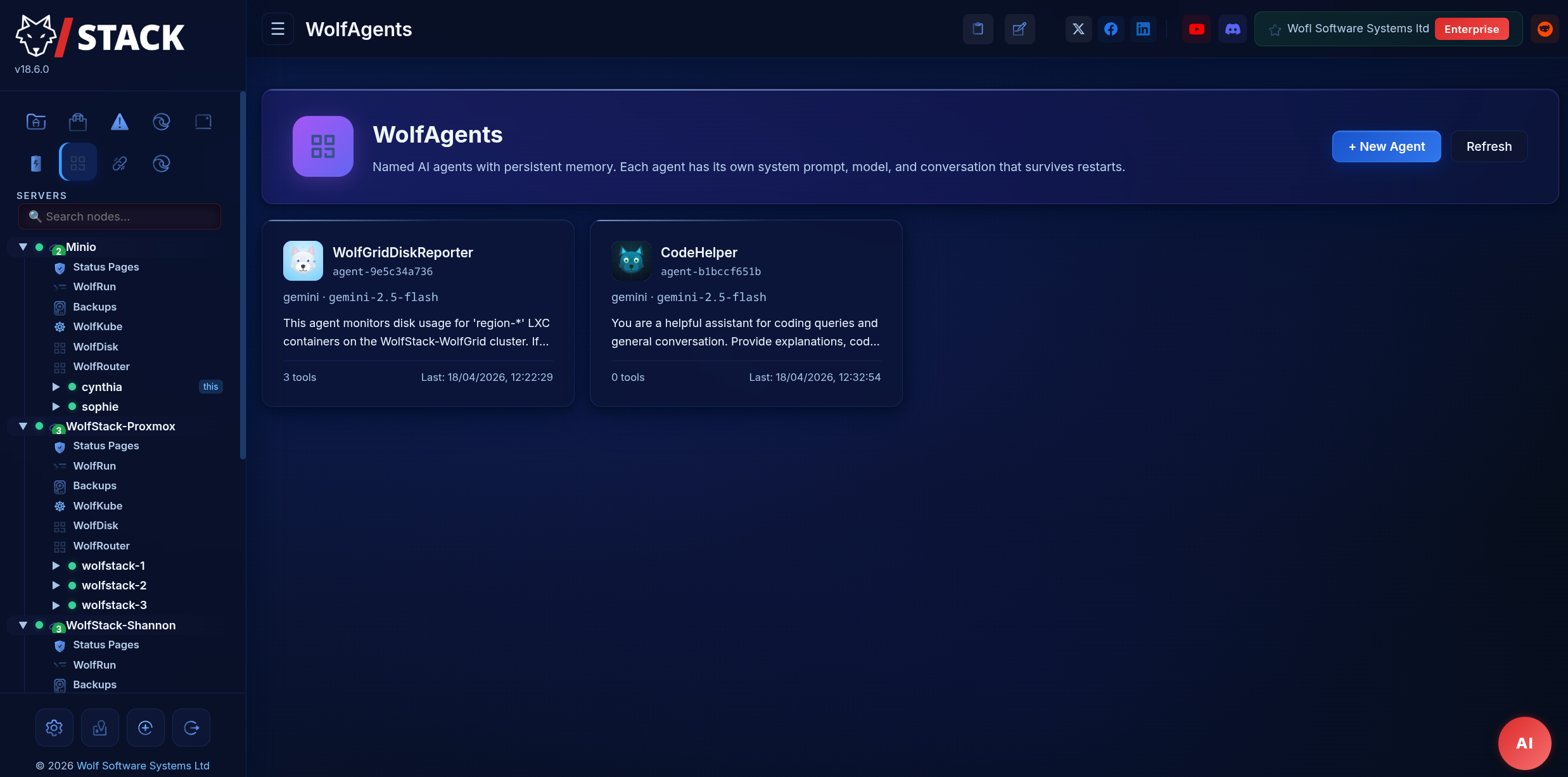
- WolfAgents
- Workflow Automation (WolfFlow)Community tier limited to 3 flows
WolfStack README
FAQ
What data does the licence report?
A lightweight daily heartbeat reports the signed licence key, node hostnames, cluster name, WolfStack version, and OS. No container names, workload configuration, file contents, or end-user data is transmitted.
Do I need to install the licence on every node?
No. Drop it on any single node in the cluster — it propagates to every other node automatically within ten seconds.
Can I pay with PayPal?
Yes. PayPal sits alongside card on the checkout page, and works for monthly subscriptions. Apple Pay and Google Pay are also accepted.
What happens if I exceed my host cap?
WolfStack never blocks you from operating. The dashboard shows an amber "over cap" badge and they'll be in touch about upgrading or invoicing for the overage.
What counts as one cluster?
Any group of WolfStack nodes that share a cluster secret — i.e. one dashboard view. The licence file propagates to every node automatically within ten seconds.
Why flat pricing instead of per-host?
Per-host pricing punishes you for growing. WolfStack uses flat-rate per cluster: Homelab caps at 10 hosts, Homelab Plus at 25, Team at 150 — no per-host fees as you grow within your tier.
I'm a homelabber — do I need to pay?
No. Personal homelab use is free under Community. If you outgrow 3 hosts or want clustering, WireGuard bridge, scheduled backups, branded status pages, or AI agent, Homelab is £12/mo.
Is WolfStack really free?
Yes, for personal and non-commercial use. The Community edition is source-available under the PolyForm Noncommercial licence, runs on up to 3 hosts, and lets you try the platform end-to-end.
More in Virtualization
 agentOSOpen-source WebAssembly sandbox for AI agents: files, shell, processes and networking, embedded as an npm library or self-hosted on Docker.
 cloudstackOpen-source IaaS software that deploys large networks of virtual machines for public clouds, private clouds, or hybrid solutions.
 deployarooDeployaroo is a self-hosted, open-source web UI for deploying VMware vSphere VM templates via Ansible, with dashboard, history, user management, and Discord alerts.
 docker-webtopOpen-source, self-hosted Docker images running full Linux desktops (Alpine, Ubuntu, Fedora, Arch, Debian) in your browser via Selkies.
 e2bOpen-source sandboxes with JS and Python SDKs for running agent code in isolated Linux VMs; self-hosted via Docker Compose, Terraform, or Kubernetes on one machine.
 exeSingle Go binary running a personal VM cloud on macOS/Linux/Windows with persistent VMs, retro web desktop, SSH gateway, AI agents, Cloudflare Tunnel HTTPS.
 frag-falconSelf-hosted, open-source microVM hypervisor running OCI/Docker images via libkrun with virtiofs for host directory sharing, no raw disk images.
 ganetiGaneti is a self-hosted, open-source VM cluster manager for Xen/KVM with high availability, live migration, and automated allocation across 3-100 nodes.
 IncusSelf-hosted, open-source system container and VM manager with unified REST API for local and remote management, scaling from single machine to clusters.
 kde-in-dockerKID runs KDE Plasma in your browser via Docker, VNC, and noVNC. Ready-made images for base KDE, Firefox, Adobe Acrobat, Motrix, and Wine.
 LXCSelf-hosted, open-source low-level Linux container runtime for privileged and unprivileged system containers, driven by dotted lxc.* config keys and a stable C API.
 LXDOpen-source manager for self-hosted Linux system containers and KVM virtual machines, with clustering, snapshots, live migration and a web UI.
0 comments