
Self-host Beszel
v0.21.1Low-overhead server monitor with container stats and alerts
brew install beszel-agent- Stars
- 26 927
- Ports
- 8090 (Hub web UI and API (served as 8090:8090)), 45876 (Agent listener on each monitored system (LISTEN))
henrygd/beszel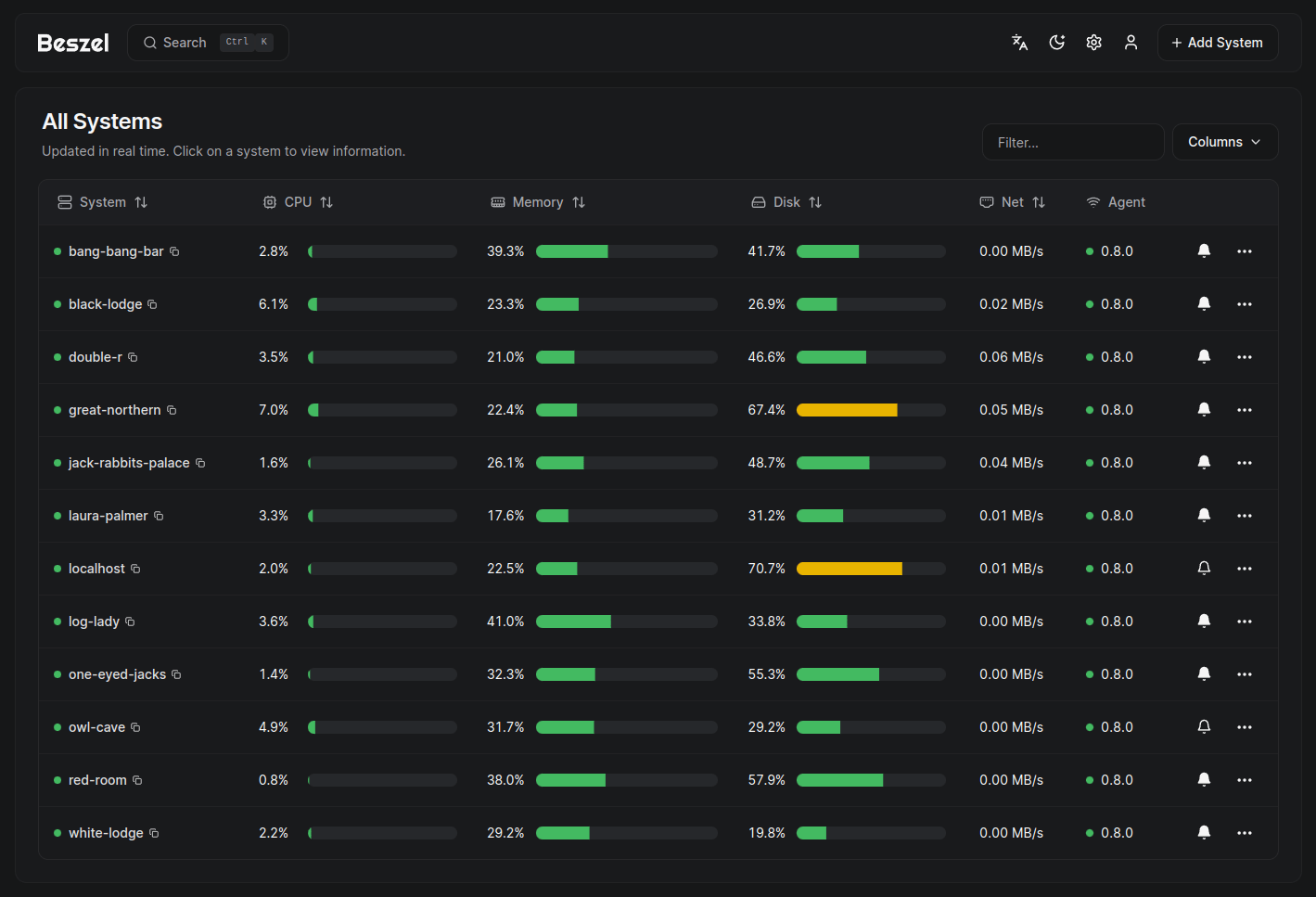
What is Beszel?
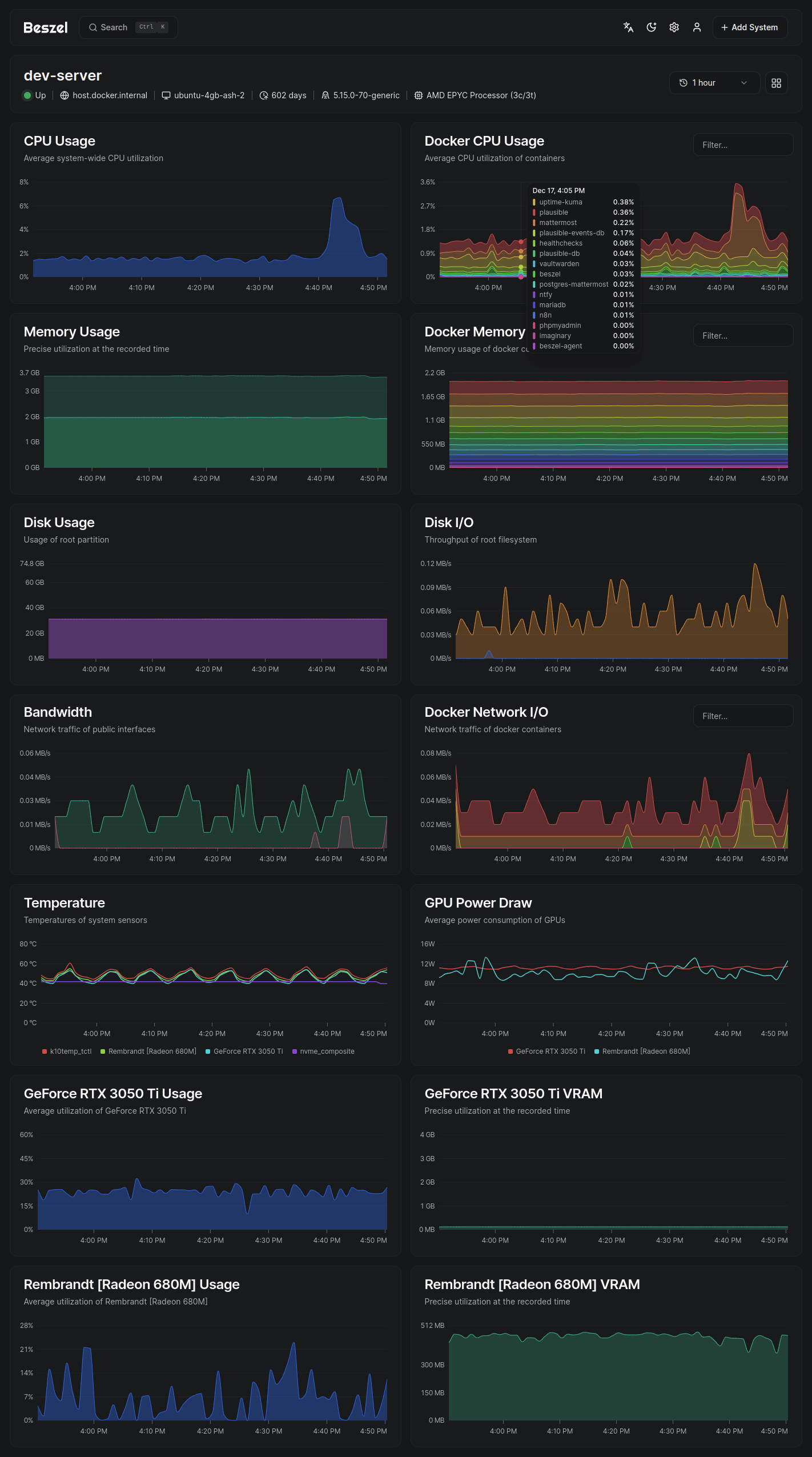
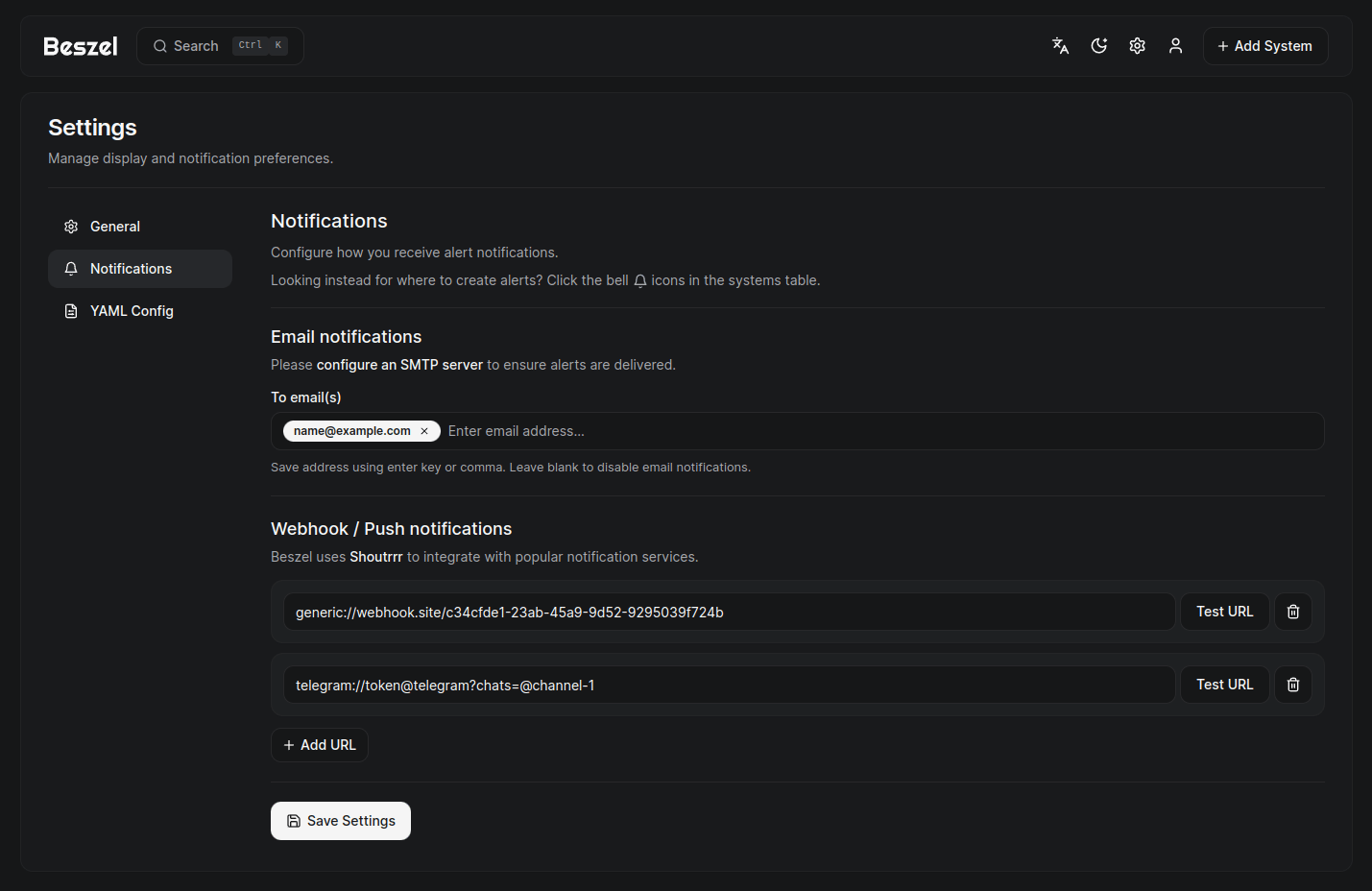
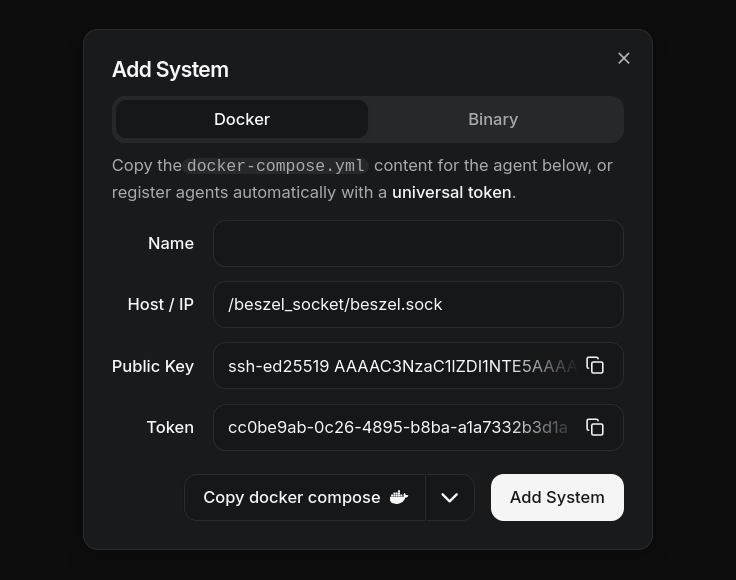
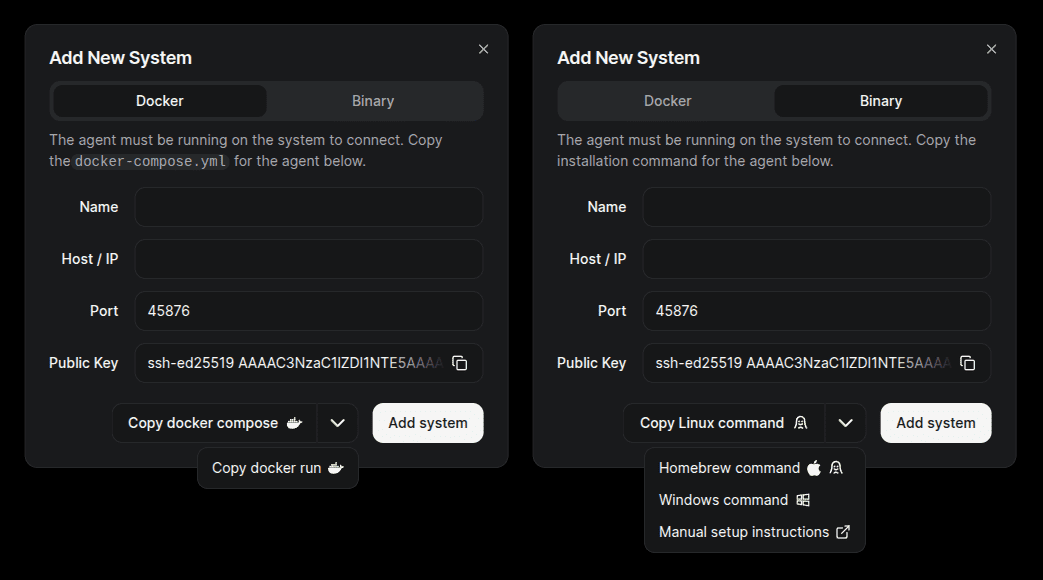
Beszel pairs a web hub with a small agent on every machine you want watched, so overall resource use stays deliberately low. The hub - written in Go and based on PocketBase - serves a dashboard on port 8090 where systems, users and alert rules are managed. Collected data spans CPU, memory, disk usage and I/O, network traffic, load average, temperature sensors, fan speed, GPU power draw, battery level, ZFS pools, S.M.A.R.T. attributes and per-container figures for Docker and Podman. Threshold alerts reach a long list of notification services through Shoutrrr-style URLs, and an outbound heartbeat ping lets an outside service flag when the hub itself stops reporting. Each user manages their own set of systems, logins can move entirely to an OAuth2 or OpenID Connect provider, backups go to local disk or S3-compatible buckets, and a PocketBase-flavoured API supports scripted queries and edits. Installation is a compose file, a docker/podman run command, or a shell script that registers a systemd service; agents also ship as Homebrew, WinGet, Scoop and Synology packages. No separate database is required, and nothing has to be reachable from the public internet.
Beszel alternatives
 homelab-monitorSelf-hosted homelab dashboard monitoring GPU, AI VRAM, Docker, systemd, disks, network and power costs across machines over SSH with a read-only MCP server.Comparehomelab-monitor with Beszel
 KulaSelf-hosted, open-source Linux server monitor in one Go binary: real-time web dashboard plus TUI, built-in ring-buffer storage, Prometheus export, app monitoring.CompareKula with Beszel
 netdataNetdata is an open-source, self-hosted infrastructure monitoring platform with per-second metrics, automated dashboards, ML anomaly detection, and zero-config deployment.Comparenetdata with Beszel
 KomariLightweight self-hosted server monitoring via web interface and agents. Collects CPU, RAM, disk metrics every second with SQLite default.CompareKomari with Beszel
 vigilVigil is a self-hosted terminal dashboard for Raspberry Pi that collects metrics, stores them in SQLite, and sends alerts via Discord, webhooks, or ntfy.sh.Comparevigil with Beszel
 beaconSelf-hosted agent for remote tunnels, browser terminal, and health monitoring on every machine — Pi, NAS, VPS, Proxmox — zero open ports, no cloud root.Comparebeacon with Beszel
 corootSelf-hosted, open-source APM and observability platform where eBPF agents capture every telemetry signal without code changes, with service maps and SLO alerting.Comparecoroot with Beszel
 checkcleOpen-source, self-hosted monitoring platform for uptime checks, server metrics, SSL expiry and incidents, with regional probes, alert channels and public status pages.Comparecheckcle with Beszel
Should you self-host Beszel?
Beszel scores 81/100 on selfhost.directory (how scoring works) and ranks #1 of 19 in Infrastructure Monitoring. It has 26 927 GitHub stars, +996 in the last 30 days.
It shipped 17 stable releases in the past year. The latest, v0.21.1, came out on 22 October 2026. New versions land roughly every 2 weeks.
Setup is easy: most people get it running in one sitting. An official Docker image is available. It is MIT-licensed and written mostly in Go.
Its closest alternative on selfhost.directory is Pulse (71/100, 7 054 stars). Beszel scores higher overall. See Beszel vs Pulse side by side.
Features
- Automatic backup and restore
- Configurable metric alerts
- Container stats (Docker / Podman)
- GPU Monitoring
- Heartbeat monitoring of the hub itself
- Historical metrics and dashboard
- Multi-user with system sharing
- Network monitors
- OAuth2 / OIDC login
- REST APIDocs warn the API response structure may change in minor releases.
- S.M.A.R.T. disk health monitoring
- Systemd service monitoring
- Temperature and sensor monitoring
- Two-factor authenticationEnabled by environment variable; docs say not to enable it without an SMTP server configured.
- ZFS pool monitoring
Beszel README
More in Infrastructure Monitoring
 captureCapture is a self-hosted, open-source hardware monitoring agent that collects CPU, memory, disk, network, and Docker metrics via REST API for Checkmate.
 checkmateSelf-hosted, open-source uptime and infrastructure monitor: HTTP, ping, DNS, Docker and gRPC checks with incidents, status pages and Slack or email alerts.
 checkmkSelf-hosted, open-source IT monitoring for hybrid estates: agent or agentless checks, auto-discovery, dashboards, REST API. Community edition fits around 100 hosts.
 DiamondSelf-hosted Python daemon gathering CPU, memory, disk I/O metrics and shipping to Graphite, StatsD, InfluxDB, and 15+ backends via 100+ collectors.
 dockhandDockhand is a self-hosted Docker management platform with real-time container monitoring, Compose orchestration, Git deployments, and SSO. Free for homelabs under BSL 1.1
 dockpromdockprom is a self-hosted, open-source Docker monitoring stack with Prometheus, Grafana, cAdvisor, NodeExporter, AlertManager, Pushgateway, and Caddy in one Compose file.
 DStatusSelf-hosted server monitoring & AI ops panel: real-time metrics, 3-network TCPing, MTR, IP/streaming checks, alerts, WebSSH, renewals, AI assistant. Free: 3 nodes.
 globalping-probeSelf-hosted network probe that joins the Globalping community network to run ping, traceroute, DNS, and HTTP tests from your location.
 GPU-HotGPU Hot is a self-hosted, open-source web dashboard for real-time NVIDIA GPU monitoring with sub-second metrics, multi-GPU support, and cluster aggregation via hub mode.
 isaiahSelf-hosted web app for managing Docker containers, images, volumes, networks, and stacks with a lazydocker-inspired terminal UI.
 LabTetherSelf-hosted homelab control plane that unifies Proxmox, TrueNAS, Docker, and Home Assistant management with AI agent gateway via MCP.
 LinnixLinnix is a self-hosted eBPF agent that attributes stalls to specific processes and pods, finding noisy neighbors without SaaS.
0 comments