
Self-host Turtl
0.7.0Sync and account backend for the Turtl notebook
docker-compose up- Stars
- 631
- Port
- 8181 (The Turtl server API, exposed by docker-compose as 8181:8181)
- Requires
- PostgreSQL

What is Turtl?
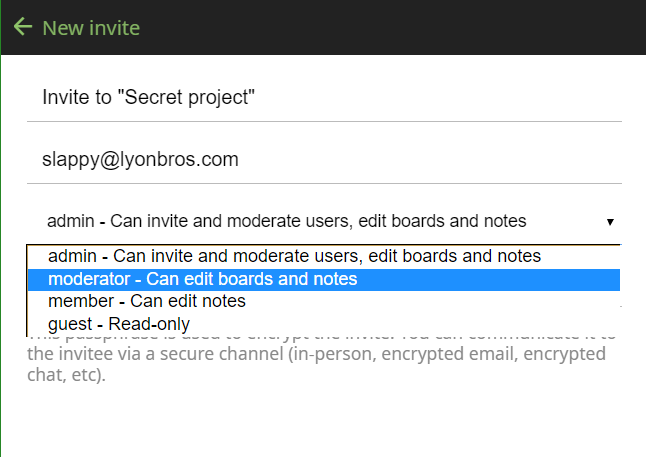
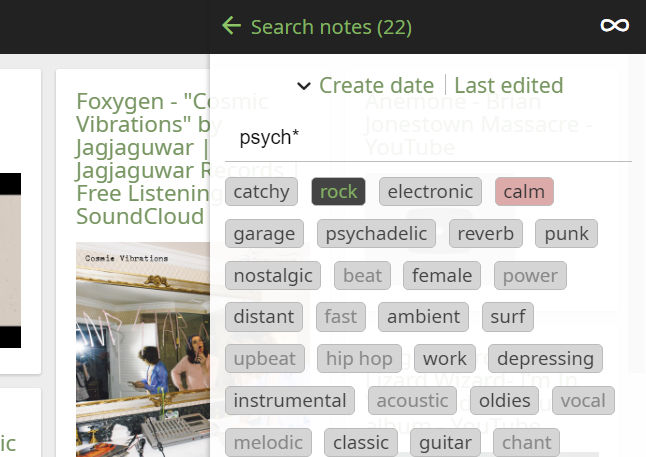
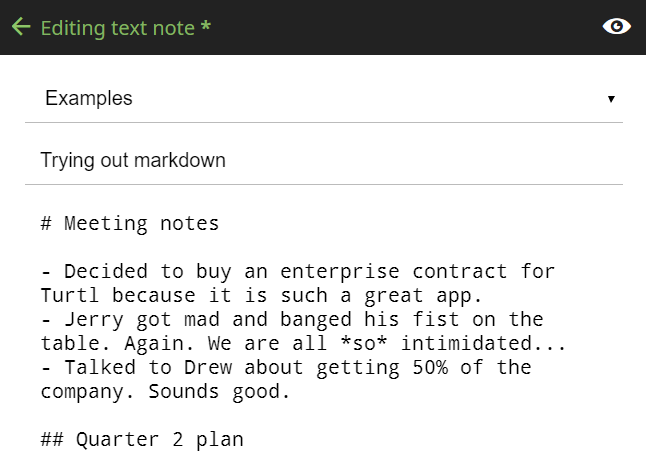
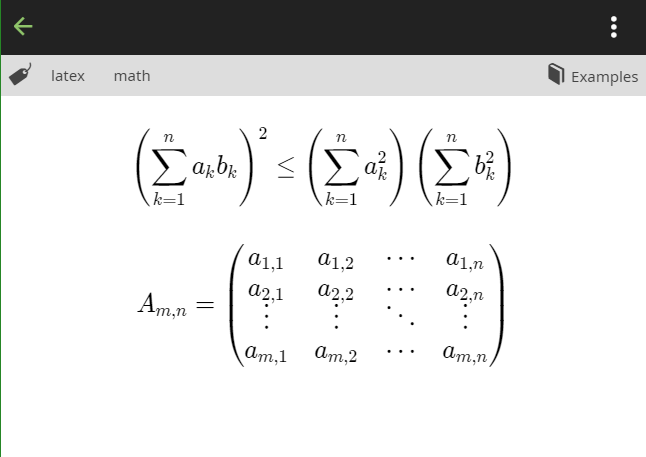
Turtl server is the backend that Turtl clients talk to: it covers account management (join, login and delete), data storage, syncing and permissions/sharing. Written in Node.js with PostgreSQL as its datastore, it exposes a plugin architecture so optional pieces like analytics or payment processing can be added without any particular provider being forced on you. You can run it directly (clone the repo, npm install, copy config/config.yaml.default to config/config.yaml, initialize the database with ./scripts/init-db.sh, then start node server.js) or with docker-compose, which also spawns a Postgres container and serves the API on port 8181. In Docker, any setting in config.yaml can be overridden through environment variables with a TURTL_ prefix. Uploaded files go either to the local filesystem or to an S3-compatible bucket, and email notifications are available through an SMTP plugin. The repository has no tagged releases and its last push was in March 2024; the project itself notes that running your own server is off the supported path.
Should you self-host Turtl?
Turtl scores 47/100 on selfhost.directory (how scoring works) and ranks #47 of 81 in Notes & Editors. It has 631 GitHub stars.
There was no stable release in the past 12 months, so check the repository's recent activity before you rely on it.
Setup is moderate: expect some configuration beyond a single command. It is AGPL-3.0-licensed and written mostly in JavaScript.
Its closest alternative on selfhost.directory is Memos (86/100, 64 139 stars). It scores higher overall, so compare the two before you pick. See Turtl vs Memos side by side.
Features
- Account management
- Client syncing
- Configuration via Environment Variables
- Data & Storage
- Local or S3 file uploads
- Login lockout after failed attempts
- Plugin Architecture
- Sharing and permissions
Turtl README
FAQ
How do I get the server running?
The FAQ says many people hit issues with the Turtl server and recommends asking on the project's discussion board; running your own server is considered off the supported path, and the maintainers do not prioritize helping with platform-specific server problems.
More in File Sync
 UnisonSelf-hosted, open-source two-way file synchronizer for Linux, BSD, macOS and Windows replicas, with conflict detection, profiles, backups and a continuous watch mode.
 VaultSyncVaultSync syncs Obsidian vaults peer-to-peer between iPhone/iPad and a personal server via Syncthing, with optional Cloud Relay for faster background wake-ups.
 yet-another-rclone-dashboardSelf-hosted, open-source web UI for managing rclone remotes, browsing files, monitoring transfers, and controlling the rclone RC daemon with dark mode and PWA support.
 zotero-webdav-serverA self-hosted WebDAV server using Caddy and Tailscale that enables file syncing for Zotero desktop and iOS apps without relying on Zotero's paid storage.
 abs-kosync-bridgeBookBridge is a self-hosted, open-source sync engine aligning reading and listening progress across Audiobookshelf, KOReader, Grimmory, BookOrbit. Runs in Docker.
 Alist-SyncAlist-Sync is a self-hosted, open-source web app for syncing files between Alist storage backends with a visual UI, cron scheduling, and configurable difference handling.
 alt-coreAlterante Core is a self-hosted, open-source decentralized filesystem in Java for file discovery, automated backup/replication, and web-based file access.
 alteroaltero is a self-hosted, open-source Zotero sync server implementing the Web API v3 for libraries, groups, notes, attachments, and full-text search.
 any-sync-bundleA self-hosted, open-source sync backend for Anytype that bundles all sync components into one deployable unit with built-in database and cache.
 AnyTypeSelf-hosted Docker Compose deployment of the any-sync network powering Anytype — run your own encrypted sync backend with MongoDB, Redis, and Garage S3 storage.
 armadiettoArmadietto is a self-hosted, open-source RemoteStorage server in Node.js for personal cloud storage with modular (S3-backed) and classic (filesystem) variants.
 Aurora FilesSelf-hosted open-source file storage platform with end-to-end encryption, WebDAV access, mobile apps, and OnlyOffice integration for document editing.
0 comments