
Self-host Aurora Files
latestOpen-source file storage and sharing platform
- Stars
- 213
- Requires
- MySQL/MariaDB
What is Aurora Files?
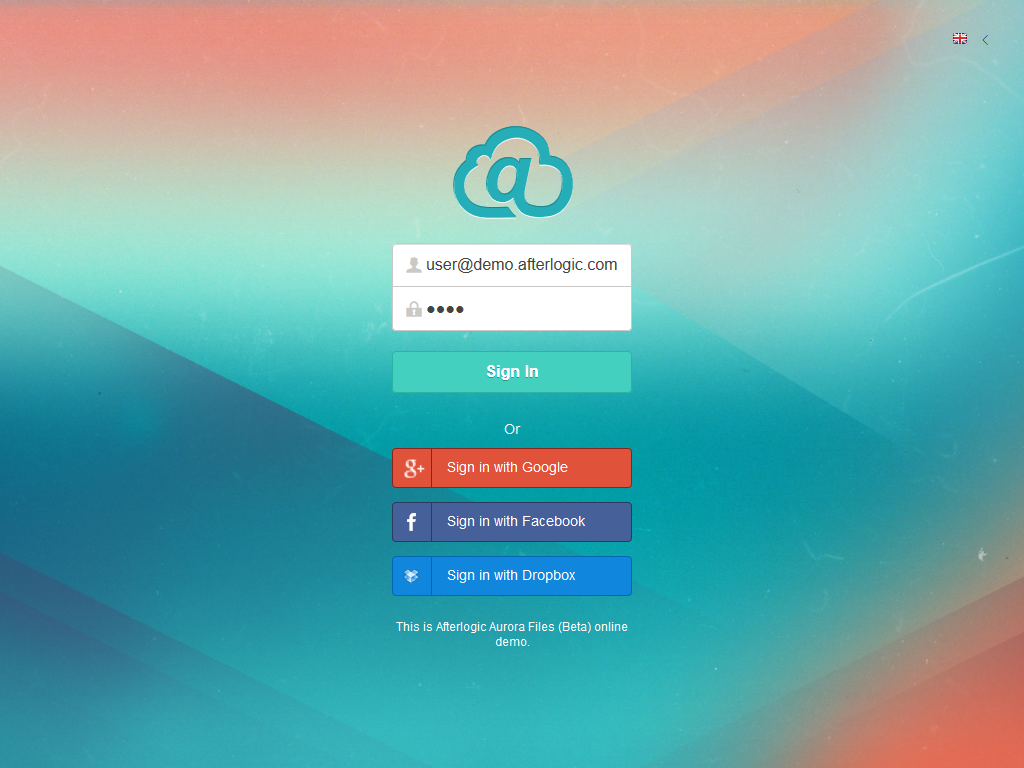
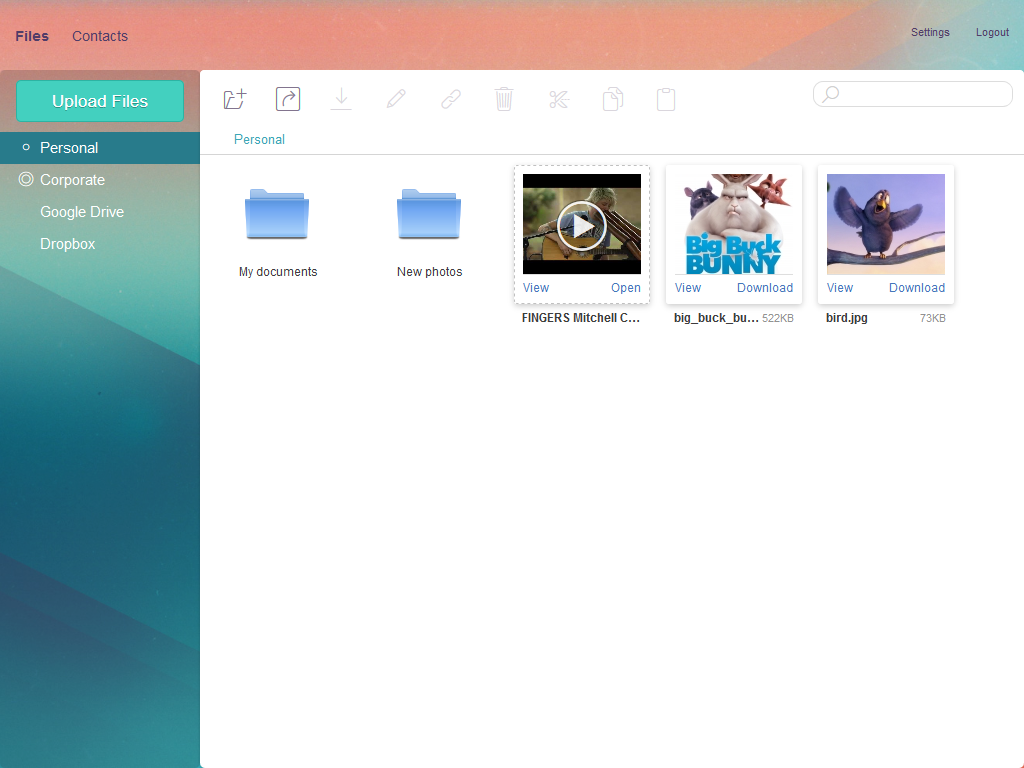
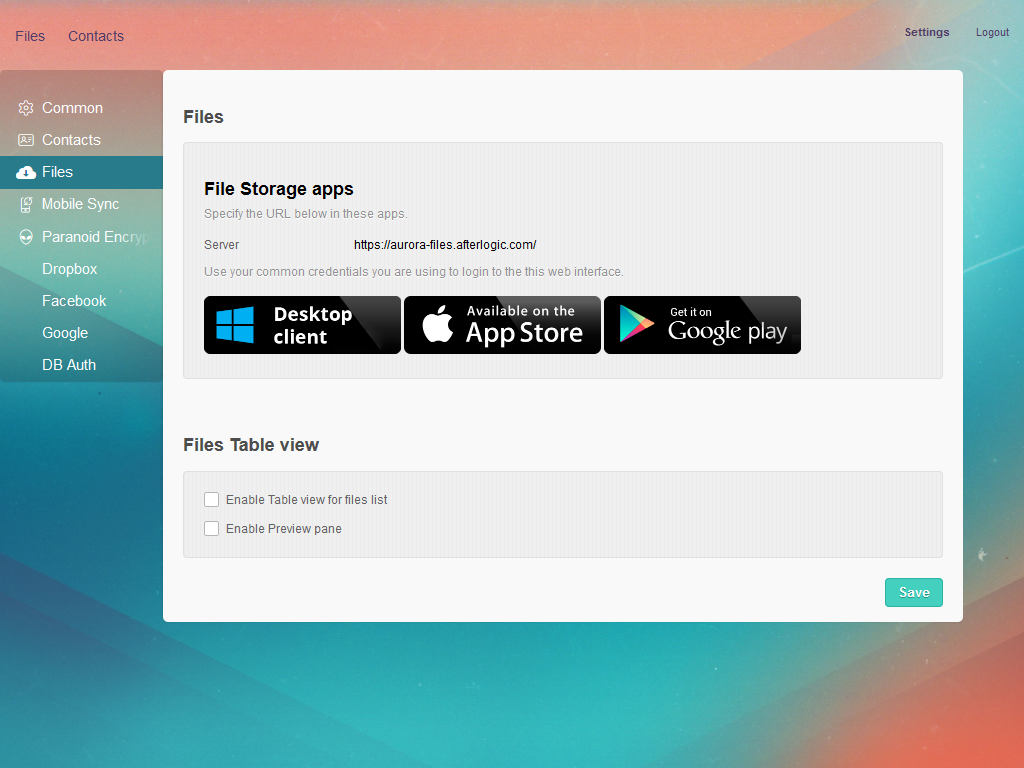
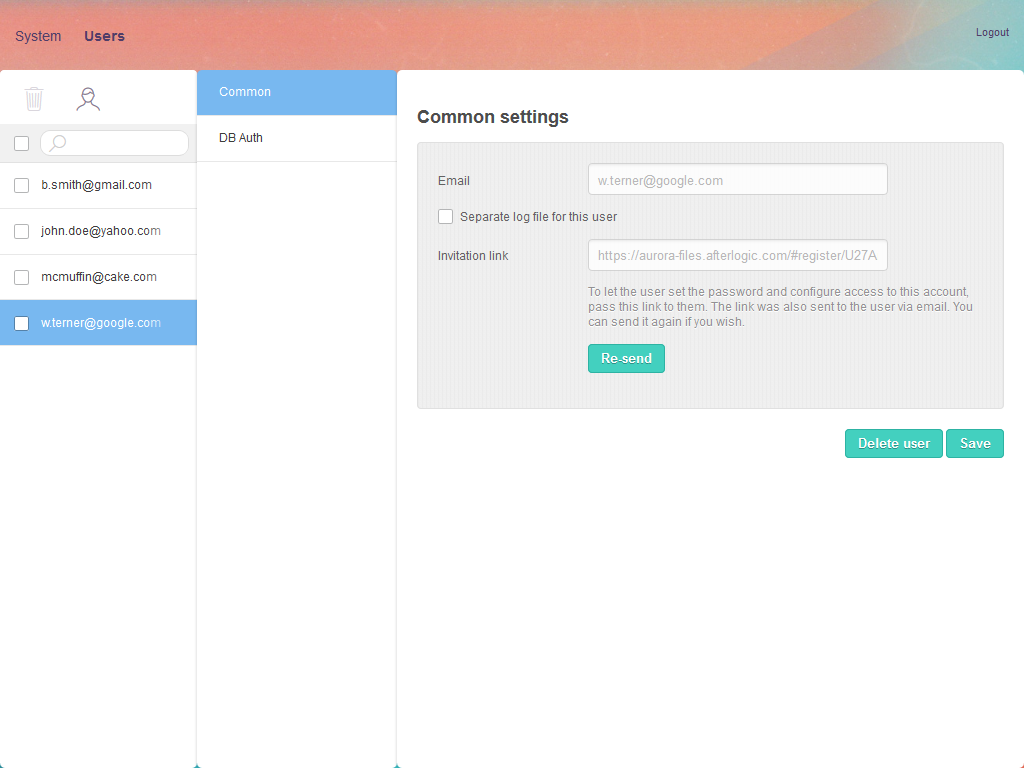
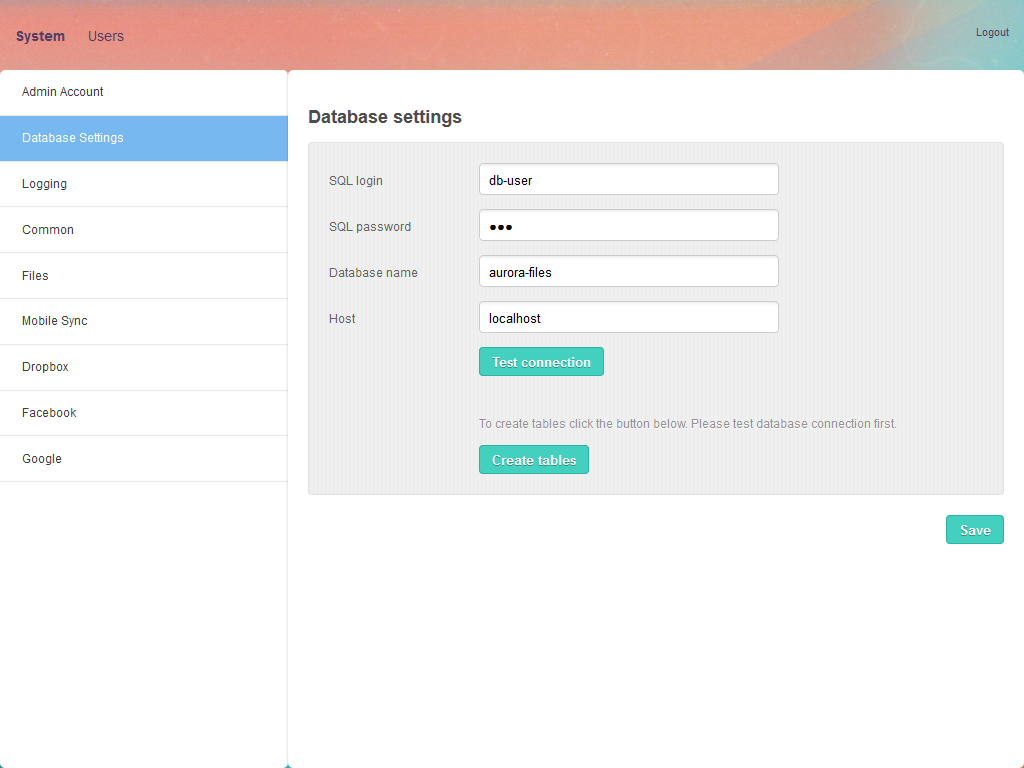
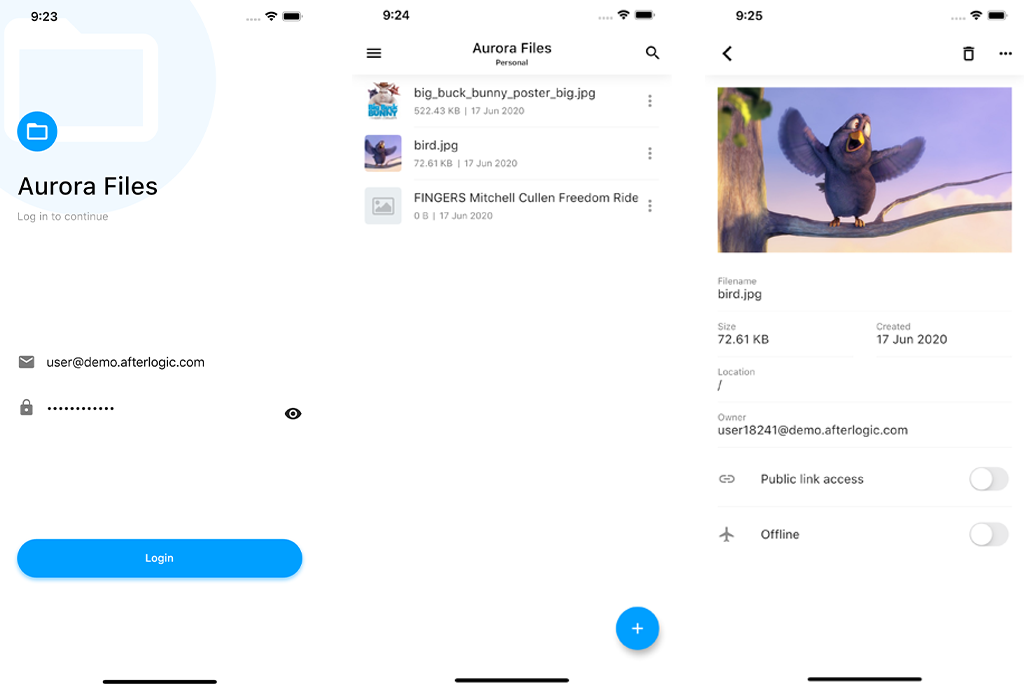
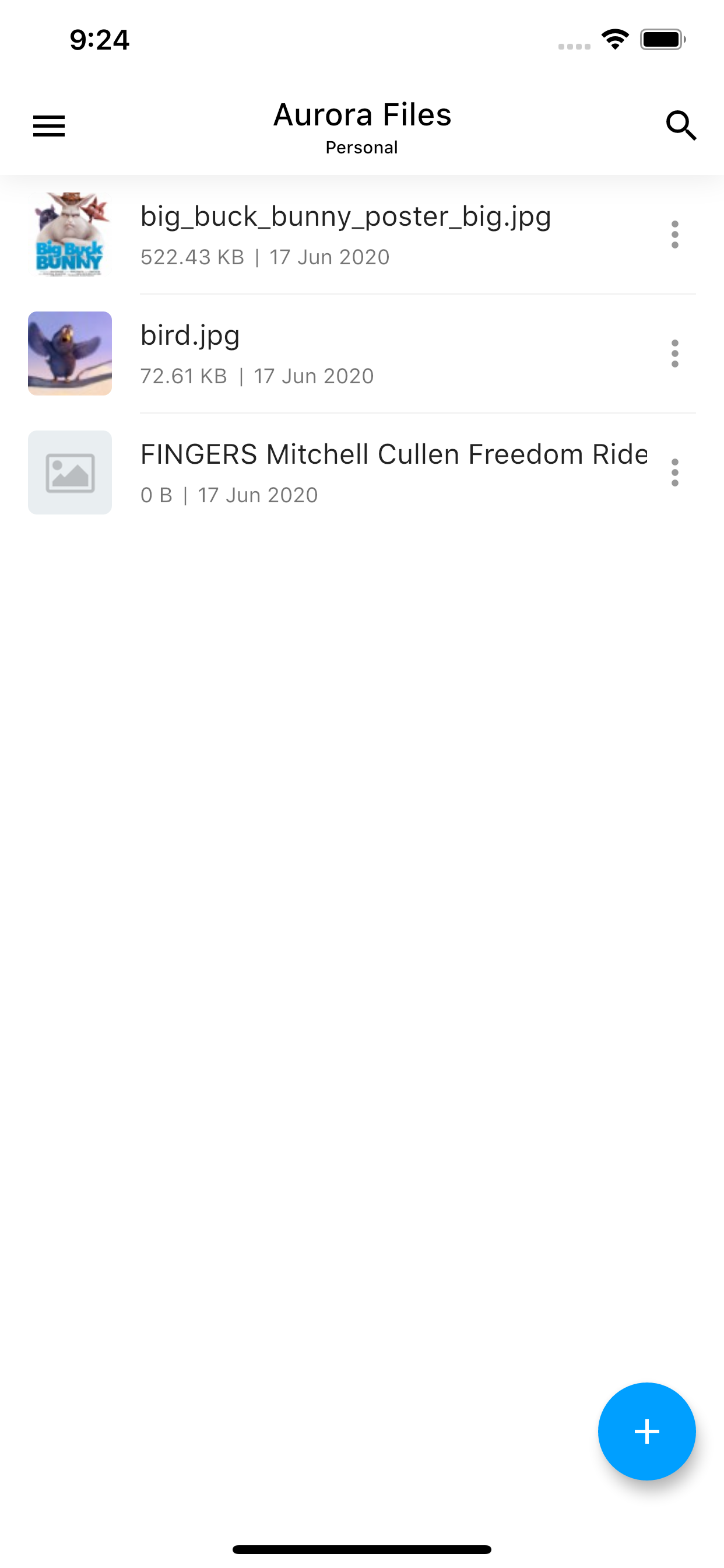
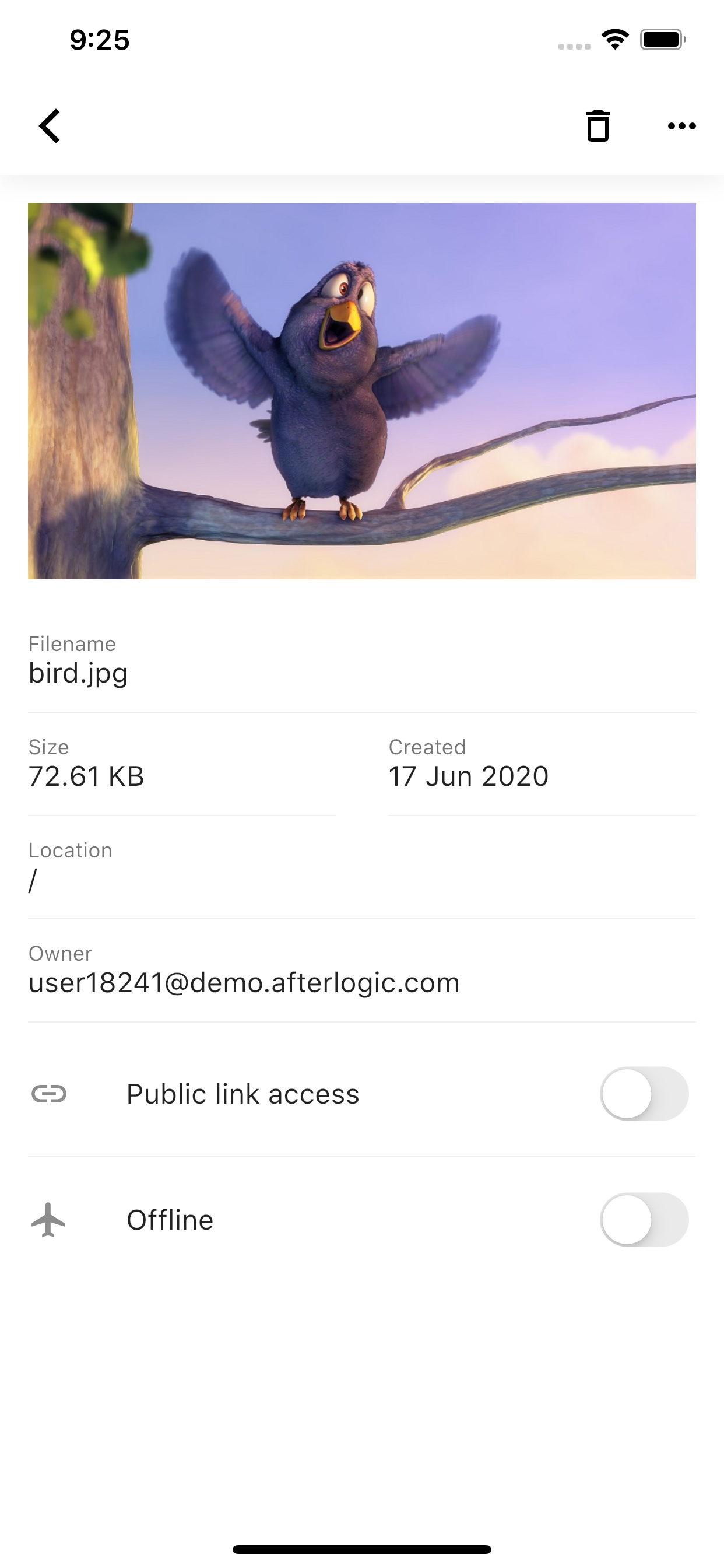
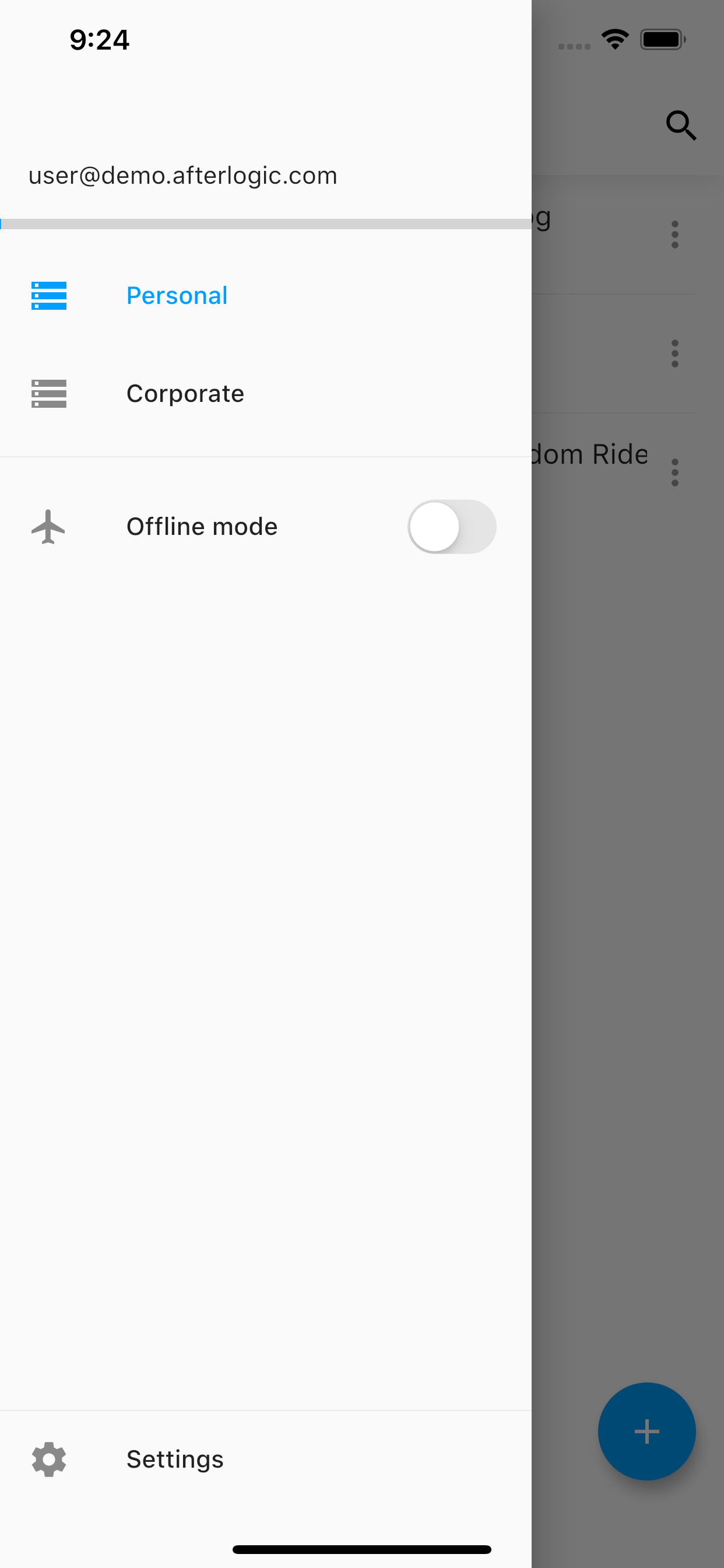
Aurora Files is a PHP-based file storage and sharing platform you install on your own server. It gives you a web interface for managing files, supports WebDAV for third-party clients, and provides native mobile apps for iOS and Android plus a Windows desktop sync utility. Notable capabilities include end-to-end AES-256 encryption where keys stay in the browser, S3-compatible storage backends such as AWS and DigitalOcean Spaces, OnlyOffice integration for collaborative document editing, mounting Google Drive and Dropbox as folders, LDAP address book synchronization, and OAuth login via Google and Facebook. The community edition uses the AGPL-3.0 license, while a paid subscription removes AGPL obligations and adds professional support.
Should you self-host Aurora Files?
Aurora Files scores 47/100 on selfhost.directory (how scoring works) and ranks #10 of 15 in File Storage. It has 213 GitHub stars.
There was no stable release in the past 12 months, so check the repository's recent activity before you rely on it.
Setup is advanced: plan for several services and some ongoing maintenance. It is AGPL-3.0-licensed and written mostly in Shell.
Its closest alternative on selfhost.directory is juicefs (73/100, 14 585 stars). It scores higher overall, so compare the two before you pick. See Aurora Files vs juicefs side by side.
Features
- Admin Panel
- Dropbox mountingRequires HTTPS
- End-to-end encryption
- File storage and sharing
- Google Drive mountingRequires HTTPS
- LDAP address bookRequires LDAP PHP extension and separate module
- OAuth AuthenticationRequires HTTPS
- OnlyOffice document editingRequires separate OnlyOffice Docs installation
- Single Sign-On (SSO)
- WebDAV Access
- Windows desktop sync
- ZIP archive browsing
Aurora Files README
FAQ
How to authenticate via Google, Facebook, or Dropbox?
Create OAuth applications in each provider's developer console, then configure the client ID and secret in Aurora Files admin panel under the respective auth sections.
How to integrate LDAP address book?
Install the LDAP global address book module, disable the standard TeamContacts module, and configure LDAP connection details in TeamContactsLdap.config.json.
How to use S3 storage instead of local filesystem?
Disable the local PersonalFiles module and enable the S3Filestorage module, then configure access keys, region, and bucket in the S3Filestorage config or admin interface.
How to enable dark theme?
Dark theme is available from version 9.6 and can be selected from the themes list in account settings. If upgrading from an older version, add "DefaultDark" to the ThemeList in CoreWebclient.config.json.
More in File Storage
 beamdropBeamDrop is an open-source, self-hosted file server with S3-compatible API, web UI, shareable links, and Prometheus metrics in a single ~39 MB binary.
 cephSelf-hosted, open-source distributed storage cluster offering S3-compatible object, RBD block and CephFS POSIX file services from commodity hardware.
 cloudboxioA lightweight Go-based file server you host yourself, offering JWT login, shareable links, a themed web interface, and embedded SQLite storage.
 docker-noteaA self-hosted Docker image that packages the Notea note-taking app together with MinIO object storage in a single container, eliminating the need to run MinIO separately.
 DriveLiteDriveLite is a self-hosted, open-source Google Drive alternative with end-to-end encryption, MinIO/S3 storage, built with SvelteKit and Go for privacy-first file storage.
 ferrishareSelf-hosted file sharing with browser-side encryption so the server never sees content. Single container with SQLite, admin panel, rate limiting, configurable expiration.
 fileshelterSelf-hosted file sharing application that lets you upload files and share them via unique URLs with expiration, password protection, and multi-file zip creation.
 FrostbaseFrostbase is a self-hosted, open-source Firebase alternative on Cloudflare Workers with auth, realtime DB, SQL, storage, and remote config.
 gluster-serverSelf-hosted Docker image packaging GlusterFS for Unraid and Raspberry Pi, enabling persistent storage for Kubernetes and Docker Swarm.
 hoodikSelf-hosted cloud storage with end-to-end encryption in the browser. Single Docker container, SQLite/PostgreSQL, S3 support, encrypted notes, secure search, TOTP 2FA.
 ImageFlowSelf-hosted, open-source image management and delivery platform that converts to WebP/AVIF, serves device-aware images, and offers a random-image API with tag filters.
 Image-UploaderOpen-source self-hosted image upload service with React frontend and Express backend. Deploy via Docker Compose or Node.js.
0 comments