
Self-host smart-comfyui-gallery
2.24.4Digital Asset Manager for ComfyUI with AI search
- Stars
- 396
- Port
- 8189 (Main interface (container port))
mmartial/smart-comfyui-gallery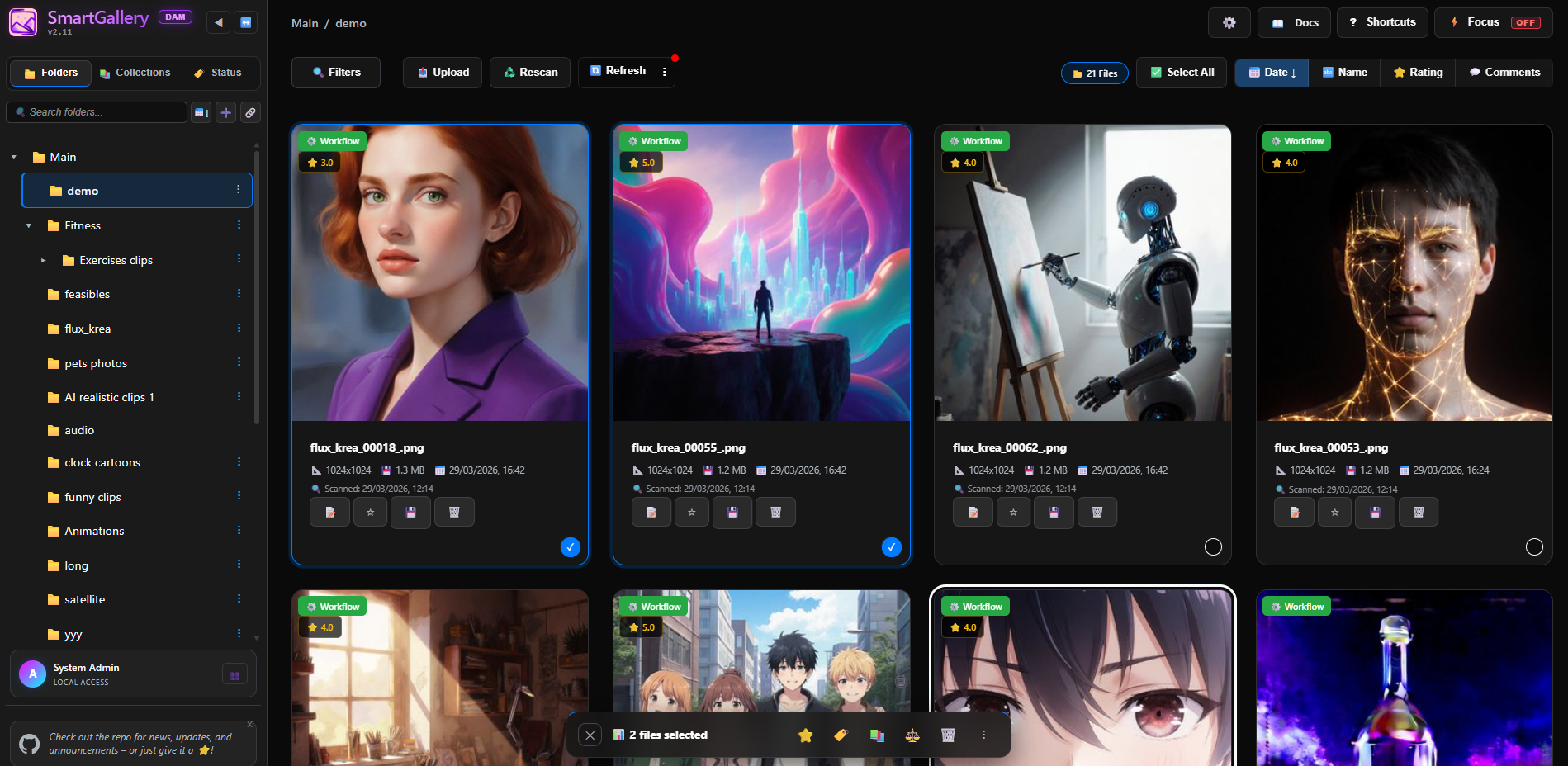
What is smart-comfyui-gallery?
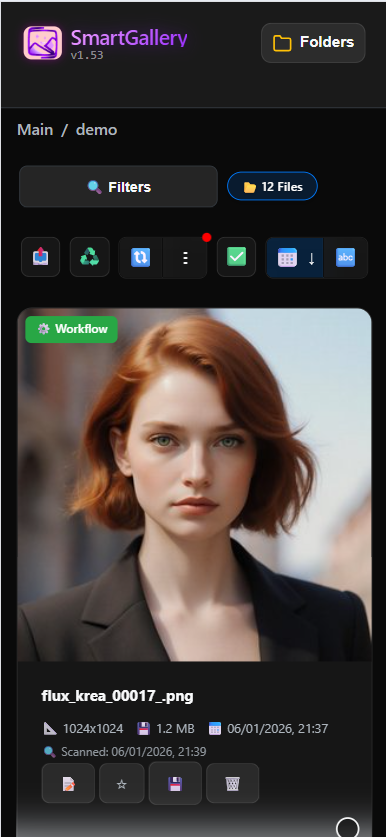
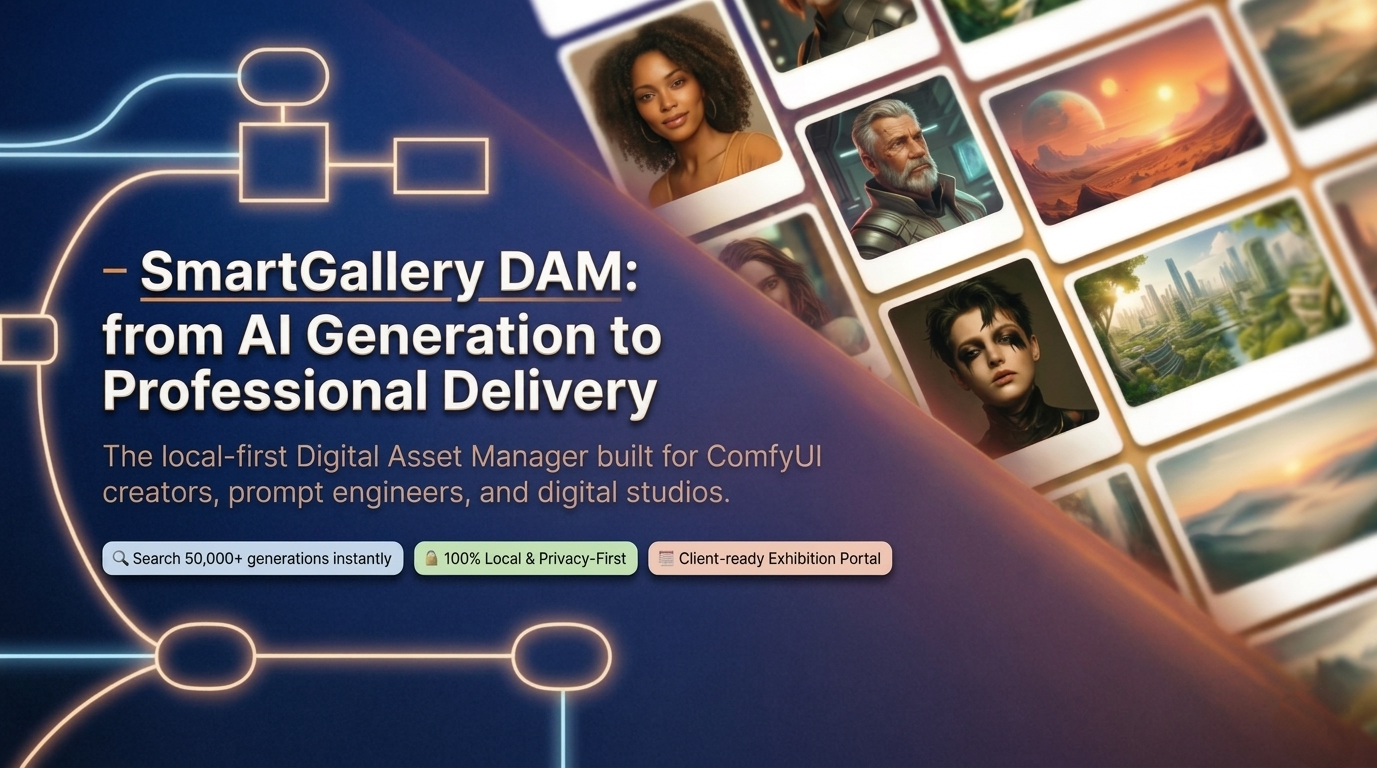
A browser-based Digital Asset Manager built for ComfyUI users and AI production libraries. It runs as a standalone Flask/Waitress application with SQLite database, completely independent of ComfyUI. Key capabilities include ultra-fast browsing of large media libraries; deep search by prompt, model, LoRA, and parameters; AI-powered OmniQuery for natural language SQL queries; ComfyUI Queue Deck for real-time generation monitoring; Remix Engine for generating variations without opening ComfyUI; Smart Asset Clustering for grouping by workflow architecture or prompt; virtual collections and nested albums; status tags and 1-5 star ratings; multi-user roles (Admin, Manager, Staff, Customer, Guest); Exhibition portal for client sharing with metadata stripping; mobile-responsive web UI; Docker and portable Windows/macOS/Linux deployment. Runs on Python 3.9+, uses SQLite WAL mode, FFmpeg for video transcoding. MIT licensed.
Should you self-host smart-comfyui-gallery?
smart-comfyui-gallery scores 53/100 on selfhost.directory (how scoring works) and ranks #8 of 15 in Asset Management. It has 396 GitHub stars.
It shipped 20 stable releases in the past year. The latest, 2.24.4, came out on 18 October 2026. New versions land roughly every 2 weeks.
Setup is moderate: expect some configuration beyond a single command. An official Docker image is available. It is MIT-licensed and written mostly in HTML.
Its closest alternative on selfhost.directory is Snipe-IT (77/100, 15 109 stars). It scores higher overall, so compare the two before you pick. See smart-comfyui-gallery vs Snipe-IT side by side.
Features
- AI-powered natural language search (OmniQuery)
- Blind Rating Mode
- Clean Export
- Collection Notes & Production Briefs
- ComfyUI Queue Deck
- Compare Mode with parameter diff
- Digital asset management
- Exhibition client portal
- External drive mounting via symlinks
- File manager operations
- Keyboard-driven workflow
- Multi-user roles and ACL
- Remix Engine & Nodepad
- Smart Asset Clustering
- Video transcoding and storyboardsRequires FFmpeg installation
smart-comfyui-gallery README
More in Asset Management
 Snipe-ITSelf-hosted, open-source ITAM system to track hardware, software licenses, accessories and consumables, with barcode checkout, LDAP/SAML SSO and a REST API.
 SureSelf-hosted open-source personal finance app forked from Maybe Finance: track bank, stock and crypto accounts in any currency, budget, and query an AI assistant.
 TracktorSelf-hosted vehicle tracking app for managing fuel logs, maintenance history, insurance and PUCC compliance, reminders, and expenses across a fleet.
 trier-osSelf-hosted, open-source industrial operations platform for plant-floor work orders, maintenance, safety, parts, and asset management.
 WarrackerA self-hosted warranty tracker for organizing product coverage, monitoring expirations, storing receipts, and receiving alerts via email or push notifications.
 WealthfolioOpen-source, local-first investment tracker for holdings, net worth and spending, with free desktop, mobile and self-hosted Docker editions.
 AtticSelf-hosted home inventory app to catalog belongings with locations, categories, warranties, and automated imports from external databases.
 AurelioOpen-source, self-hosted personal finance app for tracking net worth, investments, ETFs, cash and debts, with an optional AI advisor connected through OpenRouter.
 Chinese Webfont ProjectSelf-hosted free CJK web font library enabling online font loading and font information viewing with font splitting for full character coverage across websites.
 CinekiveSelf-hosted visual archive for filmmakers: search frames by look, mood, technique via AI embeddings, import video/web links, build moodboards — all on your hardware.
 CollectiveAccessSelf-hosted, open-source collections management for museums and archives with configurable metadata, media support, GraphQL API, and public publishing via Pawtucket2.
 collinsCollins is a self-hosted, open-source CMDB from Tumblr for tracking servers, switches, and racks with REST API, CLI, IPAM, power management, and multi-datacenter support.
0 comments