
Self-host Roamgate
v0.8.11Web terminal client for Herdr agent workspaces
curl -fsSL https://github.com/powerfooI/roamgate/releases/latest/download/install-roamgate.sh | sh- Stars
- 320
- Ports
- 8787 (Default HTTP/WebSocket listener for the Roamgate bridge), 8788 (Development server port), 8443 (Example HTTPS port with TLS)
What is Roamgate?
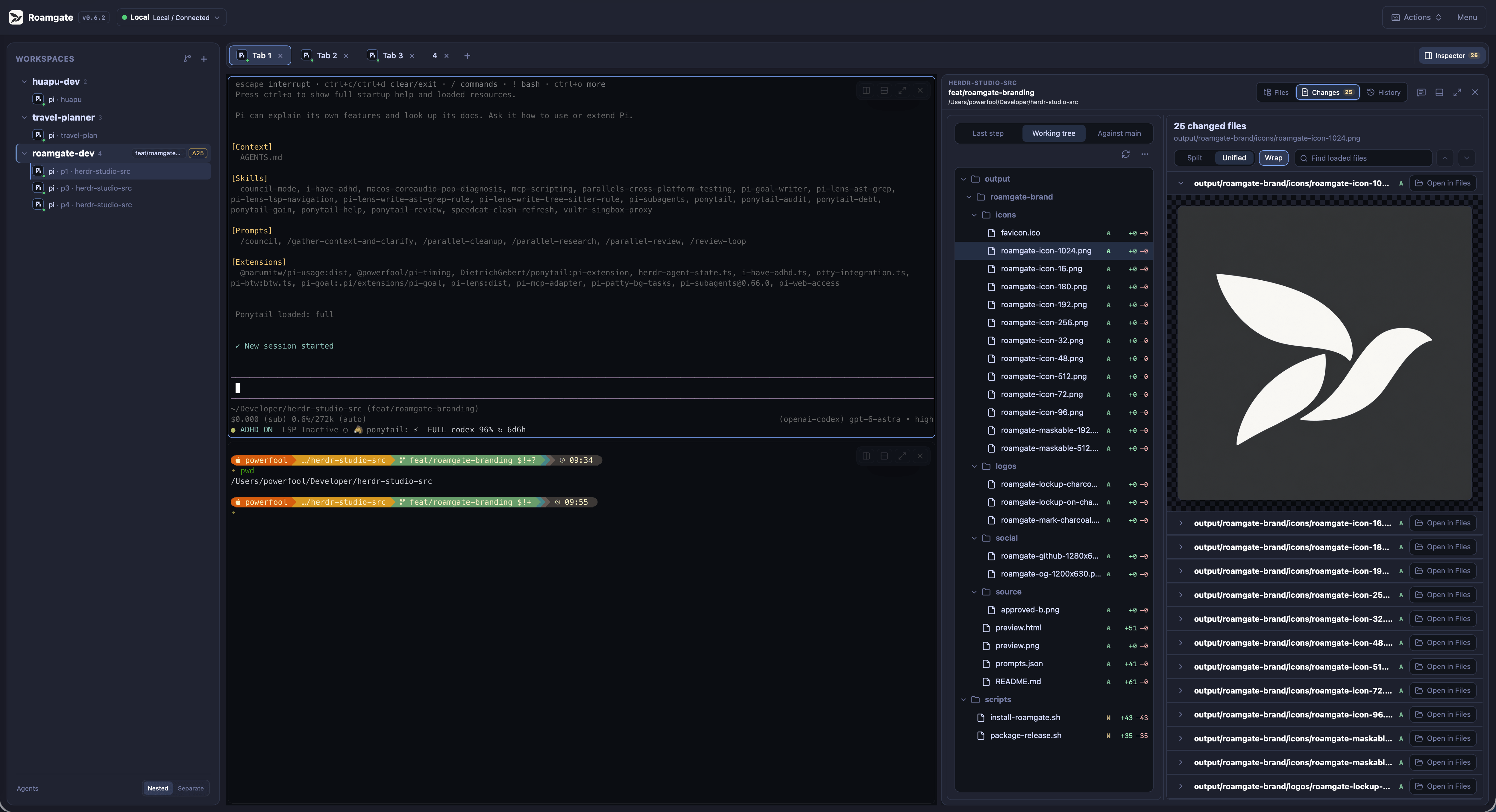
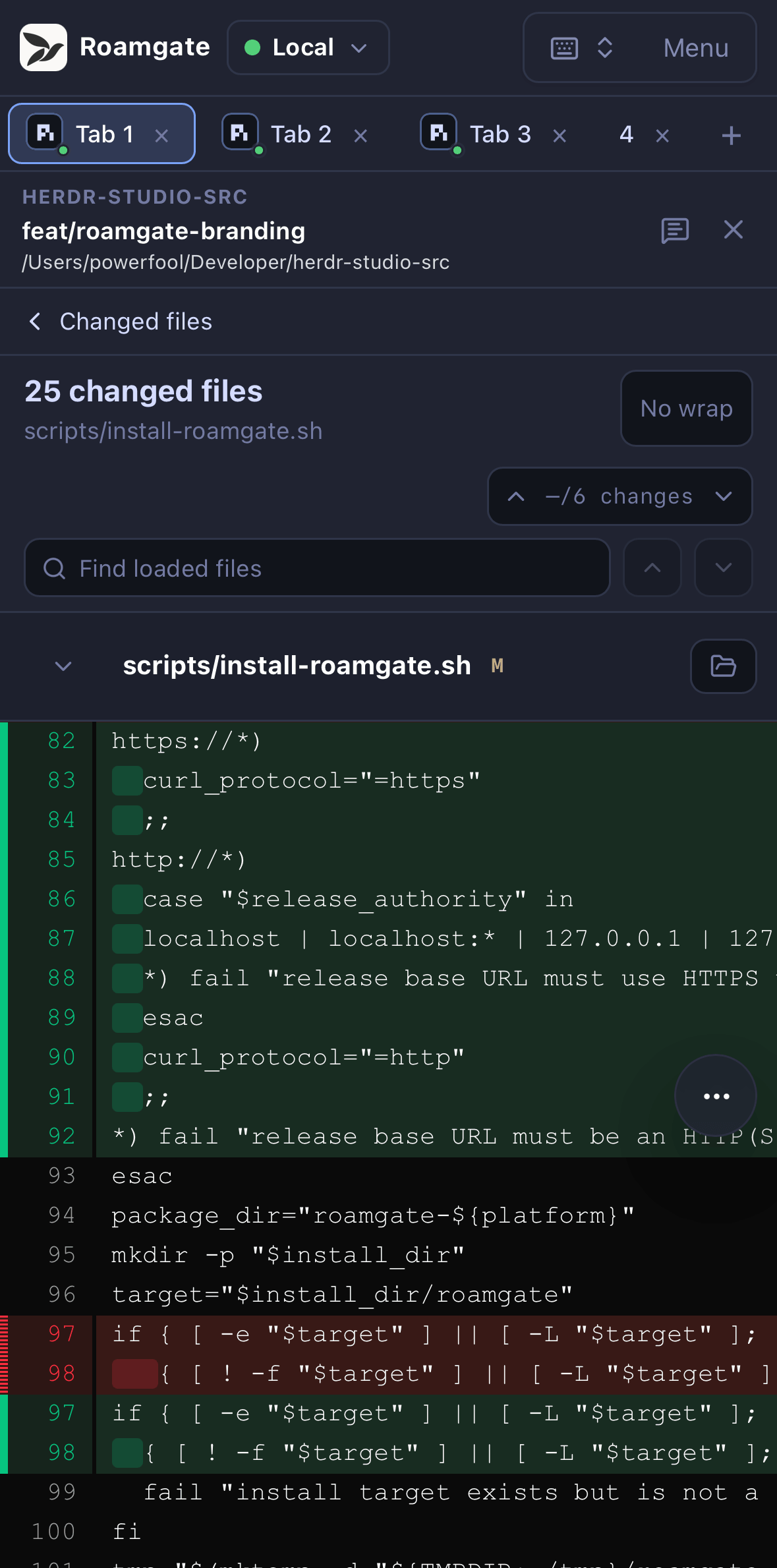
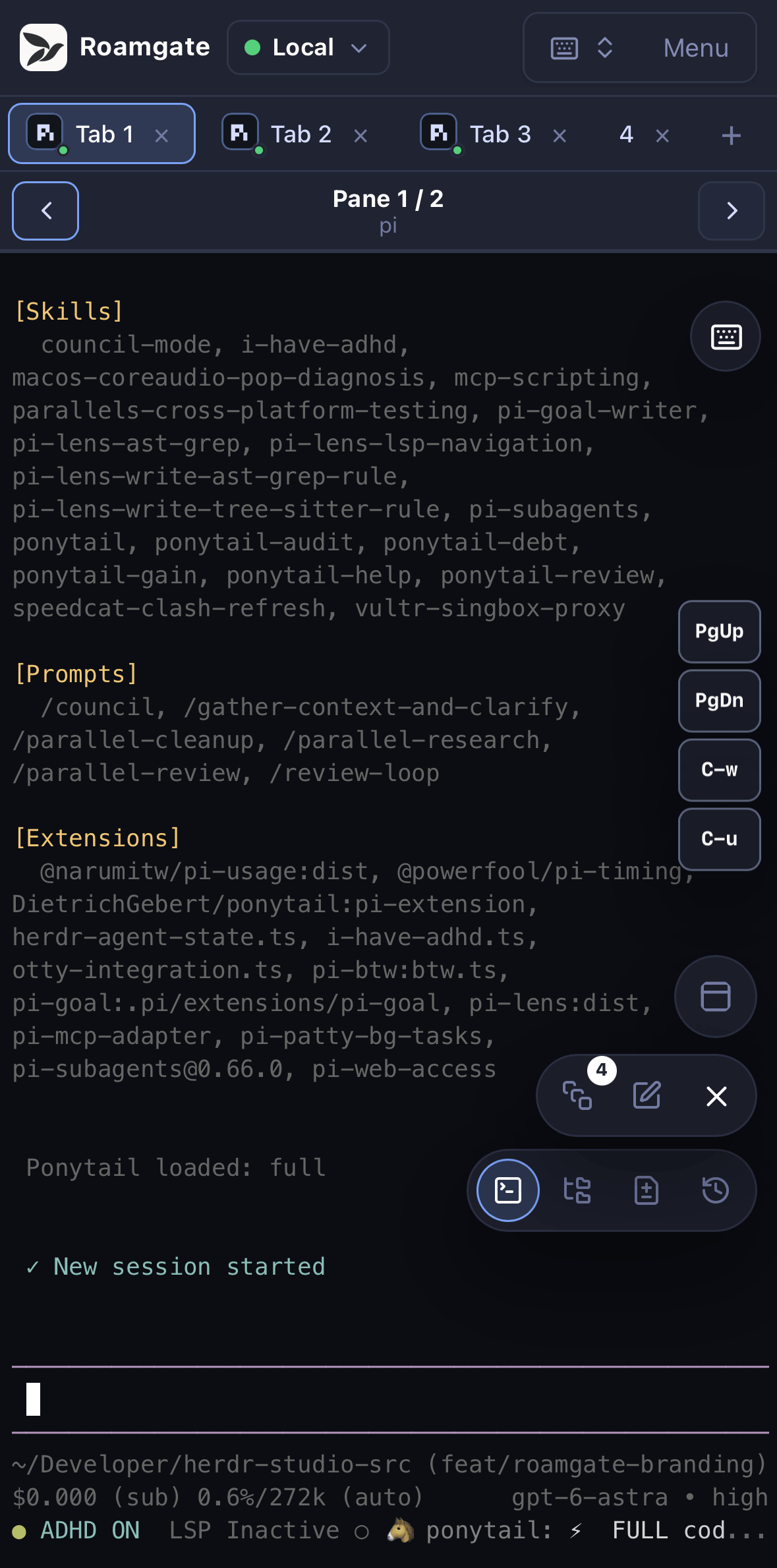
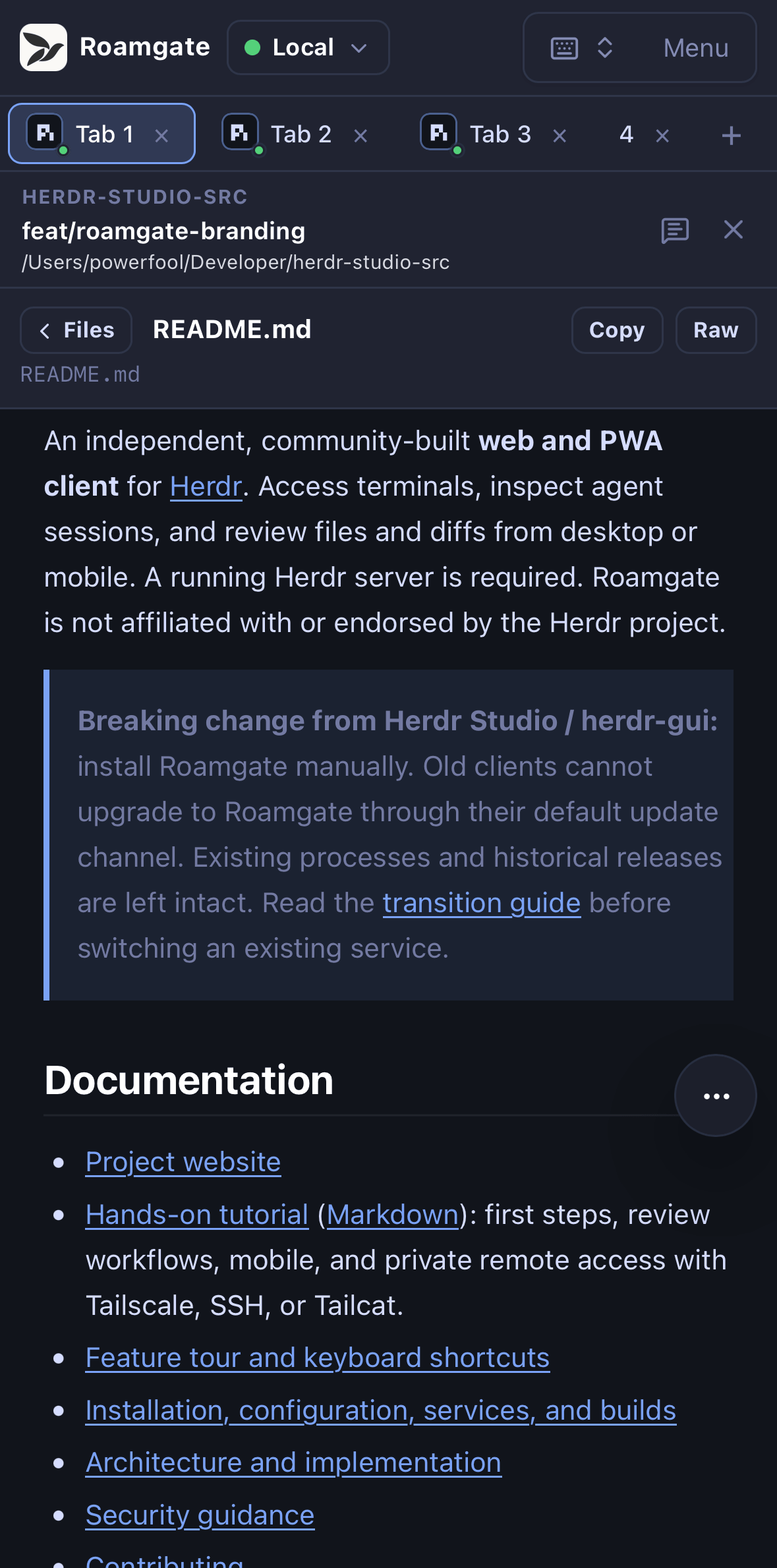
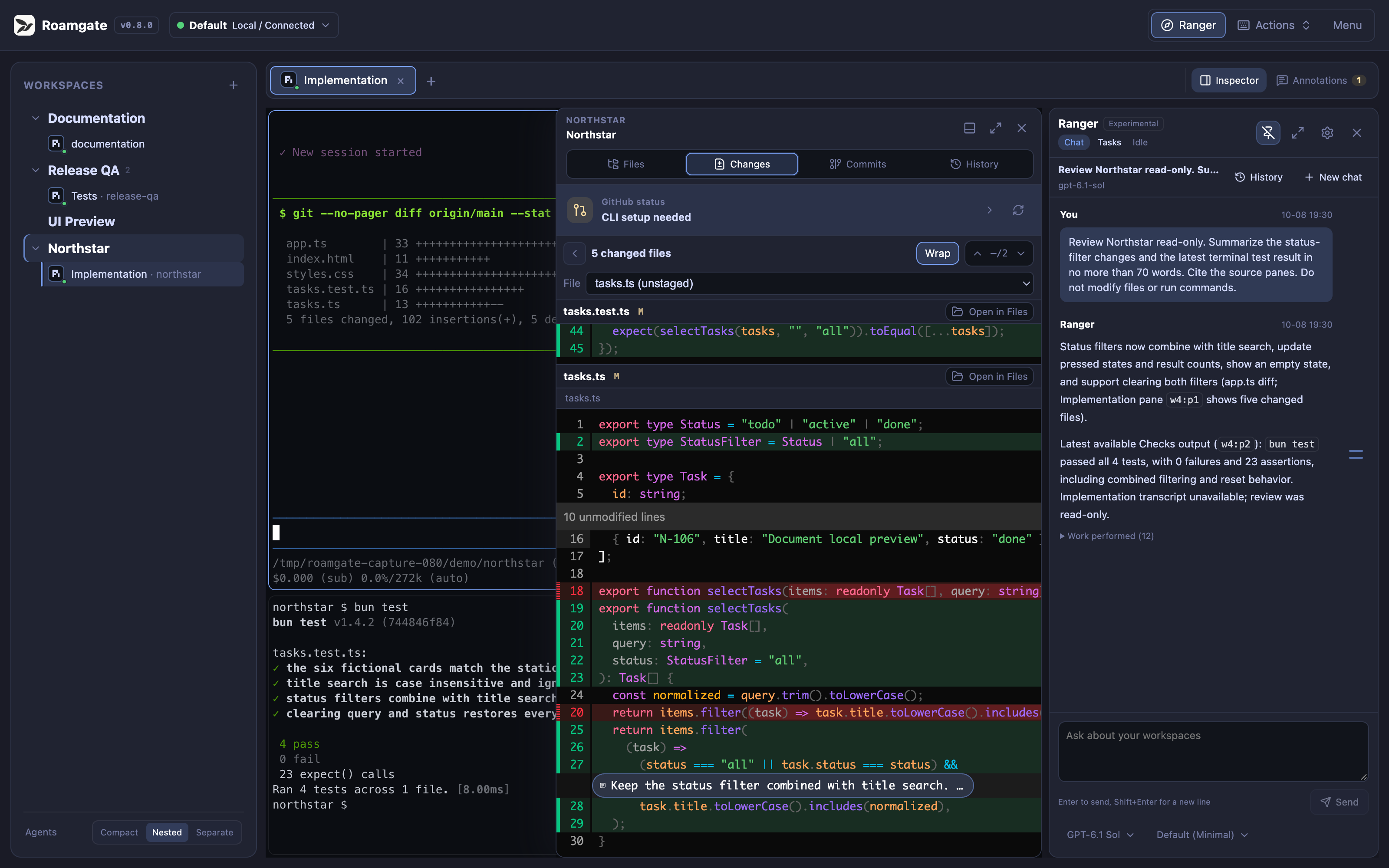
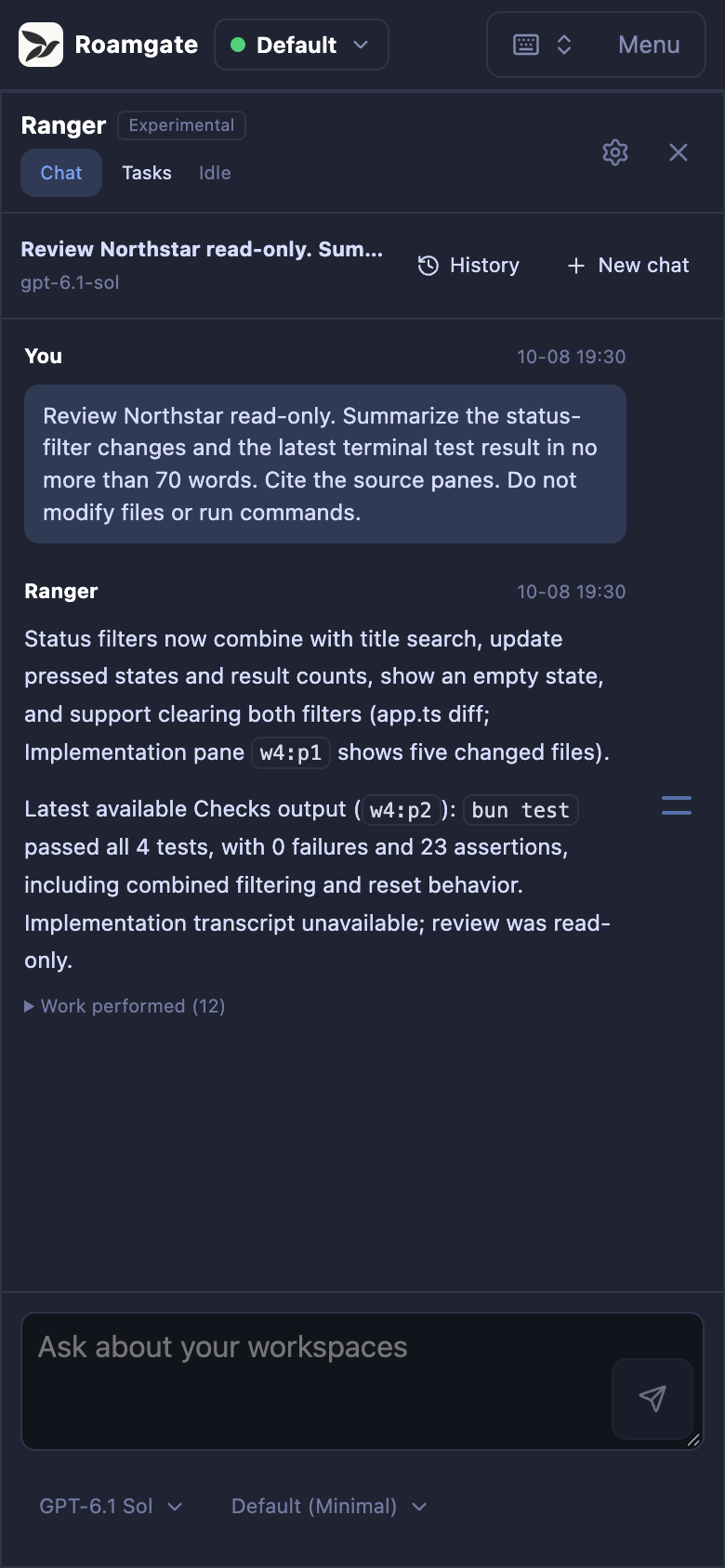
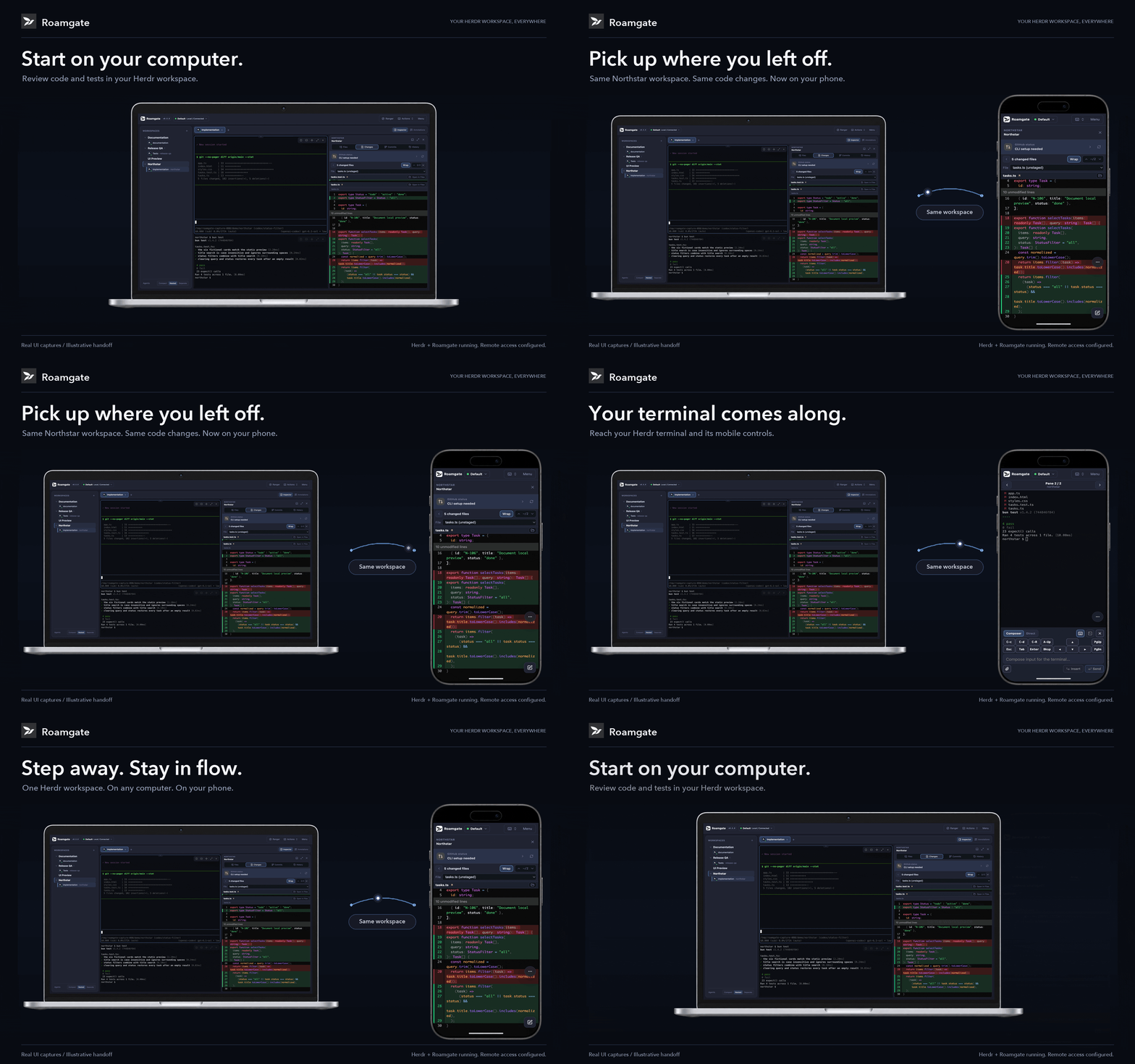
Roamgate is a browser-based client for Herdr, a terminal session manager that keeps coding agents running in the background. It provides a unified web interface to view and control terminals, inspect agent conversations, review code changes and diffs, manage Git worktrees, and monitor workspace status — all from a desktop browser or mobile device via PWA. The Roamgate bridge runs as a standalone binary alongside Herdr, connecting to Herdr's Unix sockets or named pipes to stream terminal output and handle file operations. It supports multiple Herdr connections via SSH, offers a real terminal with full keyboard input and touch controls, and includes an experimental AI workspace assistant called Ranger. Installation is via a checksum-verified installer script on Linux/macOS or binary archives on Windows. The project is MIT-licensed and open source.
Should you self-host Roamgate?
Roamgate scores 48/100 on selfhost.directory (how scoring works) and ranks #92 of 166 in Developer Tools. It has 320 GitHub stars.
It shipped 10 stable releases in the past year. The latest, v0.8.11, came out on 27 October 2026. New versions land roughly every 2 days.
Setup is moderate: expect some configuration beyond a single command. It is MIT-licensed and written mostly in Typescript.
Its closest alternative on selfhost.directory is openhands (87/100, 92 068 stars). It scores higher overall, so compare the two before you pick. See Roamgate vs openhands side by side.
Features
- Agent awareness and session inspection
- Code review and diff annotations
- Custom themes and interface scaling
- File explorer with previews
- Git worktree lifecycle management
- Managed Herdr setup
- Multi-host via SSH
- Native HTTPS/TLS
- PR/MR status integration
- Ranger AI workspace assistantExperimental
- Real browser terminal
- Systemd/user service management
- Touch-safe terminal controls
- Web push notifications
Roamgate README
More in Terminal
 shell.onlineSelf-hosted terminal sharing for coding agents — run Claude Code on your computer, access live sessions from any browser with end-to-end encryption.
 SidecarSidecar is a self-hosted terminal workspace unifying AI coding agents, task management, git workflows, and file browsing in one interface with split panes.
 skiffSkiff is a self-hosted, open-source SSH manager with searchable command memory, persistent sessions, and encrypted vault. Runs via Docker or Node.js with SQLite.
 SoA-WebSelf-hosted browser terminal running real shells on your server via WebSocket. No Electron — just Node. Phone pairing via QR, persistent tabs, server-side CLI tools.
 socktopSelf-hosted terminal-based system monitor that connects to lightweight agents over WebSockets for live metrics.
 SSH & Web TerminalAdvanced SSH & Web Terminal is a self-hosted Home Assistant add-on providing secure SSH access and a web terminal with Mosh, SFTP, ZSH, and CLI tools.
 SshwiftySelf-hosted Web SSH & Telnet client enabling browser-based SSH and Telnet connections without additional software. Runs as Docker container with presets, TLS support.
 TermIDETermIDE is a self-hosted terminal workspace merging a code editor, file manager, terminal, git, database viewer, and AI agent into one static Rust binary.
 TermixThis open-source, self-hosted server manager turns SSH access, remote desktop, file transfers, container control and monitoring into toggleable plugins.
 UniSSHCross-platform SSH client with encrypted vaults that run locally. Optional self-hosted sync server for multi-device and team sharing. Built with Rust and Tauri.
 WebSSHSelf-hosted SSH/SFTP browser workspace with multi-user terminals, split panes, file transfers, and optional Passkeys/OIDC/LDAP. Deploy via Docker on your infrastructure.
 WeechatWeeChat is a fast, lightweight IRC chat client for the terminal with scripting in 8 languages and remote access via relay plugin. Self-hosted, open-source under GPL-3.0.
0 comments