
Self-host TermIDE
0.46.0All-in-one terminal workspace with editor, file manager
- Stars
- 180

What is TermIDE?
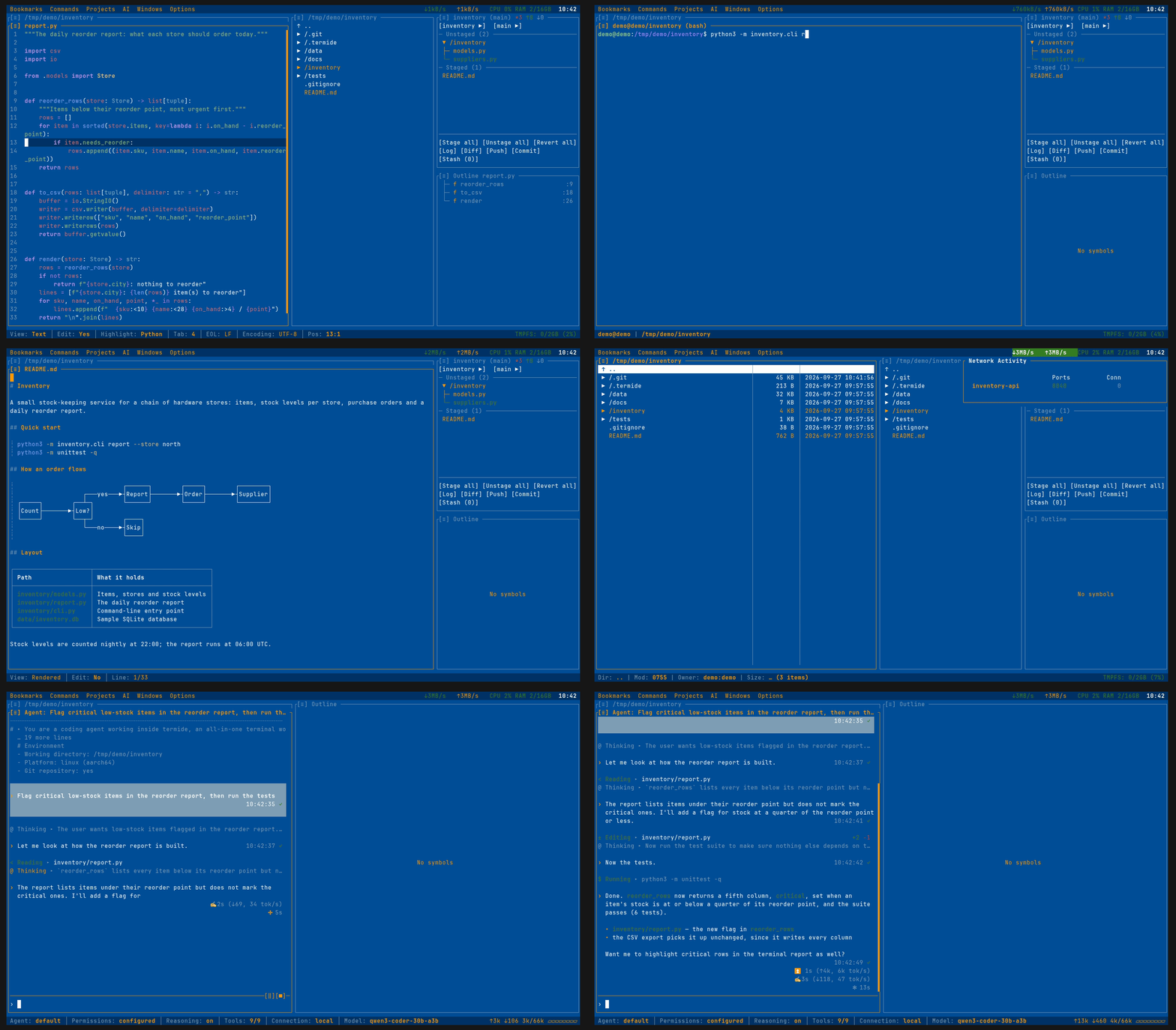
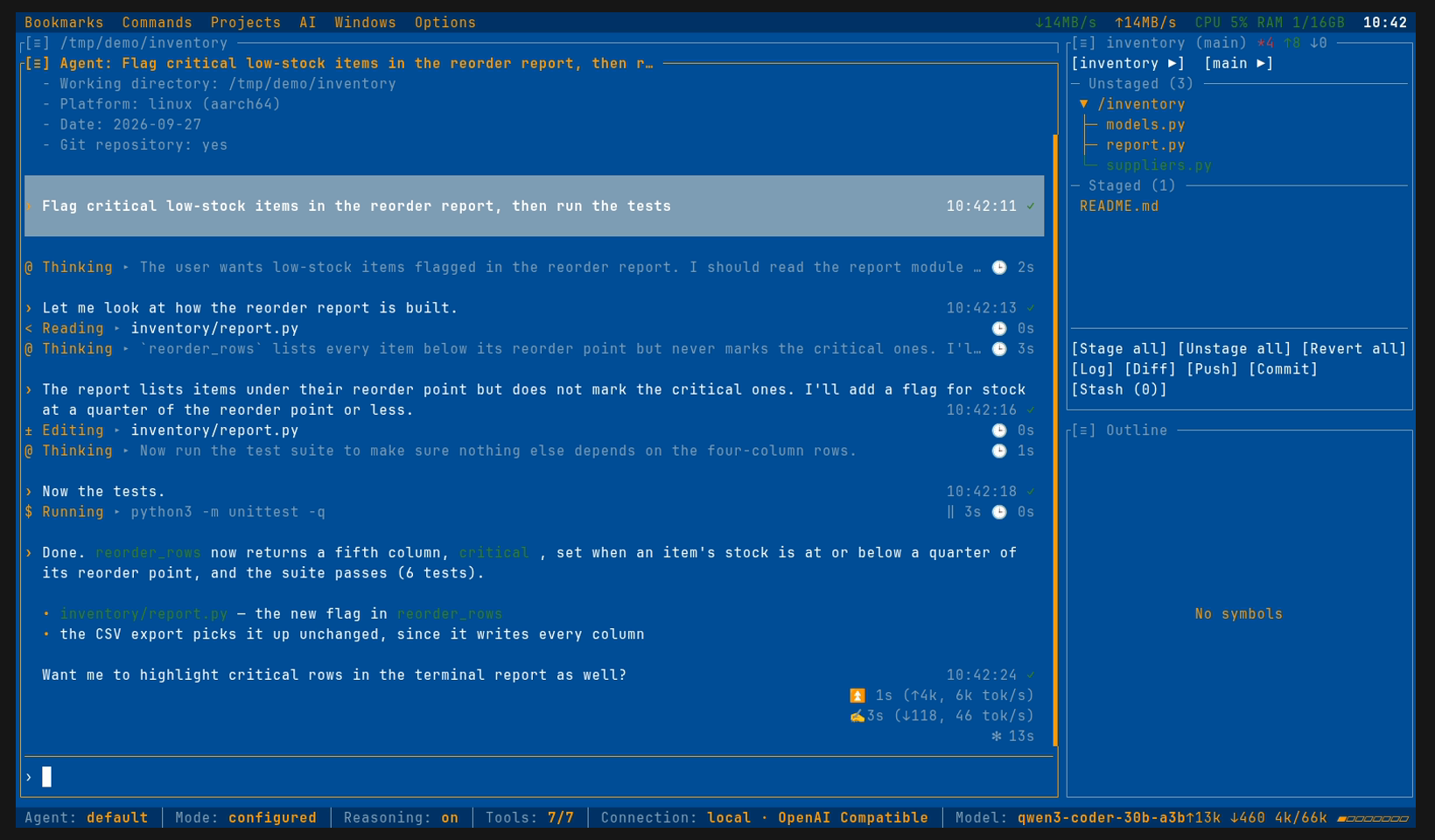
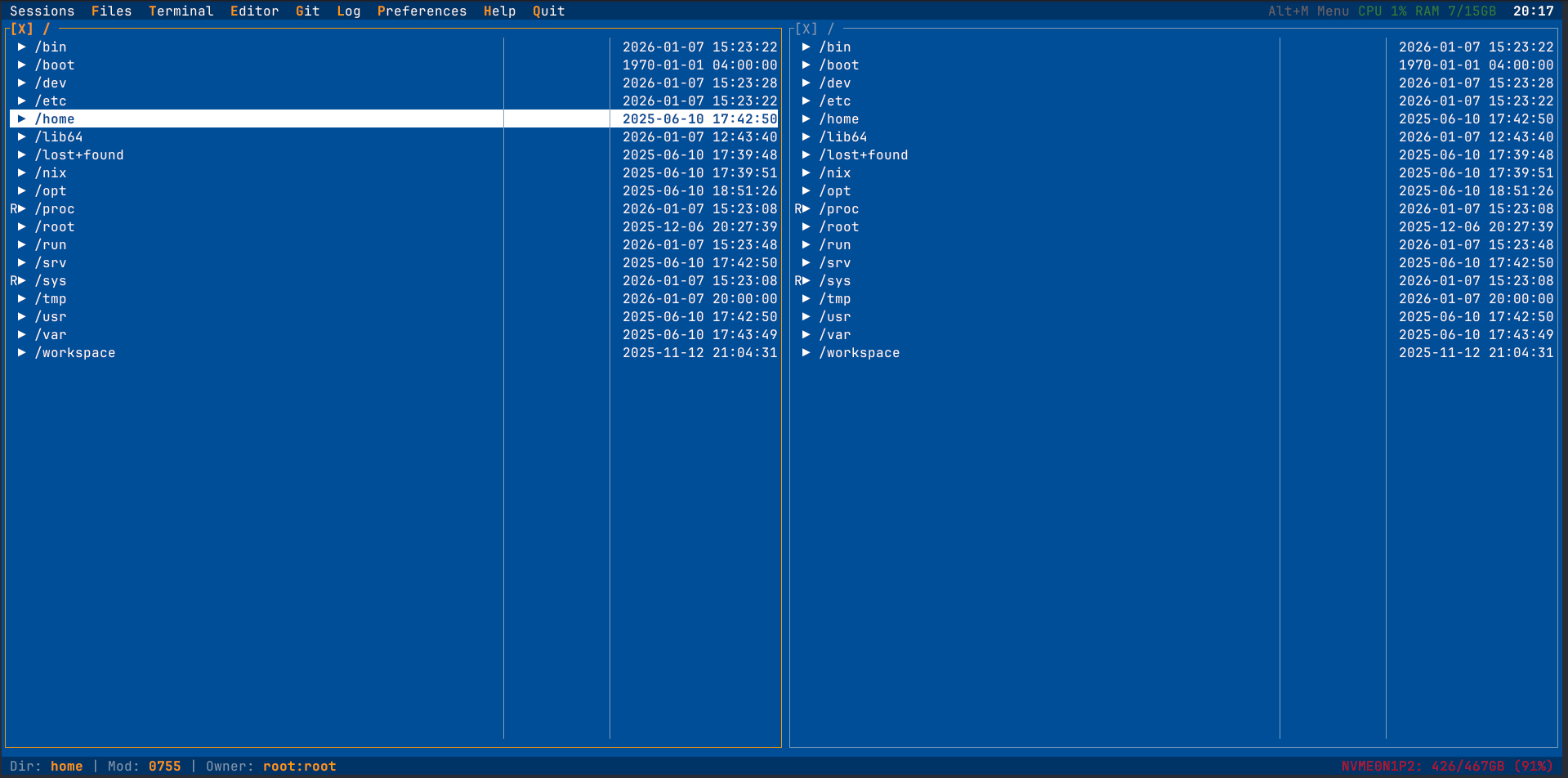
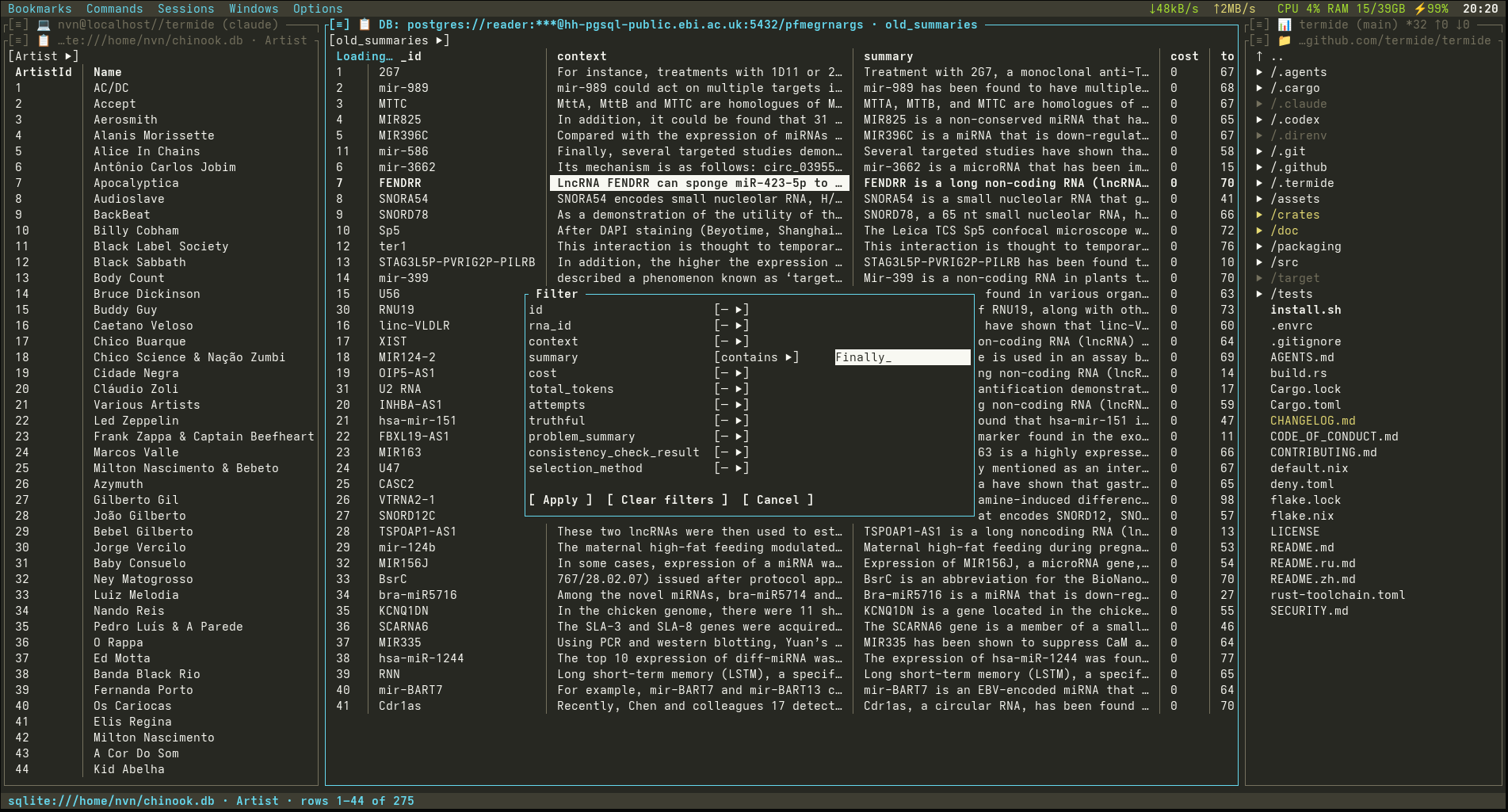
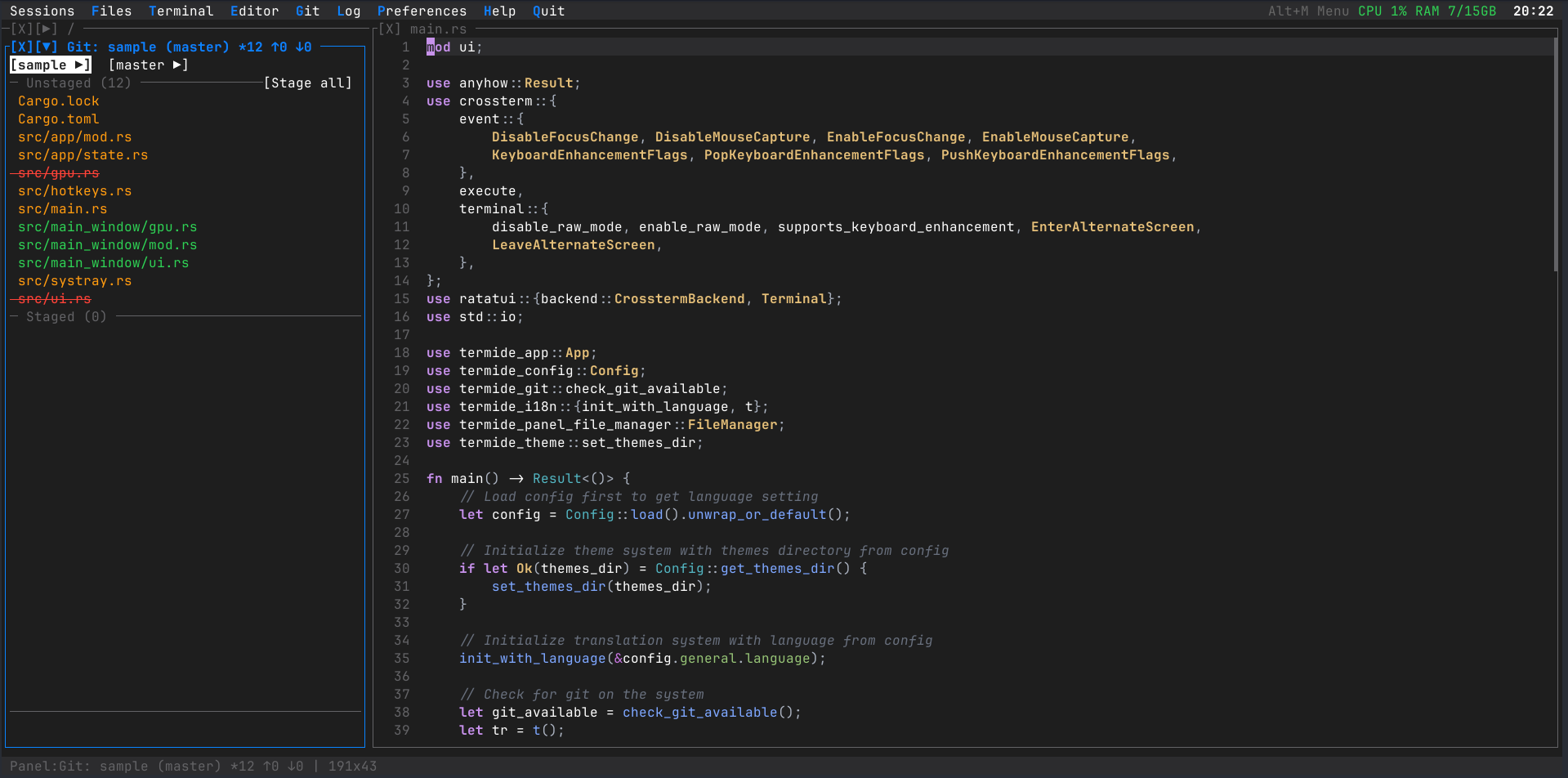
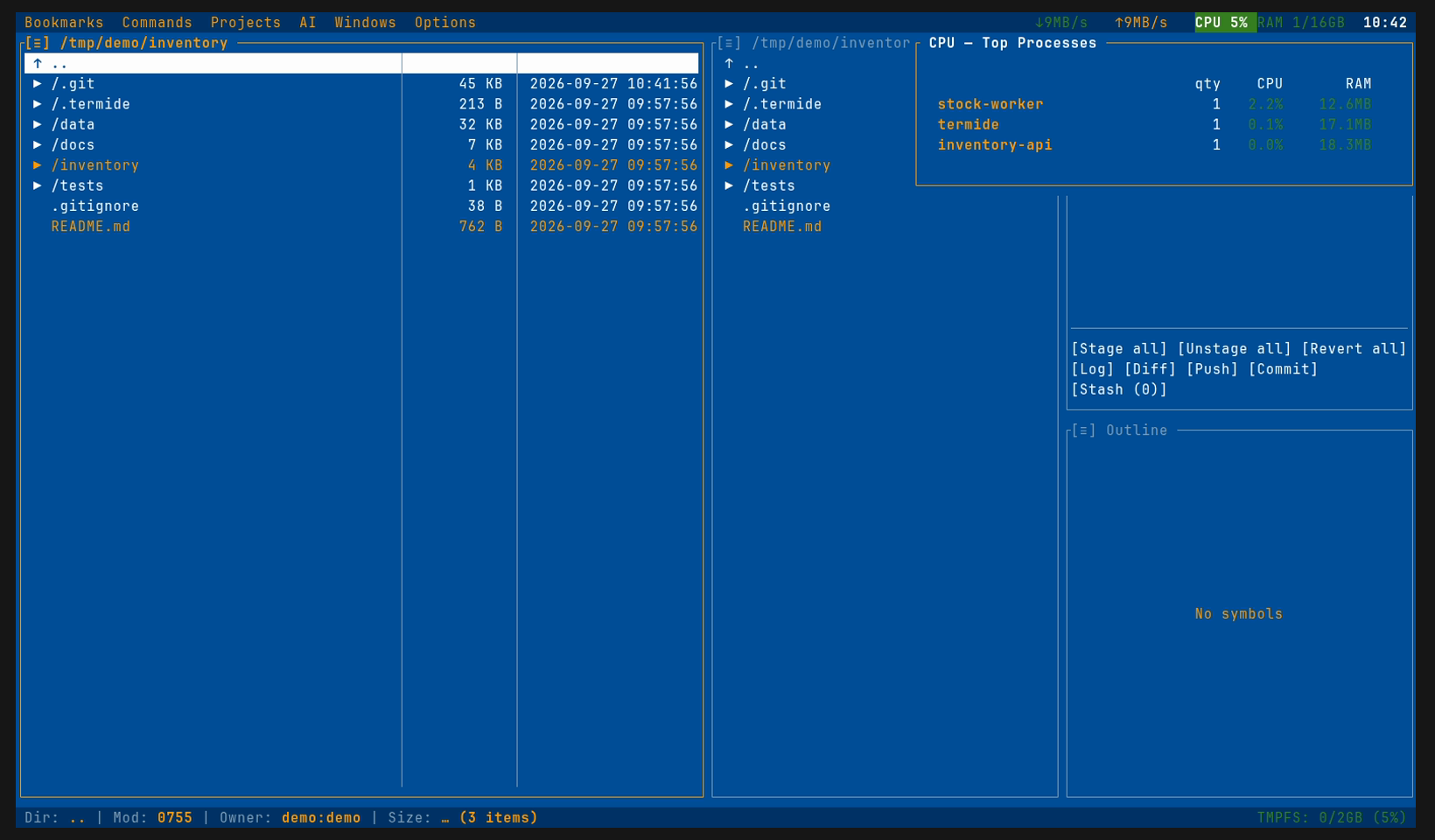
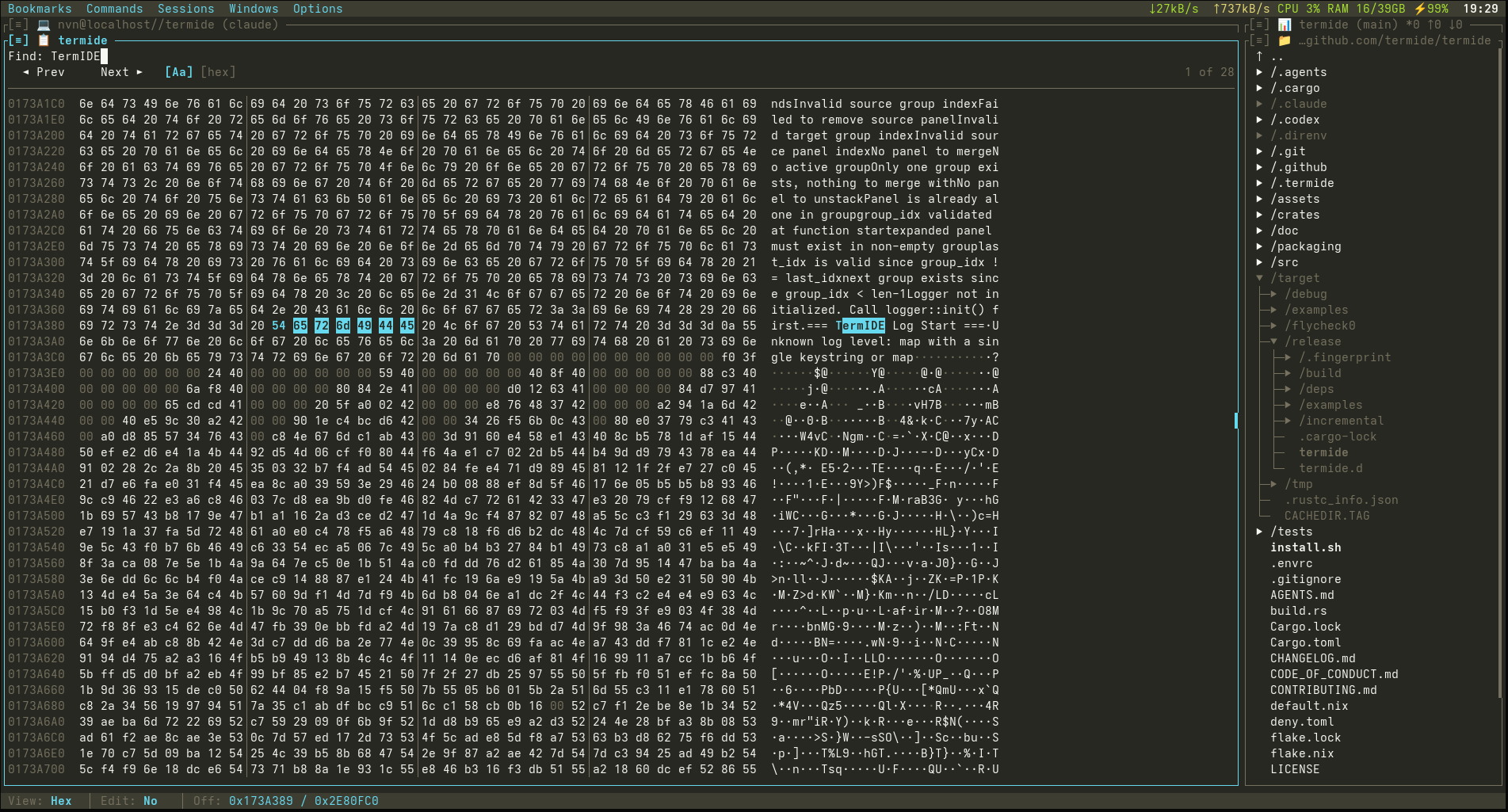
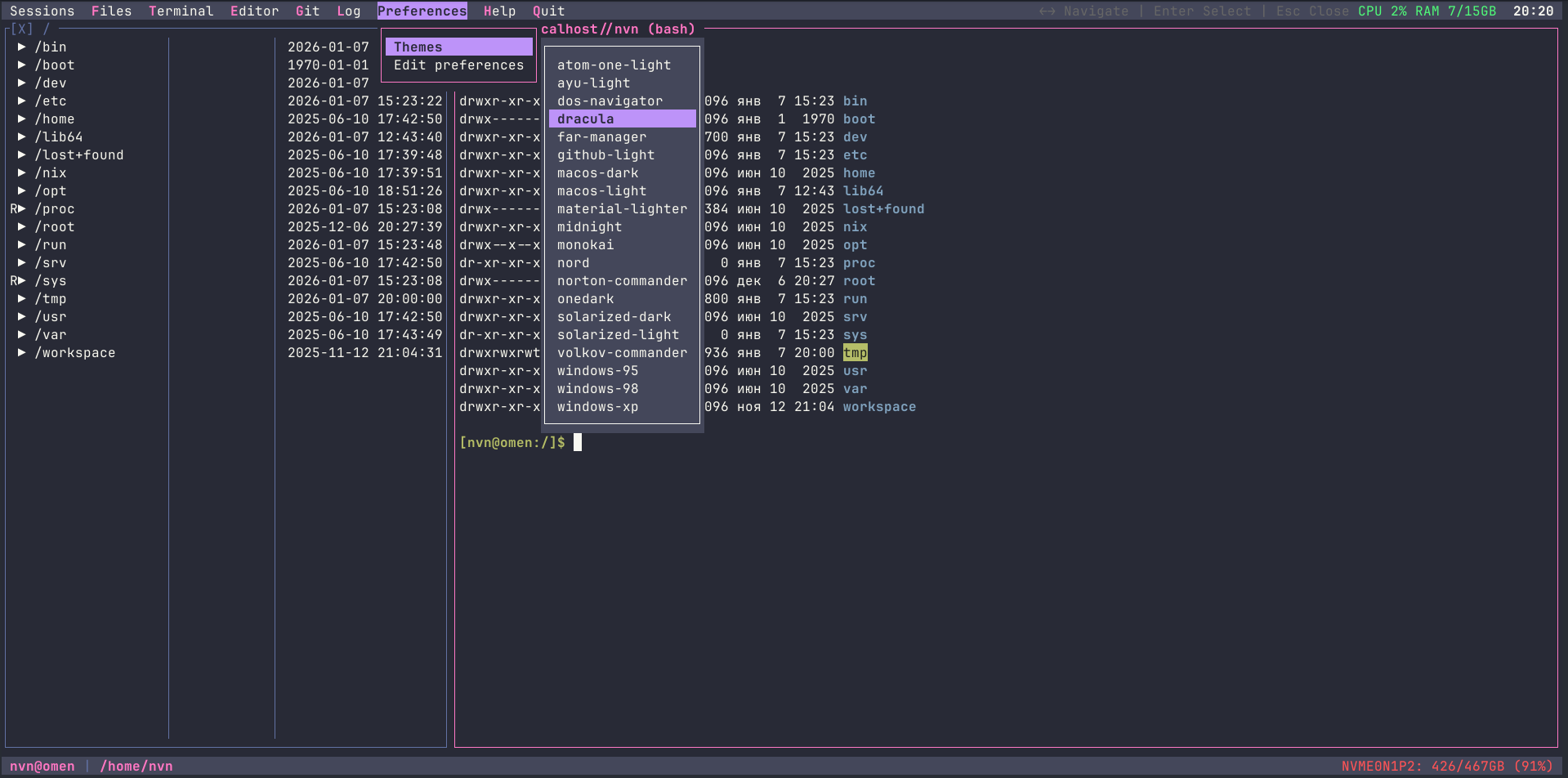
TermIDE is a terminal interface program that packs a code editor, file manager, terminal emulator, Git client, database browser, and AI coding assistant into a single standalone Rust executable. The editor handles 23 languages with language-server features like completion and jump-to-definition. Its two-pane file browser works with local paths and remote servers over SFTP, FTP, or FTPS, and can run transfers in the background. Git support covers status, history with a graph, diffs, staging, stashes, branches, and worktrees. The database tool opens SQLite, Postgres, and MySQL connections for viewing and editing tables. An integrated agent can call local or remote models that speak the OpenAI or Anthropic protocol, with per-action approval, planning, sub-agents, and MCP server access. Other built-ins include a DAP debugger, hex editor, image display, Markdown/HTML/Mermaid rendering, system resource meters, an encrypted credential vault, and a session-persistence mode that survives SSH drops. The UI ships with 44 themes and 15 languages, offers optional Vim keybindings, and can be extended through external JSON-RPC plugins. Binaries are available for Linux (glibc and musl), macOS, Windows, and Android Termux, with packages for Homebrew, AUR, Nix, Debian, and Fedora. There is no telemetry, no auto-update checks, and no required account.
Should you self-host TermIDE?
TermIDE scores 49/100 on selfhost.directory (how scoring works) and ranks #4 of 8 in Terminal. It has 180 GitHub stars.
It shipped 10 stable releases in the past year. The latest, 0.46.0, came out on 26 October 2026.
Setup is easy: most people get it running in one sitting. It is MIT-licensed and written mostly in Rust.
Its closest alternative on selfhost.directory is cmux (80/100, 28 572 stars). It scores higher overall, so compare the two before you pick. See TermIDE vs cmux side by side.
Features
- Code Editor with LSP
- Coding agent
- Database Viewer
- Debugger (DAP)
- Detached InstancesUnix only
- Dual-pane file manager
- Hex Editor
- Image Viewer
- Integrated terminal
- Markdown/HTML/Mermaid Rendering
- Password Vault
- Remote Filesystems (SFTP/FTP/FTPS)
- Resource Monitor
TermIDE README
FAQ
Does it run on Windows?
Yes, natively through ConPTY in Windows Terminal, or in WSL. Detached instances are Unix-only.
Which terminals does it need?
Any modern terminal with true colour. Images are drawn natively in Kitty, WezTerm, iTerm2, Ghostty, and foot; Alt hotkeys on macOS work in terminals with the Kitty keyboard protocol.
Does it replace tmux?
For keeping work alive over SSH, yes: termide --detached keeps the whole workspace running and --attach brings it back. It does not manage arbitrary sessions and windows like tmux does, and runs fine inside tmux.
Do I have to use the AI agent?
No. No provider or model is set by default, so the agent does nothing and sends nothing until you configure one. Everything else works without it.
More in Terminal
 TermixThis open-source, self-hosted server manager turns SSH access, remote desktop, file transfers, container control and monitoring into toggleable plugins.
 UniSSHCross-platform SSH client with encrypted vaults that run locally. Optional self-hosted sync server for multi-device and team sharing. Built with Rust and Tauri.
 WebSSHSelf-hosted SSH/SFTP browser workspace with multi-user terminals, split panes, file transfers, and optional Passkeys/OIDC/LDAP. Deploy via Docker on your infrastructure.
 WeechatWeeChat is a fast, lightweight IRC chat client for the terminal with scripting in 8 languages and remote access via relay plugin. Self-hosted, open-source under GPL-3.0.
 WeTTYSelf-hosted open-source web terminal with SSH access in the browser via xterm.js and websockets; runs file downloads, exposes metrics, installs from npm or Docker.
 winktermSelf-hosted AI terminal where an LLM writes commands directly into your PTY. Supports SSH, file transfer, BYO LLM, Docker and desktop apps.
 agent-tmux-webSelf-hosted web UI for running AI coding agents in tmux sessions from any browser or Android device, with TTY/raw modes, file uploads, and notifications.
 AtuinOpen-source, self-hosted shell history tool: SQLite-backed context-rich history, a fuzzy search TUI, and end-to-end encrypted sync via your own sync server.
 Cloud CommanderSelf-hosted, open-source web file manager with twin panels, a browser console and terminal, built-in editors, archives and Dropbox support.
 cmuxOpen-source, self-hosted macOS terminal built on libghostty: vertical tabs, agent attention rings, split panes, a scriptable browser pane, and a CLI plus socket API.
 CodemanSelf-hosted web dashboard running 11 AI coding agents in tmux sessions, streaming live terminals to any browser with zero-lag input, QR login, and autonomous runs.
 C-SSHCross-platform SSH client with terminal, file management, monitoring, and AI. Optional self-hostable Creation Cloud for encrypted config sync.
0 comments