Self-host OtoDock
v1.9.0Self-hosted platform for collaborative AI agents
- Stars
- 193
- CPU
- x86-64 or arm64
- RAM
- 4 GB minimum
- Storage
- 13 GB free disk
- Port
- 8400 (Main API and dashboard)
- Requires
- PostgreSQL
ghcr.io/otodock/otodock-proxy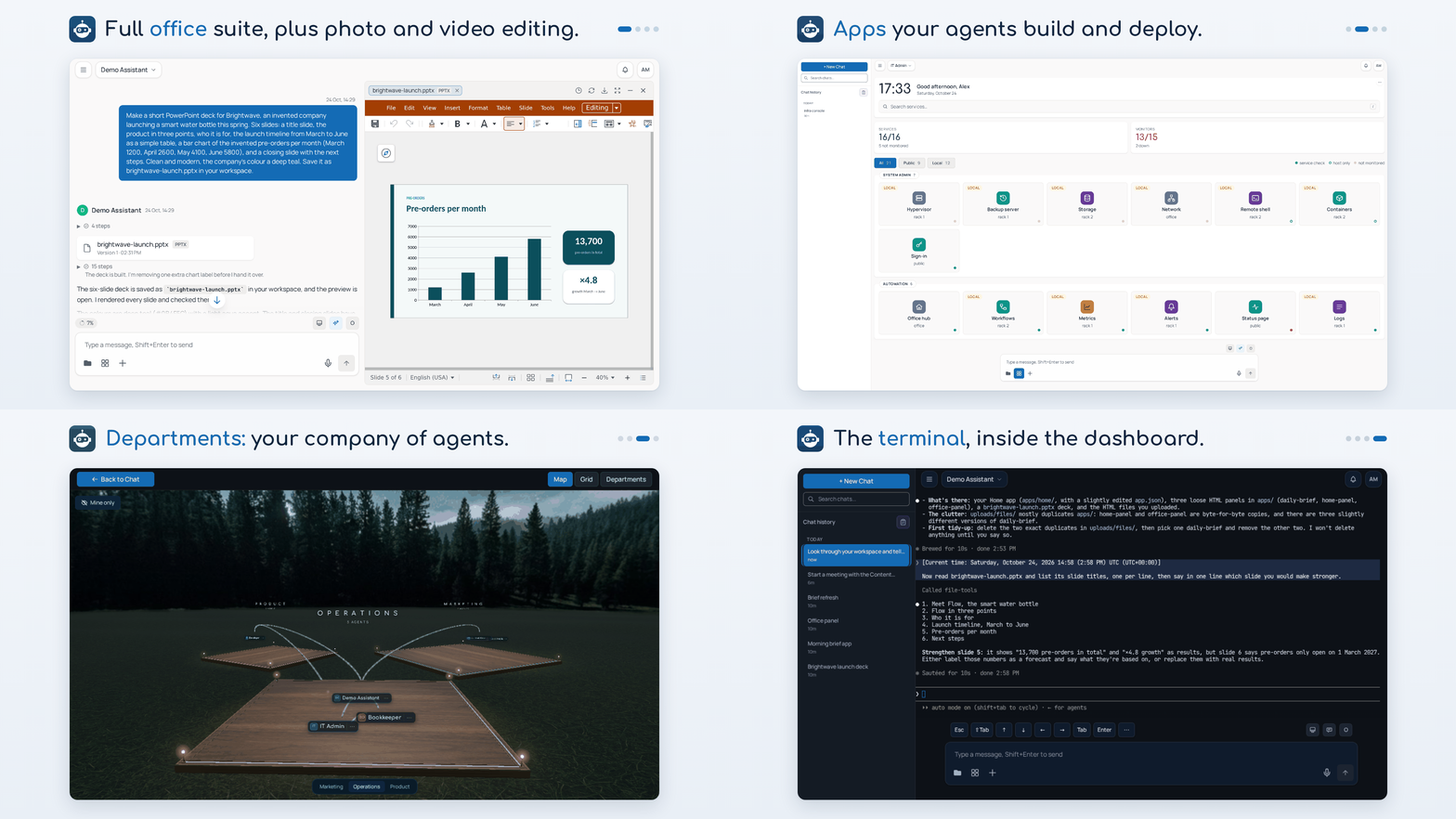
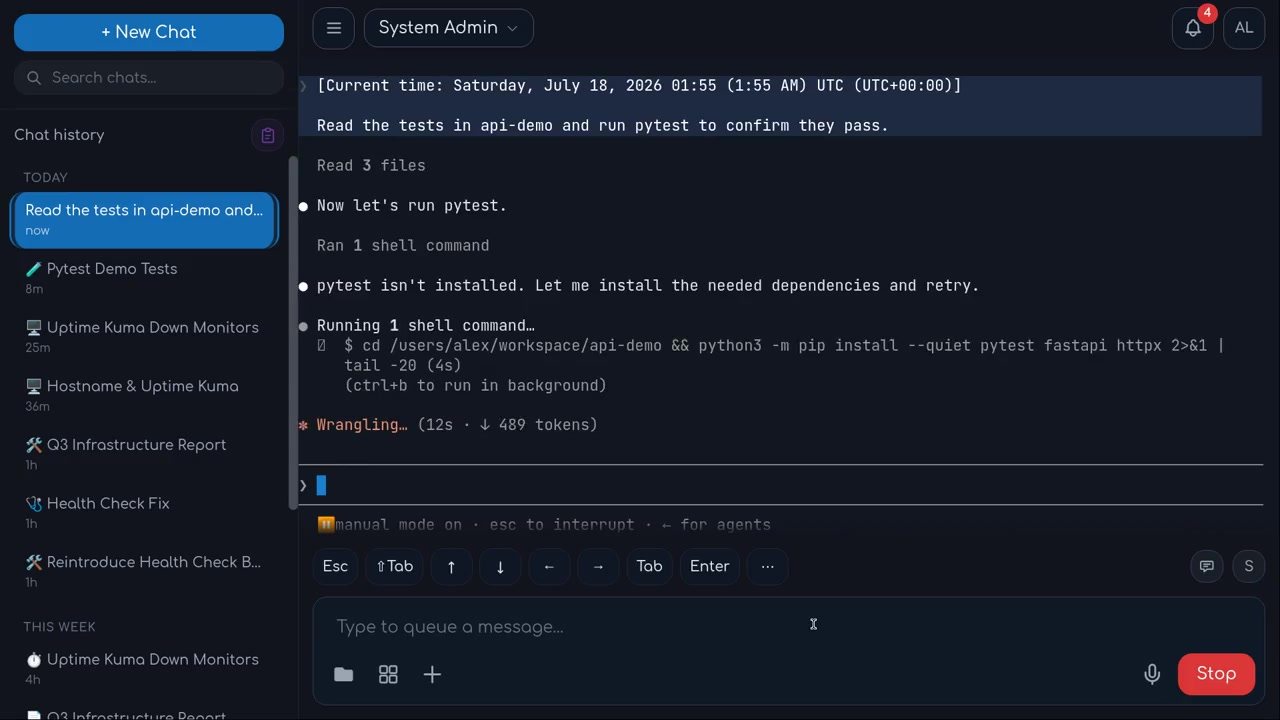
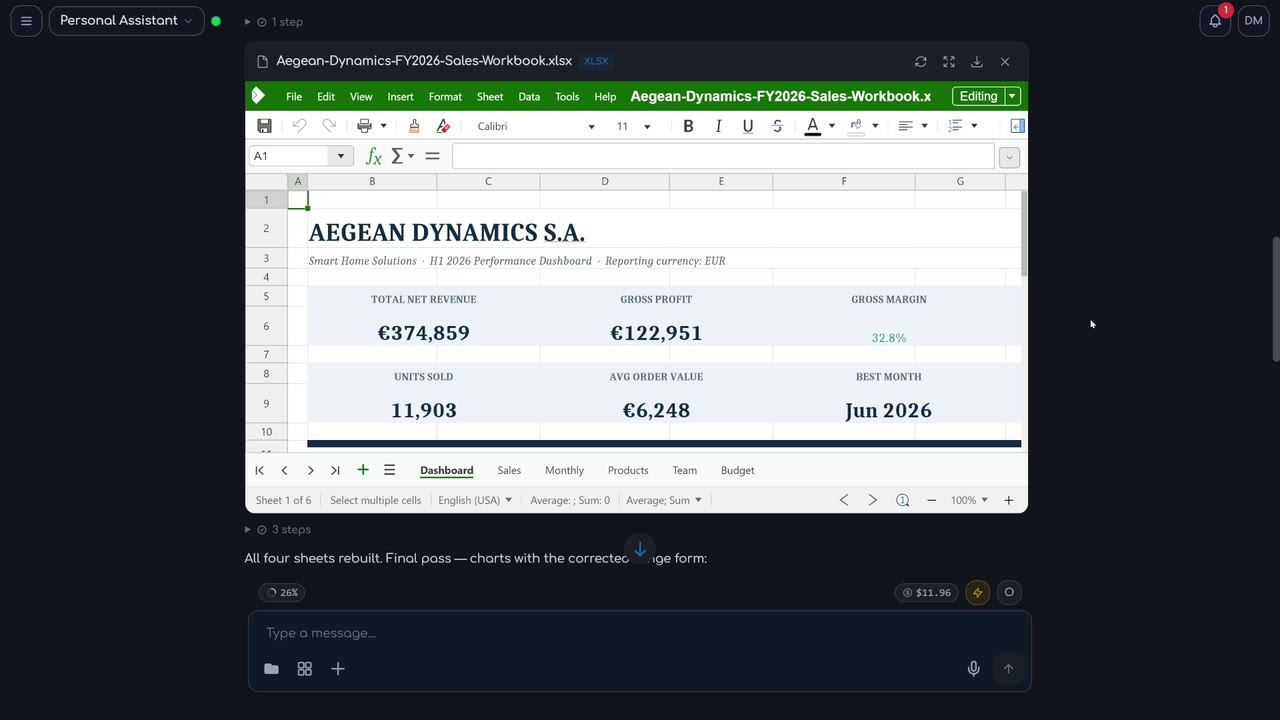
What is OtoDock?
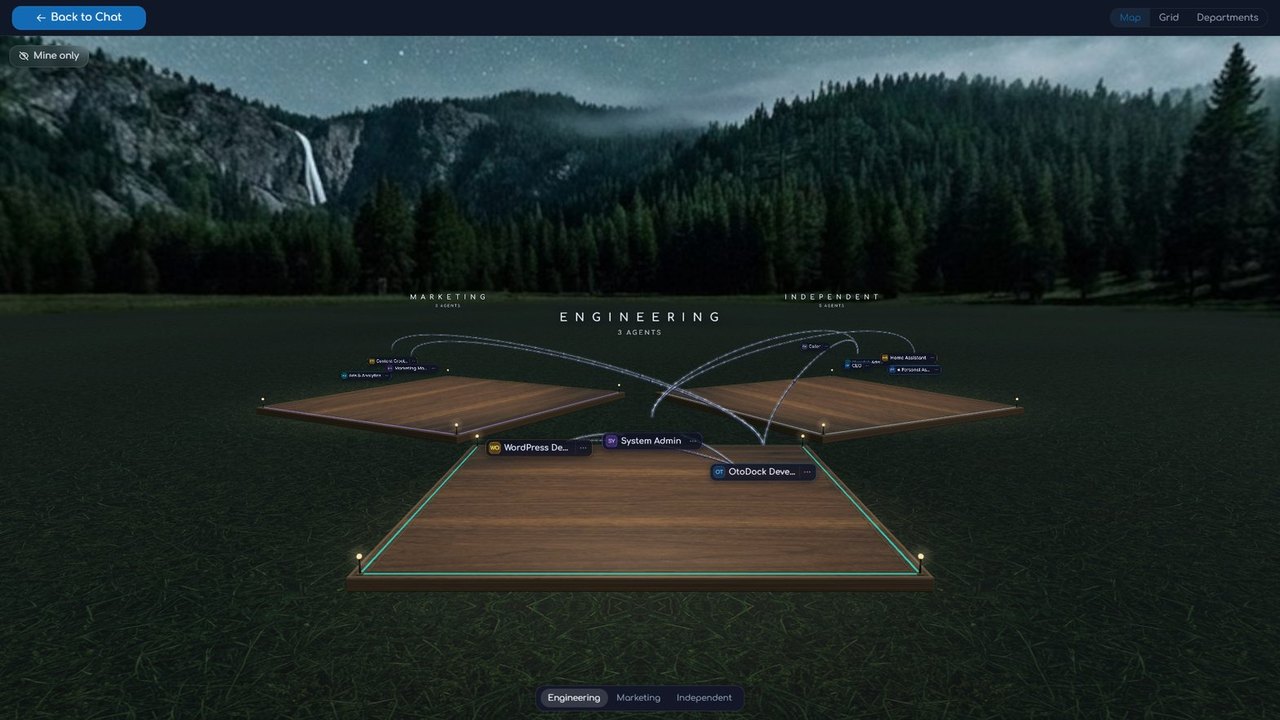
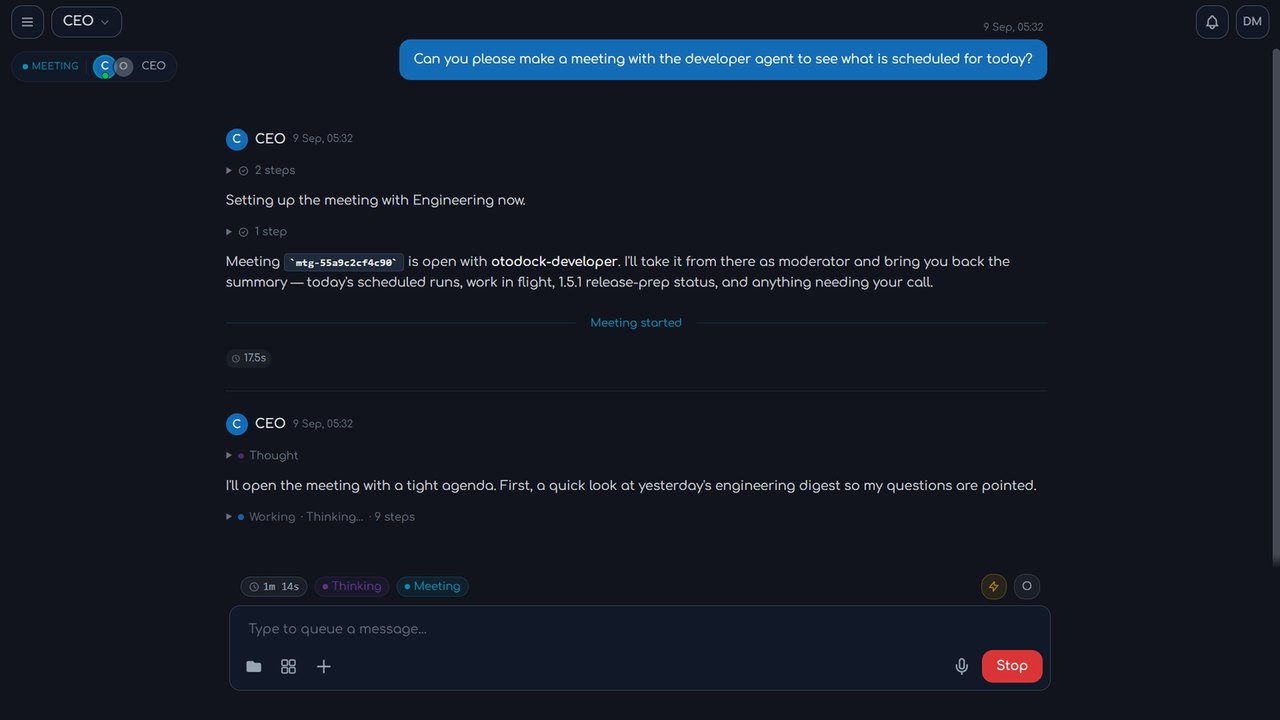
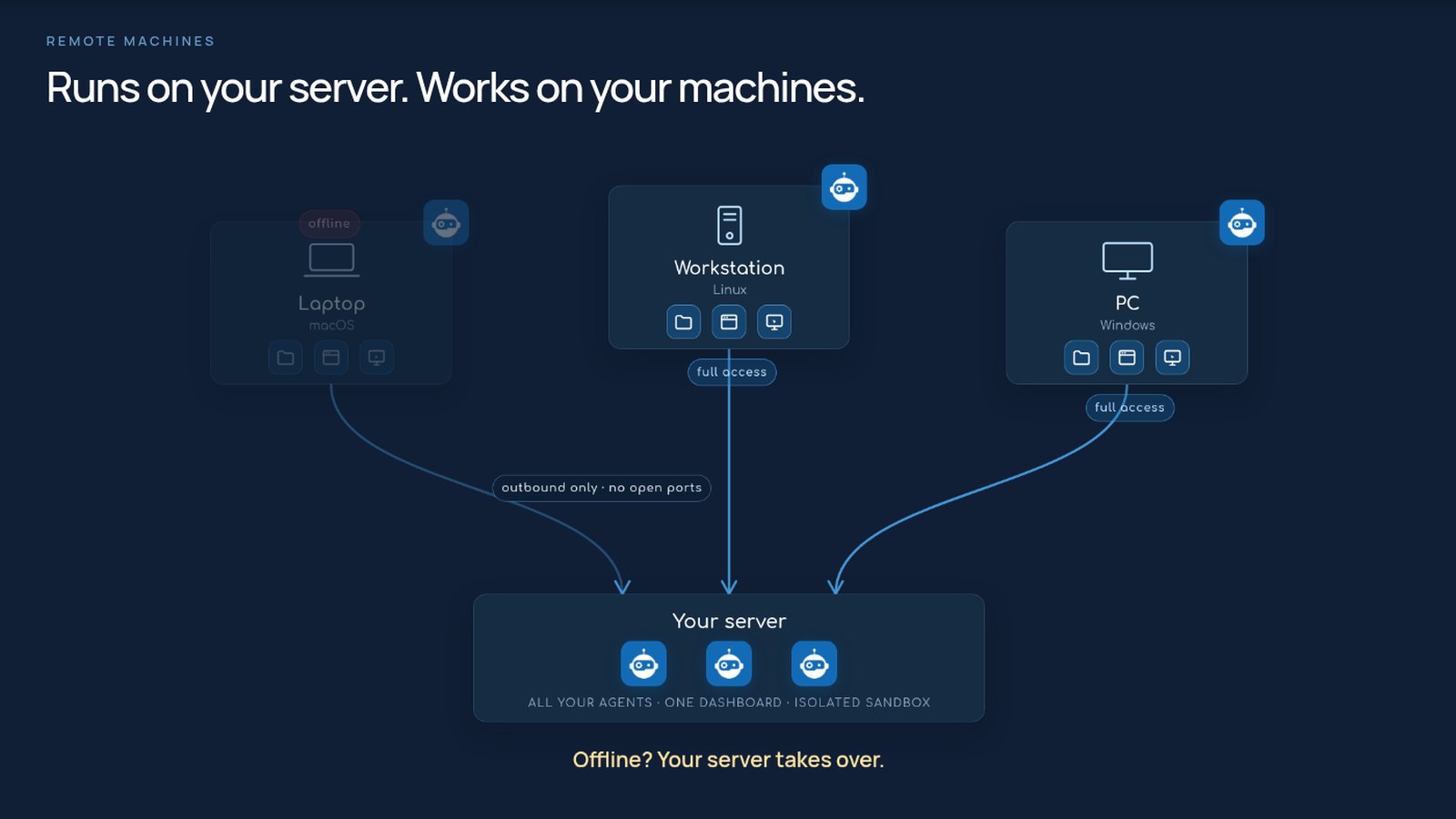
OtoDock is a self-hosted platform that turns Claude Code, Codex, and local LLMs into a team of collaborative AI agents for your organization. Agents run in kernel-level sandboxes on your server, with optional remote machine pairing for full hardware access. The platform includes multi-tenant agent sharing with four modes, department organization with delegation rules, role-based access control at platform and agent levels, SSO/OIDC and two-factor authentication, scheduled tasks and webhook triggers, phone calls via Twilio or Asterisk/FreePBX, in-chat document editing, image generation and editing, a community catalog of ready-made agents and MCP tools, and per-user cost budgets. It runs via a single Docker Compose stack or bare-metal for development. The Fair Source license allows free self-hosting up to 5 users, with paid seat licenses for larger teams; each release becomes Apache 2.0 after two years.
Should you self-host OtoDock?
OtoDock scores 49/100 on selfhost.directory (how scoring works) and ranks #104 of 209 in AI Agents. It has 193 GitHub stars.
It shipped 10 stable releases in the past year. The latest, v1.9.0, came out on 25 October 2026. New versions land roughly every 6 days.
Setup is moderate: expect some configuration beyond a single command. An official Docker image is available. It is Other-licensed and written mostly in Python.
Its closest alternative on selfhost.directory is Orca (91/100, 108 446 stars). It scores higher overall, so compare the two before you pick. See OtoDock vs Orca side by side.
Features
- App building and deployment
- Department organization
- Encrypted Credentials
- Image generation and editing
- In-chat document editing
- Kernel-level sandbox
- Multiple AI engines
- Multi-tenant agent platform
- Phone integration
- Remote machine pairing
- Role-based Access Control
- Scheduled and triggered tasks
- SSO/OIDC authentication
- Usage and cost budgets
- Web browsing
OtoDock README
FAQ
Is my data on my server?
Yes. Data only goes to the AI providers you connect and services you integrate. The install's housekeeping (community catalog, release check, subscription check-in) carries none of your data.
What does the install need?
A Linux server or Apple Silicon Mac with Docker, 4 GB RAM, 13 GB disk, and sudo once on Ubuntu 24.04+.
Which AI accounts do I need?
A Claude subscription for Claude Code, a ChatGPT subscription for Codex, an API key, or a local model server. Each person connects their own or an admin shares a pool.
More in AI Automation
 Paperless-GPTOpen-source, self-hosted AI companion for paperless-ngx: suggests titles, tags, correspondents and dates, and runs LLM vision OCR for searchable scans.
 PawFlow-AgentsPawFlow is an open-source, self-hosted AI agent runtime connecting agents to real files and desktops via relays with durable context and deterministic workflows.
 pinchySelf-hosted AI agent platform adding enterprise guardrails to OpenClaw — scoped permissions, RBAC, signed audit logs, connectors for Odoo, email, Telegram, local LLMs.
 PipelexBuild AI methods with your coding agent, then run them anywhere: as an MCP for chatbots, as a webapp for people, or via API for your software.
 platformSelf-hosted, open-source platform for running AI agents on your own Kubernetes with per-agent isolation and full audit trails.
 PlatypusPlatypus is a self-hosted, open-source platform for building AI agents with multi-tenant workspaces, MCP, A2A, Kanban boards, and memory.
 pneumaticworkflowSelf-hosted workflow platform with visual process design, AI template generation, task buckets, and API/Zapier integrations — Apache 2.0 licensed.
 Postiz📨 The ultimate agentic social media scheduling tool 🤖
 QuickVoiceQuickVoice is an open-source, self-hostable platform for building AI phone agents with LiveKit, Twilio, and Telnyx integrations.
 reflyThe first open-source agent skills builder. Define skills by vibe workflow, run on Claude Code, Cursor, Codex & more. Build Clawdbot 🦞· APIs for Lovable · Bots for Slack & Lark/Feishu · Skills are infrastructure, not prompts.
 rivetRivet is an open-source, self-hostable orchestrator for AI agents, workflows, and sandboxes as lightweight Actors with SQLite and realtime.
 rocketplaneIOSelf-hosted AI SRE for Kubernetes: eBPF zero-instrumentation traces, logs, metrics, live service map, plus MCP for AI agents to safely remediate.
0 comments