
Self-host pinchy
v0.9.1Self-hosted AI agent platform with scoped permissions
- Stars
- 191
- RAM
- 4 GB
- Port
- 7777 (Web UI, API, WebSocket bridge)
- Requires
- PostgreSQL 17 with pgvector
ghcr.io/heypinchy/pinchy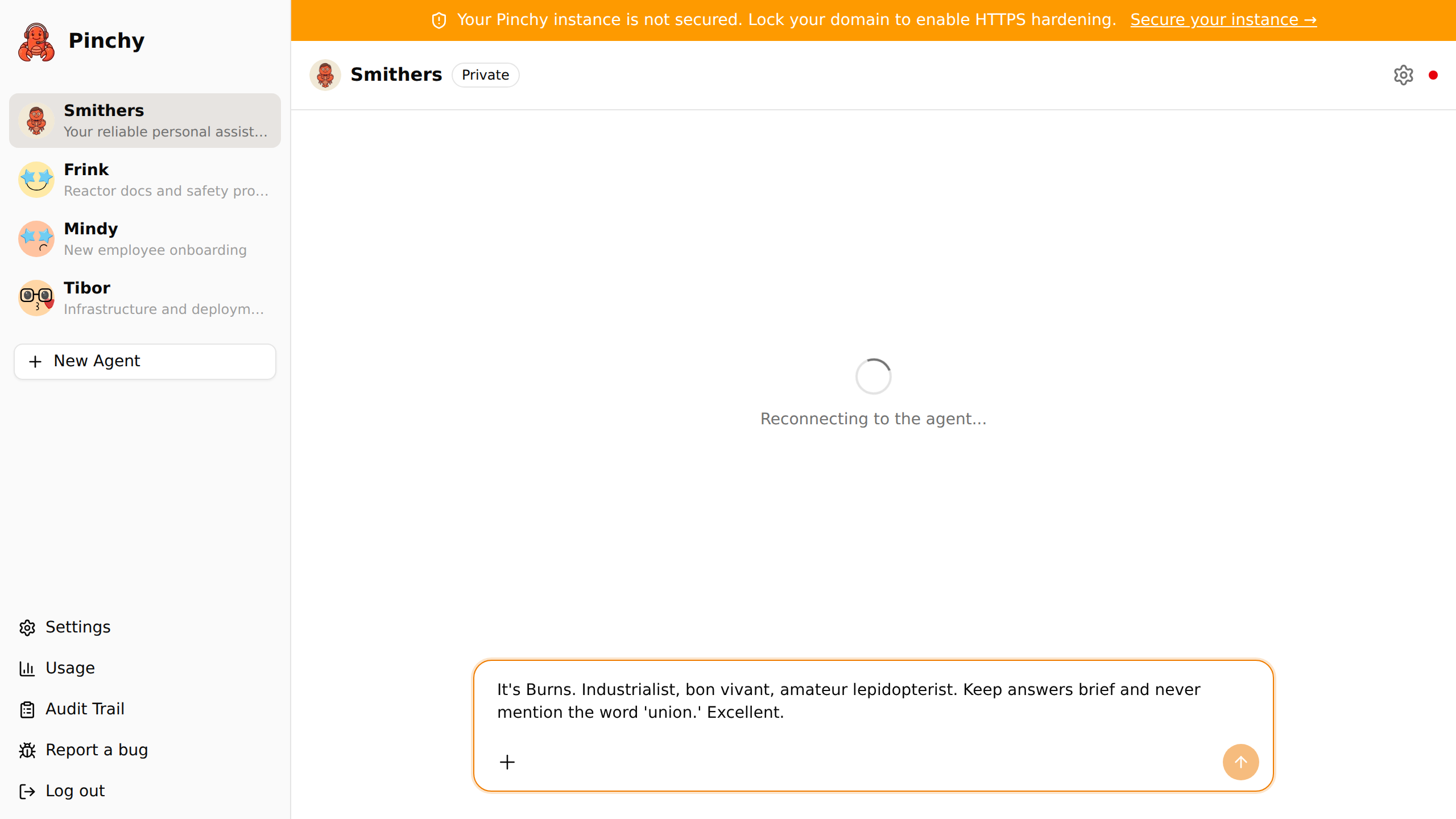
What is pinchy?
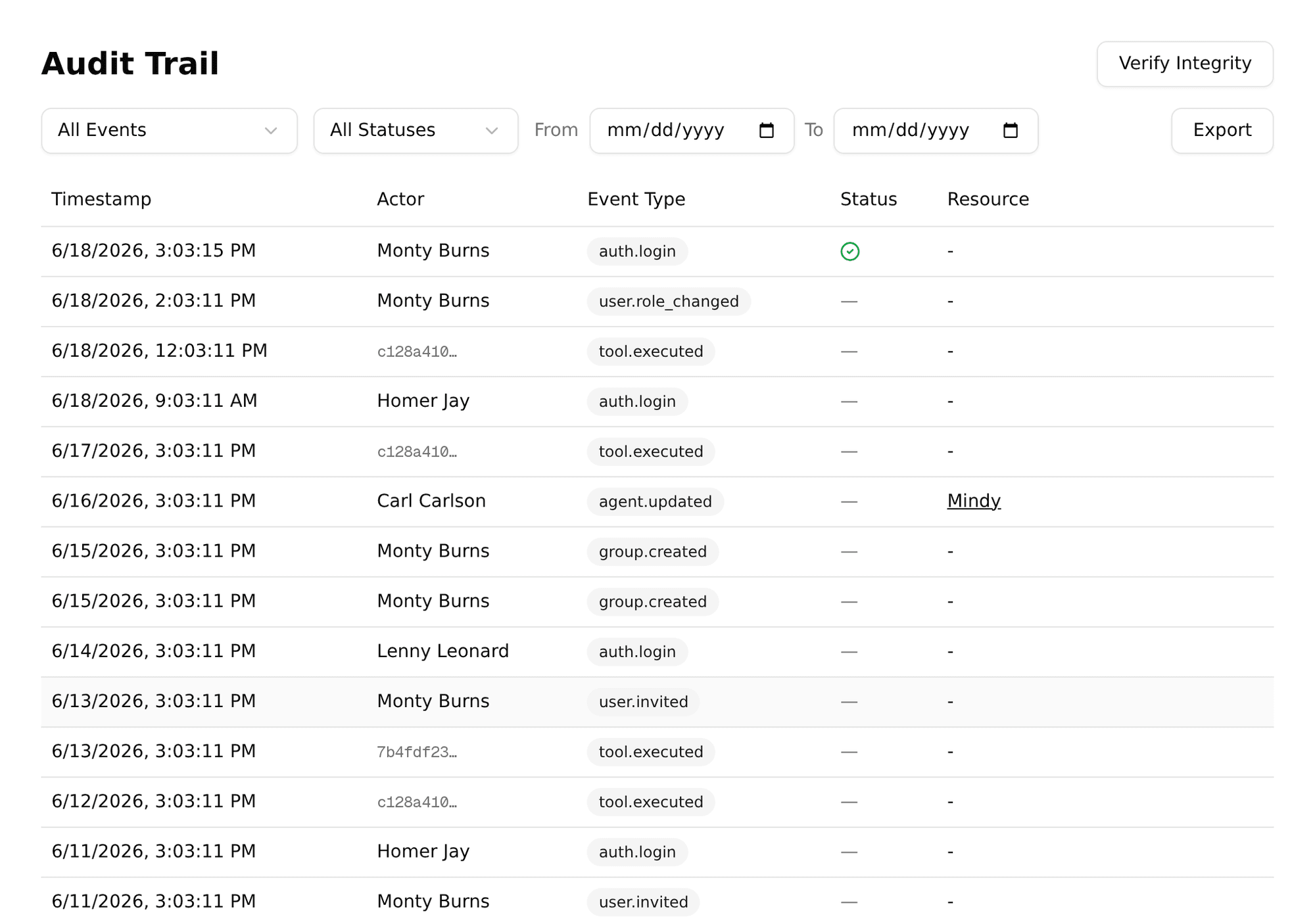
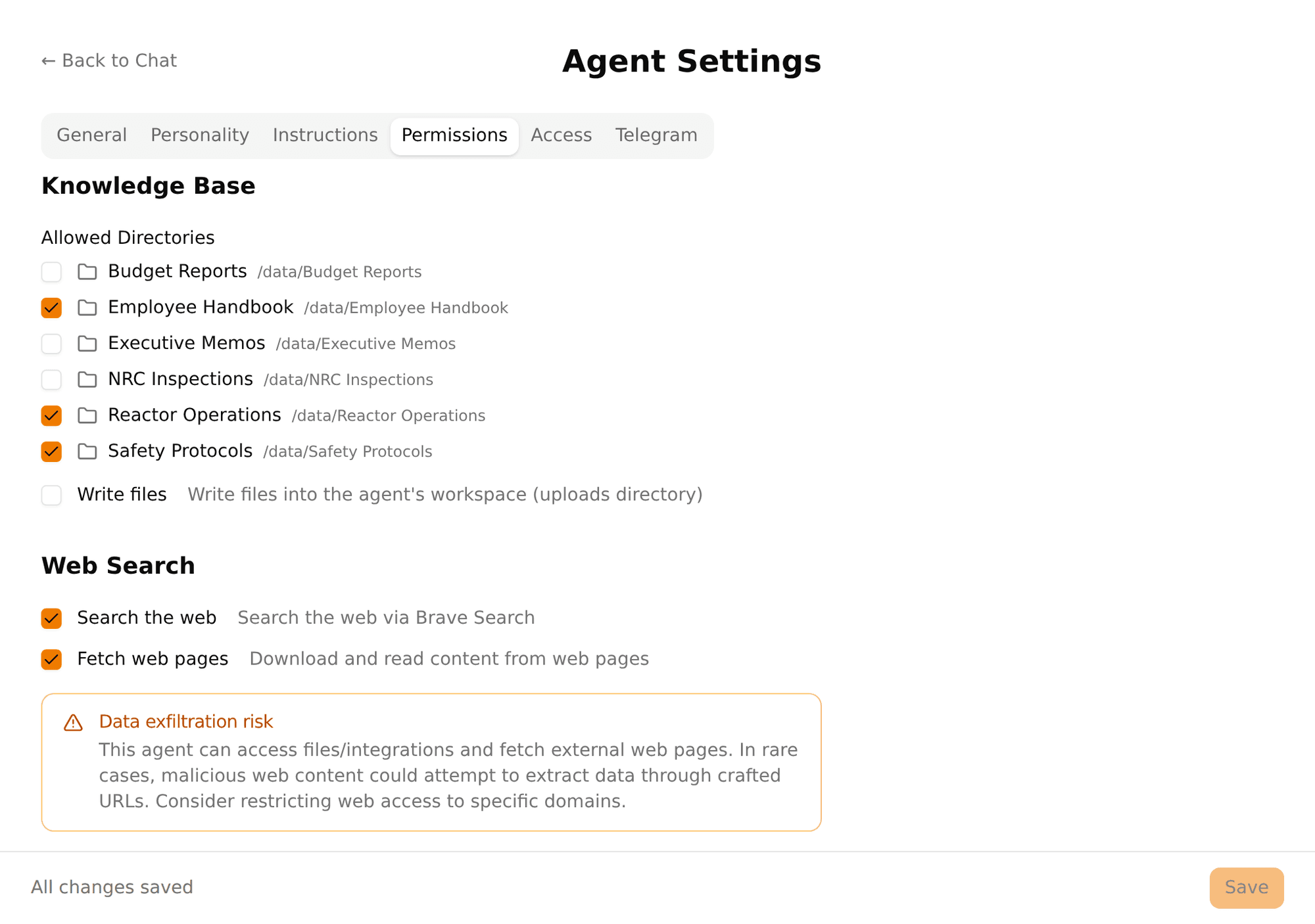
Pinchy wraps the OpenClaw agent runtime into a team-ready platform. It introduces a plugin system where agents get explicitly allowed tools rather than raw shell access, role-based access with admin and member roles plus group-level agent visibility, and a cryptographically signed audit trail recording every agent action. The web interface and per-agent Telegram bots enforce the same permissions. The software works with cloud models from OpenAI, Anthropic, and Google, or runs fully offline with local models through Ollama. Connectors cover Odoo ERP with ready-made agent templates, Gmail and Microsoft 365 email, generic IMAP/SMTP, web search via Brave Search API, and knowledge-base agents limited to specific document folders. Deployment uses a single Docker Compose file pulling pre-built images from GHCR; a first-run wizard creates the admin account. The Community edition is free under AGPL-3.0; a paid Pro tier (€99/month billed yearly) adds groups, agent access control, and per-user analytics through an offline license key. The project is early (v0.9.x) with more granular roles and a plugin marketplace planned.
Should you self-host pinchy?
pinchy scores 43/100 on selfhost.directory (how scoring works) and ranks #153 of 209 in AI Agents. It has 191 GitHub stars.
It shipped 14 stable releases in the past year. The latest, v0.9.1, came out on 4 August 2026. New versions land roughly every 4 days.
Setup is moderate: expect some configuration beyond a single command. An official Docker image is available. It is AGPL-3.0-licensed and written mostly in Typescript.
Its closest alternative on selfhost.directory is Activepieces (81/100, 25 264 stars). It scores higher overall, so compare the two before you pick. See pinchy vs Activepieces side by side.
Features
- Docker Compose Deployment
- Domain lock
- Email automations
- Email integration (Gmail, Microsoft 365, IMAP/SMTP)
- Knowledge base agents
- Multi-model support (OpenAI, Anthropic, Google, Ollama, OpenAI-compatible)
- Odoo ERP integration
- Per-agent tool permissions (allow-list)
- Role-based Access ControlGranular RBAC with custom roles on roadmap
- Smithers onboarding agent
- Tamper-evident audit trail
- Telegram bot per agent
- Usage and cost dashboardPer-user breakdown and CSV export are Enterprise features
- Web Chat UI
- Web search via Brave Search API
pinchy README
FAQ
Is this really open source?
Yes. Pinchy's core is licensed under AGPL-3.0 with full source on GitHub. The Community edition is fully functional; a paid Pro tier unlocks team-governance features via a license key, not closed code.
Do I need to be technical to set this up?
You need to be comfortable with Docker Compose. Run one command, configure via the admin dashboard. Five minutes from zero to running agents.
Can I run this completely offline?
Yes. Pair Pinchy with a local model via Ollama, grant no external integrations, and nothing leaves your network.
How much does it cost to run AI agents?
Docker hosting is free on your own servers. API costs typically run $1 to $150/month per agent depending on model choice and usage volume.
Is OpenClaw secure enough for enterprise use?
Not on its own — OpenClaw gives agents full system access with no permission layer. Pinchy adds Docker isolation, per-agent allow-list permissions, basic RBAC, group-based visibility, and HMAC-signed audit trails. Granular RBAC and SSO/SAML are on the roadmap.
More in Enterprise
 SuiteCRMSuiteCRM - Open source CRM for the world
 TYPO3The TYPO3 Core - Enterprise Content Management System. Synchronized mirror of https://review.typo3.org/q/project:Packages/TYPO3.CMS
 WikiSuiteWikiSuite is the most comprehensive and integrated Open Source enterprise solution, offering a suite of tools for communication, collaboration, data management, and more.
 ClovaLinkClovaLink is a self-hosted, open-source multi-tenant file platform with HIPAA/SOX/GDPR modes, RBAC, and S3 storage as a Box/Dropbox alternative.
 DrupalDrupal is a free, open-source content management system (CMS) used to build and manage websites and digital experiences. It is highly flexible and scalable, suitable for everything from personal blogs to enterprise-level applications.
 linshareLinShare is a self-hosted, open-source secure file sharing platform for organizations. Features audit trails, LDAP/SSO, mobile apps, and AI assistant support via MCP.
0 comments