
Self-host OpenSave
v2.4.1Game save sync across devices — Steam Cloud for every title
- Stars
- 241
What is OpenSave?
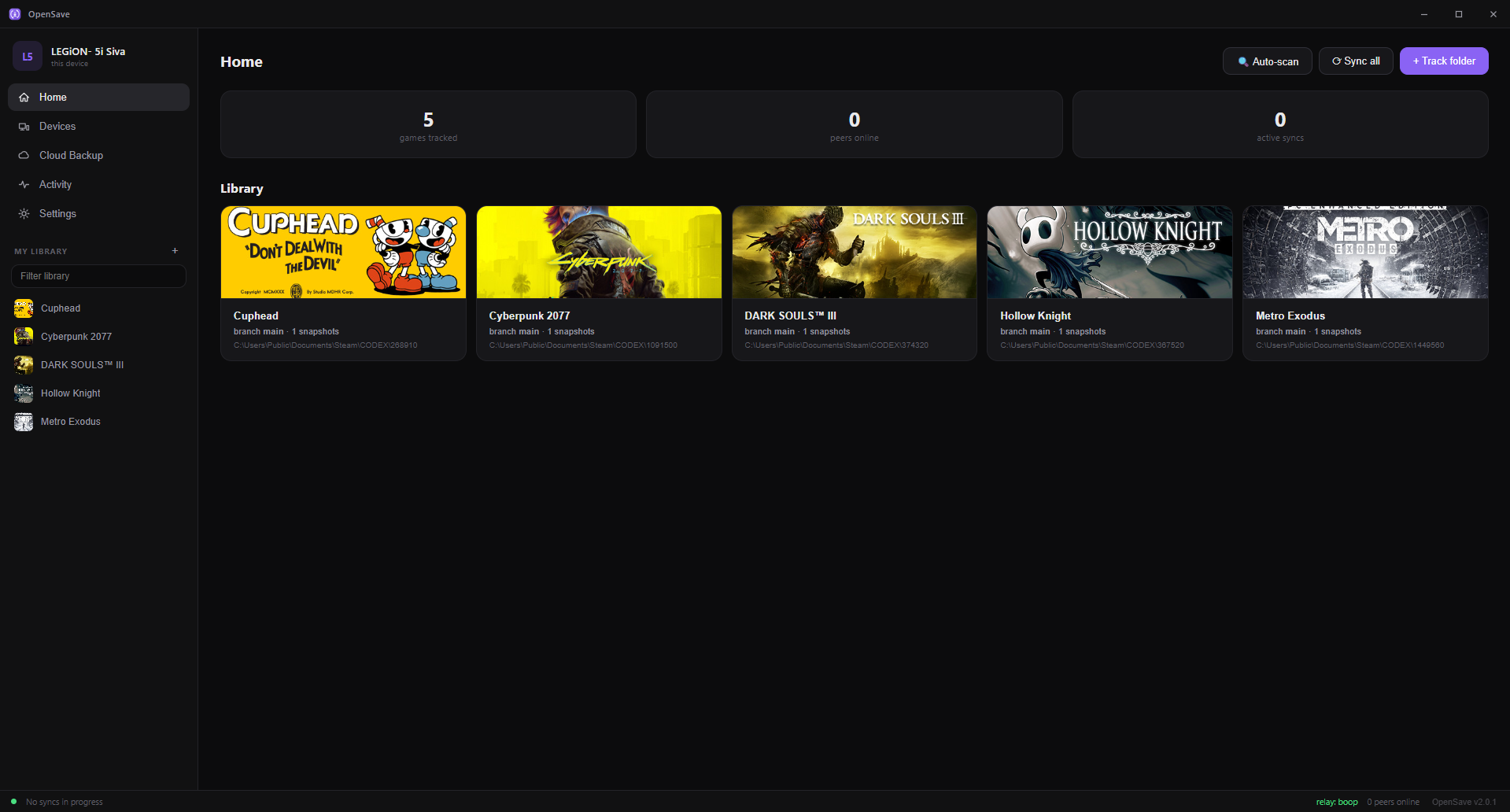
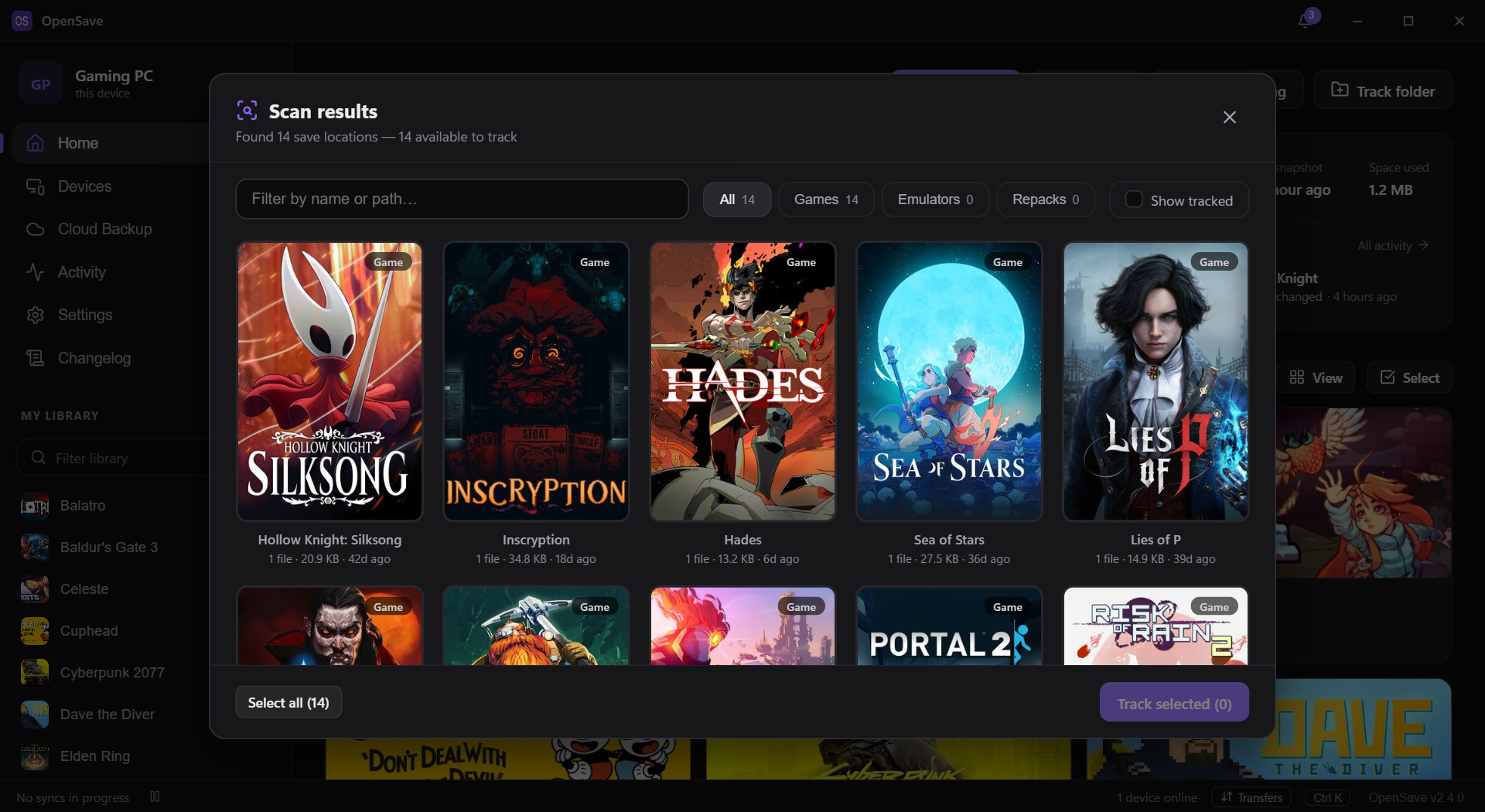
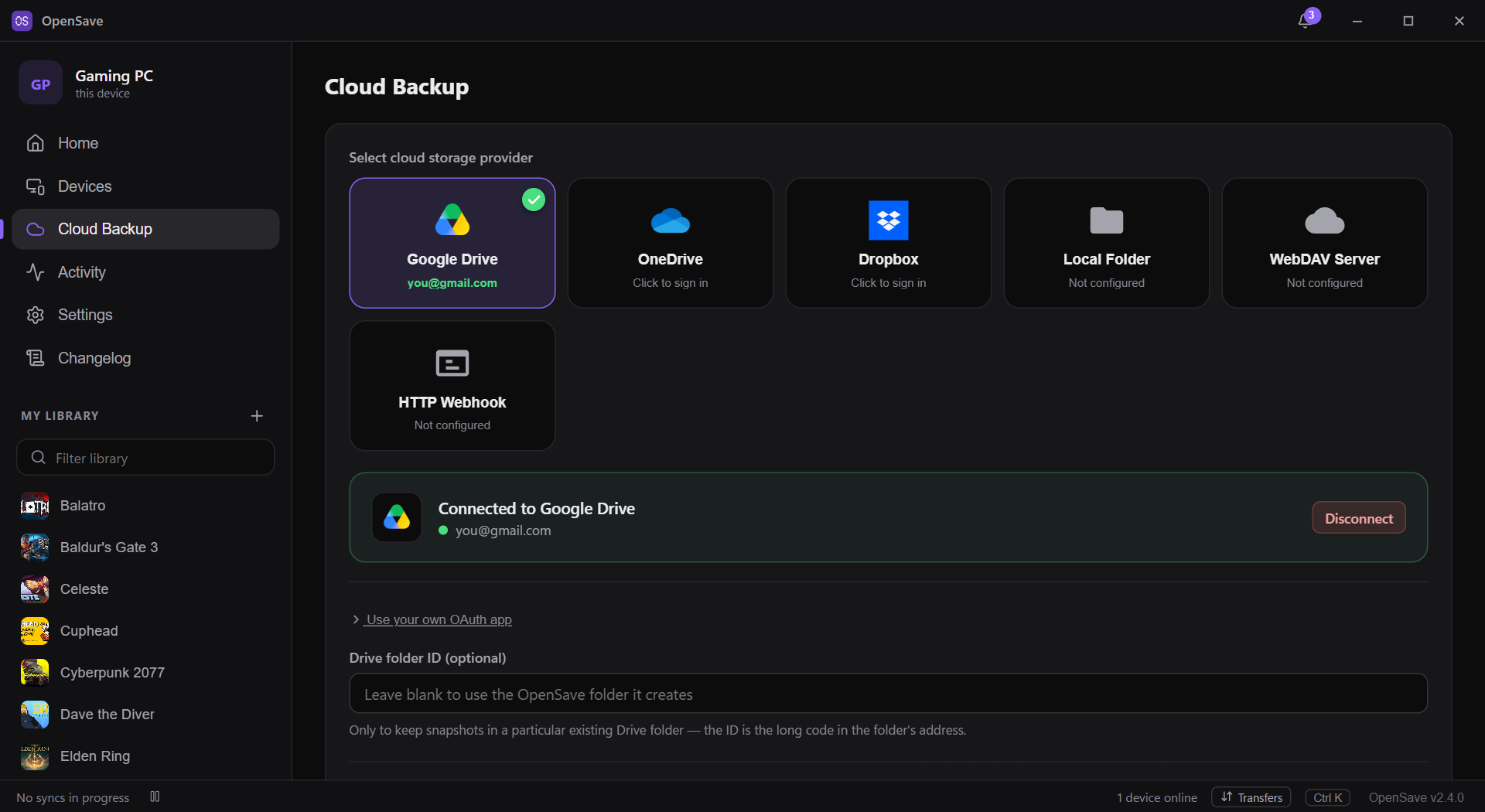
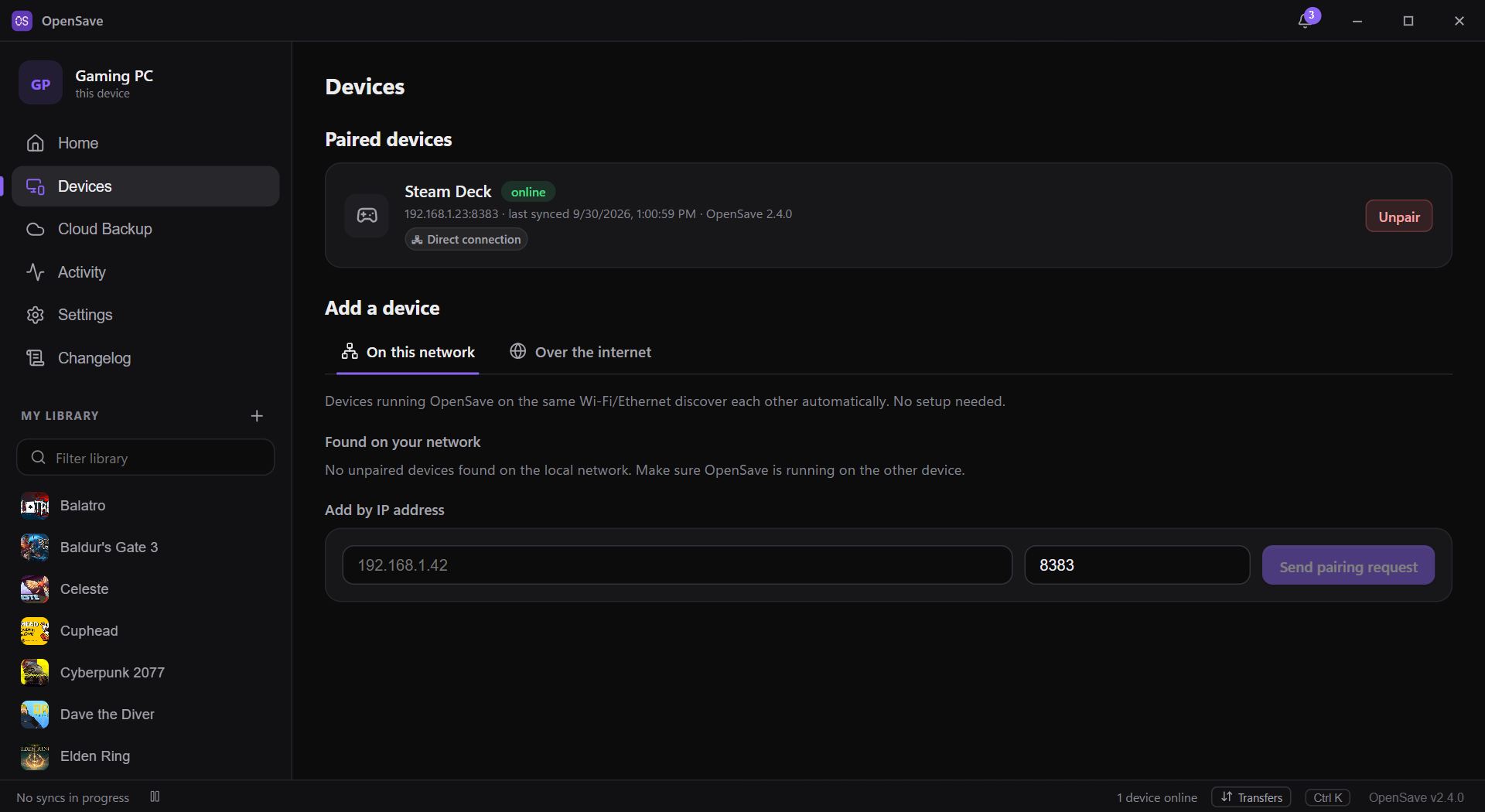
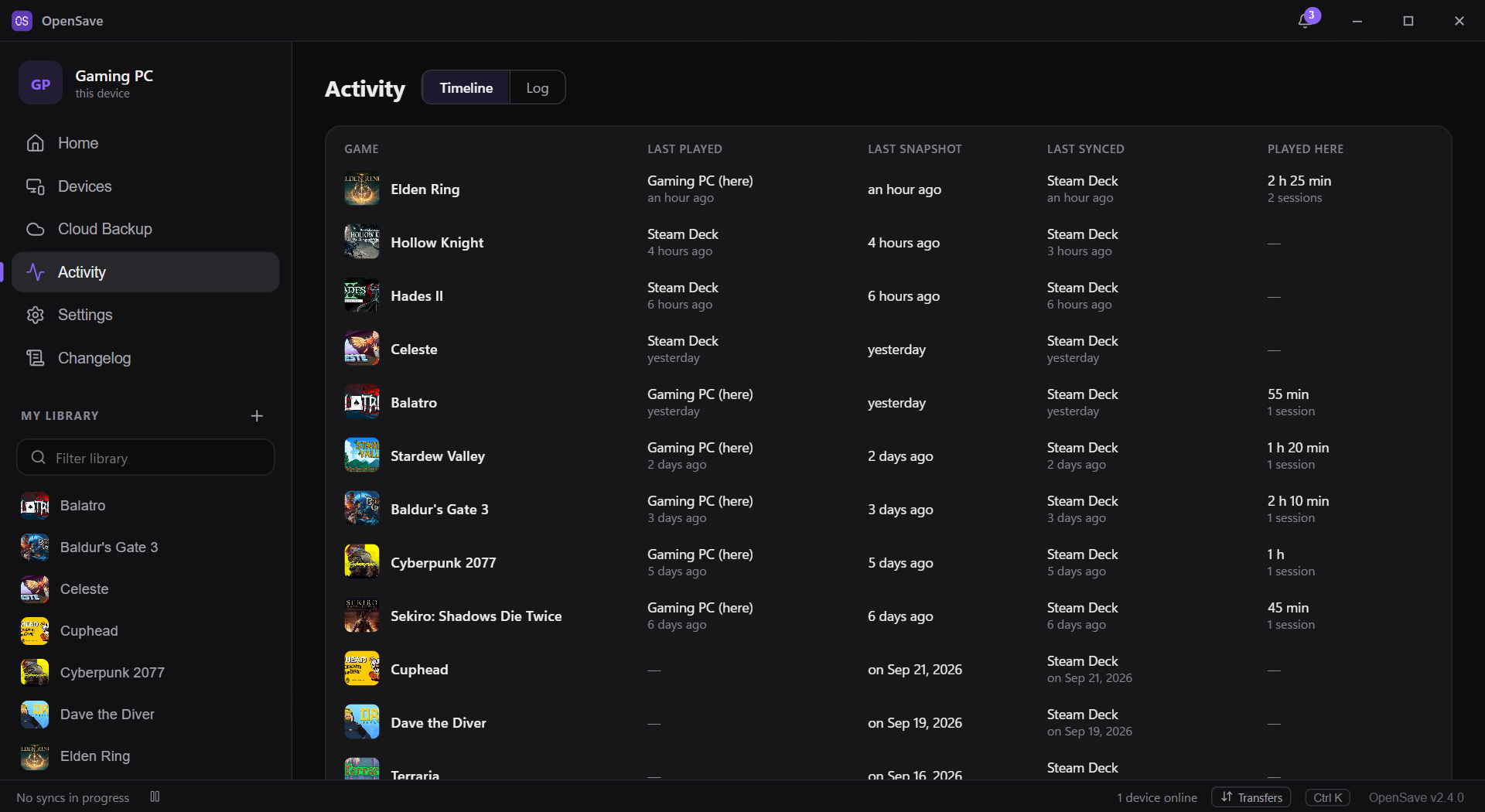
OpenSave keeps your game progress synchronized across every computer and handheld you own. It automatically locates save folders for over 20,000 titles from Steam, emulators, store launchers, and repack releases. When a game writes a file, only the altered data chunks move to your other machines — either directly on the same network or via a relay you control. Each change becomes a numbered snapshot, letting you restore an entire save or just one file, and even maintain separate playthroughs on different branches. When two devices edit the same save offline, the software spots the divergence using shared history and asks which version to preserve. You can also mirror snapshots to cloud storage providers or a local NAS. The program is a single Go executable with a built-in interface, plus a headless daemon and CLI for servers. All information stays in a local SQLite database and snapshot archives. The relay is stateless, keeps no data, and since version 2.4.0 forwards only end-to-end encrypted traffic.
Should you self-host OpenSave?
OpenSave scores 52/100 on selfhost.directory (how scoring works) and ranks #26 of 62 in Game Servers. It has 241 GitHub stars.
It shipped 4 stable releases in the past year. The latest, v2.4.1, came out on 2 October 2026. New versions land roughly every 2 days.
Setup is moderate: expect some configuration beyond a single command. It is MIT-licensed and written mostly in Go.
Its closest alternative on selfhost.directory is Hoard (48/100, 194 stars). OpenSave scores higher overall. See OpenSave vs Hoard side by side.
Features
- Activity timeline
- Auto-detection of 20,000+ games
- Block-level delta sync
- Conflict detection by sync lineage
- Cross-device game matching
- Desktop notifications
- End-to-end encryption over relay
- Exclude patterns per game
- Flatpak for Steam Deck
- Headless daemon and CLI
- In-app Updates
- Optional cloud backup
- Peer-to-peer save synchronization
- Self-hostable relay server
- Snapshot history with rollback
OpenSave README
FAQ
Can I use it without a GUI?
Yes. The headless daemon + opensave-cli covers scan, add, status, snapshot, rollback, branch, and checkout — ideal for servers, NAS boxes, and scripts.
Does it work on Steam Deck?
Yes. There's an official Flatpak that runs on stock SteamOS in Desktop Mode. It automatically finds saves inside Proton prefixes along with native Linux and emulator saves.
Is my data encrypted in transit?
Over the relay, yes — end to end as of v2.4.0: save data is sealed with a key derived from the two devices' own keys when they paired. LAN sync is direct and not encrypted.
Can old (JS) and new (Go) versions talk to each other?
Yes, during the transition. They share the same wire protocol and your data migrates automatically.
Does it work with non-Steam or emulated games?
Yes. If it writes a save to disk, OpenSave can track it — Steam, emulators, GOG, Epic, and repacks are auto-detected; anything else you can add by path.
What if two devices change the same save while offline?
OpenSave detects the divergence by sync lineage and asks you to keep yours, theirs, or both on a new branch. It never silently overwrites.
Is it really free?
Yes — free and MIT-licensed open source. No pro tier, no subscription, no ads, no telemetry.
Do I need a server or an account?
No. Devices sync directly with each other. The optional relay only matters for syncing across the internet, and you can self-host it with a single binary.
More in File Sync
 perkeepPerkeep is an open-source, self-hosted personal storage system for keeping, syncing and sharing content, with search, a web UI, FUSE mounts and cloud blob backends.
 seafile-serverSeafile Server is a self-hosted open-source platform for file synchronization, sharing, and collaborative document editing with end-to-end encryption and team workspaces.
 self-hosted-livesync-serverSelf-hosted CouchDB server pre-configured with Caddy for automatic Let's Encrypt SSL and CORS support, designed for Obsidian's Self-hosted LiveSync plugin.
 SynchSynch is a self-hosted, open-source alternative to Obsidian Sync that encrypts notes locally before syncing across devices with version history and conflict merging.
 Sync-inSync-in is a self-hosted, open-source workspace for file storage, sharing, sync and team collaboration, with WebDAV, OIDC/LDAP sign-in and online office editing.
 SyncthingSyncthing is a self-hosted, open-source file sync tool that syncs directly between devices using encrypted P2P connections, no central server.
 TurtlOpen-source, self-hosted backend server for Turtl clients: account management, data storage, syncing, sharing permissions and a plugin architecture, on Node and Postgres.
 UnisonSelf-hosted, open-source two-way file synchronizer for Linux, BSD, macOS and Windows replicas, with conflict detection, profiles, backups and a continuous watch mode.
 VaultSyncVaultSync syncs Obsidian vaults peer-to-peer between iPhone/iPad and a personal server via Syncthing, with optional Cloud Relay for faster background wake-ups.
 yet-another-rclone-dashboardSelf-hosted, open-source web UI for managing rclone remotes, browsing files, monitoring transfers, and controlling the rclone RC daemon with dark mode and PWA support.
 zotero-webdav-serverA self-hosted WebDAV server using Caddy and Tailscale that enables file syncing for Zotero desktop and iOS apps without relying on Zotero's paid storage.
 abs-kosync-bridgeBookBridge is a self-hosted, open-source sync engine aligning reading and listening progress across Audiobookshelf, KOReader, Grimmory, BookOrbit. Runs in Docker.
0 comments