
Self-host Hoard
v1.3.0Game save backup and sync with full version history
- Stars
- 194
- Port
- 12421 (HTTP API and web panel)
ghcr.io/rleeon/hoard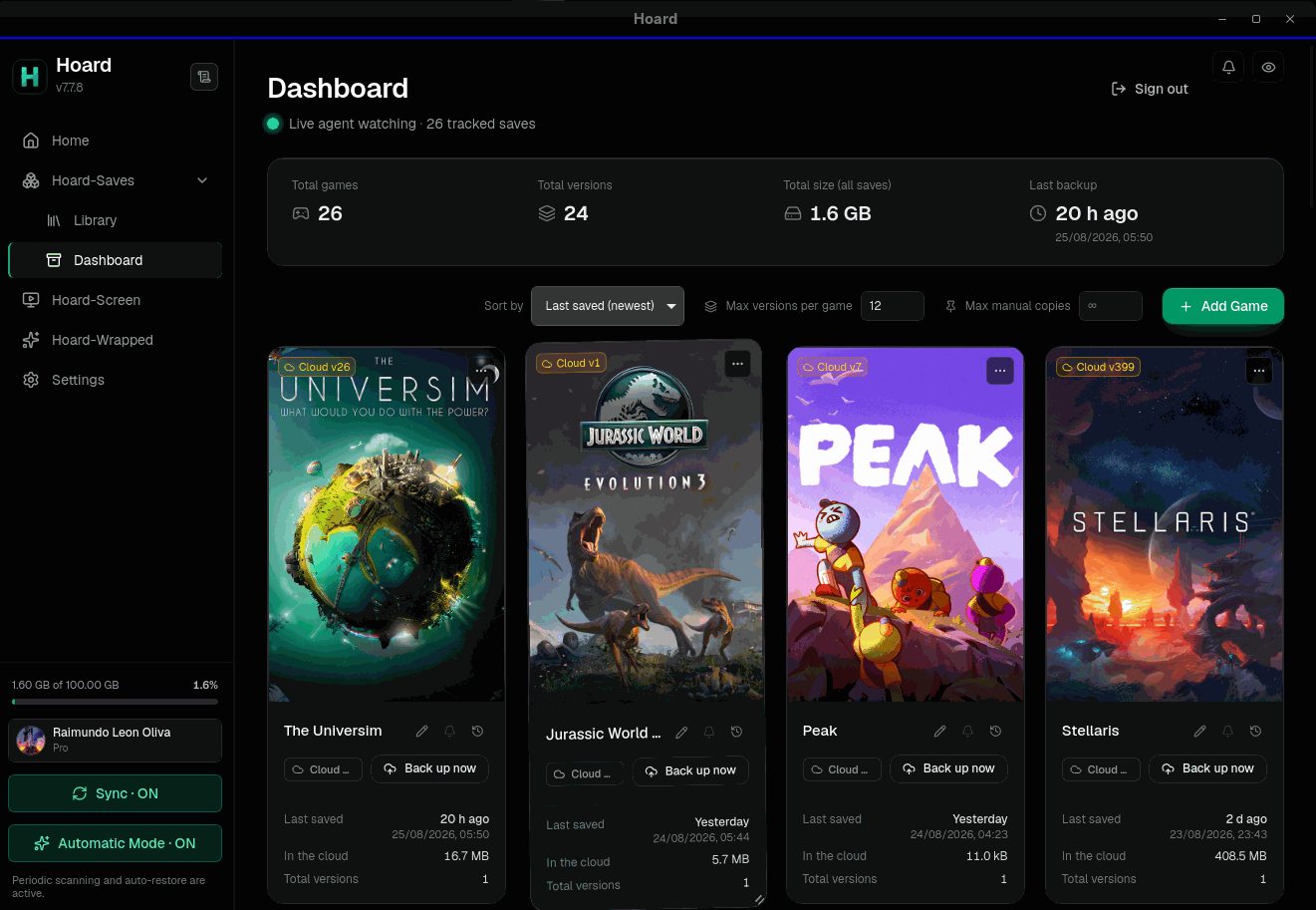

What is Hoard?
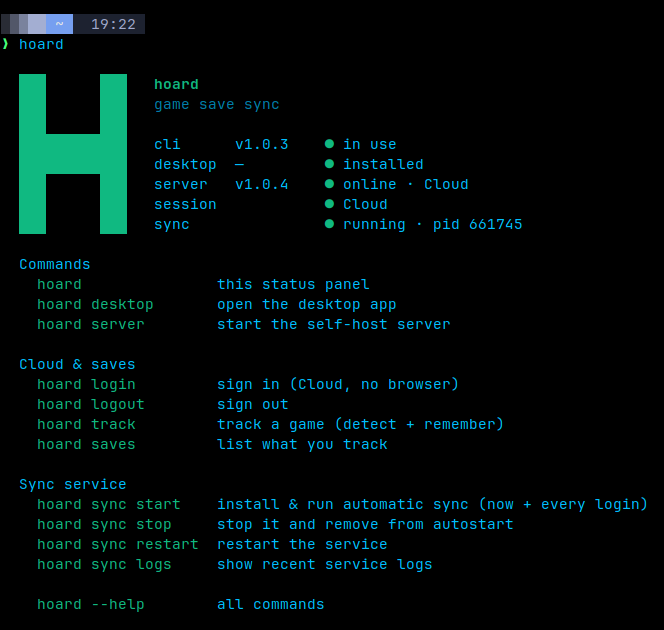
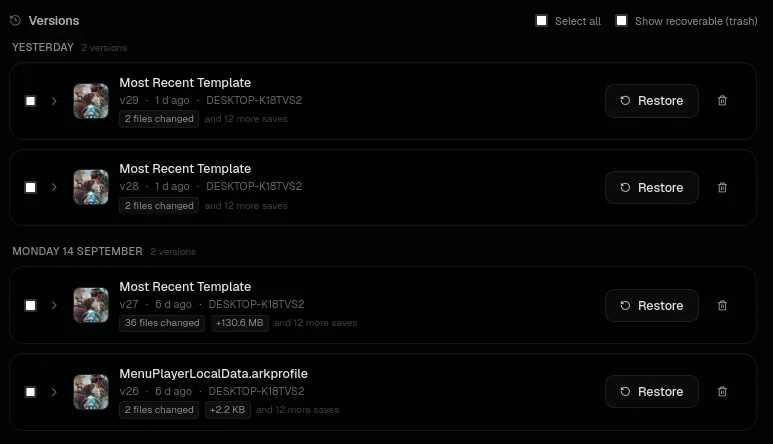
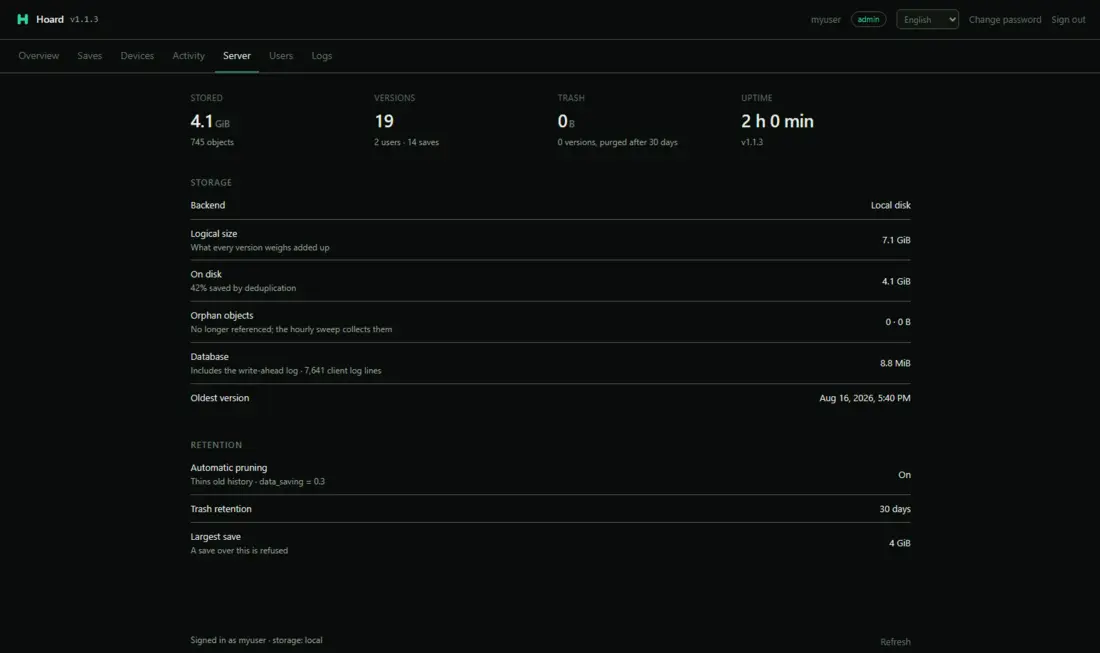
Hoard is an AGPL-3.0 licensed game save backup and sync application. It finds over 20,000 titles automatically through the Ludusavi database, including games from Steam, Epic, GOG, and Xbox launchers, plus Proton and Wine prefixes and more than 20 emulators such as PCSX2, RPCS3, Dolphin, and RetroArch. Each time you quit a game, Hoard takes a snapshot with SHA-256 checksums on every file, and content-addressed storage keeps the disk footprint small — storing ten revisions of a 2 GB save requires only about 2 GB of space. The software bundles a background daemon (hoardd), a command-line interface (hoard), and a graphical desktop client, all deployed by a single installer. You can run the server yourself on any Linux box, NAS, or Raspberry Pi using Docker, Docker Compose, an Unraid template, or a systemd service; it stores metadata in SQLite and save blobs either on the local filesystem or in any S3-compatible object store. There are no accounts, quotas, or telemetry when self-hosted. The server exposes its API and a web admin panel on port 12421. A hosted Hoard Cloud option exists with a 2 GB free tier, but self-hosting imposes no limits.
Should you self-host Hoard?
Hoard scores 49/100 on selfhost.directory (how scoring works) and ranks #6 of 15 in Backup Management. It has 194 GitHub stars.
It shipped 10 stable releases in the past year. The latest, v1.3.0, came out on 25 October 2026. New versions land roughly every 9 days.
Setup is moderate: expect some configuration beyond a single command. An official Docker image is available. It is AGPL-3.0-licensed and written mostly in Rust.
Its closest alternative on selfhost.directory is OpenSave (52/100, 241 stars). It scores higher overall, so compare the two before you pick. See Hoard vs OpenSave side by side.
Features
- AI Agent IntegrationOptional; Hoard works the same without it
- Auto-detection of 20,000+ games
- Automatic blob store repair
- Conflict-aware sync
- Content-hash deduplication
- Cross-platform sync
- Emulator Support
- Export saves in game's own format
- Headless CLI and background service
- Self-hosted storage with S3 support
- SHA-256 file verification
- Snapshot pruning with data saving
- Versioned snapshots
- Web Admin Panel
Hoard README
More in Backup Management
 JoulenapSelf-hosted scheduler that wakes Proxmox Backup Servers, runs backups, applies retention and GC, then powers them down — keeping servers asleep 23 hours a day.
 opnborgSelf-hosted daemon that backs up, monitors, and audits OPNsense firewalls via WebUI, with AI security audit, git history, and fleet config sync.
 PhotoMigratorPhotoMigrator is a self-hosted, open-source tool for migrating photos between cloud services and processing Takeout archives. Offers web, desktop, terminal, CLI.
 plutonOpen-source, self-hosted backup using Restic and Rclone for encrypted incremental backups across 70+ cloud providers with web UI, 3-2-1 replication, and 2FA.
 portabaseSelf-hosted, open-source database backup tool where agents dump PostgreSQL, MySQL, MongoDB and more on a cron, with GFS retention, S3/SFTP storage and restores.
 proxcenter-uiSelf-hosted, open-core platform for managing Proxmox VE clusters and PBS — a VMware vCenter alternative with multi-cluster monitoring, automation, and multi-tenancy.
 ProxMenuxOpen-source menu-driven toolkit for Proxmox VE with self-hosted web dashboard for post-install setup, backup/restore, and health monitoring of homelab infrastructure.
 PVE-UPSSelf-hosted UPS monitor that shuts down Proxmox VE/Backup Server via API tokens. Browser wizard, SNMP/NUT support, no agents or config files.
 restic-rest-serverSelf-hosted HTTP server implementing restic's REST backend API for secure remote backups with authentication, TLS, append-only mode, and Prometheus metrics.
 shieldSHIELD is an open-source, self-hosted backup and restore solution protecting PostgreSQL, MySQL, MongoDB, Redis, Consul, and etcd with encrypted cloud storage.
 St0rSt0r is a self-hosted, open-source web UI enhancing UrBackup with a modern dashboard, multi-customer support, file recovery, and offsite replication — free, MIT-licensed.
 unraid-duplicate-file-handlerSelf-hosted web tool for Unraid that scans drives for duplicate files by relative path, lets you choose copies to keep, then deletes or moves extras with progress.
0 comments