
Self-host openase
v0.8.0Ticket-driven AI agent platform for software engineering
- Stars
- 269
- RAM
- 8 GB RAM recommended for frontend build
- Port
- 19836 (HTTP control plane and API server)
What is openase?
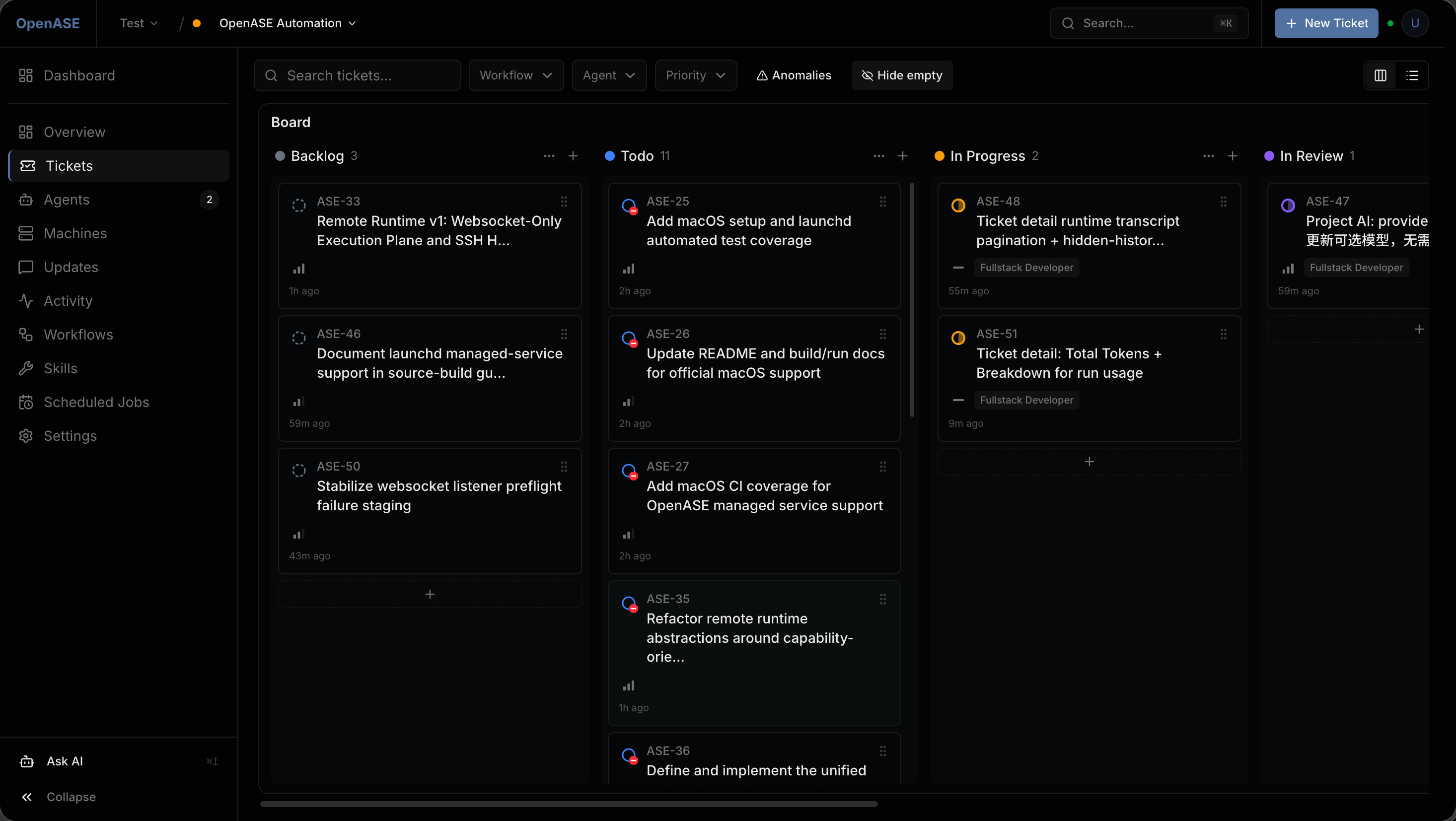
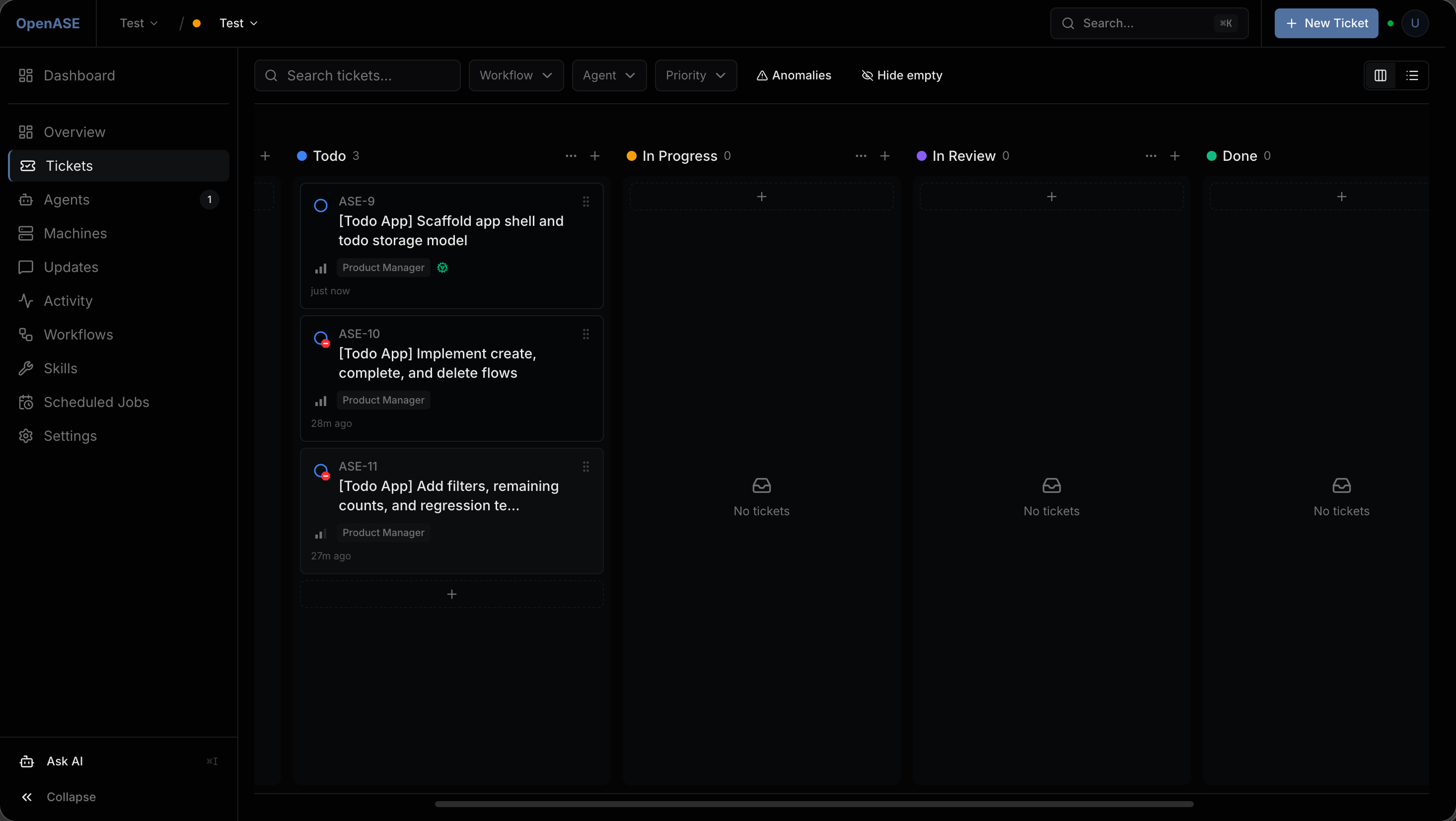
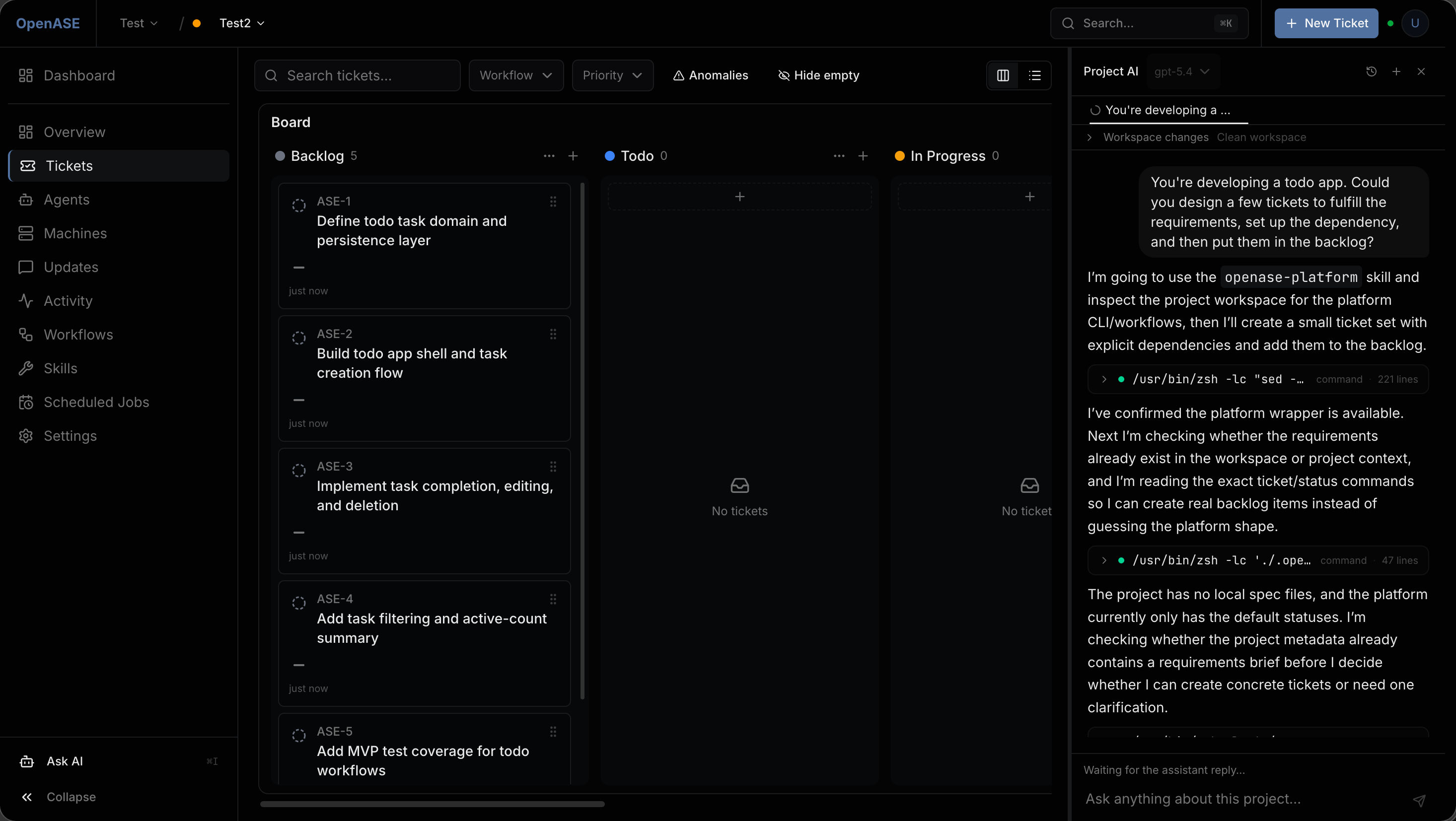
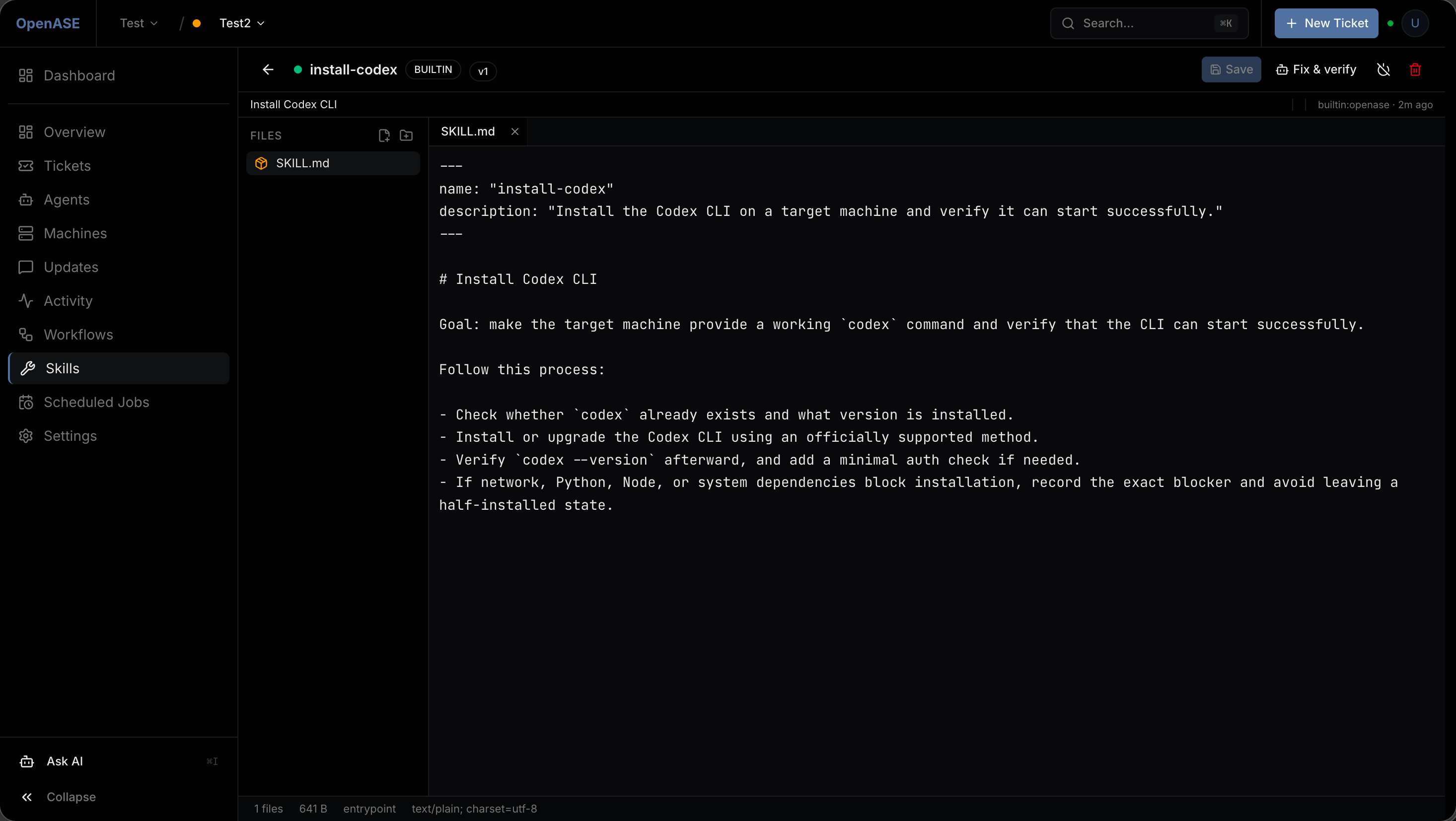
OpenASE is a unified platform for ticket-driven automated software engineering. Developers create tickets that AI agents automatically claim and run workflows on registered machines, producing results with full activity tracing. The platform ships as a single Go binary containing an embedded SvelteKit web UI, so no Node.js is needed at runtime. It works with several AI agent command-line tools and streams their output in real time via SSE. Key capabilities include a Kanban board with parent/child ticket tracking, a workflow engine using Markdown harness documents and skill binding, machine management (local, direct-connect, reverse-connect over WebSocket), OIDC authentication with RBAC, GitHub webhook ingestion, and live activity streams. PostgreSQL is required as the database. Installation options include a one-command shell script, building from source, or running as a managed user service (systemd on Linux, launchd on macOS). The control plane defaults to port 19836. The project is not intended for public-facing deployment and targets local development, private networks, and trusted environments.
Should you self-host openase?
openase scores 47/100 on selfhost.directory (how scoring works) and ranks #64 of 125 in AI. It has 269 GitHub stars.
It shipped 8 stable releases in the past year. The latest, v0.8.0, came out on 13 May 2026. New versions land roughly every 2 days.
Setup is advanced: plan for several services and some ongoing maintenance. It is Apache-2.0-licensed and written mostly in Go.
Its closest alternative on selfhost.directory is ComfyUI (93/100, 143 714 stars). It scores higher overall, so compare the two before you pick. See openase vs ComfyUI side by side.
Features
- GitHub Integration
- Machine Management
- Multi-agent Support
- Multi-organization SupportCross-org collaboration is WIP
- Observability
- OIDC Authentication
- Project AI Assistant
- Scheduled jobs
- Skill System
- Ticket-Driven Orchestration
- Workflow Engine
openase README
FAQ
How to test a scheduled job?
Use Manual Trigger to execute immediately without waiting for the next scheduled time.
Scheduled job didn't create a ticket on time?
Confirm the job is in Enabled status, check if the cron expression is correct by verifying Next Run Time, and confirm the bound workflow still exists and hasn't been retired.
Machine shows "Offline"?
Confirm the machine is powered on with network connectivity, check if SSH service is running, verify SSH port and username are correct, and click Test Connection on the Machines page for diagnostics.
Will retiring a workflow affect existing tickets?
Yes, retiring a workflow affects existing tickets. Check the impact analysis to see which tickets and scheduled jobs are using that workflow, and use the Replace References feature to batch-migrate to a new workflow.
How to write a good Harness?
Define a clear role, provide specific steps, set acceptance criteria, and use template variables to inject ticket context.
How to recover an accidentally archived ticket?
Go to Settings → Archived Tickets, find the target ticket and click Restore.
How to have different types of tickets handled by different agents?
Create multiple workflows, each bound to a different agent, and select the appropriate workflow when creating tickets.
Ticket stuck in "In Progress" for a long time?
Check Activity logs for latest events, view Agent Run details for errors, confirm the target machine is online with sufficient resources, and check if the workflow has TimeoutMinutes configured.
What to do when an agent execution fails?
Check error events in Activity, view Agent Run output logs, verify the target machine is online with sufficient resources, and check the workflow harness instructions for correctness.
Agent was created but doesn't execute tickets?
Check if there is an available machine with healthy status, if the workflow has pickup statuses correctly bound, if the ticket's current status is in the workflow's pickup status list, and if the agent is in Active status.
More in Application Management
 OpengeniOpengeni is an open-source, self-hostable agentic service for AI agents with durable sessions and human approvals.
 openrunA self-hosted GitOps platform that deploys web apps to Docker or Kubernetes using declarative config, with built-in SSO, RBAC, and database bindings.
 OpenshipSelf-hosted open-source PaaS: hand it a repo, a folder or an artifact and it detects your stack, builds it, then serves it on your domain with free certificates.
 osInfinite OS is a self-hosted, open-source hosting environment that runs in a single container with a cPanel-like dashboard to deploy apps without Dockerfiles.
 OxMgrSelf-hosted Rust process manager replacing PM2 — runs any executable on Linux, macOS, Windows with health checks, resource limits, and a live terminal dashboard.
 PhreshOSA self-hosted platform that runs web apps on your hardware and serves a browser desktop for people and AI agents to use them together.
 pm2-hawkeyeSelf-hosted, open-source dashboard to monitor PM2 processes with live CPU/memory metrics, log streaming, one-click restart, and alerting via webhooks or ntfy.
 powerlabPowerLab is a self-hosted, open-source home server panel managing Docker apps, files, and monitoring with a curated 137-app store and built-in MCP server for AI agents.
 ptah-serverSelf-hosted Fair Source PaaS replacing Heroku/Vercel, using Docker Swarm for apps, databases, backups, and SSL. Archived, development paused.
 pwnflowPwnflow is a self-hosted, open-source mind-mapping platform for cybersecurity professionals to visualize and track security testing methodologies with AI assistance.
 QuantumRun your own Platform-as-a-Service: deploy GitHub projects, databases, templates, and Compose stacks on a private server with a web UI.
 QuickStackA free, open-source platform you host yourself that replaces Vercel or Heroku — deploy apps and databases on your own hardware with automatic HTTPS and backups.
0 comments