
Self-host Quantum
v2.1.2Self-hosted PaaS for apps, databases, and compose stacks
- Stars
- 477
- Ports
- 5050 (web dashboard), 7080 (API)
- Requires
- Docker
What is Quantum?
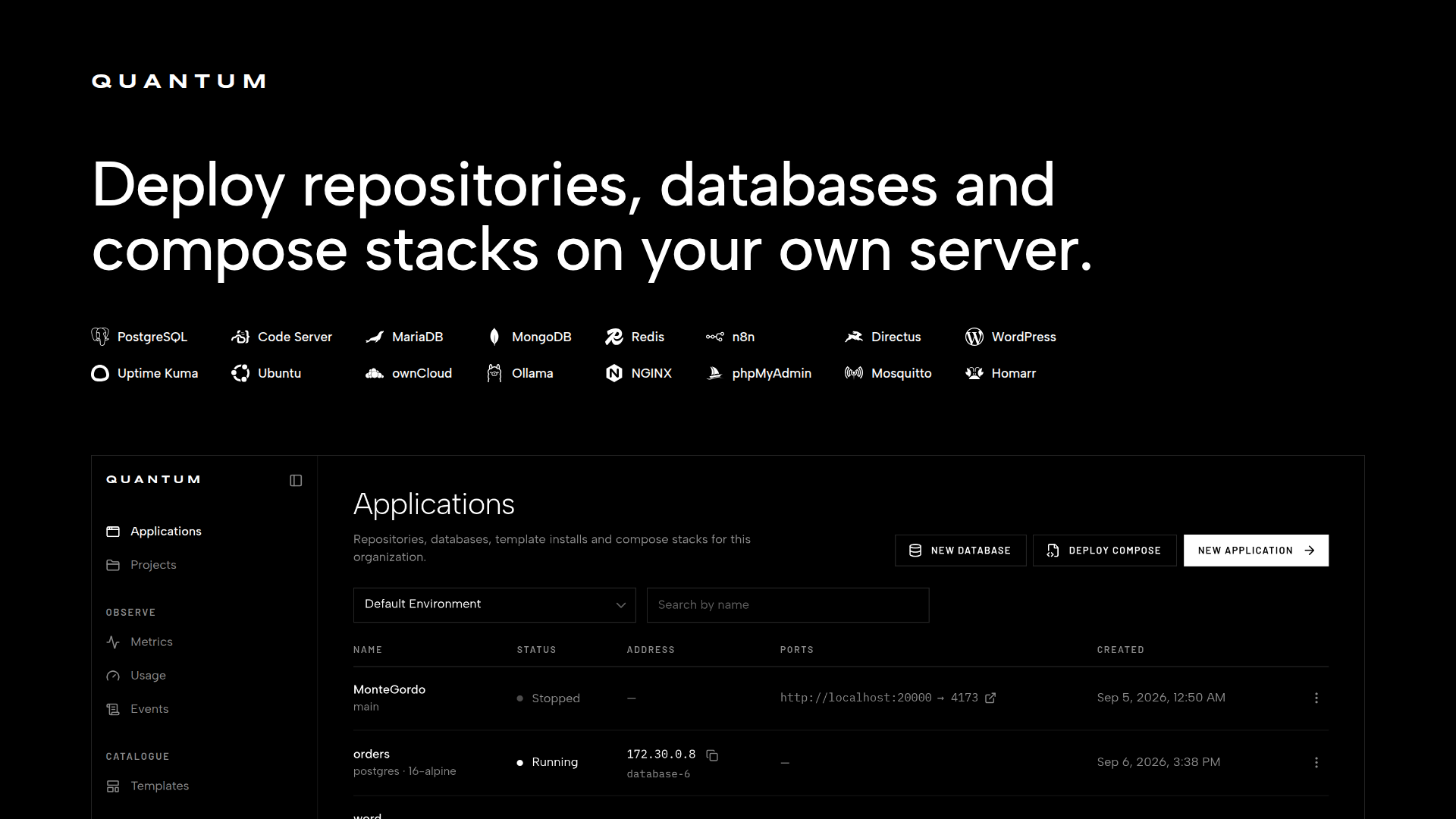
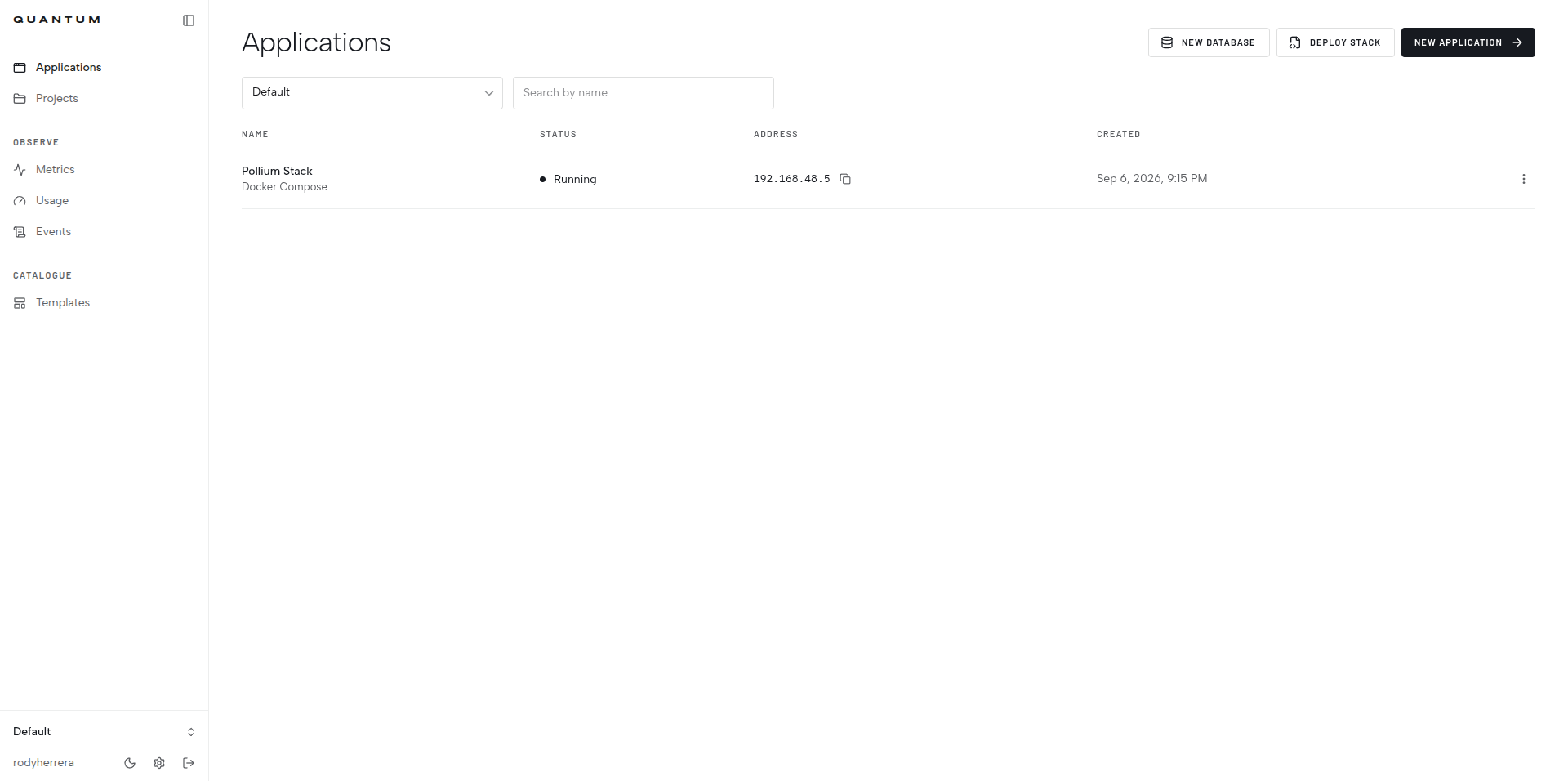
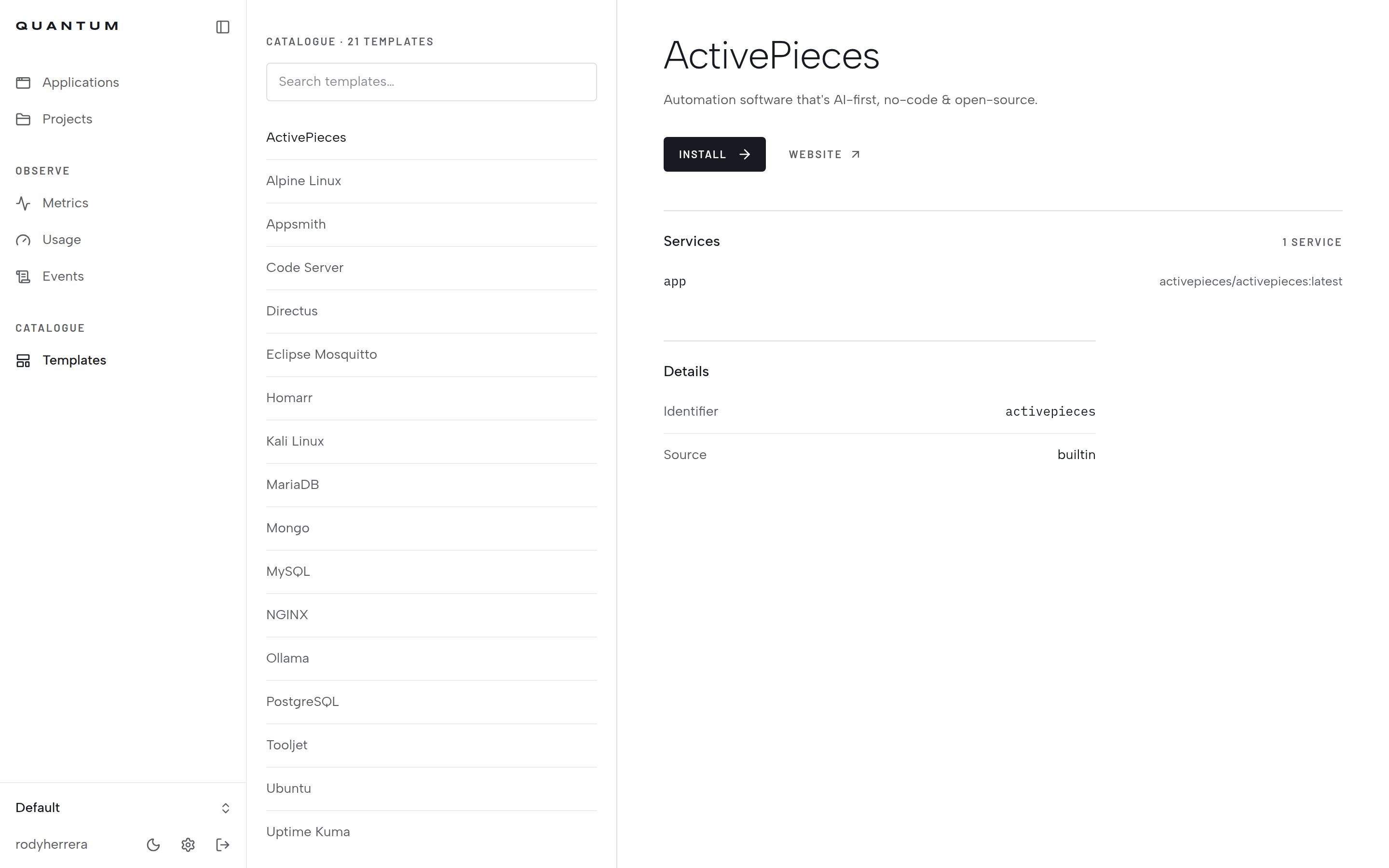
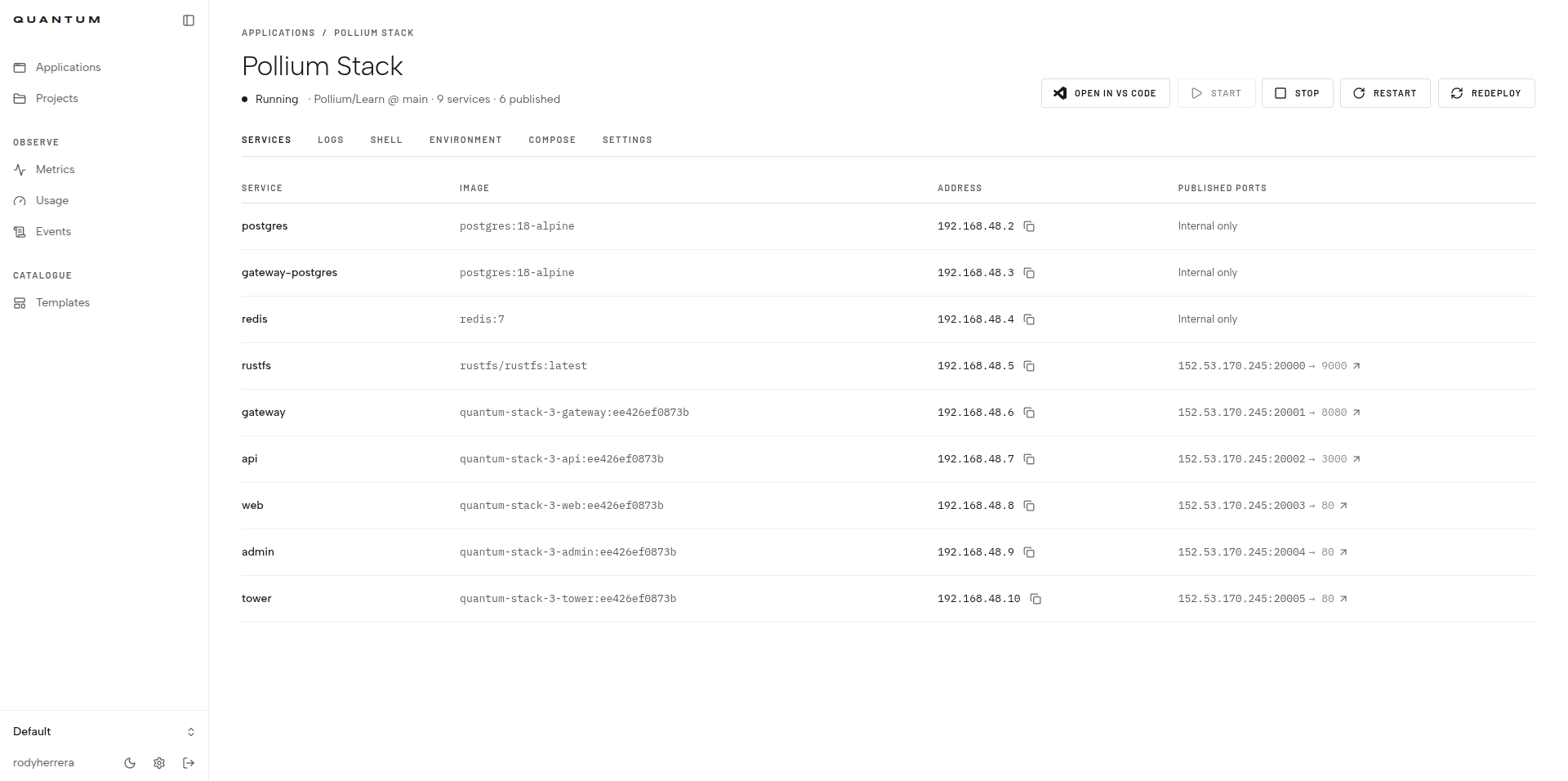
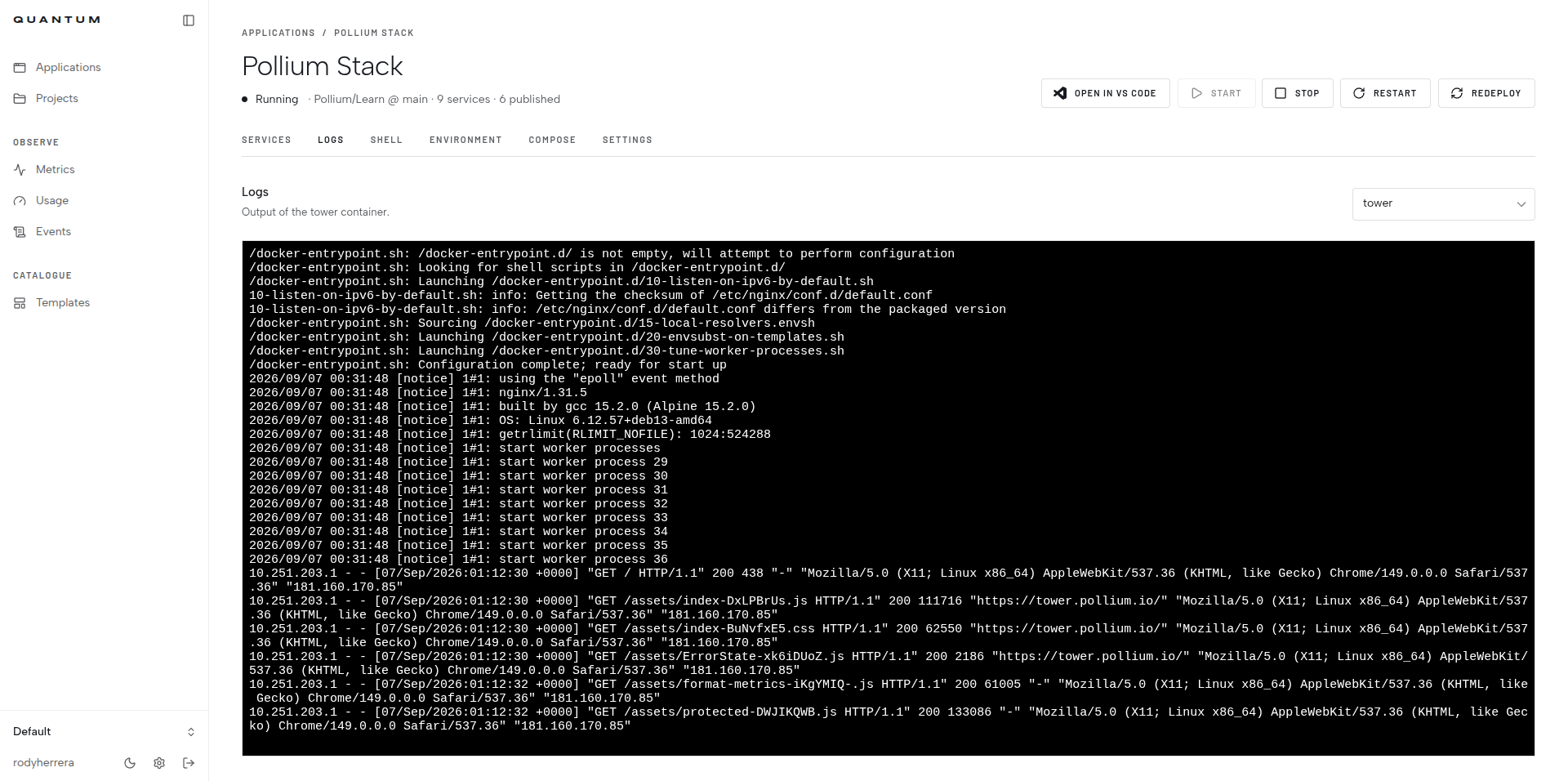
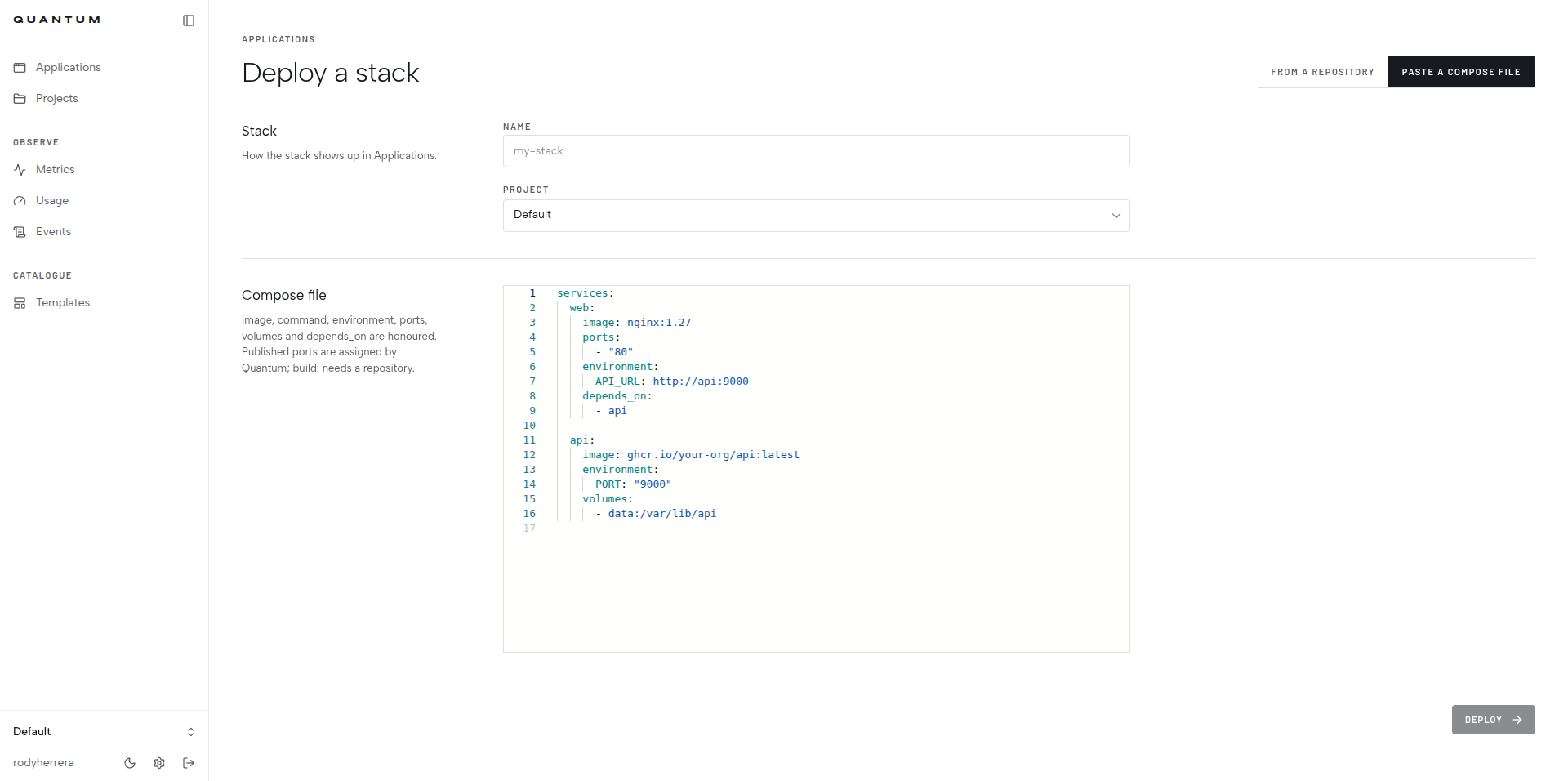
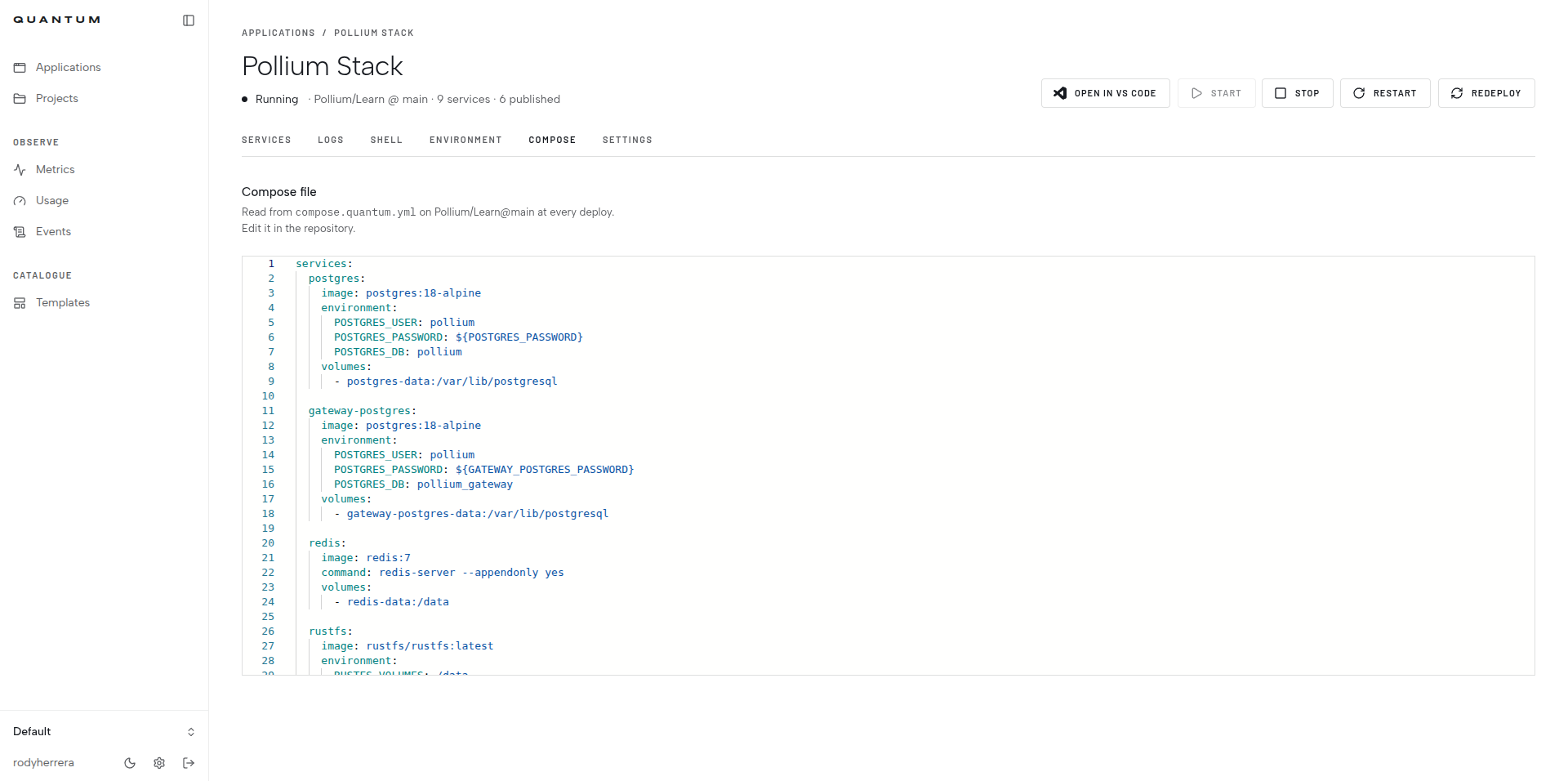
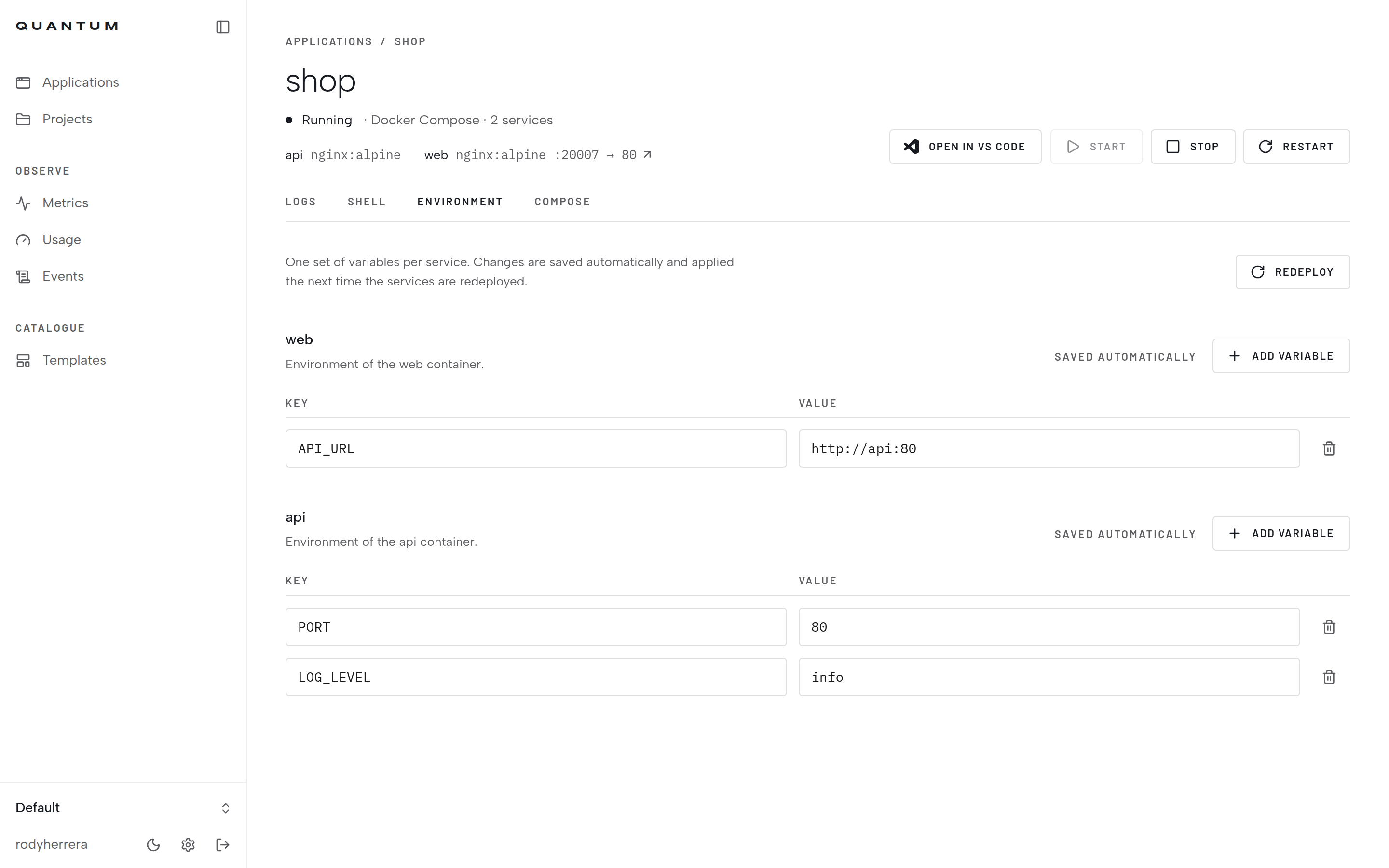
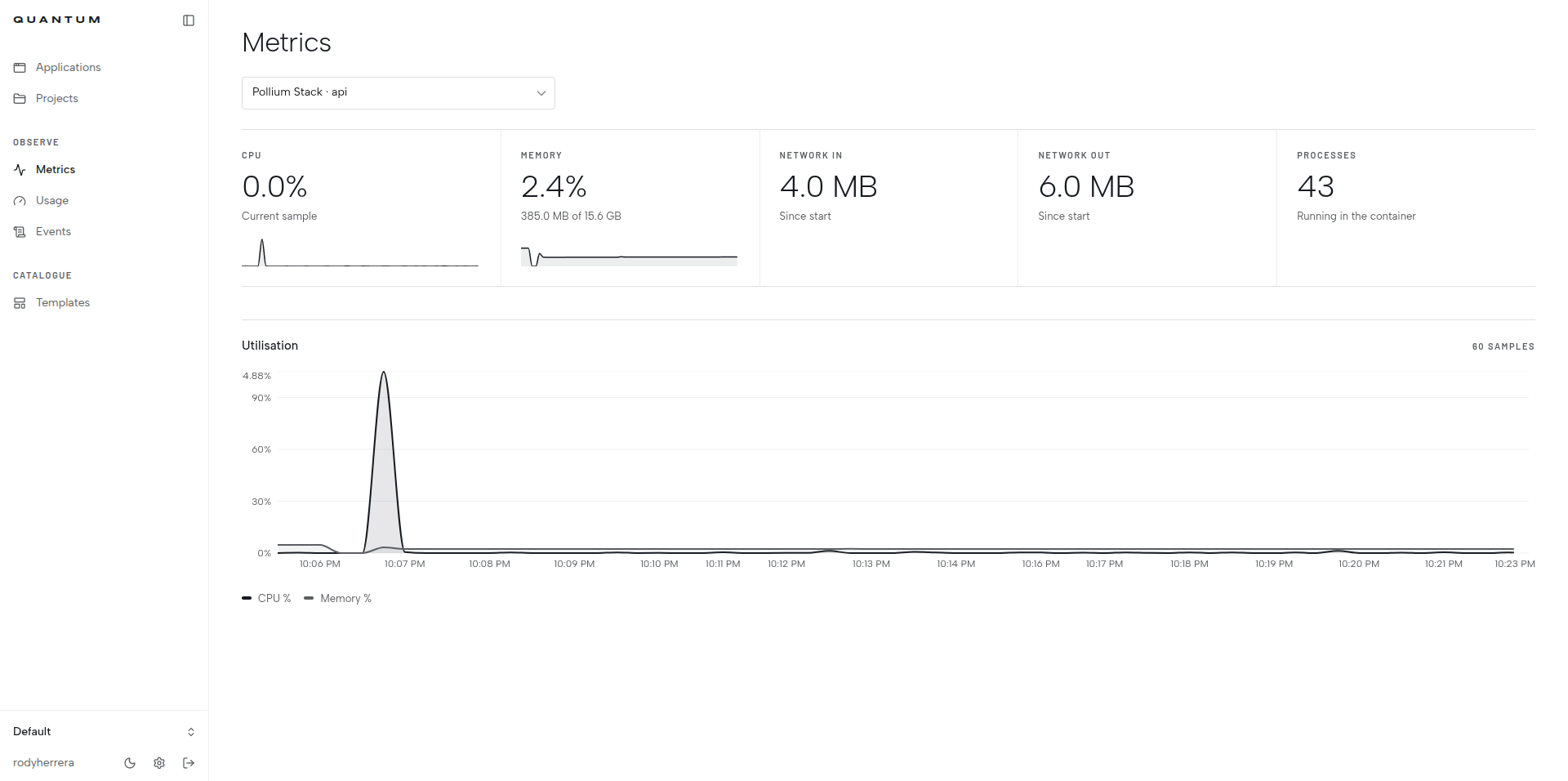
Quantum is a self-hosted Platform-as-a-Service that gives you a web dashboard to deploy and manage applications on your own infrastructure. It handles GitHub repository deployments with automatic rebuilds on push, managed databases including PostgreSQL, MySQL, MariaDB, MongoDB, and Redis, one-click templates for popular apps like n8n, Directus, WordPress, Uptime Kuma, and Ollama, and Docker Compose stacks sourced from repositories or pasted directly. Each deployment provides container logs, shell access, environment variable management, persistent volumes, and metrics covering CPU, memory, network, and processes. You can also open any deployment in a browser-based VS Code instance powered by code-server. The system uses GitHub OAuth for repository access, supports private container registries, and organizes everything into multi-user organizations with role-based access. Quantum runs as three containers (API, web dashboard, PostgreSQL) via Docker Compose on a Linux host. The project is MIT-licensed and actively maintained.
Should you self-host Quantum?
Quantum scores 51/100 on selfhost.directory (how scoring works) and ranks #10 of 14 in Platform as a Service. It has 477 GitHub stars.
It shipped 6 stable releases in the past year. The latest, v2.1.2, came out on 7 September 2026.
Setup is moderate: expect some configuration beyond a single command. It is MIT-licensed and written mostly in Typescript.
Its closest alternative on selfhost.directory is coolify (89/100, 65 112 stars). It scores higher overall, so compare the two before you pick. See Quantum vs coolify side by side.
Features
- Automatic Reconciliation
- Browser-based VS Code
- Container logs
- Container shell access
- Environment variable management
- Event Log
- GitHub repository deployment
- Managed Databases
- Metrics and monitoring
- One-click templates
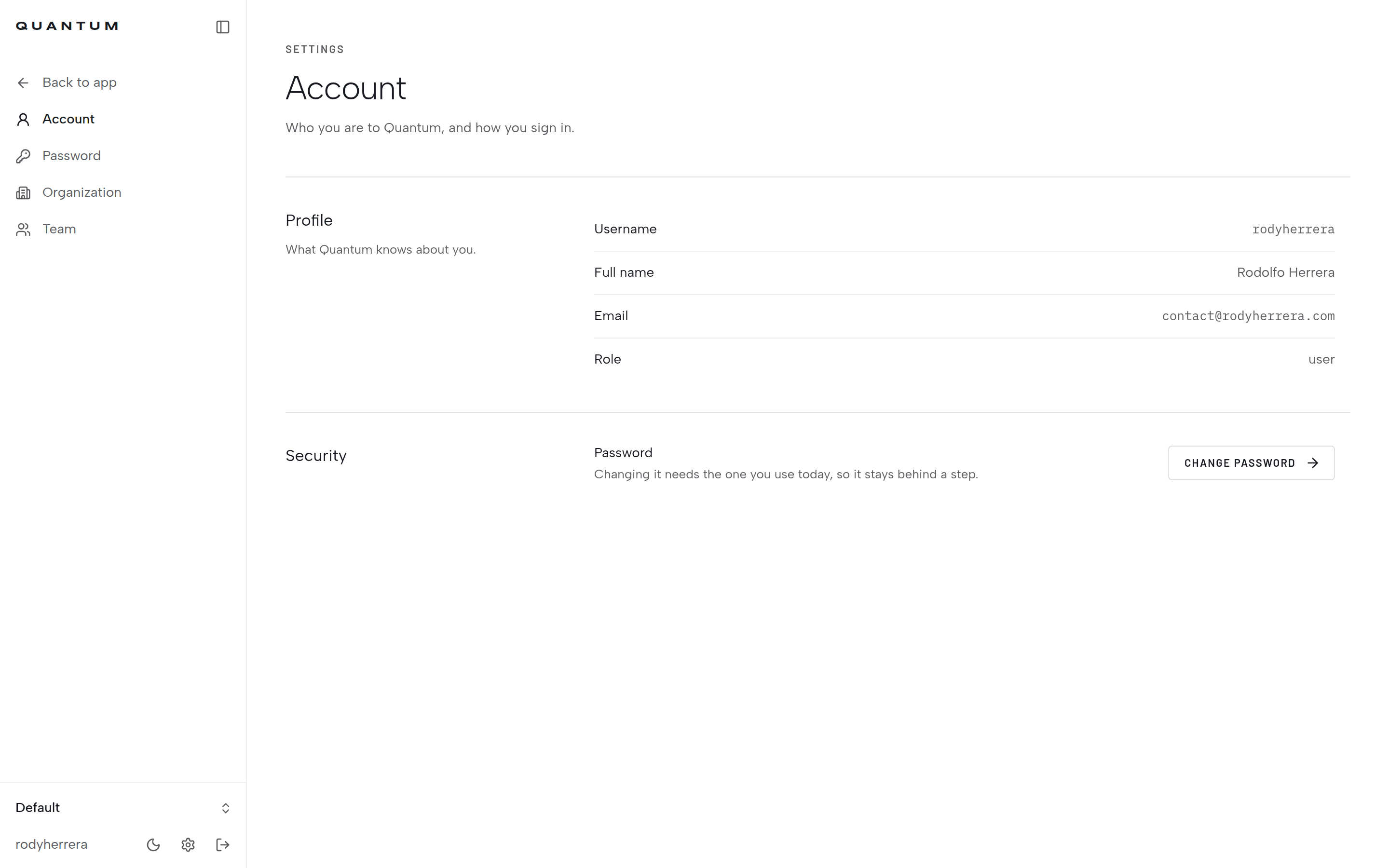
- Organization and team management
- Persistent Volumes
- Private container registry support
- Usage Tracking
Quantum README
More in Platform as a Service
 tempsSelf-hosted open-source deployment platform replacing Vercel, Sentry, PostHog with one Rust binary — deploy from git, track errors, monitor uptime, analyze traffic.
 tsuruSelf-hosted, open-source PaaS that runs apps on your own Kubernetes clusters with one-command deploys, autoscaling, teams, quotas and add-on services.
 turbocloud-agentTurboCloud Agent is an open-source, self-hosted PaaS for deploying web apps to any Ubuntu 22.04 server with built-in WAF, VPN, load balancing, and CI/CD.
 1backend1Backend is a self-hosted, open-source platform for AI microservices and microfrontends with service discovery, auto-HTTPS proxy, and LLM orchestration.
 apl-coreApp Platform for Linode Kubernetes Engine
 bexbex is a self-hosted, open-source PaaS deploying apps from Git to HTTPS on your infrastructure, with a Render-compatible workflow for developers and AI agents.
 CapRoverSelf-hosted open-source PaaS: deploy apps and one-click databases via a web dashboard, CLI, git or webhook pushes, with free Let's Encrypt HTTPS on Docker Swarm.
 coolifySelf-hosted open-source alternative to Vercel, Heroku, and Netlify that lets you deploy applications, databases, and 300+ one-click services to your own servers via SSH.
 cozystackCozystack is a self-hosted, open-source cloud platform turning bare metal into managed infrastructure with Kubernetes clusters, databases, VMs, and object storage.
 disco-daemonDisco Daemon runs on your Linux server to manage Docker Swarm deployments with automatic HTTPS, GitHub webhooks, and a REST API for the Disco CLI.
 dokkuSelf-hosted PaaS alternative to Heroku for building and managing applications. Open-source platform with Git-based deployment using Docker containers and buildpacks.
 dokploySelf-hosted, open-source PaaS to deploy apps, Docker Compose stacks and databases on your VPS, with one-click templates, Traefik, backups and multi-server support.
0 comments