
Self-host MikroDash
v0.8.77Real-time dashboard and control center for MikroTik routers
docker run -d --name mikrodash --restart unless-stopped -p 3081:3081 -v mikrodash-data:/data mikrodash:local- Stars
- 632
- Ports
- 3081 (Web UI and WebSocket API), 13231 (UDP (userspace WireGuard) used only when zero-touch provisioning is switched on)
ghcr.io/secops-7/mikrodash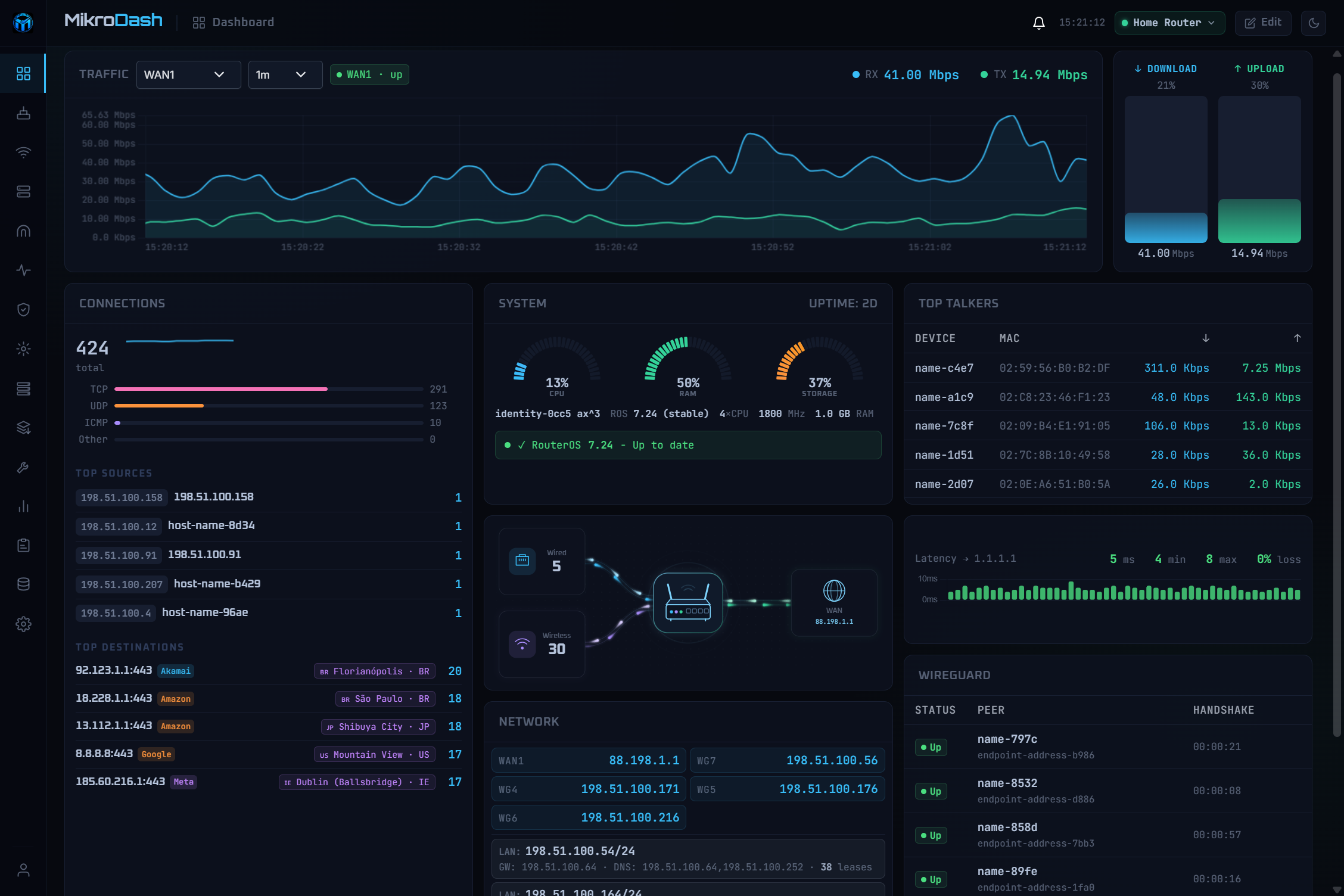
What is MikroDash?
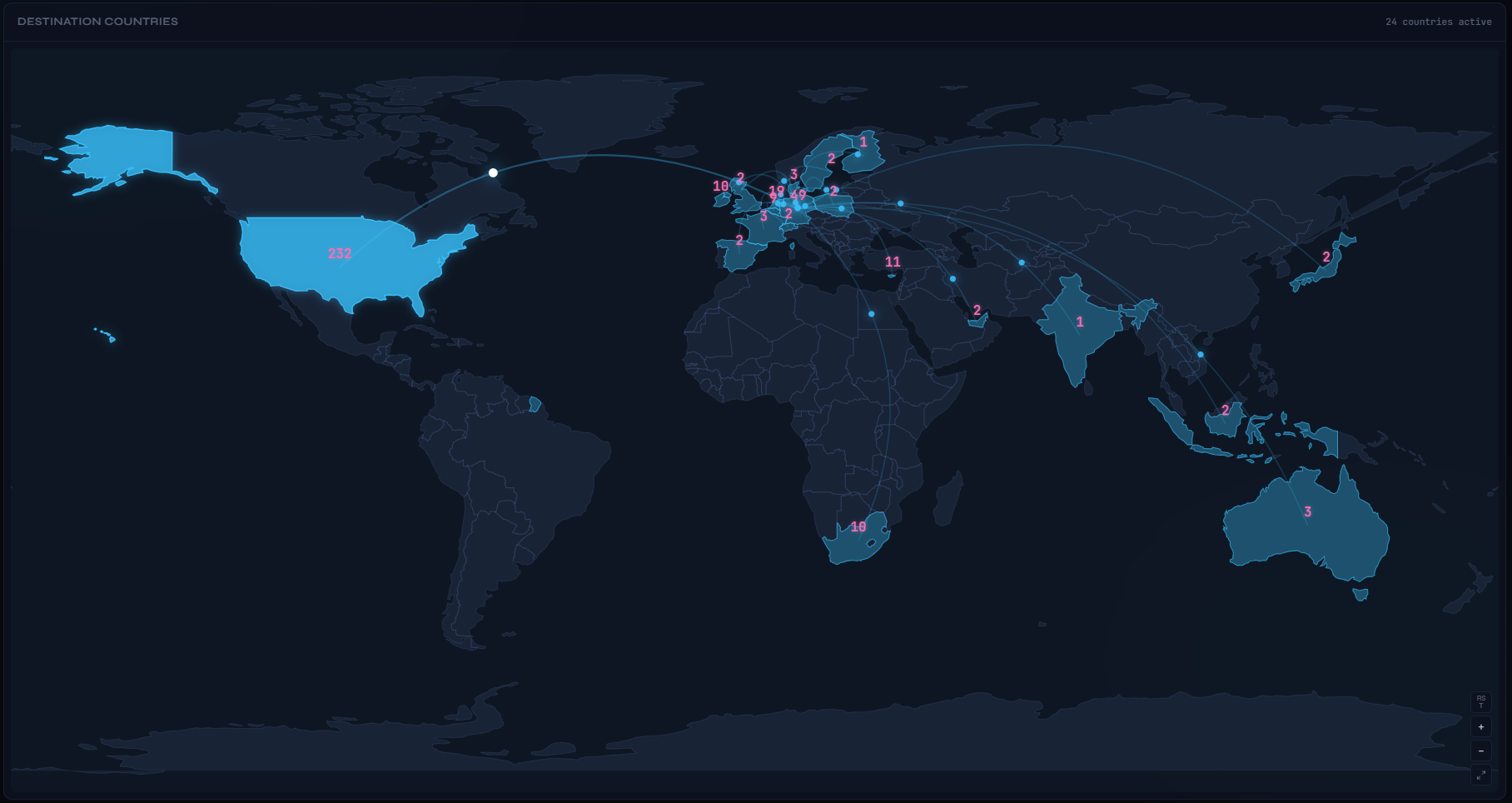
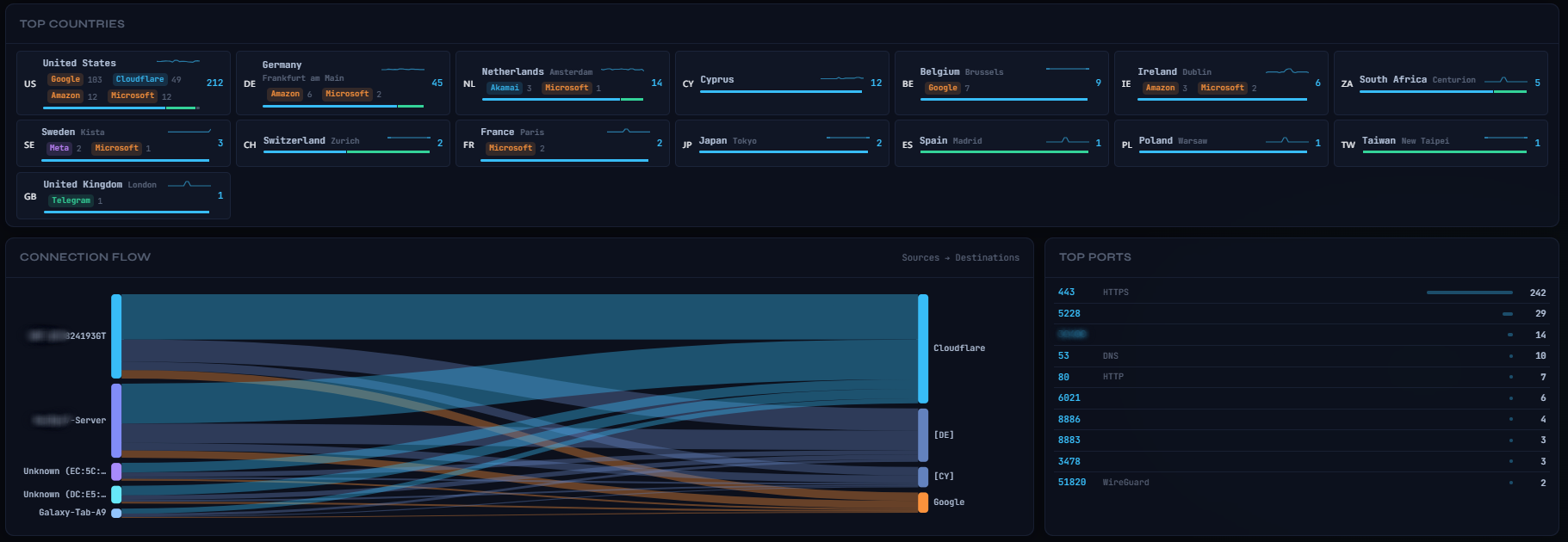
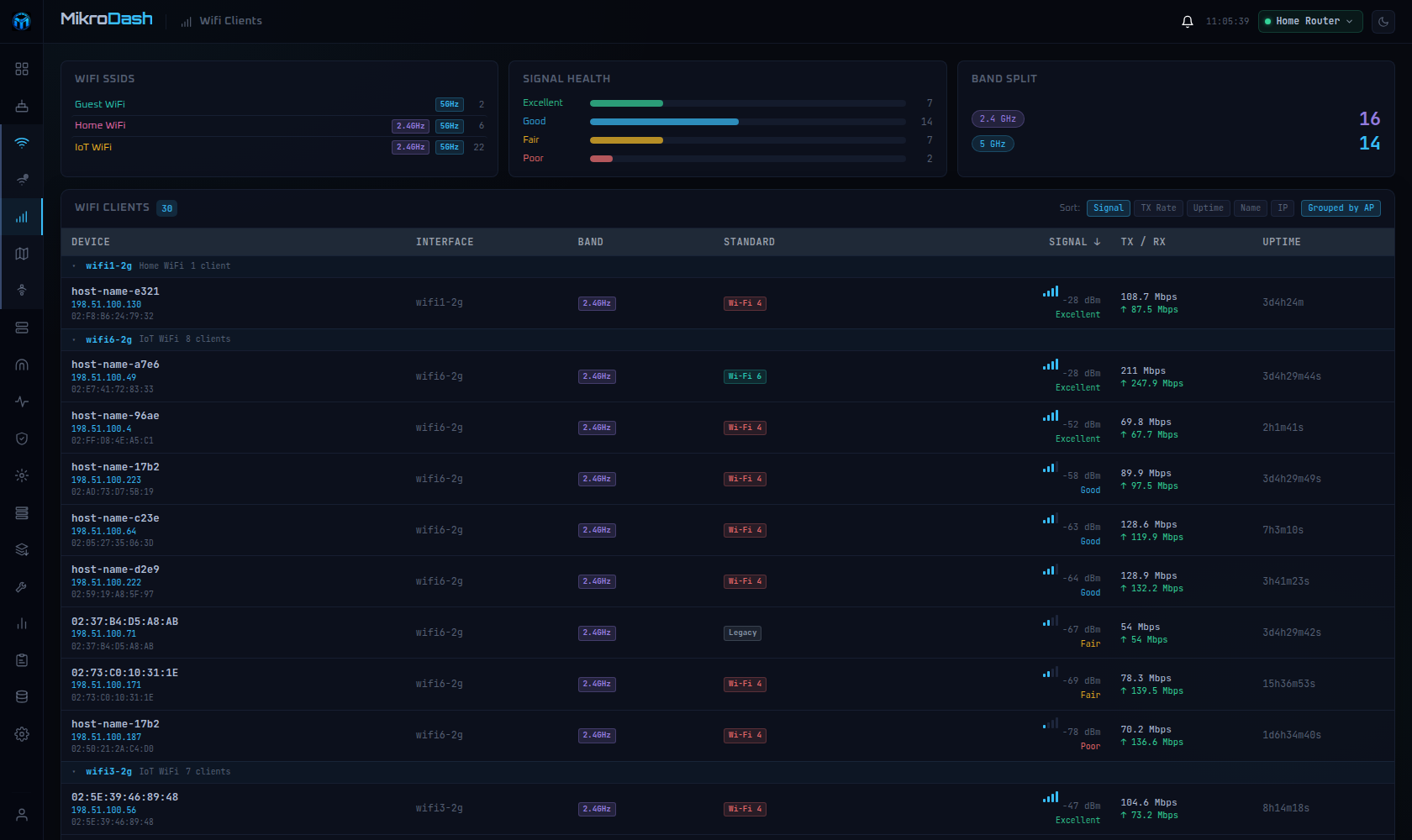
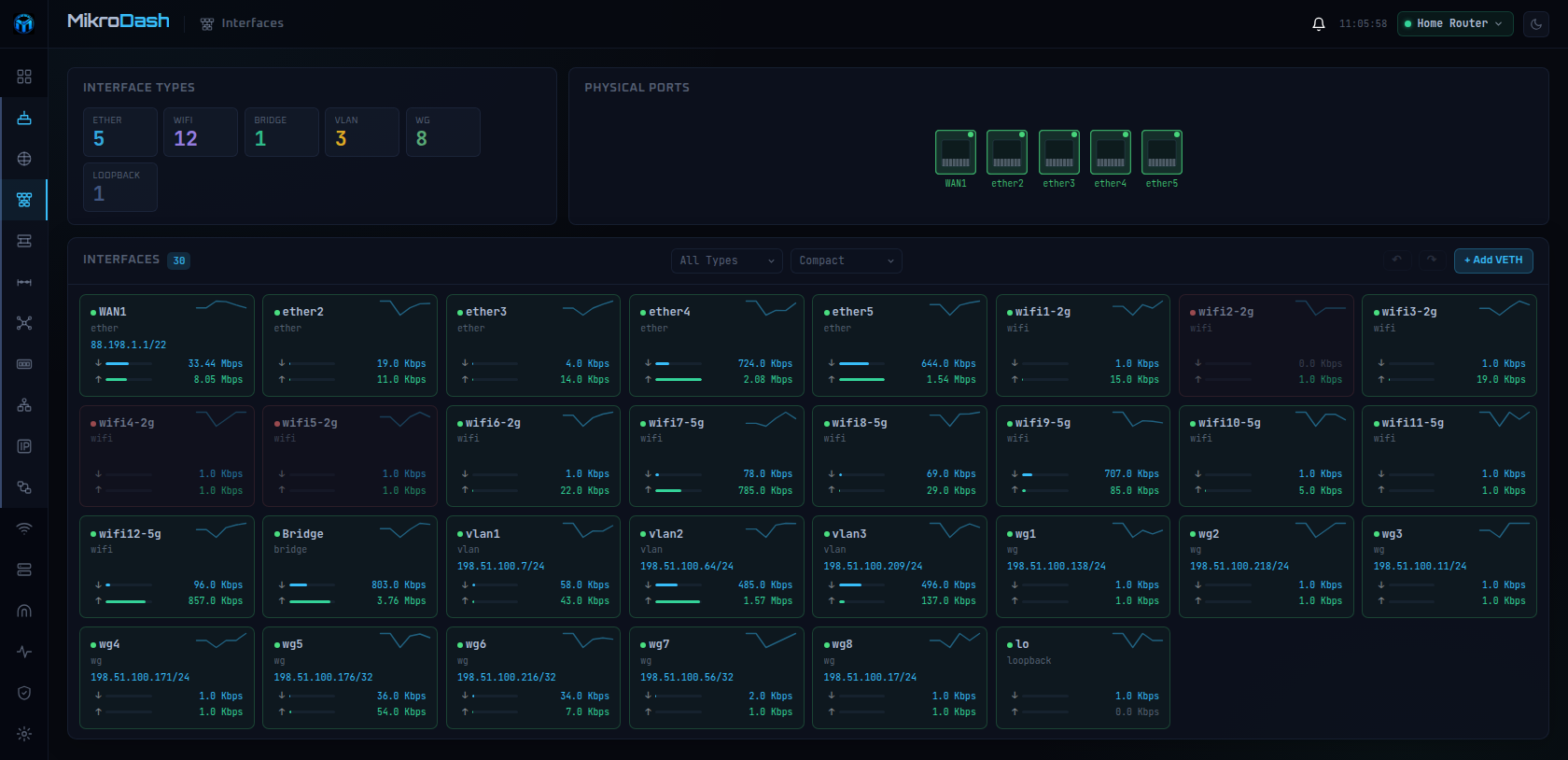
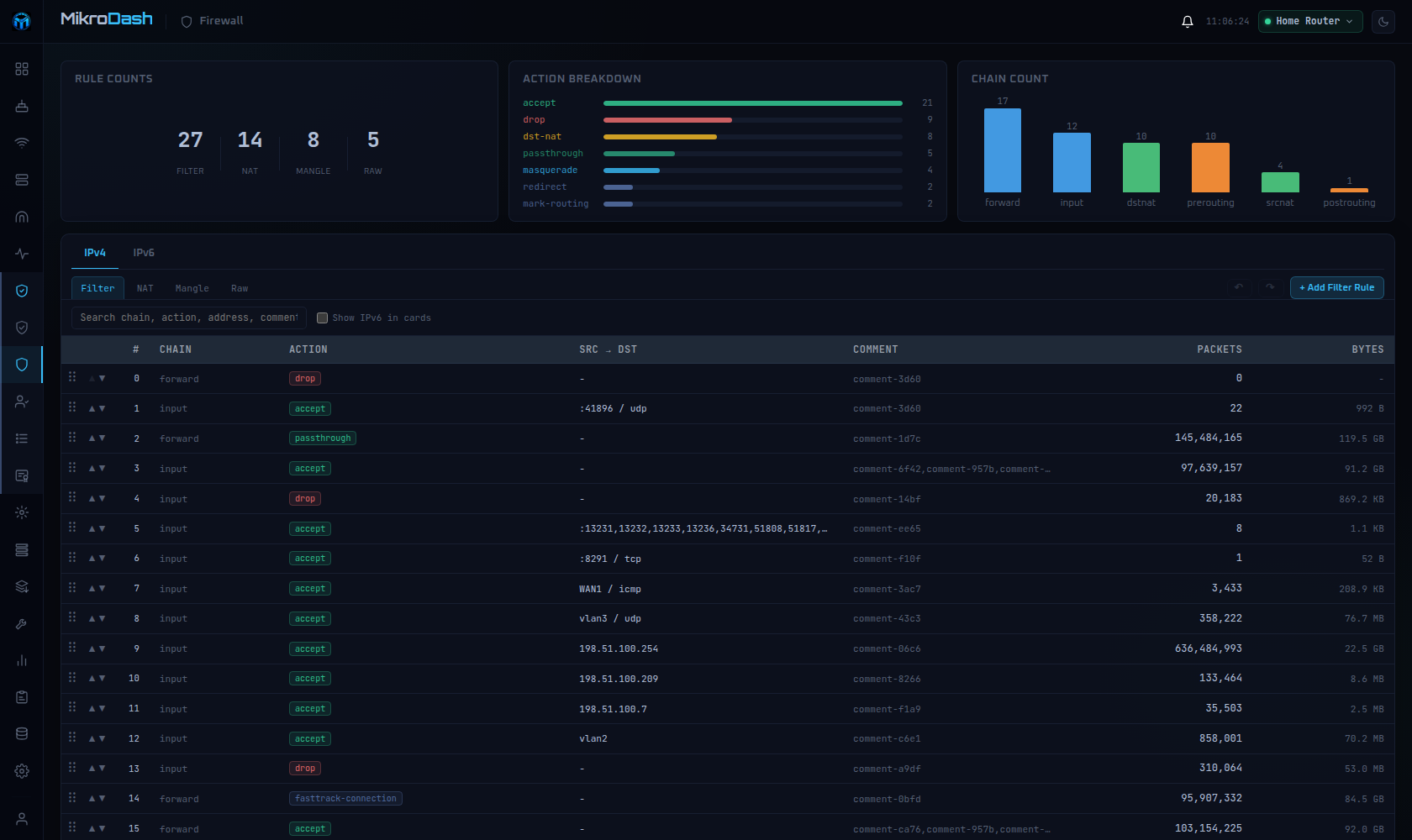
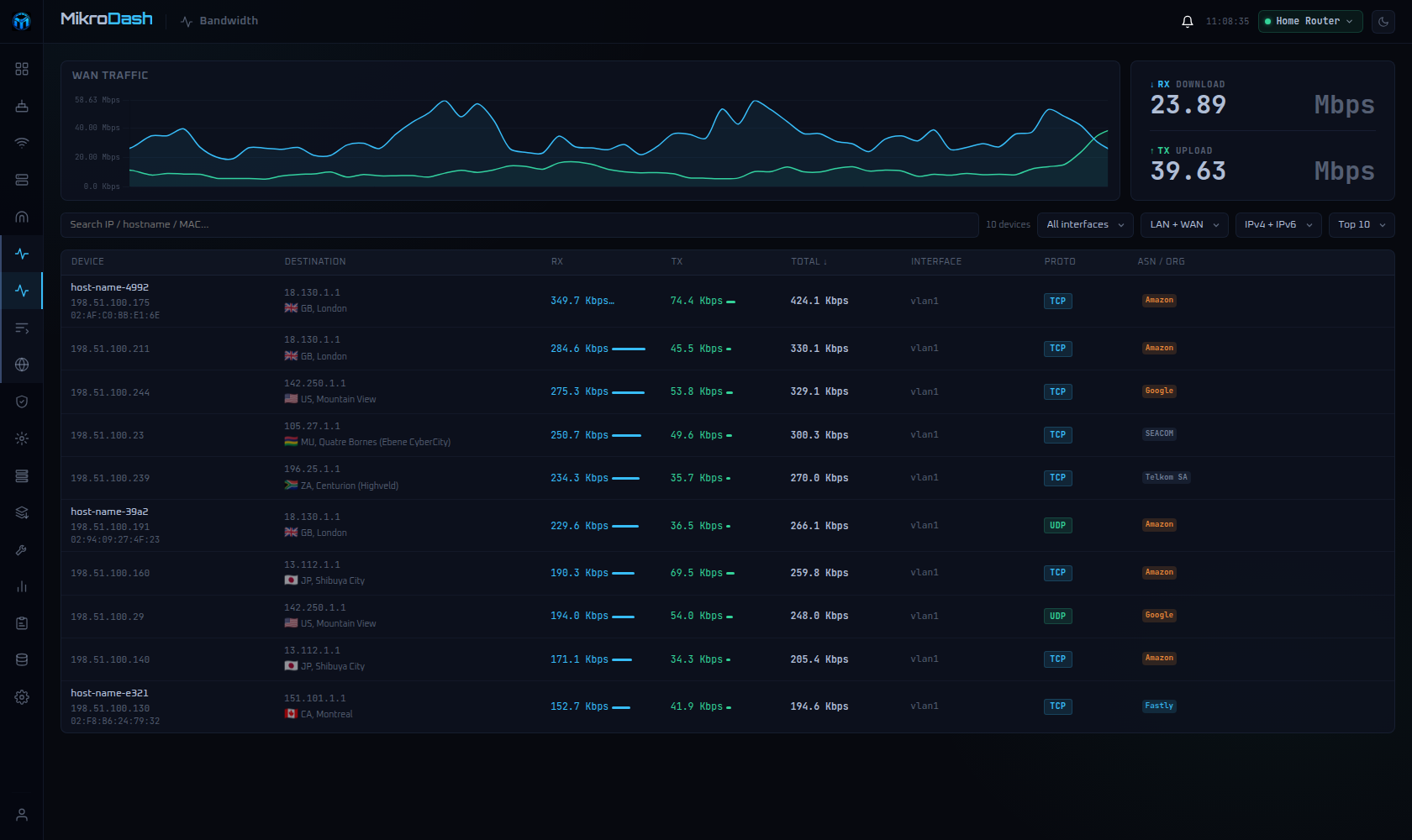
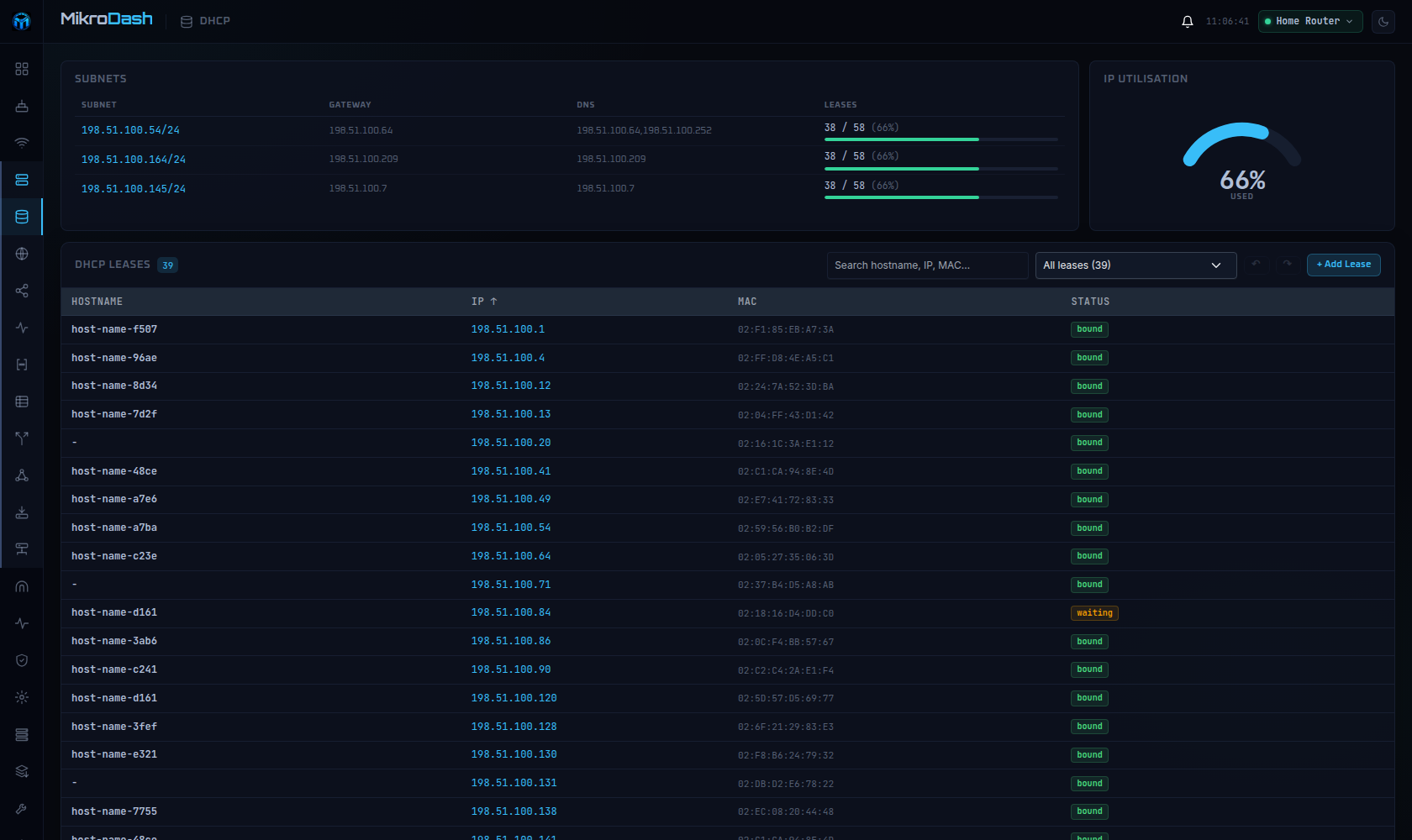
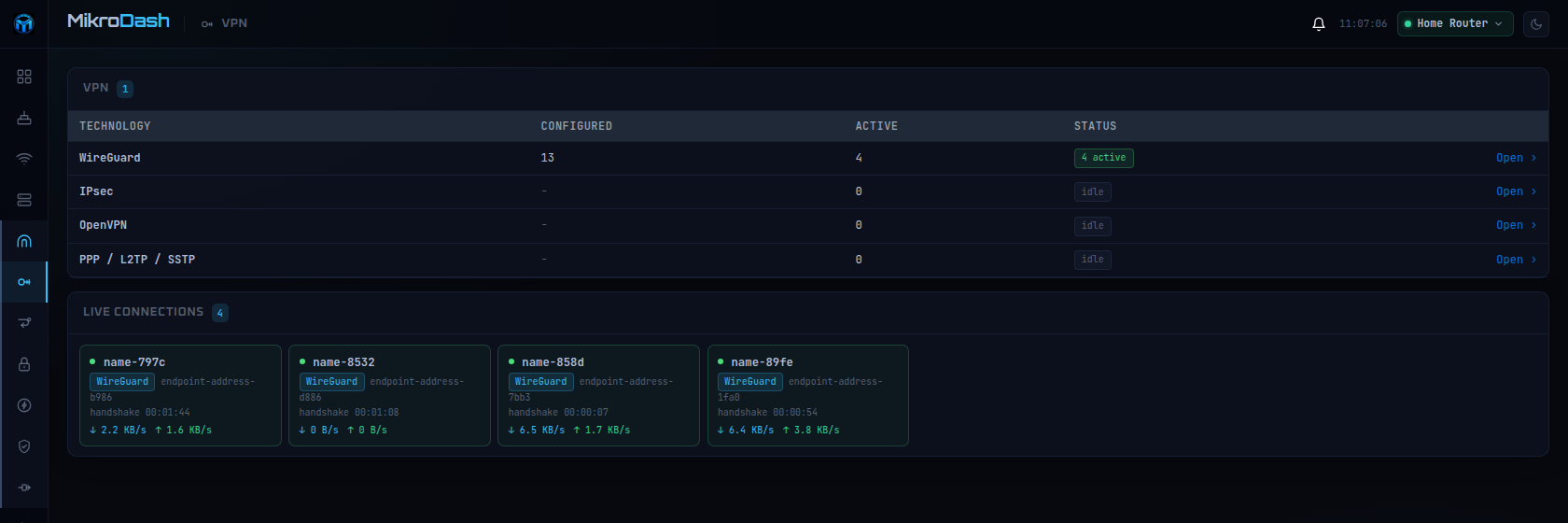
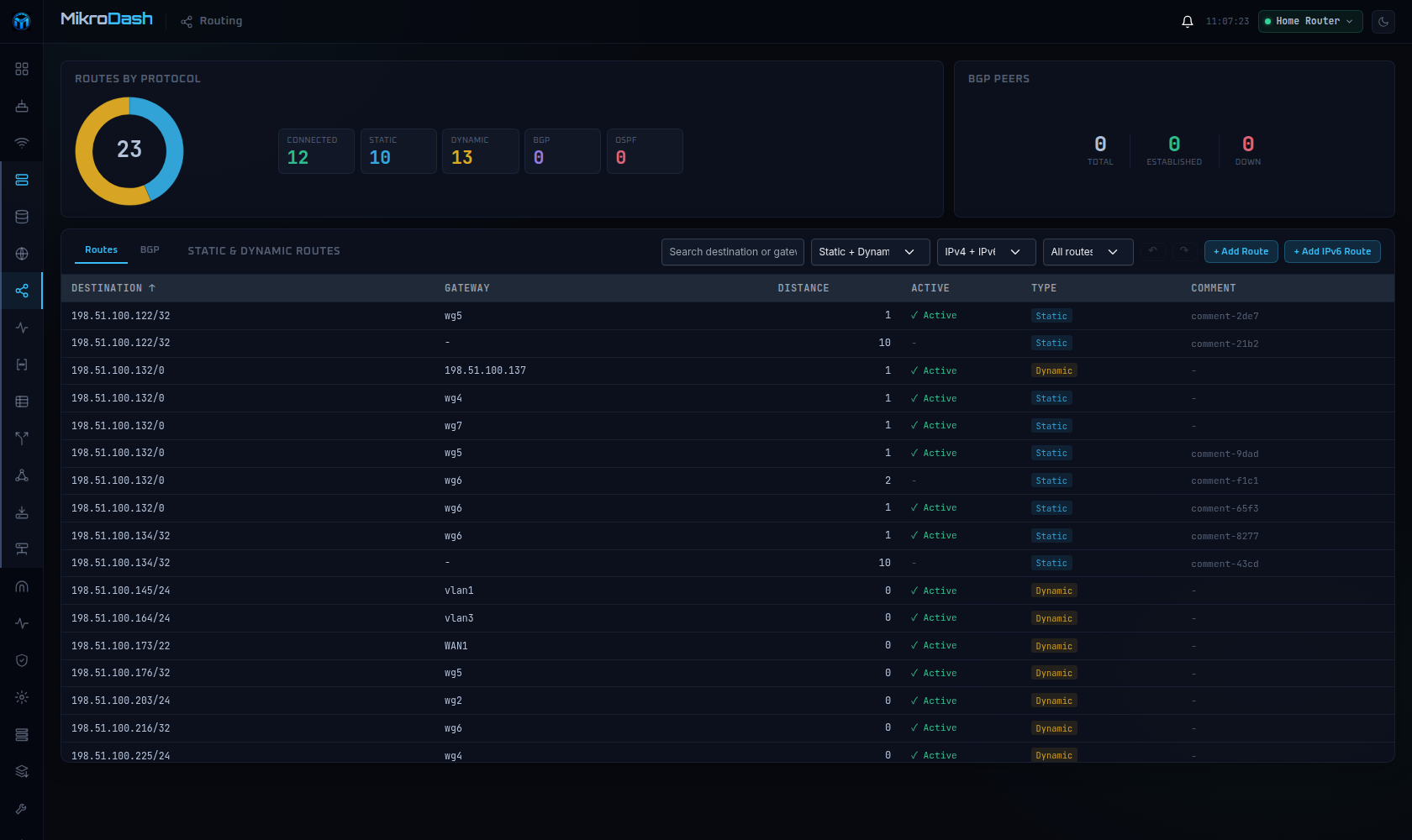
MikroDash puts your MikroTik RouterOS v7 gear under one live web console, for homelab owners and network teams who would rather watch graphs than sit in Winbox. It talks to each router over the binary API (or API-SSL) and streams CPU load, traffic, wireless clients, DHCP leases, WireGuard peers, firewall state and geo-located connections into the browser through a WebSocket. On top of monitoring there is a drag-and-drop dashboard, more than fifty pages covering wireless, routing, tunnels, DNS, certificates and system settings, per-user roles with a read/write matrix that can scope access down to a single device, and OpenID Connect sign-in through providers such as Entra ID, Okta, Keycloak or Authentik. Alerts fire on up/down events, CPU, ping loss or configuration drift and travel over SMTP or webhooks to Telegram, Discord, Slack, ntfy and similar; scheduled backups keep diffs, a library of 21 configuration templates rolls out to the fleet with a canary router and auto-revert, history feeds CSV/PDF reports, and there is an embedded RouterOS terminal, a security audit with a score, an exportable audit log, and an optional AI assistant that works with any OpenAI-compatible endpoint, local models included. Zero-touch provisioning lets brand-new routers call home over a built-in userspace WireGuard server. Self-hosting takes one container that needs only a /data volume — a multi-arch ghcr.io image, a static Go binary, or even a container running on the router itself — though the app serves plain HTTP, so TLS belongs at a reverse proxy and the docs say never to expose it straight to the internet. It sits at version 0.8.x and is an independent community project, not affiliated with MikroTik SIA.
Should you self-host MikroDash?
MikroDash scores 49/100 on selfhost.directory (how scoring works) and ranks #27 of 48 in Network Monitoring. It has 632 GitHub stars.
It shipped 10 stable releases in the past year. The latest, v0.8.77, came out on 23 October 2026. New versions land roughly every 3 days.
Setup is easy: most people get it running in one sitting. An official Docker image is available. It is MIT-licensed and written mostly in Go.
Its closest alternative on selfhost.directory is mitmproxy (86/100, 46 451 stars). It scores higher overall, so compare the two before you pick. See MikroDash vs mitmproxy side by side.
Features
- Alerting
- Audit Trail
- Built-in AI agentOff by default.
- Configuration Templates
- Customizable dashboard
- Geo connection map
- History & reports
- Multi-device fleet management
- Real-time metrics streaming
- Role-based Access Control
- Scheduled configuration backups
- Security audit
- Single Sign-On (OIDC)
- Web Terminal
- Zero-touch provisioningOff by default; opens UDP 13231 when enabled.
MikroDash README
More in Network Management
 naiveproxyYurich Panel is a Bash script that automates deploying a proxy service on Ubuntu VPS with Caddy, Naive transport, Xray, Hysteria 2, WARP, and Unbound DNS.
 nebula-syncSelf-hosted, open-source tool to sync config across multiple Pi-hole v6.x instances using full Teleporter or selective feature sync with cron scheduling.
 netboxSelf-hosted open-source network source of truth for IP address management and data center infrastructure with REST API and automation focus.
 netcacheSelf-hosted, open-source Docker container combining Bind DNS, NGINX HTTP cache, and SNI Proxy to cache game downloads from Steam, Origin, Battle.net, and other CDNs.
 NetMapNetMap is a self-hosted, open-source network monitoring and IPAM tool for home labs. Combines topology, inventory, monitoring, firewall logs, and alerting.
 NetworkOptimizerSelf-hosted UniFi NMS with Wi-Fi optimization, security auditing, ISP health scoring, and multi-site management for up to 3 sites free.
 Nginx Proxy ManagerOpen-source, self-hosted Docker reverse proxy manager with a web admin UI, Let's Encrypt SSL, and SQLite, MySQL or Postgres backends.
 Nginx-Reverse-EmbySelf-hosted Go reverse proxy with HTTP/HTTPS and TCP/UDP forwarding, auto ACME certs, multi-node agents, Relay tunnels, and traffic quotas — managed via web UI.
 Omada-mcpSelf-hosted MCP server giving AI assistants secure, capability-gated access to TP-Link Omada Controller APIs for network automation.
 openvpn_webpanel_managerSelf-hosted proprietary VPN panel managing OpenVPN, Cisco, L2TP, WireGuard, Sing-box with users, resellers, multi-node, REST API. Commercial license required.
 opnborgSelf-hosted daemon that backs up, monitors, and audits OPNsense firewalls via WebUI, with AI security audit, git history, and fleet config sync.
 oxidizedOxidized is a self-hosted, open-source network device config backup tool replacing RANCID. Supports 150+ device types, REST API, web UI, and Git/file/HTTP storage.
0 comments