
Self-host Nginx Proxy Manager
v2.16.0Reverse-proxy host manager with free SSL and a web admin UI
docker compose up -d- Stars
- 34 662
- Rating
- 5.0 (1)
- Ports
- 80 (Public HTTP proxy port), 443 (Public HTTPS proxy port), 81 (Admin web interface)
docker.io/jc21/nginx-proxy-manager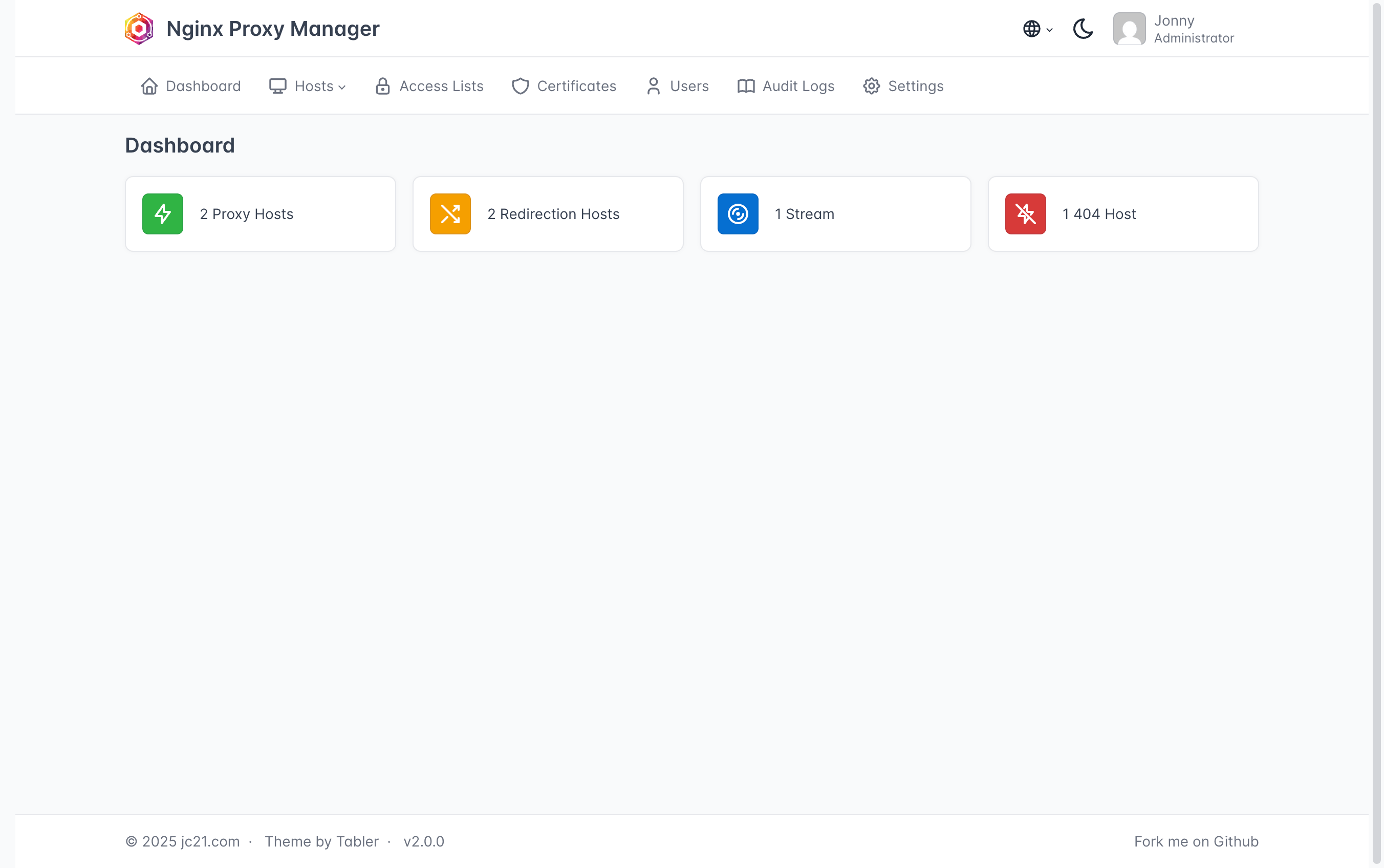
What is Nginx Proxy Manager?
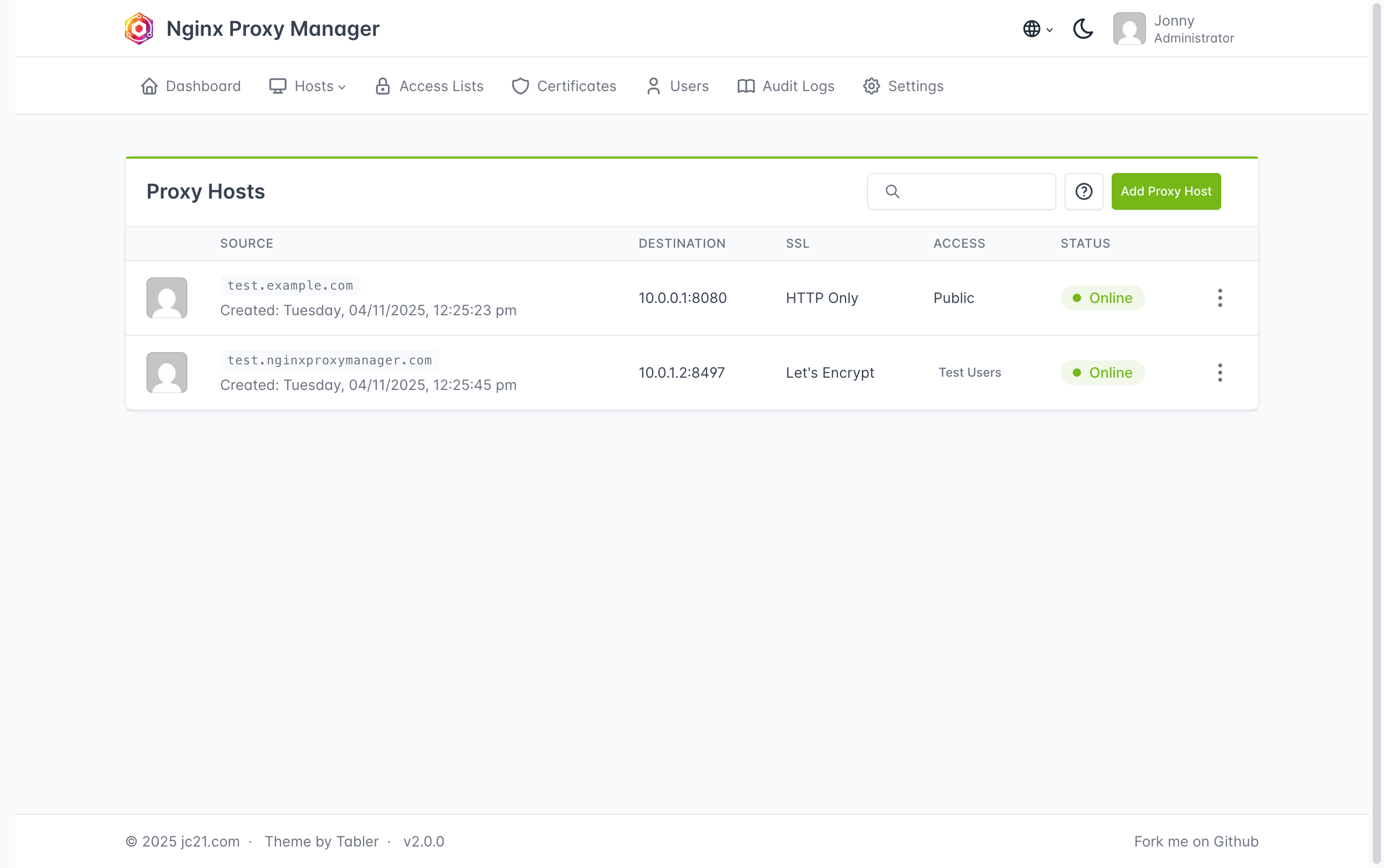
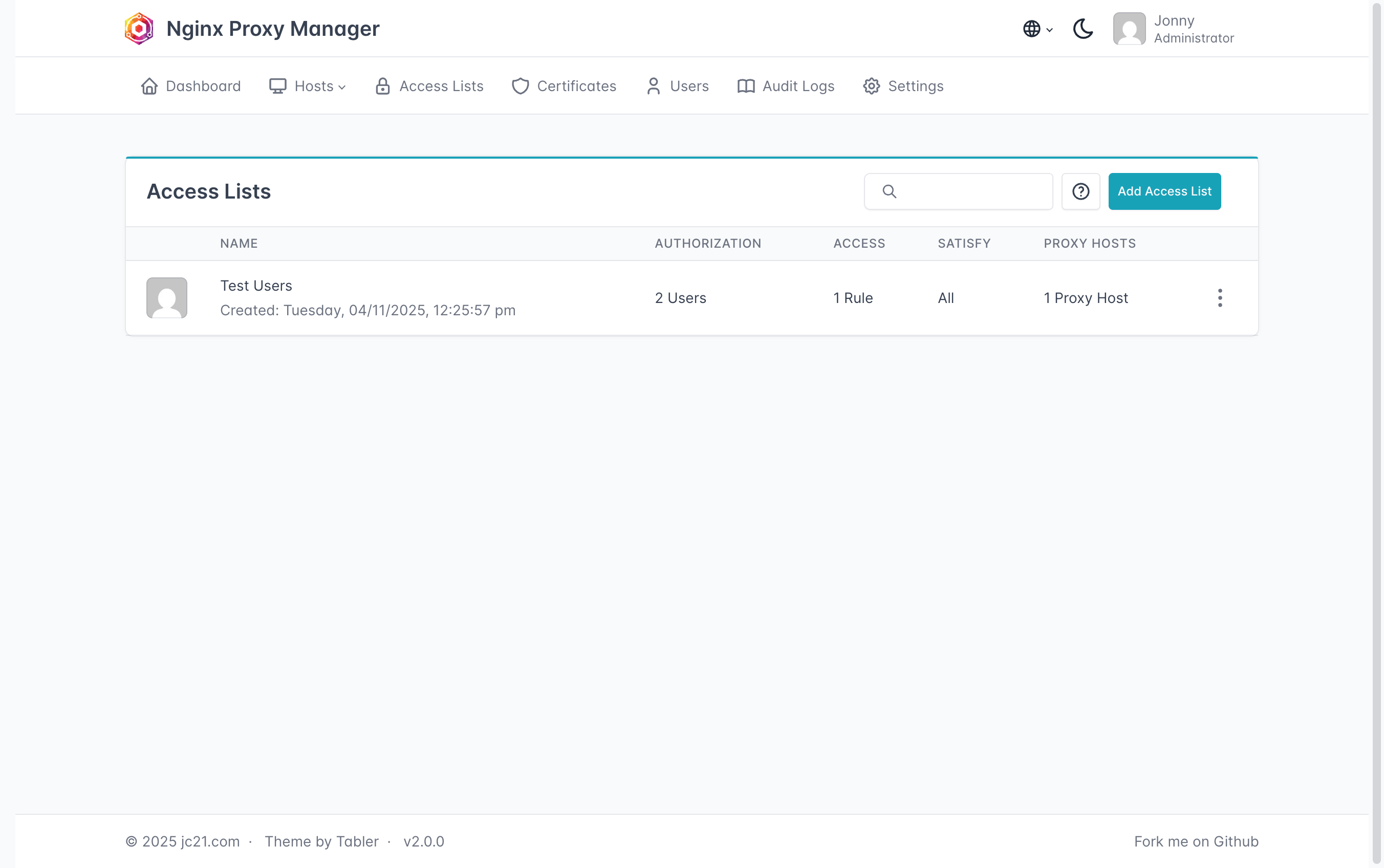
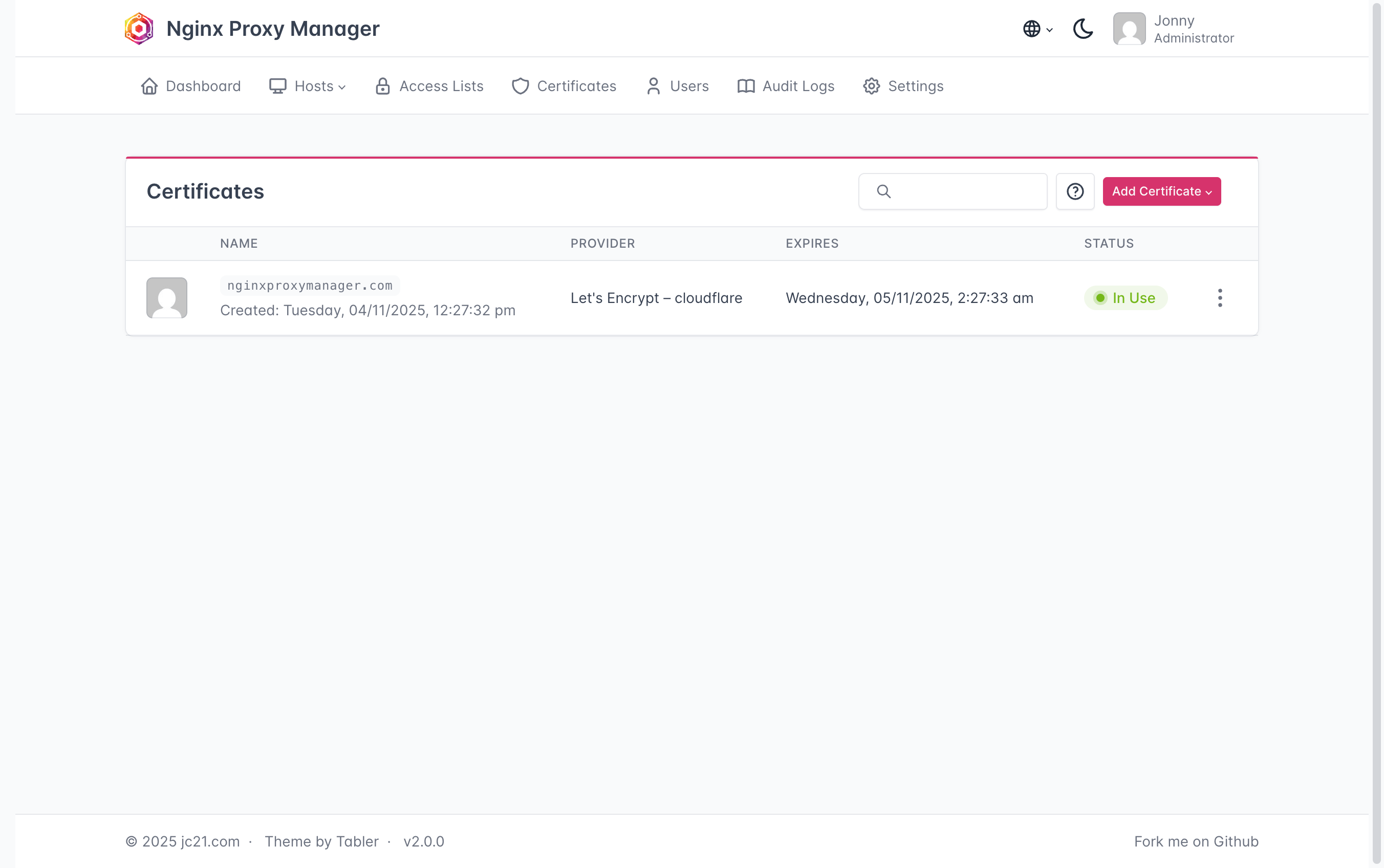
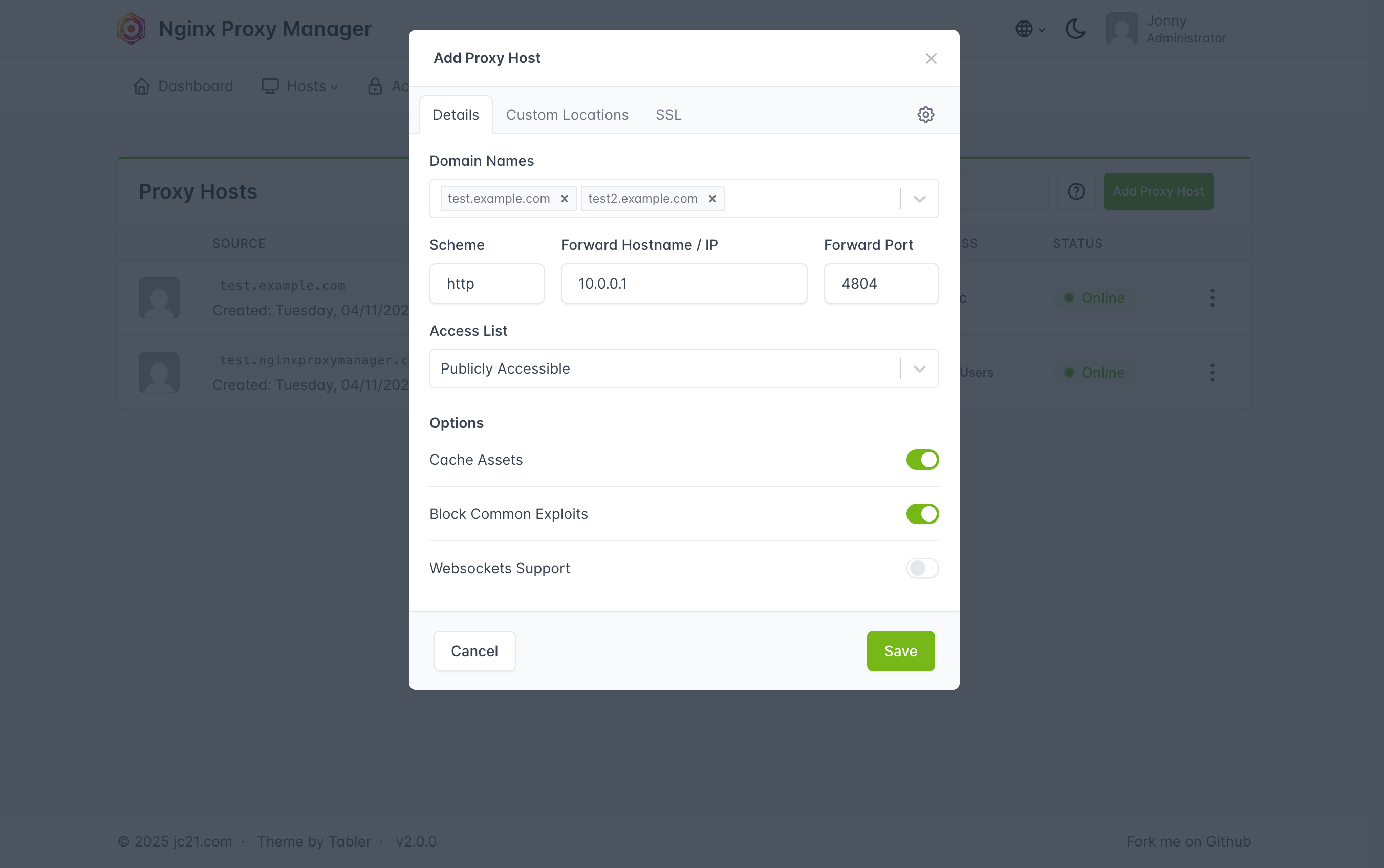
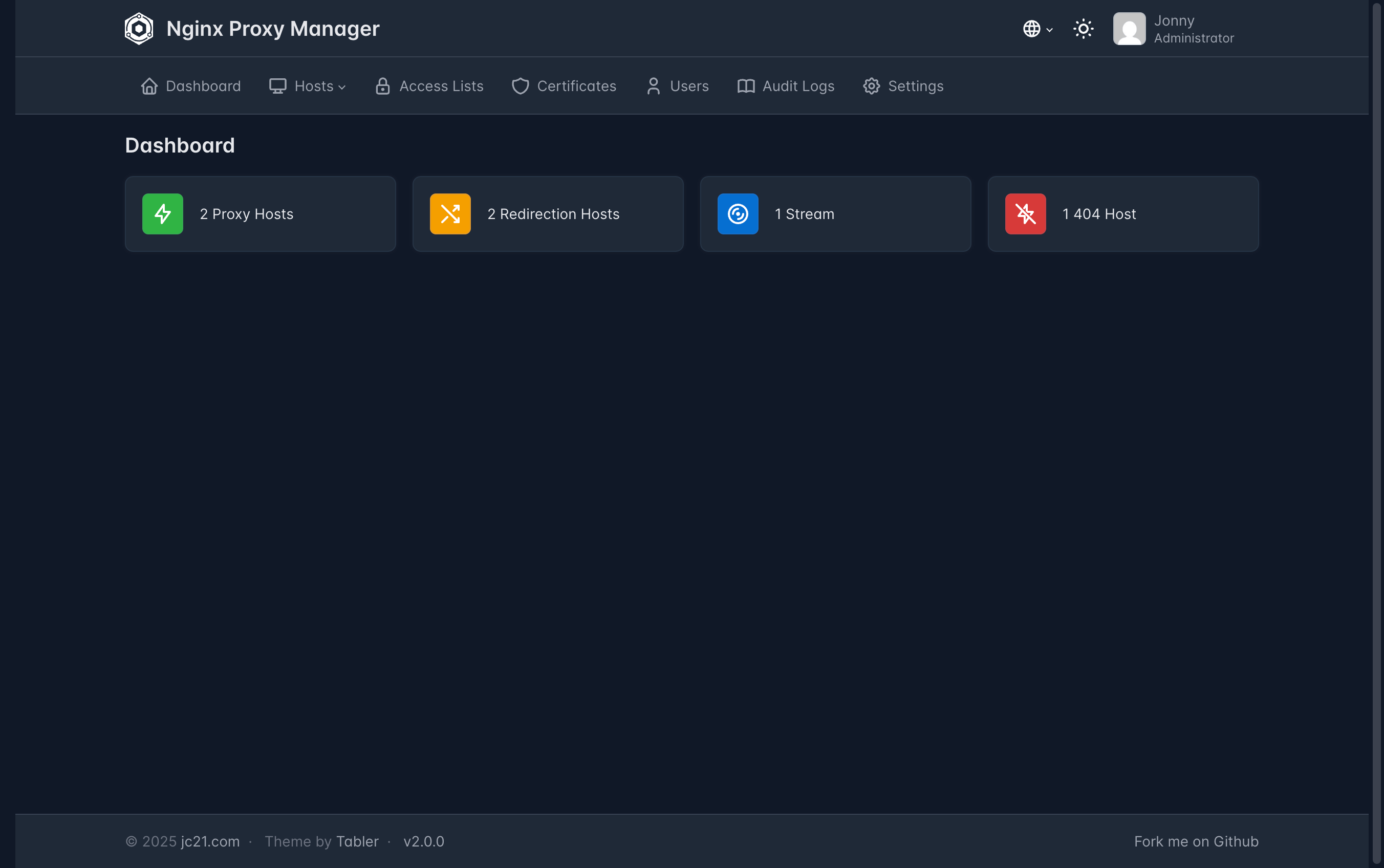
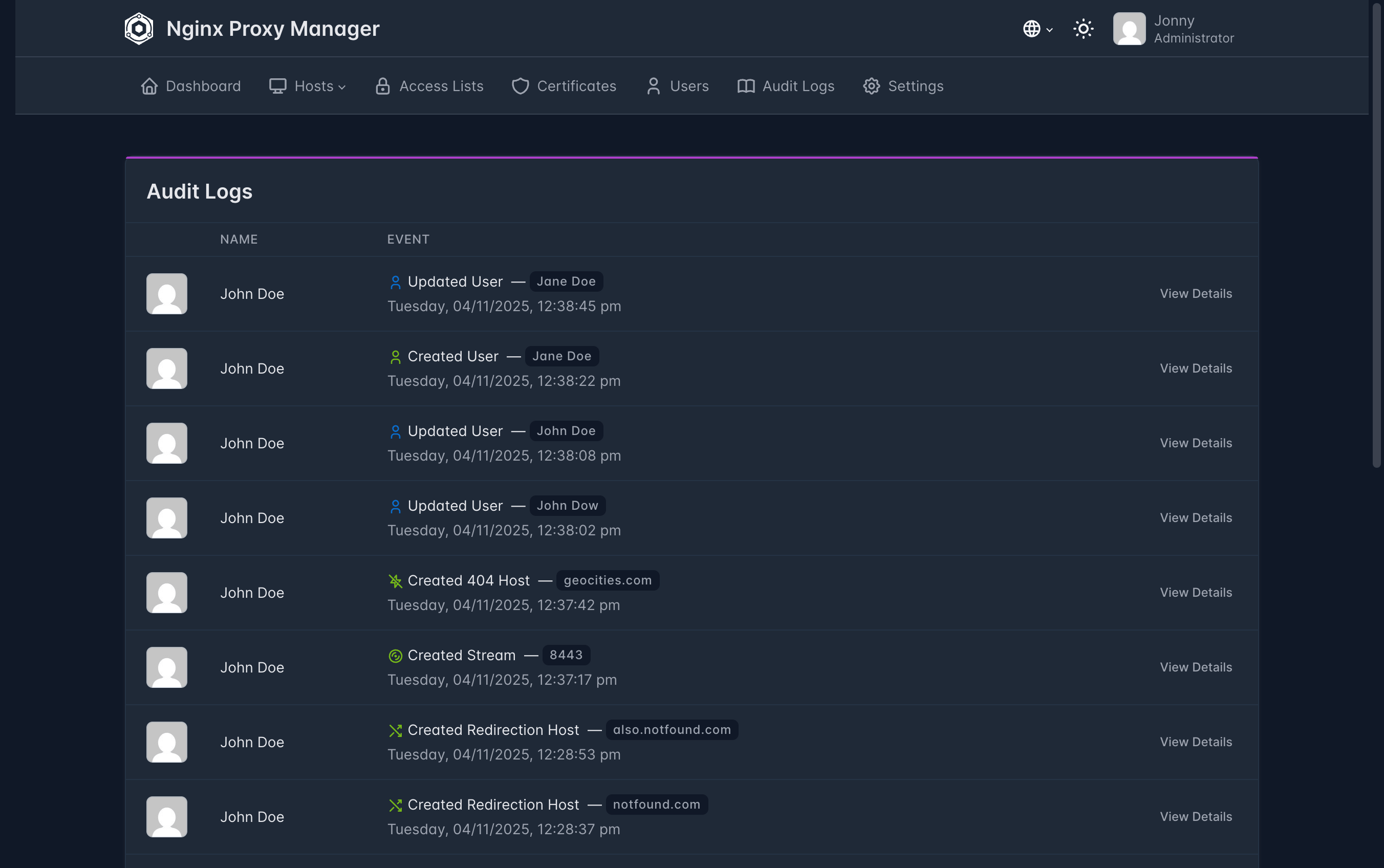
Nginx Proxy Manager is a Docker-delivered control panel for running an Nginx reverse proxy on a home or small-team server, written for people who want HTTPS-served subdomains without hand-editing Nginx files. The admin interface listens on port 81 and lets you create proxy, redirection, TCP/UDP stream and catch-all 404 hosts; request free Let's Encrypt certificates through Certbot, including DNS-challenge issuance with provider plugins and automatic renewal, or upload your own certificates; and protect backends with access lists using basic HTTP auth. It supports several users with view/manage permissions and keeps an audit log, and offers escape hatches for advanced operators: snippet files under /data/nginx/custom, optional GeoIP2 modules, logrotate overrides, custom nginx stream/http blocks and Docker file-secrets for database credentials. Deployment is a single compose service publishing ports 80, 443 and 81 with ./data and ./letsencrypt volumes; images are multi-arch (amd64, arm64). Storage defaults to an SQLite database inside the container, with MySQL/MariaDB or PostgreSQL available through DB_MYSQL_* or DB_POSTGRES_* variables. The project is MIT-licensed, maintained by jc21, and actively released; Docker is mandatory and armv7 support ended at 2.14.
Nginx Proxy Manager alternatives
 Traefik ManagerSelf-hosted web UI for managing Traefik reverse proxy — create routes, services, middlewares, certificates, and monitor logs and CrowdSec without editing YAML by hand.CompareTraefik Manager with Nginx Proxy Manager
 ContainerNurseryContainerNursery is a self-hosted Node.js reverse proxy that stops idle Docker containers and restarts them on demand with a loading page.CompareContainerNursery with Nginx Proxy Manager
 SWAG (Secure Web Application Gateway)Self-hosted Nginx reverse proxy with automatic SSL certificates from Let's Encrypt or ZeroSSL. Includes Fail2ban intrusion prevention and reverse proxy configurations.CompareSWAG (Secure Web Application Gateway) with Nginx Proxy Manager
 godoxyHigh-performance reverse proxy and container orchestrator for self-hostersComparegodoxy with Nginx Proxy Manager
 GoAccess-NPMLogsSelf-hosted Docker image that runs GoAccess to parse and visualize Nginx Proxy Manager, Traefik, Caddy, and custom web server logs with GeoIP support and a web dashboard.CompareGoAccess-NPMLogs with Nginx Proxy Manager
 Signal TLS ProxyOpen-source Docker Compose proxy that fronts Signal's servers with a Let's Encrypt certificate on your own domain, shareable with other users via signal.tube.CompareSignal TLS Proxy with Nginx Proxy Manager
 docker-registry-proxyA self-hosted caching proxy for Docker that centralizes registry config and auth, caches layers/manifests from any registry, and helps avoid rate limits.Comparedocker-registry-proxy with Nginx Proxy Manager
 autoxposeSelf-hosted open-source tool that auto-creates DNS records and configures reverse proxies with SSL for Docker containers using labels.Compareautoxpose with Nginx Proxy Manager
Should you self-host Nginx Proxy Manager?
Nginx Proxy Manager scores 81/100 on selfhost.directory (how scoring works) and ranks #2 of 23 in Reverse Proxy. It has 34 662 GitHub stars, +338 in the last 30 days.
It shipped 9 stable releases in the past year. The latest, v2.16.0, came out on 24 September 2026. New versions land roughly every 2 weeks.
Setup is easy: most people get it running in one sitting. An official Docker image is available. It is MIT-licensed and written mostly in Typescript.
Its closest alternative on selfhost.directory is Traefik (86/100, 65 504 stars). It scores higher overall, so compare the two before you pick. See Nginx Proxy Manager vs Traefik side by side.
Features
- Access lists / basic HTTP auth
- Audit Log
- Custom Nginx configuration snippets
- Custom SSL Certificates
- DNS-challenge certificate issuanceUsing more than one DNS provider may cause Python dependency conflicts.
- Docker secrets for env vars
- Free SSL Certificates
- Multi-user accounts with permissions
- Redirect and 404 hosts
- Reverse proxy host management
- TCP/UDP stream proxying
Nginx Proxy Manager README
This project comes as a pre-built Docker image that enables you to easily forward to your websites running at home or otherwise, including free SSL, without having to know too much about Nginx or Letsencrypt.
FAQ
When adding username and password access control to a proxy host, I can no longer login into the app.
Both the access list and the proxied app try to use the same Authorization header, which is not allowed, so one of the two logins breaks; remove one login or switch the app to a different header.
I can't get my service to proxy properly?
The docs point you to the Reddit community for support rather than filing an issue.
Can I run it on a Raspberry Pi?
Yes, the published image is multi-arch and built for a range of architectures; missing ones can be requested via a feature request.
Do I have to use Docker?
Yes — Docker is how the project is packaged, which keeps the bundled Nginx version controlled and easier to support.
More in Reverse Proxy
 Nginx-Reverse-EmbySelf-hosted Go reverse proxy with HTTP/HTTPS and TCP/UDP forwarding, auto ACME certs, multi-node agents, Relay tunnels, and traffic quotas — managed via web UI.
 nginx-uiSelf-hosted, open-source web UI for managing Nginx: edit configs, deploy Let's Encrypt certs, tail logs, watch stats and manage clusters, with AI and MCP.
 NPMplusNPMplus is an open-source fork of nginx-proxy-manager offering hardened TLS, HTTP/3 (QUIC), crowdsec integration, and external authentication provider support.
 NPS EnhancedSelf-hosted NAT traversal and reverse proxy exposing internal services via multiple protocols with a web dashboard.
 OAuth2 ProxyOpen-source, self-hosted auth proxy that puts OAuth2/OIDC sign-in in front of web apps, with email/domain/group checks and Redis sessions.
 openresty-managerOpenResty Manager is a self-hosted web control panel for OpenResty with reverse proxy, free SSL, host terminal, file manager, Docker app store, and multi-node CDN.
 PangolinSelf-hosted, open-source SASE stack combining a WireGuard zero-trust VPN, identity-aware reverse proxy, PAM and an AI gateway; the AGPL Community Edition is free.
 PomeriumOpen-source self-hosted identity-aware reverse proxy that gates private web apps, SSH and TCP services through OIDC sign-in and per-request access policy.
 public-websites-dockerA Docker Compose guide for self-hosting static sites with Traefik, Matomo analytics, and remark42 comments — all with automatic Let's Encrypt TLS.
 rustunnelrustunnel is a self-hosted, open-source tunnel server in Rust exposing local services via encrypted WebSocket. Free managed cloud with pay-as-you-go billing and MCP.
 SafeLineSafeLine is an open-source, self-hosted WAF protecting web apps from SQL injection, XSS, and DDoS via intelligent semantic analysis. Runs as a Docker reverse proxy.
 Self-Hosted GatewayOpen-source alternative to Cloudflare Tunnels using WireGuard, NGINX, and Caddy to expose local Docker containers without port forwarding.
0 comments