
Self-host MeshChatX
v4.10.7Reticulum mesh client for messaging, calls, and browsing
- Stars
- 163
- Port
- 8000 (HTTP/HTTPS web UI and API)
- Requires
- Python
ghcr.io/quad4-software/meshchatx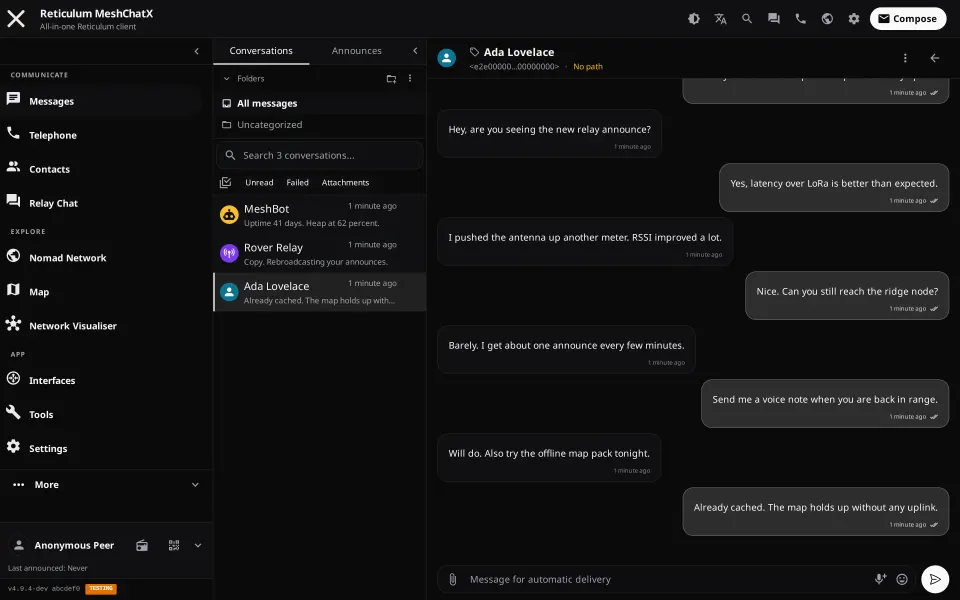

What is MeshChatX?
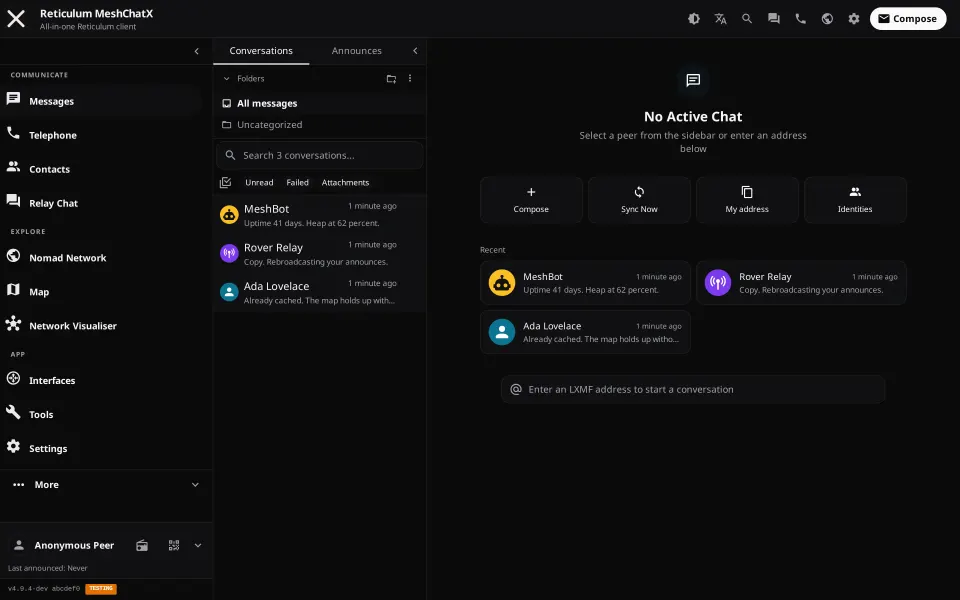
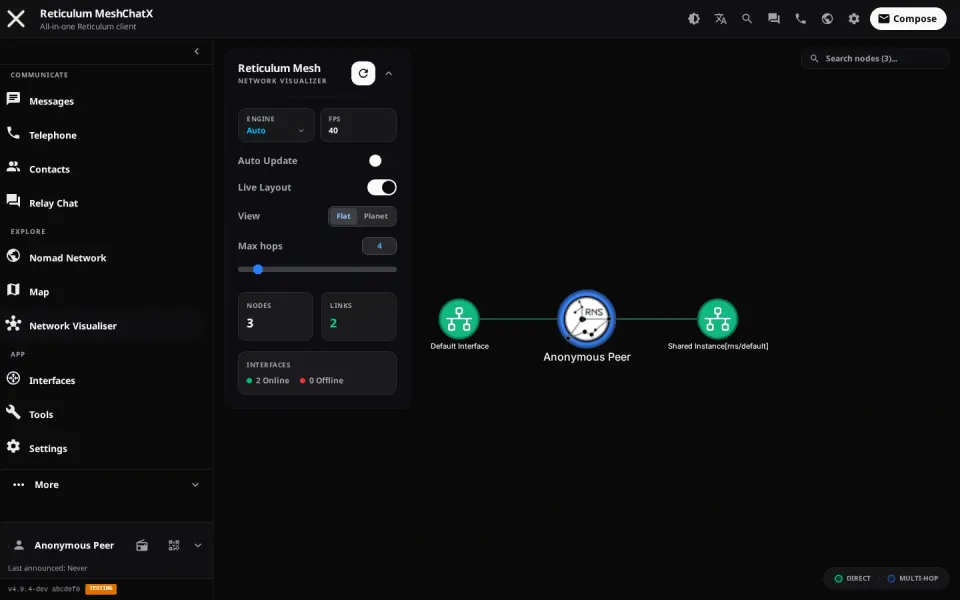
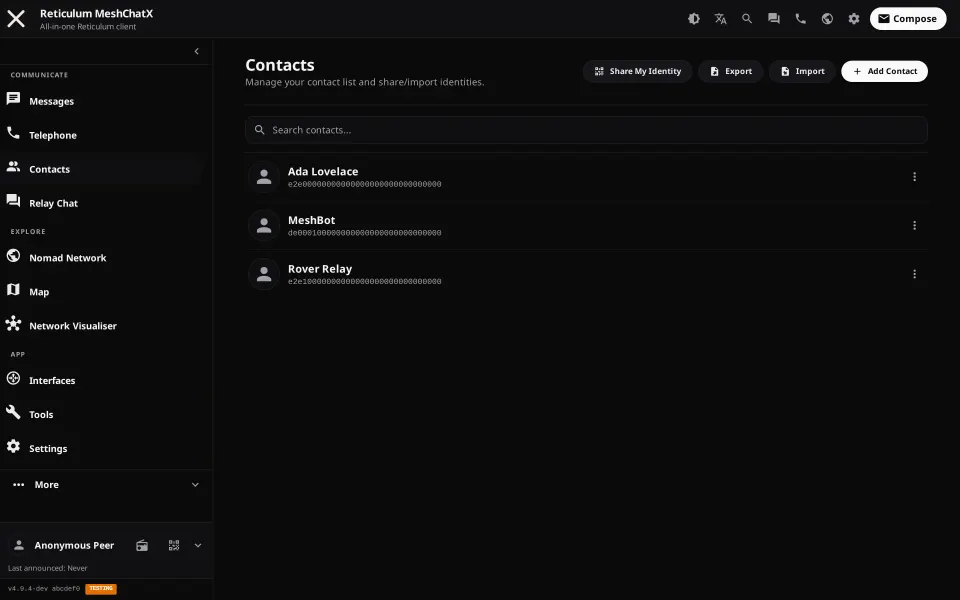
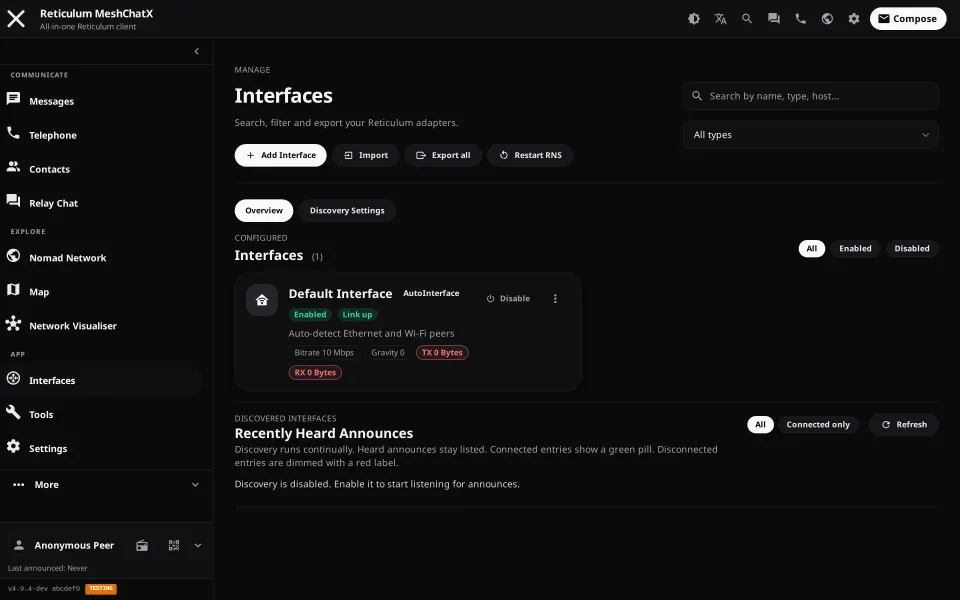
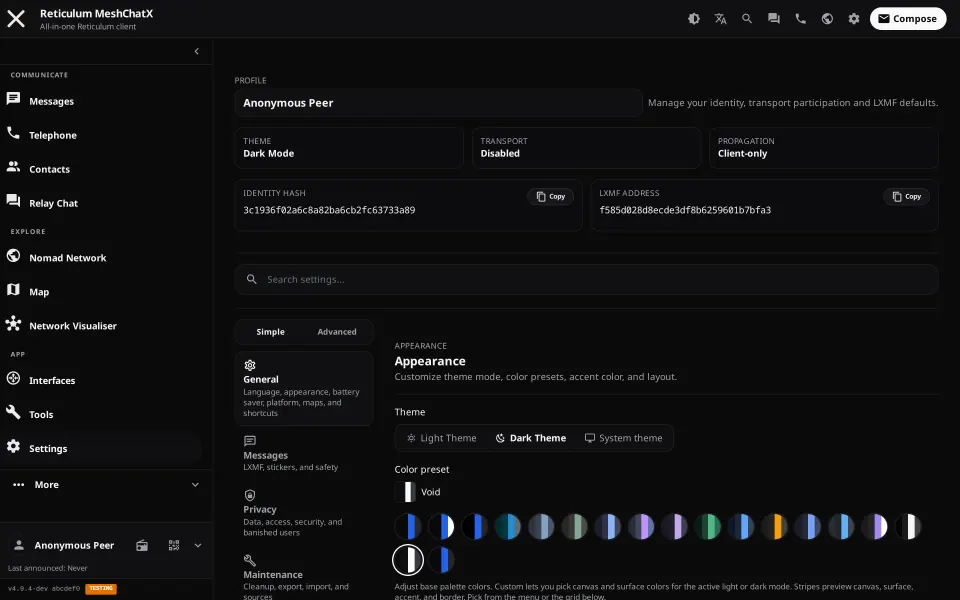
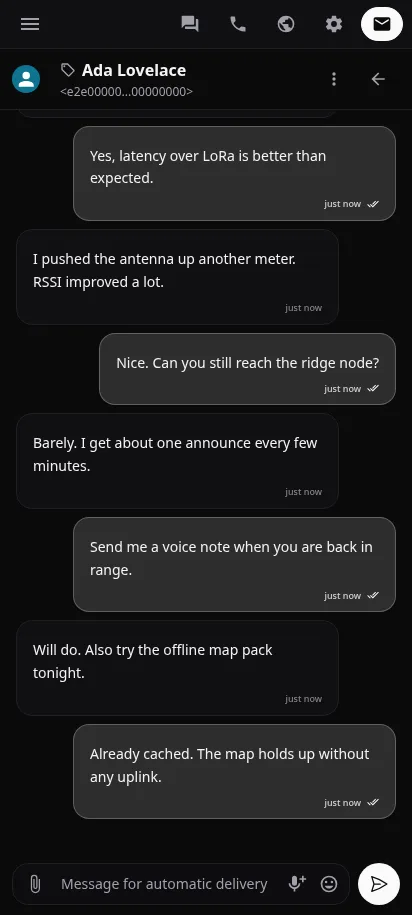
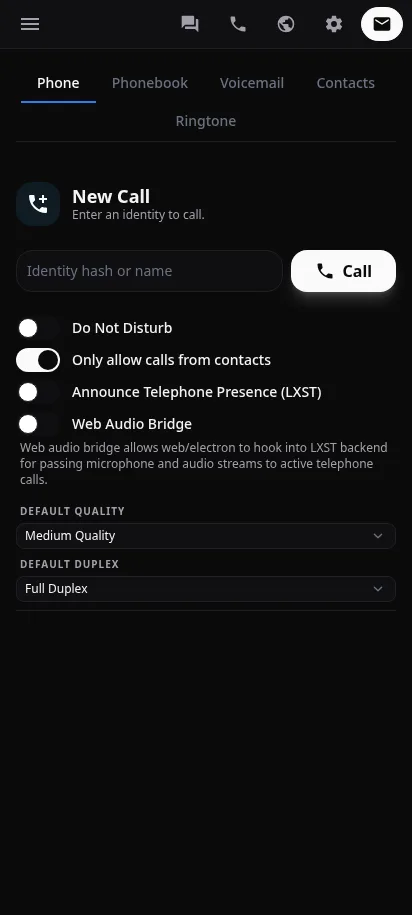
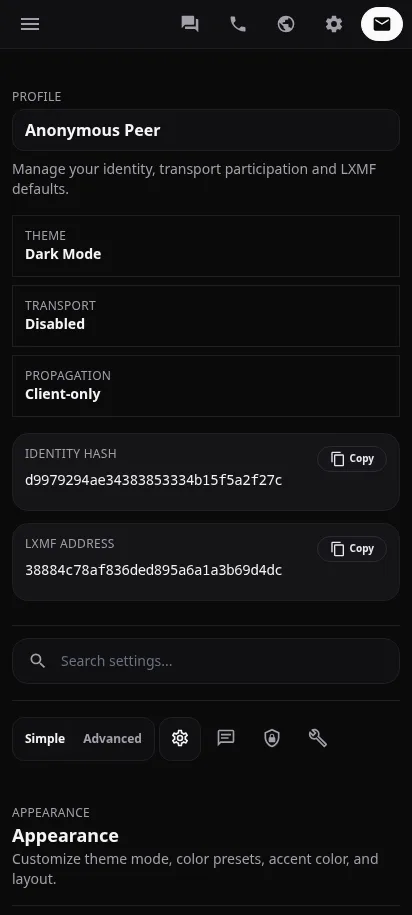
MeshChatX is a full-featured client for the Reticulum Network Stack, forked from the original MeshChat. It runs a local Python service with a Vue 3 web interface that you can host on a server, desktop, or mobile device. The app provides end-to-end encrypted direct messaging via LXMF, voice calls via LXST, a NomadNet page browser, RRC relay chat hubs, an offline-capable OpenLayers map, network visualization, file transfers, bot support, and a Micron editor. Multiple cryptographic identities can be created and switched, each with separate SQLite databases and settings. Authentication options include optional password auth and OIDC single sign-on with several providers. The UI features a dark theme and responsive design for mobile browsers, plus a native Android APK. Installation methods include Docker (standard, hardened, and extra images with I2P/Yggdrasil), PyPI wheels (pip/pipx/uv), Flatpak, AppImage, deb/rpm packages, Electron desktop builds, and Android APKs. The project is licensed under 0BSD for new code with upstream portions remaining MIT. Development ends January 1, 2027, with v5.0.0 as the final release.
Should you self-host MeshChatX?
MeshChatX scores 46/100 on selfhost.directory (how scoring works) and ranks #64 of 110 in Chat. It has 163 GitHub stars.
It shipped 4 stable releases in the past year. The latest, v4.10.7, came out on 11 October 2026.
Setup is moderate: expect some configuration beyond a single command. An official Docker image is available. It is Other-licensed and written mostly in Python.
Its closest alternative on selfhost.directory is Zulip (82/100, 26 133 stars). It scores higher overall, so compare the two before you pick. See MeshChatX vs Zulip side by side.
Features
- Android app
- Auto Backups & Snapshots
- Bot support
- File Transfer
- LXMF Messaging
- LXST Voice Calls
- Multiple Identities
- NomadNet Browser
- Offline Map
- OIDC Single Sign-On
- OS Sandboxing
- Password Authentication
- RRC Relay Chat
MeshChatX README
More in P2P
 MobazhaSelf-hosted open-source P2P commerce platform where sellers own their storefront and data, connecting to shared marketplaces with multi-chain crypto payments.
 MularrSelf-hosted web UI for aMule with qBittorrent/Torznab APIs for Sonarr/Radarr, Telegram downloads, and retro themes.
 PairDropOpen-source, self-hosted file-sharing web app inspired by AirDrop and forked from Snapdrop: peer-to-peer transfers via WebRTC, pairing and public rooms, no signup.
 Reticulum MeshChatOpen-source, self-hosted mesh chat client: encrypted texts, files and beta audio calls over the Reticulum Network Stack via LAN, internet or LoRa radio.
 RoboSatsRoboSats is a self-hosted, open-source P2P Bitcoin exchange using Lightning hold invoices for private, KYC-free trades over Tor and I2P.
 ruTorrentSelf-hosted, open-source web UI for the rTorrent BitTorrent client, with a bundled plugin system for RSS, search, ratio groups and multi-user setups.
 SnapdropOpen-source, self-hostable progressive web app for instant peer-to-peer file transfers between devices on your local network over WebRTC, no setup or signup.
 SpaceMeshgo-spacemesh is an open-source, self-hosted full node for the Spacemesh blockchain using proof-of-space-time consensus for energy-efficient mining on home PCs.
 YggdrasilSelf-hosted, open-source IPv6 mesh: Yggdrasil builds an end-to-end encrypted overlay that peers over IPv4 or IPv6 and runs on Linux, macOS, Windows, routers and phones.
 airdcpp-webclientSelf-hosted P2P file sharing via Advanced Direct Connect with a responsive web UI for NAS and servers.
 alt-coreAlterante Core is a self-hosted, open-source decentralized filesystem in Java for file discovery, automated backup/replication, and web-based file access.
 bittorrent-trackerOpen-source Node.js BitTorrent tracker you can self-host: run your own HTTP, UDP and WebSocket tracker server, with a client library and a /stats web interface.
0 comments