
Self-host Mularr
v1.0.0Web UI for aMule with *Arr and Telegram integration
- Stars
- 178
- Port
- 8940 (Web UI and API)
ghcr.io/joecarl/mularr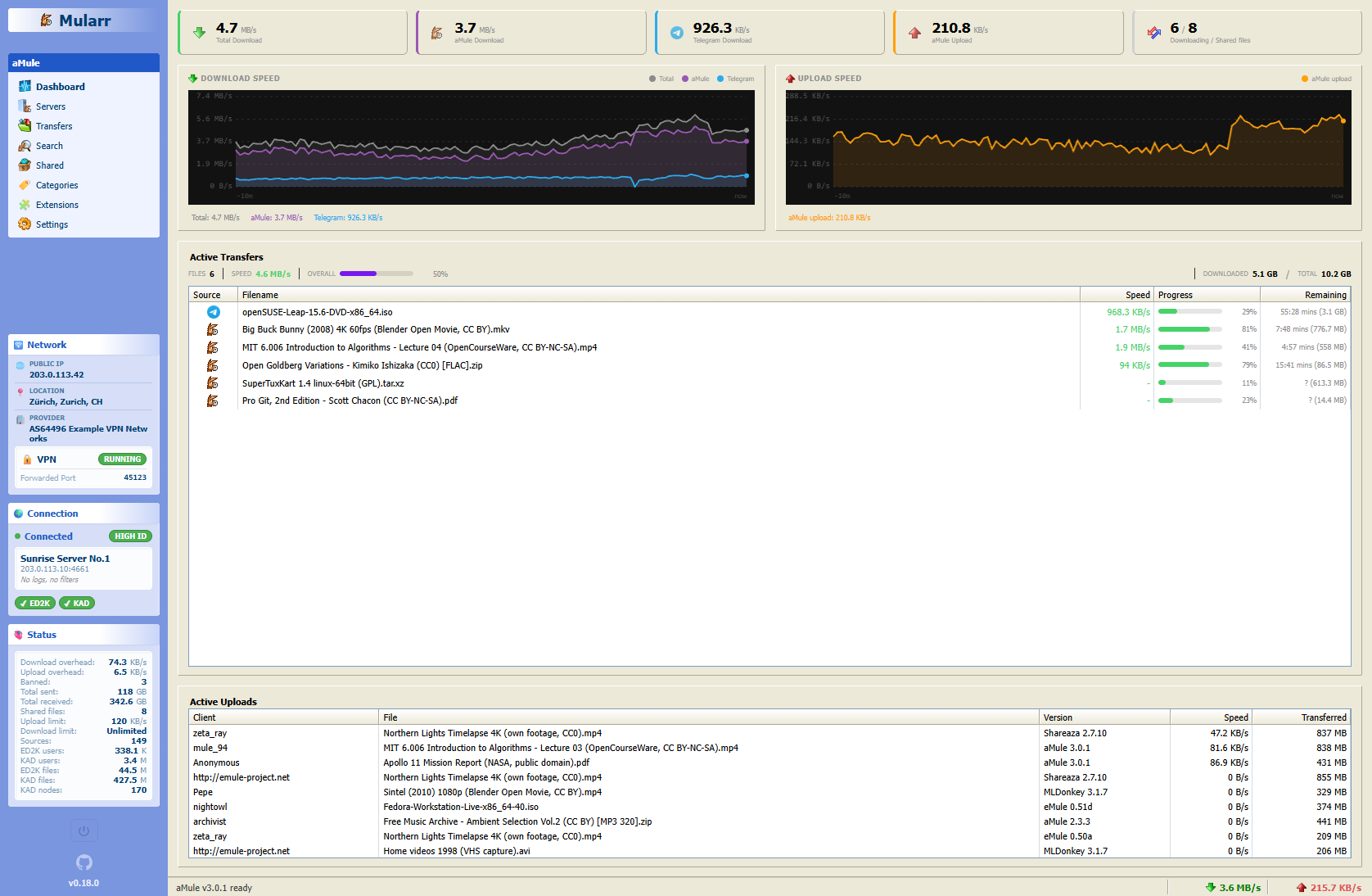
What is Mularr?
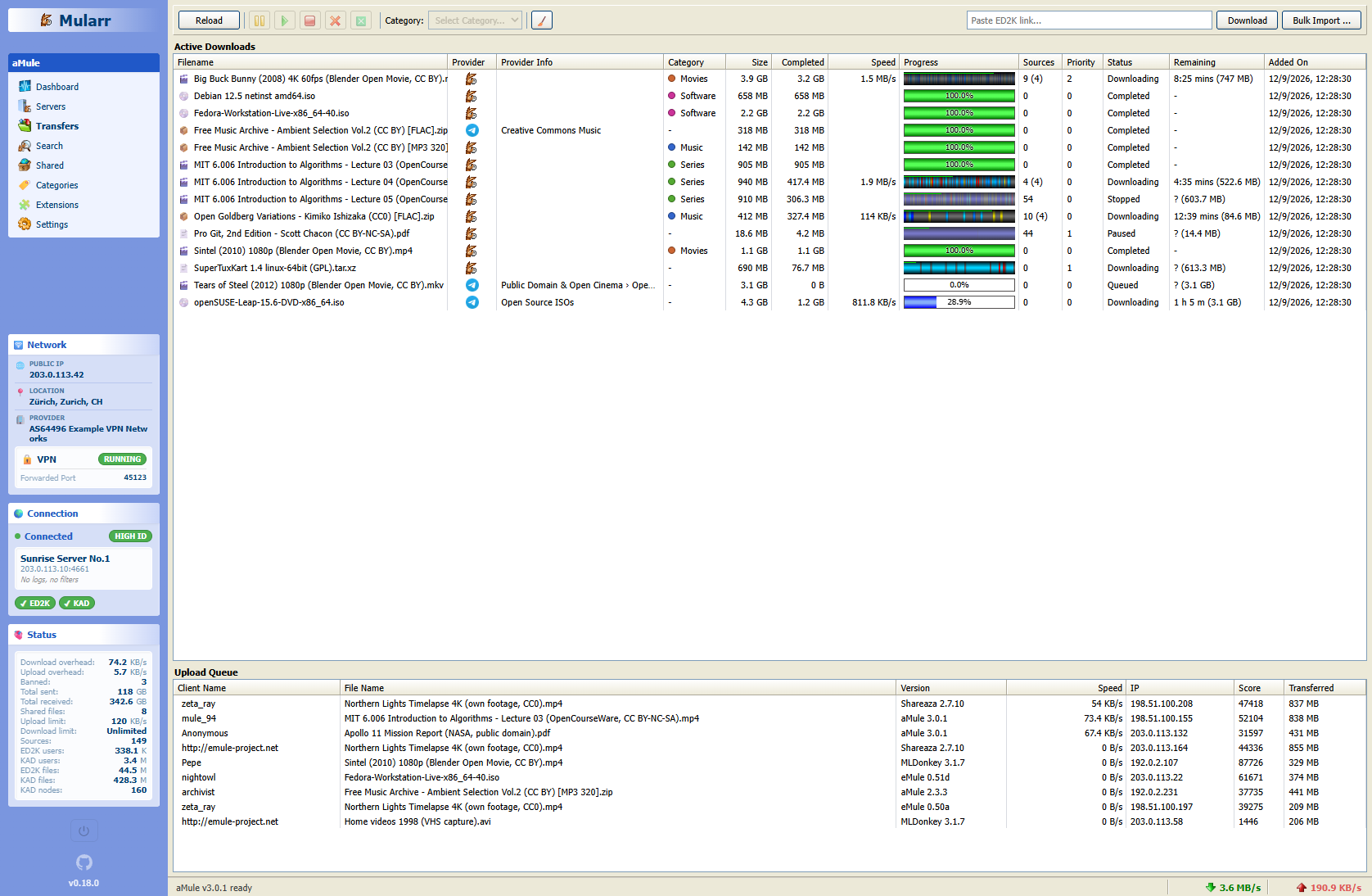
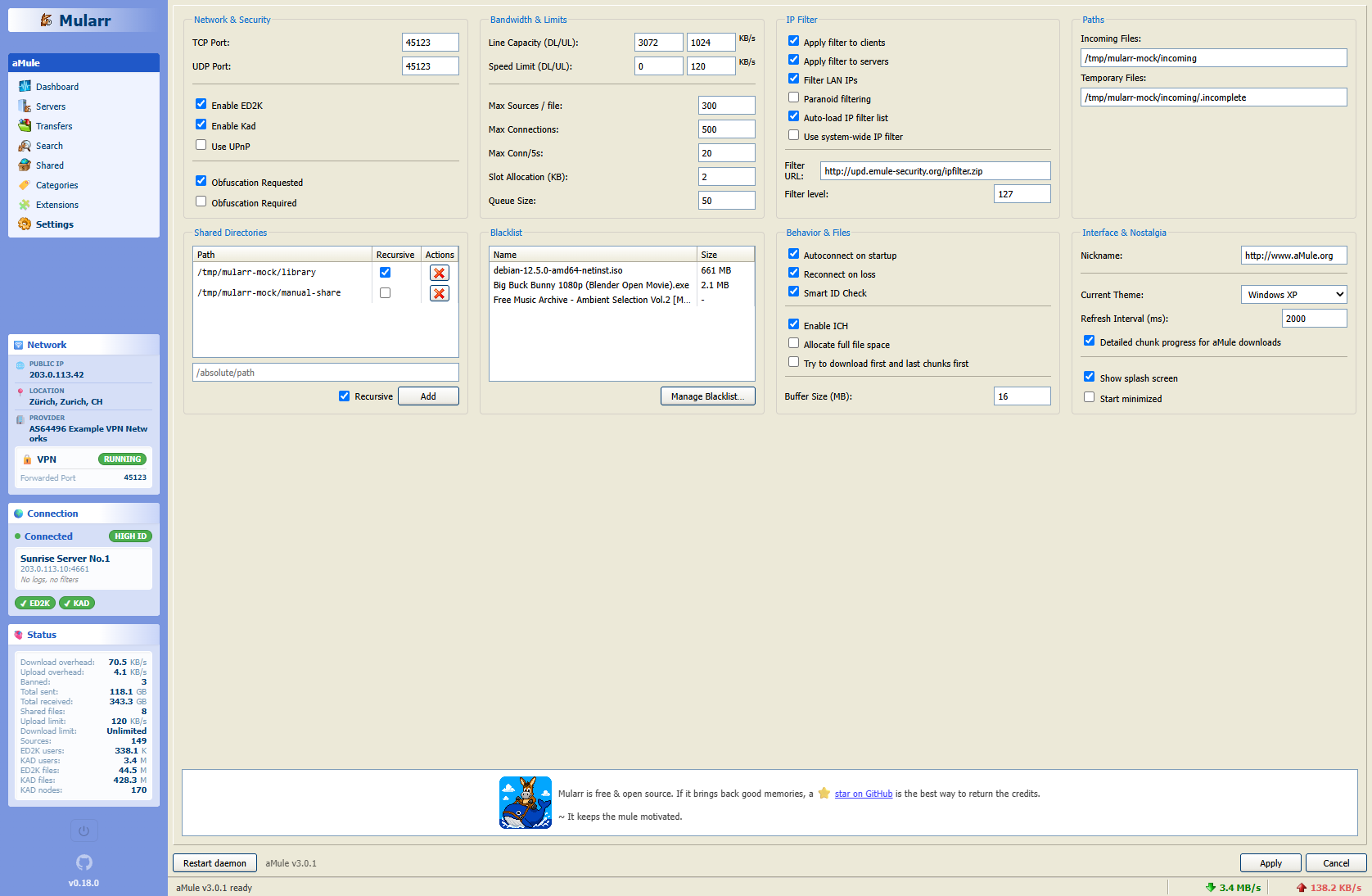
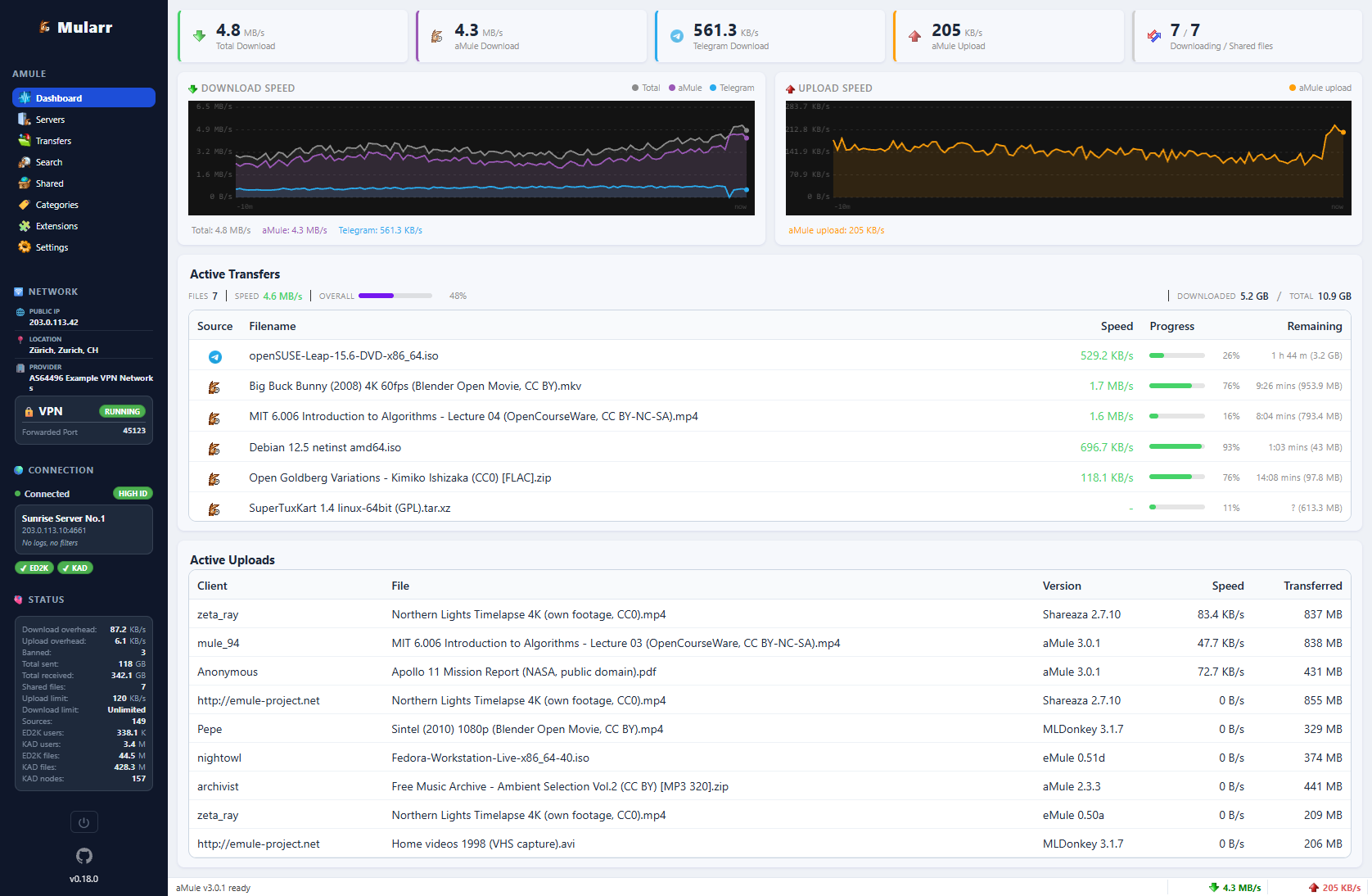
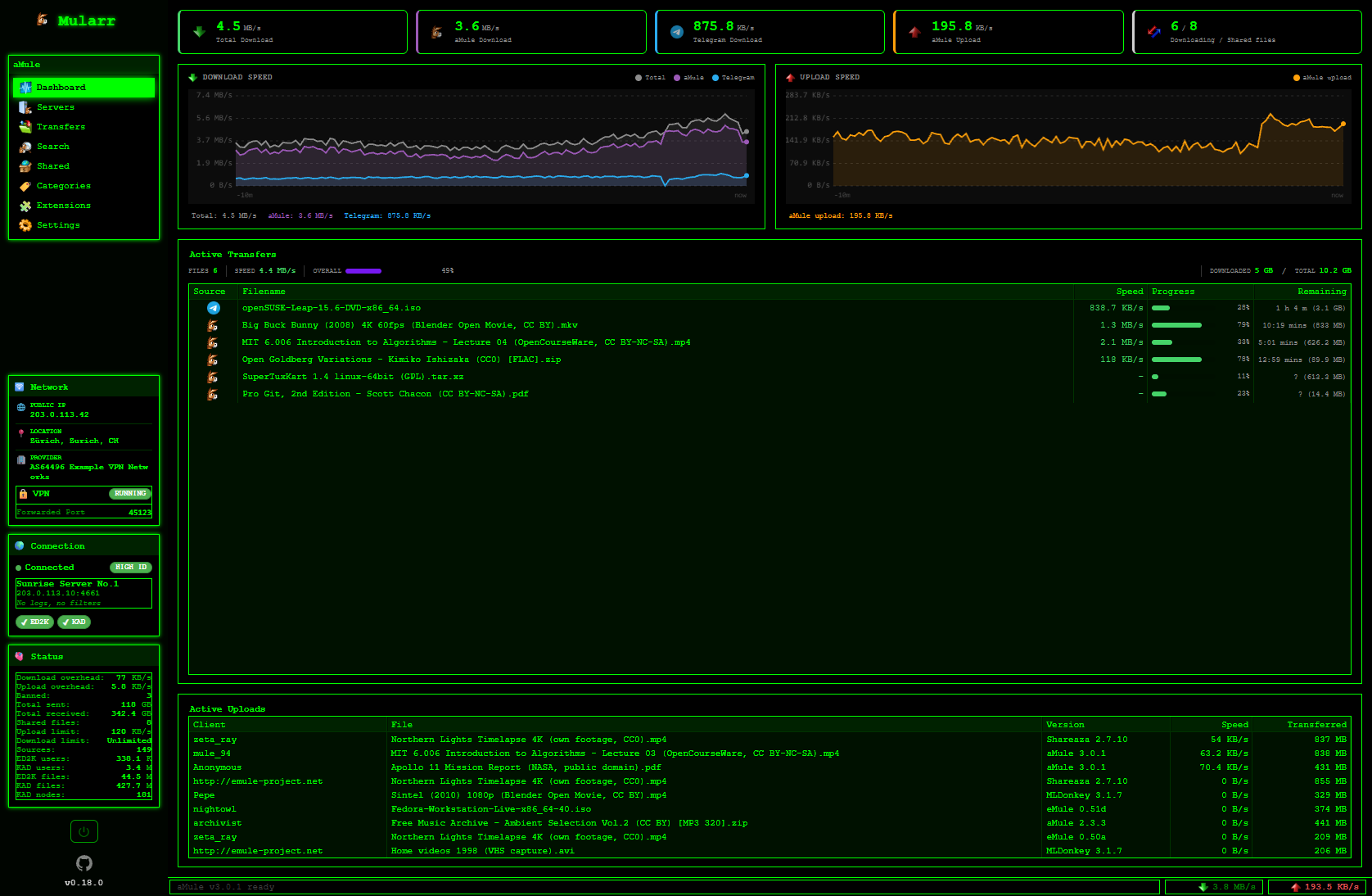
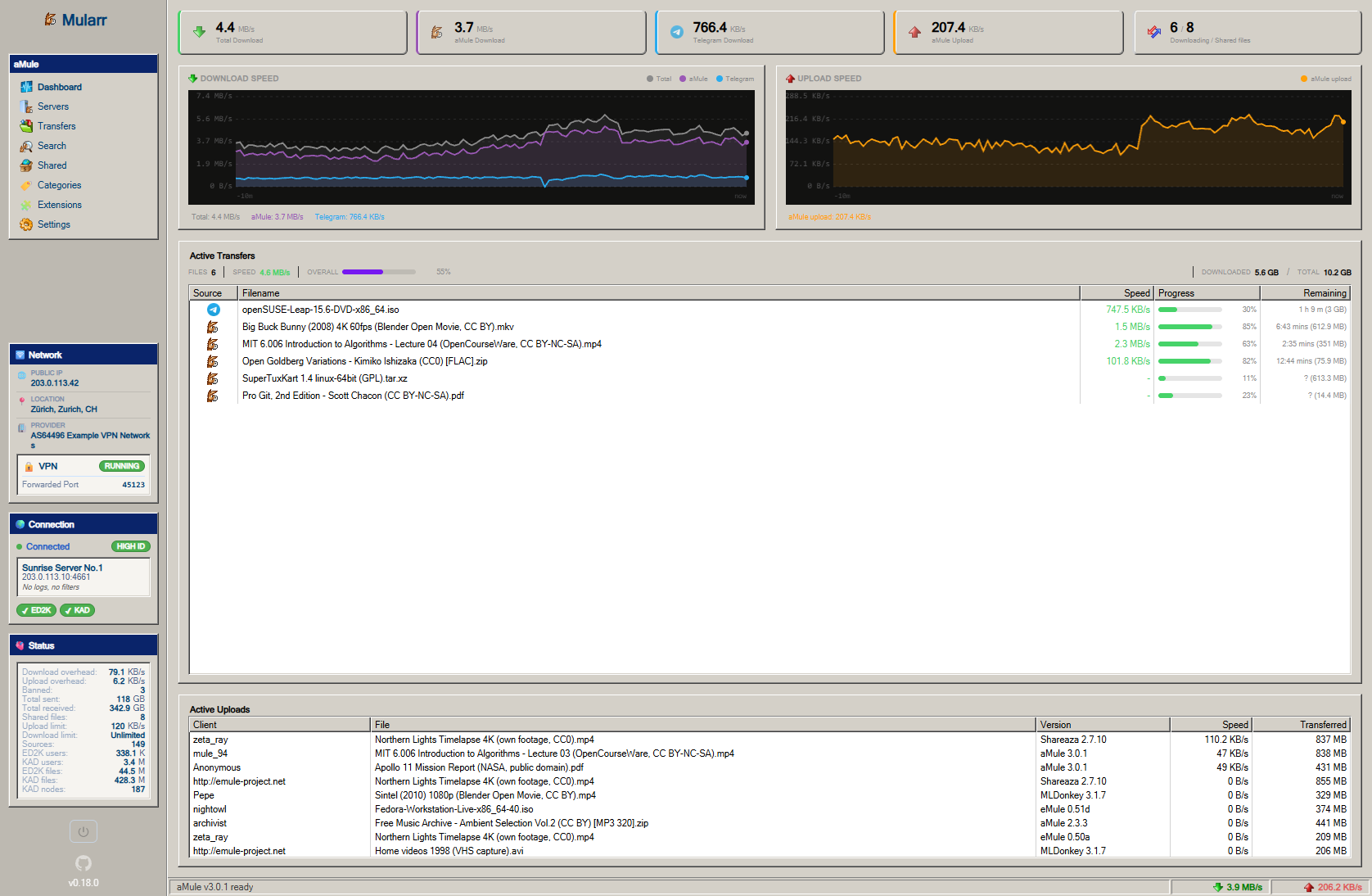
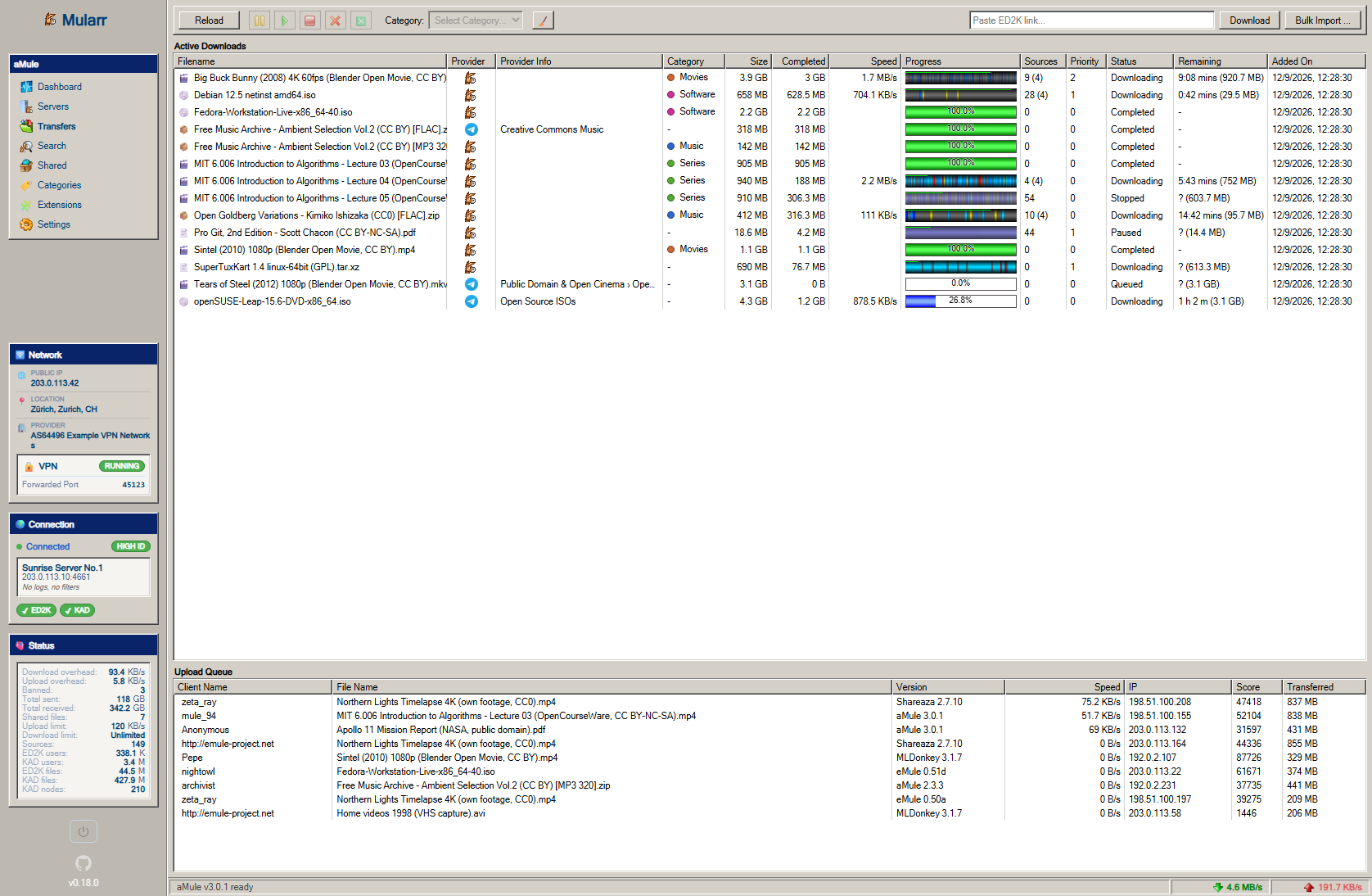
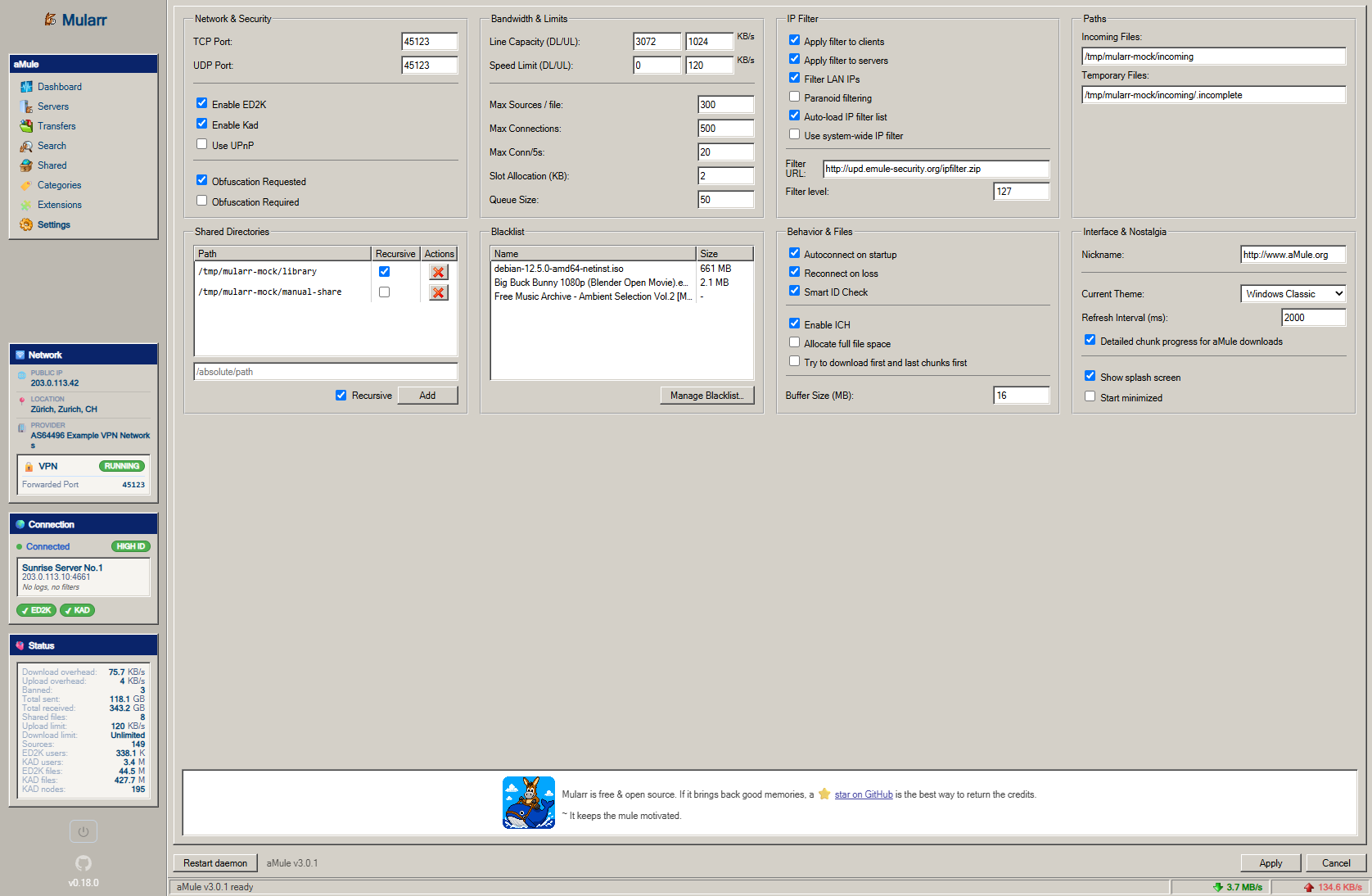
Mularr is a self-hosted web interface that supercharges aMule (the eDonkey/eMule client) with modern automation features. It provides qBittorrent-compatible APIs and Torznab indexers so Sonarr and Radarr can use aMule as a download client and indexer. It also supports Telegram as a download provider and for notifications, and integrates with the Hispashare eD2k catalogue. The UI is fully responsive with multiple retro themes including Windows XP, Windows Classic, Modern, and Hacker modes. Mularr runs in Docker with a bundled aMule instance, uses SQLite for data storage, and supports Gluetun for automatic VPN port forwarding. Authentication is via username/password or API key.
Should you self-host Mularr?
Mularr scores 45/100 on selfhost.directory (how scoring works) and ranks #2 of 2 in P2P. It has 178 GitHub stars.
It shipped 10 stable releases in the past year. The latest, v1.0.0, came out on 7 October 2026. New versions land roughly every 2 weeks.
Setup is moderate: expect some configuration beyond a single command. An official Docker image is available. It is MIT-licensed and written mostly in Typescript.
Its closest alternative on selfhost.directory is hypermind (53/100, 843 stars). It scores higher overall, so compare the two before you pick. See Mularr vs hypermind side by side.
Features
- ARR integration
- Automatic RSS Sync for *Arr
- Gluetun VPN Integration
- Hispashare Provider
- Multiple Retro Themes
- Telegram Download Provider
- Telegram Notifications
Mularr README
More in P2P
 PairDropOpen-source, self-hosted file-sharing web app inspired by AirDrop and forked from Snapdrop: peer-to-peer transfers via WebRTC, pairing and public rooms, no signup.
 Reticulum MeshChatOpen-source, self-hosted mesh chat client: encrypted texts, files and beta audio calls over the Reticulum Network Stack via LAN, internet or LoRa radio.
 RoboSatsRoboSats is a self-hosted, open-source P2P Bitcoin exchange using Lightning hold invoices for private, KYC-free trades over Tor and I2P.
 ruTorrentSelf-hosted, open-source web UI for the rTorrent BitTorrent client, with a bundled plugin system for RSS, search, ratio groups and multi-user setups.
 SnapdropOpen-source, self-hostable progressive web app for instant peer-to-peer file transfers between devices on your local network over WebRTC, no setup or signup.
 SpaceMeshgo-spacemesh is an open-source, self-hosted full node for the Spacemesh blockchain using proof-of-space-time consensus for energy-efficient mining on home PCs.
 YggdrasilSelf-hosted, open-source IPv6 mesh: Yggdrasil builds an end-to-end encrypted overlay that peers over IPv4 or IPv6 and runs on Linux, macOS, Windows, routers and phones.
 airdcpp-webclientSelf-hosted P2P file sharing via Advanced Direct Connect with a responsive web UI for NAS and servers.
 alt-coreAlterante Core is a self-hosted, open-source decentralized filesystem in Java for file discovery, automated backup/replication, and web-based file access.
 bittorrent-trackerOpen-source Node.js BitTorrent tracker you can self-host: run your own HTTP, UDP and WebSocket tracker server, with a client library and a /stats web interface.
 crocSelf-hosted, open-source croc sends files and folders between any two machines with PAKE end-to-end encryption, resumable transfers, and your own relay via Docker.
 DashBeamOpen-source P2P file transfer tool with self-hosted relay and discovery servers; direct device-to-device over QUIC + TLS 1.3, on desktop, Android, CLI and web.
0 comments