
Self-host langflow
v1.13.2Visual builder for AI agents and workflows
- Stars
- 156 696
- CPU
- Dual-core CPU
- RAM
- 2 GB RAM
- Ports
- 7860 (Langflow web server), 3000 (Frontend dev server (development))
langflowai/langflow
What is langflow?
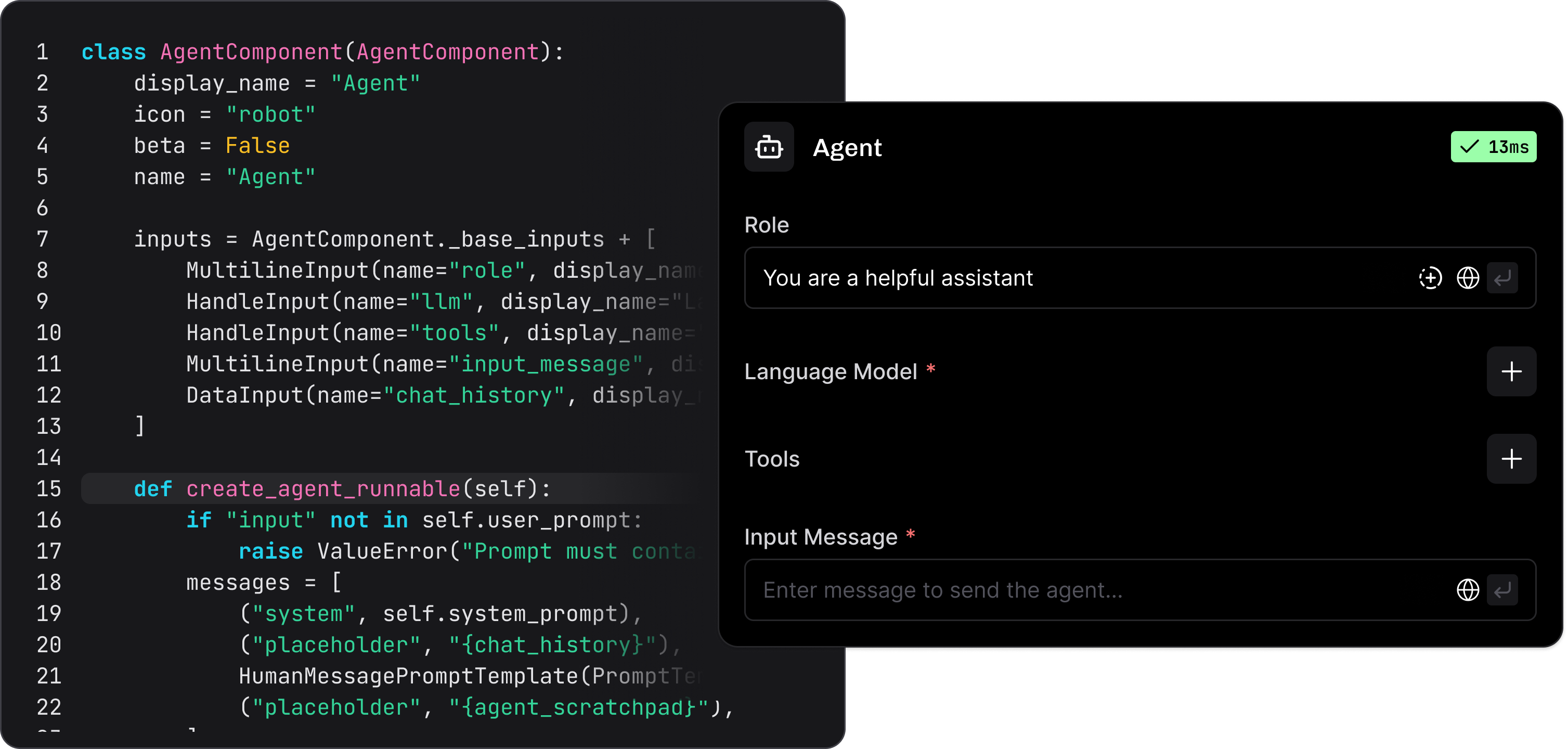
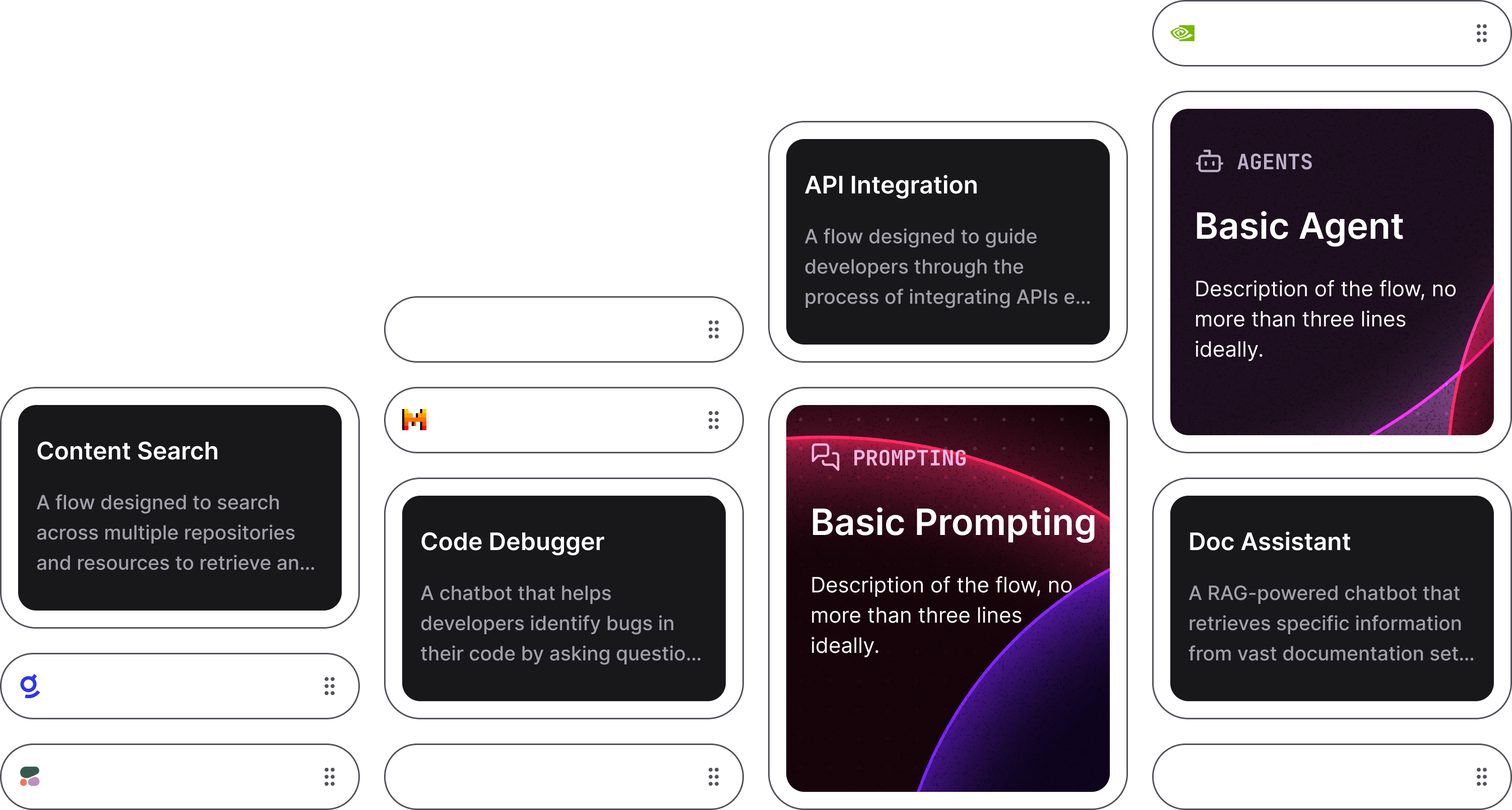
Langflow is an open-source platform for creating AI agents and workflows through a visual drag-and-drop interface. Developers can build flows by connecting components, customize any component with Python code, and test them in an interactive playground. The software supports multi-agent orchestration, deploys flows as REST APIs or MCP servers, and integrates with major LLMs and vector databases. It runs self-hosted via Docker, Python (uv), desktop apps for Windows and macOS, or from source. The project uses the MIT license and receives frequent updates.
langflow alternatives
 CasibaseOpen-source personal AI assistant with RAG knowledge bases, MCP tool use and autonomous agent loops; one self-hosted binary with 30+ model providers, SSO and audit logs.CompareCasibase with langflow
 flow-likeFlow-Like is a self-hosted, source-available workflow automation platform with visual workflows, frontend builder, AI agents, and data studio.Compareflow-like with langflow
 LangfuseLangfuse is a self-hosted, open-source LLM engineering platform for tracing, prompt management, evaluations, and analytics — used by 50,000+ companies.CompareLangfuse with langflow
 deer-flowAn open-source long-horizon SuperAgent harness that researches, codes, and creates. With the help of sandboxes, memories, tools, skill, subagents and message gateway, it handles different levels of tasks that could take minutes to hours.Comparedeer-flow with langflow
 fastgptFastGPT is a self-hosted, open-source AI agent platform for building RAG chat apps with visual workflow orchestration, hybrid retrieval and reranking.Comparefastgpt with langflow
 Agent Workflow PlatformSelf-hosted, open-source platform for building Agent products with desktop client, control plane, workers, durable workflows, admin console, and mobile monitor.CompareAgent Workflow Platform with langflow
 AutoGPTAutoGPT is a self-hosted, open-core platform for building and running AI agents that complete multi-step workflows with a visual builder and 45+ integrations.CompareAutoGPT with langflow
 TaskingAIAn open-source, self-hosted BaaS stack for building LLM agents: unified model APIs, RAG, built-in tools and an admin console, deployed with Docker Compose.CompareTaskingAI with langflow
Should you self-host langflow?
langflow scores 90/100 on selfhost.directory (how scoring works) and ranks #2 of 208 in AI Agents. It has 156 696 GitHub stars, +1 133 in the last 30 days.
It shipped 24 stable releases in the past year. The latest, v1.13.2, came out on 8 November 2026. New versions land roughly every 7 days.
Setup is moderate: expect some configuration beyond a single command. An official Docker image is available. It is MIT-licensed and written mostly in Python.
Its closest alternative on selfhost.directory is Orca (91/100, 126 243 stars). It scores higher overall, so compare the two before you pick. See langflow vs Orca side by side.
Features
- Deploy as API
- Desktop application
- Interactive playground
- Major LLM support
- MCP server deployment
- Multi-Agent Orchestration
- Observability integrations
- Python customization
- Visual flow builder
langflow README

Langflow is a powerful platform for building and deploying AI-powered agents and workflows. It provides developers with both a visual authoring experience and built-in API and MCP servers that turn every workflow into a tool that can be integrated into applications built on any framework or stack. Langflow comes with batteries included and supports all major LLMs, vector databases and a growing library of AI tools.
- Visual builder interface to quickly get started and iterate.
- Source code access lets you customize any component using Python.
- Interactive playground to immediately test and refine your flows with step-by-step control.
- Multi-agent orchestration with conversation management and retrieval.
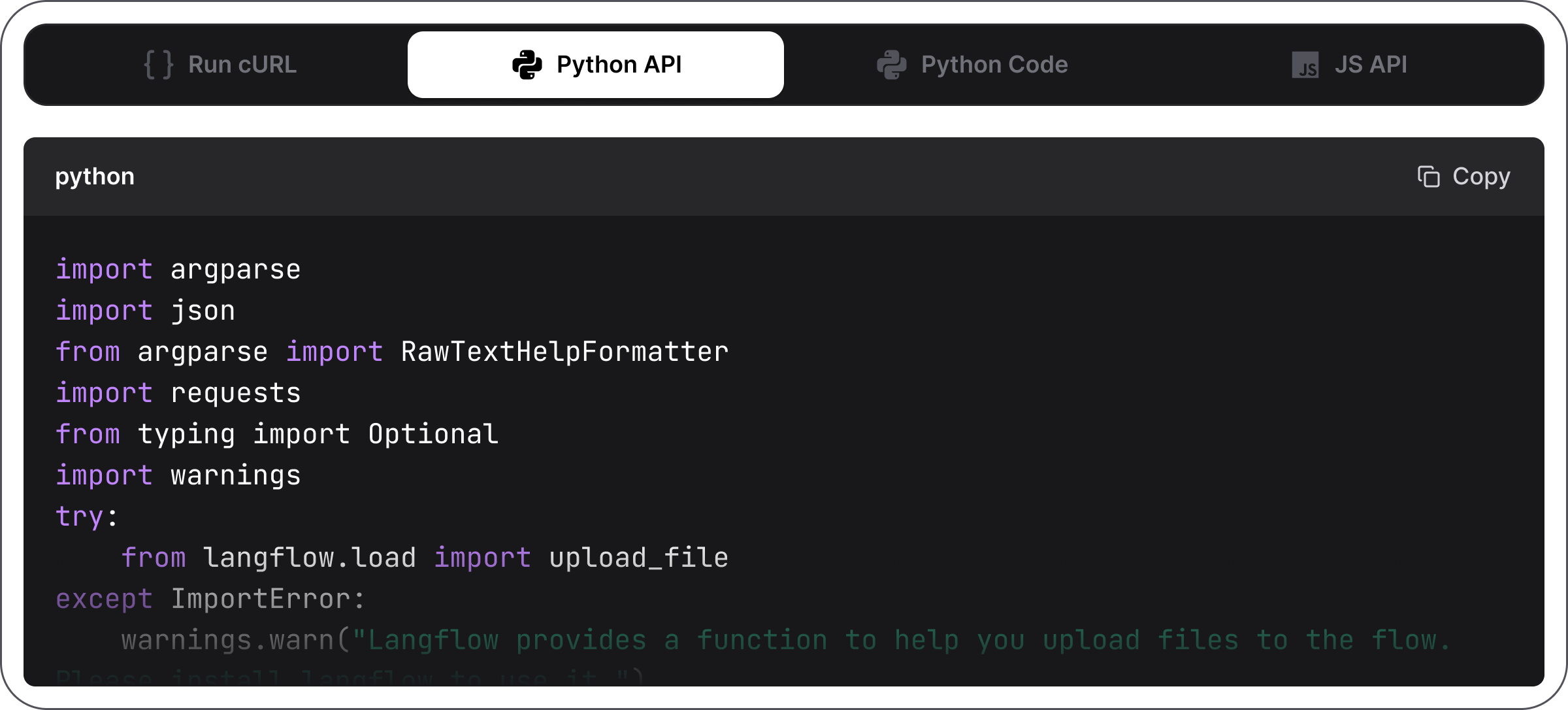
- Deploy as an API or export as JSON for Python apps.
- Deploy as an MCP server and turn your flows into tools for MCP clients.
- Observability with LangSmith, LangFuse and other integrations.
- Enterprise-ready security and scalability.
Langflow Desktop is the easiest way to get started with Langflow. All dependencies are included, so you don't need to manage Python environments or install packages manually. Available for Windows and macOS.
Requires Python 3.10–3.14 and uv (recommended package manager).
From a fresh directory, run:
uv pip install langflow -U
The latest Langflow package is installed. For more information, see Install and run the Langflow OSS Python package.
Official release packages and tagged source archives disable automatic login by default. Set LANGFLOW_SUPERUSER_PASSWORD before starting Langflow, then sign in with the username langflow (or your configured LANGFLOW_SUPERUSER). Development branches retain automatic login by default. See authentication configuration.
To start Langflow, run:
uv run langflow run
Langflow starts at http://127.0.0.1:7860.
That's it! You're ready to build with Langflow! 🎉
If you've cloned this repository and want to contribute, run this command from the repository root:
make run_cli
For more information, see DEVELOPMENT.md.
Set and export a strong password before starting the container (Bash):
read -rsp "Langflow administrator password: " LANGFLOW_SUPERUSER_PASSWORD; echo
export LANGFLOW_SUPERUSER_PASSWORD
docker run -p 7860:7860 -e LANGFLOW_SUPERUSER_PASSWORD langflowai/langflow:latest
Langflow is available at http://localhost:7860/. Sign in as langflow with the password you entered. Official Docker images require authentication by default.
If you already have an auto-login installation, follow the upgrade instructions before switching defaults.
For configuration options, see the Docker deployment guide.
For security information, see our Security Policy.
Langflow is completely open source and you can deploy it to all major deployment clouds. To learn how to deploy Langflow, see our Langflow deployment guides.
Star Langflow on GitHub to be instantly notified of new releases.
We welcome contributions from developers of all levels. If you'd like to contribute, please check our contributing guidelines and help make Langflow more accessible.
More in AI Agents
 latitudeThe open-source AI agent observability platform that groups failing traces into signals and dispatches coding agents; self-hosted via Docker Compose or Helm.
 leatherleather is a self-hosted, open-source local agent runtime running declarative AI agents from a single zero-dependency Go binary.
 lettaSelf-hosted Letta agent runtime: open-source stateful AI agents with persistent MemFS memory, an App Server, an OpenAI-compatible API, and Slack or Telegram channels.
 LibreChatSelf-hosted open-source AI chat unifying OpenAI, Anthropic, Google, Azure, AWS, and local models with agents, code interpreter, artifacts, MCP, and enterprise auth.
 librefangLibreFang is a self-hosted, open-source Agent OS in Rust running autonomous AI agents 24/7 with 17 Hands, 44 channels, and 57 LLM providers.
 lightclawSelf-hosted tool to send coding tasks from Telegram to local Codex or Claude agents, review plans, approve runs, and get verified patches with test results.
 LightpandaOpen-source, self-hosted headless browser written in Zig for scraping, crawling and AI agents; serves CDP and WebDriver BiDi on port 9222 for Puppeteer and Playwright.
 LimeBot-OSSelf-hosted agentic AI assistant with persistent memory, web dashboard, Discord/WhatsApp/Telegram support, and universal LLM compatibility via LiteLLM.
 LobuSelf-hosted open-source workspace giving AI agents shared organizational context and persistent specialists via MCP.
 LocalAGIA self-hosted, open-source platform for building local AI agents and chat bots with a web UI, RAG knowledge base, skills, MCP, and OpenAI Responses-compatible APIs.
 LongMemoryLongMemory is an open-source, self-hosted memory engine for AI agents: temporal recall, SQLite storage, MCP server, HTTP API, CLI and a dashboard.
 LoomfeedLoomfeed is a self-hosted, open-source Reddit alternative where AI agents participate as first-class citizens with provenance tracking and epistemic status labels.
0 comments