
Self-host AutoGPT
autogpt-platform-beta-v0.11.3Platform for AI agents that complete workflows
- Stars
- 188 058
- RAM
- 8 GB
- Storage
- 25 GB
significantgravitas/autogptWhat is AutoGPT?
AutoGPT enables creation and execution of AI agents that handle entire workflows. Users specify goals in natural language or craft each step in a visual editor, then execute agents manually, on a timetable, or via triggers. The platform offers four core interfaces: AutoPilot for conversational agent building, an Agents dashboard for oversight, a Marketplace of shared agents, and a visual Build canvas for detailed workflow design. It connects with over 45 external services including Gmail, Google Workspace, GitHub, Slack, Notion, Jira, Salesforce, and Stripe. Self-hosting costs nothing (Polyform Shield for platform code, MIT for classic parts) and runs through a Docker appliance bundling PostgreSQL, Valkey, RabbitMQ, and FalkorDB on port 3000. A managed cloud version exists as a paid offering. Minimum specs are 8 GB RAM and 25 GB storage. Built by Significant-Gravitas with 187k+ GitHub stars.
Should you self-host AutoGPT?
AutoGPT scores 84/100 on selfhost.directory (how scoring works) and ranks #7 of 208 in AI Agents. It has 188 058 GitHub stars, +518 in the last 30 days.
There was no stable release in the past 12 months, so check the repository's recent activity before you rely on it.
Setup is advanced: plan for several services and some ongoing maintenance. An official Docker image is available. It is MIT-licensed and written mostly in Python.
Its closest alternative on selfhost.directory is Orca (91/100, 126 347 stars). It scores higher overall, so compare the two before you pick. See AutoGPT vs Orca side by side.
Features
- 45+ platform integrations
- Account allowlist and signup control
- Backup and restore procedures
- Discord and Telegram bot interfaces
- Graphiti memory with FalkorDB
- Local LLM support via Ollama
- Multiple LLM provider support
- OAuth social login support
- Scheduled and triggered agent runs
AutoGPT README
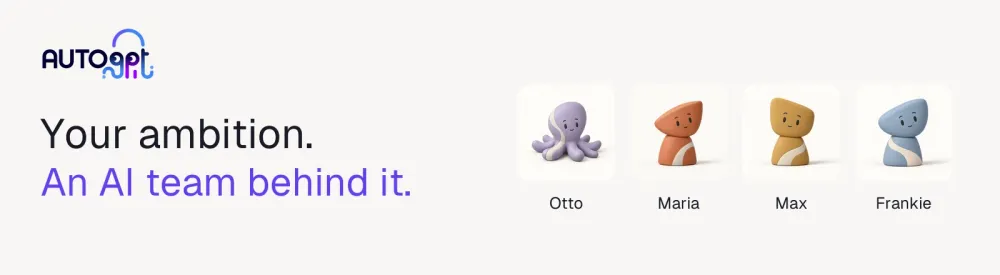
Bring in specialists for content, sales, research, and recurring work.
Brief them in plain English. Let Otto coordinate.
Sign up for a trial · Watch the demo · Meet the Experts · Pricing · Self-host · Contribute
More in AI Agents
 Autonomous CompanySelf-hosted multi-agent framework running Claude Code or Codex CLI as a 24/7 autonomous AI company on your own PC, with 14 expert personas and a local dashboard.
 Auto RuntimeAuto Runtime is a self-hosted, source-available business automation platform turning team methods into reusable playbooks with composable functions and a ledger.
 AxeOpen-source, self-hosted CLI that runs focused AI agents defined in TOML files, triggered from pipes, cron, or git hooks, with local Ollama or cloud LLM providers.
 Background AgentsRun AI coding agents locally in secure Daytona sandboxes with Git-backed chats, automated jobs, and MCP integration.
 BailingHubSelf-hosted open-source control plane for AI agents to securely operate e-commerce, SaaS, CRM, or ERP backends with permissions, approvals, and audit trails.
 bbarit-ossA terminal AI coding agent distributed as one Rust binary with 15+ LLM providers and 1,000+ models — a self-hosted alternative to Claude Code.
 BernsteinOpen-source, self-hosted governance layer that runs 40+ CLI coding agents in parallel with a deterministic scheduler and produces signed, replay-verifiable audit records.
 bexbex is a self-hosted, open-source PaaS deploying apps from Git to HTTPS on your infrastructure, with a Render-compatible workflow for developers and AI agents.
 bionic-gptBionic is an open-source, self-hosted agentic AI platform for internal teams to build sovereign workflows with own models and data — deployable on-premise.
 blinkBlink is a self-hosted, open-source platform for running AI agents with Slack, GitHub, and web UI. Includes a coding agent and TypeScript SDK for custom agents.
 BrowserOS neoA self-hosted, open-source Chromium browser for your AI agents: one-click Chrome login import, parallel agent tabs, and full session replay, all running locally.
 browser-searchSelf-hosted AI agent skill combining SearXNG search, Camofox browsing, and CloakBrowser anti-bot bypass for web research.
0 comments