
Self-host Invidious
v2.20261114.0Ad-free open-source front-end for YouTube, no JS needed
docker compose up -d- Stars
- 26 022
- RAM
- 2GB of free RAM
- Storage
- 20GB disk space
- Port
- 3000 (Invidious web UI and API (mapped as 127.0.0.1:3000:3000 behind a reverse proxy in the production compose example))
- Requires
- Invidious companion
quay.io/invidious/invidious

What is Invidious?
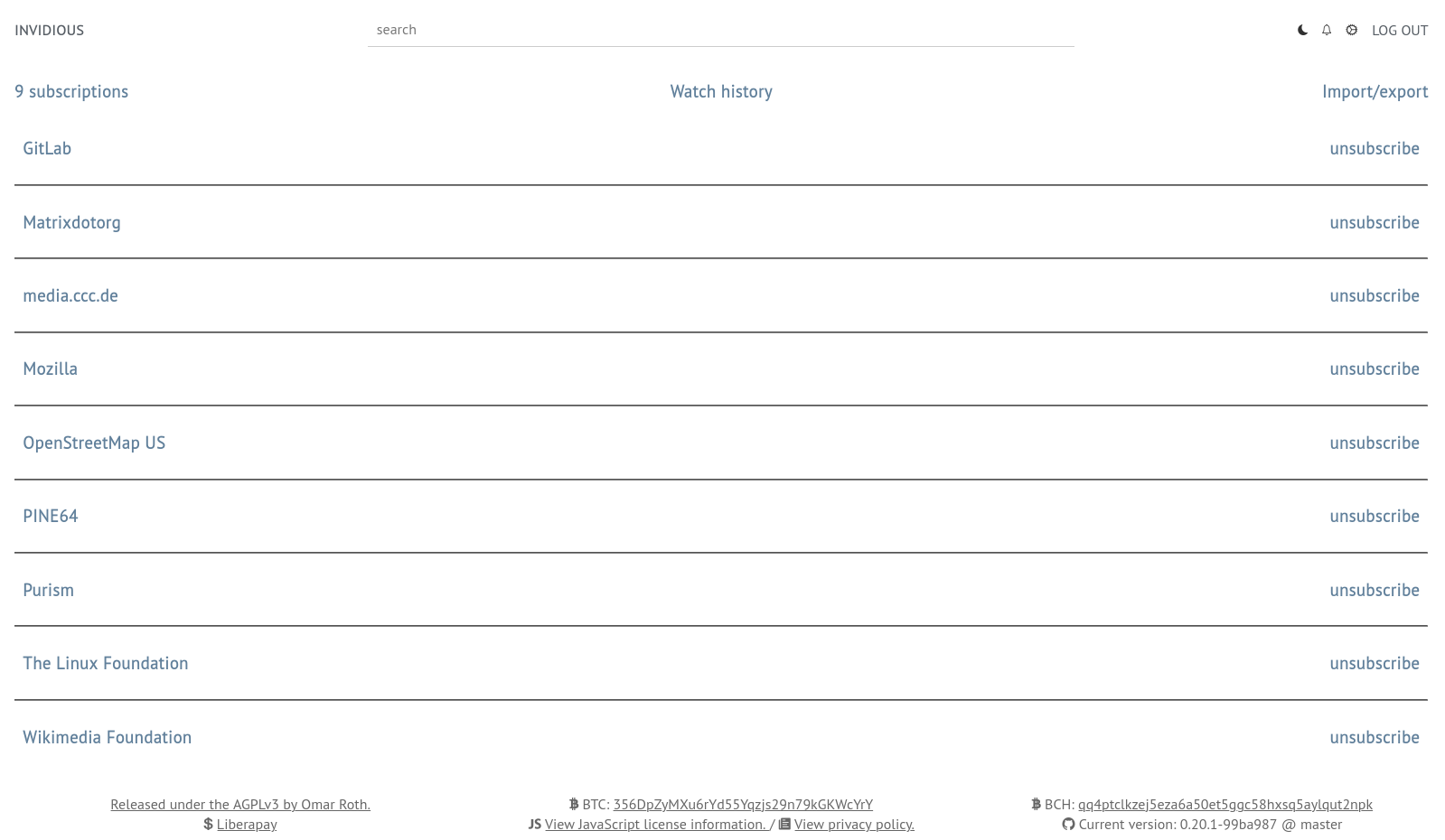
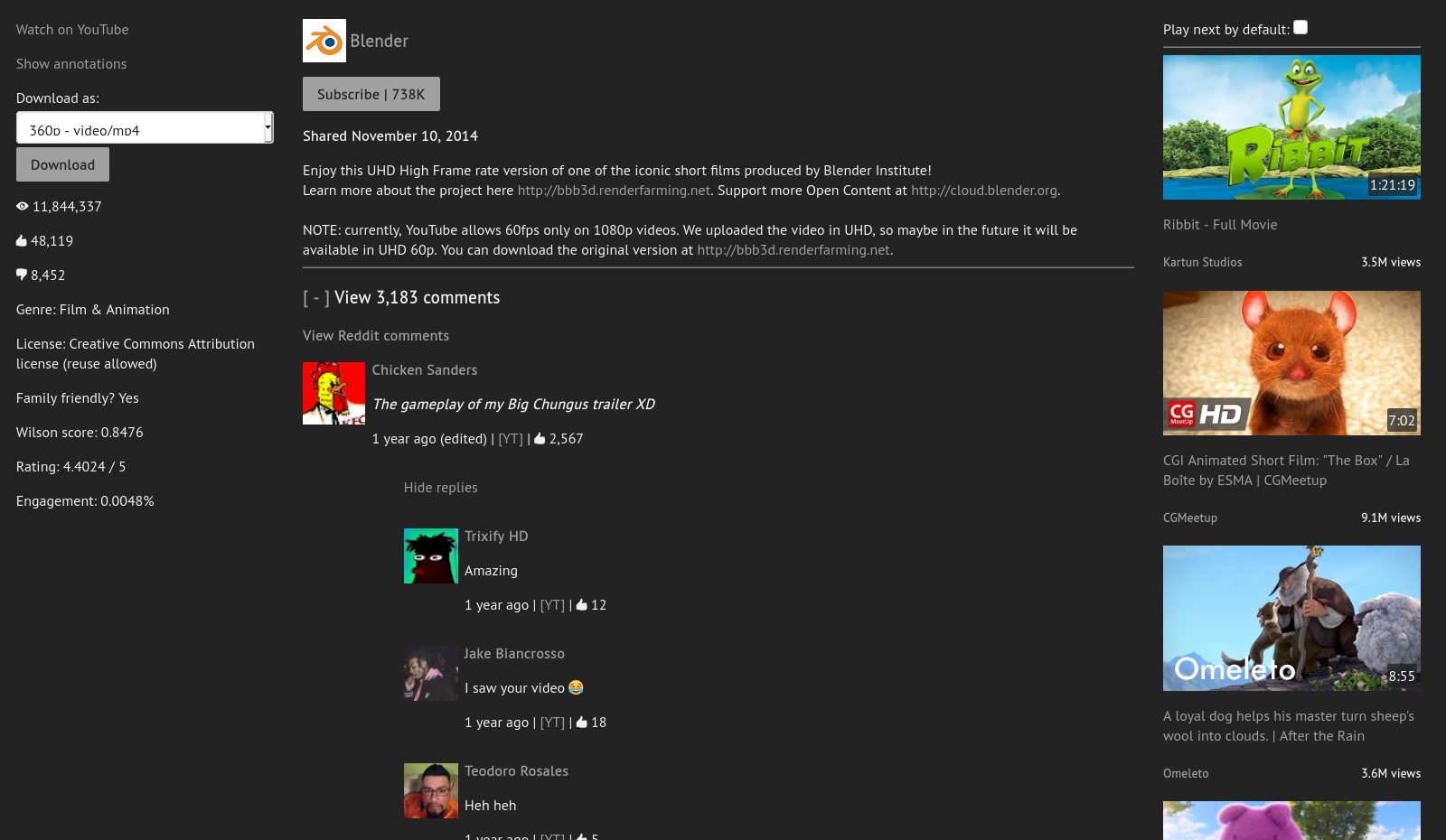
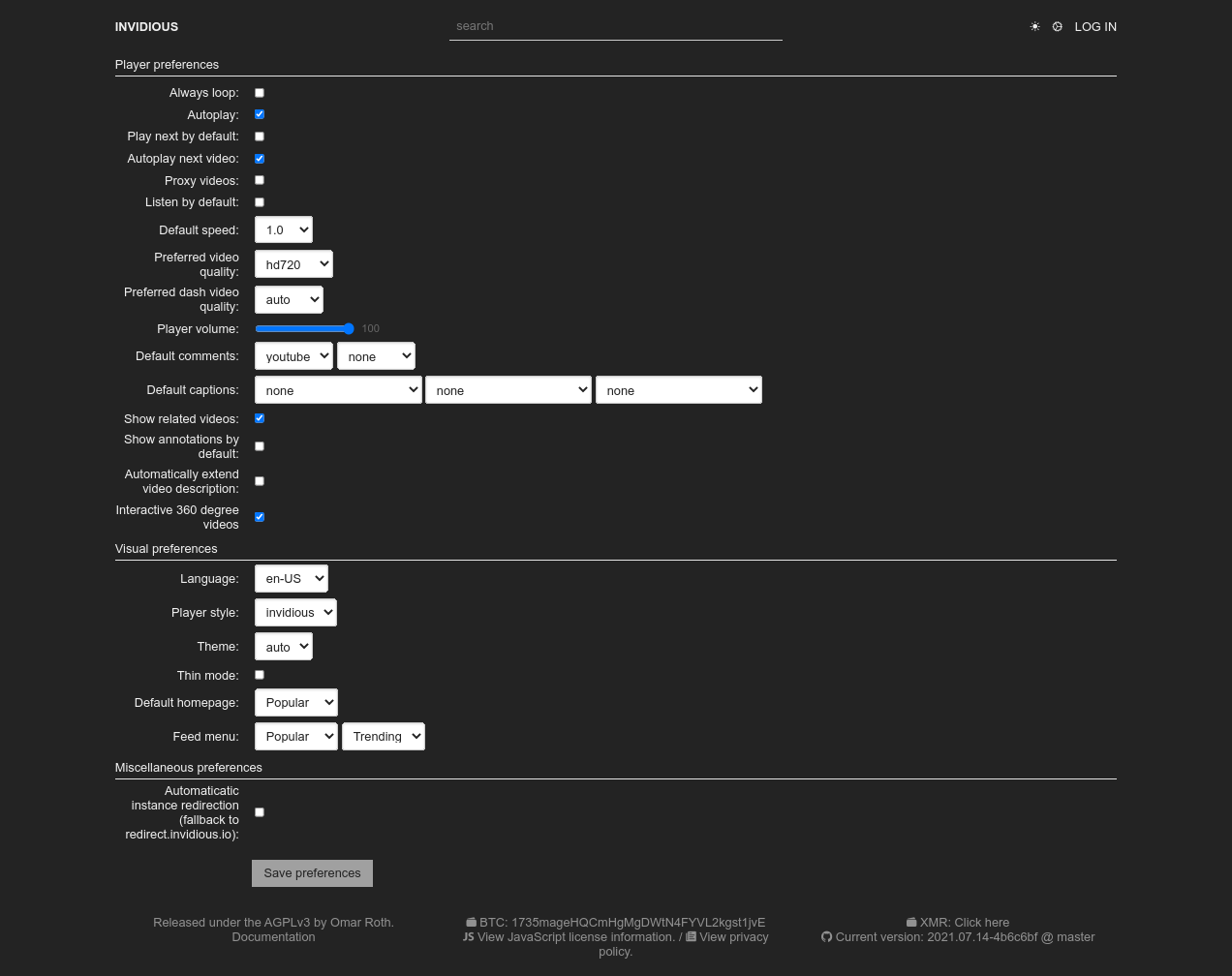
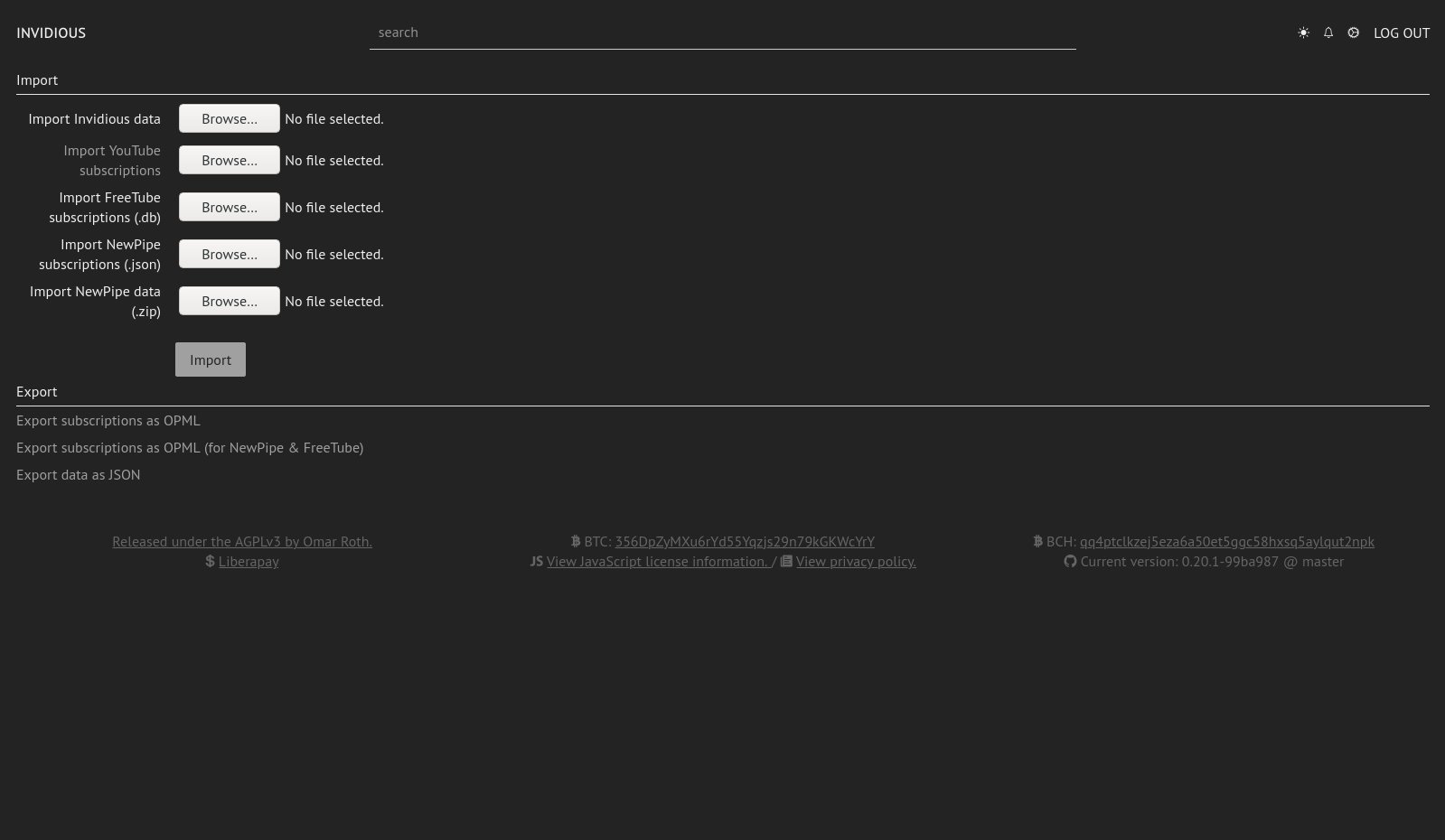
Invidious is a libre, open-source front-end for YouTube, aimed at people who want videos without ads, without Google tracking and without a Google account, and who may even turn JavaScript off. Channel subscriptions, watch history and playlists live in its own PostgreSQL database, and that data can be imported from or exported to YouTube, NewPipe and FreeTube. Day-to-day capabilities include an audio-only mode with background play, light and dark themes, notifications for subscribed channels, Reddit-sourced comments, embeddable players, SponsorBlock support and a documented REST API; YouTube's official APIs are not used.
Operators self-host it either with Docker Compose, pulling the Quay image next to a PostgreSQL container and Invidious companion (the separate program that fetches video streams from YouTube), or by building from source with Crystal on Linux. macOS and Windows users are pointed at Docker. Settings come from config/config.example.yml, whose path can be overridden with INVIDIOUS_CONFIG_FILE.
Caveats: hosting on PaaS or SaaS platforms is unsupported by the team, the maintainers advise restarting an instance at least daily and ideally every hour, playback of higher fixed resolutions needs DASH and therefore JavaScript, and subtitles often fail on busy instances because of Google rate limiting. There are no packaged binaries and no native phone apps.
Invidious alternatives
 PeerTubeOpen-source, ActivityPub-federated video platform for self-hosted instances: WebRTC P2P streaming, live broadcasts, playlists and moderation tools.ComparePeerTube with Invidious
 ChannelTubeSelf-hosted YouTube channel downloader using yt-dlp with scheduled syncs, format options, and Plex/Jellyfin integration.CompareChannelTube with Invidious
 avideoSelf-hosted, open-source video platform for on-demand libraries and live broadcasts, with HLS delivery, an encoder, plugins, and paid monetization options.Compareavideo with Invidious
 Tube ArchivistTube Archivist is a self-hosted, open-source YouTube media server for downloading, indexing, and playing videos offline with full-text search.CompareTube Archivist with Invidious
 hometubeSelf-hosted, open-source video downloader for 1800+ platforms. Strips sponsors via SponsorBlock, organizes files for Plex, Jellyfin, Emby. Single Docker container.Comparehometube with Invidious
 ytdlp_web_playerSelf-hosted video player using yt-dlp with PWA, browser extension, hardware transcoding, and SponsorBlock.Compareytdlp_web_player with Invidious
 youtube-dlSelf-hosted Docker image that automates yt-dlp to download YouTube subscriptions and watch later playlists with a web UI for configuration and manual downloads.Compareyoutube-dl with Invidious
 SyncTubeSyncTube is a self-hosted, open-source web service for synchronized video viewing with chat, supporting YouTube, Twitch, Vimeo, and direct media links.CompareSyncTube with Invidious
Should you self-host Invidious?
Invidious scores 80/100 on selfhost.directory (how scoring works) and ranks #1 of 54 in Media Streaming. It has 26 022 GitHub stars, +739 in the last 30 days.
It shipped 9 stable releases in the past year. The latest, v2.20261114.0, came out on 14 November 2026. New versions land roughly every 2 weeks.
Setup is moderate: expect some configuration beyond a single command. An official Docker image is available. It is AGPL-3.0-licensed and written mostly in Crystal.
Its closest alternative on selfhost.directory is PeerTube (76/100, 15 409 stars). Invidious scores higher overall. See Invidious vs PeerTube side by side.
Features
- Ad-free video playback
- Audio-only Mode
- Channel notifications
- Customizable Homepage
- DASH quality selectionNeeds JavaScript and can be disabled by the instance admin; off by default.
- Data Import/Export
- Does not use official YouTube APIs
- Embedded video support
- Multilingual interface
- No JavaScript requiredDASH playback needs JavaScript.
- No TrackingInstance owners can still log your IP address.
- REST API
- Subscriptions and playlists without a Google account
Invidious README


| Player | Preferences | Subscriptions |
|---|---|---|
 |
 |
 |
 |
 |
 |
User features
FAQ
Why can't I log in nor save preferences?
Check the domain option: its value is used for the session and preferences cookies, and it must be left empty when you reach the instance by IP address.
Why is the "popular" feed on my instance empty?
That feed is built from videos popular among the users registered on your instance, so it stays empty if nobody has an account (for example when registration is disabled).
RSS feeds and links redirect to <IP>:3000 even though I have a reverse proxy. Why?
Set https_only, domain and external_port to match how the instance is actually served through the proxy.
How can I configure [thing]?
Read the example configuration file config/config.example.yml, which documents every supported option.
Do you provide pre-built binaries (.deb, .rpm, etc.)?
No, because Invidious is a rolling release; you get a fresh clone or pull the latest commits from master.
Where are the 360p/480p/1080p quality options?
Those appear only once DASH is enabled in the preferences, and DASH needs JavaScript, so an instance admin may have it off; by default DASH is disabled to allow JavaScript-free playback and save bandwidth.
Why are subtitles not working?
Captions usually break on popular instances because of Google URL rate limiting; use a less popular instance or host your own.
How do I fix DB::PoolRetryAttemptsExceeded?
Same underlying database problem on that instance; admins should restart Invidious, then PostgreSQL, then raise the maximum connection count.
How do I fix "Could not check out a connection in 2.0 seconds (DB::PoolTimeout)"?
It means the instance has database trouble; no bug report will help, so pick another public instance.
The media could not be loaded — what should I do?
Try enabling Proxy videos or &local=1, refresh the page a few times, switch to DASH quality or another instance; instance admins should read the YouTube error-message guide.
What data is shared with YouTube?
By default video streams come directly from Google's servers, so Google sees your IP and browser details; the Proxy videos preference makes the instance relay the request instead.
What data is collected by Invidious?
Invidious itself collects nothing about users, but instance owners can log IPs and the server logs accessed URLs, status codes and response times. Accounts store watch history and subscriptions.
Can I synchronize my account between instances?
Only manually, by exporting your Invidious data as JSON on one instance and importing it on the other; automatic sync is not implemented for lack of resources.
Do you plan to make an Android/iOS app?
No; it is and always will be a browser application, with NewPipe mentioned for Android.
Can I use Invidious on my device?
Yes, any device with a modern web browser, and the interface is responsive on mobile and tablets.
More in Media Streaming
 iptv-proxyA self-hosted IPTV reverse proxy that rewrites M3U and Xtream Codes streams to your own address with custom login, plus HDHomeRun emulation for media servers.
 iSponsorBlockTVSelf-hosted SponsorBlock client that skips sponsors and mutes ads on YouTube TV apps for Android TV, Apple TV, Samsung, LG, Roku, Fire TV, and consoles.
 jcorp-nomadOpen-source offline media server on an ESP32-S3: self-hosted browser streaming of movies, music, books, DLNA, offline Wikipedia, maps and games.
 JellyswarrmJellyswarrm is a self-hosted, open-source reverse proxy that merges multiple Jellyfin servers into one unified interface for browsing and playback.
 K7A personal media server you host yourself for movies, shows, and music, with transcoding, federation, and native apps on every platform.
 lightNVRSelf-hosted, open-source NVR in C for low-memory devices. WebRTC/HLS streaming, visual detection zones, themes, external object detection.
 LinuxServer PlexSelf-hosted Docker container packaging Plex Media Server, maintained by LinuxServer.io with multi-arch support, hardware transcoding, and easy user mapping.
 LiquidsoapSelf-hosted, open-source scripting language for building audio and video streams, used by internet radios and web TVs worldwide.
 lunarr-goSelf-hosted media server for movies/TV with TMDb metadata, HLS transcoding, Chromecast/AirPlay, and native mobile apps.
 m3u-editorSelf-hosted open-source IPTV hub: import M3U/Xtream playlists, manage XMLTV or Schedules Direct EPG, and serve M3U, Xtream, HDHomeRun, or XMLTV output to any player.
 MagnetioMagnetio is a self-hosted, open-source Stremio addon scraping 22+ torrent sources with 8 debrid services, Jackett/Prowlarr, TMDB recommendations, and subtitle sync.
 MaterialiousOpen-source, self-hosted material-design frontend for YouTube and Invidious: encrypted subscriptions, SponsorBlock, DeArrow, no ads. Web, desktop & Android TV support.
0 comments