
Self-host Magic
v24.1.5Plain-English full-stack app builder with MCP tools
- Stars
- 1 204
- RAM
- at least 2 GB (4 GB recommended for the first-boot frontend build)
- Ports
- 4444 (Backend API (Hyperlambda runtime and endpoints), published as 4444:4444), 80 (Dashboard frontend inside its container; the compose file publishes it as 5555 on the host)
servergardens/magic-backend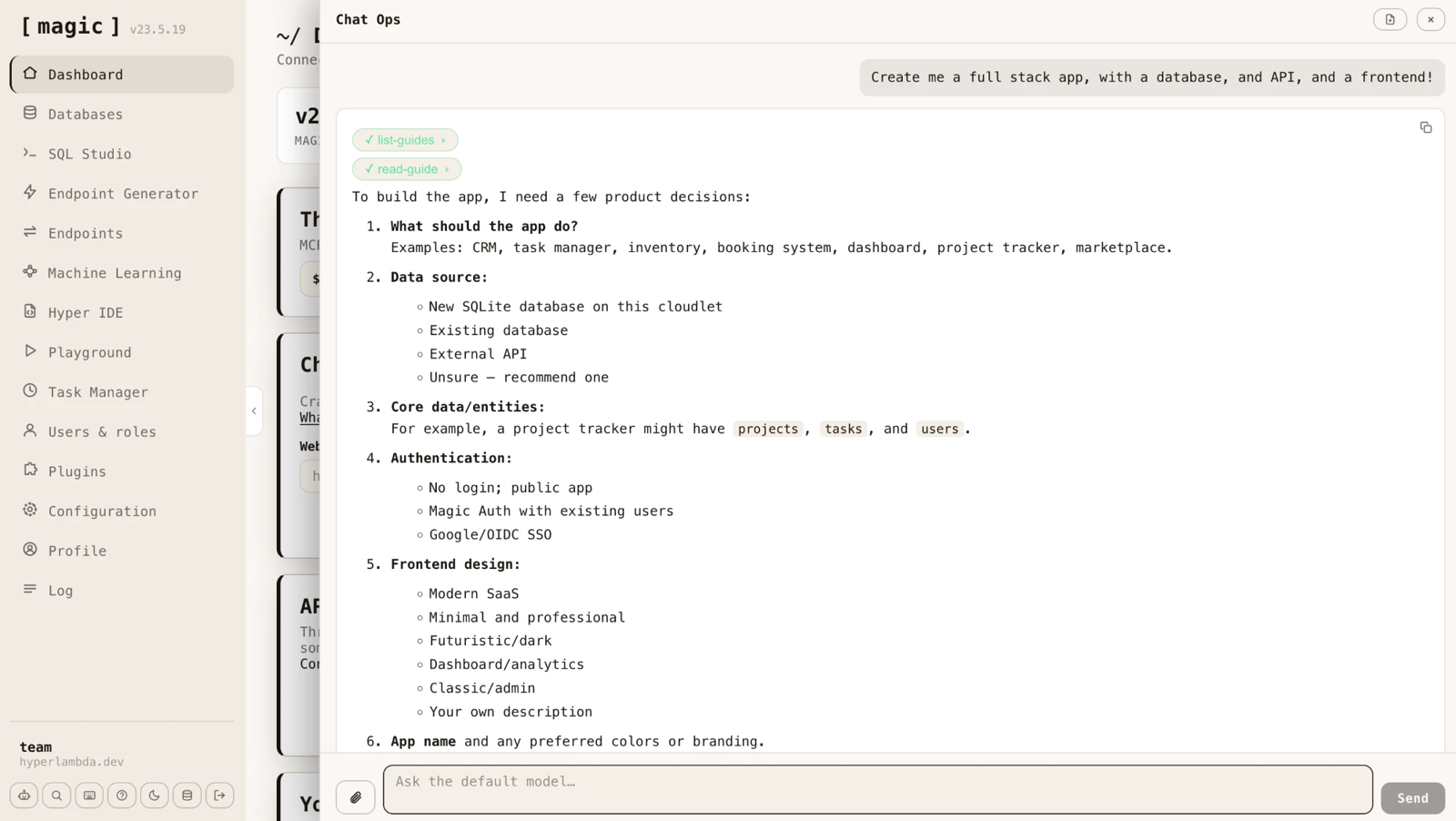
What is Magic?
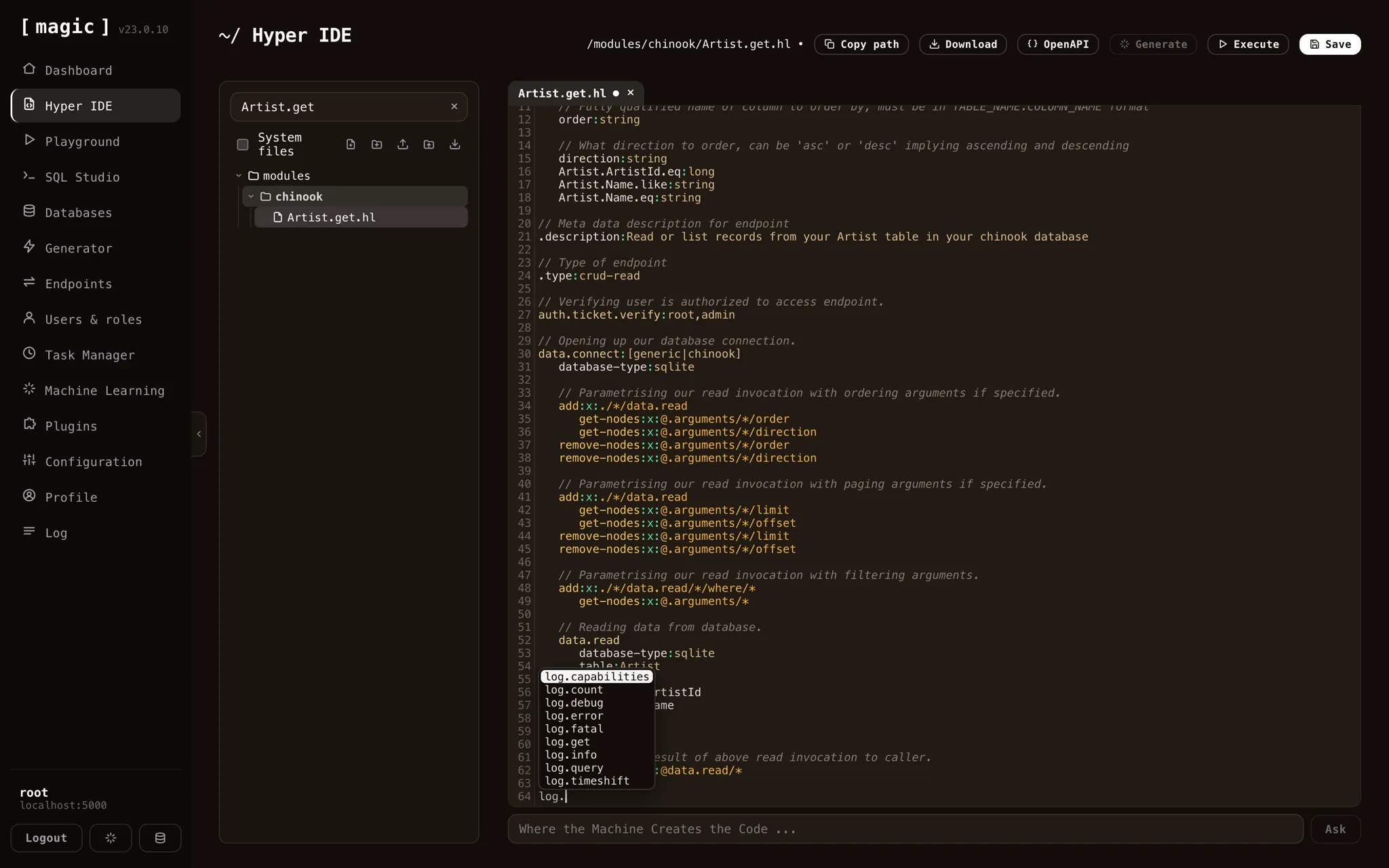
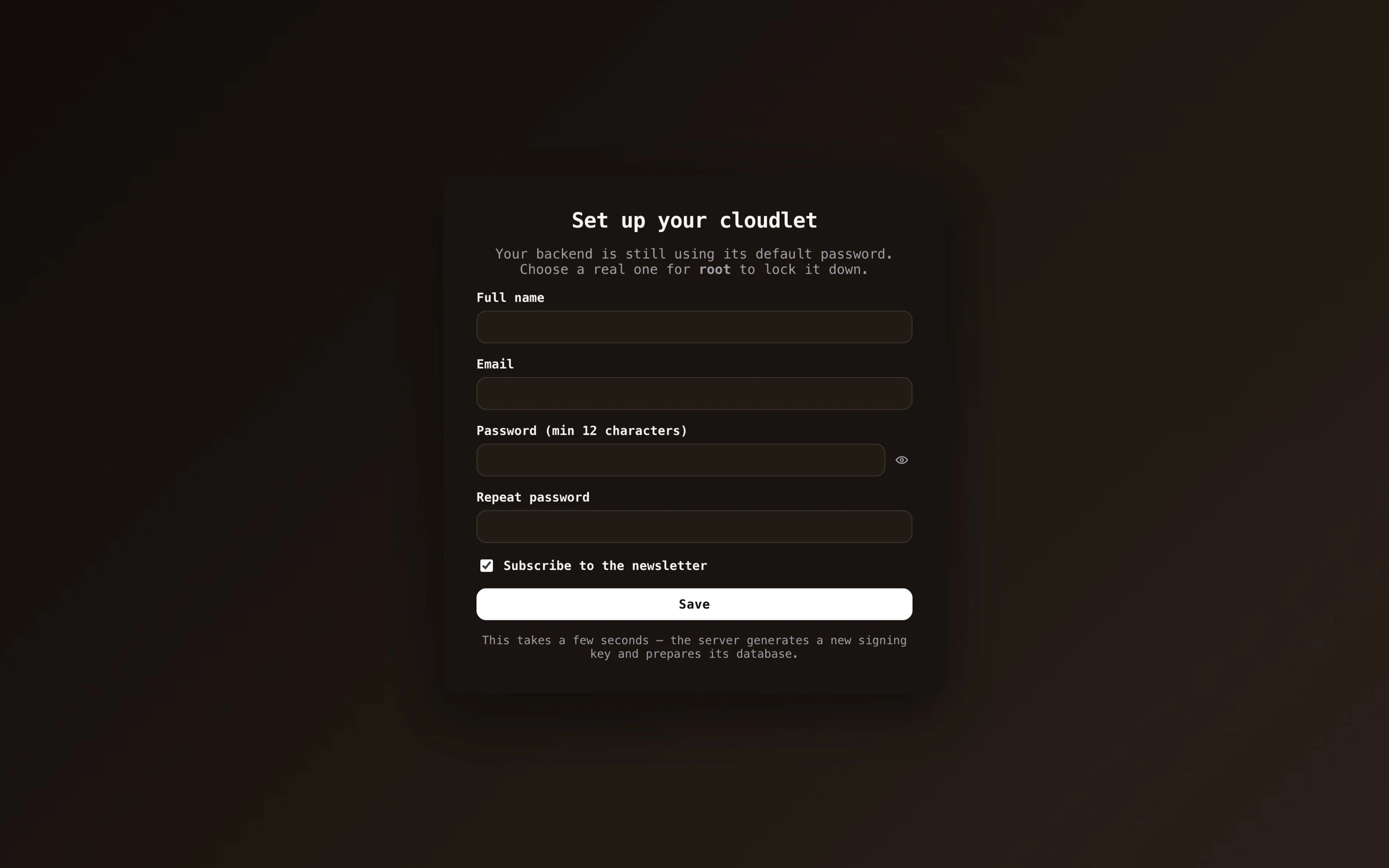
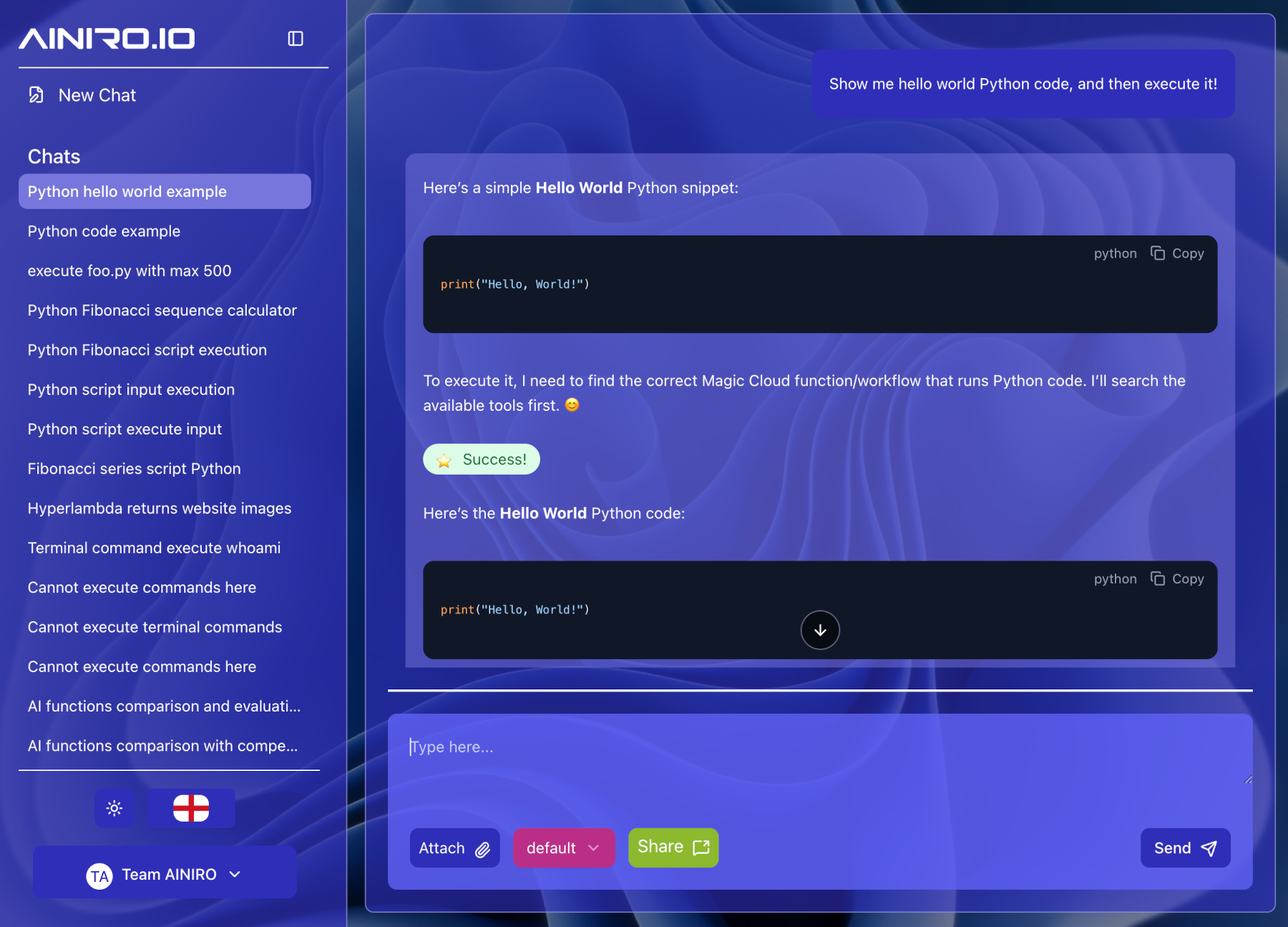
Magic is an open-source platform that turns ordinary English descriptions into running applications: the database behind them, a role-restricted HTTP API and the frontend, all executed on hardware you control. Generated logic lands in Hyperlambda, a tree-structured language compiled into an abstract syntax tree that the runtime matches against a per-role whitelist of callable functions — the mechanism the project relies on to make AI-authored code safe to execute. The dashboard brings together an IDE with a prompt bar under the editor, a playground for running snippets before saving them, a SQL workbench for designing and interrogating schemas (SQLite built in, plus SQL Server, MySQL, PostgreSQL and MariaDB), a generator that converts tables into CRUD endpoints, an importer for OpenAPI and Swagger specifications, users and roles, scheduled tasks, machine-learning tools for training chatbots on your own content, a visual designer that edits the served HTML file in place, and an execution recorder you can step through backwards. Install the mcp plugin and your cloudlet acts as an MCP server whose tools are your own endpoints, with an OAuth 2.1 flow of its own and tool lists filtered by role. Self-hosting is a single docker compose command that brings up the backend on 4444 and the dashboard on 5555; Kubernetes, a manual VPS compose stack behind nginx-proxy, and a DigitalOcean cloud-init droplet are documented too, while ongoing hardening remains the operator's job. Code generation and embeddings-based retrieval default to OpenAI and need a key, but Ollama and Hugging Face plugins can replace inference and BM25 keyword search avoids embeddings altogether. The hosted generator is free for now with per-request pricing expected later, and AINIRO.IO sells managed cloudlets starting at $100 a month.
Should you self-host Magic?
Magic scores 51/100 on selfhost.directory (how scoring works) and ranks #14 of 17 in Low Code. It has 1 204 GitHub stars.
It shipped 10 stable releases in the past year. The latest, v24.1.5, came out on 26 October 2026. New versions land roughly every 1 days.
Setup is moderate: expect some configuration beyond a single command. An official Docker image is available. It is MIT-licensed and written mostly in C#.
Its closest alternative on selfhost.directory is Appwrite (84/100, 57 787 stars). It scores higher overall, so compare the two before you pick. See Magic vs Appwrite side by side.
Features
- AI agents with headless browser
- AI chatbots trained on your content
- Built-in static site and SPA hosting
- CRUD API generation from database tables
- Git Integration
- MCP Server
- Natural-language app generation
- Online IDE and playground
- OpenAPI and Swagger import
- Role-based Access Control
- Sandbox API endpoints
- Sandboxed whitelisted code execution
- Scheduled tasks and background jobs
- SQL workbench
- Visual web page editing
Magic README
FAQ
How do I let users sign in with Google or GitHub?
Use the OpenID helper dialog to give the provider a client ID and, where required, a secret, then register the redirect URI it shows with that provider.
What is the Configuration component?
It lets you view and edit your cloudlet's appsettings.json configuration, covering SMTP, OpenAI, database connection strings and authentication settings.
Is AI-generated code safe to execute?
That is the purpose of the security model: Hyperlambda runs sandboxed and its callable vocabulary is whitelisted per role, so generated code can only invoke functions you explicitly allowed.
What happens if AINIRO disappears?
Everything already generated keeps running as MIT-licensed code on your hardware; you would only lose the hosted generator's ability to produce new code.
Do I have to learn Hyperlambda?
No — the generator writes it from plain English and the dashboard prompt bars cover most workflows, though reading it is easier than writing it.
What database does it use?
SQLite ships as the built-in store, with full support for MySQL, PostgreSQL, MariaDB and SQL Server without extra connectors.
How is this different from Lovable or Bolt?
Those tools generate a frontend and leave the backend to a third-party service, while Magic generates and runs the whole backend, needs no deploy step before testing, and can be self-hosted under MIT.
Can I run it completely on my own hardware?
Yes — the database, API, frontend, scheduler and chatbots all run inside your own containers on your own machine.
Do I need an OpenAI API key?
Only for AI code generation and semantic embeddings retrieval. Driving Magic over MCP needs no key, and Ollama or Hugging Face plugins plus BM25 keyword retrieval avoid OpenAI entirely.
More in Web Development
 octoberSelf-hosted, source-available PHP CMS built on Laravel for developers and agencies: one-file pages, Twig templates, plugins, themes and Tailor content types.
 OnlookOpen-source, self-hosted visual code editor: build and style Next.js + Tailwind apps in a Figma-like canvas with AI, editing real code directly.
 OpenDesignOpen-source, local-first design workspace, self-hosted in a single Docker container; briefs become prototypes, decks and dashboards via your own coding agent.
 Payload CMSOpen-source, code-first headless CMS built into your Next.js app — self-hosted admin panel with REST and GraphQL APIs on MongoDB, Postgres or SQLite.
 Phoenix CodeOpen-source AGPL code editor for HTML, CSS and JavaScript with live preview, Git and a terminal. Self-hosted desktop apps for Windows, macOS and Linux.
 processwireProcessWire is a free, open-source PHP CMS/CMF with a developer-friendly API, custom fields, multi-language support, RBAC, and 2FA.
 silexSelf-hosted, open-source visual website builder (AGPL) that exports clean HTML/CSS, plugs into headless CMSs, and runs via Docker, Node.js, CapRover or a desktop app.
 TogetherJSAn open-source, self-hosted JavaScript toolkit adding real-time co-browsing, shared cursors, text and audio chat to any site, with a relay hub you run yourself.
 Umbraco CMSUmbraco is a free and open source .NET content management system helping you deliver delightful digital experiences.
 Visual Studio Code ServerOpen-source Docker image that runs code-server, i.e. VS Code on a remote server, as a self-hosted browser IDE with optional password login, sudo and multi-arch builds.
 WagtailSelf-hosted, open-source CMS built on Python and Django: StreamField blocks, editorial workflows, headless content API, image tools, multi-site and multi-language.
 webstudioOpen-source visual website builder pitched as an alternative to Webflow: every CSS property, design tokens, headless CMS data, and self-hosted export of built sites.
0 comments