
Self-host Fettle
0.1.0GitHub-powered status page using Actions and Issues
- Stars
- 282
What is Fettle?
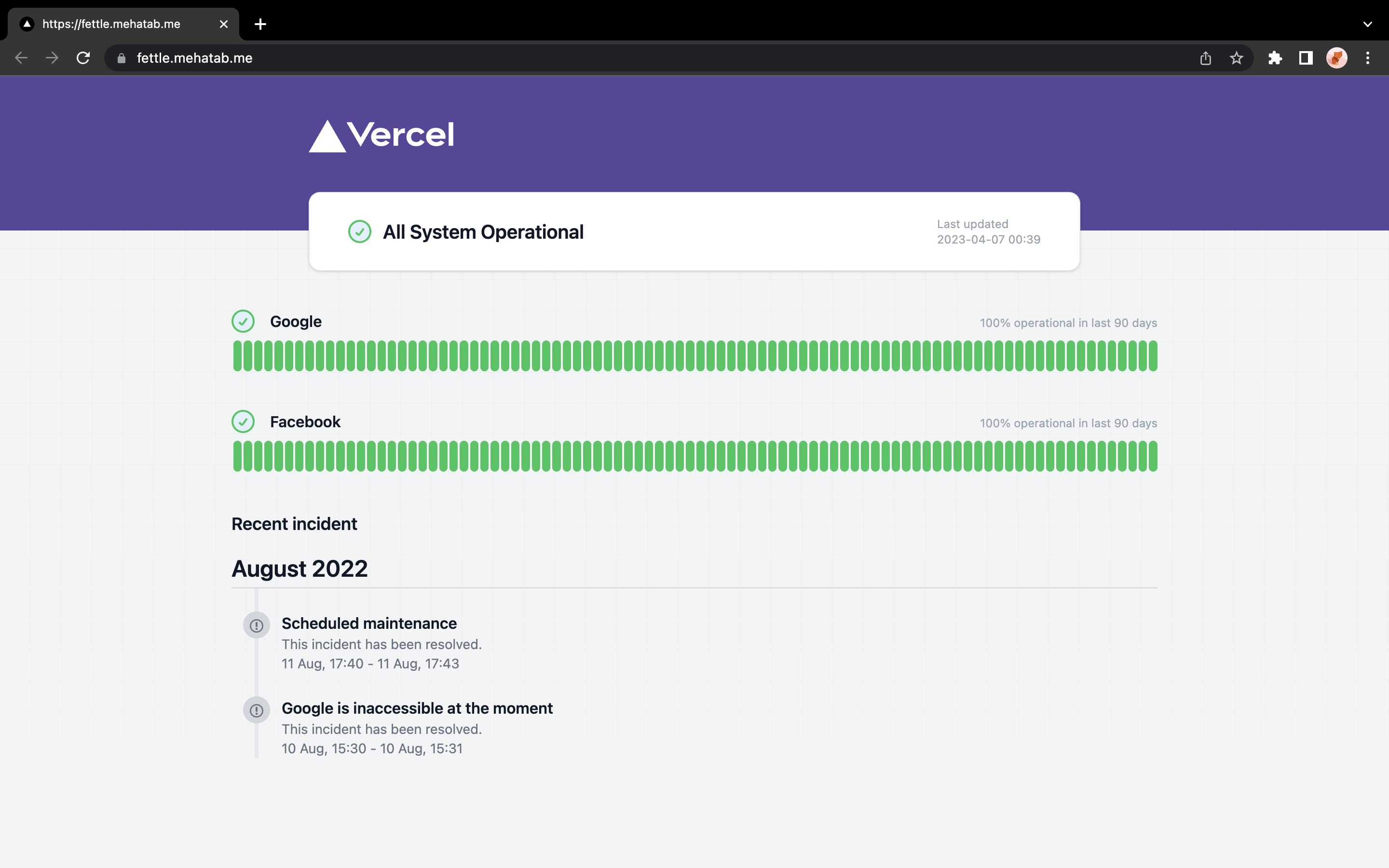
Fettle is an open-source status page system that leverages GitHub's infrastructure — Pages for hosting, Actions for scheduled health checks, and Issues for incident tracking. Users fork the repository, configure their service URLs in a simple config file, update a few GitHub API endpoints to point at their fork, and enable GitHub Pages with Actions as the build source. The monitoring workflow runs on a configurable cron schedule (default every 12 hours) and commits response status and timing data back to the repository. Incidents are managed by creating GitHub Issues with the 'incident' label. The project is built with Next.js and Tailwind CSS, but requires no separate server, database, or container orchestration — it runs entirely within GitHub's free tier.
Should you self-host Fettle?
Fettle scores 41/100 on selfhost.directory (how scoring works) and ranks #42 of 51 in Monitoring & observability. It has 282 GitHub stars.
There was no stable release in the past 12 months, so check the repository's recent activity before you rely on it.
Setup is easy: most people get it running in one sitting. It is Apache-2.0-licensed and written mostly in Typescript.
Its closest alternative on selfhost.directory is GoAccess (75/100, 21 093 stars). It scores higher overall, so compare the two before you pick. See Fettle vs GoAccess side by side.
Features
- Automated Monitoring
- Configurable Check Interval
- Incident Management
- No server required
- Simple URL configuration
- Status Page
Fettle README
More in Status Pages
 gatusSelf-hosted, open-source uptime monitor and status page: probe HTTP, TCP, ICMP or DNS endpoints with custom conditions and alert via Slack, Discord, PagerDuty, etc.
 kenerAn open-source, self-hosted status page and uptime monitor: 11 monitor types, incidents, maintenance windows, subscriber alerts and OIDC login.
 Kuvasz UptimeSelf-hosted, open-source uptime & SSL monitor with HTTP, ping, TCP, DNS and Docker checks, status pages, maintenance windows, REST API, and Prometheus export.
 NezhaOpen-source, self-hosted server and website monitor: a dashboard plus agents track host metrics, HTTP/TCP/ping checks, SSL certs, alerts and a web terminal.
 oneuptimeSelf-hosted open-source observability platform combining uptime monitoring, incident management, on-call alerting, status pages, logs, traces, metrics, error tracking.
 openstatusOpen-source uptime monitoring, status pages and incident response: declare checks and pages in YAML or Terraform, run private probes, self-host with Docker.
 peekapingOpen-source, self-hosted uptime monitor in Go and React: HTTP, TCP, ping, DNS and database checks, status pages, 20+ alert channels, 2FA and a REST API.
 phpservermonSelf-hosted, open-source uptime monitor that checks websites and TCP ports from your own PHP server, with cron jobs, graphs and email, SMS or Telegram alerts.
 Server StatusSelf-hosted, open-source server status page in PHP for shared hosting with MySQL, admin interface, multi-language support, and JSON API.
 static_statusstatic_status is a self-hosted Bash script generating static HTML status pages for monitoring websites and services. Runs via cron, outputs HTML, JSON, SVG.
 Statping-ngA self-hosted, open-source status page and uptime monitor in Go. It checks HTTP, socket and gRPC endpoints, alerts via Slack, Discord or email, and supports oAuth logins.
 Statsig Status PageA self-hosted, open-source status page on GitHub Pages with hourly health checks via GitHub Actions. Fork the template, add URLs, get free uptime history.
0 comments