
Self-host static_status
v1.0.0Bash script generating static status pages for monitoring
- Stars
- 732
What is static_status?
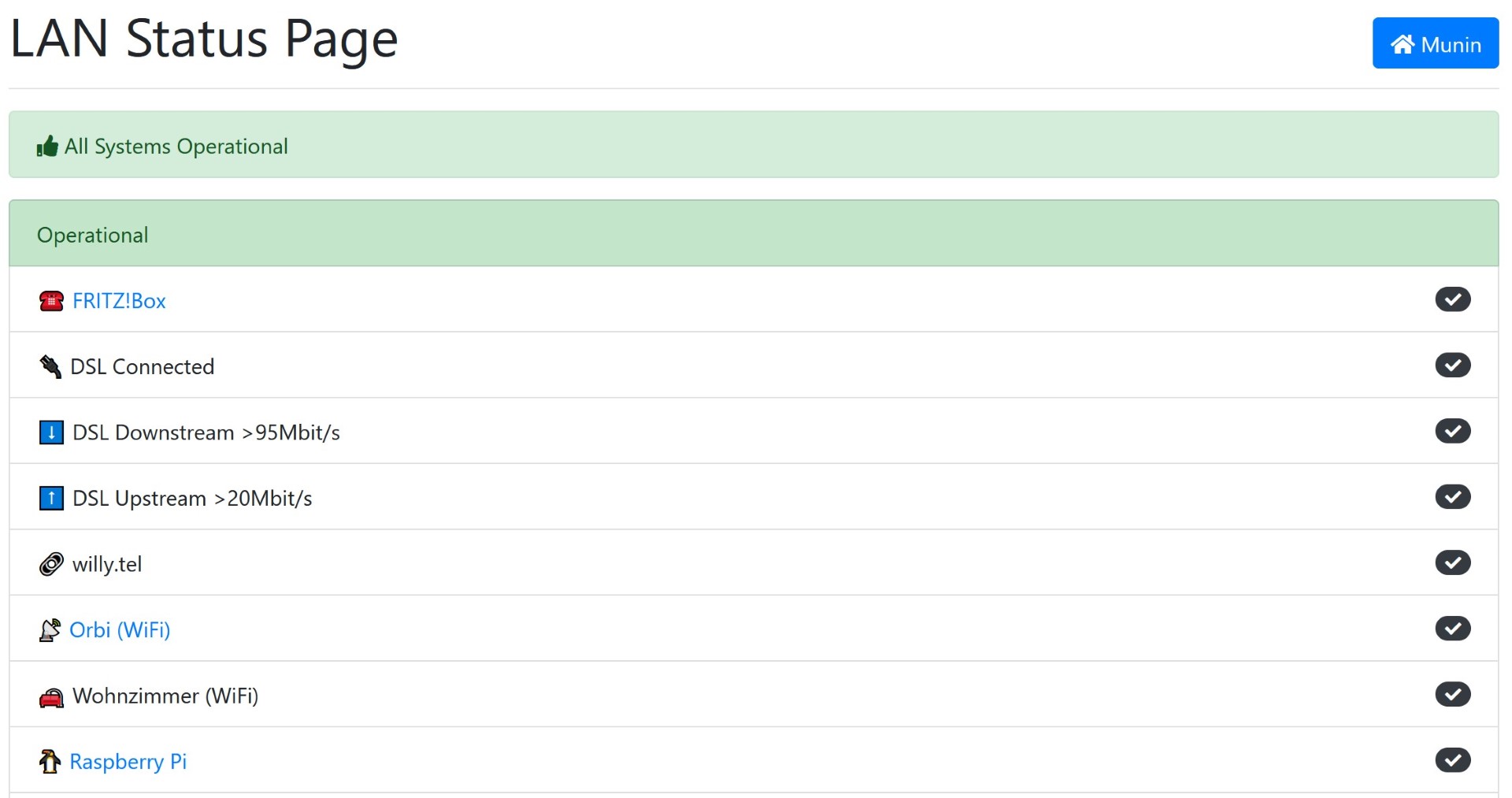
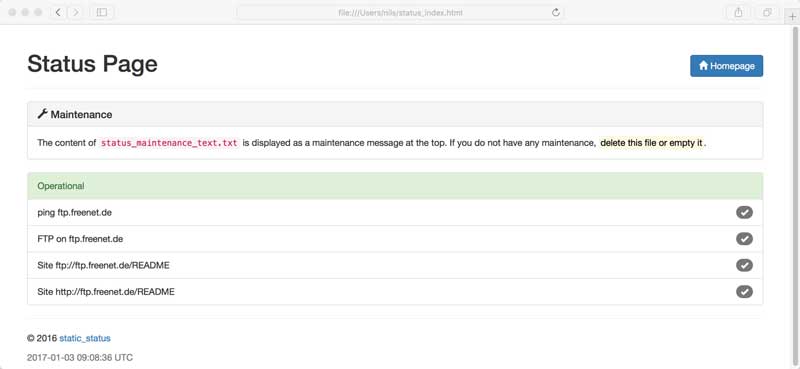
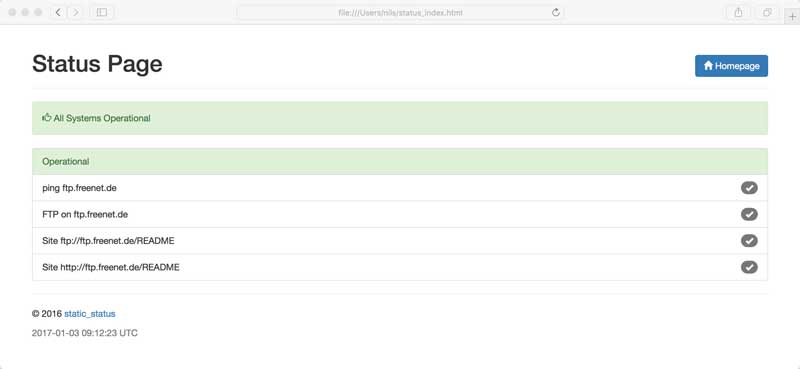
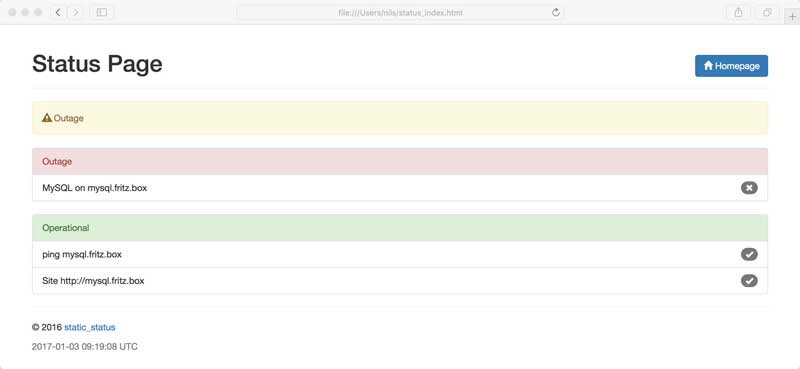
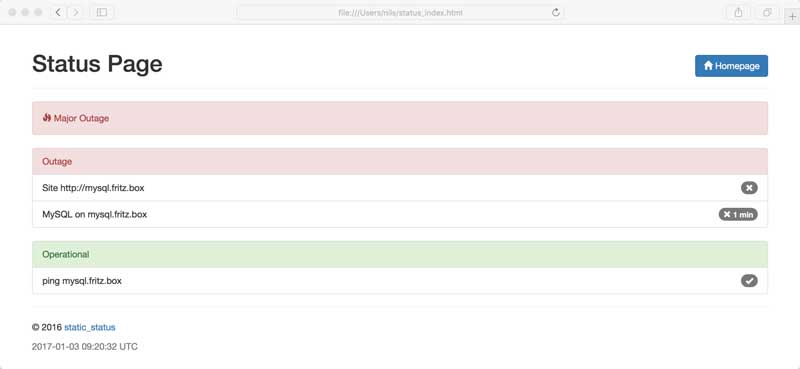
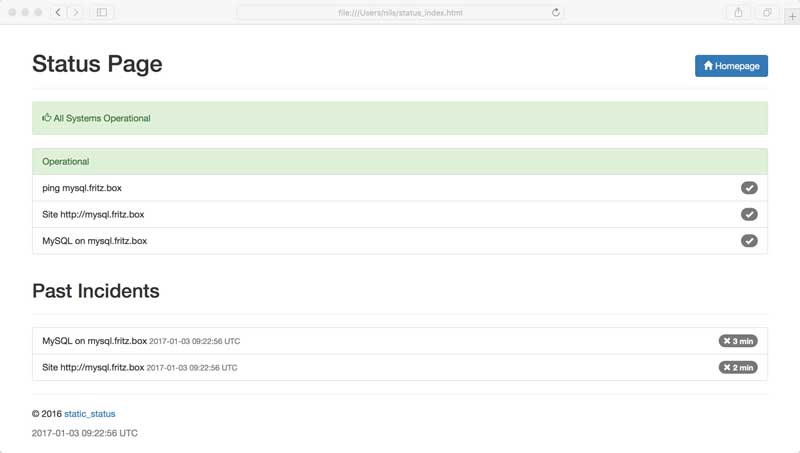
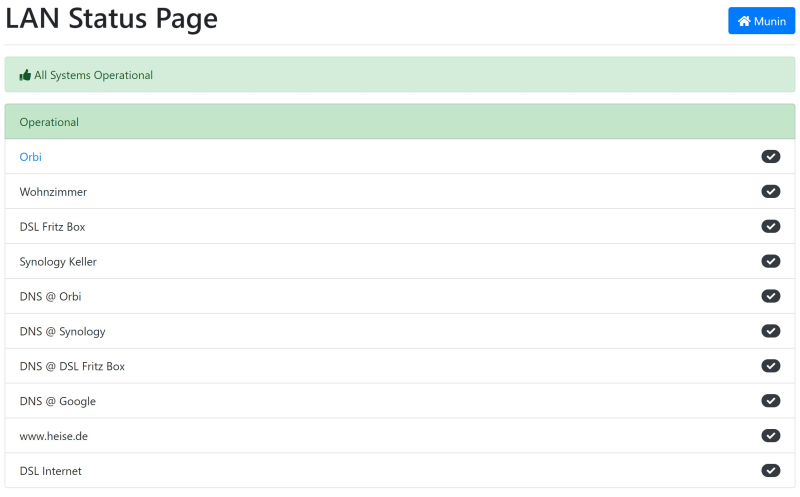
static_status is a simple Bash script that generates a static status page showing the uptime and health of websites, services (HTTP, TCP, ping, traceroute), and custom scripts. It produces an HTML page, a JSON endpoint, and an SVG status icon. The script is configured via a text file listing hosts and check types (curl, nc, ping, traceroute, custom script). It runs periodically via cron and can send alerts via email, SMS, or Pushover using the companion alert.sh script. The demo page is hosted on GitHub Pages and generated by a GitHub Action. Requirements are standard *NIX utilities. No database or web server is needed — the output is static files.
Should you self-host static_status?
static_status scores 50/100 on selfhost.directory (how scoring works) and ranks #24 of 51 in Monitoring & observability. It has 732 GitHub stars.
There was no stable release in the past 12 months, so check the repository's recent activity before you rely on it.
Setup is easy: most people get it running in one sitting. It is GPL-3.0-licensed and written mostly in Shell.
Its closest alternative on selfhost.directory is GoAccess (75/100, 21 091 stars). It scores higher overall, so compare the two before you pick. See static_status vs GoAccess side by side.
Features
- Alerting via email, SMS, Pushover
- Cron-based scheduling
- Custom script checks
- GitHub Actions deployment
- JSON status API
- Maintenance mode banner
- Multiple check types
- Past incidents history
- Static HTML status page generation
- SVG status icon
static_status README
More in Status Pages
 Statping-ngA self-hosted, open-source status page and uptime monitor in Go. It checks HTTP, socket and gRPC endpoints, alerts via Slack, Discord or email, and supports oAuth logins.
 Statsig Status PageA self-hosted, open-source status page on GitHub Pages with hourly health checks via GitHub Actions. Fork the template, add URLs, get free uptime history.
 UpptimeOpen-source, self-hosted uptime monitor and status page that runs entirely on GitHub Actions, Issues and Pages, checking endpoints every 5 minutes with no server.
 upstatSelf-hosted open-source uptime monitor with HTTP(S) checks, latency charts, status pages, and alerts via Discord, Slack, email, webhooks. SQLite/PostgreSQL.
 UptimeFlareFree, open-source monitor and status page built on Cloudflare's Workers platform: geo-aware checks from 310+ cities, HTTP and TCP probing, plus incident history.
 uptime-kumaSelf-hosted, open-source uptime monitoring for HTTP(s), TCP, DNS, Docker with reactive UI, 20s intervals, status pages, and 90+ notification channels.
 VigilOpen-source, self-hosted status page that probes HTTP, TCP, SSH and ICMP services, publishes announcements, and alerts via Slack, Twilio SMS, email, Telegram and more.
 cachetSelf-hosted, open-source status page app for publishing incidents, component outages, scheduled maintenance and metrics, with a JSON API, webhooks and 2FA.
 checkcleOpen-source, self-hosted monitoring platform for uptime checks, server metrics, SSL expiry and incidents, with regional probes, alert channels and public status pages.
 checkmateSelf-hosted, open-source uptime and infrastructure monitor: HTTP, ping, DNS, Docker and gRPC checks with incidents, status pages and Slack or email alerts.
 CheckupSelf-hosted distributed health checks and status pages in Go. Supports HTTP, TCP, DNS, TLS checks with S3, filesystem, GitHub, MySQL, PostgreSQL, SQLite storage.
 Cloudflare Workers Status PageSelf-hosted, open-source status page on Cloudflare Workers that monitors websites, shows daily uptime history, and sends Slack, Discord or Telegram alerts.
0 comments