
Self-host easy-gate
2.0.3Dashboard for self-hosted infra with IP-based access groups
- Stars
- 357
- Port
- 8080 (HTTP dashboard)
wiredlush/easy-gate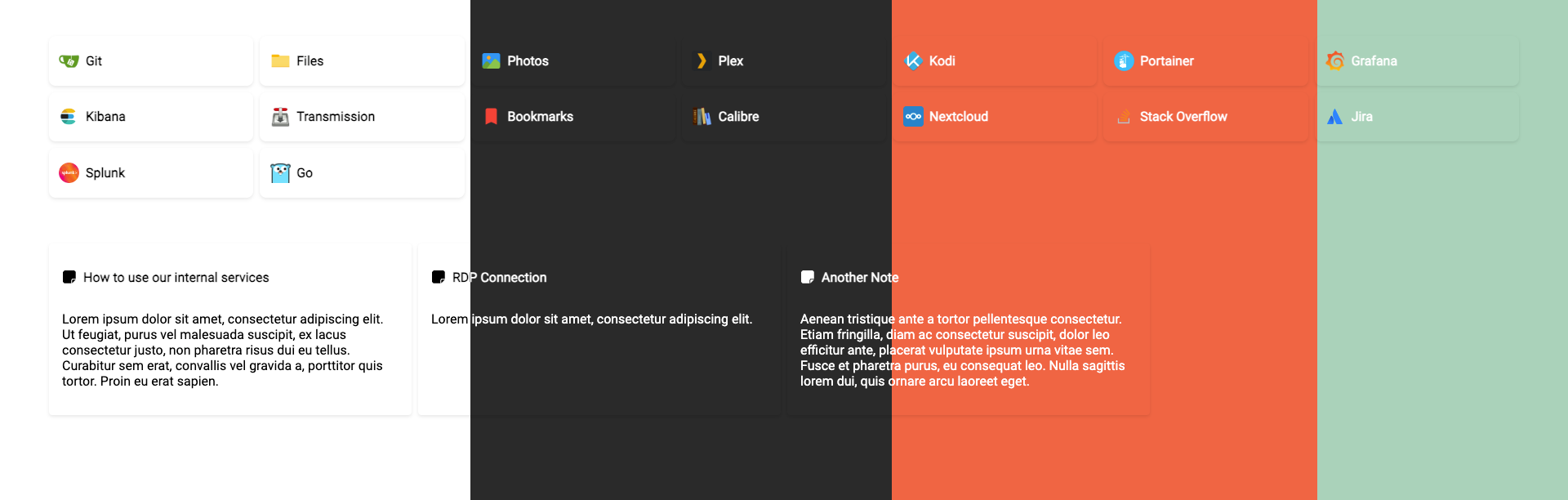
What is easy-gate?
A simple web app serving as a central hub for self-hosted infrastructure. It parses services and notes from JSON or YAML config files in real-time without restarts. Services are organized into categories and assigned to user groups by IP subnet, enabling tailored access for internal and VPN users. Themes are customizable via colors or custom CSS. Icons support URLs, data URIs, and automatic favicon fallback. Deploy as a standalone Go binary or Docker container. Config options cover listen address, TLS, proxy support, and subdirectory hosting.
Should you self-host easy-gate?
easy-gate scores 48/100 on selfhost.directory (how scoring works) and ranks #23 of 44 in Dashboard. It has 357 GitHub stars.
There was no stable release in the past 12 months, so check the repository's recent activity before you rely on it.
Setup is easy: most people get it running in one sitting. An official Docker image is available. It is MIT-licensed and written mostly in Go.
Its closest alternative on selfhost.directory is Homepage by gethomepage (84/100, 33 419 stars). It scores higher overall, so compare the two before you pick. See easy-gate vs Homepage by gethomepage side by side.
Features
- Custom Icons
- IP-based access groups
- Notes support
- Real-time configuration parsing
- Reverse Proxy Support
- Service categorization
- TLS/HTTPS Support
easy-gate README
More in Home Server
 ElvernElvern is a self-hosted media library for families with adaptive 4K streaming and VLC handoff behind a private Tailscale perimeter.
 EneruSelf-hosted UPS monitor that manages orderly shutdown of virtual machines, containers, and remote servers when power fails, with a web dashboard, terminal UI, and API.
 EzarrEzarr generates Docker Compose files and sets up users, directories, and permissions to deploy a complete Servarr media stack on your own Linux server.
 Freebox-Ultra-DashboardSelf-hosted React/Express dashboard for Freebox routers with real-time bandwidth, device management, WiFi, VPN, downloads, files, telephony, TV, VMs.
 FreedomBoxFreedomBox is a personal server running a free software operating system, designed to create and preserve personal privacy. It allows users to install and configure server applications with minimal effort.
 gatekeeperSelf-hosted DHCP/DNS server for home networks with web dashboard, Full Cone NAT, and zero-config setup.
 Halcyon VideoSelf-hosted 3D video store for Jellyfin/Plex/Emby libraries with VHS cases, clerk, and streaming links.
 hearthSelf-hosted observability dashboard for home AI clusters monitoring vLLM, llama.cpp, SGLang, Ollama, LiteLLM with real metrics and training observability.
 HomarrSelf-hosted, open-source homelab dashboard with 80+ service integrations, drag-and-drop boards, built-in OIDC/LDAP auth and a Docker Compose or Helm deployment.
 homarr-iframesSelf-hosted Go API generating embeddable iFrames for 17+ services like Linkwarden, Vikunja, Overseerr, Sonarr, Radarr, Uptime Kuma — works in any dashboard.
 HomeDash2HomeDash is a self-hosted, open-source dashboard for monitoring services on a server via plugins. It offers customizable responsive layouts and kiosk mode.
 HomeDockOSA self-hosted cloud operating system that gives you a full desktop in the browser, hundreds of one-click apps, and automatic HTTPS certificates.
0 comments