
Self-host Dashy
4.9.0A highly customizable homepage and dashboard for homelabs
docker run -d -p 8080:8080 -v ~/dashy-data:/app/user-data --name dashy --restart=always lissy93/dashy:latest- Stars
- 26 996
- RAM
- 1GB of memory should be more than enough
- Storage
- 1GB of disk space should be sufficient
- Ports
- 8080 (Dashy web service inside the container), 443 (HTTPS, when SSL key/certificate are provided)
lissy93/dashy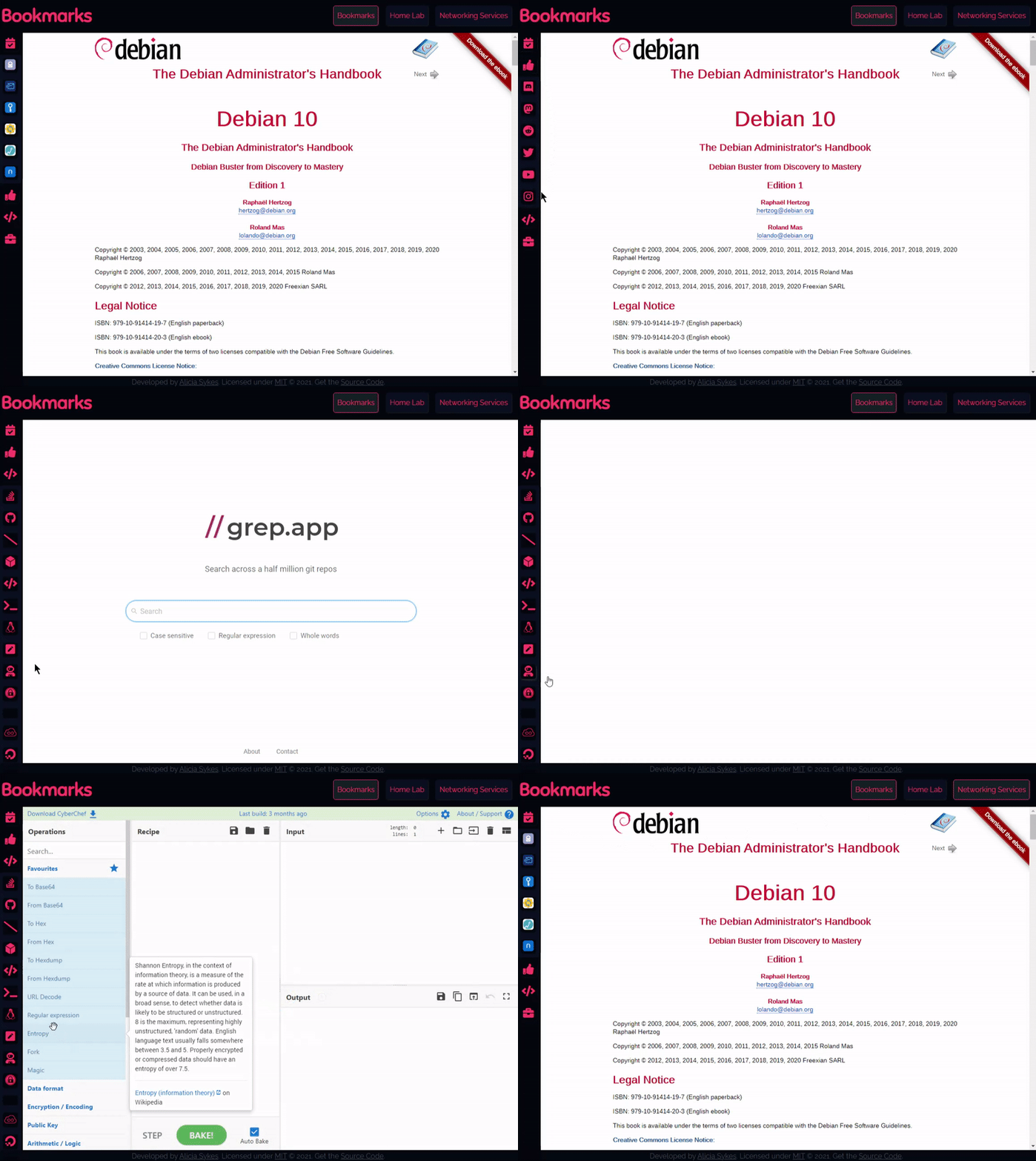
What is Dashy?
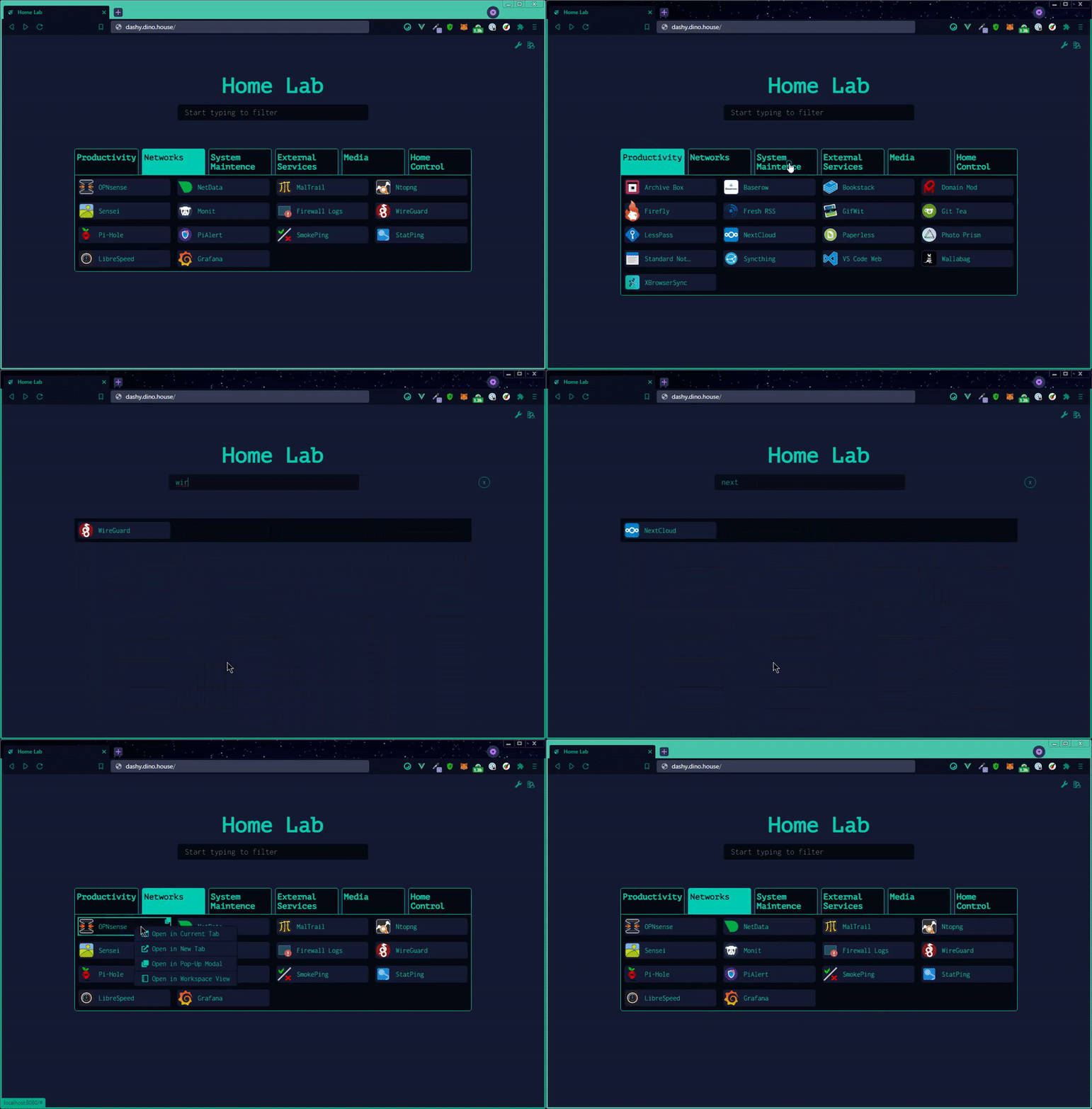
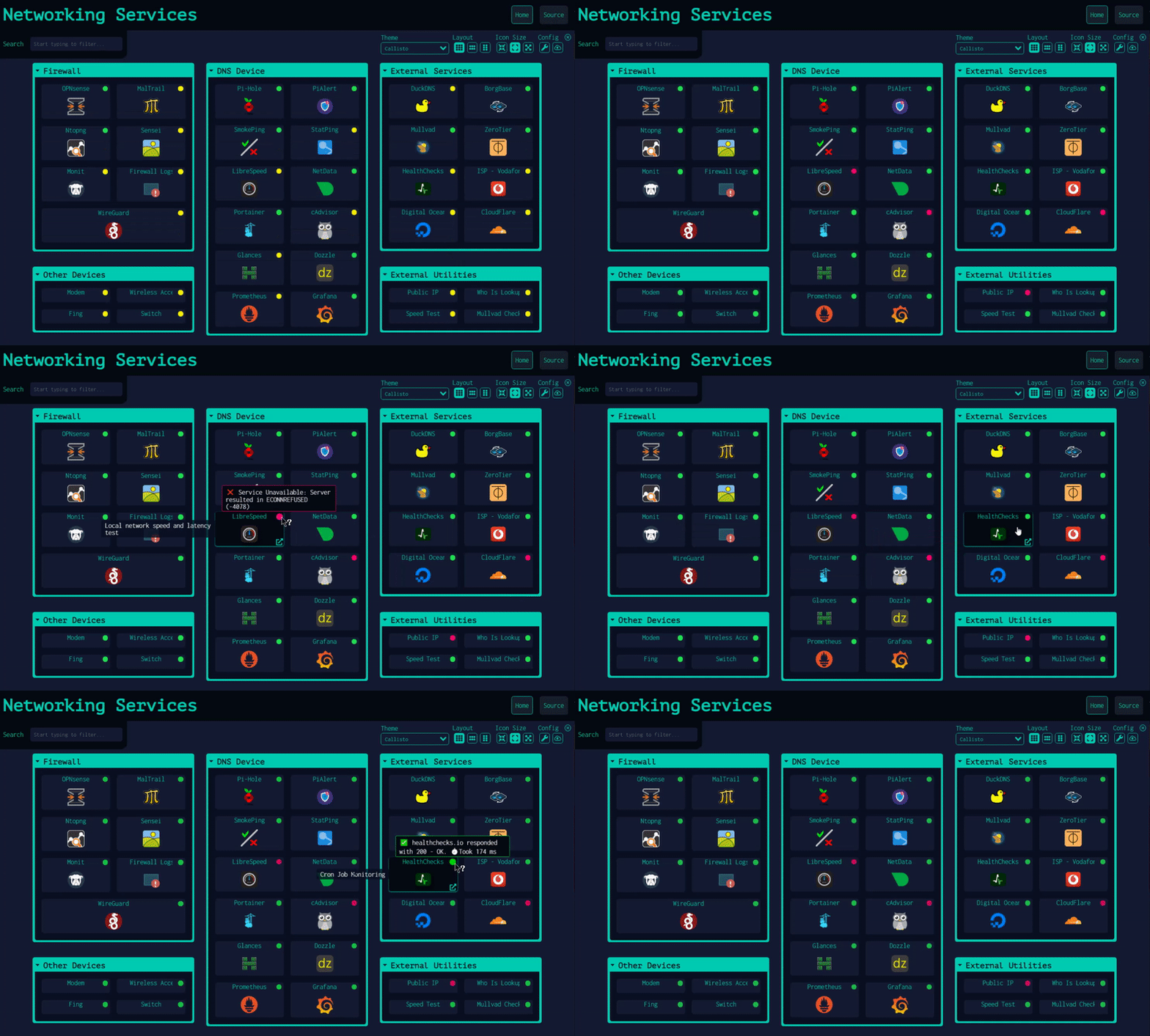
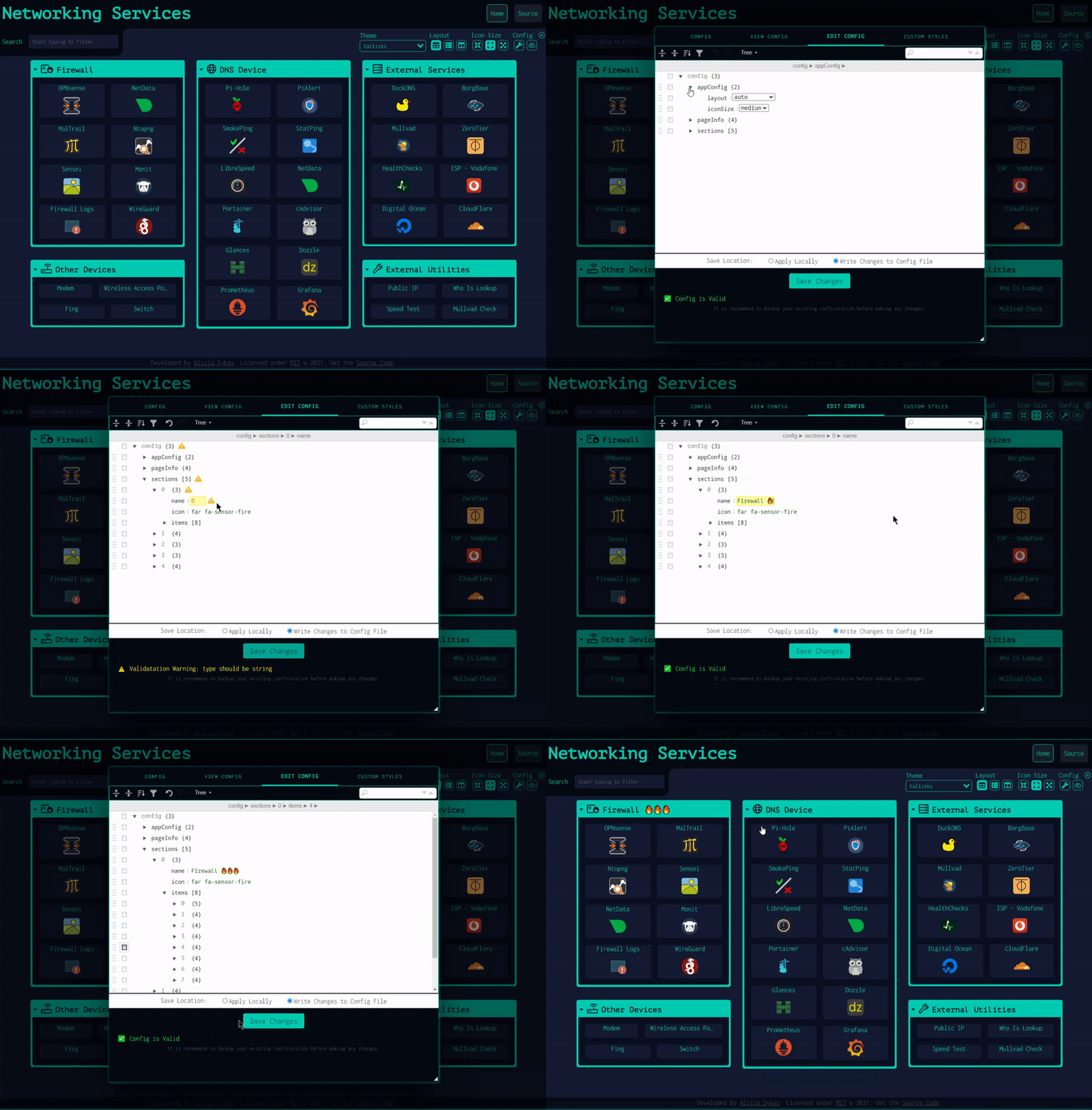
Dashy is a web-based homepage for a self-hosted homelab: you list your services as items inside sections, and Dashy turns that into a startpage with instant search, keyboard shortcuts, and a minimal browser-startpage view alongside the default grid and a workspace view. It can poll each service over HTTP and ICMP-ping hosts to show up/down dots with response times, and ships 50+ ready-made widgets plus a server-side proxy so you can pull stats from almost any API-enabled app. Appearance is heavily configurable through 40+ built-in themes, a UI colour editor, custom CSS and several icon packs. Settings live in one YAML file (conf.yml), which the built-in interface can also modify and write back to disk; there is an optional JSON API, and an optional hosted backup service that encrypts data client-side before upload. Access control ranges from a built-in multi-user login to Keycloak, generic OIDC providers, or proxy header auth. Run it with the published Docker image (mounting a user-data directory), build it from source with Node LTS, or use a pre-built release tarball; it is MIT-licensed, actively maintained with regular 4.x releases, and free with no paid tiers.
Dashy alternatives
 DasherrDasherr is a self-hosted, open-source dashboard for organizing homelab services with a responsive UI, themes, Glances widgets, and a JSON config with built-in editor.CompareDasherr with Dashy
 NimbusNimbus is a self-hosted, open-source homelab dashboard for monitoring services with real-time health checks, multi-user auth, widgets, and app integrations.CompareNimbus with Dashy
 honeyhoney is a self-hosted, open-source dashboard for organizing your self-hosted services. Written in pure HTML, CSS, and JavaScript with no backend required.Comparehoney with Dashy
 Dock-DploySelf-hosted web app for visually building Docker Compose files, generating Homepage configs, and creating schedulers in cron, GitHub Actions, and systemd formats.CompareDock-Dploy with Dashy
 Homepage by gethomepageHomepage is a self-hosted, open-source application dashboard aggregating 100+ services into a fast static startpage with Docker discovery and optional auth.CompareHomepage by gethomepage with Dashy
 DockDashDockDash is a self-hosted, open-source Docker dashboard with semantic-version-aware update monitoring showing actual version upgrades and changelogs.CompareDockDash with Dashy
 DashMachineA self-hosted, open-source dashboard of web-app bookmarks, link collections and data-source cards, with users, access groups, dark mode and a Docker install.CompareDashMachine with Dashy
 JottySelf-hosted notes and checklists app: plain Markdown files in one data folder, no database, Docker or Proxmox/Unraid install, OIDC/LDAP login, encryption, Kanban, PWA.CompareJotty with Dashy
All self-hosted alternatives to Heimdall → All self-hosted alternatives to Homer → All self-hosted alternatives to Organizr →
Should you self-host Dashy?
Dashy scores 83/100 on selfhost.directory (how scoring works) and ranks #2 of 44 in Dashboard. It has 26 996 GitHub stars, +311 in the last 30 days.
It shipped 7 stable releases in the past year. The latest, 4.9.0, came out on 23 October 2026. New versions land roughly every 3 weeks.
Setup is easy: most people get it running in one sitting. An official Docker image is available. It is MIT-licensed and written mostly in Vue.
Its closest alternative on selfhost.directory is Homepage by gethomepage (84/100, 33 685 stars). It scores higher overall, so compare the two before you pick. See Dashy vs Homepage by gethomepage side by side.
Features
- Encrypted cloud backup and syncOptional feature; data is sent to a hosted Cloudflare Worker backend.
- Icon packs and favicon fetching
- Multi-language UI
- Multi-page Support
- Multiple launch methods
- Multiple Views
- Multi-user authentication and roles
- REST APIDisabled by default; enable with ENABLE_API=true.
- SSO / OIDC support
- Status Monitoring
- Theming and custom CSS
- YAML config with live UI editor
Dashy README
The most customizable dashboard for self-hosters
Dashy is the homepage for your homelab
User Showcase | Live Demo | Getting Started | Documentation | GitHub
|
Umbrel Personal home cloud and OS for self-hosting |
TestMu AI Full-stack Agentic AI Quality Engineering platform |
Table of Contents
-
Getting Started
-
Feature Overview
-
Community
More in Dashboard
 datahubSelf-hosted open-source GIS for harmonizing and exploring spatiotemporal data across health, demographic, and environmental domains with interactive dashboard and API.
 directoDirecto is a self-hosted, open-source service dashboard organizing operational links, environments, and health checks via YAML for developers and DevOps teams.
- DockDashDockDash is a self-hosted, open-source Docker dashboard with semantic-version-aware update monitoring showing actual version upgrades and changelogs.
 docker-flareFlare is a lightweight, open-source bookmark navigation start page that stores everything in plain YAML files with no database, runs in under 30 MB RAM.
 DockpeekAn open-source, self-hosted Docker dashboard that opens container web UIs, streams logs, shows published ports, and checks image updates across multiple hosts and Swarm.
 dockterminalSelf-hosted Docker dashboard with CRT aesthetic: compose stack management, live stats, browser shell, compose editor, AI diagnostics, streaming logs via Docker CLI.
 DweebUISelf-hosted open-source WebUI for Docker/Podman with live dashboard, multi-user permissions, and container controls. Runs via Docker Compose on Windows, Linux, macOS.
 DynacatA self-hosted dashboard forked from Glance that aggregates RSS, weather, markets, and system stats with dynamic updates, OIDC auth, and a UI editor.
 easy-gateSelf-hosted dashboard parsing services from config files in real-time with IP-based user groups for tailored access.
 EmbystatSelf-hosted statistics server for Emby/Jellyfin with web dashboard. Runs on Windows, Linux, Docker. Open-source, MIT licensed. Project in sleep mode since 2022.
 FenrusFenrus is a self-hosted, open-source personal home page and dashboard for quick access to your apps and sites with customizable groups and smart integrations.
 Fitbit Health DashboardSelf-hosted open-source tool that pulls health metrics from Fitbit or Google Health APIs, stores them in InfluxDB, and visualizes with pre-built Grafana dashboards.
0 comments