
Self-host honey
v2.5.1Sweet dashboard for self-hosted services
- Stars
- 263
- Port
- 4173 (HTTP web interface)
ghcr.io/dani3l0/honey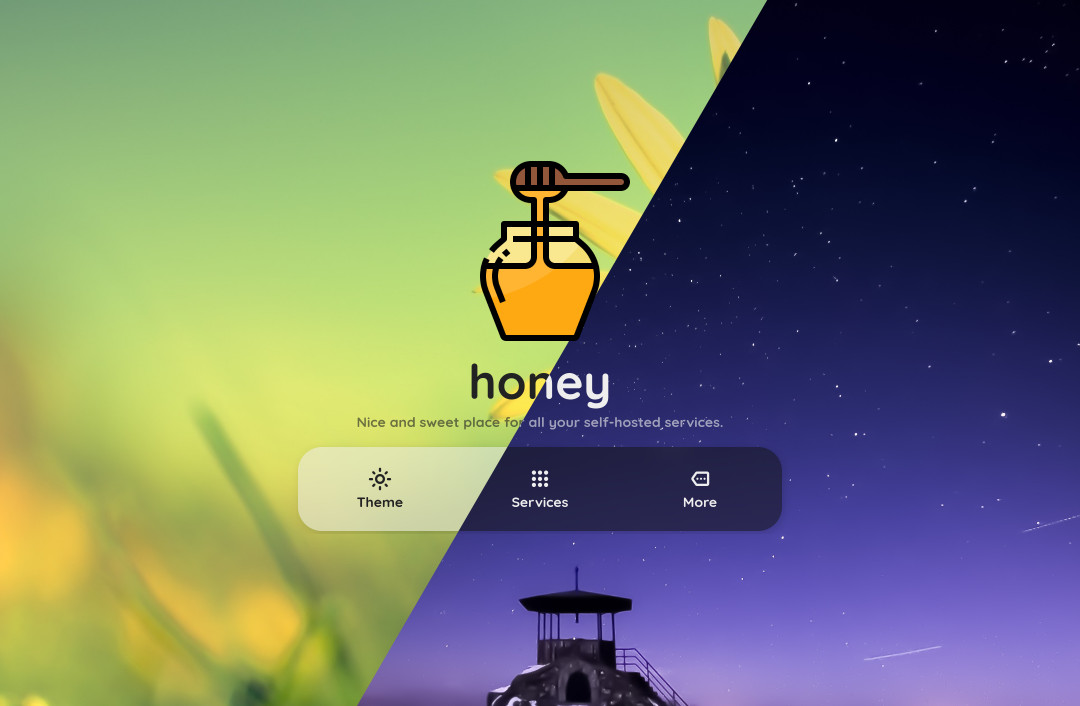
What is honey?
honey is a lightweight, client-side dashboard for self-hosted services. It presents a clean, customizable homepage with service cards, dark mode, and availability indicators. The project is written entirely in HTML, CSS, and JavaScript with no backend dependencies — all operations run in the browser. Users configure services and UI preferences through a JSON file. It can be deployed by dropping the built files into any web server (nginx, Apache, Caddy) or via the provided Docker image (ghcr.io/dani3l0/honey) which serves the site on port 4173. The dashboard supports dark/light themes, service ping dots, background blur, animations, and opening links in new tabs. Settings persist via localStorage. No authentication, database, or external services are required.
Should you self-host honey?
honey scores 46/100 on selfhost.directory (how scoring works) and ranks #28 of 44 in Dashboard. It has 263 GitHub stars.
It shipped 2 stable releases in the past year. The latest, v2.5.1, came out on 18 October 2026. New versions land roughly every 5 months.
Setup is easy: most people get it running in one sitting. An official Docker image is available. It is written mostly in JavaScript.
Its closest alternative on selfhost.directory is Homepage by gethomepage (84/100, 33 416 stars). It scores higher overall, so compare the two before you pick. See honey vs Homepage by gethomepage side by side.
Features
- Background Blur
- Custom wallpapers
- No backend required
- Open in new tab
- Service dashboard
- Service health indicators
- Settings PersistenceLost if cookies/localStorage blocked
- Trusted Domains
- UI animations
honey README
More in Home Server
 hubleys-dashboardHubleys is a self-hosted, open-source personal dashboard organizing services into per-user dashboards with link tiles, search, calendars, and weather.
 idle-lessSelf-hosted Docker reverse proxy that wakes sleeping servers via Wake-on-LAN when traffic arrives, saving power costs with a professional waiting screen during boot.
 Income Generator (IGM)Self-hosted tool to deploy and manage bandwidth-sharing apps like Honeygain via CLI, TUI, or web dashboard with multi-proxy scaling and auto-updates.
 JanitorrSelf-hosted tool that removes unwatched media from Jellyfin/Emby using Radarr, Sonarr, and Seerr with configurable age and disk-space rules.
 JoulenapSelf-hosted scheduler that wakes Proxmox Backup Servers, runs backups, applies retention and GC, then powers them down — keeping servers asleep 23 hours a day.
 jumpSelf-hosted startpage for your homelab links with real-time site status monitoring, tag navigation, fast search, weather and Docker integration.
 lab-dashSelf-hosted dashboard for managing homelab applications with customizable grid layout, service health checks, and PWA support.
 LabTetherSelf-hosted homelab control plane that unifies Proxmox, TrueNAS, Docker, and Home Assistant management with AI agent gateway via MCP.
 LAN SheriffSelf-hosted, open-source network monitor showing live outbound connections on a world map, identifying apps, and flagging suspicious behavior — no cloud or accounts.
 macinaboxA self-hosted Unraid Docker container that downloads macOS installers and builds macOS VMs automatically, with version, disk, NIC and OpenCore options.
 MaflMafl is a self-hosted, open-source homepage organizer with interactive service cards, status monitoring, multi-language support, and themes — configured via YAML.
 MainsailOSMainsailOS is a self-hosted, open-source prebuilt OS image for SBCs with Klipper, Moonraker, Mainsail UI, Crowsnest, and Sonar for 3D printer control.
0 comments