
Self-host borgbackupserver
v2.99.7Web UI for managing encrypted Borg backups across machines
- Stars
- 389
- CPU
- 2 CPU cores
- RAM
- 2 GB RAM
- Storage
- 50-100 GB system disk + 2-3x total backup data size for local repositories
- Ports
- 80 (HTTP web UI), 22 (SSH for borg agent connections)
- Requires
- ClickHouse, MariaDB/MySQL
marcpope/borgbackupserver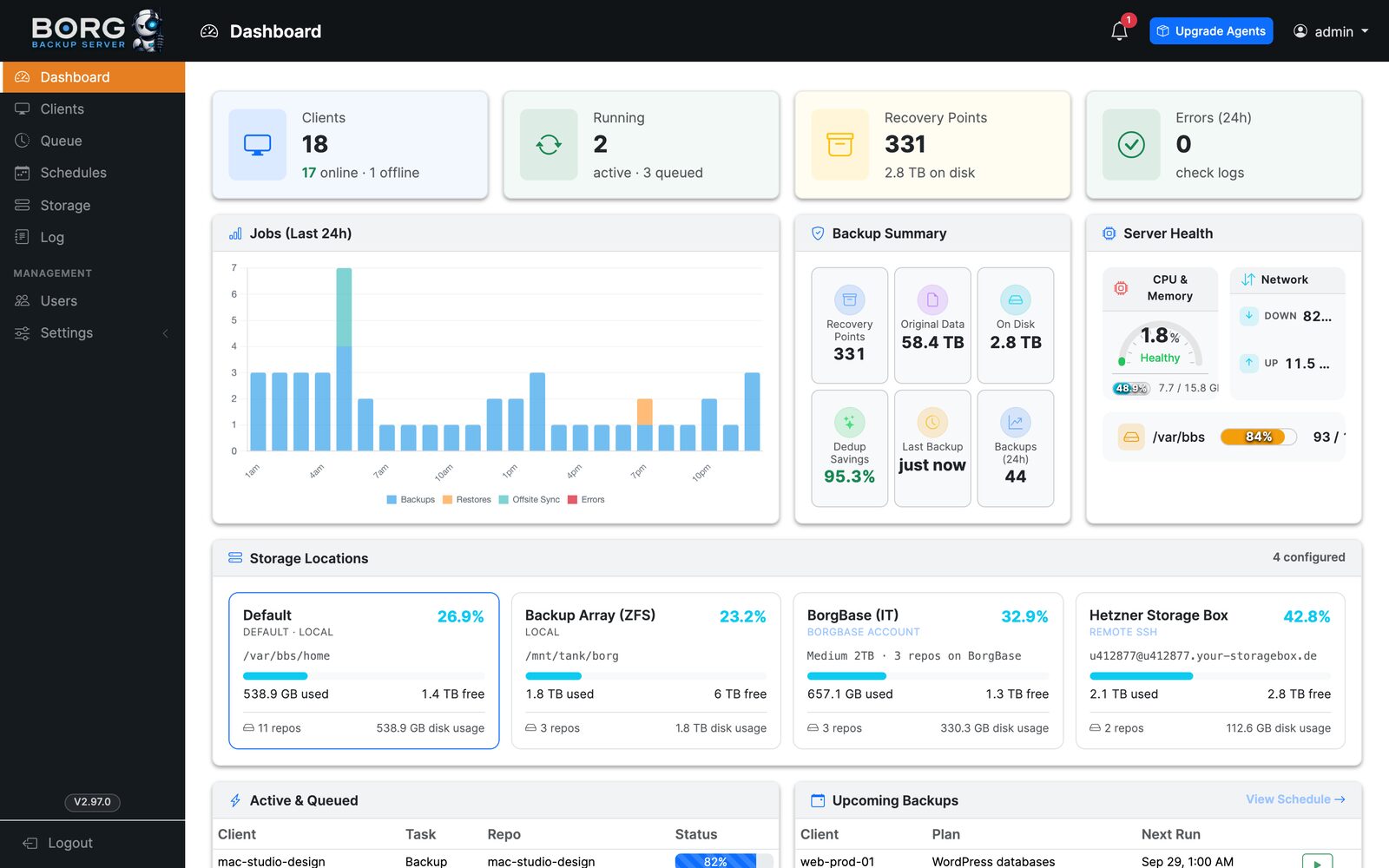
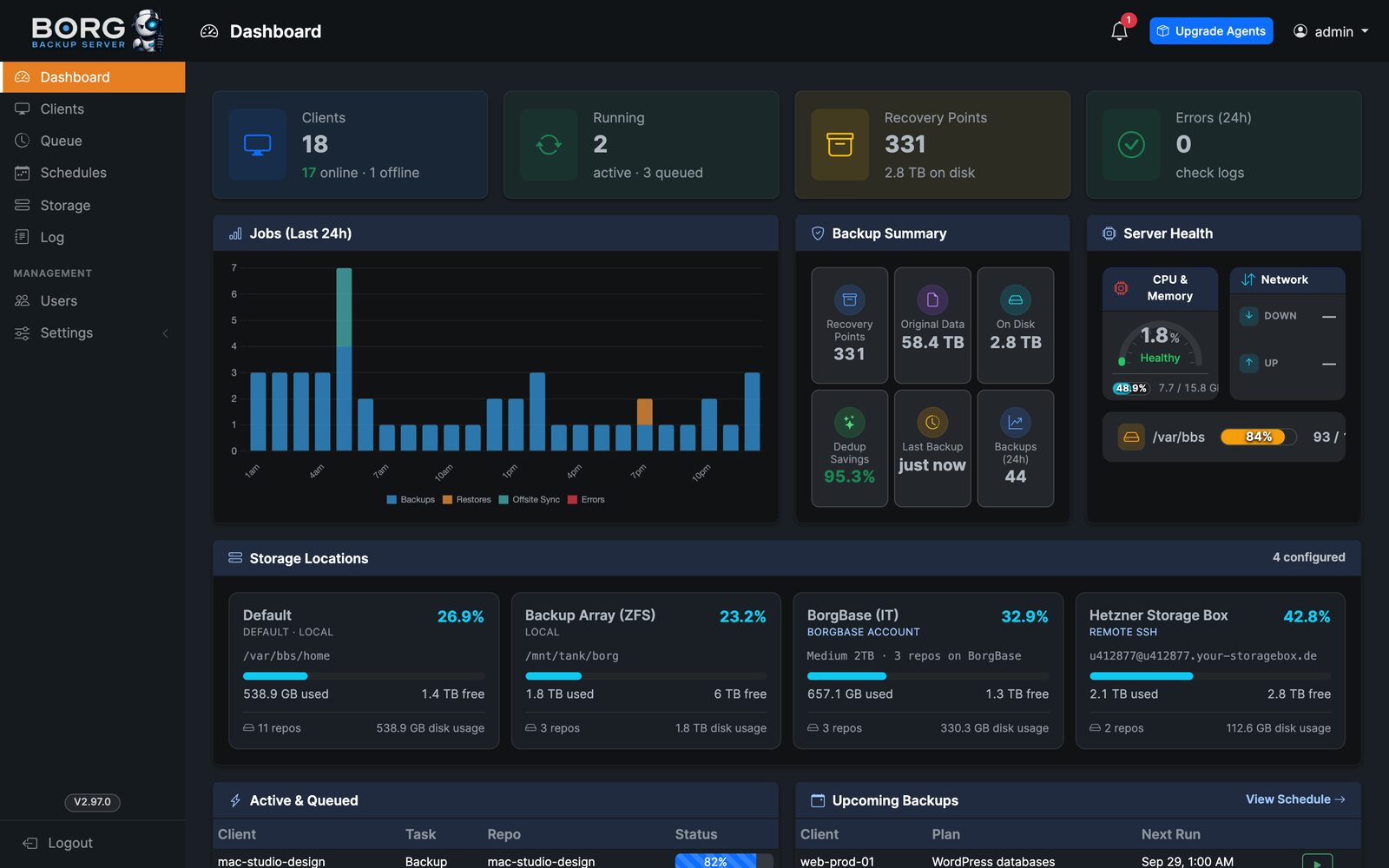
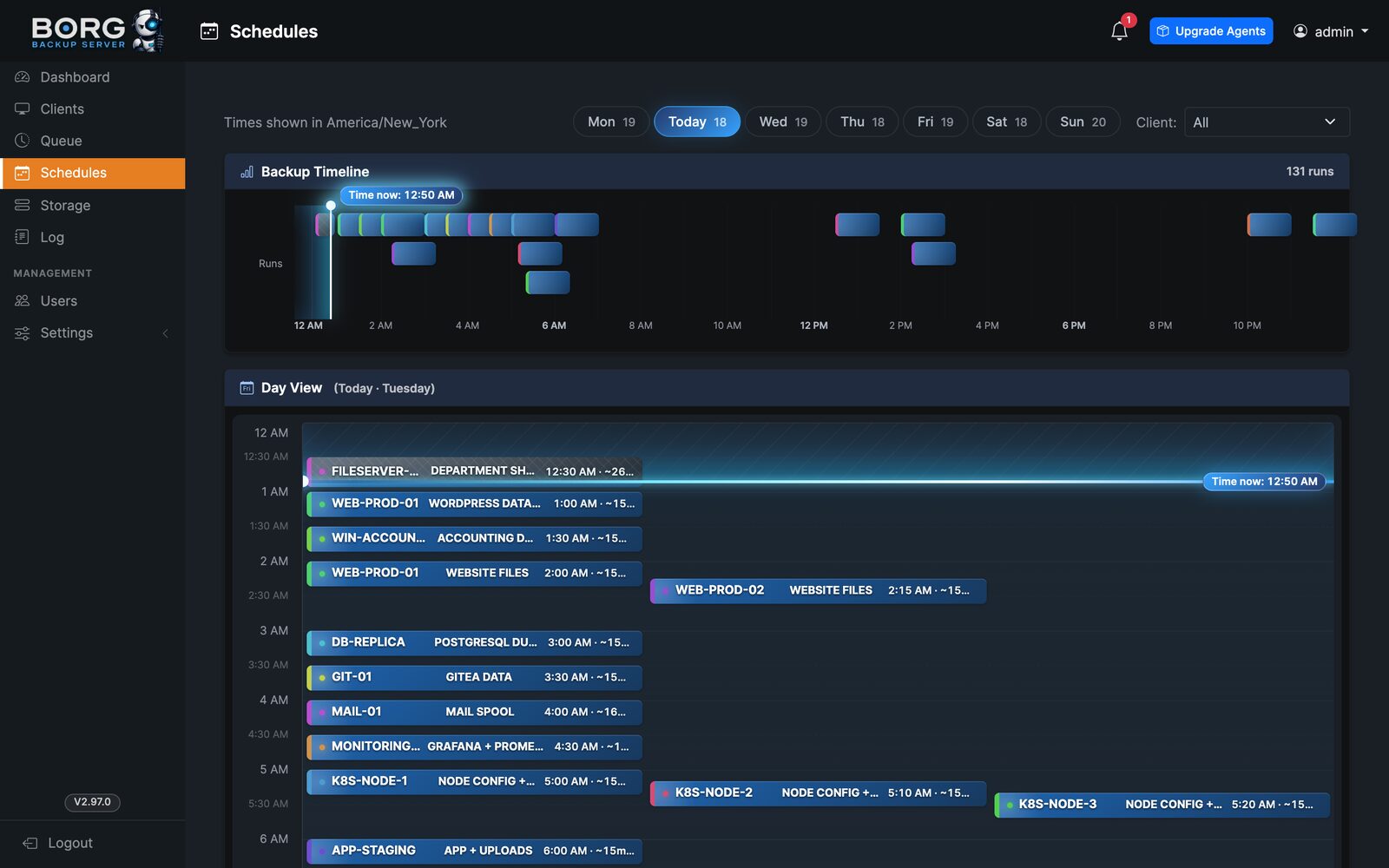
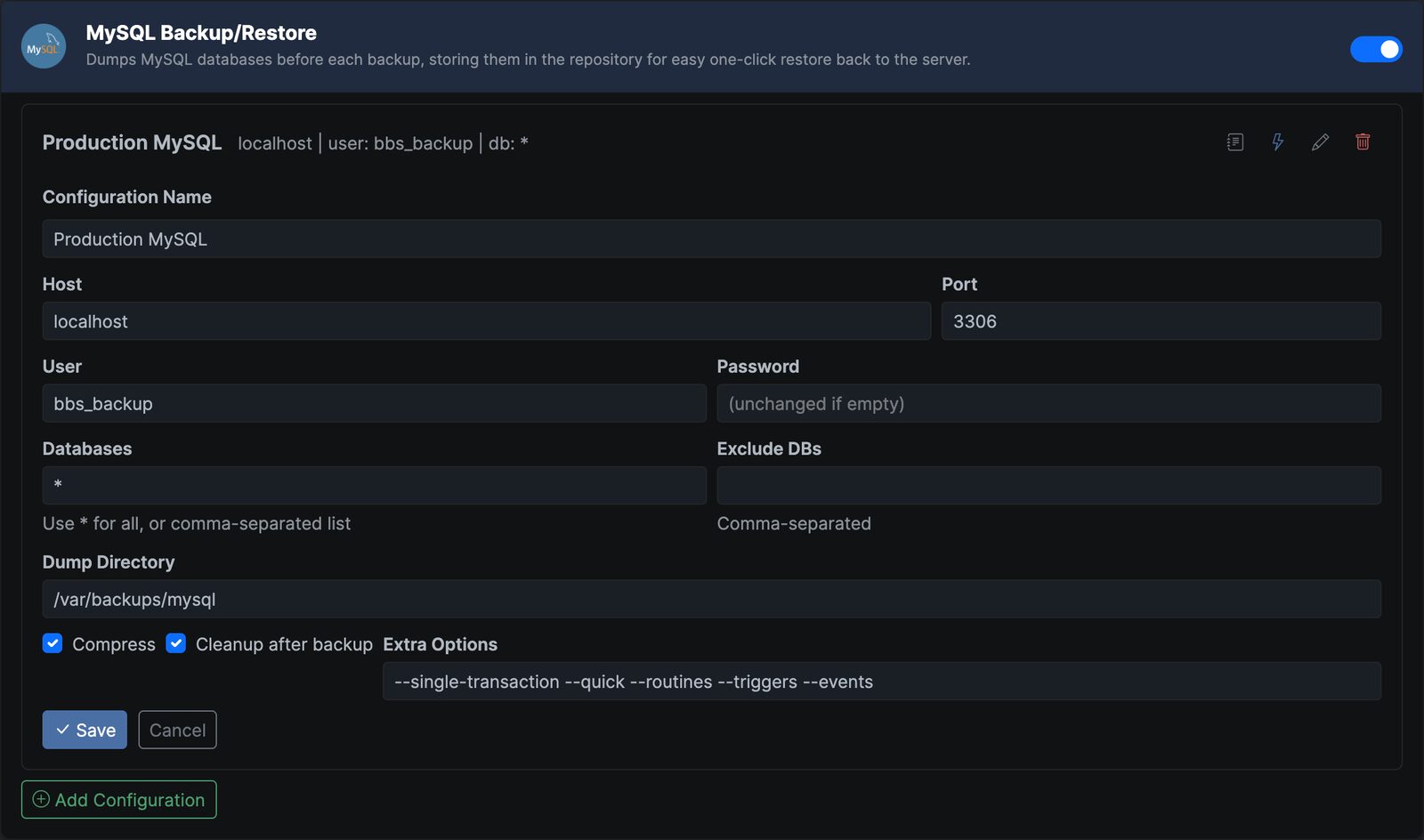
What is borgbackupserver?
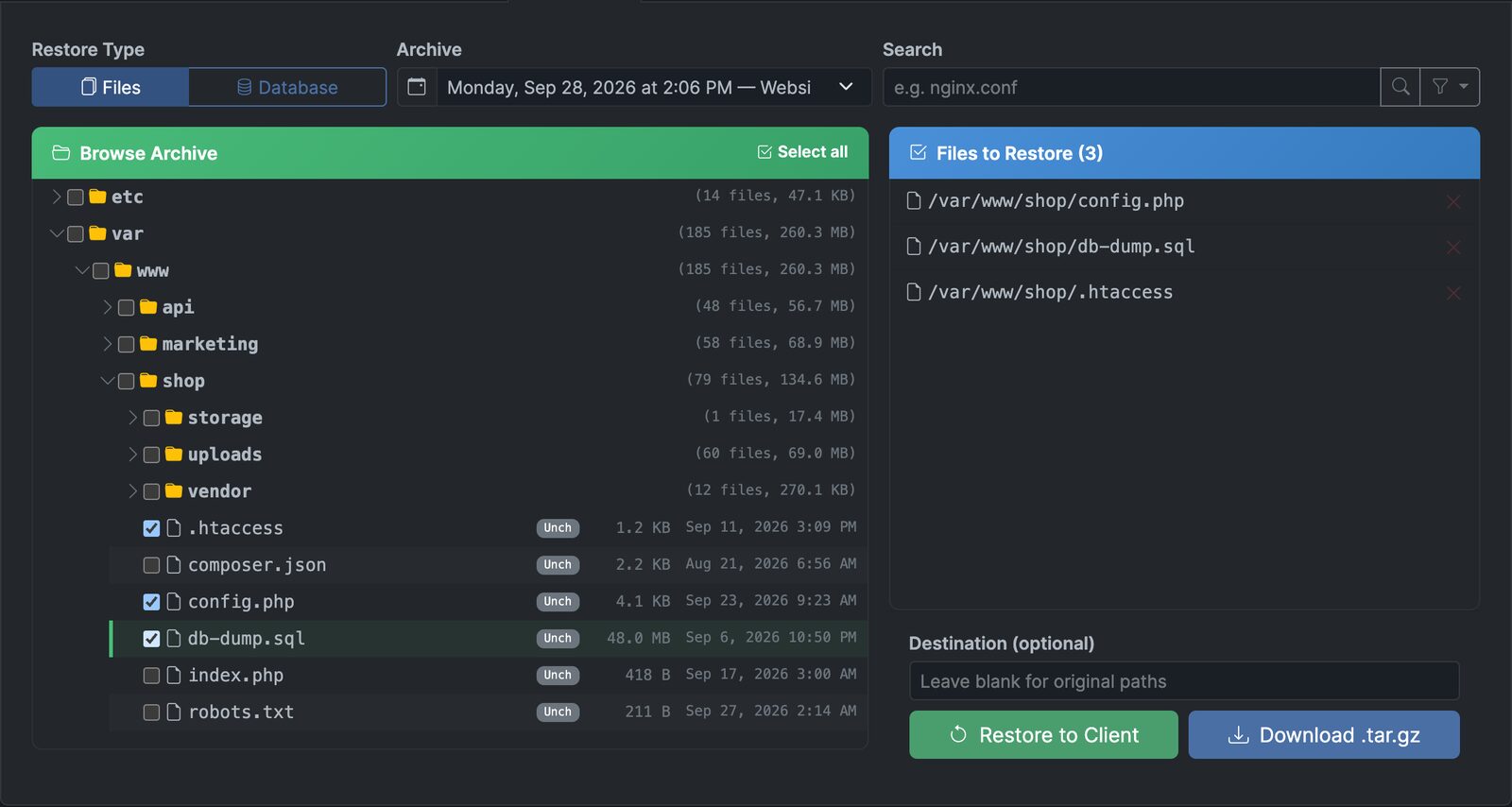
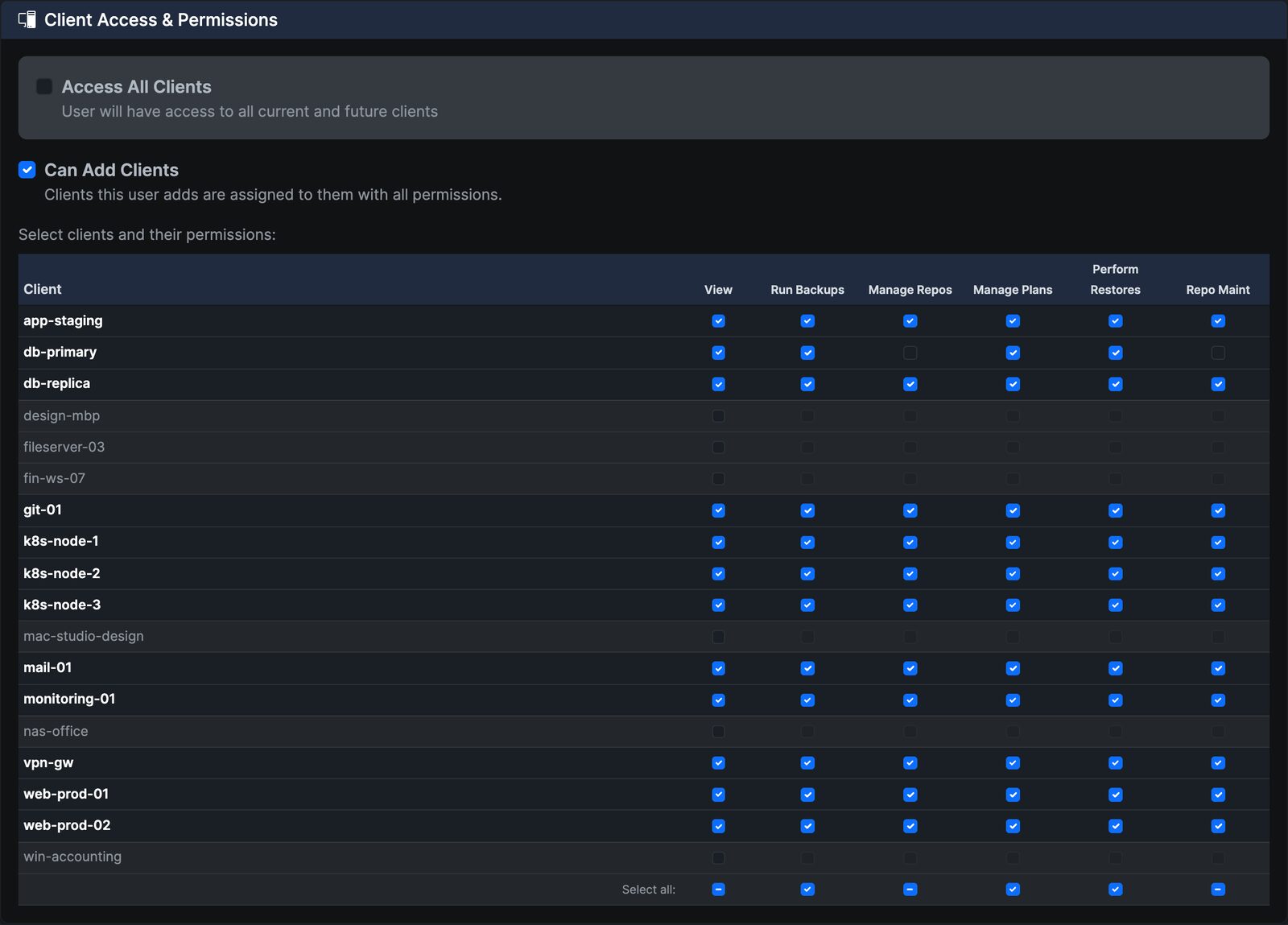
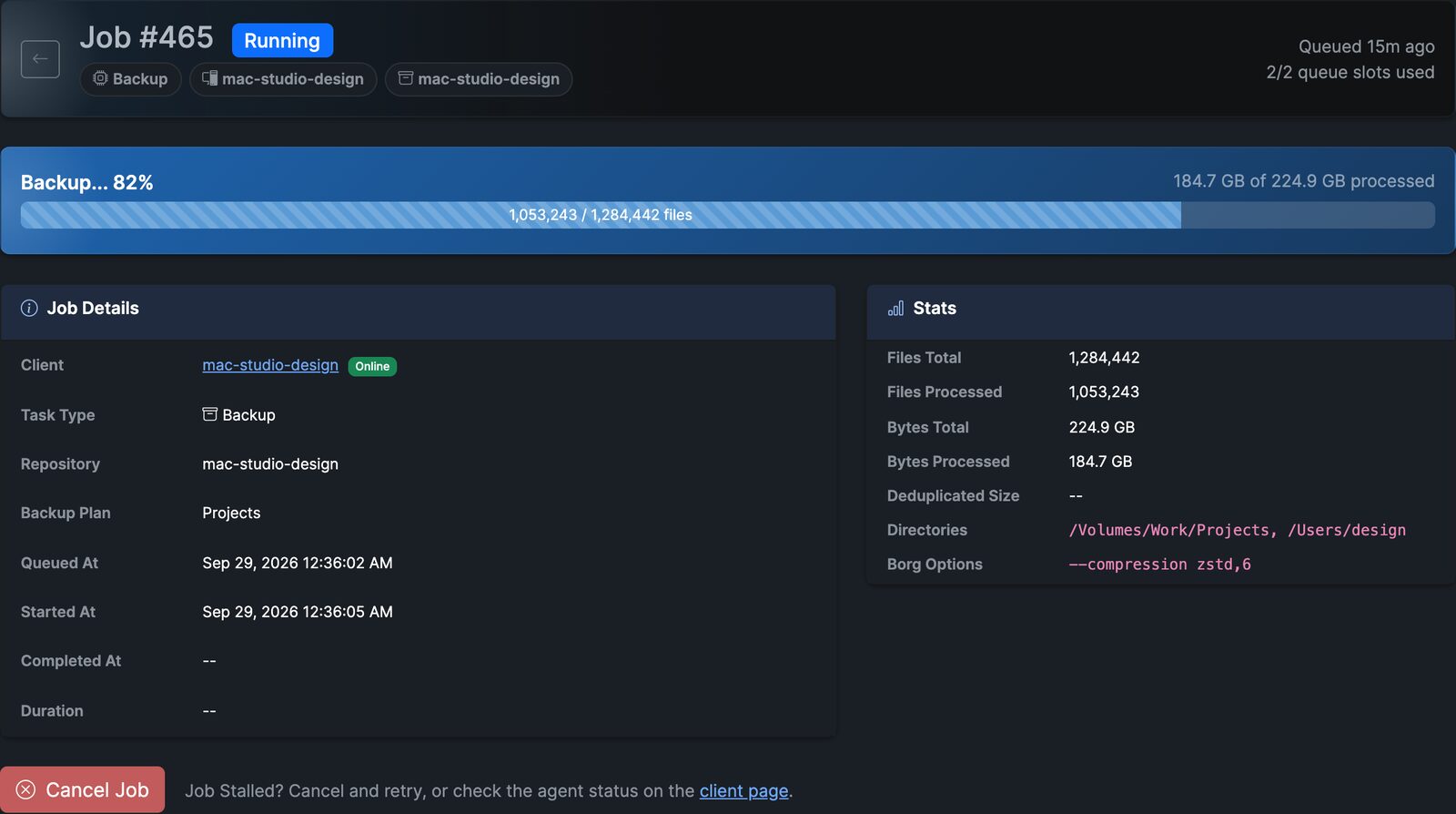
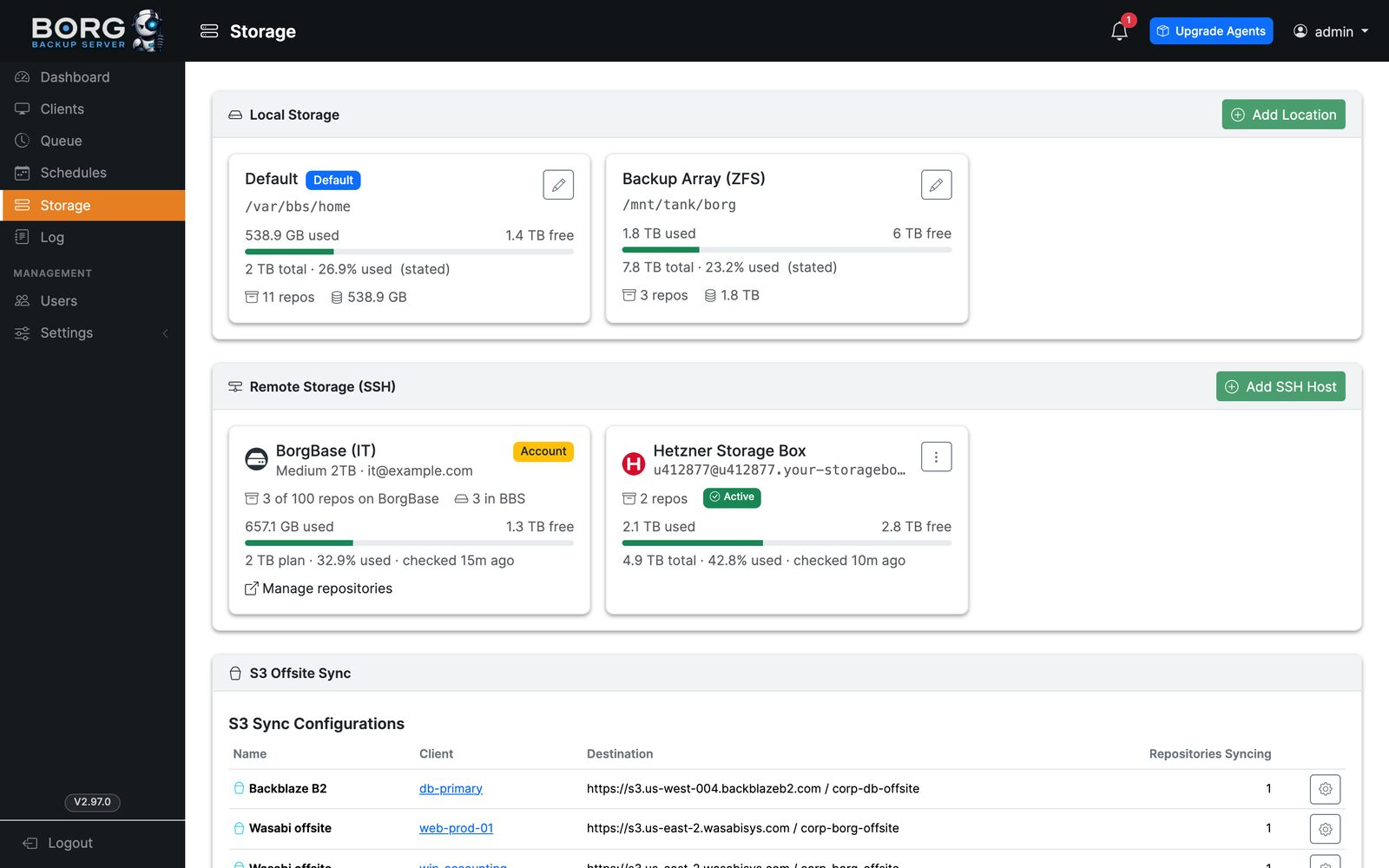
Borg Backup Server (BBS) is a self-hosted web application that provides a graphical interface for managing BorgBackup across multiple endpoints. It uses an agent-based architecture where clients poll the server over HTTPS and push backup data over SSH into append-only repositories, eliminating the need for inbound connections to endpoints. The server handles scheduling, retention policies, database plugins (MySQL, PostgreSQL, MongoDB), S3 offsite sync, and file-level restores through a ClickHouse catalog. It supports multi-user access with role-based permissions, TOTP two-factor authentication, and OpenID Connect SSO. The server can be deployed via Docker Compose, bare metal on Ubuntu/Debian, or Unraid. A companion iOS app (BBS Manager) provides push notifications and mobile management. The project is MIT licensed with no paid edition for the server itself.
Should you self-host borgbackupserver?
borgbackupserver scores 52/100 on selfhost.directory (how scoring works) and ranks #28 of 46 in Backup. It has 389 GitHub stars.
It shipped 24 stable releases in the past year. The latest, v2.99.7, came out on 26 October 2026. New versions land roughly every 2 days.
Setup is moderate: expect some configuration beyond a single command. An official Docker image is available. It is Other-licensed and written mostly in PHP.
Its closest alternative on selfhost.directory is Restic (82/100, 36 851 stars). It scores higher overall, so compare the two before you pick. See borgbackupserver vs Restic side by side.
Features
- Agent-based architecture
- Append-only SSH repositories
- Backup templates
- Database plugins
- Download archives
- Encryption at Rest
- File-level restore
- Flexible scheduling
- Multi-user with Role-based Access
- Real-time progress
- Remote storage repositories
- Retention Policies
- S3 offsite sync
- Setup Wizard
- Two-factor authentication (TOTP)
borgbackupserver README
More in Backup Management
 BorgitoryA self-hosted web dashboard for BorgBackup that adds scheduling, monitoring, archive browsing, and Rclone-based cloud sync.
 borg-uiSelf-hosted web UI for Borg Backup that replaces terminal commands with a modern interface for creating, scheduling, and restoring backups.
 borgwarehouseBorgWarehouse is a self-hosted, open-source web UI to provision and monitor BorgBackup repositories, handle SSH access and quotas, and send backup alerts.
 burpBurp is a self-hosted, open-source network backup program with client-server model, delta differencing, Windows VSS, SSL encryption, and flexible retention.
 chatvaultSelf-hosted, open-source WhatsApp backup tool with directory import, automated email backup, and a chat-like frontend for browsing messages and attachments.
 Duplicati_MonitorSelf-hosted PHP web app that collects and visualizes Duplicati backup reports from multiple computers with dashboard charts and searchable history.
 ElkarBackupElkarBackup is a self-hosted, open-source backup solution centralizing Linux and Windows backups via web UI, built on rsync/rsnapshot with instant recovery.
 EneruSelf-hosted UPS monitor that manages orderly shutdown of virtual machines, containers, and remote servers when power fails, with a web dashboard, terminal UI, and API.
 fogprojectFOG is a free, self-hosted computer cloning and imaging solution that deploys Windows, Linux, and macOS over PXE with a web-based management interface.
 FTPGrabFTPGrab is a self-hosted, open-source CLI tool that pulls files from FTP/SFTP servers on a schedule with filtering, deduplication, and notifications.
 GitSaveGitSave is a self-hosted, open-source app for scheduled Git repository backups from GitHub, GitLab, and other platforms with a responsive web UI.
 HoardSelf-hosted, open-source game save backup/sync with full version history and SHA-256 verification. Auto-detects 20,000+ games. Runs on Windows, macOS, Linux, Steam Deck.
0 comments