
Self-host ElkarBackup
v2.3.9Centralized backup with web UI for Linux and Windows
- Stars
- 418
- Port
- 80 (HTTP web interface)
- Requires
- MariaDB/MySQL, Rsync
ghcr.io/elkarbackup/elkarbackup
What is ElkarBackup?
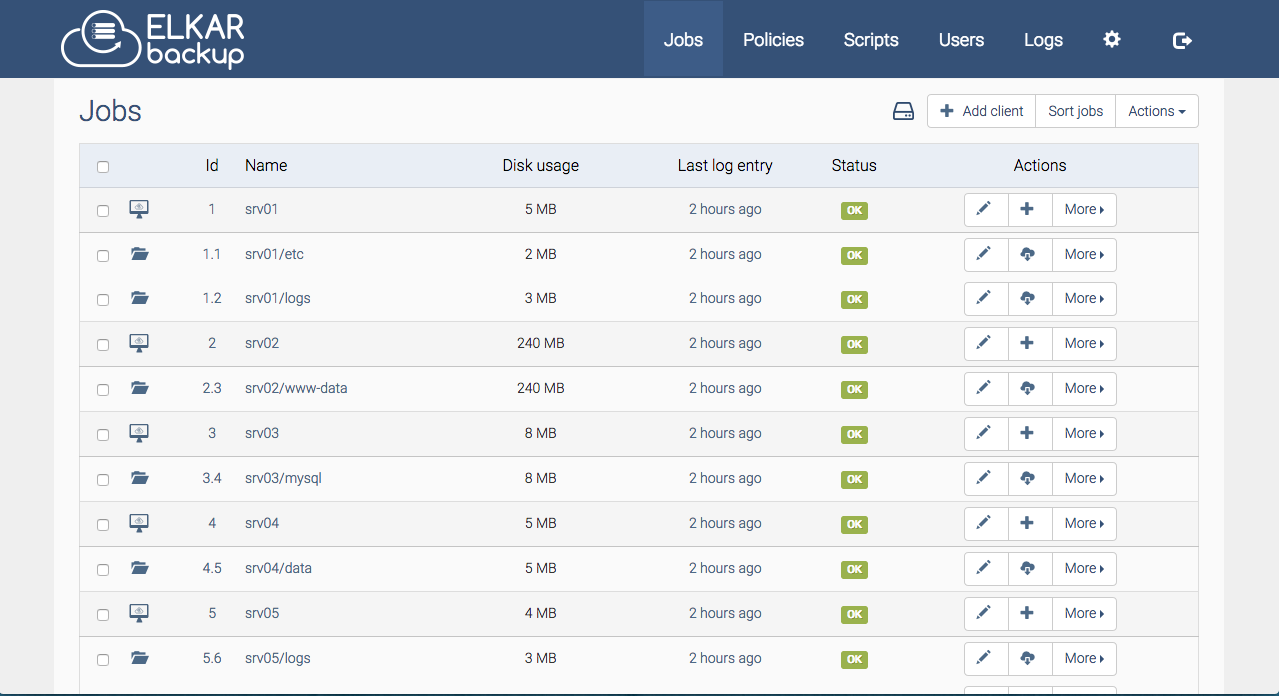
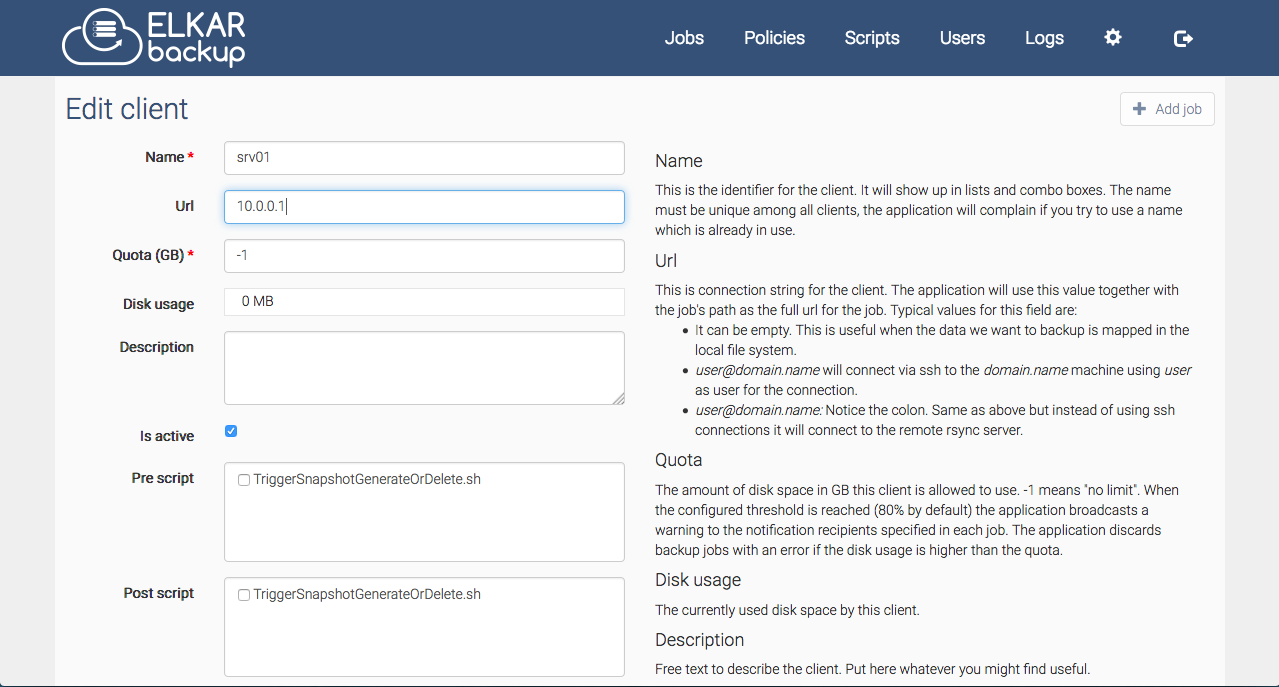
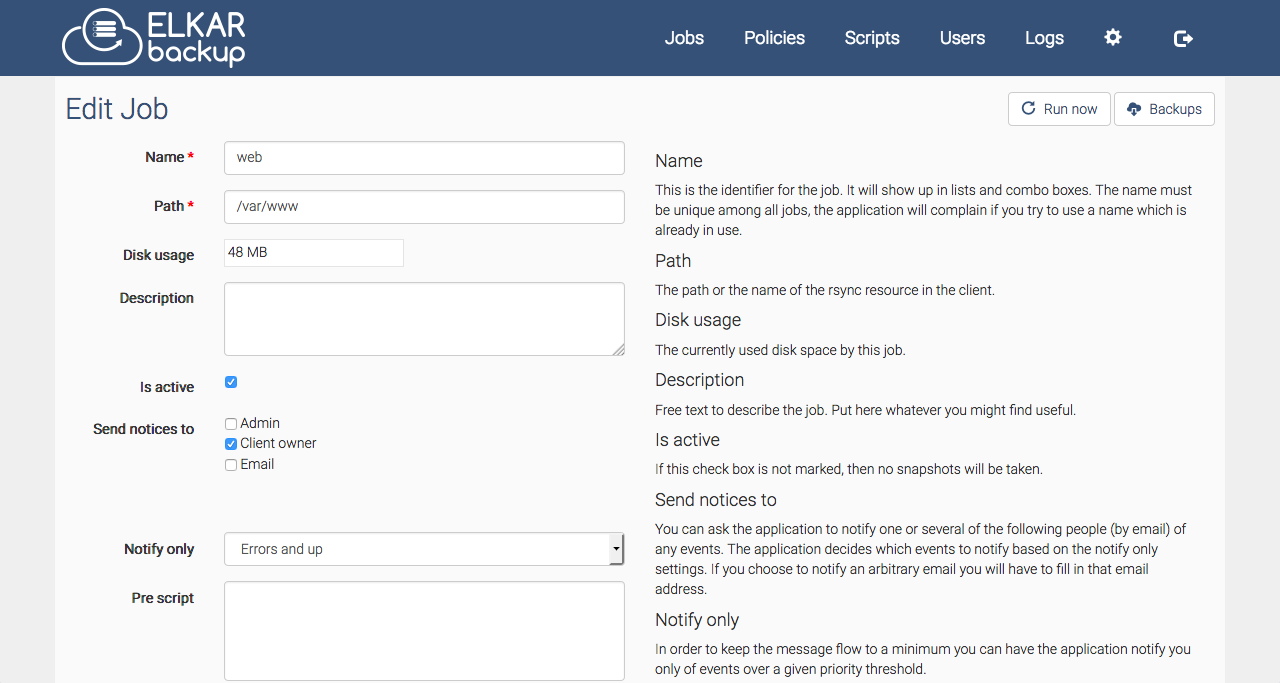
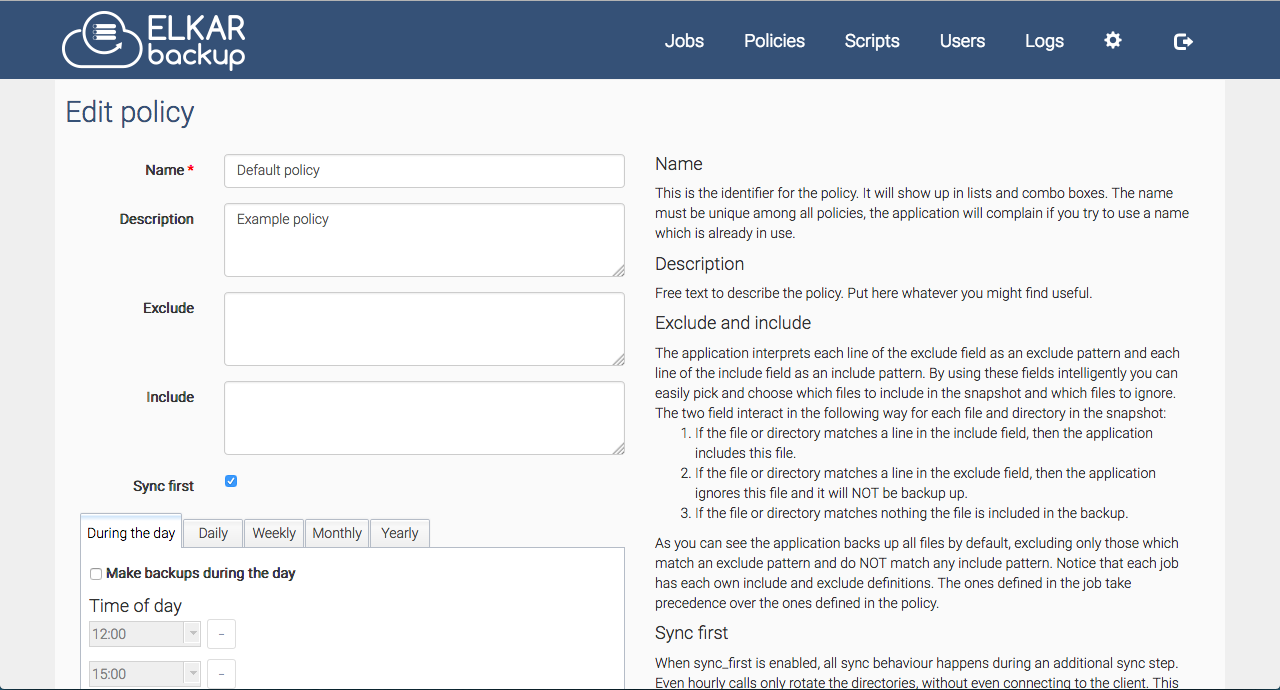
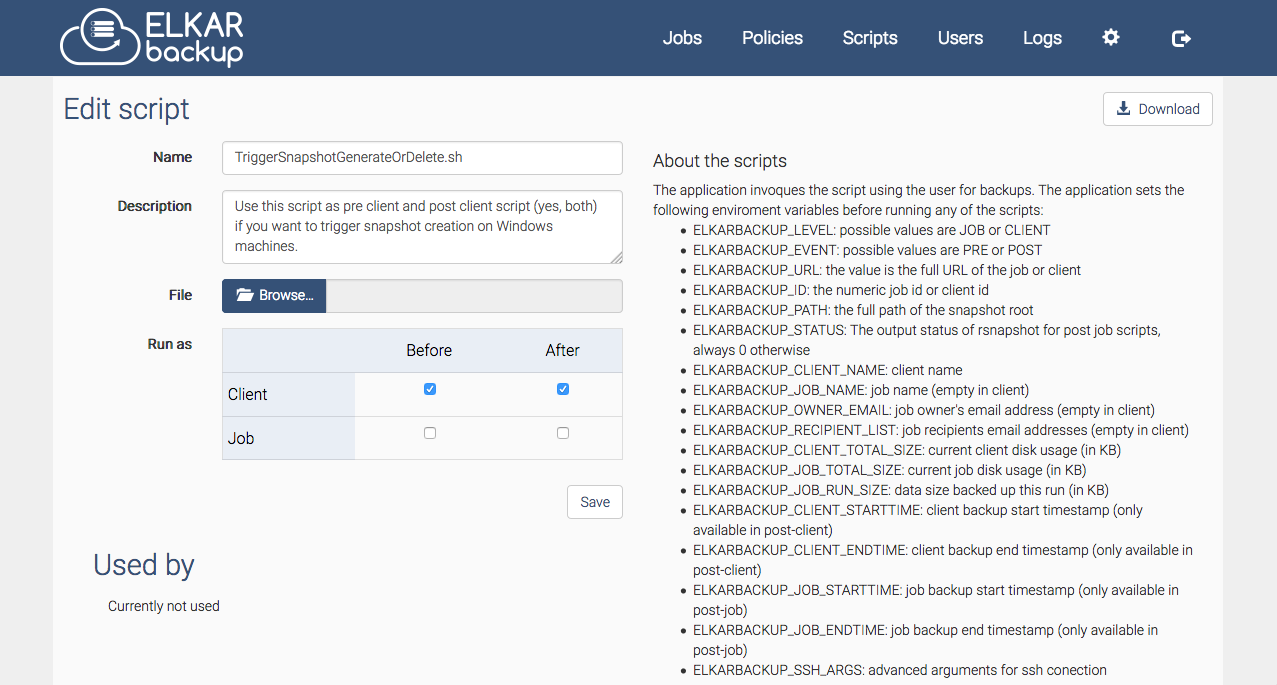
This free, open-source backup tool lets system administrators manage network backups from a single web interface. It uses rsync and rsnapshot to provide efficient, deduplicated backups with hardlinks, enabling instant recovery of any backup point. The software supports both Linux and Windows clients, offers pre- and post-backup scripts, quota management, email notifications, and multi-language support. Deployment options include Docker Compose, native Debian/Ubuntu packages, or manual installation. A MariaDB/MySQL database stores configuration and metadata, while backup data lives on the filesystem (local or NFS). Licensed under GPL-3.0, actively maintained since 2013.
Should you self-host ElkarBackup?
ElkarBackup scores 51/100 on selfhost.directory (how scoring works) and ranks #31 of 46 in Backup. It has 418 GitHub stars.
It shipped 10 stable releases in the past year. The latest, v2.3.9, came out on 24 December 2025. New versions land roughly every 1 days.
Setup is moderate: expect some configuration beyond a single command. An official Docker image is available. It is Other-licensed and written mostly in JavaScript.
Its closest alternative on selfhost.directory is Restic (82/100, 36 853 stars). It scores higher overall, so compare the two before you pick. See ElkarBackup vs Restic side by side.
Features
- Backup mirroring
- Centralized Backups
- Detailed logging
- Email notifications
- Instant Recovery
- Linux and Windows client backup
- Multi-language Support
- Multi-user with permissions (WIP)Marked as work in progress in documentation
- Pre- and post-backup scripts
- Quota Management
- Remote job execution via API
- SSH-based secure transfer
- Web-based management UI
ElkarBackup README
FAQ
I don't remember root's password. Is there any way to reset the password?
Run the console command: /usr/share/elkarbackup/bin/console elkarbackup:create_admin --reset
Can I execute a job remotely?
Yes, generate a token in the client configuration and use curl to trigger the job.
Is there a way to run a job from the command line?
Use the "Enqueue now" option from the web UI, or run the tick command with a specific date/time via console.
Can I use directories with spaces in exclude/include option?
Use backslashes to escape spaces (e.g., directory\ with\ spaces) or quotation marks.
Can I set a backup path with whitespaces?
Rsnapshot 1.3.1 doesn't allow special characters. Use symbolic links or normalized directory names.
Backup job fails with QUOTA EXCEEDED and I can't rerun the task
Modify the Quota option for the client. Set to -1 to disable quota.
Backup job fails: "Lockfile /tmp/something.pid exists and so does its process, can not continue"
A pending job is running for the same task. Kill the process and remove the pid file, or check for scheduling conflicts.
Can this tool make an exact copy of the permissions structure of Windows?
No, rsync/rsnapshot does not preserve Windows file permissions.
Is there a way to see the generated rsnapshot configuration file?
Yes, add "config" to your Job URL (e.g., /client/1/job/1/config).
Restore button is disabled or it doesn't work (Error 404 Not Found)
Check and fix the backup location directory's permissions and ACLs.
Job finished with error "File has vanished"
This is likely caused by a temporary file. Exclude the directory to avoid the error.
I've changed 'parameters.yml' but it doesn't work
After editing parameters.yml, you must clear the cache using the console command.
Backup job fails: "permission denied (publickey,password)"
You need to copy the ElkarBackup server's public SSH key to the client.
Backup job fails: "rsync: command not found"
You need to install rsync on the client machine.
More in Backup Management
 EneruSelf-hosted UPS monitor that manages orderly shutdown of virtual machines, containers, and remote servers when power fails, with a web dashboard, terminal UI, and API.
 fogprojectFOG is a free, self-hosted computer cloning and imaging solution that deploys Windows, Linux, and macOS over PXE with a web-based management interface.
 FTPGrabFTPGrab is a self-hosted, open-source CLI tool that pulls files from FTP/SFTP servers on a schedule with filtering, deduplication, and notifications.
 GitSaveGitSave is a self-hosted, open-source app for scheduled Git repository backups from GitHub, GitLab, and other platforms with a responsive web UI.
 HoardSelf-hosted, open-source game save backup/sync with full version history and SHA-256 verification. Auto-detects 20,000+ games. Runs on Windows, macOS, Linux, Steam Deck.
 JoulenapSelf-hosted scheduler that wakes Proxmox Backup Servers, runs backups, applies retention and GC, then powers them down — keeping servers asleep 23 hours a day.
 opnborgSelf-hosted daemon that backs up, monitors, and audits OPNsense firewalls via WebUI, with AI security audit, git history, and fleet config sync.
 PhotoMigratorPhotoMigrator is a self-hosted, open-source tool for migrating photos between cloud services and processing Takeout archives. Offers web, desktop, terminal, CLI.
 plutonOpen-source, self-hosted backup using Restic and Rclone for encrypted incremental backups across 70+ cloud providers with web UI, 3-2-1 replication, and 2FA.
 portabaseSelf-hosted, open-source database backup tool where agents dump PostgreSQL, MySQL, MongoDB and more on a cron, with GFS retention, S3/SFTP storage and restores.
 proxcenter-uiSelf-hosted, open-core platform for managing Proxmox VE clusters and PBS — a VMware vCenter alternative with multi-cluster monitoring, automation, and multi-tenancy.
 ProxMenuxOpen-source menu-driven toolkit for Proxmox VE with self-hosted web dashboard for post-install setup, backup/restore, and health monitoring of homelab infrastructure.
0 comments