
Self-host Bastillion
v6.0.3Web SSH console with key management and session recording
- Stars
- 3 552
- Ports
- 8443 (HTTPS web UI and SSH terminal), 8080 (HTTP web UI when TLS disabled (behind reverse proxy))
- Requires
- Java 21 (OpenJDK)
What is Bastillion?
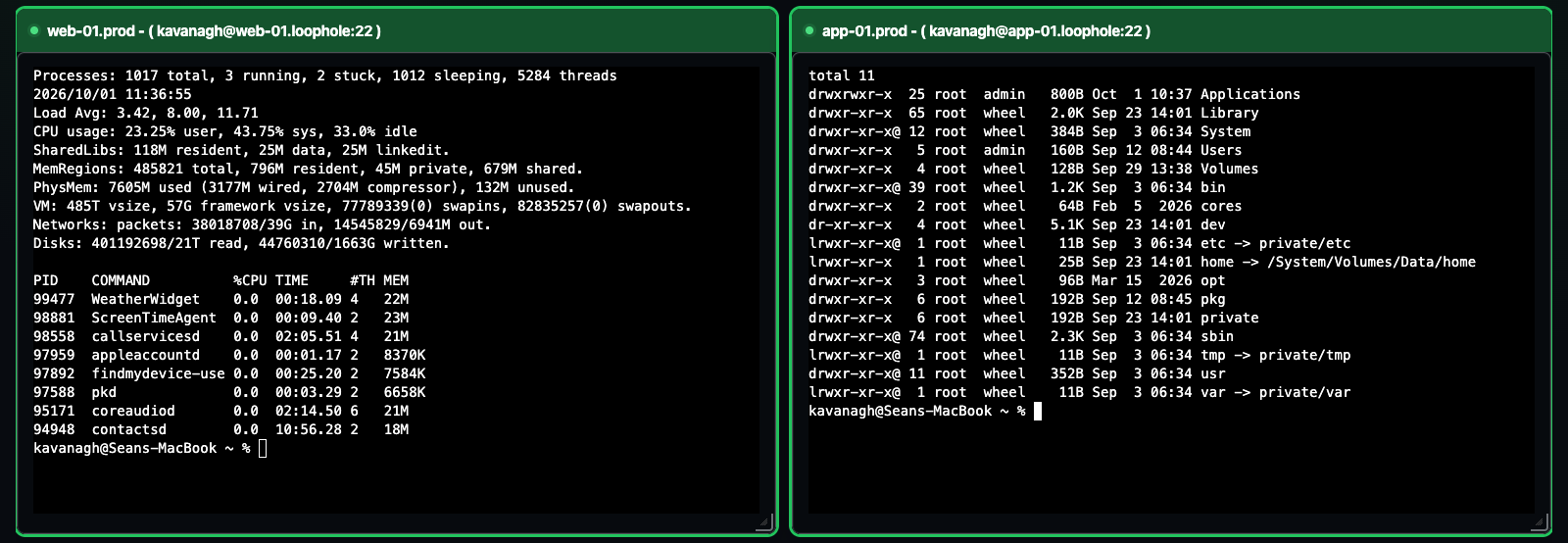
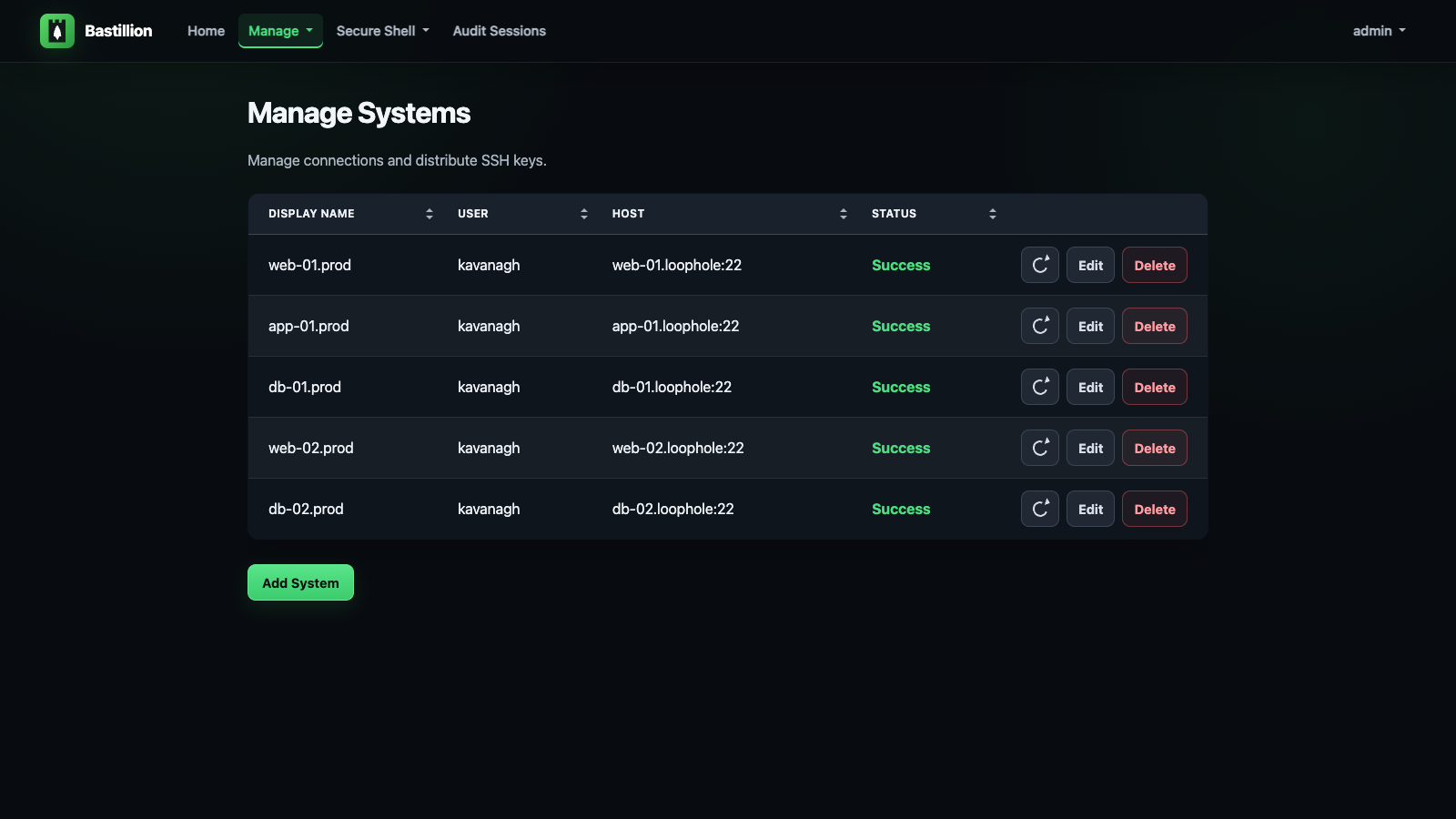
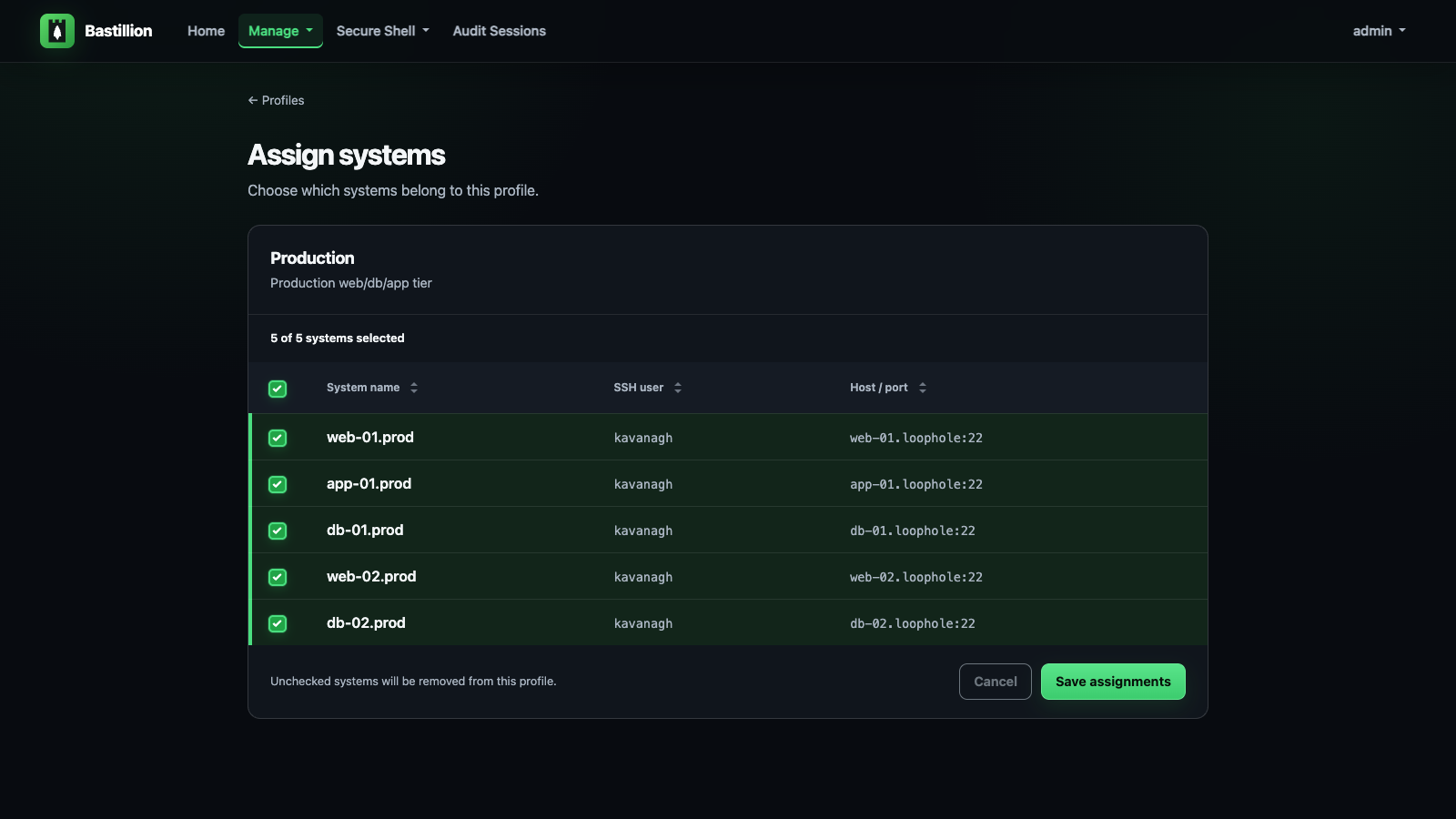
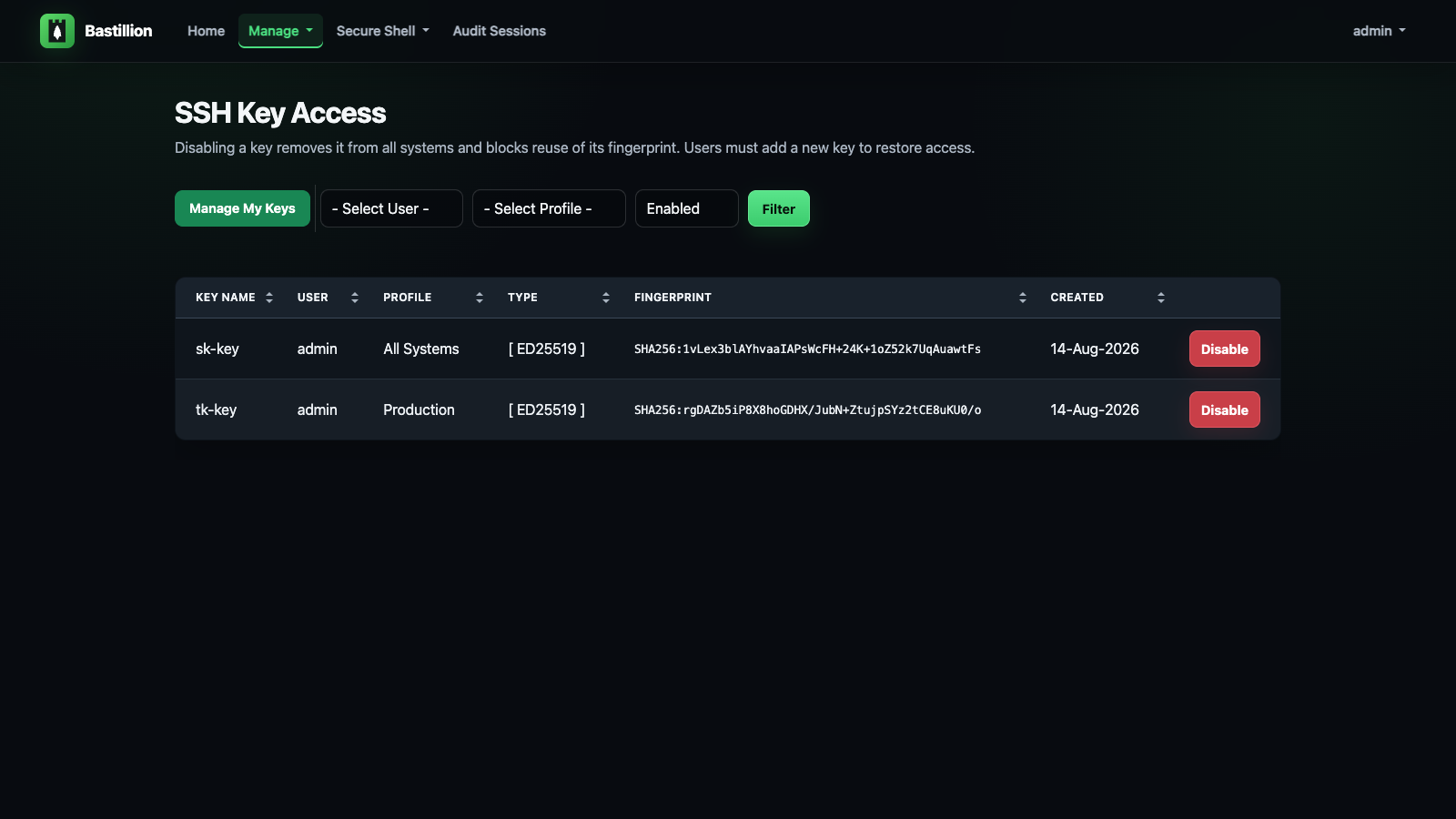
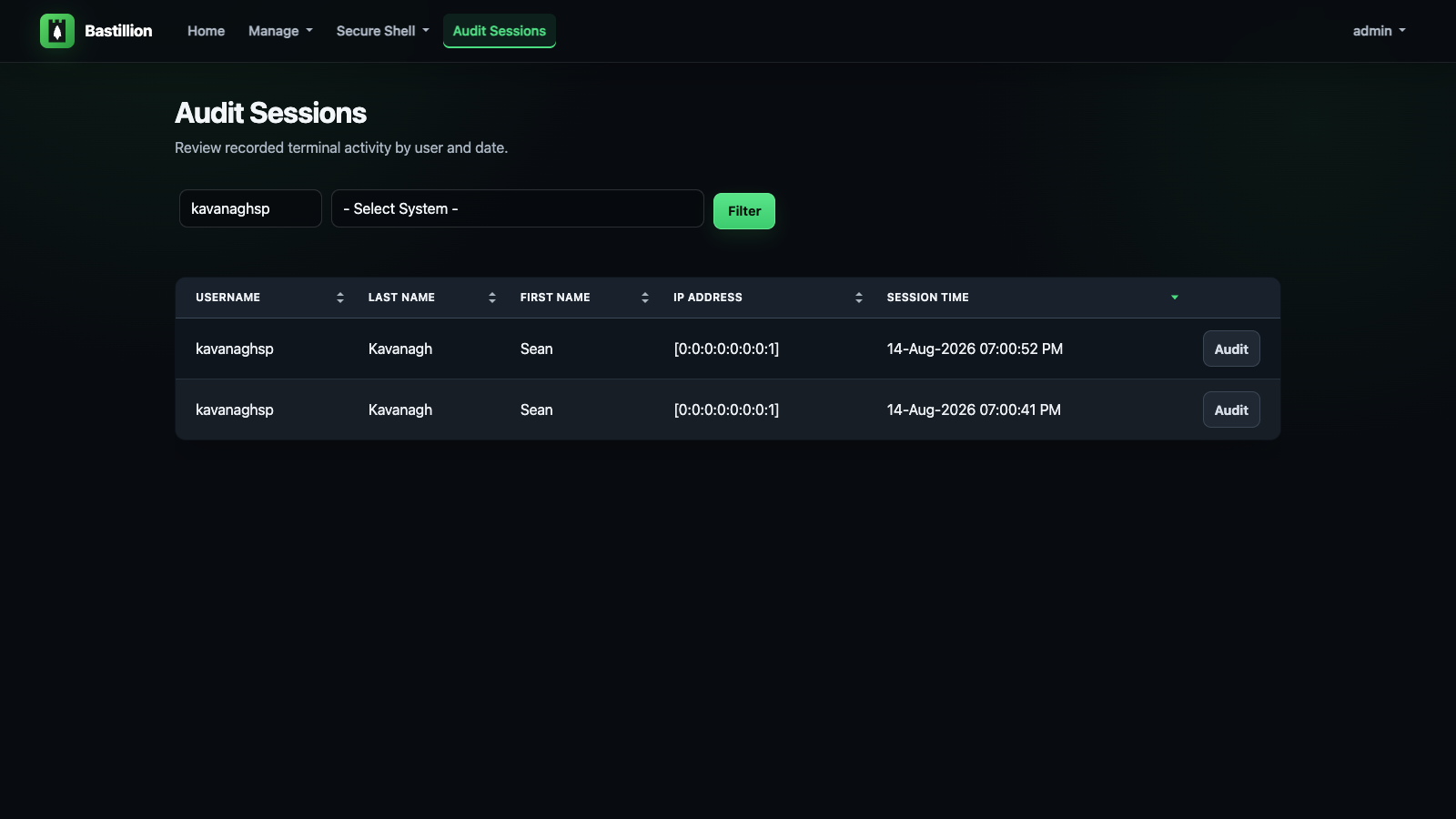
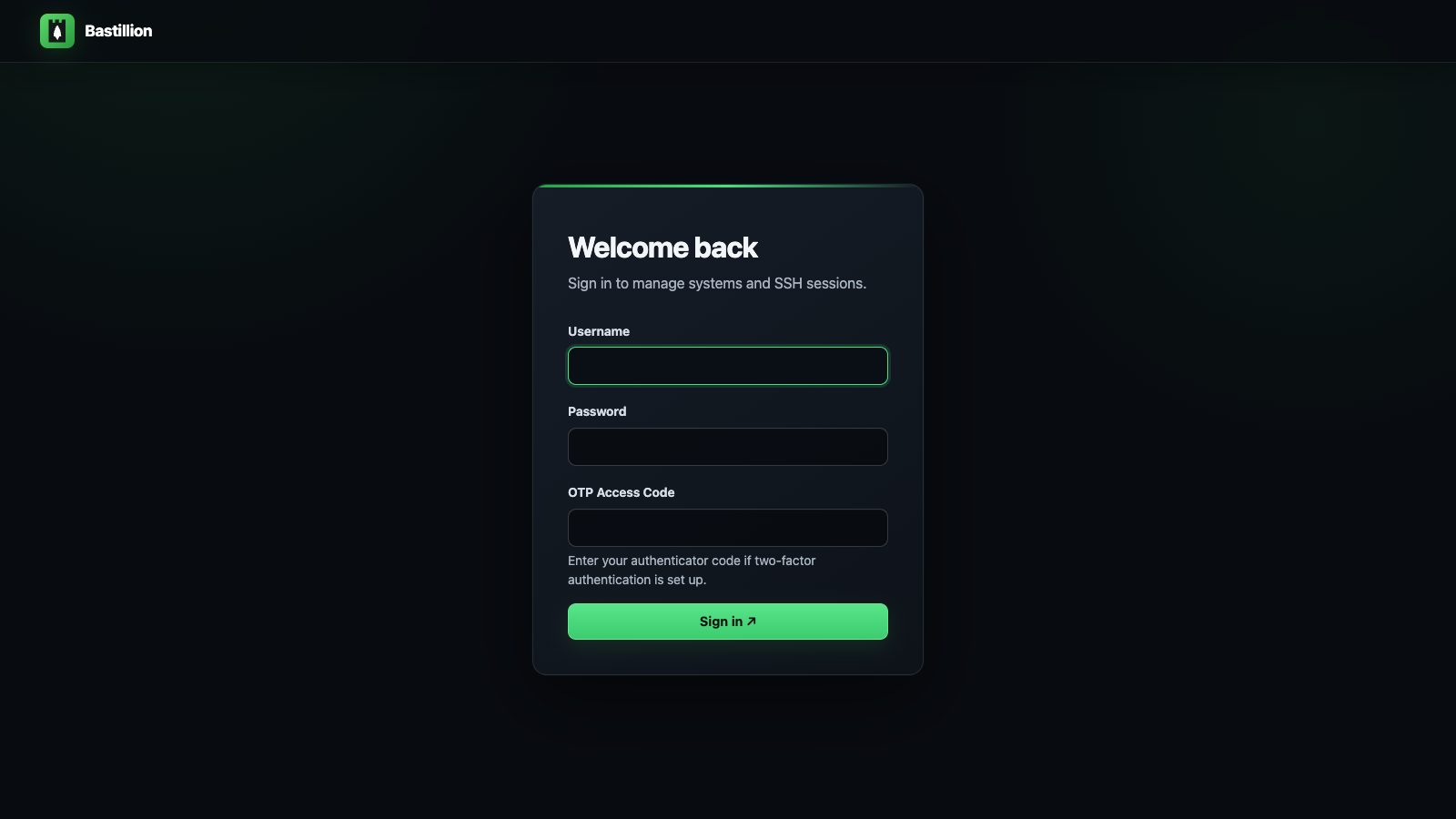
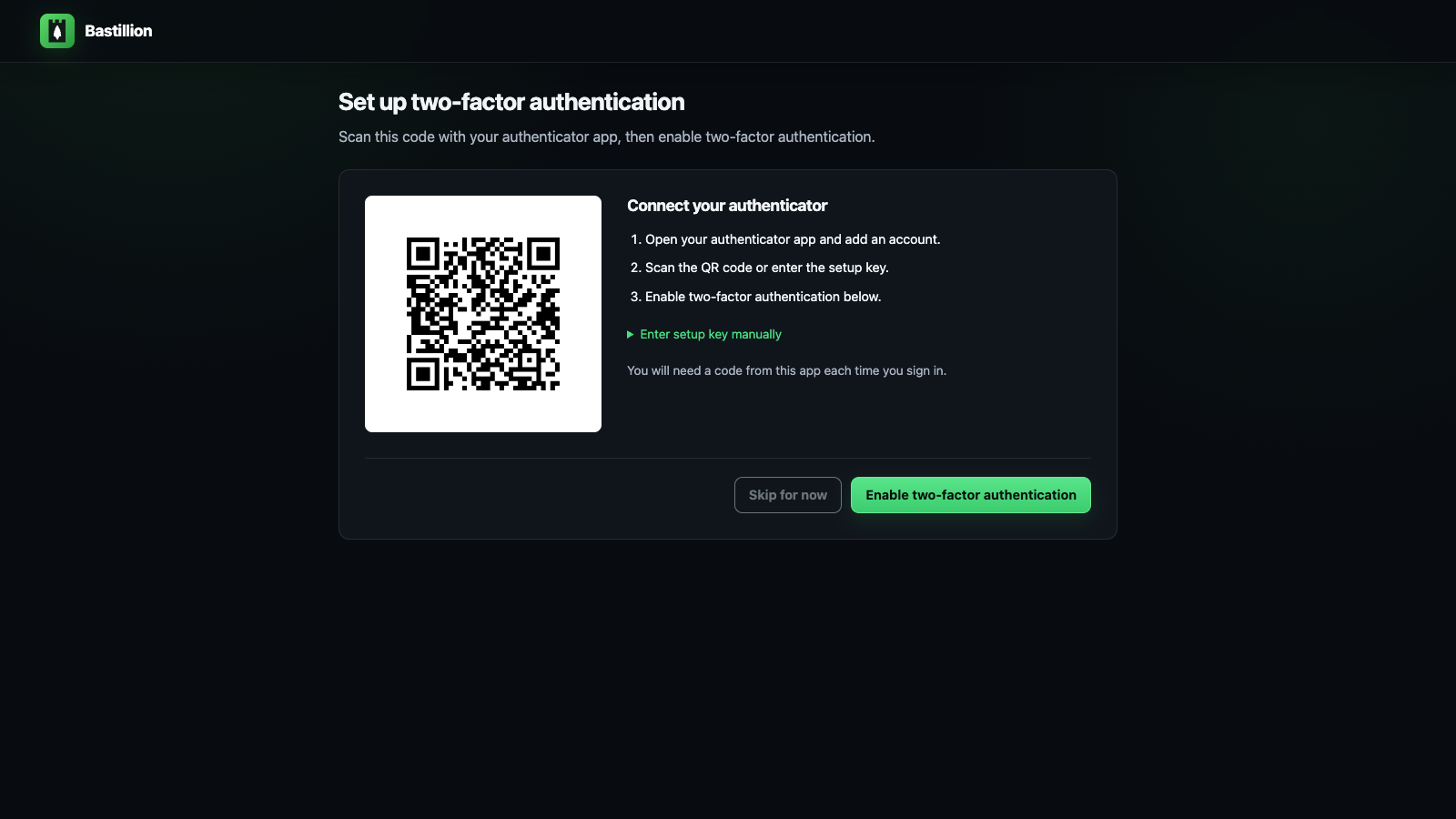
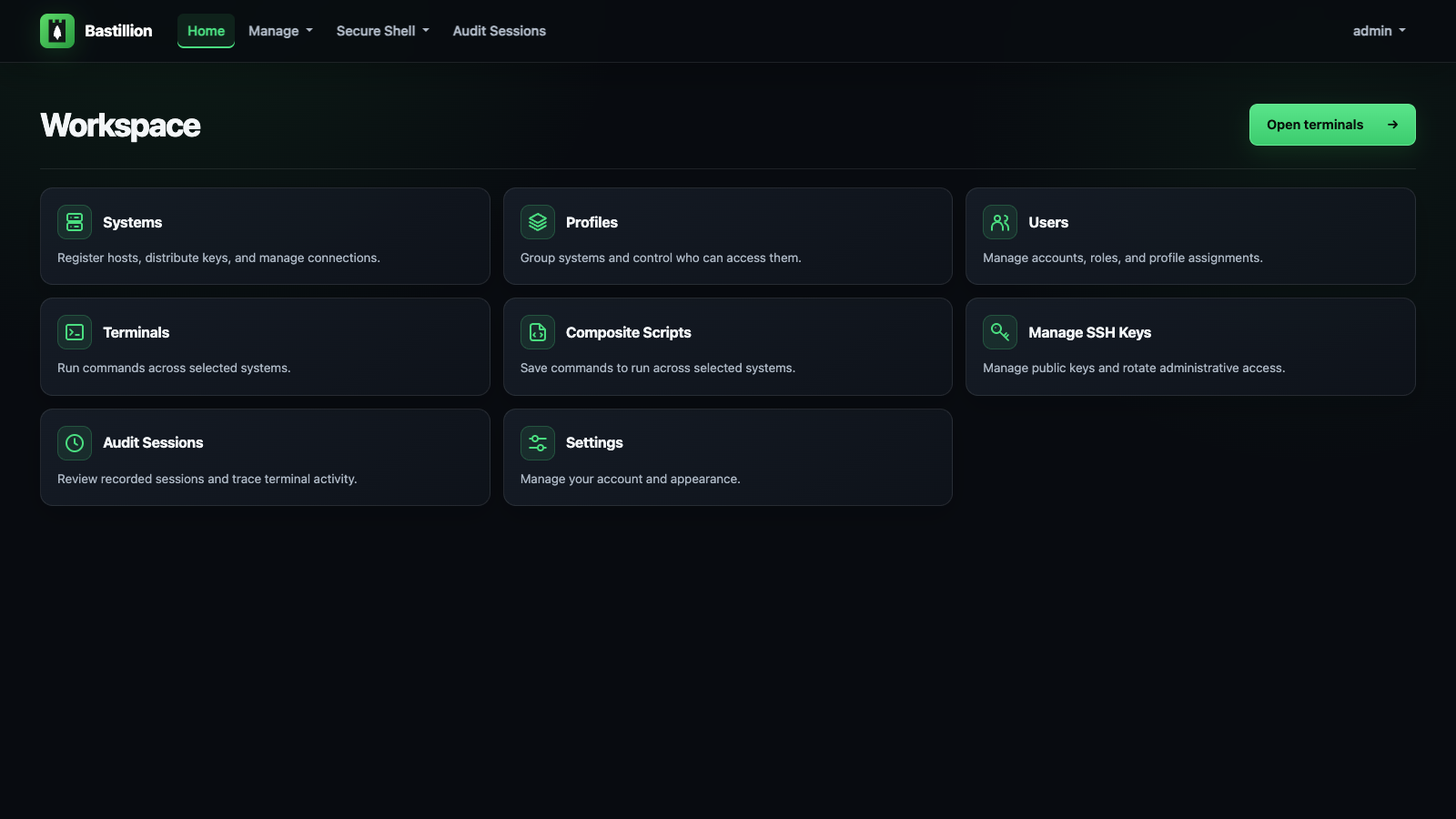
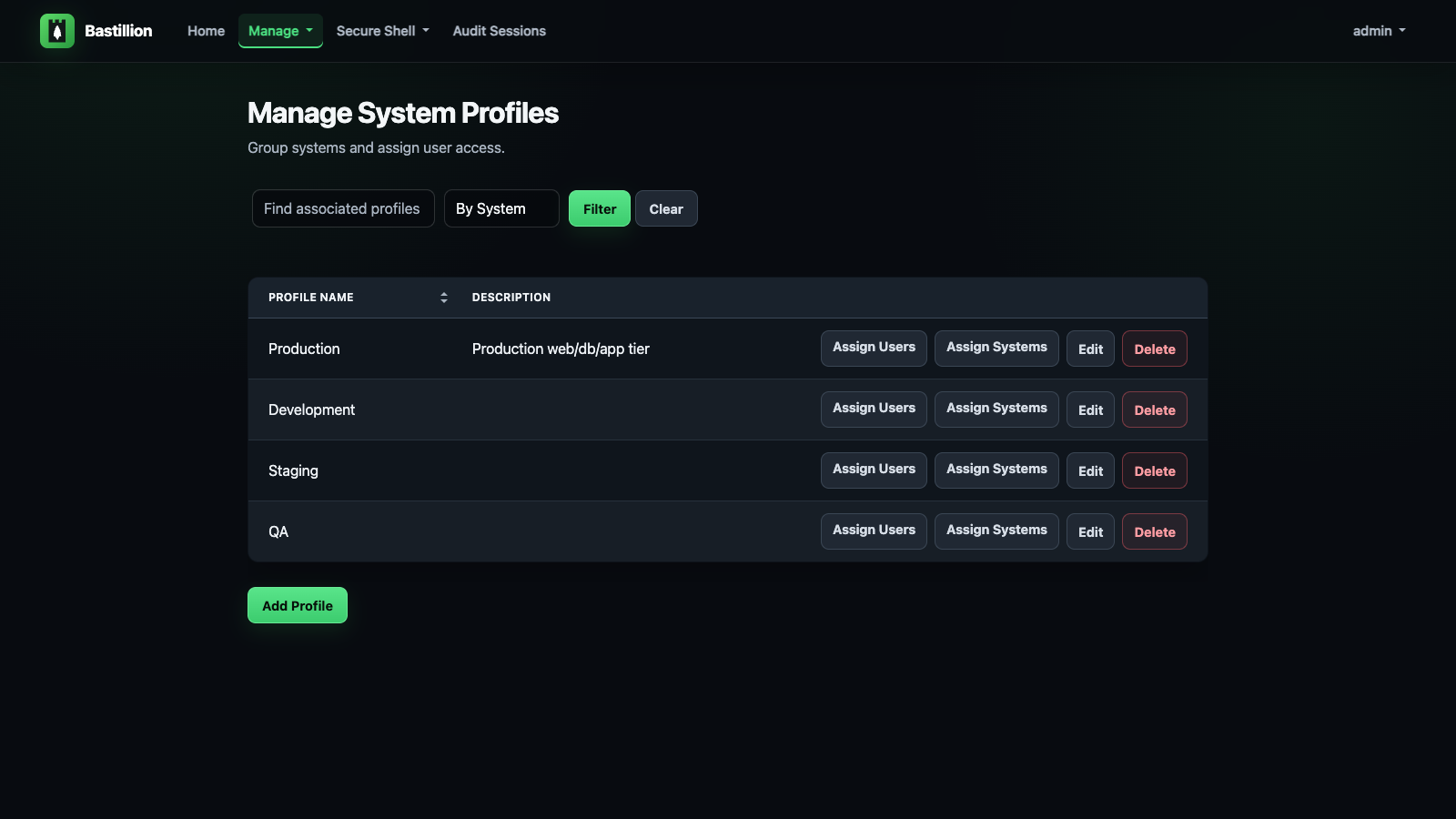
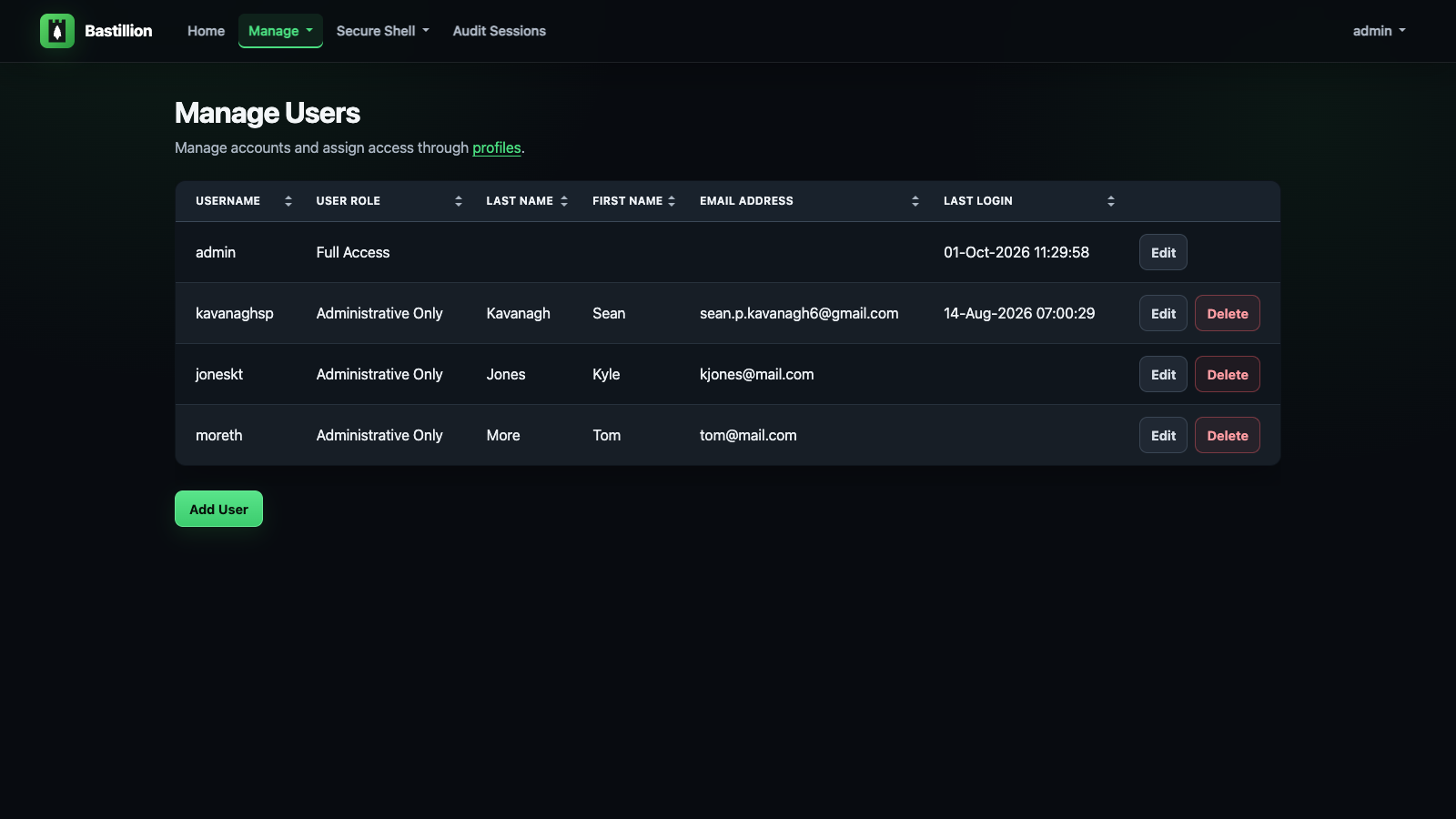
Bastillion is a self-hosted SSH bastion host that provides a browser-based terminal for accessing managed servers without distributing individual SSH keys. The application creates its own key pair and installs the public key on target hosts, then lets authorized users open live terminal sessions in the browser with optional command broadcasting to multiple hosts at once. All session activity is recorded and replayable for compliance auditing. Authentication options include TOTP two-factor, SAML 2.0 single sign-on with providers like Entra ID and Okta, and LDAP/Active Directory integration. It runs as a single Java 21 JAR that includes a Jetty server and H2 database, serving HTTPS on port 8443 with a self-signed certificate by default. The free tier supports up to 8 registered systems; paid licenses increase that limit.
Should you self-host Bastillion?
Bastillion scores 58/100 on selfhost.directory (how scoring works) and ranks #1 of 6 in SSH. It has 3 552 GitHub stars.
It shipped 8 stable releases in the past year. The latest, v6.0.3, came out on 23 October 2026. New versions land roughly every 2 weeks.
Setup is moderate: expect some configuration beyond a single command. It is Other-licensed and written mostly in Java.
Its closest alternative on selfhost.directory is WebSSH (50/100, 224 stars). Bastillion scores higher overall. See Bastillion vs WebSSH side by side.
Features
- Command broadcasting
- Composite scripts
- Ed25519 and Ed448 SSH key support
- LDAP/Active Directory Authentication
- Profile-based access control
- SAML 2.0 SSO
- Session recording and replay
- SSH certificate authenticationOff by default; requires each host to trust the CA
- SSH host key verification
- SSH Key Management
- TLS/SSL over SSH
- Two-factor authentication (TOTP)
- V4 migration tool
- Web-based SSH terminal
Bastillion README
More in SSH
 BifröstBifröst is a self-hosted, open-source SSH server with OIDC, Docker/Kubernetes sessions, SSH gatewaying, and verifiable recording — a drop-in OpenSSH replacement.
 C-SSHCross-platform SSH client with terminal, file management, monitoring, and AI. Optional self-hostable Creation Cloud for encrypted config sync.
 electerm-webelecterm-web is a self-hosted, open-source web terminal and SSH/SFTP client with AI assistance, multi-language support, cloud sync, and responsive mobile design.
 ShellHubSelf-hosted, open-source SSH gateway to reach Linux and IoT devices from a web terminal or any SSH client, with session recording, audit logs and firewall rules.
 skiffSkiff is a self-hosted, open-source SSH manager with searchable command memory, persistent sessions, and encrypted vault. Runs via Docker or Node.js with SQLite.
 SSH & Web TerminalAdvanced SSH & Web Terminal is a self-hosted Home Assistant add-on providing secure SSH access and a web terminal with Mosh, SFTP, ZSH, and CLI tools.
 TermixThis open-source, self-hosted server manager turns SSH access, remote desktop, file transfers, container control and monitoring into toggleable plugins.
 UniSSHCross-platform SSH client with encrypted vaults that run locally. Optional self-hosted sync server for multi-device and team sharing. Built with Rust and Tauri.
 WebSSHSelf-hosted SSH/SFTP browser workspace with multi-user terminals, split panes, file transfers, and optional Passkeys/OIDC/LDAP. Deploy via Docker on your infrastructure.
 WeTTYSelf-hosted open-source web terminal with SSH access in the browser via xterm.js and websockets; runs file downloads, exposes metrics, installs from npm or Docker.
 winktermSelf-hosted AI terminal where an LLM writes commands directly into your PTY. Supports SSH, file transfer, BYO LLM, Docker and desktop apps.
 xpipe-webtopSelf-hosted, open-core desktop connection hub for SSH, Docker, Kubernetes, and VM connections from your local machine, with no remote agent setup needed.
0 comments